
 15
15presentation
Flying Saucer History Lesson Deck
Build an engaging World UFO Day session with this flying saucer history lesson deck, featuring retro green-and-brown slides for PowerPoint and Google Slides.
Google SlidesPowerPoint
presentation · English
Build an unforgettable april fools prank ideas deck with bold black backgrounds, bright doodles, playful prompts, and editable layouts for any audience.
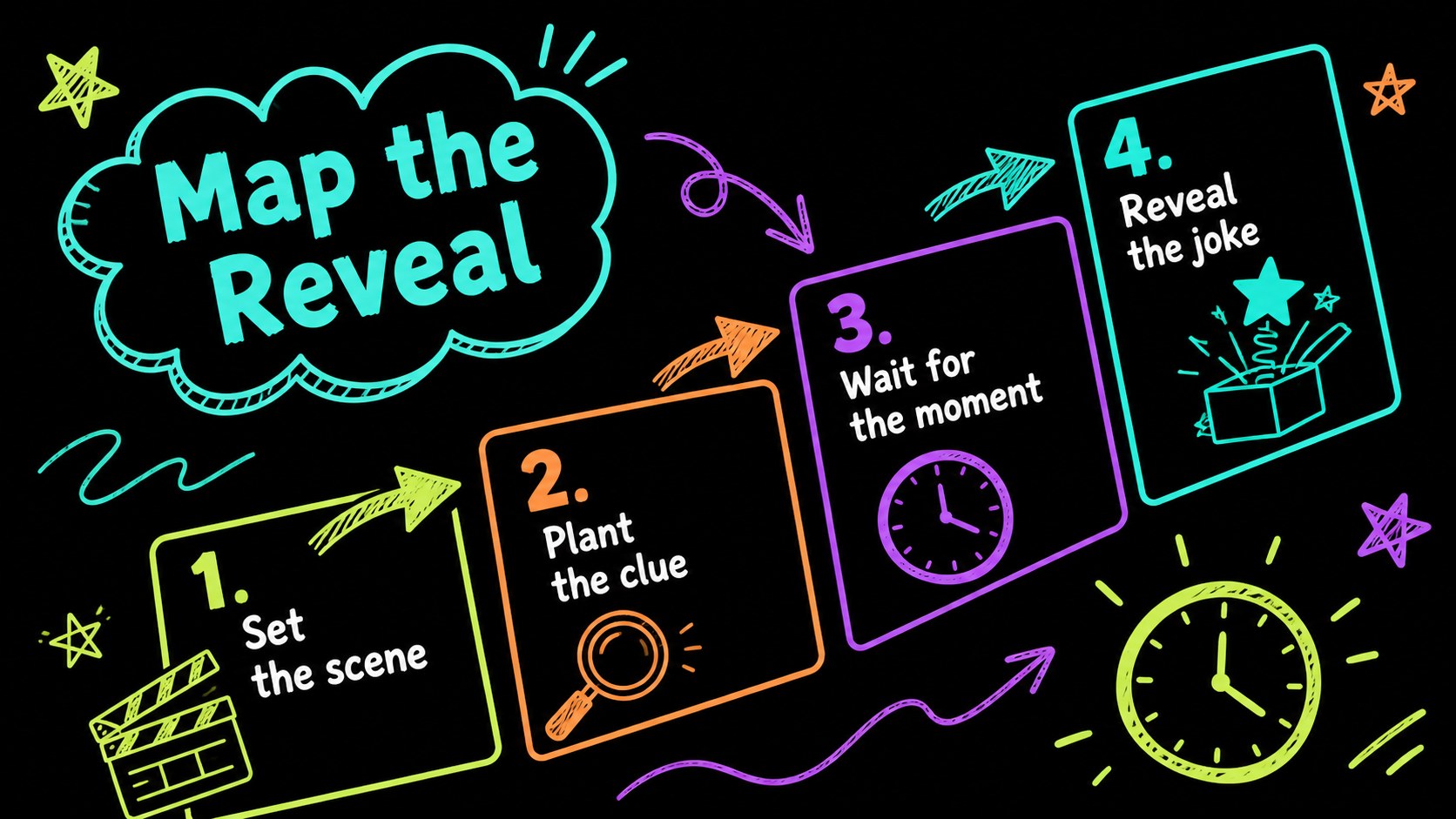
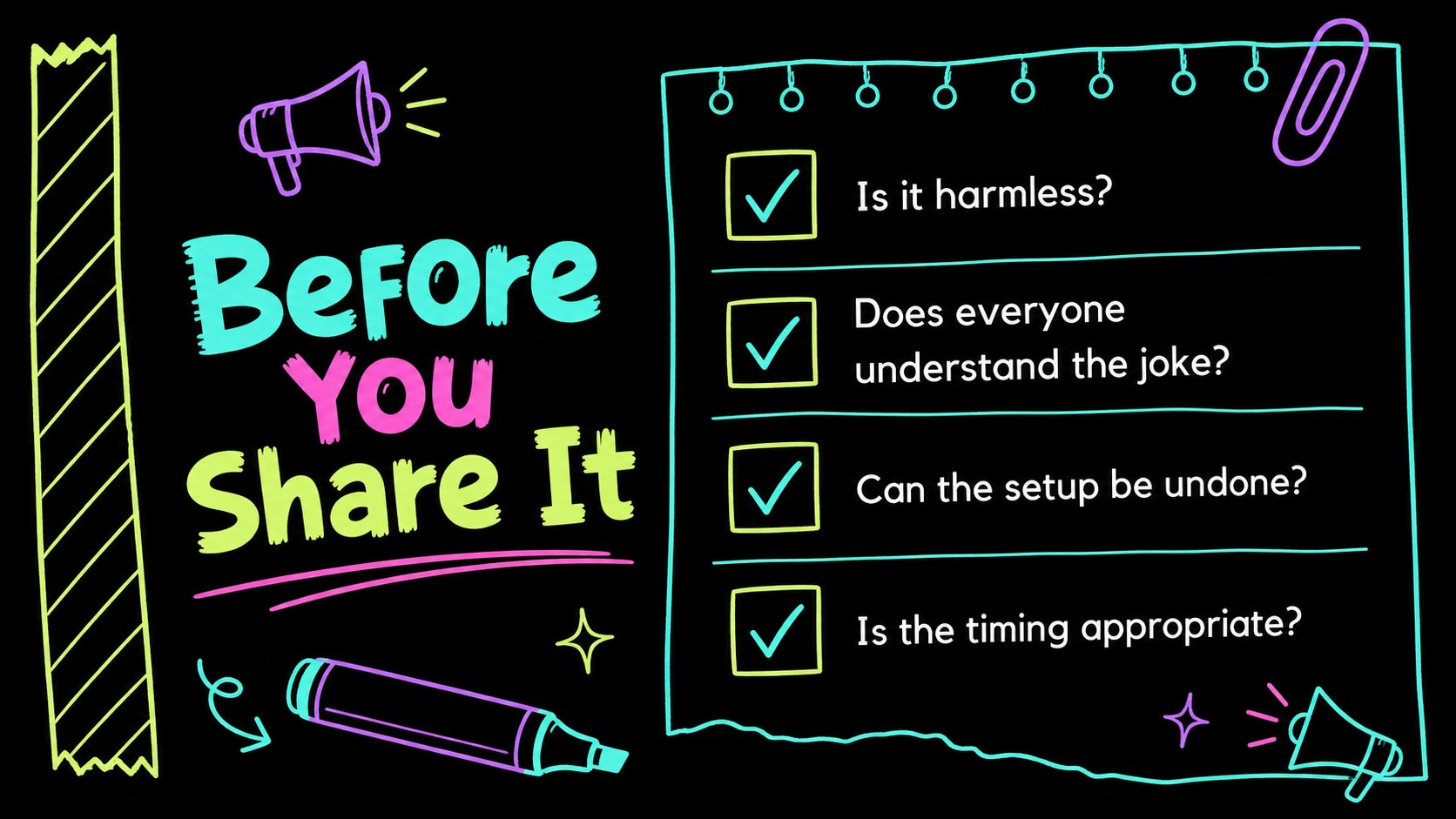
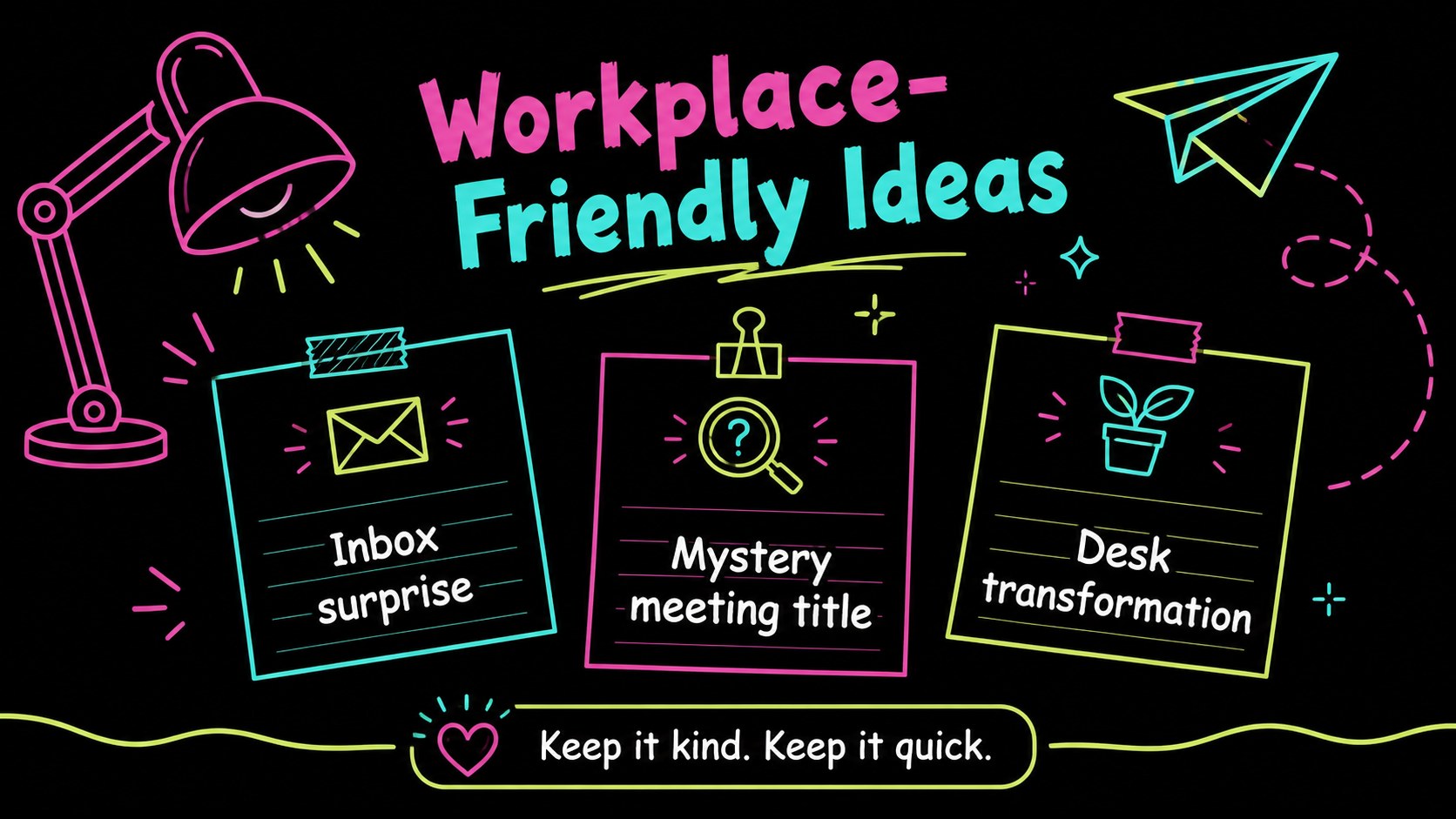
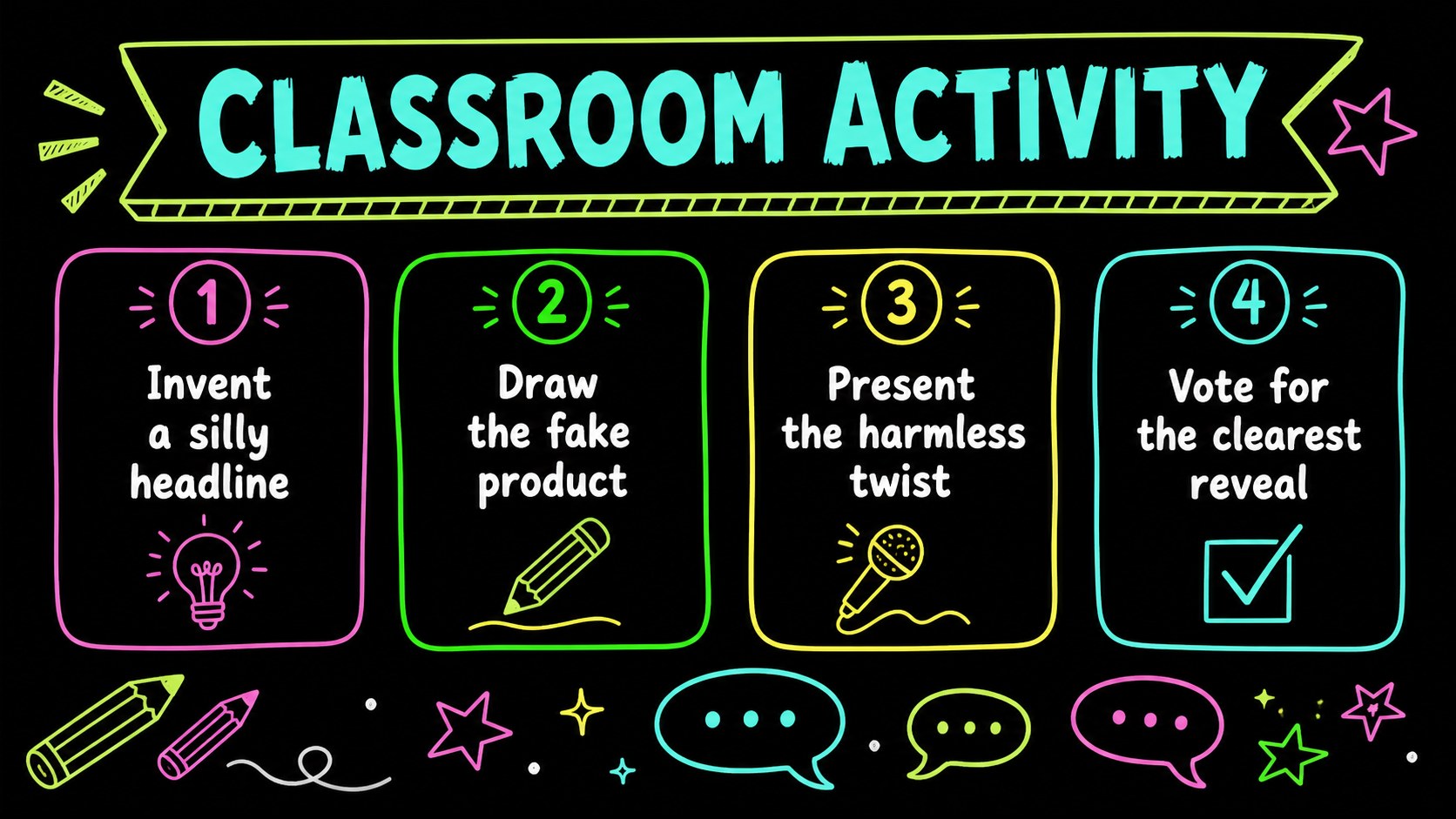
Design notes
Make every reveal more entertaining with an april fools prank ideas deck built for playful planning and presentation. This black-background template combines electric neon accents, hand-drawn doodles, bold type, and humorous visual cues to give your ideas a lively stage. Use it to outline harmless office surprises, classroom activities, social content concepts, or a themed party game while keeping the tone light and easy to follow.
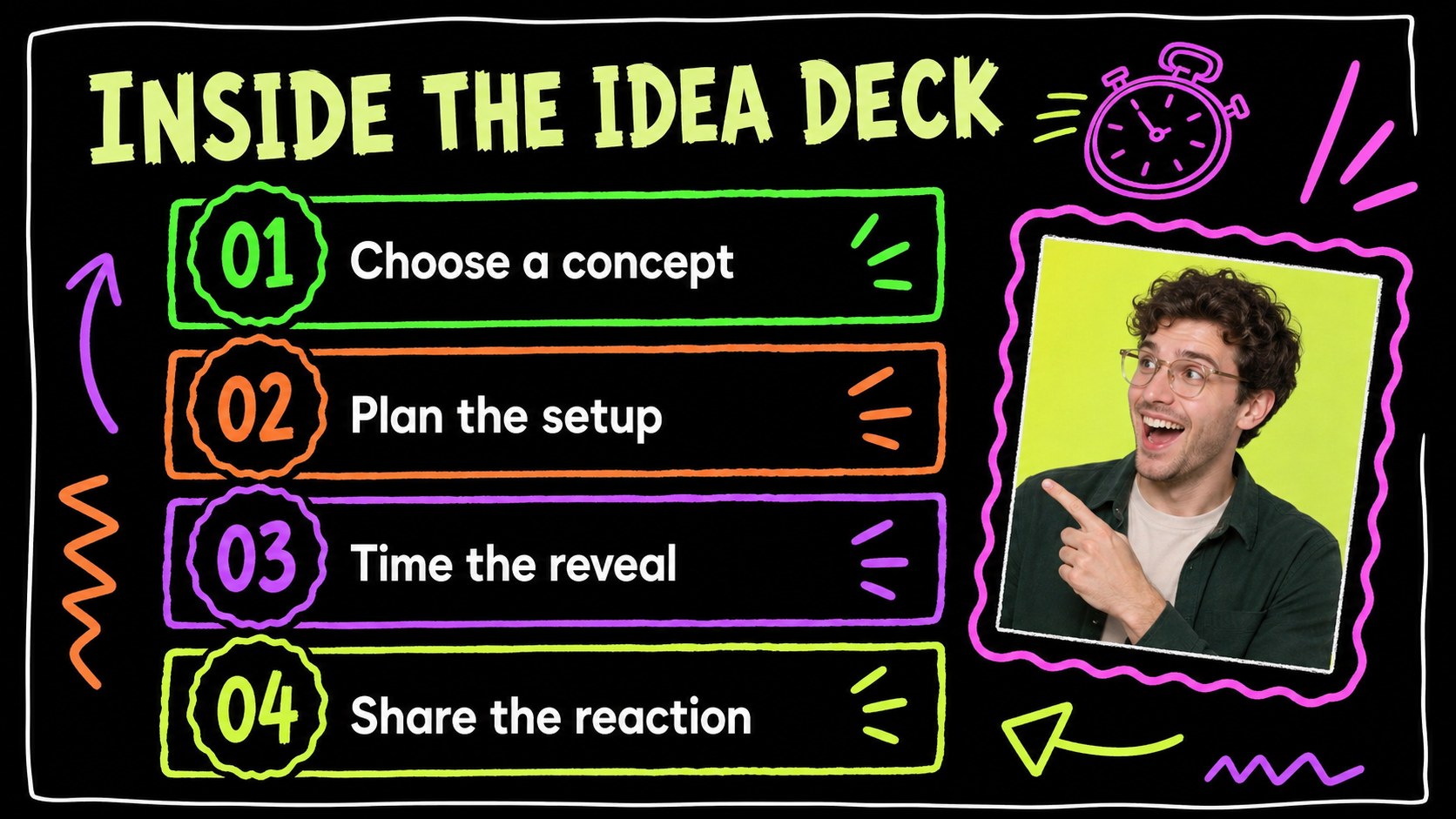
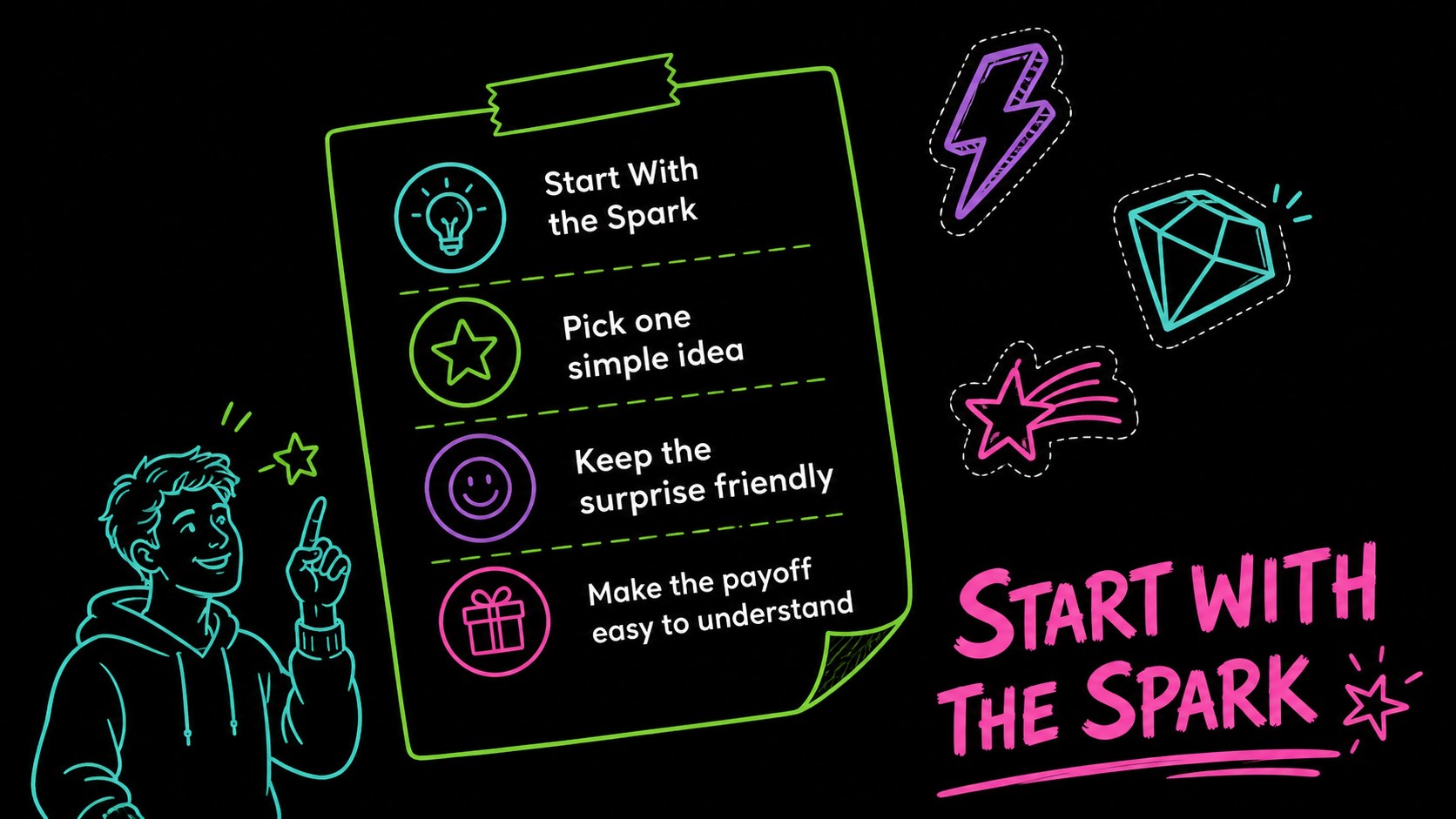
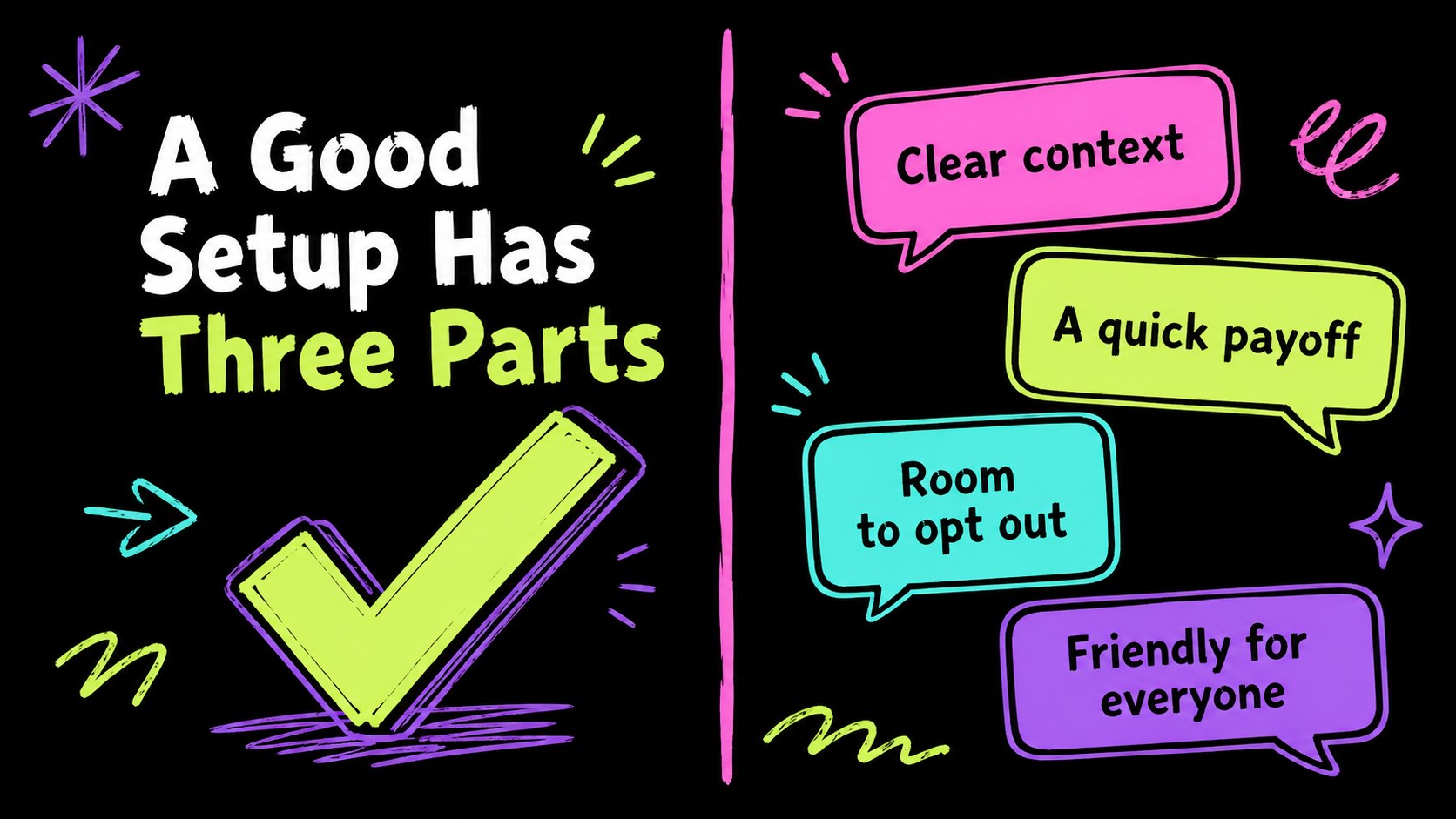
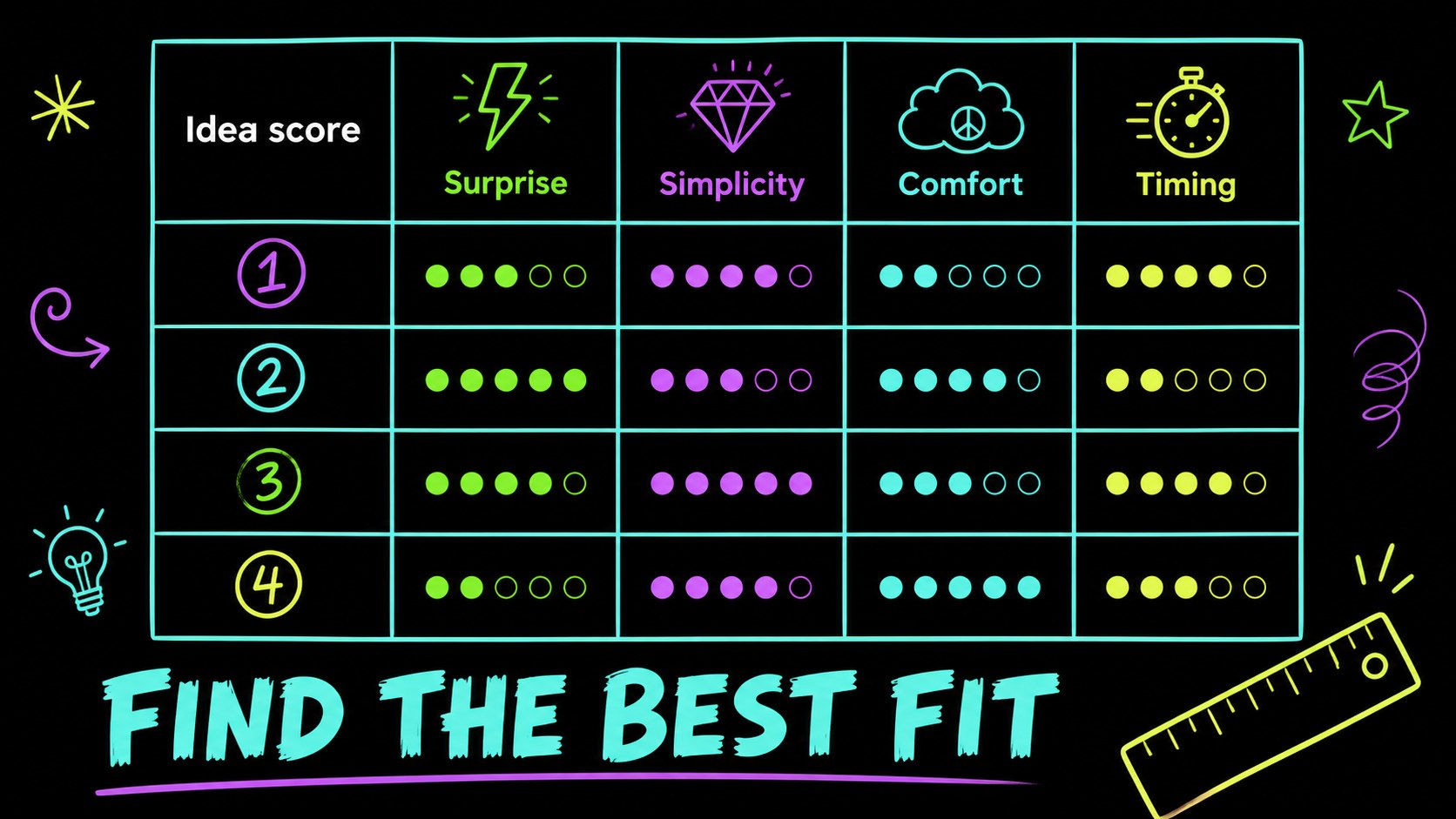
Inside are 15 editable 16:9 slides for an opening concept, agenda, prank categories, setup instructions, timing plans, audience reactions, clue cards, ranking tables, and a final reveal. The layouts support short jokes, step-by-step scenarios, image-based gags, comparison panels, checklists, and simple charts. Colorful shapes, arrows, stars, speech bubbles, and comic-style accents help important details stand out against the dark canvas.
The deck is designed for teachers, event organizers, workplace culture teams, entertainers, content creators, and families planning a safe April Fools activity. Edit the wording, colors, illustrations, and examples, then export the finished presentation for PowerPoint or Google Slides. Keep the humor friendly, accessible, and considerate of your audience.
Perfect for: workplace culture activity; classroom April Fools lesson; party game planning; social media prank concept; team icebreaker session.
Frequently asked questions
Can I edit this prank presentation? Yes. The layouts, text, colors, shapes, and illustrations can be adjusted. Replace the sample jokes with age-appropriate ideas that suit your audience.
Practical details
Yes. The layouts, text, colors, shapes, and illustrations can be adjusted. Replace the sample jokes with age-appropriate ideas that suit your audience.
You can export the finished design from as a PowerPoint file or save an editable copy to Google Drive for Google Slides. Some -only animations and elements may change during export.
It can work for children when the examples are changed to harmless, respectful activities. Review every joke beforehand and avoid anything involving fear, embarrassment, damage, or personal information.
The slides support prank concepts, setup steps, clue sequences, timing plans, reaction polls, and final reveals. They also work for funny office prank presentations, classroom activities, and team games.
Keep exploring
15Build an engaging World UFO Day session with this flying saucer history lesson deck, featuring retro green-and-brown slides for PowerPoint and Google Slides.
 15
15Plan a lively animal-learning journey with this jungle zoo adventure lesson deck, ready to customize in PowerPoint and Google Slides for young learners.
 16
16Turn environmental research into a clear story with a Watercolor Ecology Presentation Theme for PowerPoint and Google Slides in calming green and blue.
 16
16Build focused fashion, literature, and humanities presentations with the Red Triangle Editorial Theme, editable in PowerPoint and Google Slides.
 15
15Turn streaming stats, favorite tracks, and concert highlights into a bold annual listening recap slide deck for PowerPoint and Google Slides.
 15
15Turn highlights, milestones, and favorite moments into a colorful year in review slide deck with bold 3D graphics for PowerPoint and Google Slides.
 3
3Build a credible endorsement with Standout Colleague Recommendation Letter Slides, featuring colorful prompts for skills, achievements, and team impact.
 4
4Build clear beginner sessions with an ice hockey fundamentals training deck for coaches, PE teachers, and clubs, ready for PowerPoint and Google Slides.