
 15
15presentation
Flying Saucer History Lesson Deck
Build an engaging World UFO Day session with this flying saucer history lesson deck, featuring retro green-and-brown slides for PowerPoint and Google Slides.
Google SlidesPowerPoint
presentation · English
Build clear, practical lessons with this PR fundamentals training deck, featuring editable beige, red, and black slides for PowerPoint and Google Slides.
Design notes
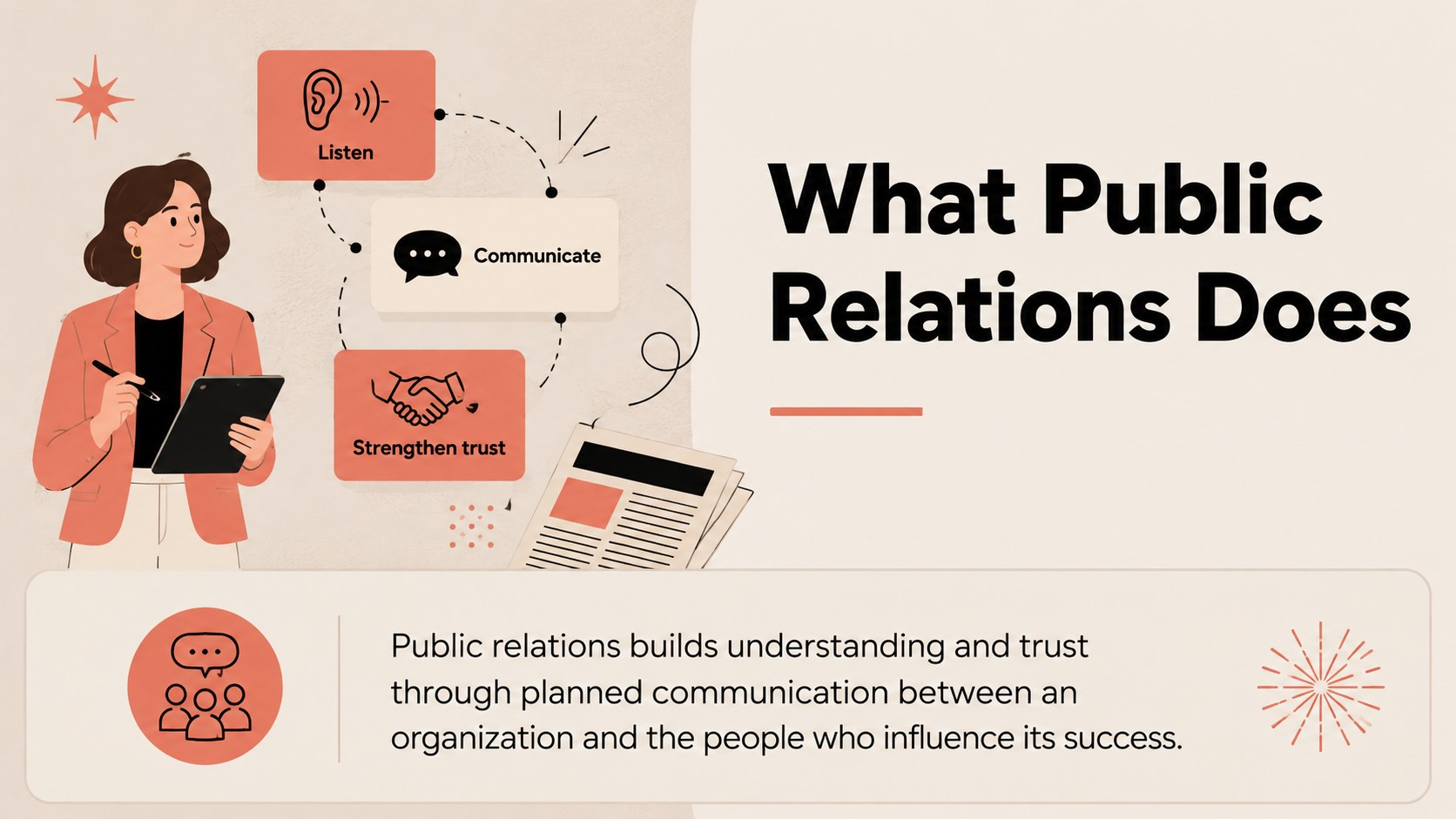
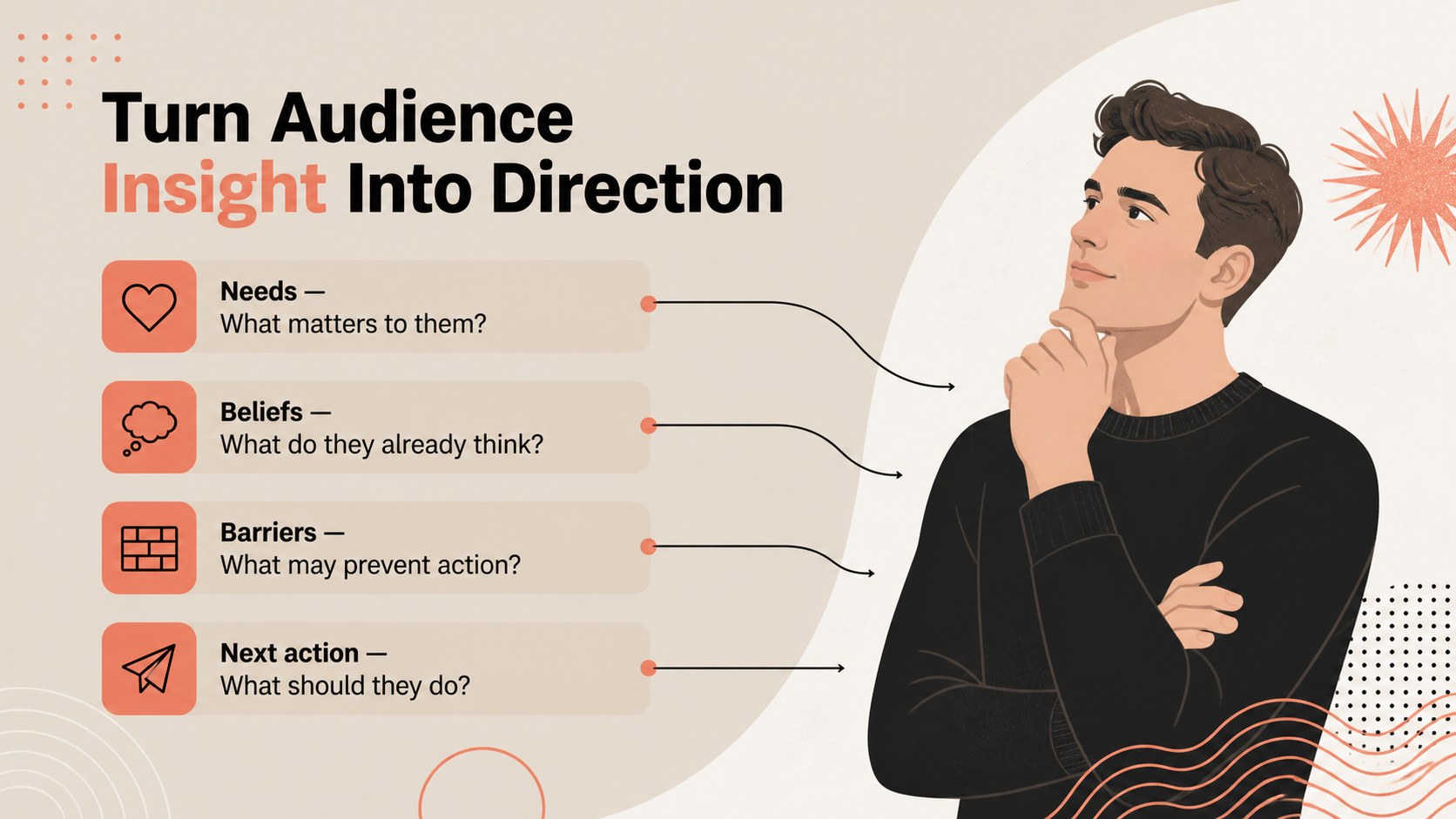
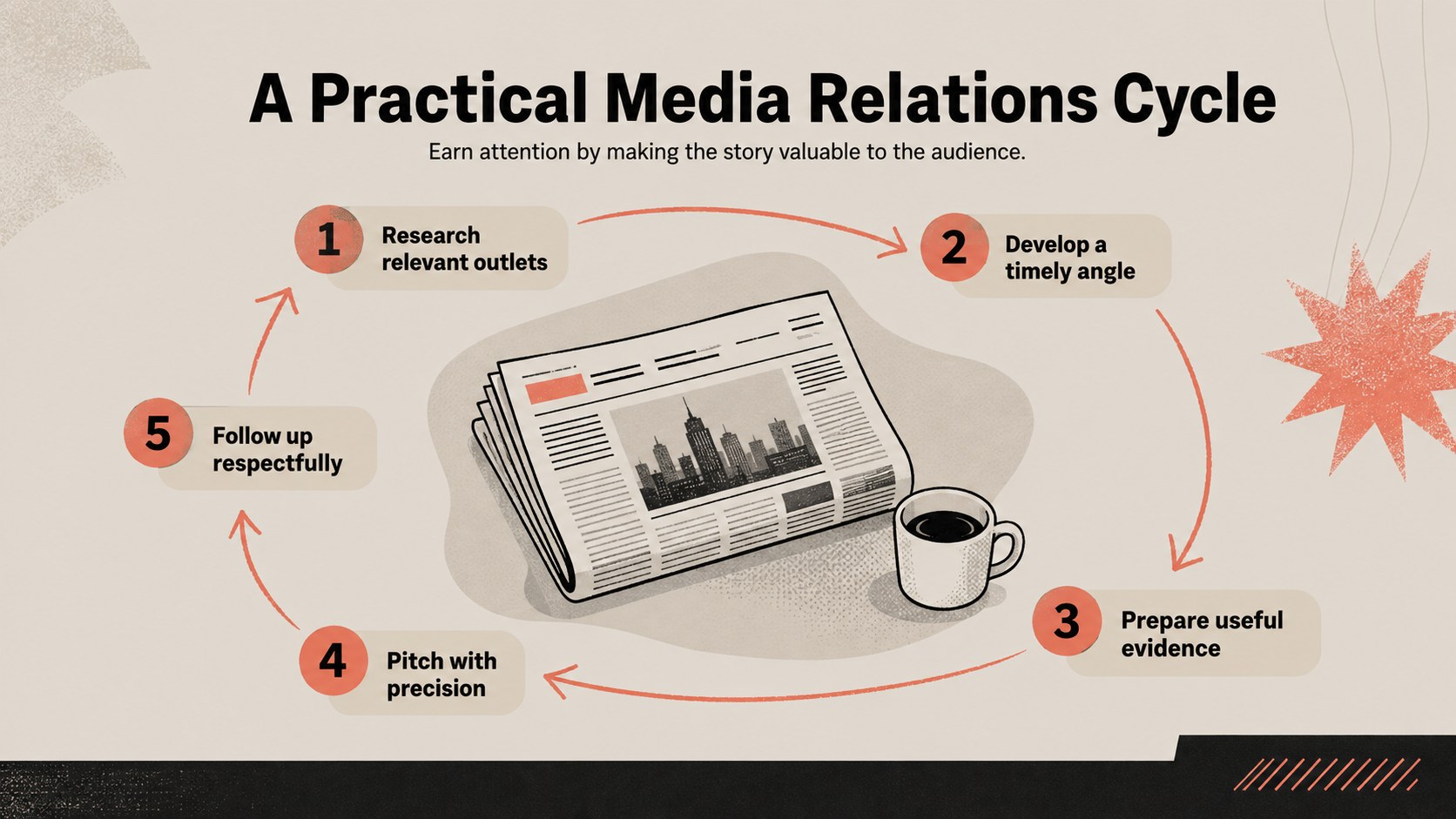
Turn essential communication concepts into an organized learning experience with this PR fundamentals training deck. Designed for business professionals, educators, and communications teams, its illustrated beige, red, and black aesthetic brings warmth and authority to every topic. Use it to introduce public relations roles, explain audience research, or guide participants through a practical media relations workshop.
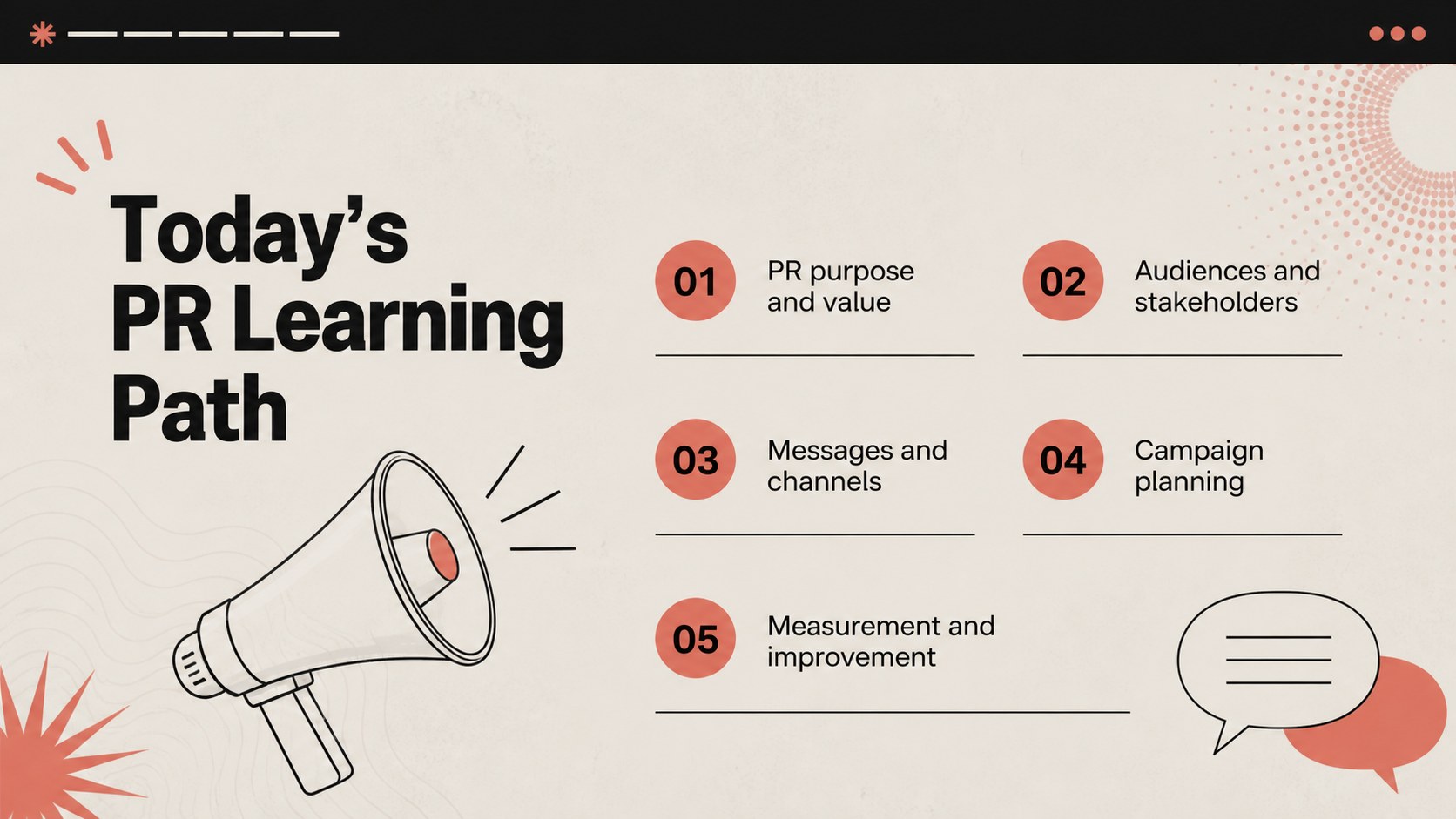
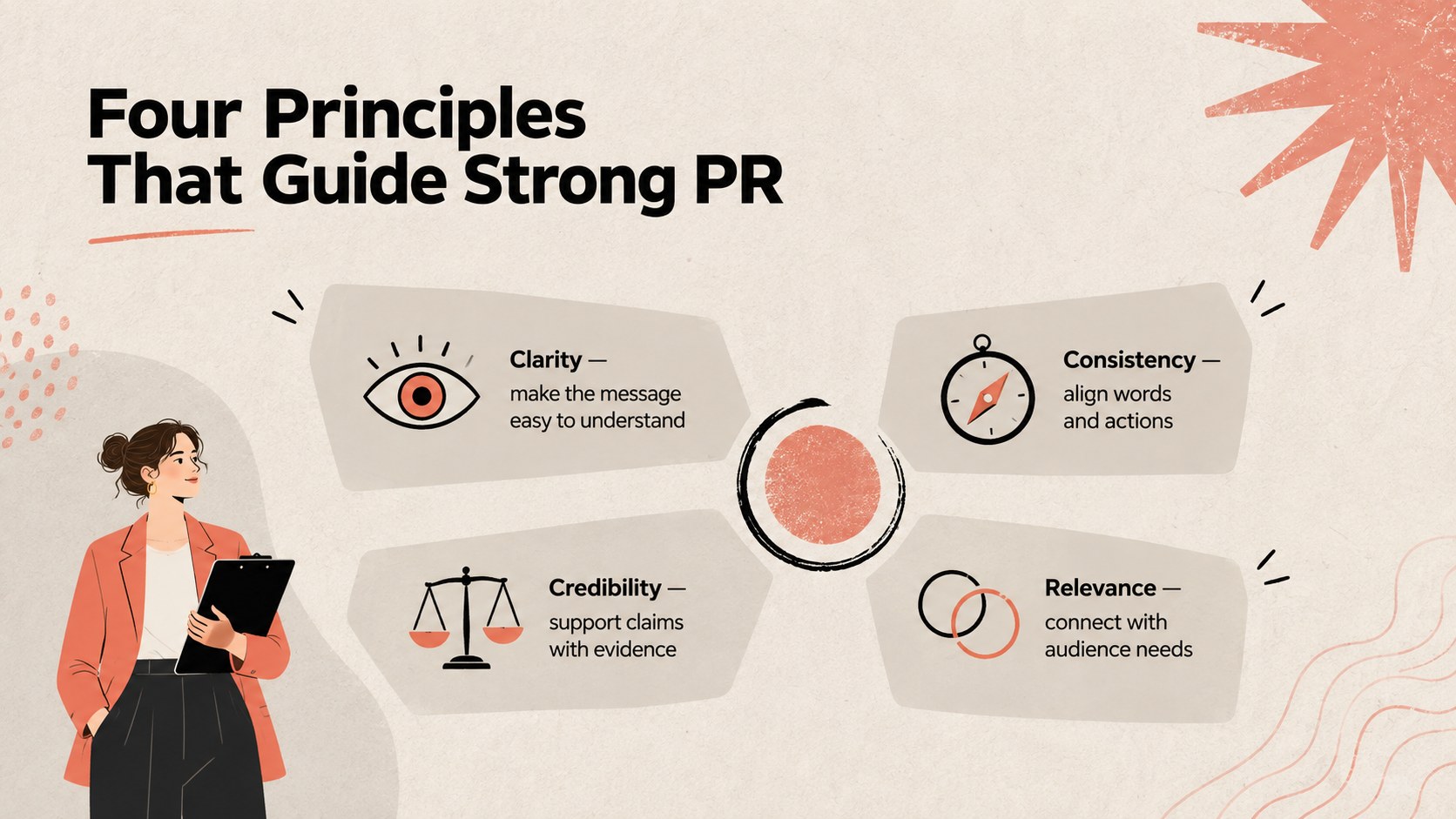
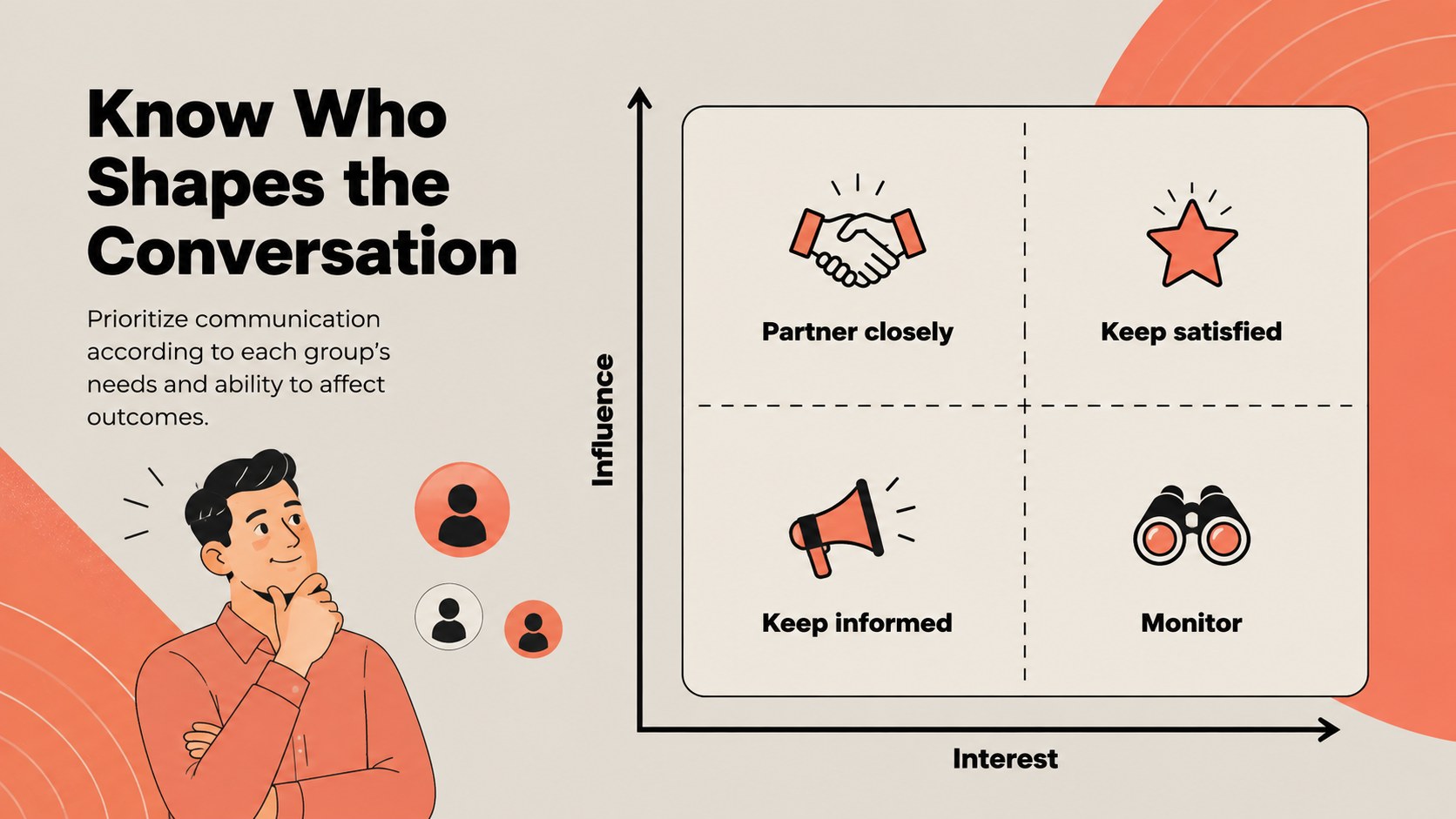
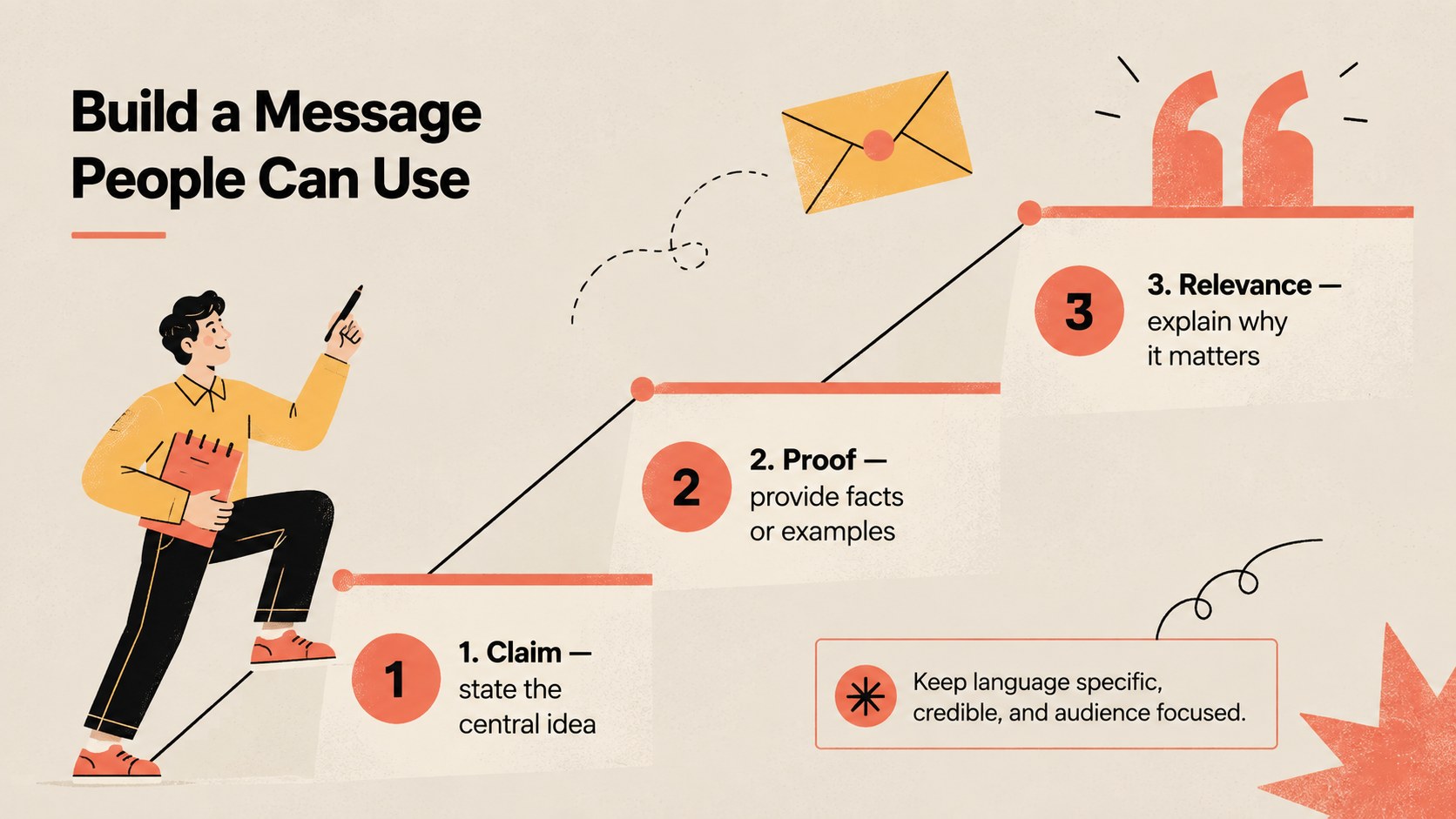
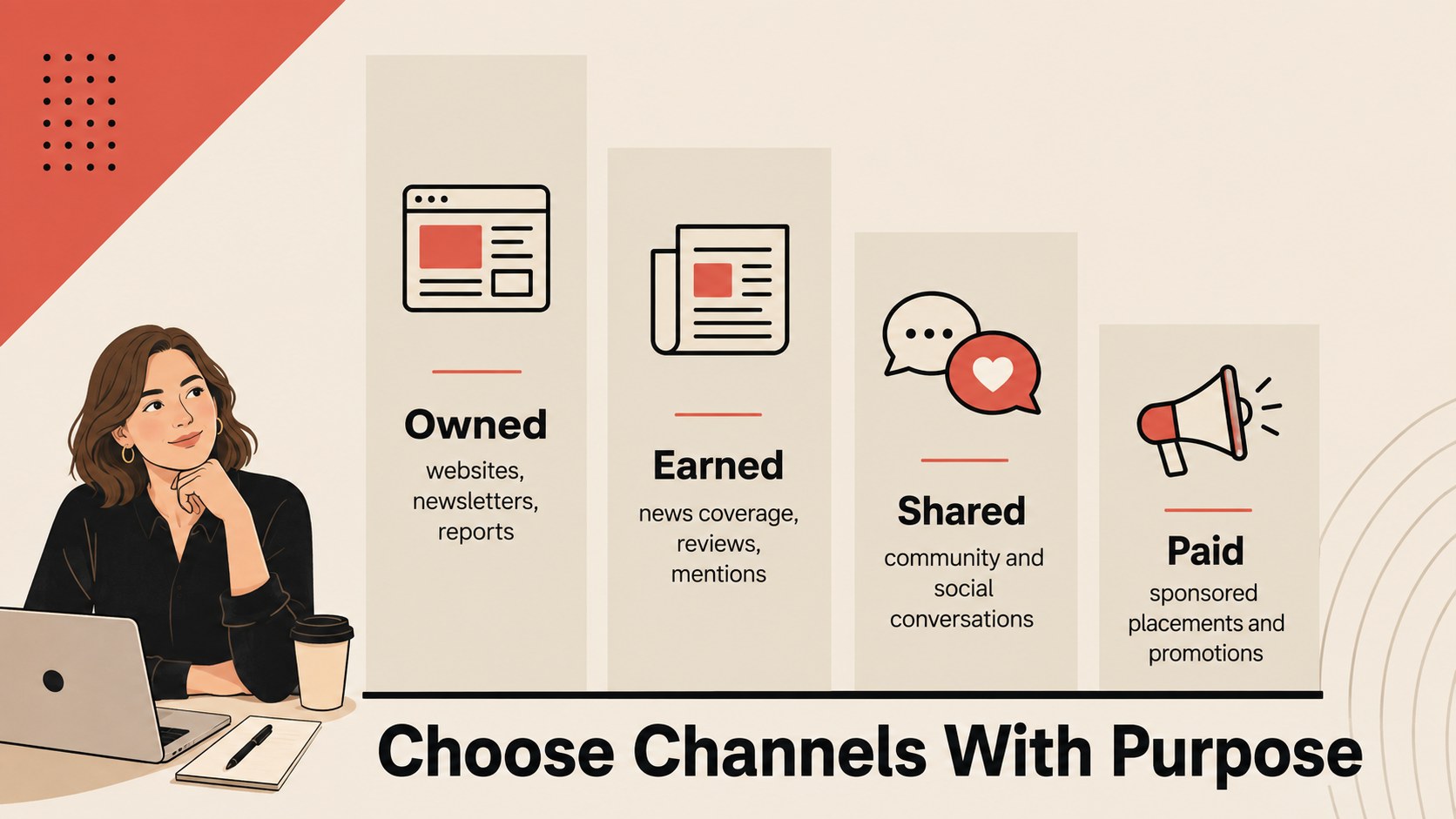
The deck includes layouts for learning objectives, core principles, stakeholder mapping, message development, channel selection, earned media, campaign planning, ethics, crisis readiness, measurement, and next steps. Charts, timelines, comparison tables, diagrams, and discussion prompts make this a flexible public relations fundamentals presentation for both teaching and collaborative planning. Clear typography and varied page structures help detailed information remain easy to scan.
Customize the text, colors, illustrations, and data in PowerPoint or Google Slides. The 16:9 format works well for live sessions, virtual meetings, internal onboarding, and university courses. Present it as PR training slides for employees, build a stakeholder communication lesson deck, or reshape individual pages for a campaign briefing. Whether you are developing junior practitioners or aligning a cross-functional team, this template provides a polished framework for explaining how credible, consistent public communication is planned, delivered, and evaluated.
Perfect for: employee PR onboarding; media relations workshop; university communications lesson; stakeholder messaging session; campaign planning meeting.
Frequently asked questions
Can I edit every part of the presentation? Yes. Text, colors, illustrations, charts, and layout elements can be adjusted to match your organization, course, or campaign.
Practical details
Yes. Text, colors, illustrations, charts, and layout elements can be adjusted to match your organization, course, or campaign.
The deck is designed for Microsoft PowerPoint and Google Slides. Both platforms support editing, presenting, and sharing the 16:9 slides.
Replace the sample messaging with your communication policies, stakeholder groups, and recent campaign examples. You can also reorder the lesson sections and add discussion activities for your team.
Yes. The layouts cover foundational concepts, ethics, media relations, planning, and measurement, making them suitable for lectures and seminars. Instructors can add readings, case studies, or assessment prompts.
Keep exploring
15Build an engaging World UFO Day session with this flying saucer history lesson deck, featuring retro green-and-brown slides for PowerPoint and Google Slides.
 15
15Plan a lively animal-learning journey with this jungle zoo adventure lesson deck, ready to customize in PowerPoint and Google Slides for young learners.
 16
16Turn environmental research into a clear story with a Watercolor Ecology Presentation Theme for PowerPoint and Google Slides in calming green and blue.
 16
16Build focused fashion, literature, and humanities presentations with the Red Triangle Editorial Theme, editable in PowerPoint and Google Slides.
 15
15Turn streaming stats, favorite tracks, and concert highlights into a bold annual listening recap slide deck for PowerPoint and Google Slides.
 15
15Turn highlights, milestones, and favorite moments into a colorful year in review slide deck with bold 3D graphics for PowerPoint and Google Slides.
 3
3Build a credible endorsement with Standout Colleague Recommendation Letter Slides, featuring colorful prompts for skills, achievements, and team impact.
 4
4Build clear beginner sessions with an ice hockey fundamentals training deck for coaches, PE teachers, and clubs, ready for PowerPoint and Google Slides.