
 15
15presentation
Flying Saucer History Lesson Deck
Build an engaging World UFO Day session with this flying saucer history lesson deck, featuring retro green-and-brown slides for PowerPoint and Google Slides.
Google SlidesPowerPoint
presentation · English
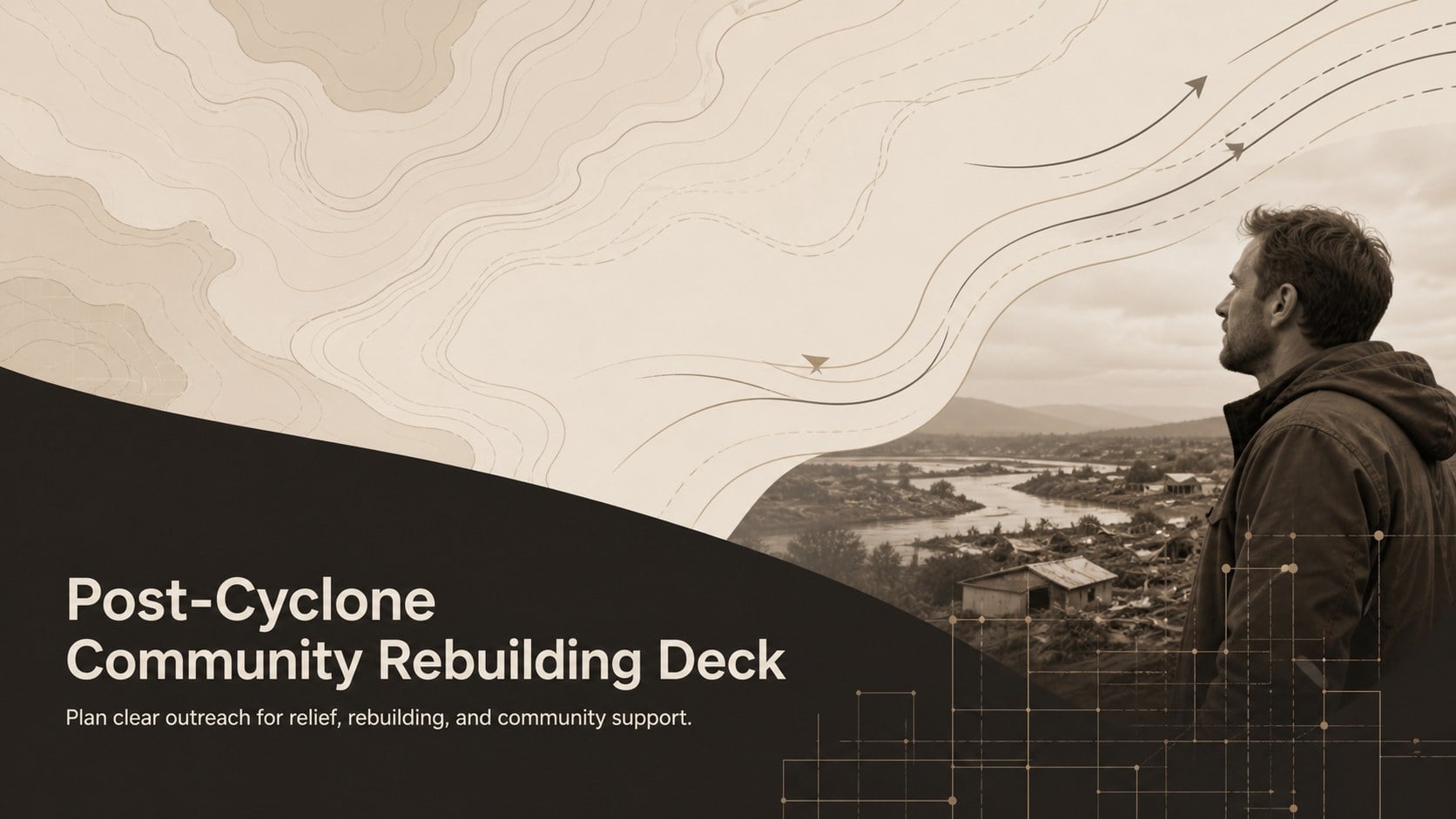
Coordinate relief messages with a post-cyclone community rebuilding deck featuring editable beige, brown, and black slides for PowerPoint and Google Slides.
Design notes
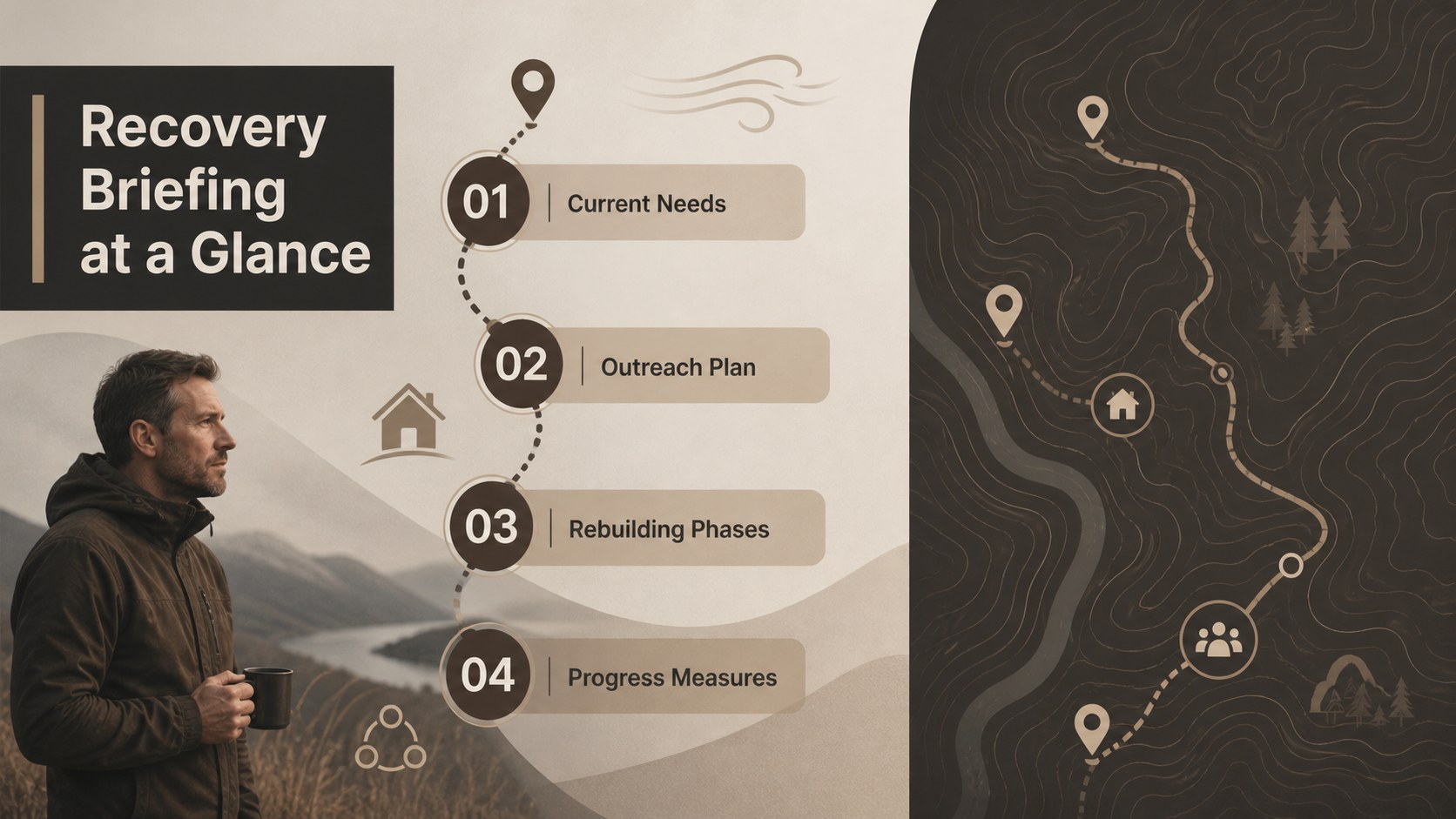
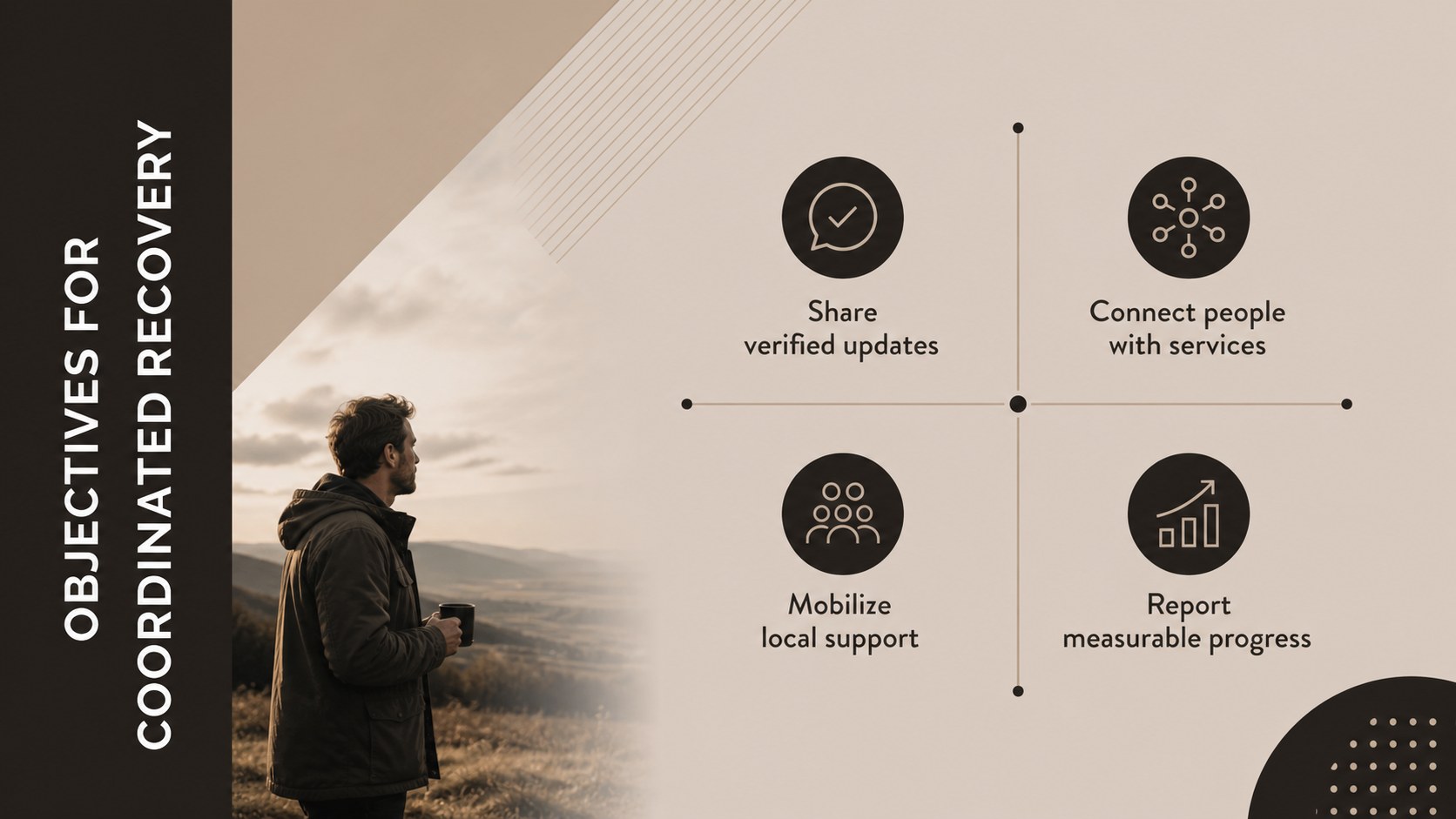
Turn complex recovery priorities into a clear public-facing narrative with this post-cyclone community rebuilding deck. Its minimal beige, brown, and black design conveys stability, care, and practical action without distracting from urgent information. Use the structured layouts to explain local needs, define campaign goals, and show how partners can contribute.
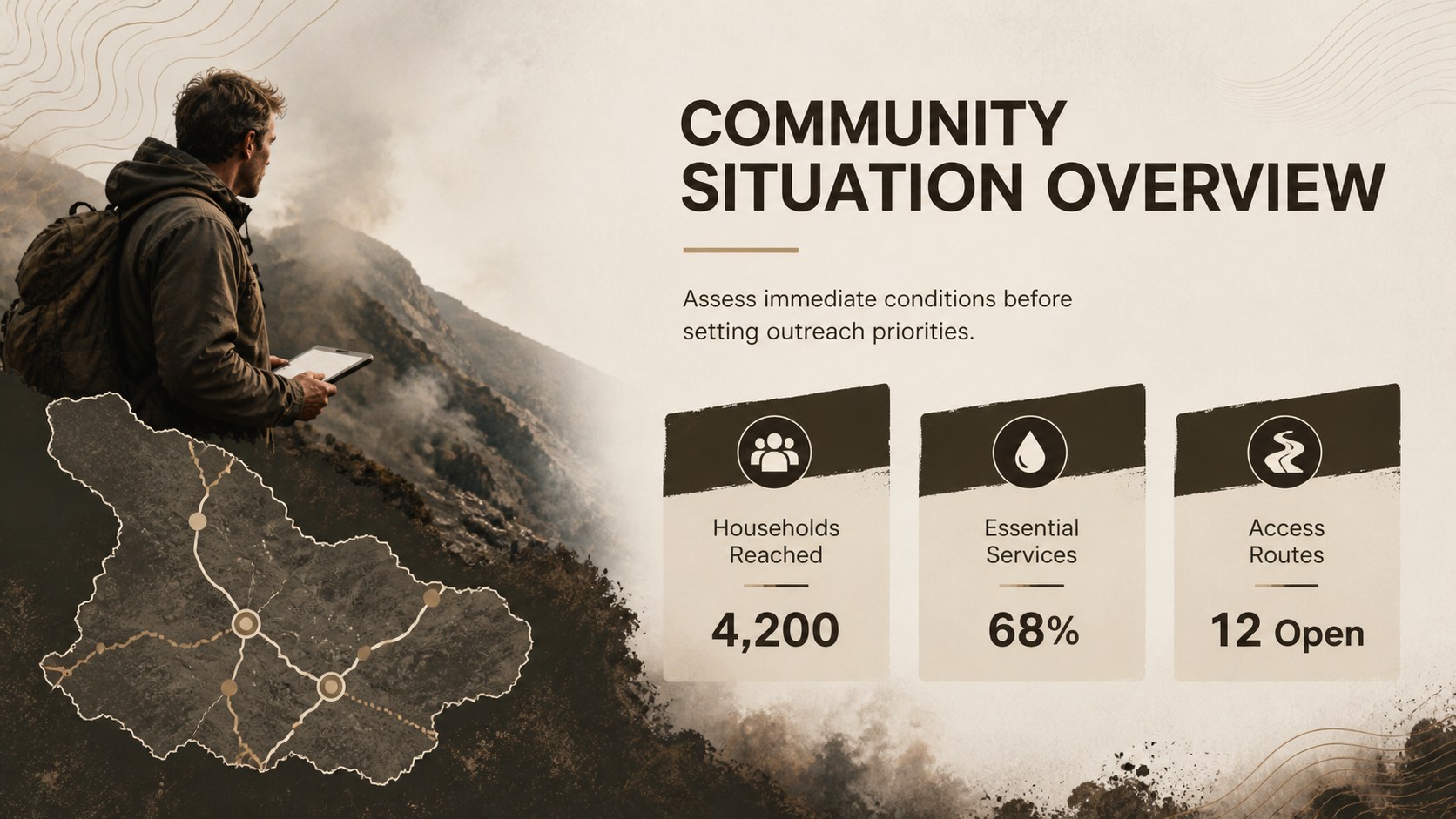
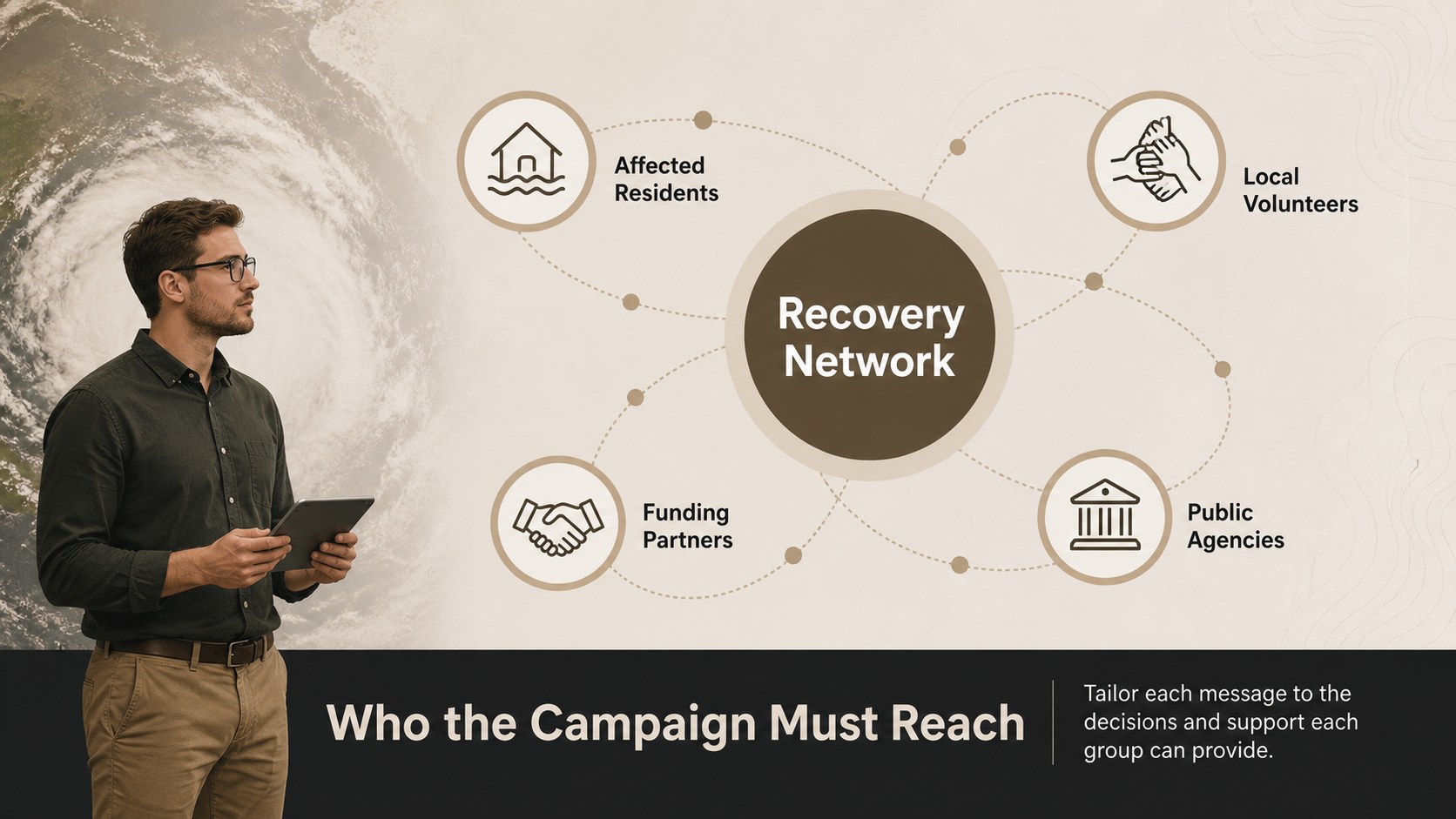
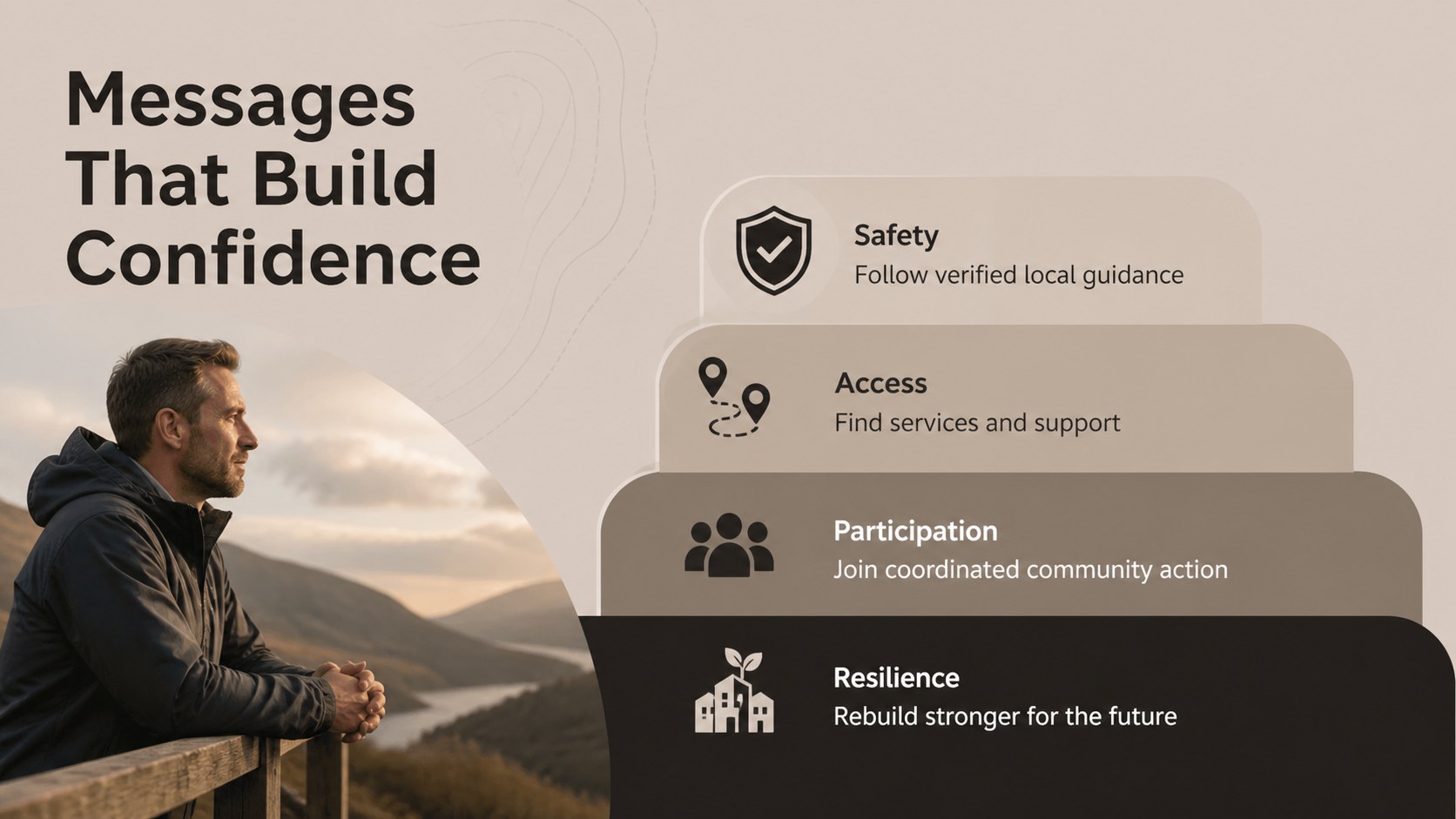
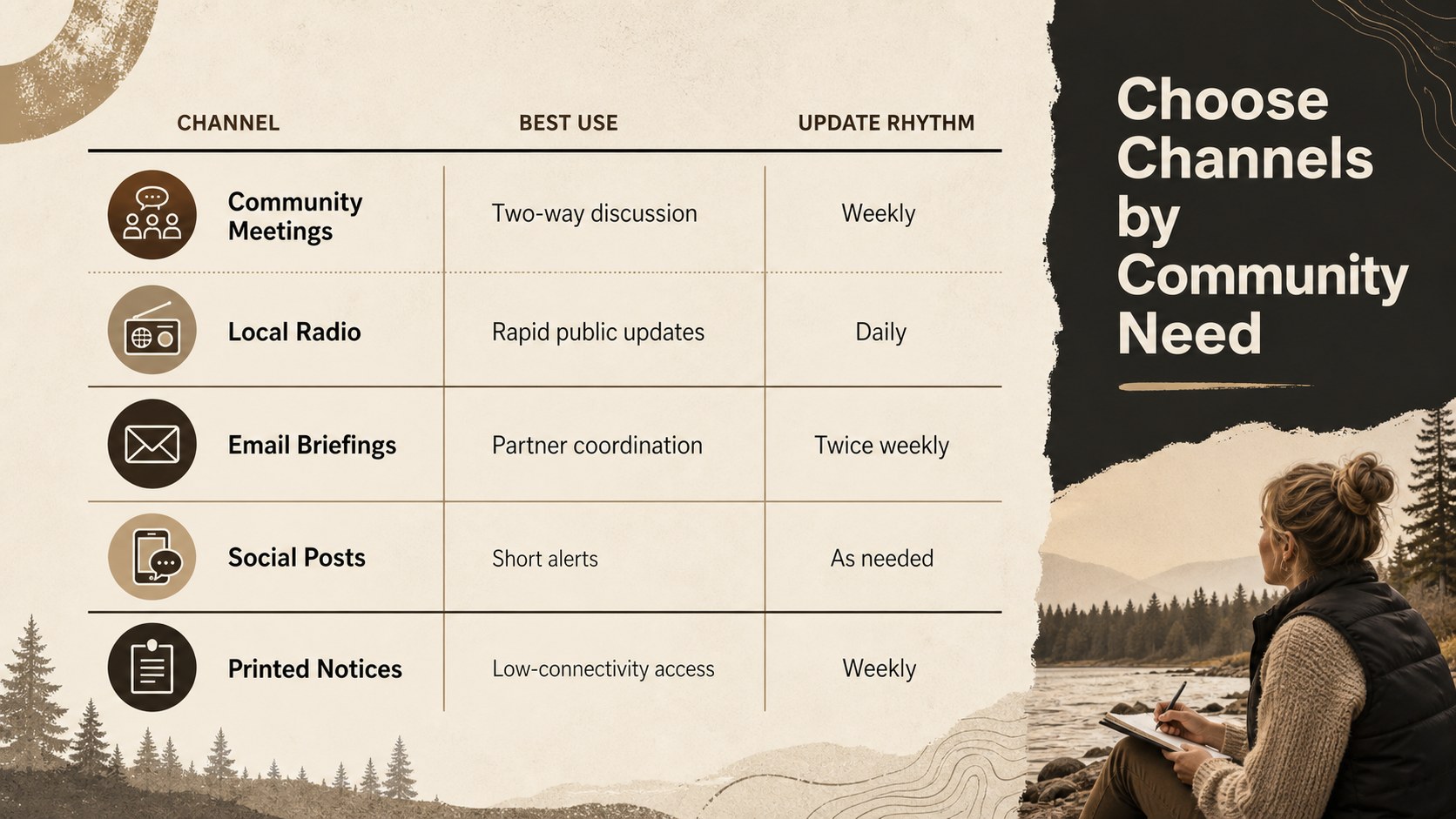
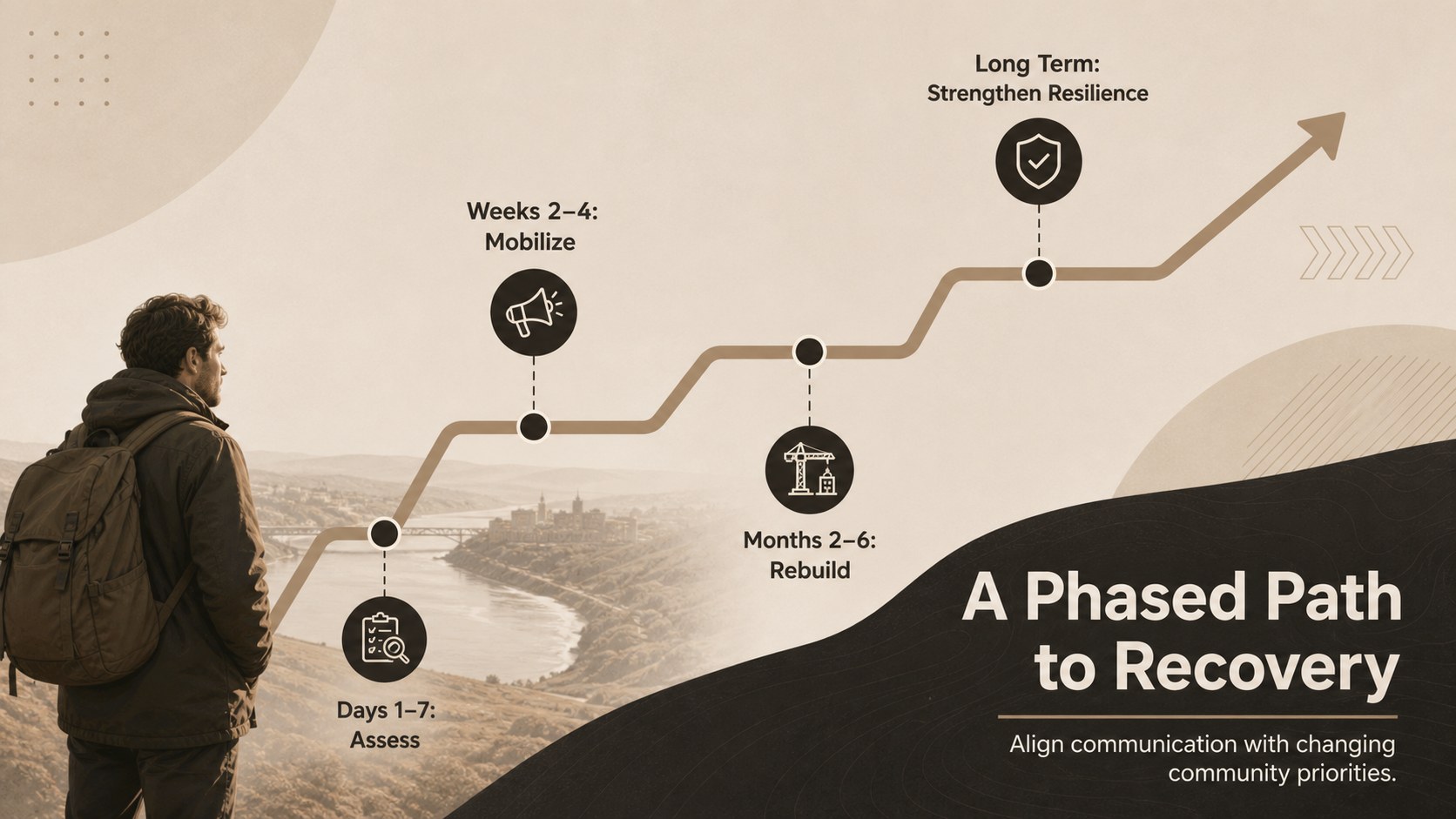
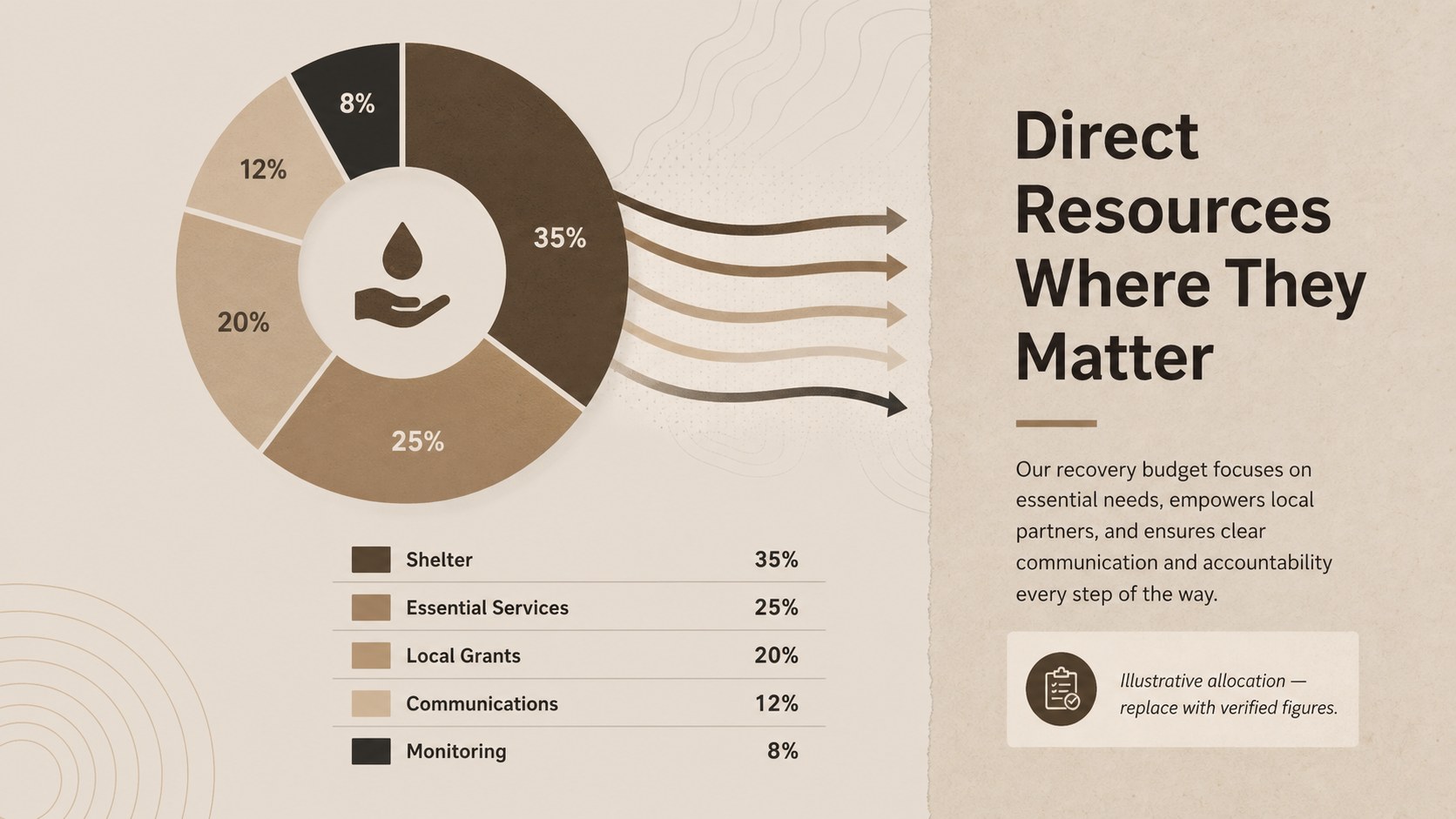
The deck includes space for a situation overview, response objectives, audience groups, key messages, communication channels, a phased recovery timeline, budget allocation, volunteer coordination, progress indicators, and calls to action. Charts, maps, process diagrams, photo layouts, and comparison pages make it suitable as a cyclone relief communication presentation or a disaster recovery campaign slide template. Every element can be adapted to local conditions, organizational guidelines, and available data.
Designed for nonprofit teams, municipal agencies, emergency coordinators, community organizers, and communications professionals, this community rebuilding outreach deck works for stakeholder briefings, donor updates, public meetings, and internal planning sessions. Edit it in PowerPoint or Google Slides, replace the sample wording, apply your own photography, and adjust the neutral palette when stronger status colors are needed. The consistent typography and spacious layouts help audiences scan priorities quickly while keeping attention on relief, resilience, and long-term rebuilding.
Perfect for: municipal recovery briefing; nonprofit relief campaign; donor progress update; community town hall; volunteer coordination meeting; resilience planning workshop.
Frequently asked questions
Which presentation platforms support this deck? The template is designed for PowerPoint and Google Slides. Layouts, text, colors, and standard presentation graphics remain editable on both platforms.
Practical details
The template is designed for PowerPoint and Google Slides. Layouts, text, colors, and standard presentation graphics remain editable on both platforms.
Yes. Replace the sample locations, figures, photographs, timelines, and recovery priorities with verified local information. You can also add agency contact details and region-specific calls to action.
Use the theme color controls in PowerPoint or Google Slides to update the beige, brown, and black palette. Status colors can be introduced selectively for warnings, completed actions, and urgent needs.
Yes. The deck includes formats for funding allocation, progress metrics, response timelines, and community outcomes. Remove any planning-only material before sharing a public or donor-facing version.
Keep exploring
15Build an engaging World UFO Day session with this flying saucer history lesson deck, featuring retro green-and-brown slides for PowerPoint and Google Slides.
 15
15Plan a lively animal-learning journey with this jungle zoo adventure lesson deck, ready to customize in PowerPoint and Google Slides for young learners.
 16
16Turn environmental research into a clear story with a Watercolor Ecology Presentation Theme for PowerPoint and Google Slides in calming green and blue.
 16
16Build focused fashion, literature, and humanities presentations with the Red Triangle Editorial Theme, editable in PowerPoint and Google Slides.
 15
15Turn streaming stats, favorite tracks, and concert highlights into a bold annual listening recap slide deck for PowerPoint and Google Slides.
 15
15Turn highlights, milestones, and favorite moments into a colorful year in review slide deck with bold 3D graphics for PowerPoint and Google Slides.
 3
3Build a credible endorsement with Standout Colleague Recommendation Letter Slides, featuring colorful prompts for skills, achievements, and team impact.
 4
4Build clear beginner sessions with an ice hockey fundamentals training deck for coaches, PE teachers, and clubs, ready for PowerPoint and Google Slides.