
 15
15presentation
Flying Saucer History Lesson Deck
Build an engaging World UFO Day session with this flying saucer history lesson deck, featuring retro green-and-brown slides for PowerPoint and Google Slides.
Google SlidesPowerPoint
presentation · English
Create a Pop Music Eras Scrapbook Theme for fan nights, concert recaps, and personal timelines, with retro PowerPoint and Google Slides layouts.

Design notes
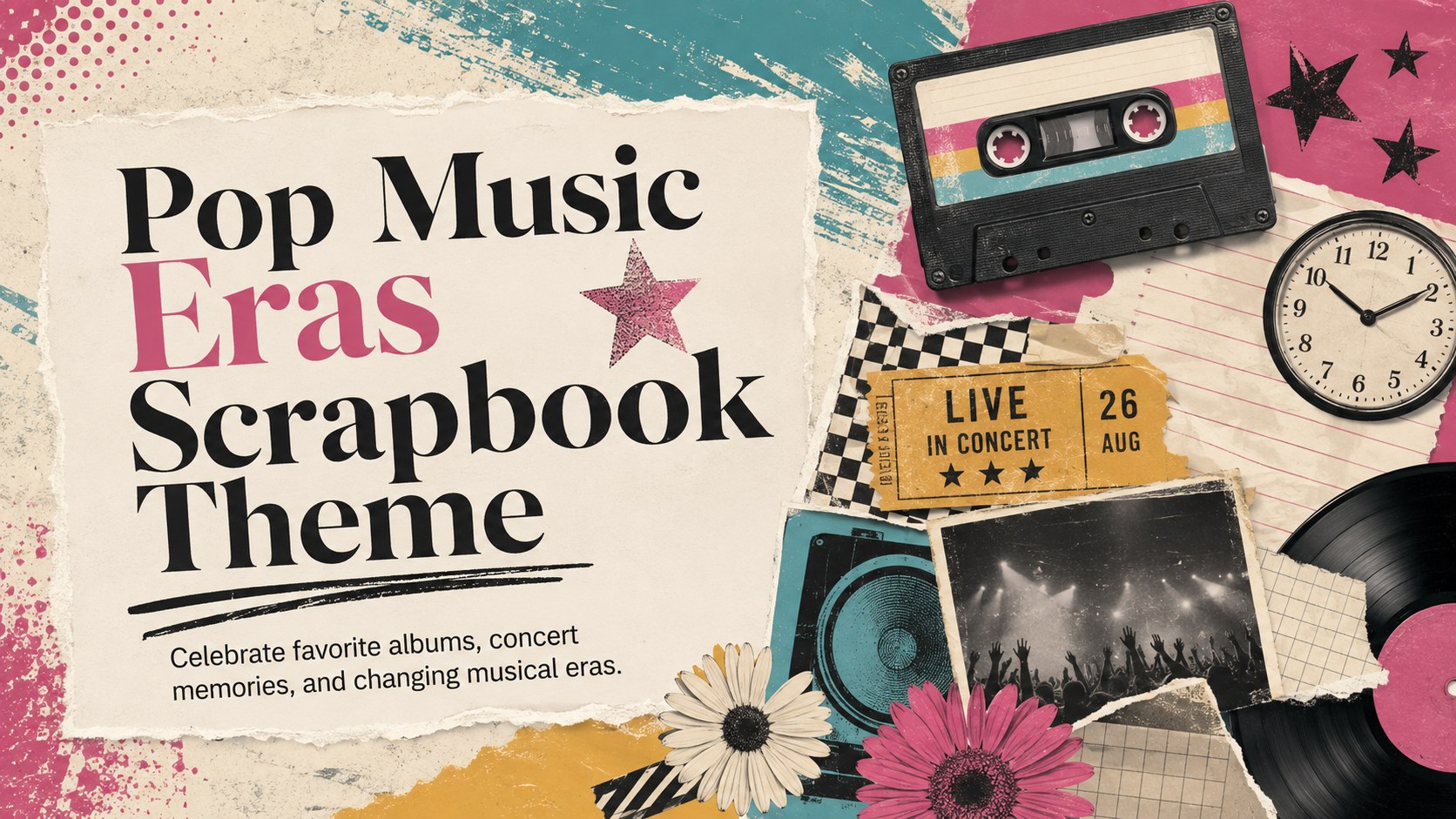
Turn favorite songs, standout performances, and personal milestones into a lively pop music eras scrapbook theme. Designed for music fans and pop culture enthusiasts, this colorful presentation combines nostalgic editorial details with upbeat layouts that feel equally suited to a fan gathering, creative class project, or concert recap. Use it to organize memories without relying on official artist imagery or branding.
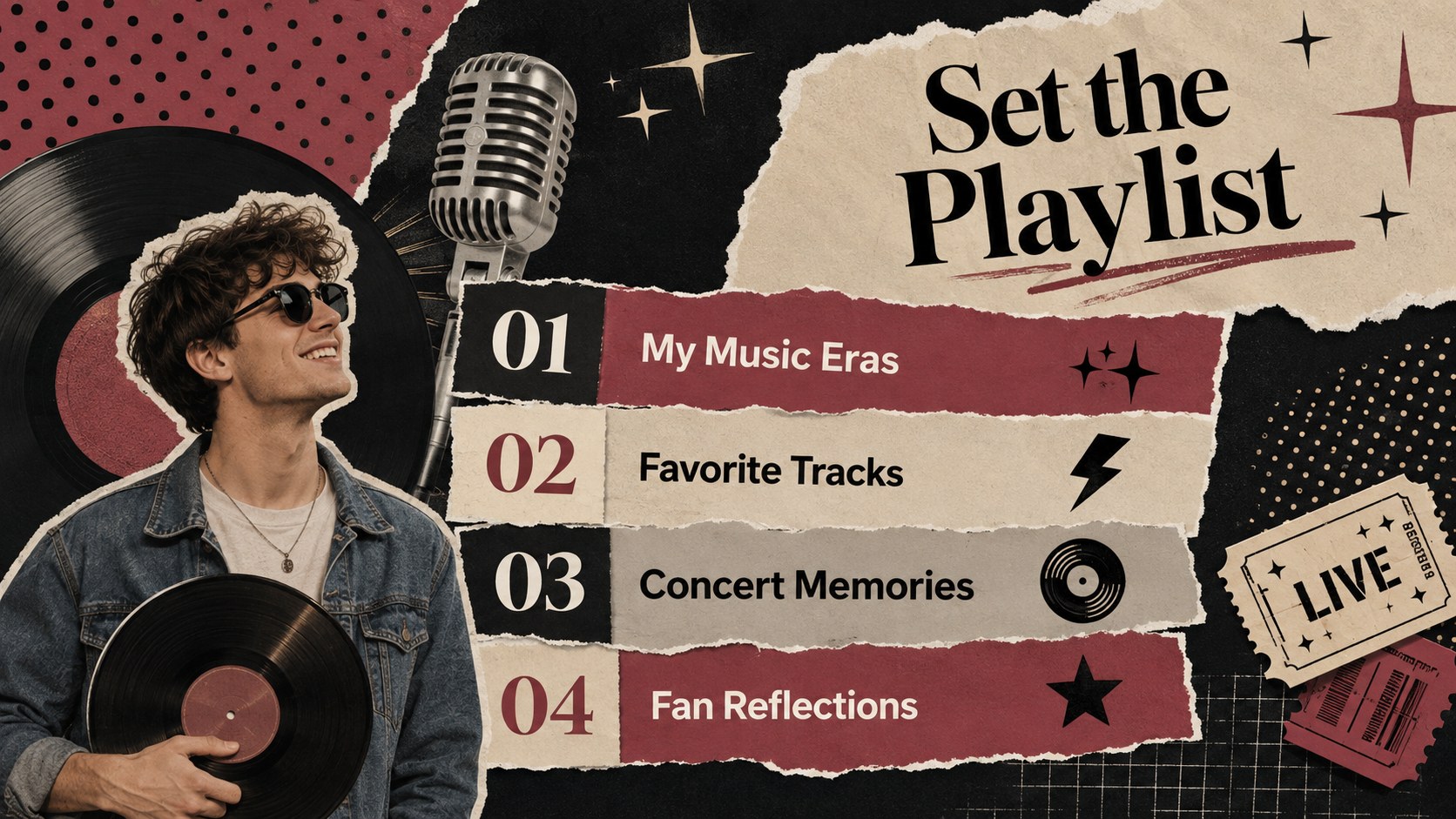
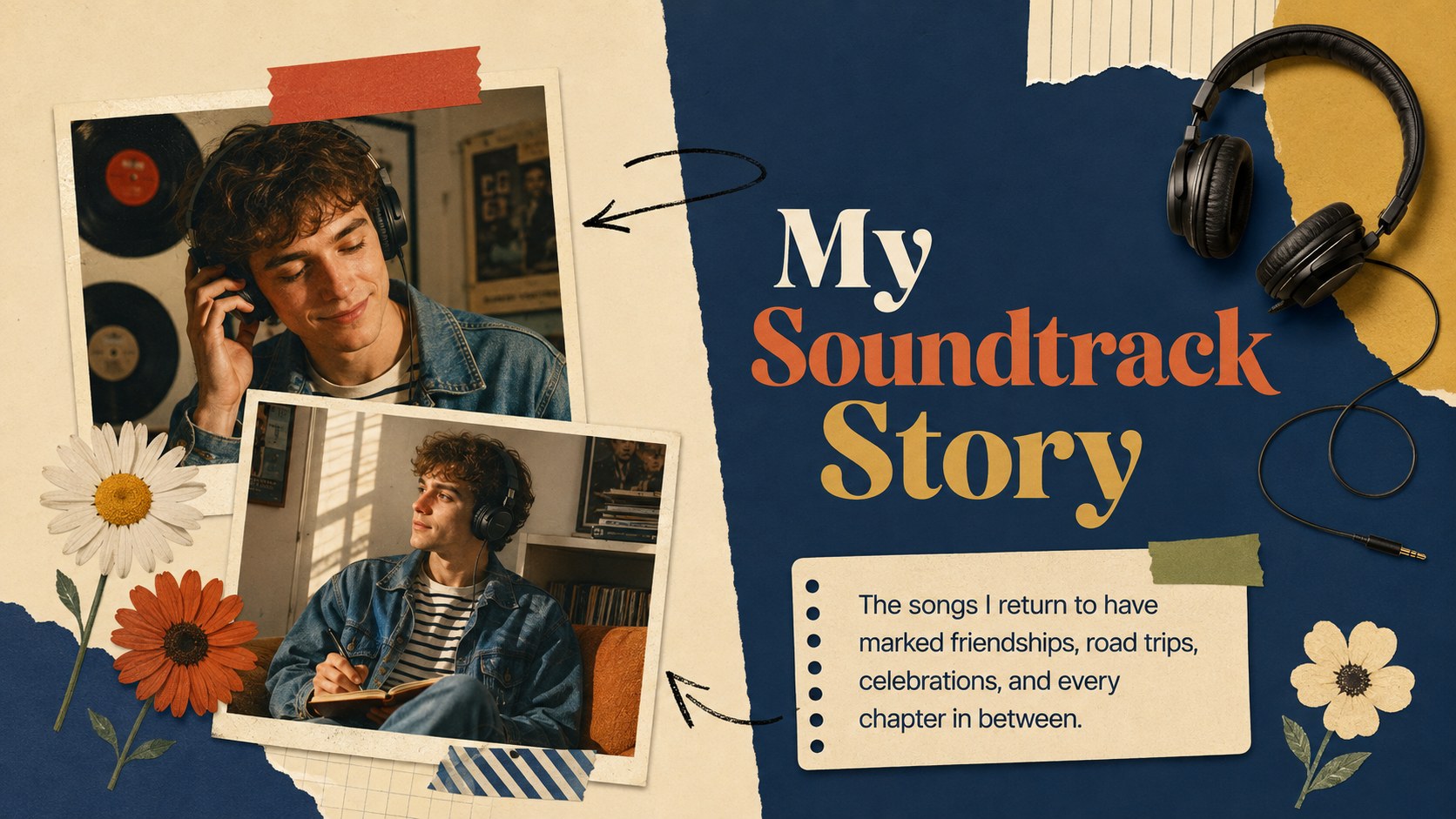
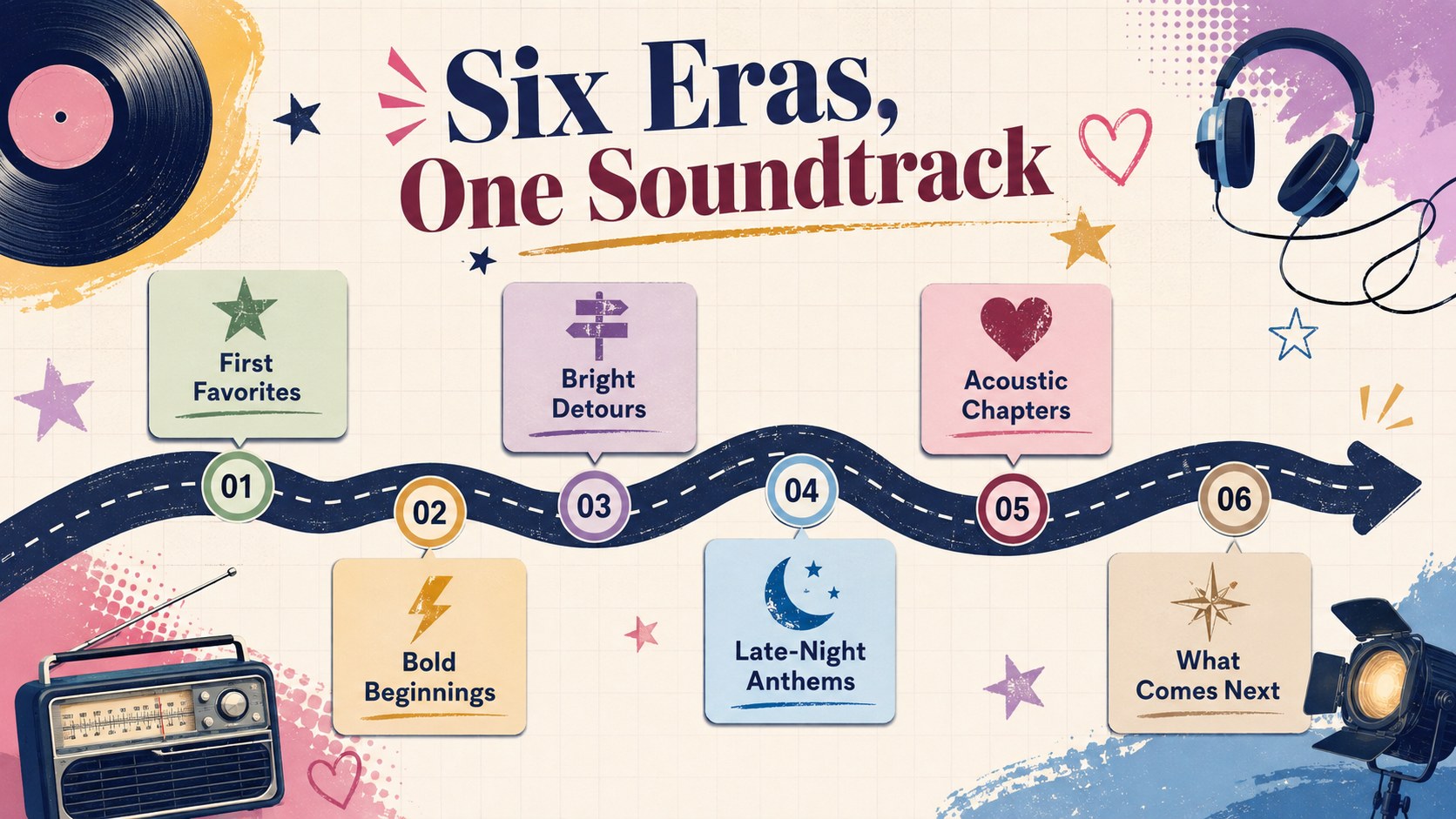
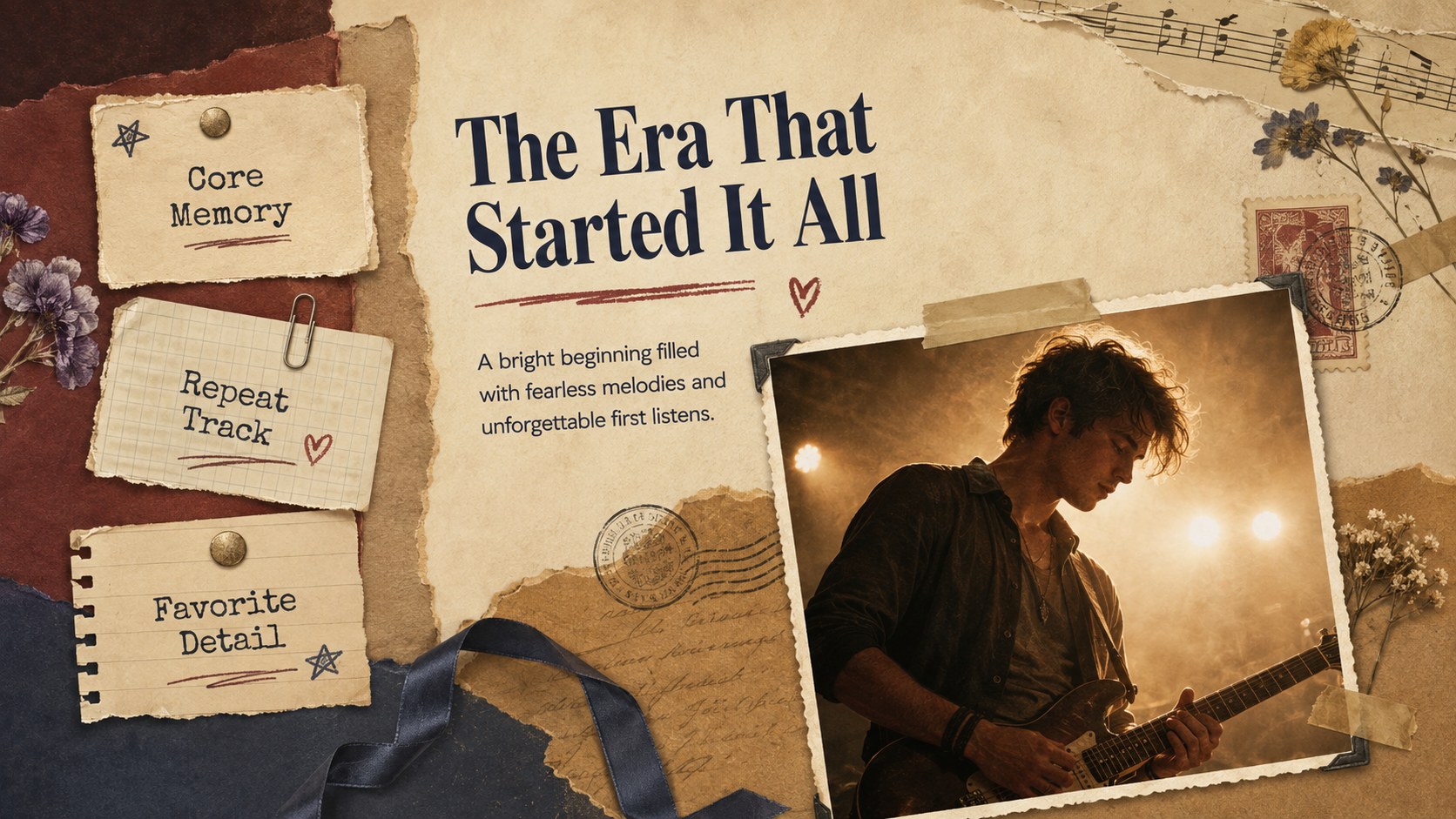
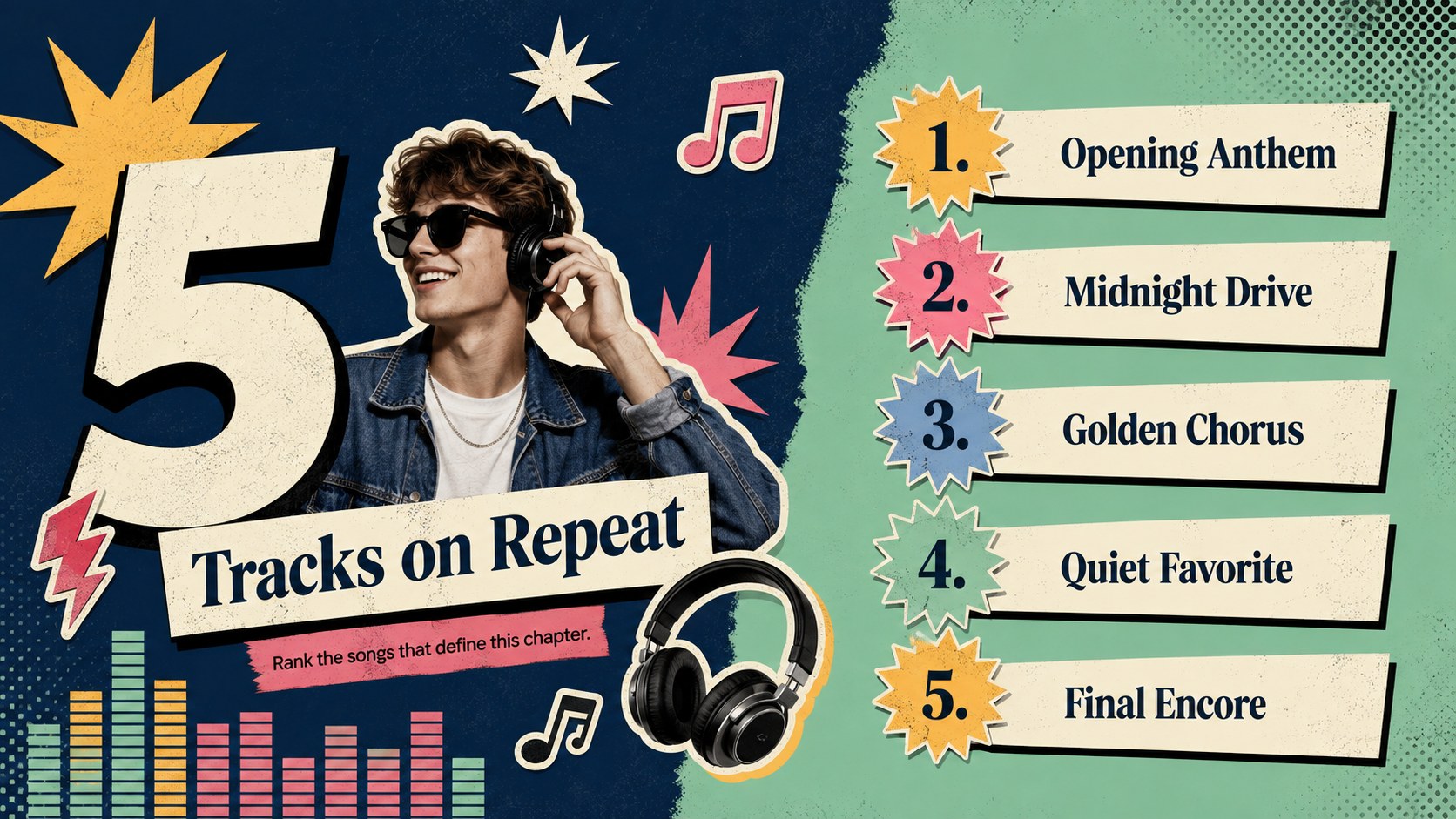
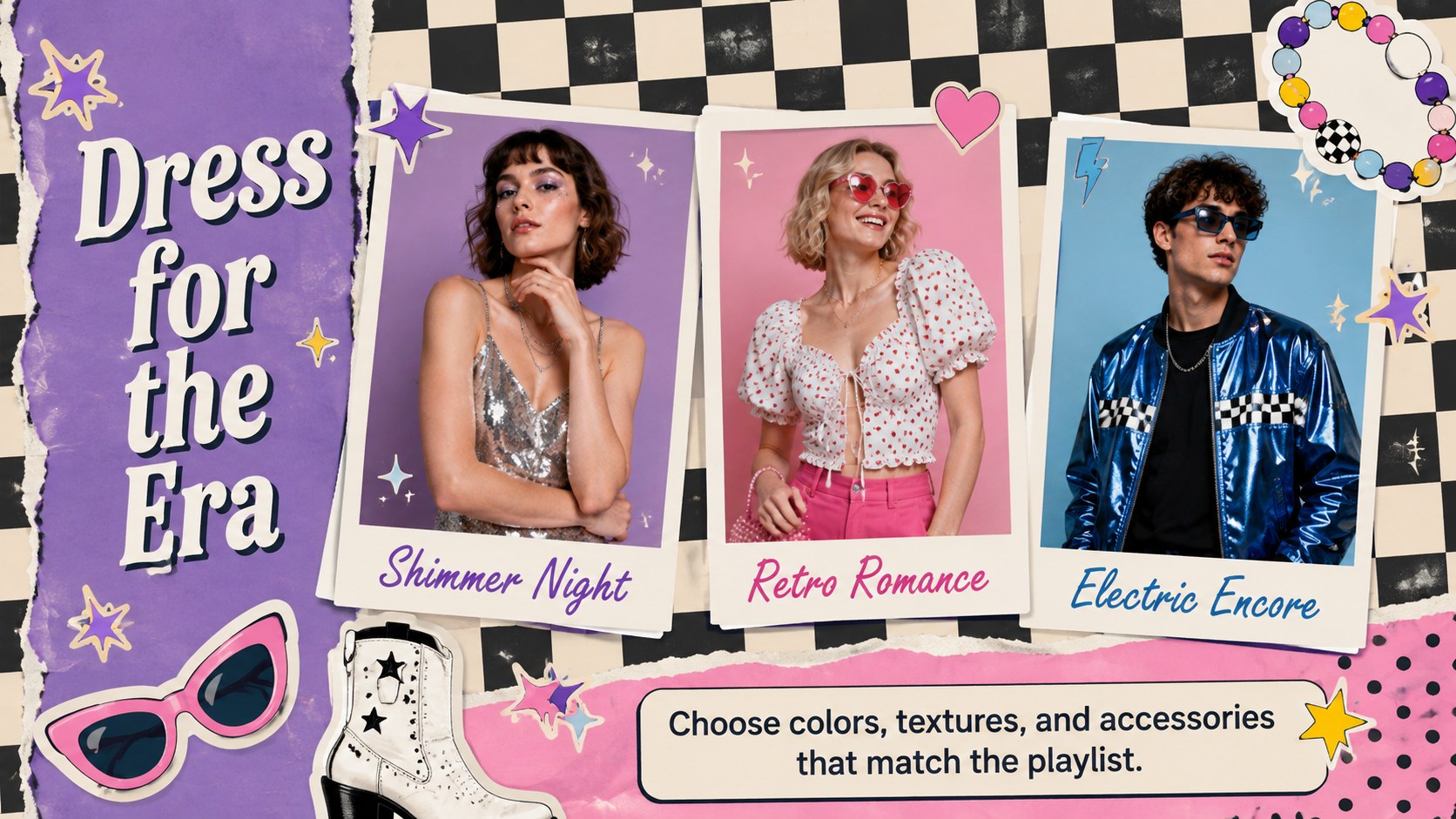
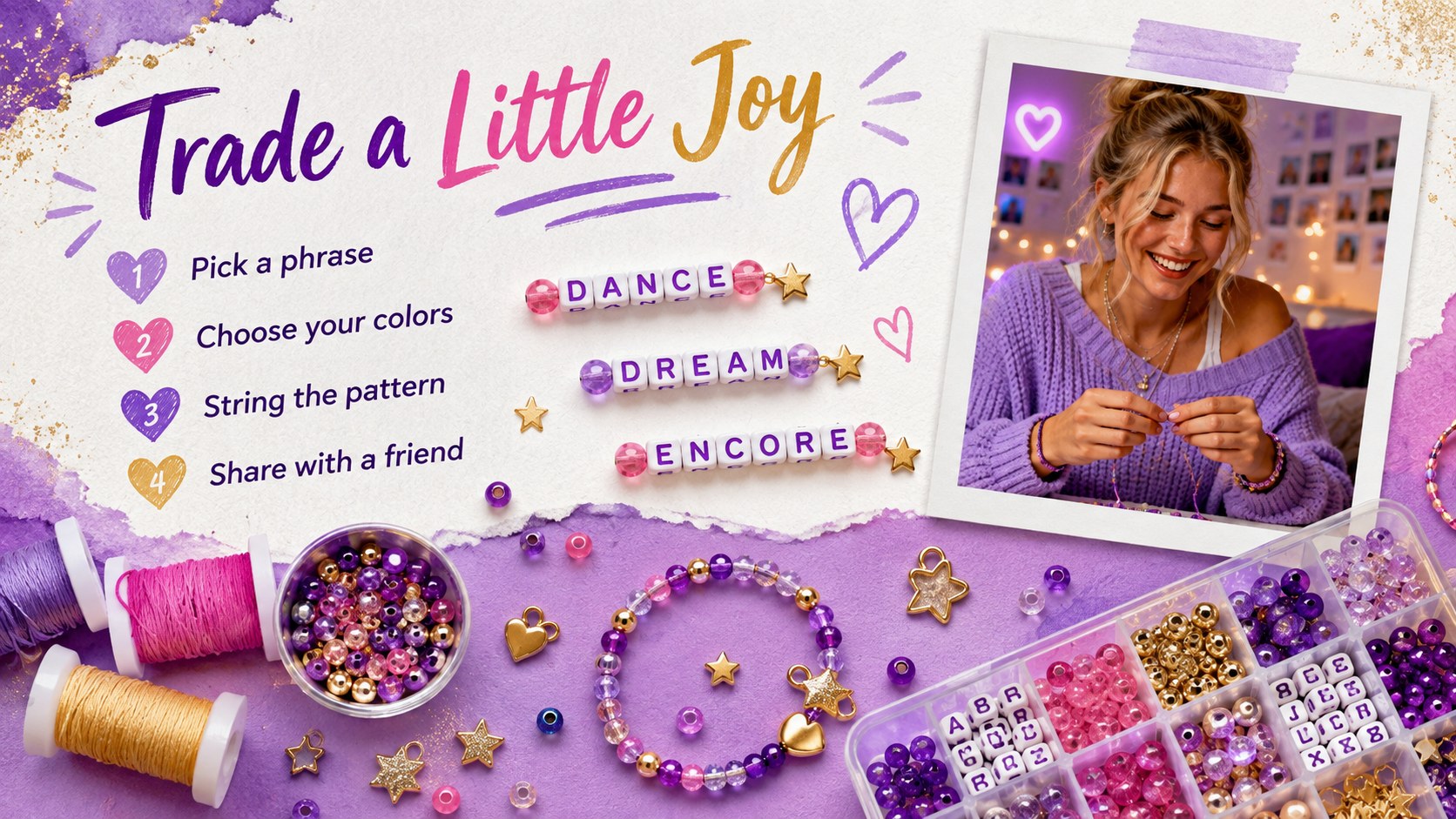
The deck includes 15 editable 16:9 slides covering an opening statement, era overview, visual timeline, album-inspired chapters, song rankings, concert highlights, friendship bracelet ideas, outfit notes, memorable lyrics, fan reflections, and a closing page. Layered paper textures, bold serif headlines, playful sans serif text, vivid color blocking, stars, clocks, tickets, frames, and collage accents create a polished vintage pop scrapbook presentation. Flexible photo spaces and concise text areas make it easy to replace every example with your own images, captions, and color combinations.
This retro concert memories slide deck works for listening parties, fan club events, birthday celebrations, school presentations, personal retrospectives, and music-themed social content planning. Edit the layouts in PowerPoint or Google Slides, adjust the typography and palette, then present online or export for sharing. Whether documenting one unforgettable show or building a complete music fandom timeline presentation, the template keeps stories organized while preserving a bright, expressive mood.
Perfect for: concert recap presentation; music fan club meetup; listening party slideshow; birthday memory deck; pop culture class project; personal music timeline.
Frequently asked questions
Can I edit this template in PowerPoint and Google Slides? Yes. All text, colors, images, and layout elements are designed to be edited in PowerPoint or Google Slides.
Practical details
Yes. All text, colors, images, and layout elements are designed to be edited in PowerPoint or Google Slides.
Yes. Swap the example titles, captions, photos, rankings, and timeline entries for your own music memories or event details.
Change the paper textures, accent colors, frames, stickers, and typefaces while retaining the layered collage structure. You can also duplicate sections to cover additional albums, concerts, or personal eras.
No. The template uses original, generic music-inspired graphics and placeholders so you can add appropriately licensed personal images and content.
Keep exploring
15Build an engaging World UFO Day session with this flying saucer history lesson deck, featuring retro green-and-brown slides for PowerPoint and Google Slides.
 15
15Plan a lively animal-learning journey with this jungle zoo adventure lesson deck, ready to customize in PowerPoint and Google Slides for young learners.
 16
16Turn environmental research into a clear story with a Watercolor Ecology Presentation Theme for PowerPoint and Google Slides in calming green and blue.
 16
16Build focused fashion, literature, and humanities presentations with the Red Triangle Editorial Theme, editable in PowerPoint and Google Slides.
 15
15Turn streaming stats, favorite tracks, and concert highlights into a bold annual listening recap slide deck for PowerPoint and Google Slides.
 15
15Turn highlights, milestones, and favorite moments into a colorful year in review slide deck with bold 3D graphics for PowerPoint and Google Slides.
 3
3Build a credible endorsement with Standout Colleague Recommendation Letter Slides, featuring colorful prompts for skills, achievements, and team impact.
 4
4Build clear beginner sessions with an ice hockey fundamentals training deck for coaches, PE teachers, and clubs, ready for PowerPoint and Google Slides.