
 15
15presentation
Flying Saucer History Lesson Deck
Build an engaging World UFO Day session with this flying saucer history lesson deck, featuring retro green-and-brown slides for PowerPoint and Google Slides.
Google SlidesPowerPoint
presentation · English
Host an energetic quiz with this pop culture trivia game deck, featuring lively blue-and-pink challenge boards for PowerPoint and Google Slides.

Design notes
Turn familiar entertainment, music, celebrity, and media topics into a fast-paced competition with this pop culture trivia game deck. Its bold blue-and-pink palette, punchy geometric accents, and clear game-board layouts create an upbeat experience without making questions difficult to read. Use it as an interactive pop culture quiz template for celebrations, school activities, club meetings, or casual gatherings.
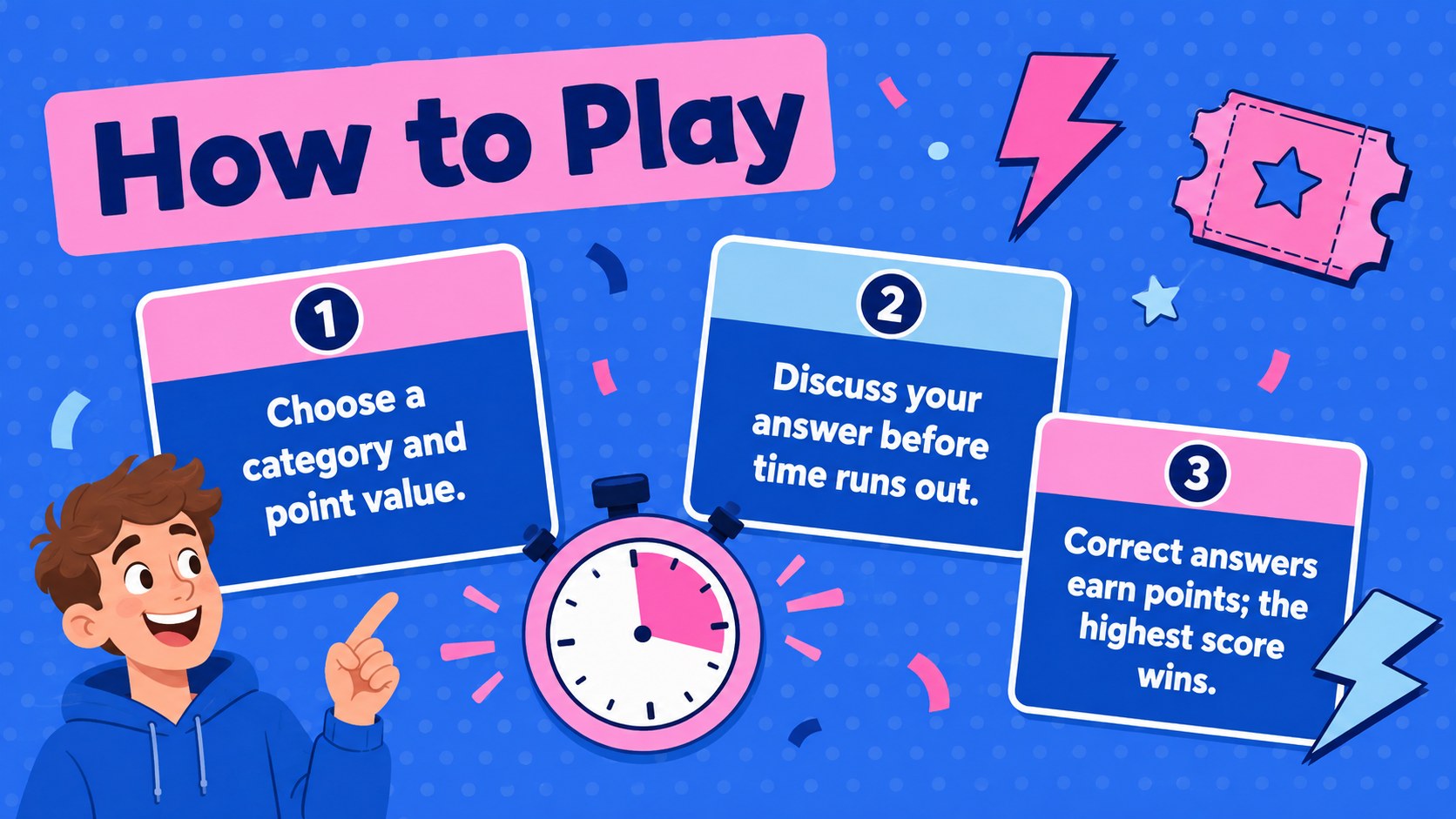
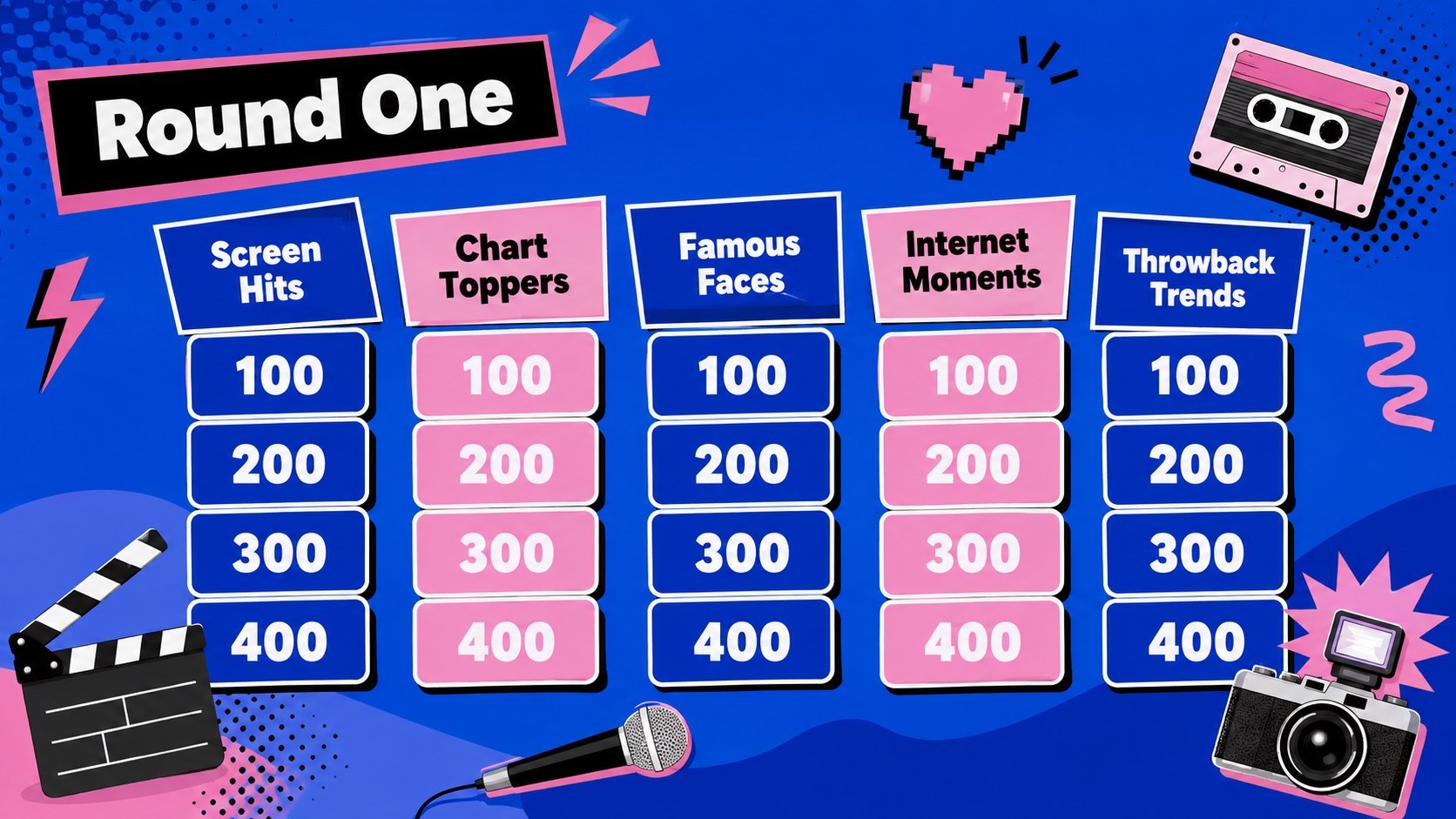
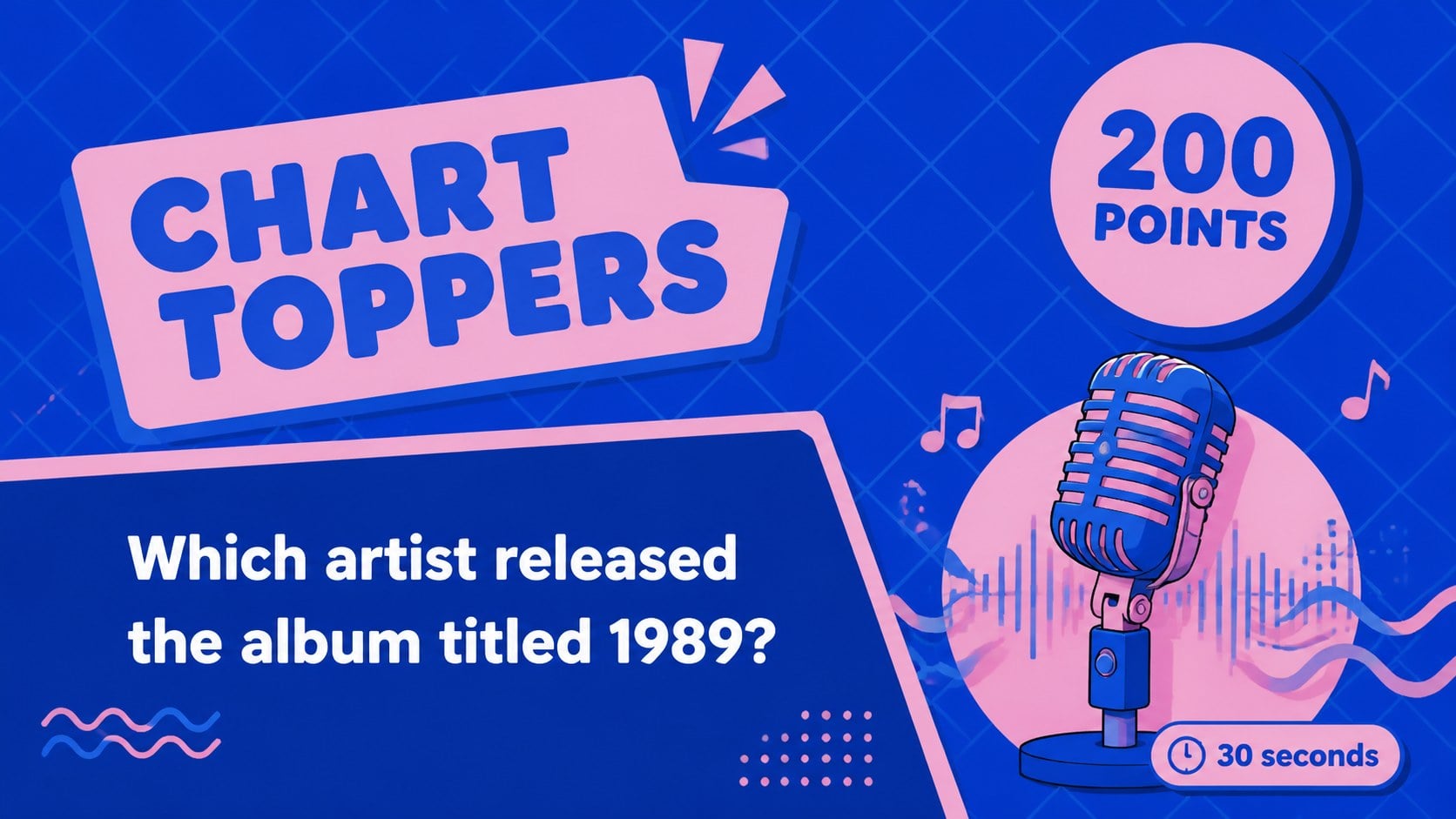
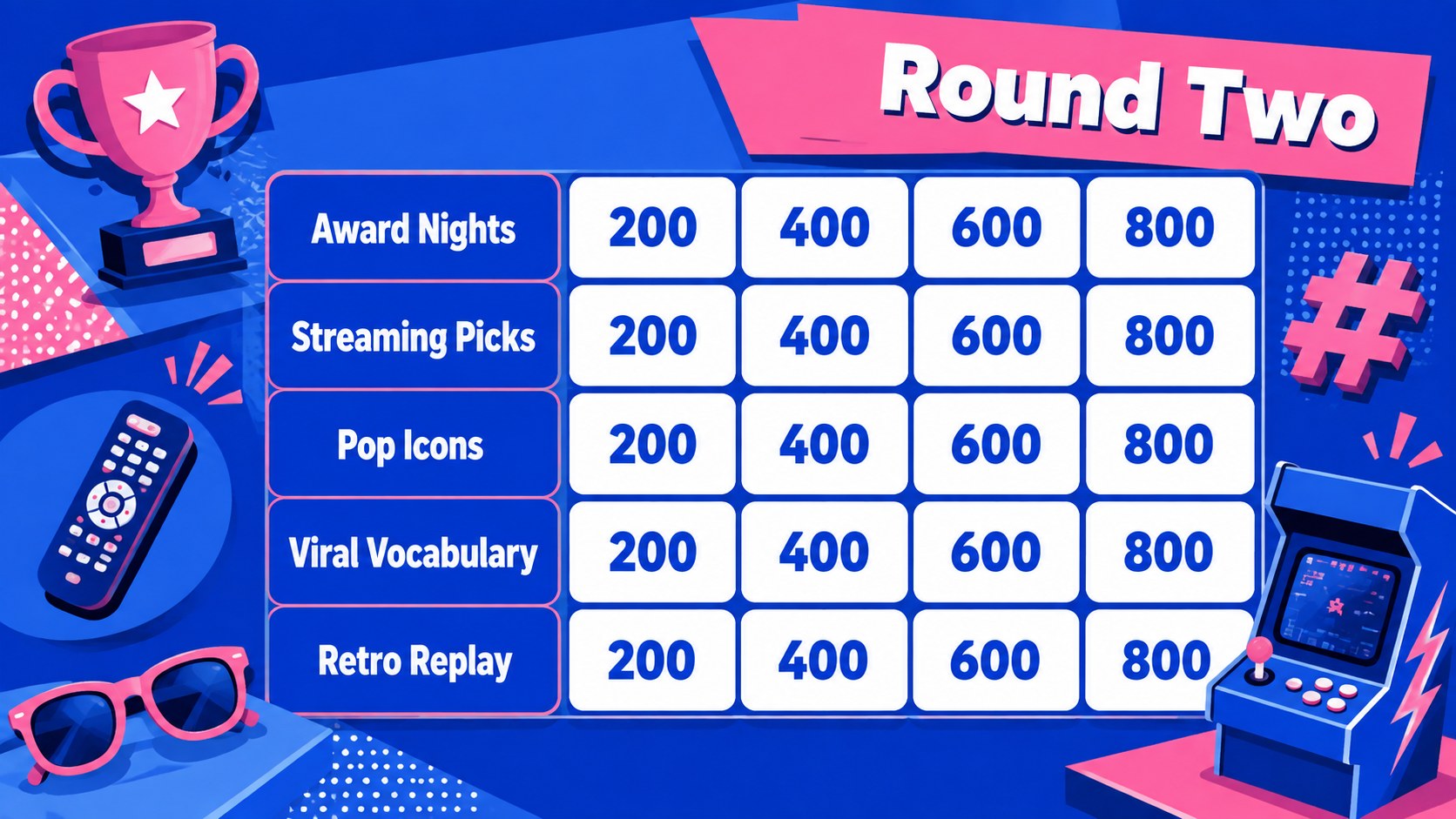
The deck includes a cover, play instructions, category boards, question screens, answer reveals, score tracking, a tie-breaker, and a winner announcement. Hosts can replace the sample wording with their own categories, adjust point values, duplicate question layouts, and change the difficulty for different age groups. Consistent navigation cues help presenters move smoothly between rounds while keeping players focused on the competition.
Designed for PowerPoint and Google Slides, this PowerPoint trivia game for parties is simple to adapt with built-in text, shapes, transitions, and editable colors. Teachers can also turn it into a Google Slides classroom quiz game for review sessions, enrichment activities, or end-of-term celebrations. It suits educators, party hosts, youth leaders, event organizers, and team managers who want a polished quiz format that is quick to personalize and easy to present on a shared screen.
Perfect for: friends game night; classroom reward activity; office team social; birthday party quiz; youth club competition.
Frequently asked questions
Can I edit the questions and categories? Yes. Every category label, question, answer, and point value can be replaced with your own content in PowerPoint or Google Slides. You can also duplicate rounds or remove unused question screens.
Practical details
Yes. Every category label, question, answer, and point value can be replaced with your own content in PowerPoint or Google Slides. You can also duplicate rounds or remove unused question screens.
The deck is designed for Microsoft PowerPoint and Google Slides. Layouts, text, shapes, and colors remain editable on both platforms, although transition behavior may vary slightly.
Yes. Change the blue-and-pink palette, typefaces, backgrounds, and decorative shapes to suit your event or classroom. For the clearest game experience, maintain strong contrast between questions and their backgrounds.
Replace the sample prompts with age-appropriate questions and arrange them from easy to challenging. You can also rename categories, revise scoring, and add a custom tie-breaker for your group.
Keep exploring
15Build an engaging World UFO Day session with this flying saucer history lesson deck, featuring retro green-and-brown slides for PowerPoint and Google Slides.
 15
15Plan a lively animal-learning journey with this jungle zoo adventure lesson deck, ready to customize in PowerPoint and Google Slides for young learners.
 16
16Turn environmental research into a clear story with a Watercolor Ecology Presentation Theme for PowerPoint and Google Slides in calming green and blue.
 16
16Build focused fashion, literature, and humanities presentations with the Red Triangle Editorial Theme, editable in PowerPoint and Google Slides.
 15
15Turn streaming stats, favorite tracks, and concert highlights into a bold annual listening recap slide deck for PowerPoint and Google Slides.
 15
15Turn highlights, milestones, and favorite moments into a colorful year in review slide deck with bold 3D graphics for PowerPoint and Google Slides.
 3
3Build a credible endorsement with Standout Colleague Recommendation Letter Slides, featuring colorful prompts for skills, achievements, and team impact.
 4
4Build clear beginner sessions with an ice hockey fundamentals training deck for coaches, PE teachers, and clubs, ready for PowerPoint and Google Slides.