
 15
15presentation
Flying Saucer History Lesson Deck
Build an engaging World UFO Day session with this flying saucer history lesson deck, featuring retro green-and-brown slides for PowerPoint and Google Slides.
Google SlidesPowerPoint
presentation · English
Build lively quiz nights and classroom reviews with this pop art survey game slides deck for PowerPoint and Google Slides, ready to edit and share.
Design notes
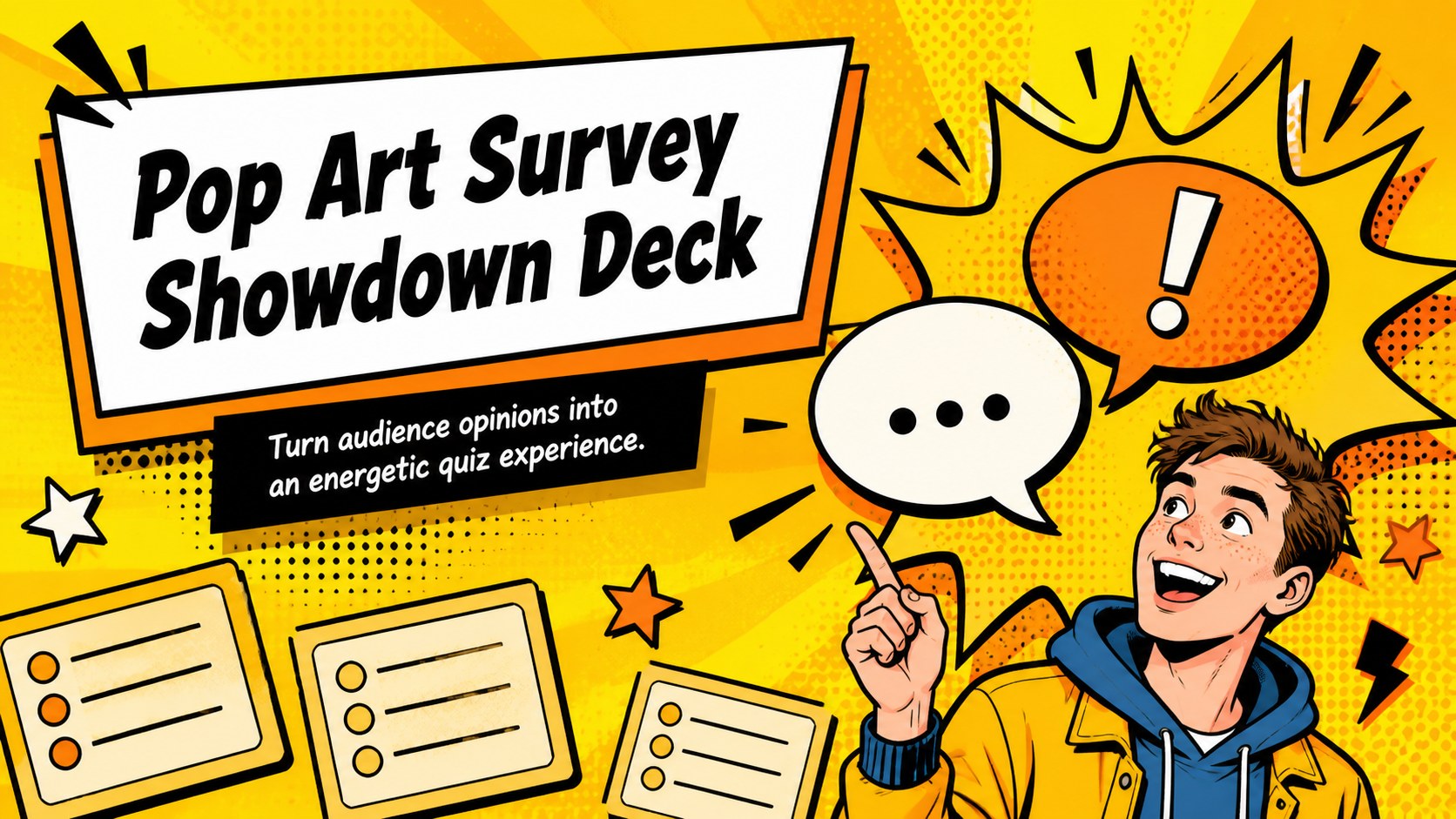
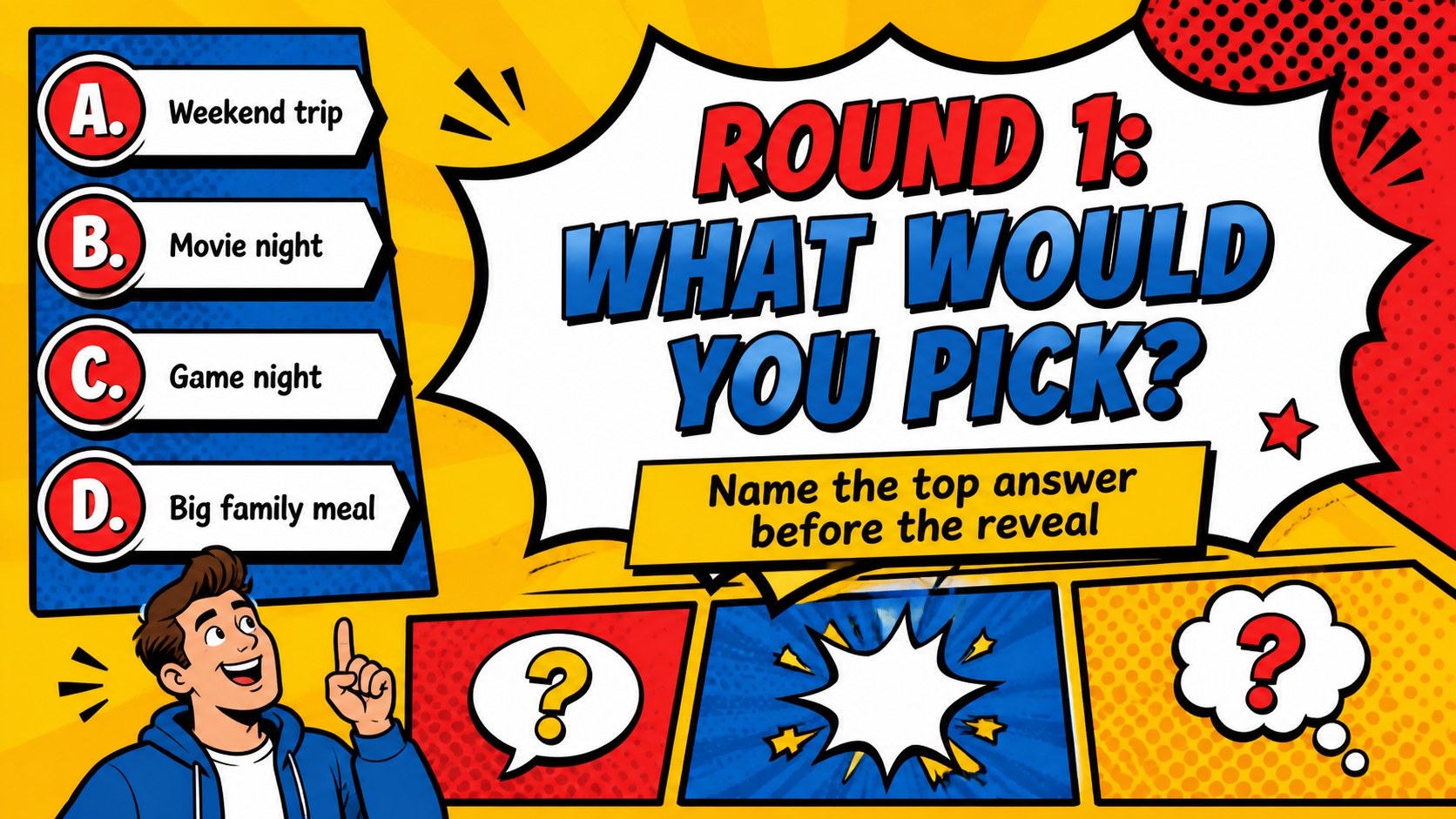
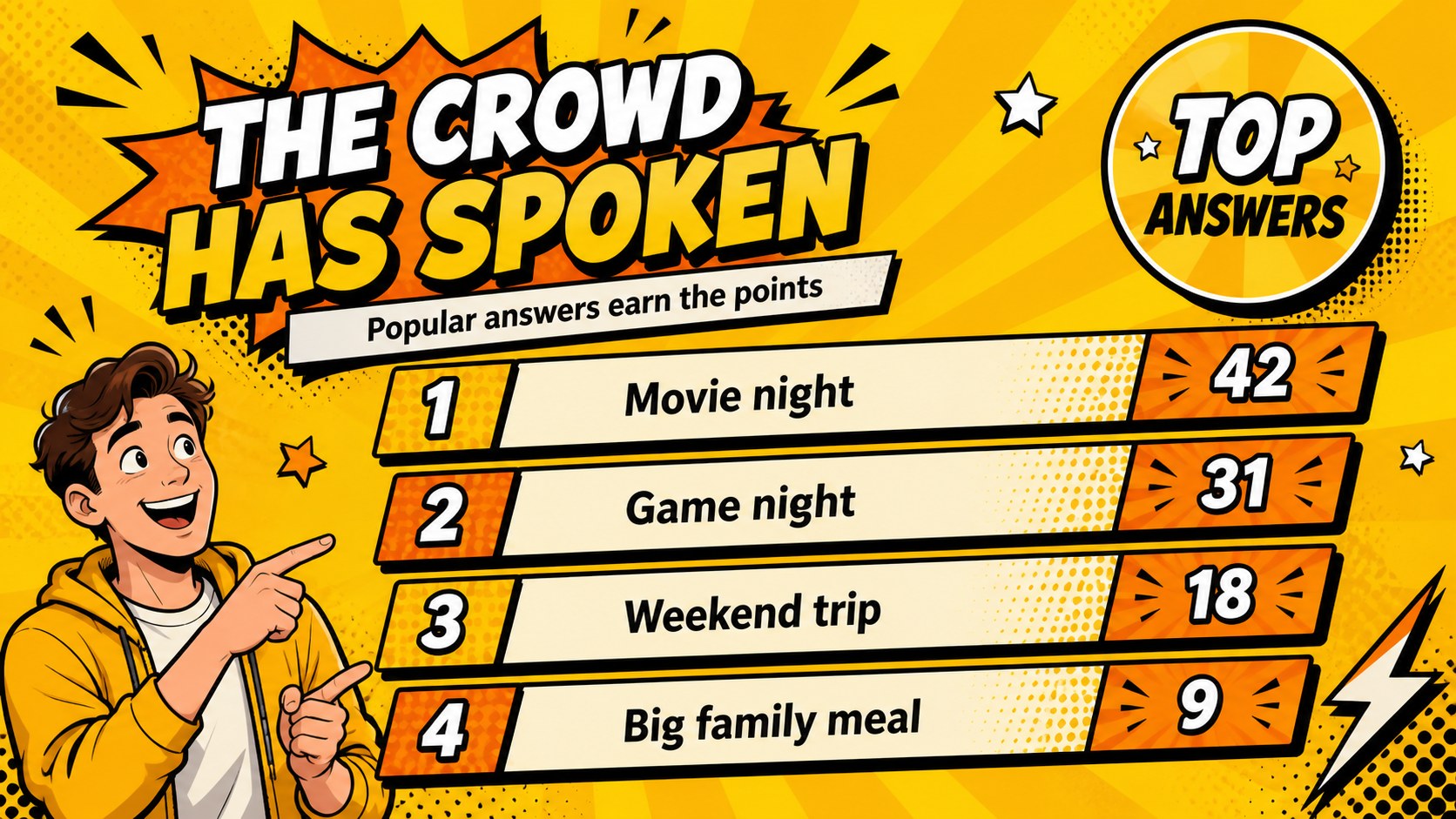
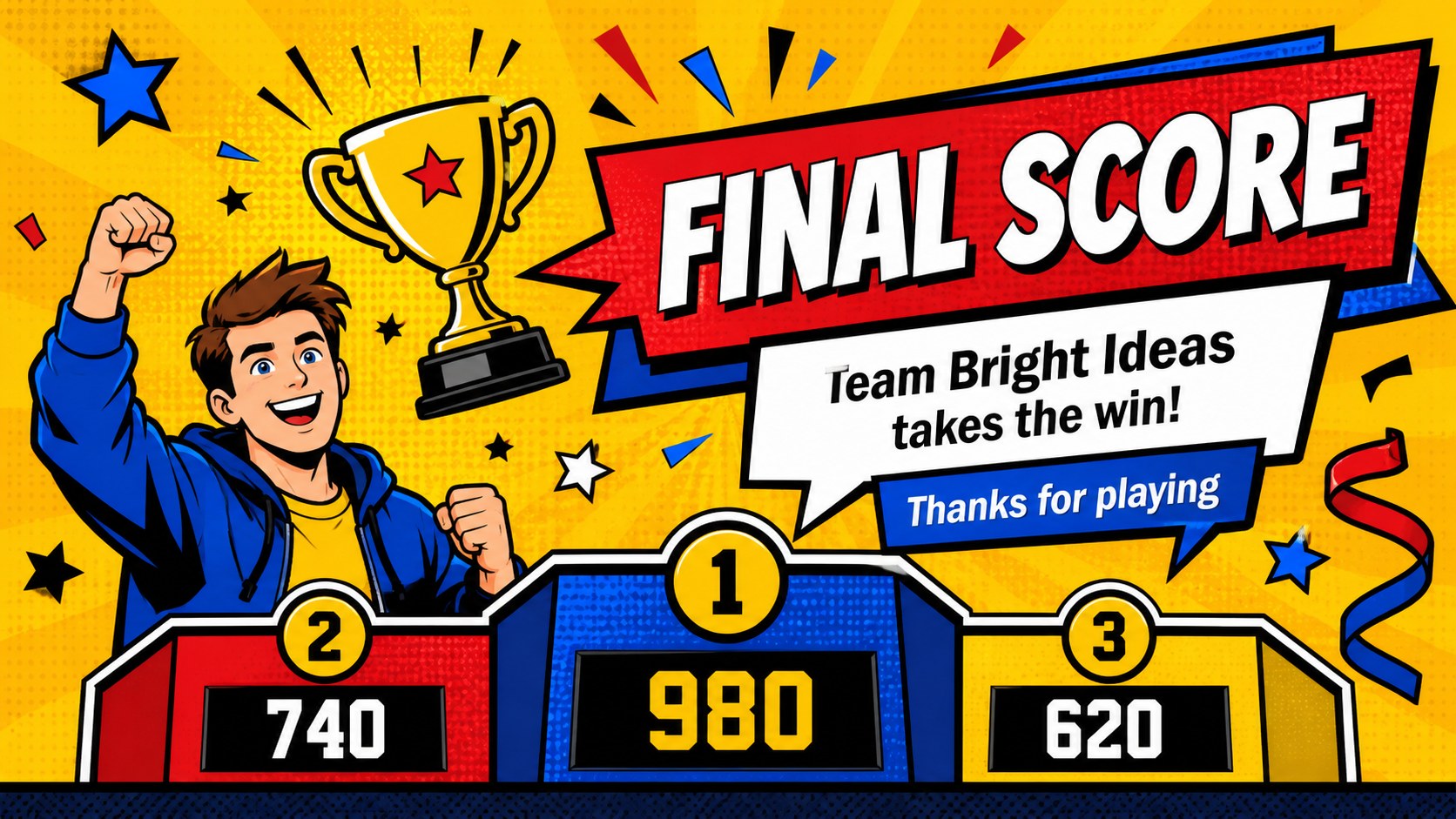
Pop Art Survey Showdown Deck brings the excitement of a familiar survey-based game into a bold, easy-to-edit presentation format. Bright yellow backgrounds, expressive comic-style accents, oversized type, and colorful illustrated details create an upbeat setting for family gatherings, classroom activities, team socials, and community events. Use this family survey game slides template to reveal prompts, collect answers, compare popular responses, and keep every round moving.
Inside, you’ll find four 16:9 slides designed as a flexible game flow: a high-impact cover, a question screen, a response comparison layout, and a final scoreboard or winner announcement. Replace the sample wording with your own questions, answer choices, team names, points, and instructions. The editable structure also works well for a classroom survey quiz, where students can predict group responses before revealing the results.
The deck is compatible with PowerPoint and Google Slides, making it simple to adapt for live events, remote sessions, or printable planning materials. Use the pop art survey game slides for icebreakers, review activities, birthday entertainment, workplace engagement, or themed trivia rounds. Rearrange the layouts, adjust colors within the existing palette, and add your own icons, photos, or answer data while preserving the playful visual rhythm.
Perfect for: family game night; classroom survey quiz; birthday party entertainment; team-building activity; community event icebreaker.
Frequently asked questions
Can I edit the questions and scores? Yes. Replace the sample prompts, answers, team names, and point values with your own content. Text, colors, shapes, and decorative elements can be adjusted to fit your event.
Practical details
Yes. Replace the sample prompts, answers, team names, and point values with your own content. Text, colors, shapes, and decorative elements can be adjusted to fit your event.
The deck is designed for PowerPoint and Google Slides. You can present it live, adapt it for remote sessions, or export slides for sharing and printing.
Keep the yellow pop art foundation or modify the accent colors, typography, icons, and illustrations. The layouts are structured so you can add a theme-specific title, answer categories, or team branding without rebuilding the deck.
Yes. Teachers can turn the slides into a classroom survey quiz by adding review questions, prediction rounds, and a final points reveal. The bold visual hierarchy helps younger audiences follow each stage of the activity.
Keep exploring
15Build an engaging World UFO Day session with this flying saucer history lesson deck, featuring retro green-and-brown slides for PowerPoint and Google Slides.
 15
15Plan a lively animal-learning journey with this jungle zoo adventure lesson deck, ready to customize in PowerPoint and Google Slides for young learners.
 16
16Turn environmental research into a clear story with a Watercolor Ecology Presentation Theme for PowerPoint and Google Slides in calming green and blue.
 16
16Build focused fashion, literature, and humanities presentations with the Red Triangle Editorial Theme, editable in PowerPoint and Google Slides.
 15
15Turn streaming stats, favorite tracks, and concert highlights into a bold annual listening recap slide deck for PowerPoint and Google Slides.
 15
15Turn highlights, milestones, and favorite moments into a colorful year in review slide deck with bold 3D graphics for PowerPoint and Google Slides.
 3
3Build a credible endorsement with Standout Colleague Recommendation Letter Slides, featuring colorful prompts for skills, achievements, and team impact.
 4
4Build clear beginner sessions with an ice hockey fundamentals training deck for coaches, PE teachers, and clubs, ready for PowerPoint and Google Slides.