
 15
15presentation
Flying Saucer History Lesson Deck
Build an engaging World UFO Day session with this flying saucer history lesson deck, featuring retro green-and-brown slides for PowerPoint and Google Slides.
Google SlidesPowerPoint
presentation · English
Turn memorable milestones and personal stats into a bold pop art annual recap infographic, editable in PowerPoint and Google Slides for easy sharing.
Design notes
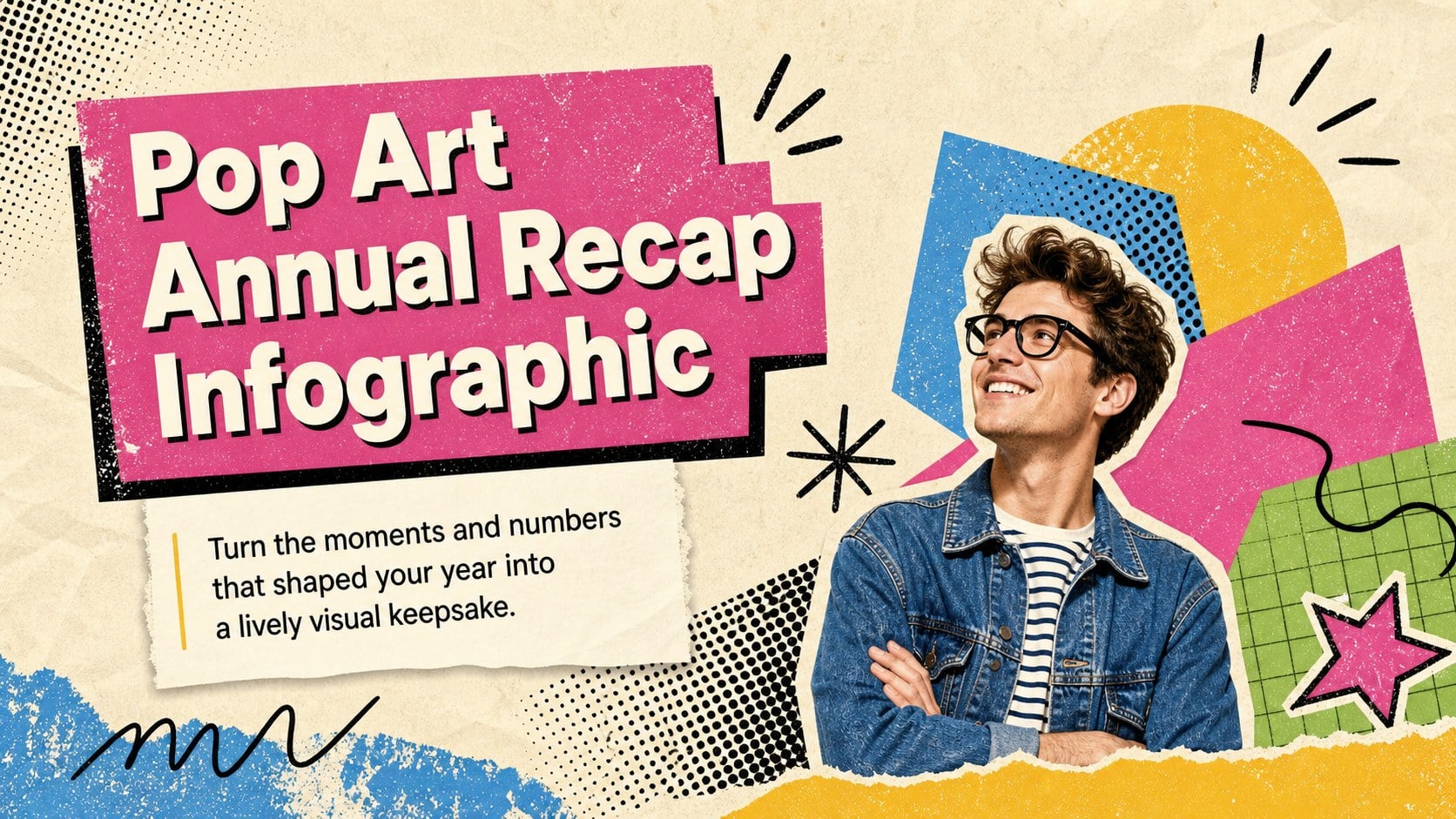
Transform personal milestones, favorite memories, and meaningful numbers into a pop art annual recap infographic that feels energetic and distinctly yours. Colorful accents, beige foundations, expressive typography, and rough grunge textures create an upbeat format for looking back without making the story feel overly formal.
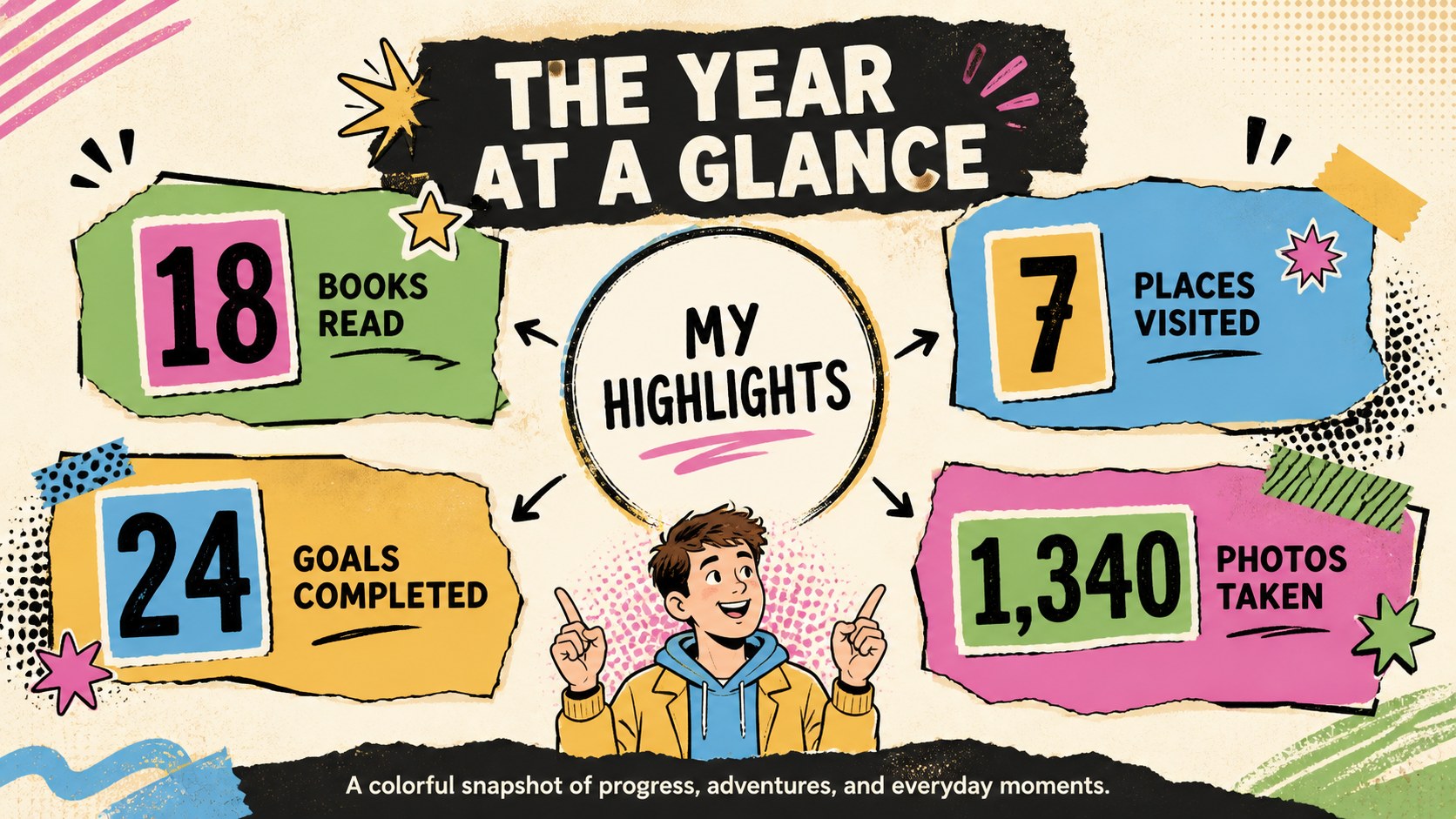
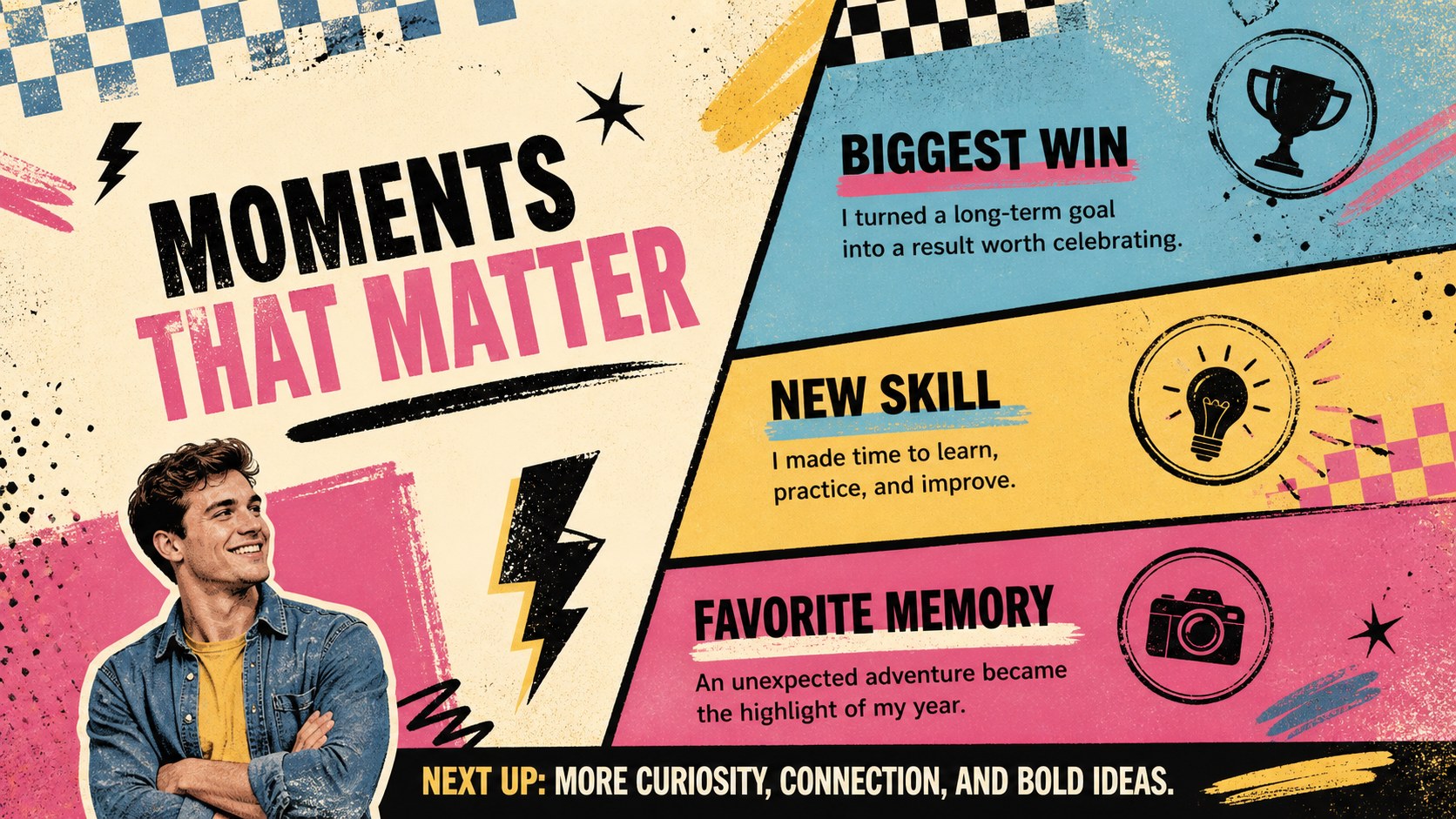
The template includes three coordinated layouts for introducing the recap, presenting key statistics, and highlighting memorable experiences. Use the editable annual recap slides to feature books completed, trips taken, goals reached, photos captured, new skills learned, or time spent on favorite activities. Charts, number callouts, text blocks, and decorative shapes can be adapted to create a personal milestone infographic template for any kind of year. Replace the sample wording, adjust the palette, reorganize the sections, and add your own images in PowerPoint or Google Slides.
This yearly highlights visual summary works well for personal reflections, classroom activities, family updates, creative portfolios, team celebrations, and social media recap content. It can also help students or professionals identify patterns, recognize progress, and introduce priorities for the months ahead. Whether you want a polished keepsake or a playful snapshot to share with others, the flexible layouts keep your story clear, visual, and easy to explore.
Perfect for: personal milestone recap; classroom reflection activity; family annual update; creative portfolio summary; team achievement showcase.
Frequently asked questions
Can I edit every part of the infographic? Yes. You can replace the sample text, update statistics, move visual elements, change colors, and add personal photos or icons to match your story.
Practical details
Yes. You can replace the sample text, update statistics, move visual elements, change colors, and add personal photos or icons to match your story.
The template is designed for Microsoft PowerPoint and Google Slides. Formatting may vary slightly between platforms, so review font spacing and image placement after importing.
You can feature achievements, trips, books, habits, hobbies, lessons learned, favorite memories, and plans for the future. The layouts accommodate both short reflections and number-based highlights.
Yes. The colorful and beige palette can be changed to personal, school, or organization colors while retaining the bold pop art and grunge-inspired design style.
Keep exploring
15Build an engaging World UFO Day session with this flying saucer history lesson deck, featuring retro green-and-brown slides for PowerPoint and Google Slides.
 15
15Plan a lively animal-learning journey with this jungle zoo adventure lesson deck, ready to customize in PowerPoint and Google Slides for young learners.
 16
16Turn environmental research into a clear story with a Watercolor Ecology Presentation Theme for PowerPoint and Google Slides in calming green and blue.
 16
16Build focused fashion, literature, and humanities presentations with the Red Triangle Editorial Theme, editable in PowerPoint and Google Slides.
 15
15Turn streaming stats, favorite tracks, and concert highlights into a bold annual listening recap slide deck for PowerPoint and Google Slides.
 15
15Turn highlights, milestones, and favorite moments into a colorful year in review slide deck with bold 3D graphics for PowerPoint and Google Slides.
 3
3Build a credible endorsement with Standout Colleague Recommendation Letter Slides, featuring colorful prompts for skills, achievements, and team impact.
 4
4Build clear beginner sessions with an ice hockey fundamentals training deck for coaches, PE teachers, and clubs, ready for PowerPoint and Google Slides.