
 15
15presentation
Flying Saucer History Lesson Deck
Build an engaging World UFO Day session with this flying saucer history lesson deck, featuring retro green-and-brown slides for PowerPoint and Google Slides.
Google SlidesPowerPoint
presentation · English
Teach safer habits with a pool safety rules infographic in bright blue and yellow, ready to customize for lessons, camps, and community swim programs.
Design notes
Build confident water habits with a pool safety rules infographic designed to make important guidance quick to understand and easy to remember. Bright blue and yellow graphics give the deck an energetic, child-friendly feel while keeping every instruction clear. Customize the slides in PowerPoint or Google Slides to match local regulations, facility procedures, and the needs of your swimmers.
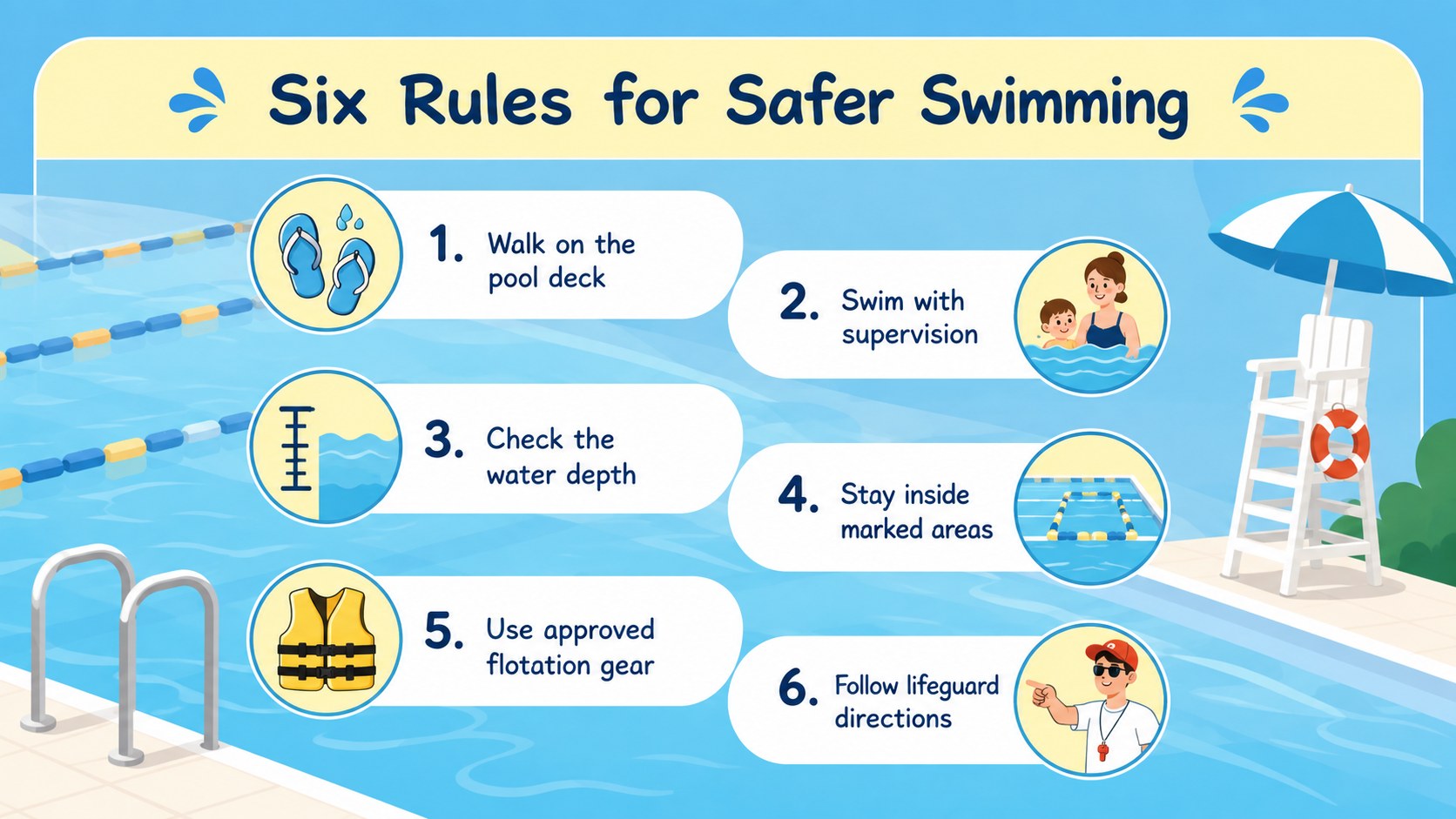
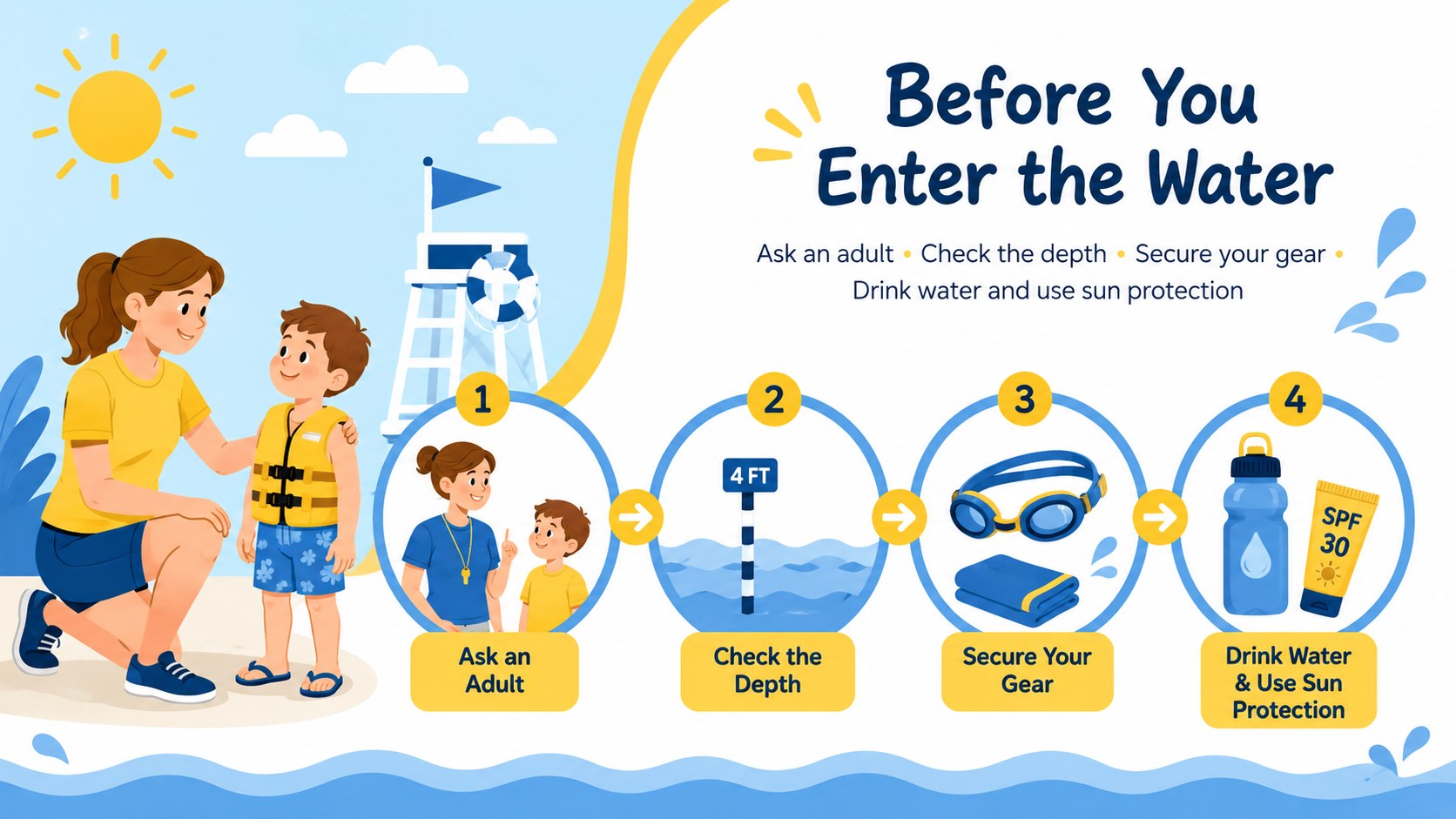
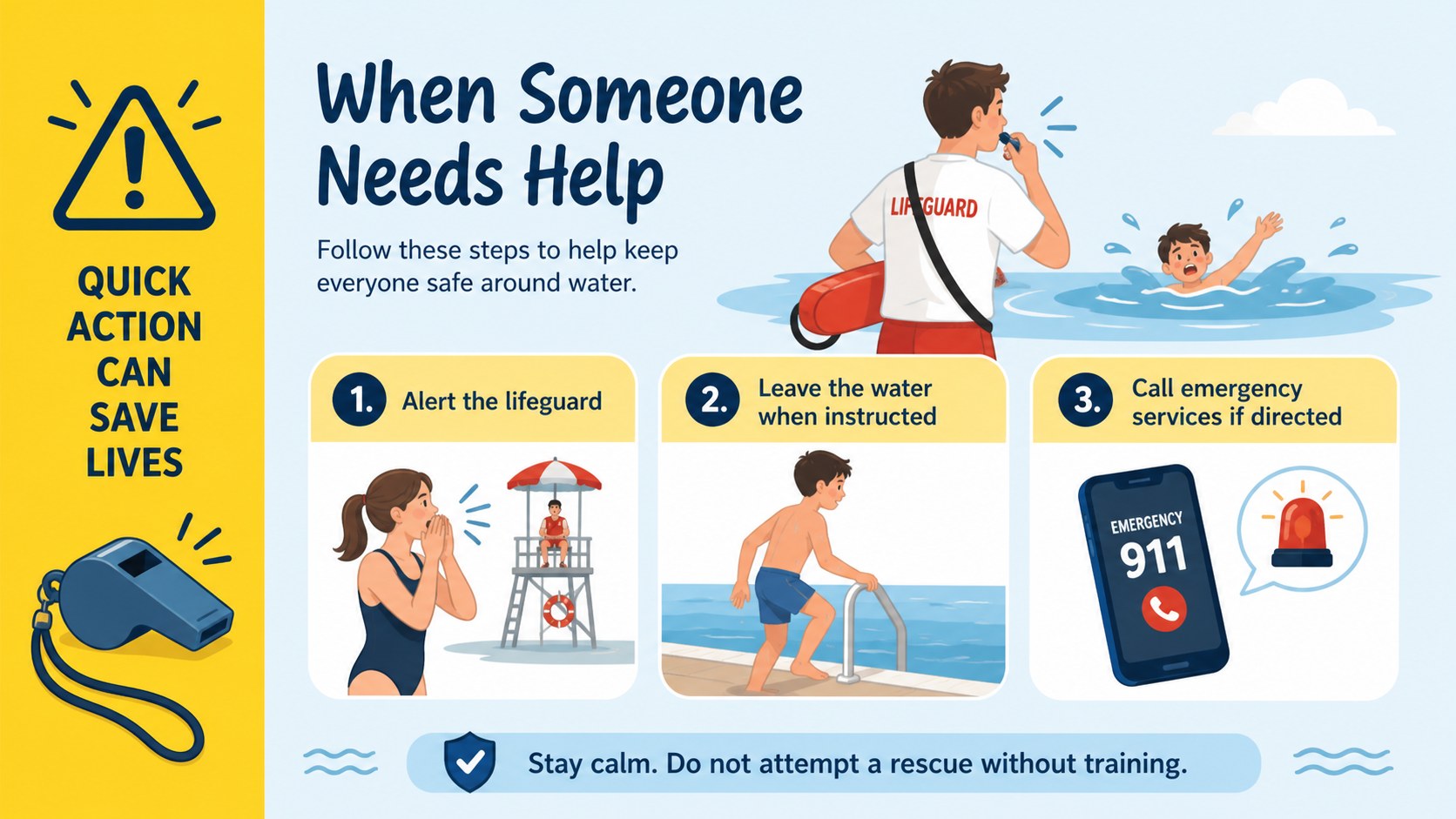
The four-slide set includes an engaging cover, a visual checklist of safe swimming behaviors, a before-you-swim preparation guide, and an emergency response reminder. Use the layouts to explain supervision, walking near wet surfaces, checking pool depth, wearing suitable flotation equipment, staying within marked areas, and following lifeguard directions. Editable icons, headings, colors, and text areas make this a flexible swimming pool safety presentation for schools and recreation programs.
Created for teachers, swim coaches, lifeguards, camp counselors, parents, and community pool teams, these slides work well for classroom lessons, orientation sessions, entrance displays, and short safety briefings. The concise structure is especially useful when presenting water safety rules for kids or preparing a summer camp swim safety deck. Display the presentation on screen, adapt individual pages as digital notices, or print the infographic layouts as handouts and posters. Every slide is ready for straightforward editing without requiring specialized design experience.
Perfect for: school water safety lesson; summer camp swim orientation; community pool entrance display; lifeguard safety briefing; parent and child swim workshop.
Frequently asked questions
Can I edit the pool rules for my facility? Yes. Replace the sample wording with your facility rules, emergency contacts, depth restrictions, or supervision requirements. Headings, icons, colors, and text blocks are editable.
Practical details
Yes. Replace the sample wording with your facility rules, emergency contacts, depth restrictions, or supervision requirements. Headings, icons, colors, and text blocks are editable.
The template is designed for PowerPoint and Google Slides. You can present it on screen or export completed slides for printing and digital distribution.
Yes. Keep the illustrated visuals and shorten the wording for younger swimmers, or add more detailed procedures for teens, adults, staff, and lifeguard training.
Yes. Individual slides can be exported and printed for pool entrances, changing areas, classrooms, or camp noticeboards. Review the page scaling in your print settings before producing large-format copies.
Keep exploring
15Build an engaging World UFO Day session with this flying saucer history lesson deck, featuring retro green-and-brown slides for PowerPoint and Google Slides.
 15
15Plan a lively animal-learning journey with this jungle zoo adventure lesson deck, ready to customize in PowerPoint and Google Slides for young learners.
 16
16Turn environmental research into a clear story with a Watercolor Ecology Presentation Theme for PowerPoint and Google Slides in calming green and blue.
 16
16Build focused fashion, literature, and humanities presentations with the Red Triangle Editorial Theme, editable in PowerPoint and Google Slides.
 15
15Turn streaming stats, favorite tracks, and concert highlights into a bold annual listening recap slide deck for PowerPoint and Google Slides.
 15
15Turn highlights, milestones, and favorite moments into a colorful year in review slide deck with bold 3D graphics for PowerPoint and Google Slides.
 3
3Build a credible endorsement with Standout Colleague Recommendation Letter Slides, featuring colorful prompts for skills, achievements, and team impact.
 4
4Build clear beginner sessions with an ice hockey fundamentals training deck for coaches, PE teachers, and clubs, ready for PowerPoint and Google Slides.