
 4
4document
Clinical Wound Evaluation Slides for Nurses
Document wound findings, treatment decisions, and healing progress with clinical wound evaluation slides for nurses in PowerPoint and Google Slides.
Google Docs
document · English
Build polished transaction records with a point of sale receipt deck for PowerPoint and Google Slides, with editable totals, tax, and payment details.
Design notes
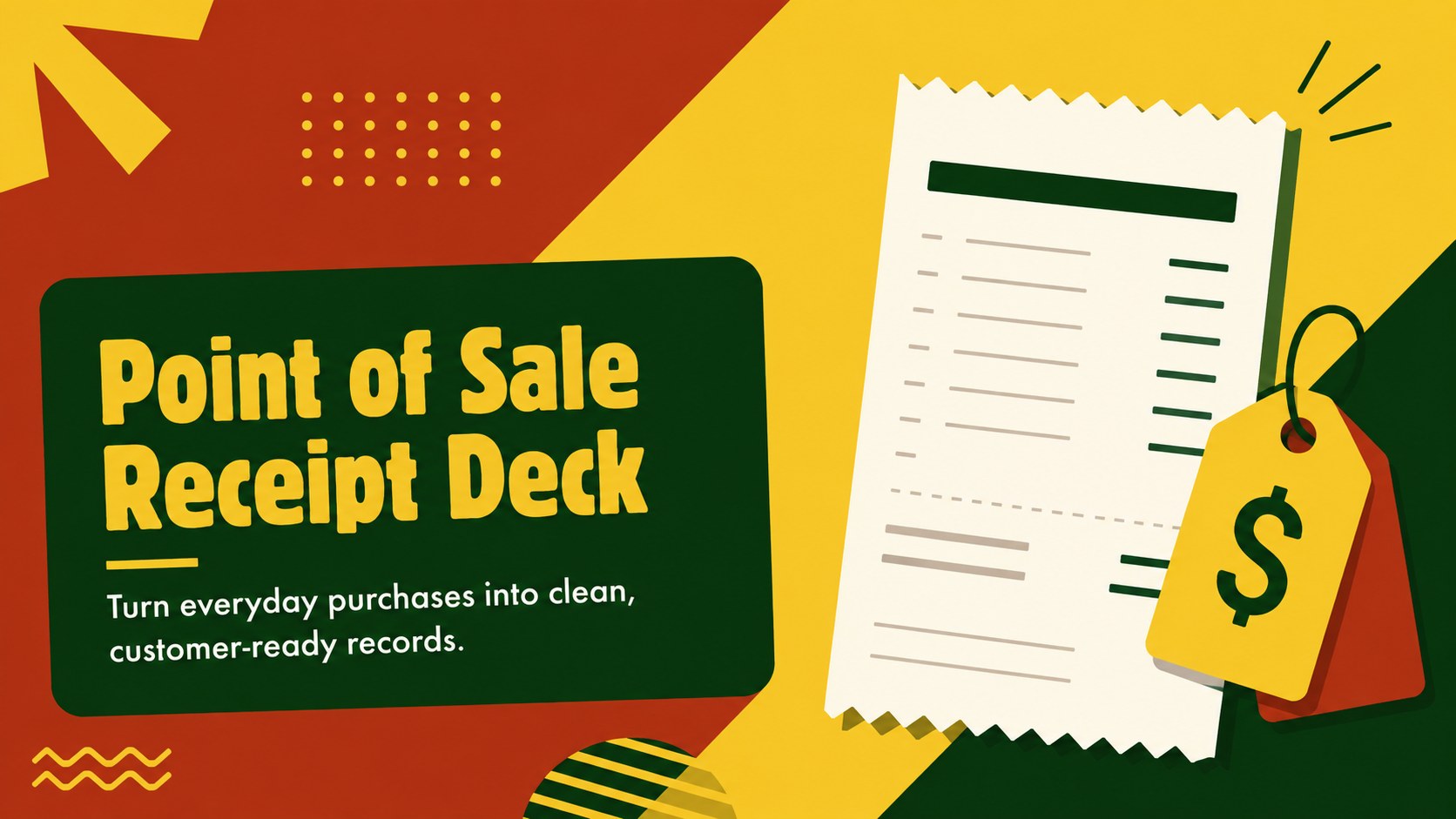
Give every purchase a clear, professional record with this point of sale receipt deck. Its bold modern layout uses vivid yellow, green, and red accents to organize important information without making the page feel crowded. Update the text, colors, prices, and business details in PowerPoint or Google Slides to create a receipt that fits your brand and sales process.
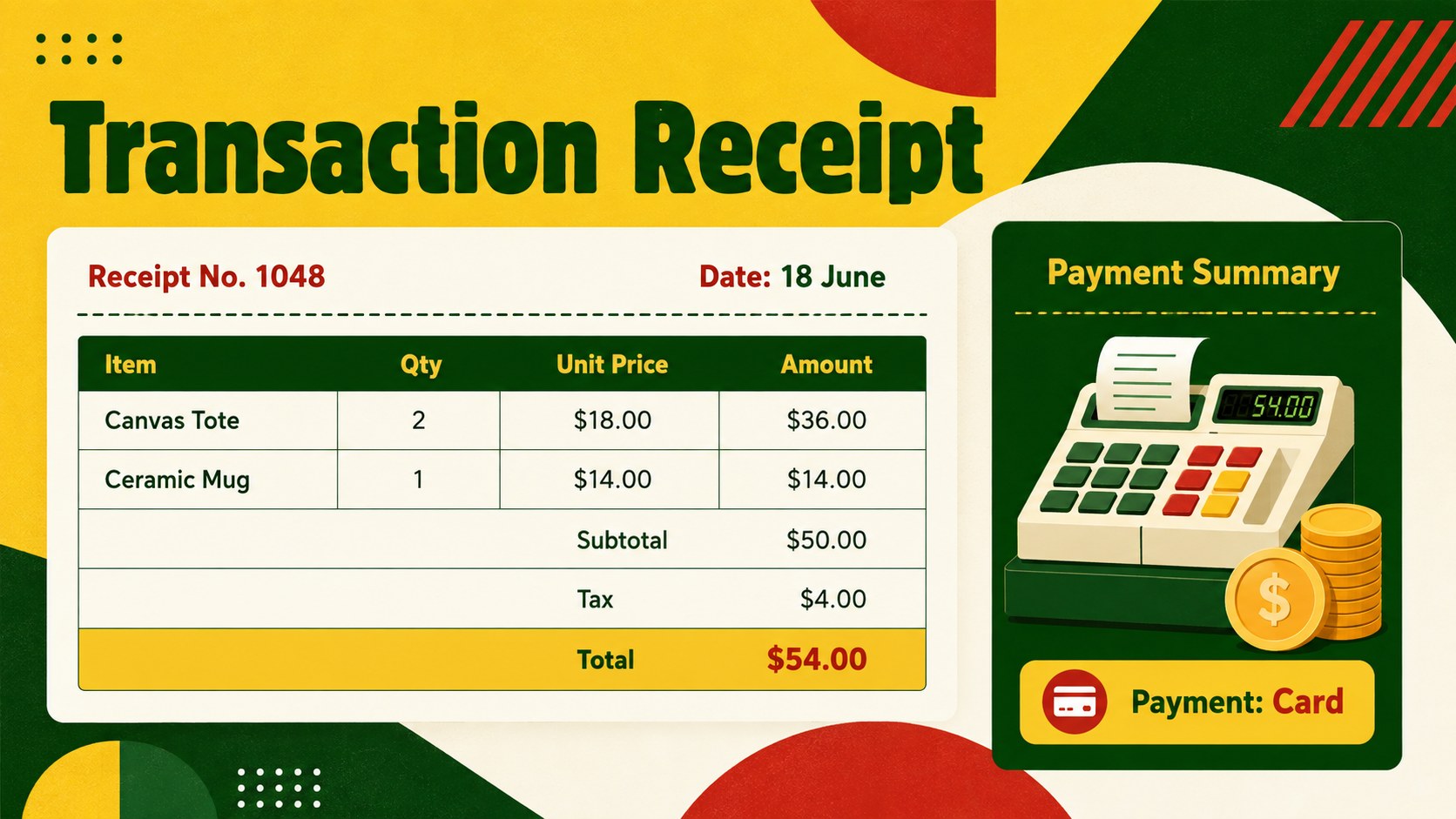
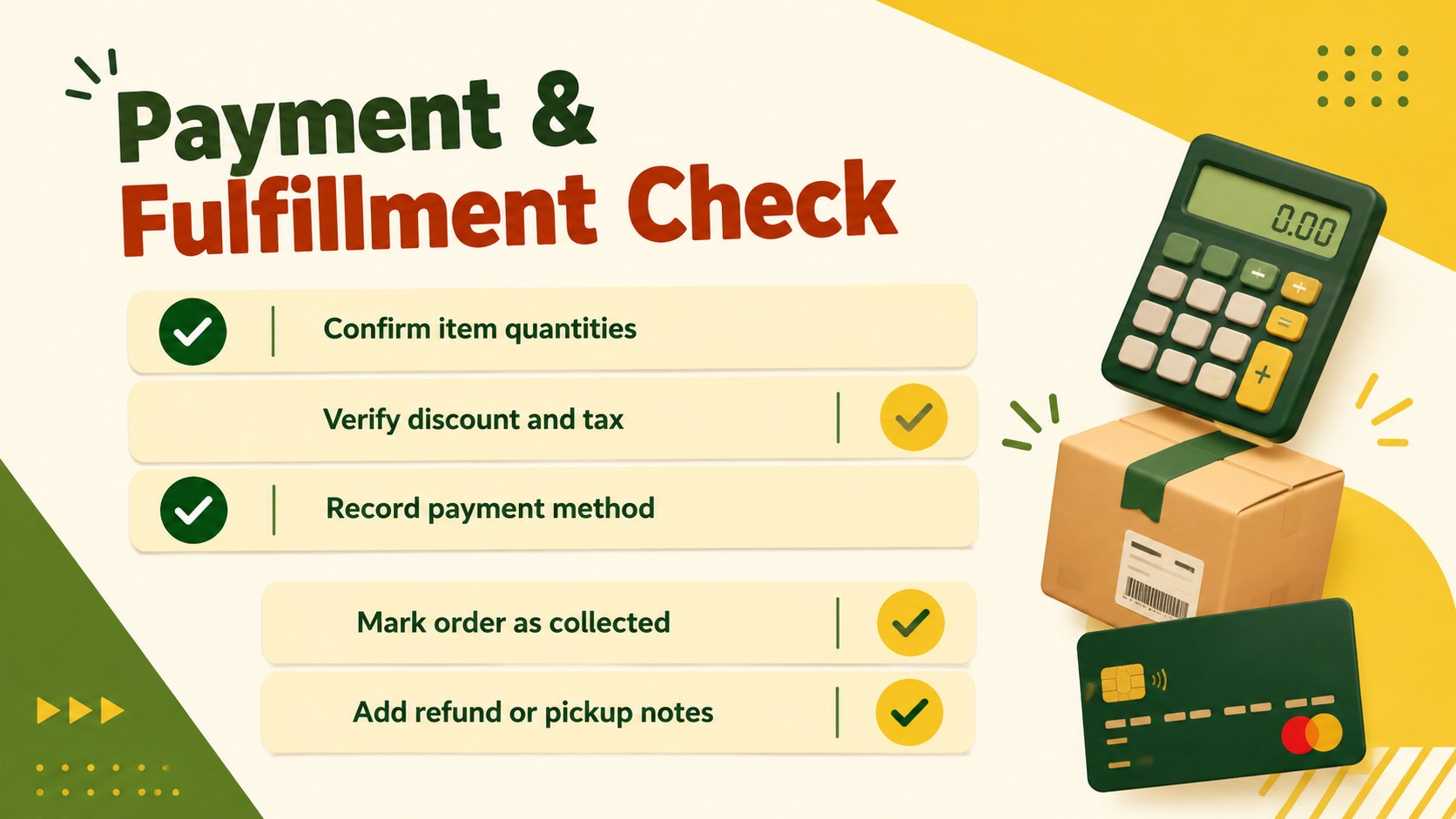
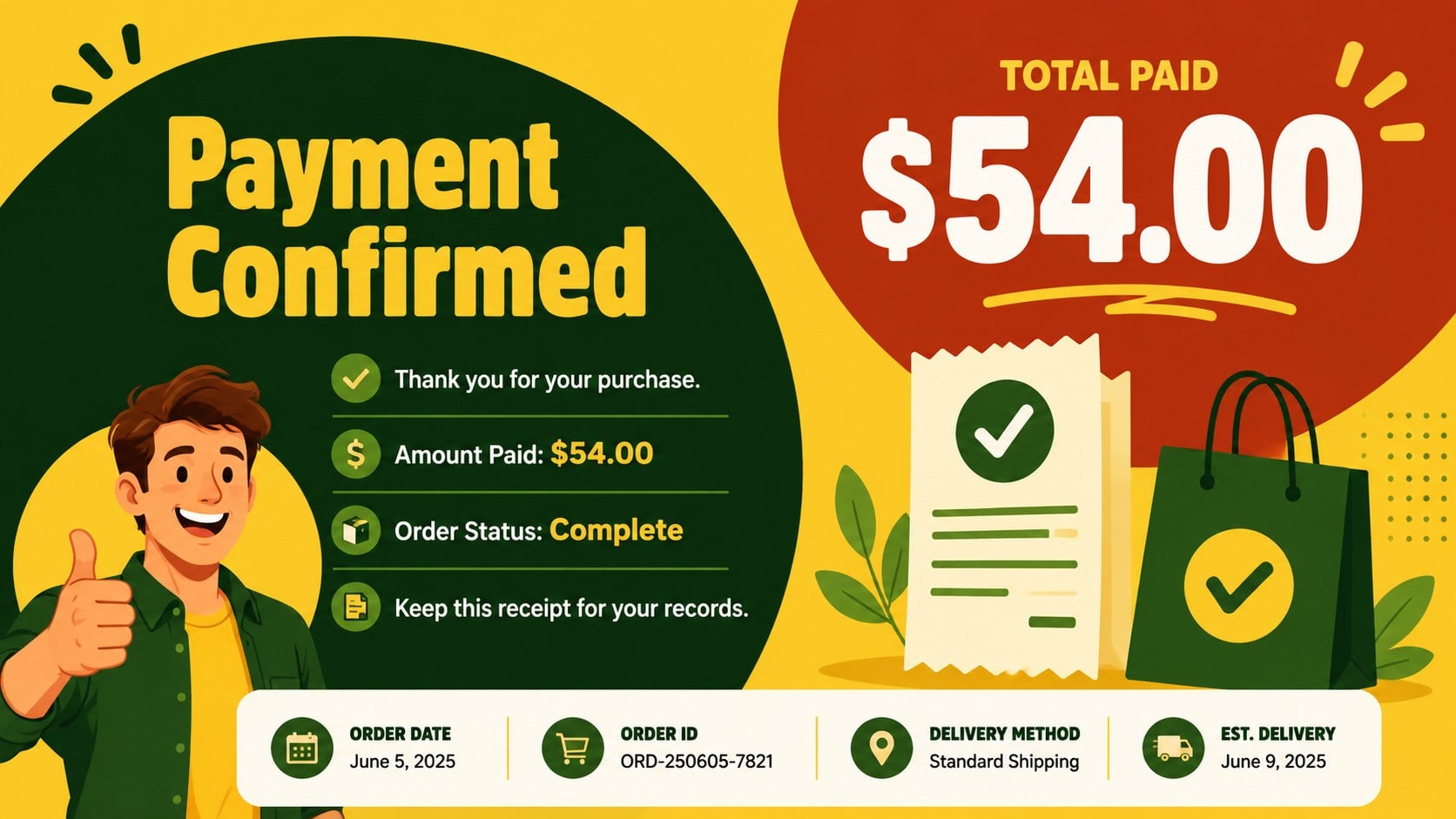
The deck includes a branded cover, an editable transaction receipt, a payment and fulfillment checklist, and a customer confirmation slide. Use the editable transaction receipt slides to display item descriptions, quantities, unit prices, discounts, tax, payment method, and the final amount. Clearly separated content areas make figures easy to review, while prominent totals help customers identify the amount paid at a glance. The tax and subtotal receipt layout can also be adapted for different currencies, tax rules, refund policies, or order notes.
This template is designed for boutique owners, independent retailers, food vendors, service providers, and market stall operators who need a practical visual sales record. It works well for in-person purchases, emailed payment confirmations, order pickups, and internal transaction reviews. Add your logo, replace sample details, duplicate item rows, and adjust the color balance while preserving the energetic design. The finished slides can be presented digitally, shared with a customer, or exported as a PDF for printing and recordkeeping.
Perfect for: boutique purchase receipt; market stall transaction record; food vendor payment confirmation; service provider sales receipt; order pickup confirmation.
Frequently asked questions
Can I edit every part of the receipt? Yes. You can replace the sample business details, products, quantities, taxes, payment methods, totals, and notes. Colors, typefaces, and content sections can also be adjusted to match your visual identity.
Practical details
Yes. You can replace the sample business details, products, quantities, taxes, payment methods, totals, and notes. Colors, typefaces, and content sections can also be adjusted to match your visual identity.
The deck is designed for Microsoft PowerPoint and Google Slides. Both platforms allow you to edit the receipt content, duplicate rows, rearrange sections, and export the finished record.
Yes. After entering the transaction details, export the completed slide as a PDF and select appropriate printer scaling. Review the margins and final figures before providing the receipt to a customer.
Add your logo, contact details, accepted payment methods, currency, tax information, and return policy. You can also modify the yellow, green, and red accents while retaining the bold modern style.
Keep exploring
4Document wound findings, treatment decisions, and healing progress with clinical wound evaluation slides for nurses in PowerPoint and Google Slides.
 4
4Turn recurring updates into clear decisions with a weekly operations status briefing for PowerPoint and Google Slides, covering progress, risks, and priorities.
 4
4Turn recurring check-ins into focused decisions with a weekly leadership update deck for KPIs, priorities, blockers, owners, and next actions.
 4
4Use veterinary surgery consent form slides to explain procedures, anesthesia, risks, costs, and emergency decisions clearly before client approval.
 4
4Organize objectives, activities, and daily notes with this weekly classroom planner for teachers, editable in PowerPoint and Google Slides for easy prep.
 4
4Create colorful vocabulary assessment slides for lively word checks, review games, and classroom practice in PowerPoint or Google Slides. Easy to personalize.
 4
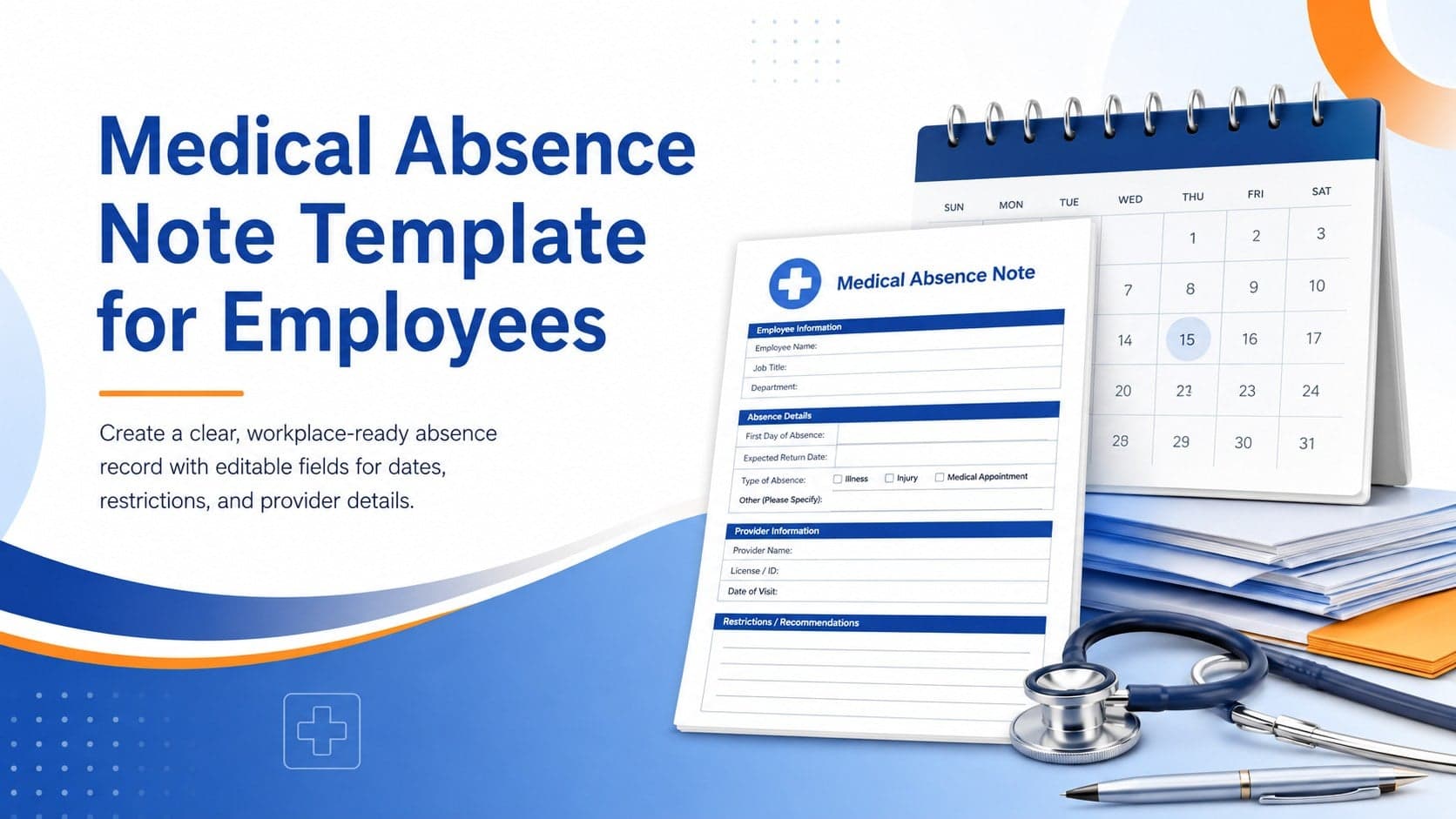
4Prepare a clear medical absence note template for employee records, with editable fields and polished blue-orange slides for PowerPoint and Google Slides.
 4
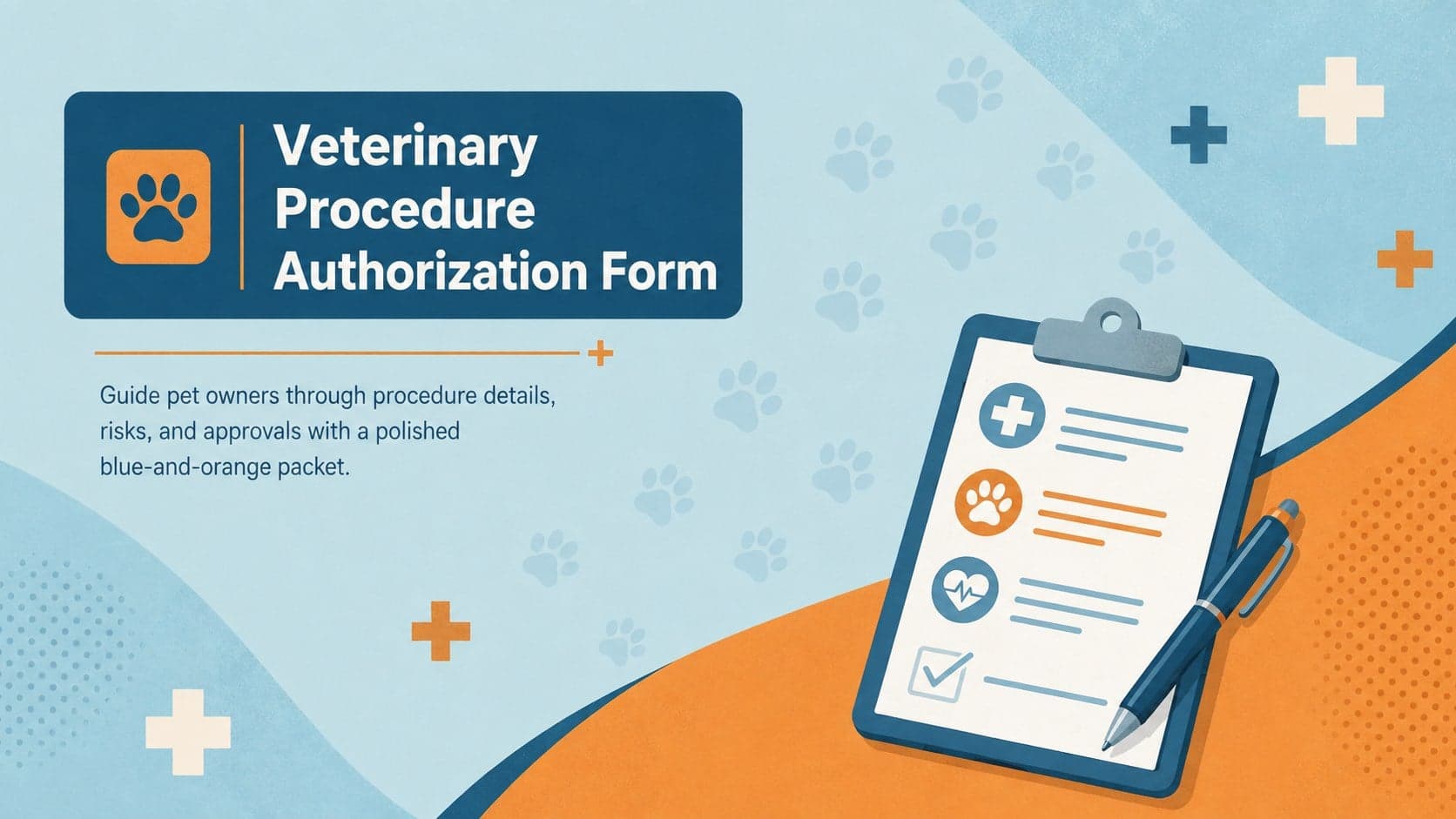
4Prepare pet owners for treatment with a veterinary procedure authorization form covering risks, medication, contacts, and approval details.