
 15
15presentation
Flying Saucer History Lesson Deck
Build an engaging World UFO Day session with this flying saucer history lesson deck, featuring retro green-and-brown slides for PowerPoint and Google Slides.
Google SlidesPowerPoint
presentation · English
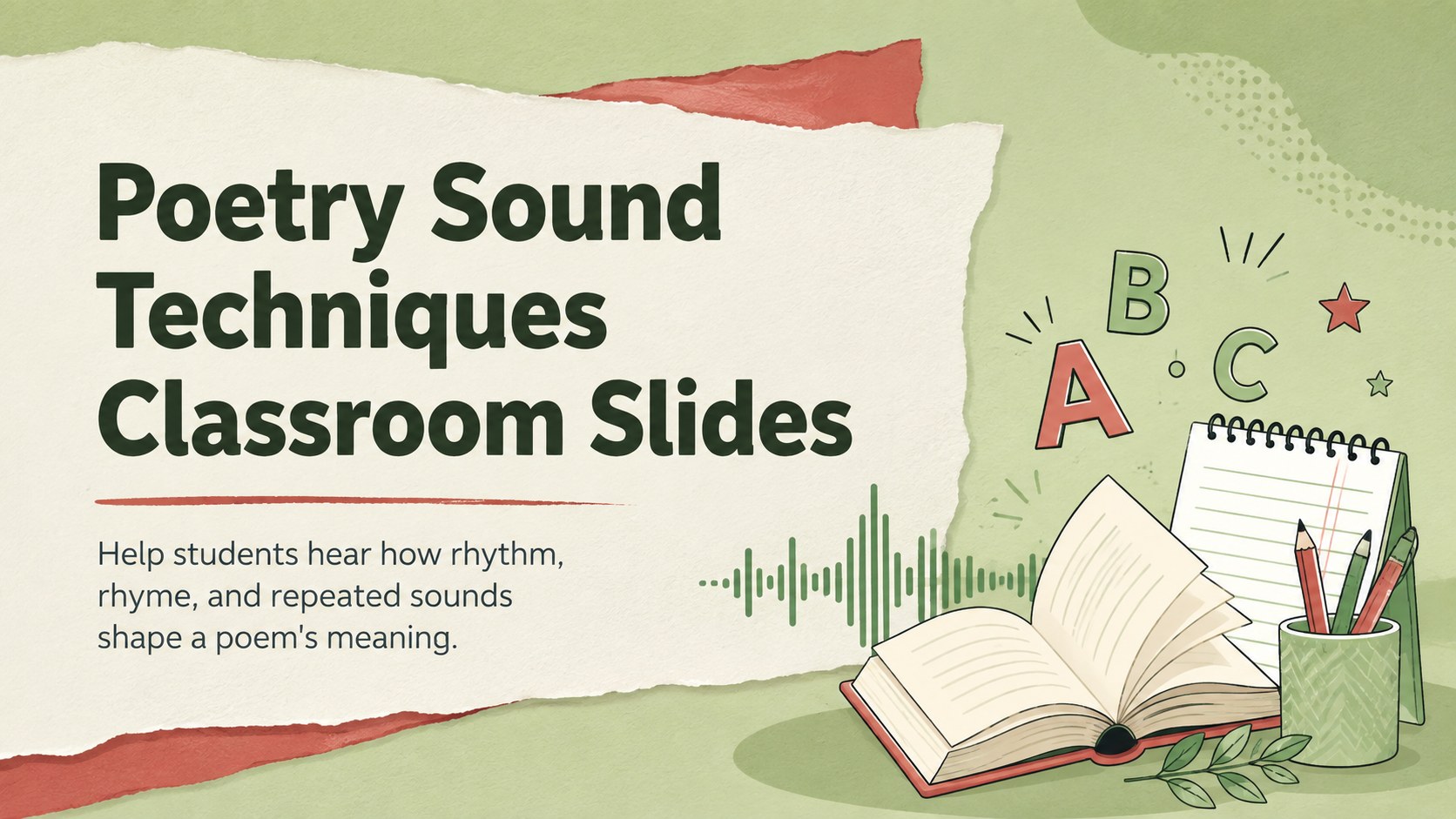
Make close reading memorable with Poetry Sound Techniques Classroom Slides, packed with editable activities for PowerPoint and Google Slides.
Design notes
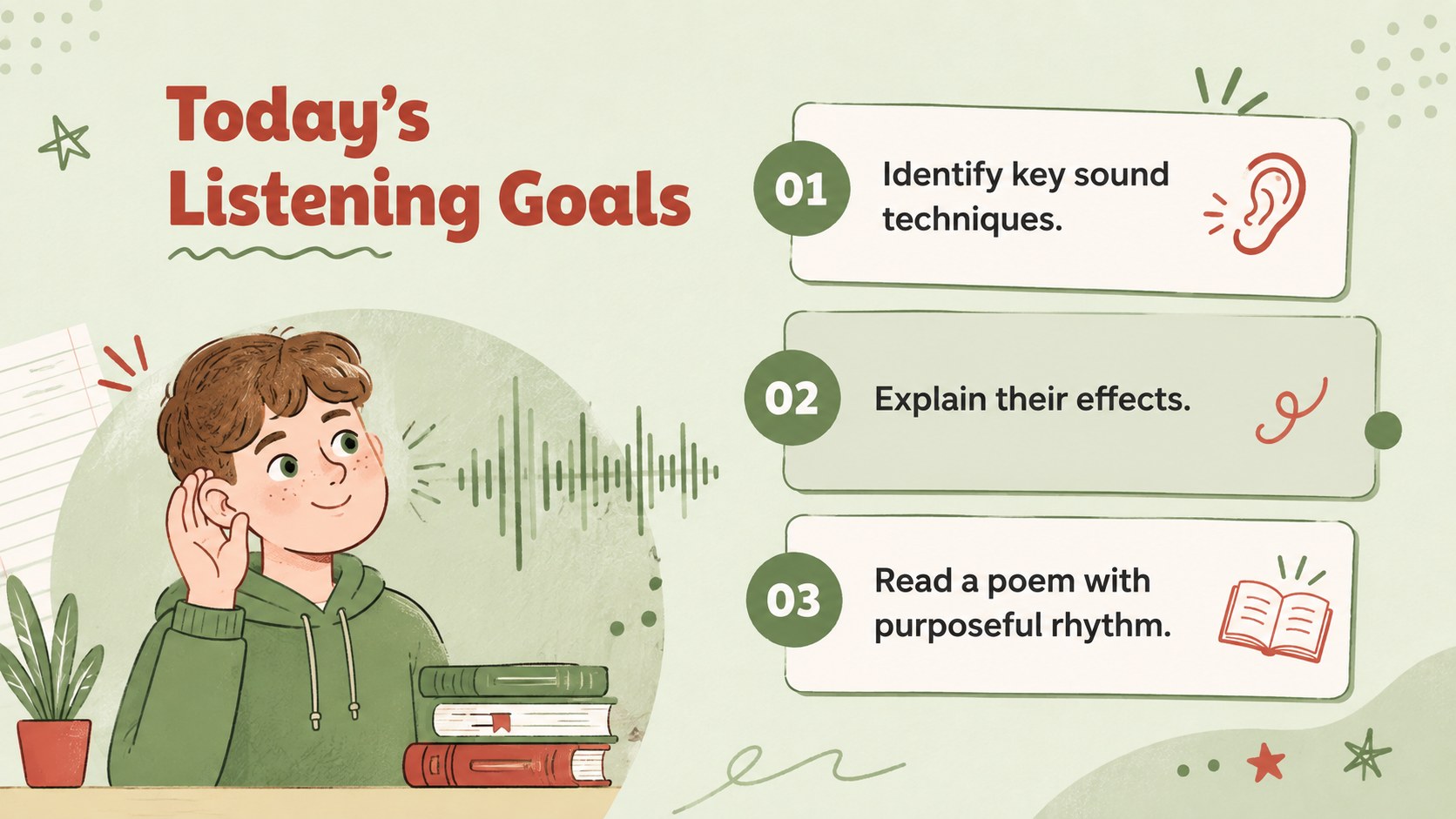
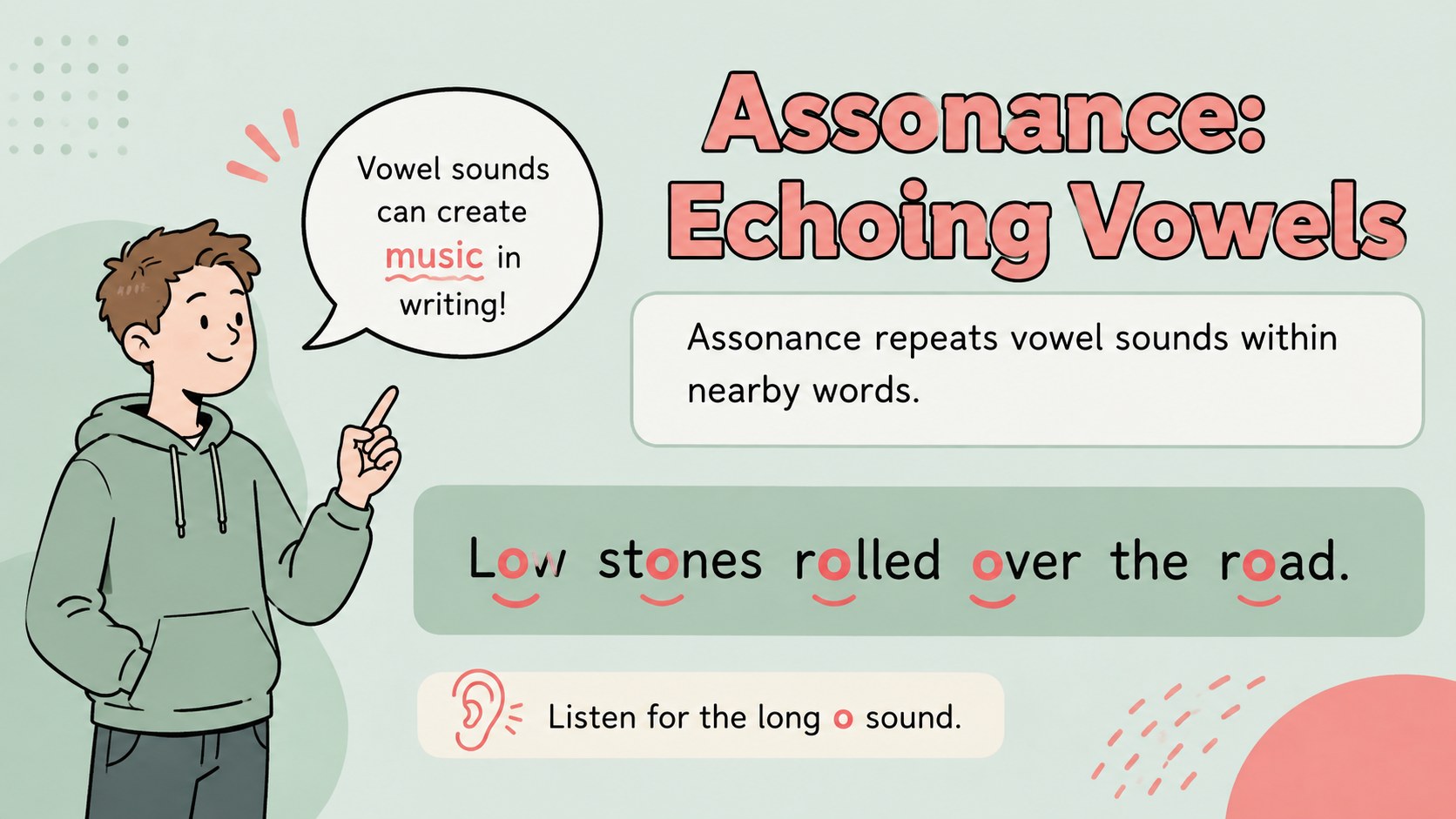
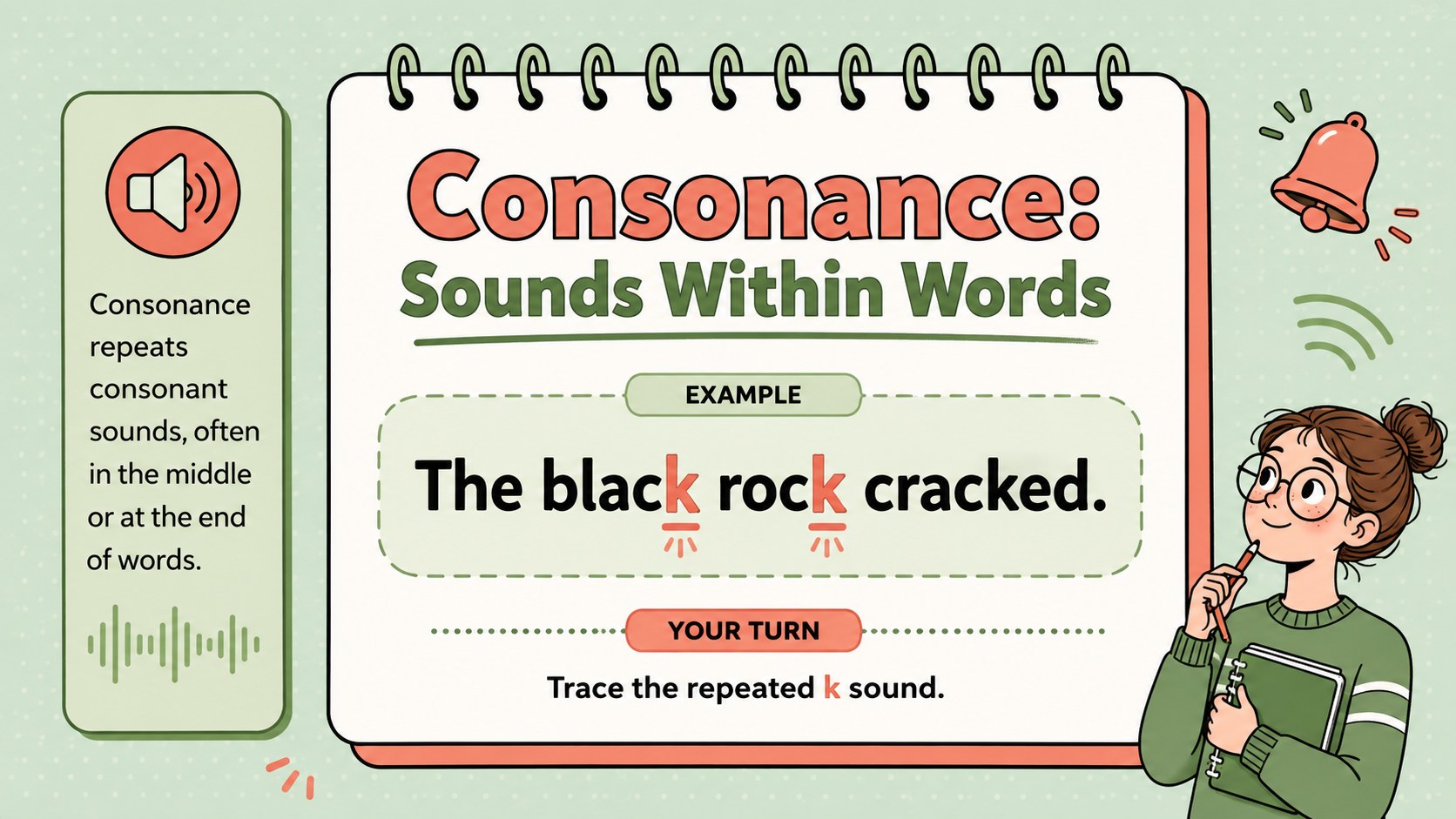
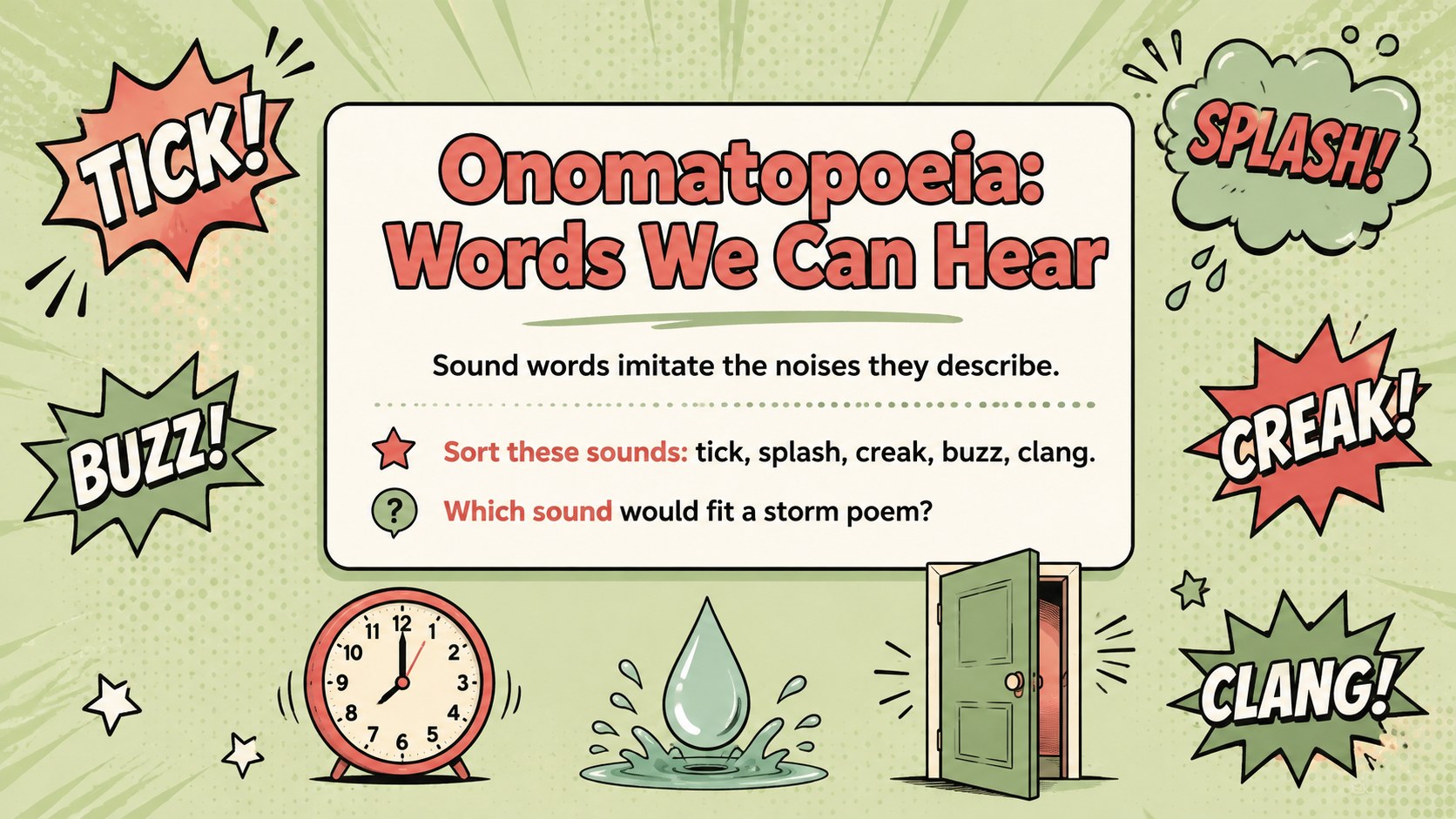
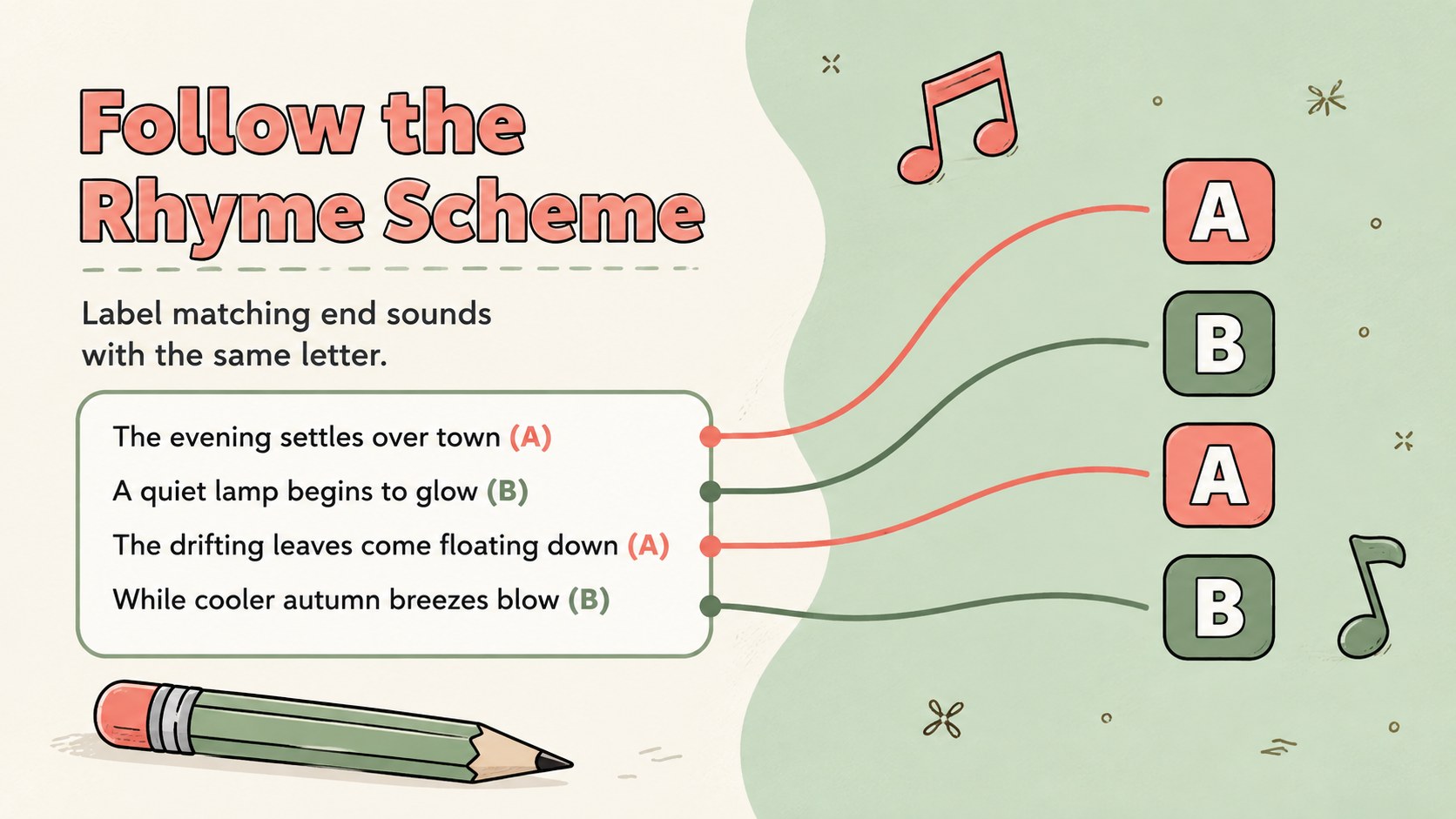
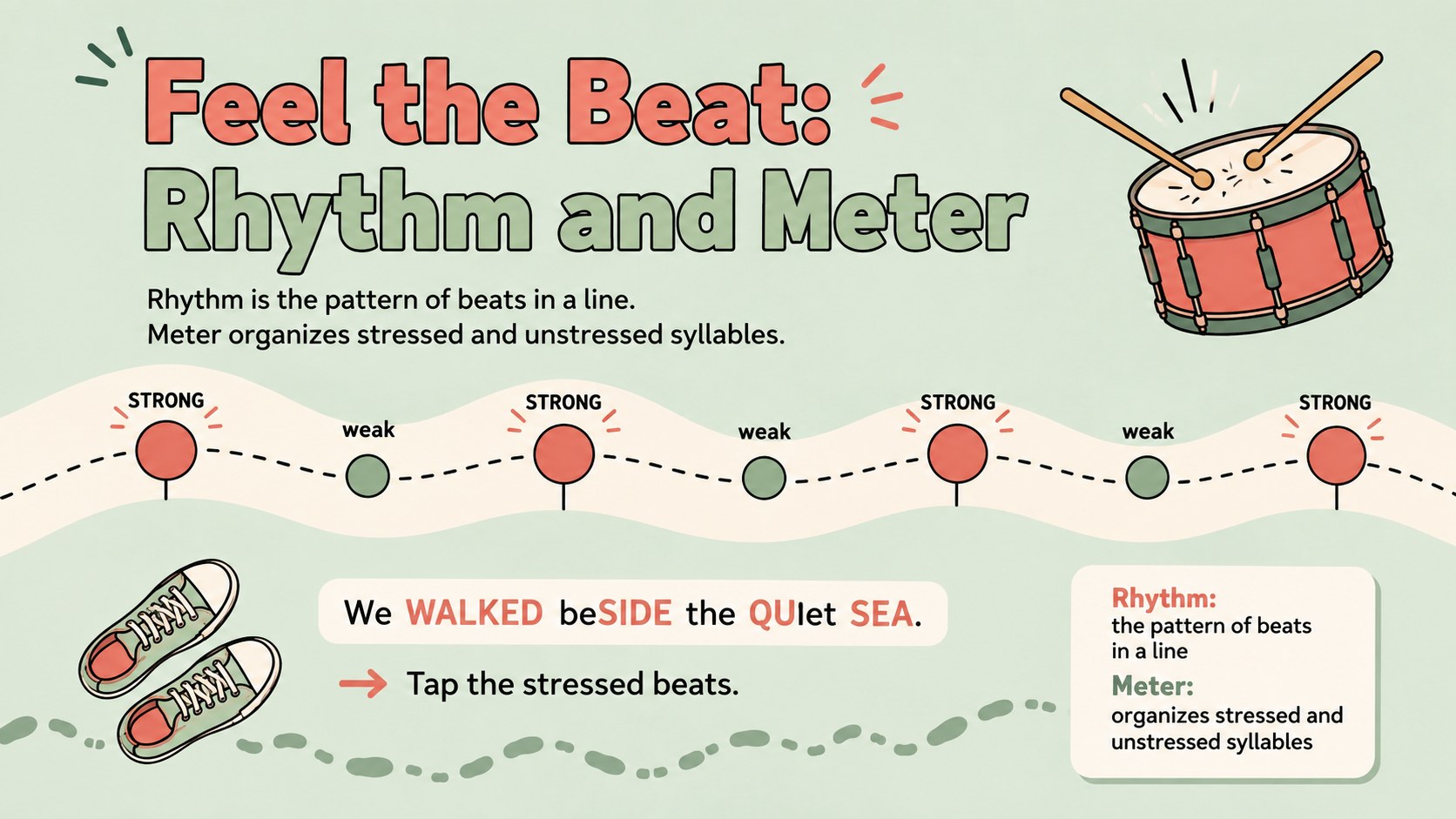
Poetry Sound Techniques Classroom Slides help students move beyond simply spotting devices to explaining how sound contributes to mood, emphasis, pace, and meaning. The illustrated pastel design combines fresh green backgrounds with lively red accents, creating an approachable visual style for secondary English classrooms. Every layout is editable in PowerPoint and Google Slides, so examples, instructions, and difficulty levels can be adapted to your curriculum.
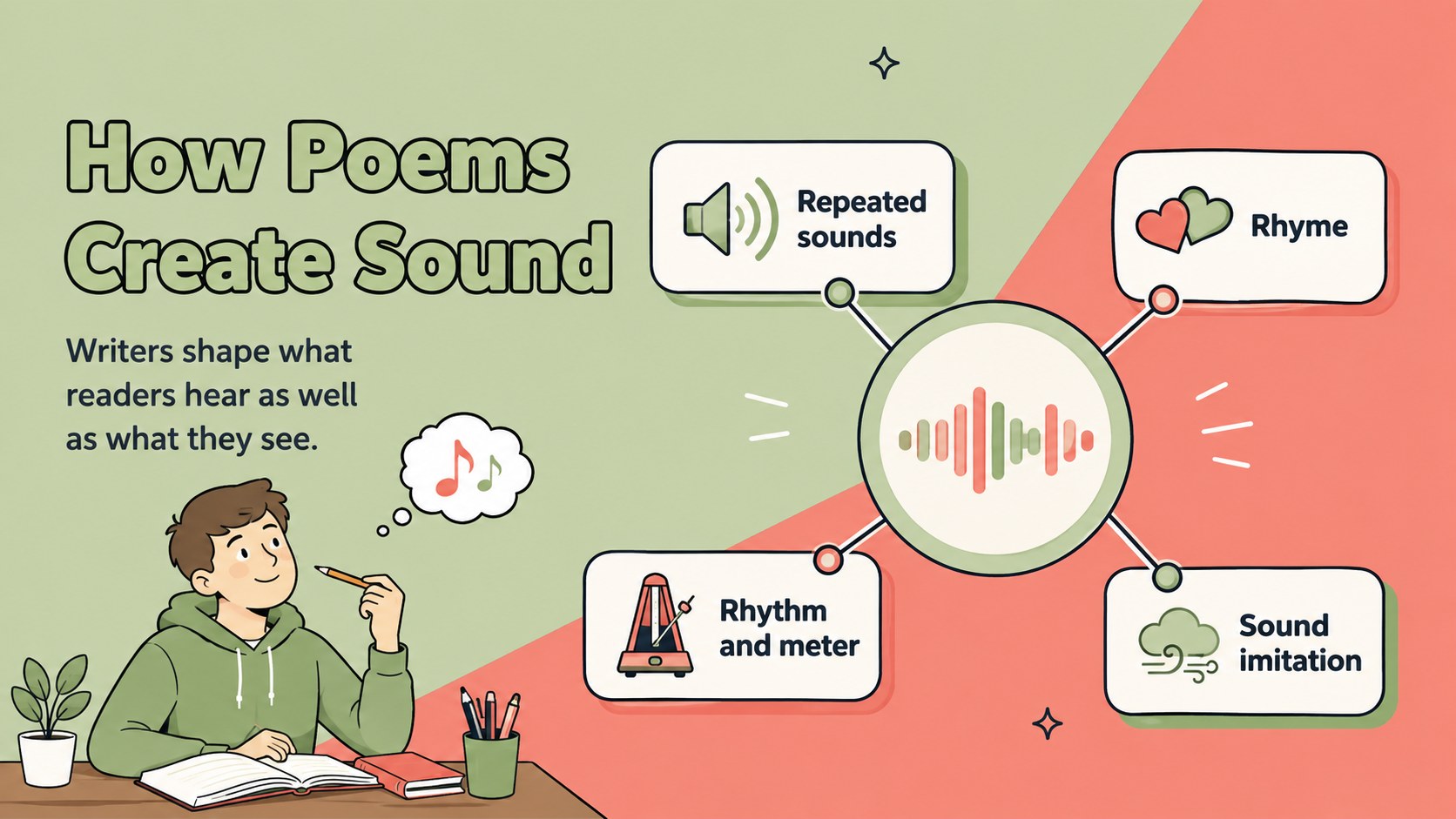
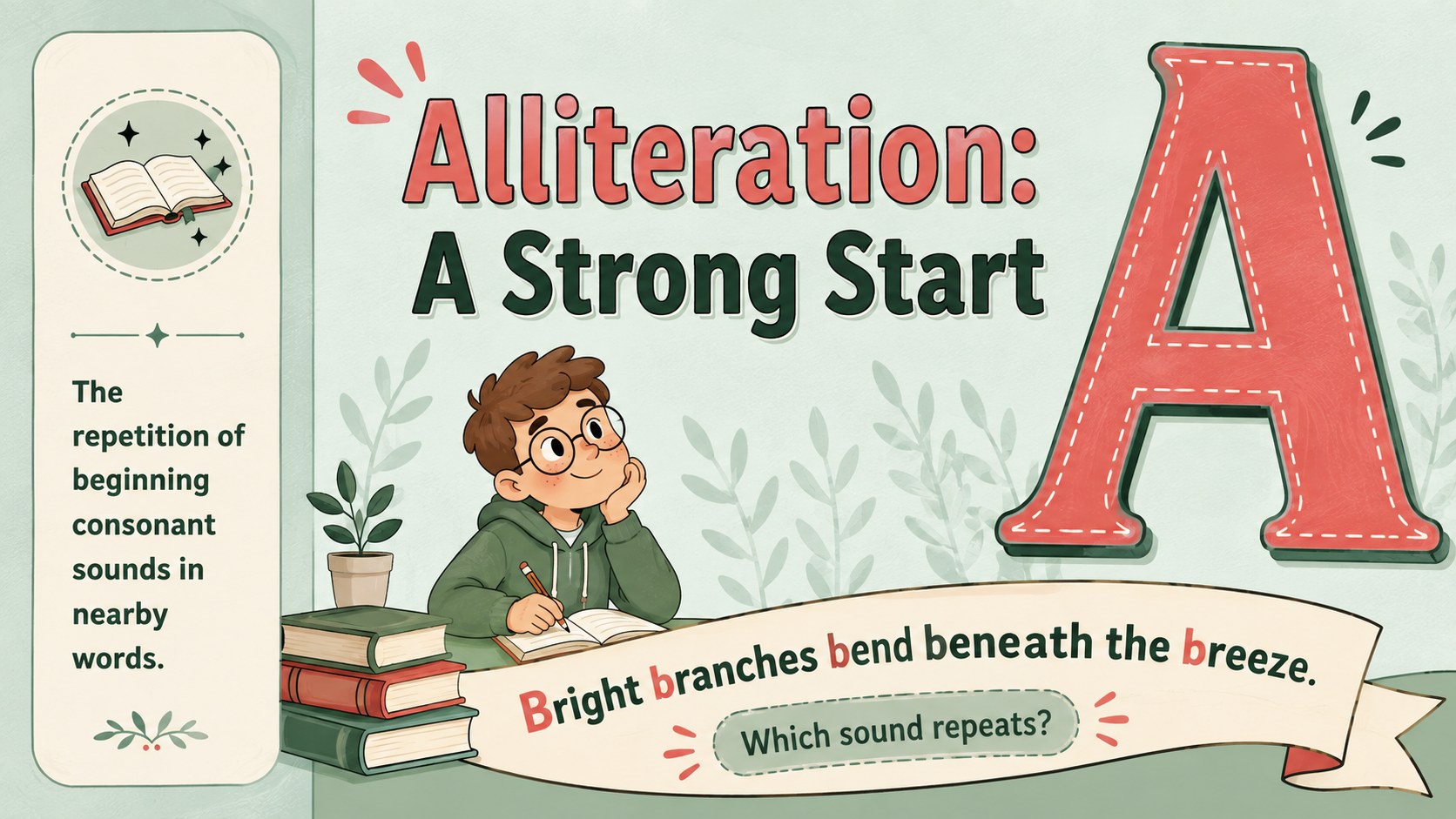
The deck introduces alliteration, assonance, consonance, onomatopoeia, rhyme, rhythm, repetition, and meter through concise definitions and accessible examples. It also includes a sound-device comparison, guided annotation, a listen-and-notice warm-up, collaborative practice, an independent poetry sound analysis activity, and an exit ticket. These alliteration, assonance, and consonance slides support both direct instruction and active participation without overwhelming learners with dense text.
Use the presentation when teaching rhythm and rhyme in poetry, reviewing literary terminology, preparing students for close reading, or supporting a creative writing workshop. It is especially useful for high school English teachers, tutors, homeschool educators, and intervention groups seeking secondary English poetry teaching resources. Replace the sample lines with poems from your syllabus, adjust the prompts for different reading levels, or divide the activities across several lessons.
Perfect for: high school poetry lesson; sound devices review; guided close reading; creative writing workshop; literary analysis practice.
Frequently asked questions
Can I edit these slides in PowerPoint and Google Slides? Yes. The layouts, text, colors, and activity prompts can be edited in both PowerPoint and Google Slides. Font substitutions may occur if a featured typeface is not installed on your device.
Practical details
Yes. The layouts, text, colors, and activity prompts can be edited in both PowerPoint and Google Slides. Font substitutions may occur if a featured typeface is not installed on your device.
Yes. Swap the examples for lines from poems in your syllabus or for student-written work. Keep each excerpt brief so the visual hierarchy remains clear.
The material is designed primarily for high school English classes. Teachers can simplify the analysis questions for younger learners or add terminology and scansion work for advanced students.
Edit the device list, examples, response prompts, and timing to match your objectives. You can also duplicate practice slides for group work or remove sections when planning a shorter review.
Keep exploring
15Build an engaging World UFO Day session with this flying saucer history lesson deck, featuring retro green-and-brown slides for PowerPoint and Google Slides.
 15
15Plan a lively animal-learning journey with this jungle zoo adventure lesson deck, ready to customize in PowerPoint and Google Slides for young learners.
 16
16Turn environmental research into a clear story with a Watercolor Ecology Presentation Theme for PowerPoint and Google Slides in calming green and blue.
 16
16Build focused fashion, literature, and humanities presentations with the Red Triangle Editorial Theme, editable in PowerPoint and Google Slides.
 15
15Turn streaming stats, favorite tracks, and concert highlights into a bold annual listening recap slide deck for PowerPoint and Google Slides.
 15
15Turn highlights, milestones, and favorite moments into a colorful year in review slide deck with bold 3D graphics for PowerPoint and Google Slides.
 3
3Build a credible endorsement with Standout Colleague Recommendation Letter Slides, featuring colorful prompts for skills, achievements, and team impact.
 4
4Build clear beginner sessions with an ice hockey fundamentals training deck for coaches, PE teachers, and clubs, ready for PowerPoint and Google Slides.