
 15
15presentation
Flying Saucer History Lesson Deck
Build an engaging World UFO Day session with this flying saucer history lesson deck, featuring retro green-and-brown slides for PowerPoint and Google Slides.
Google SlidesPowerPoint
presentation · English
Explore a playful counting cards slide deck for preschool lessons, home practice, and number games. Edit in PowerPoint or Google Slides and print it.
Design notes
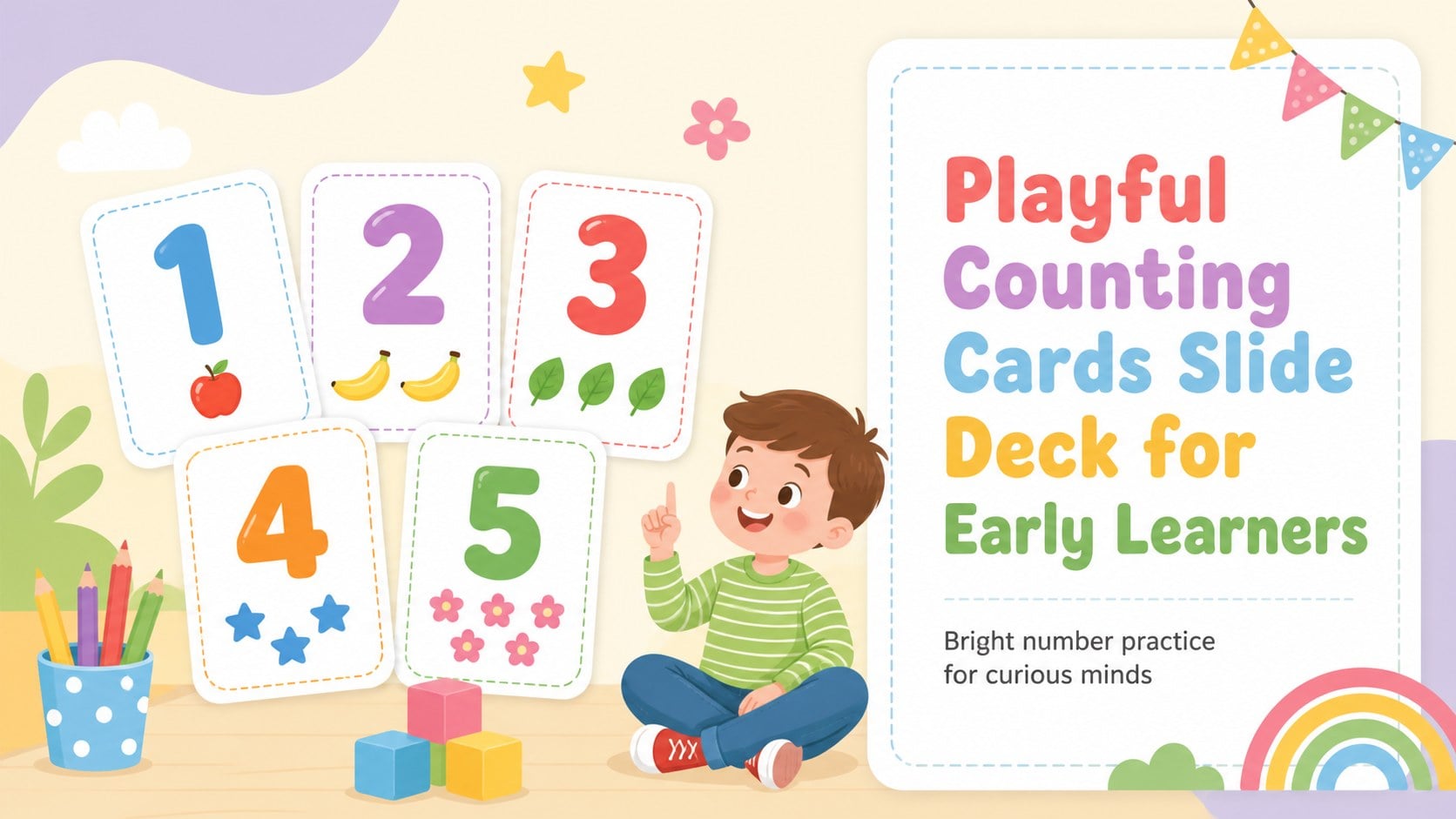
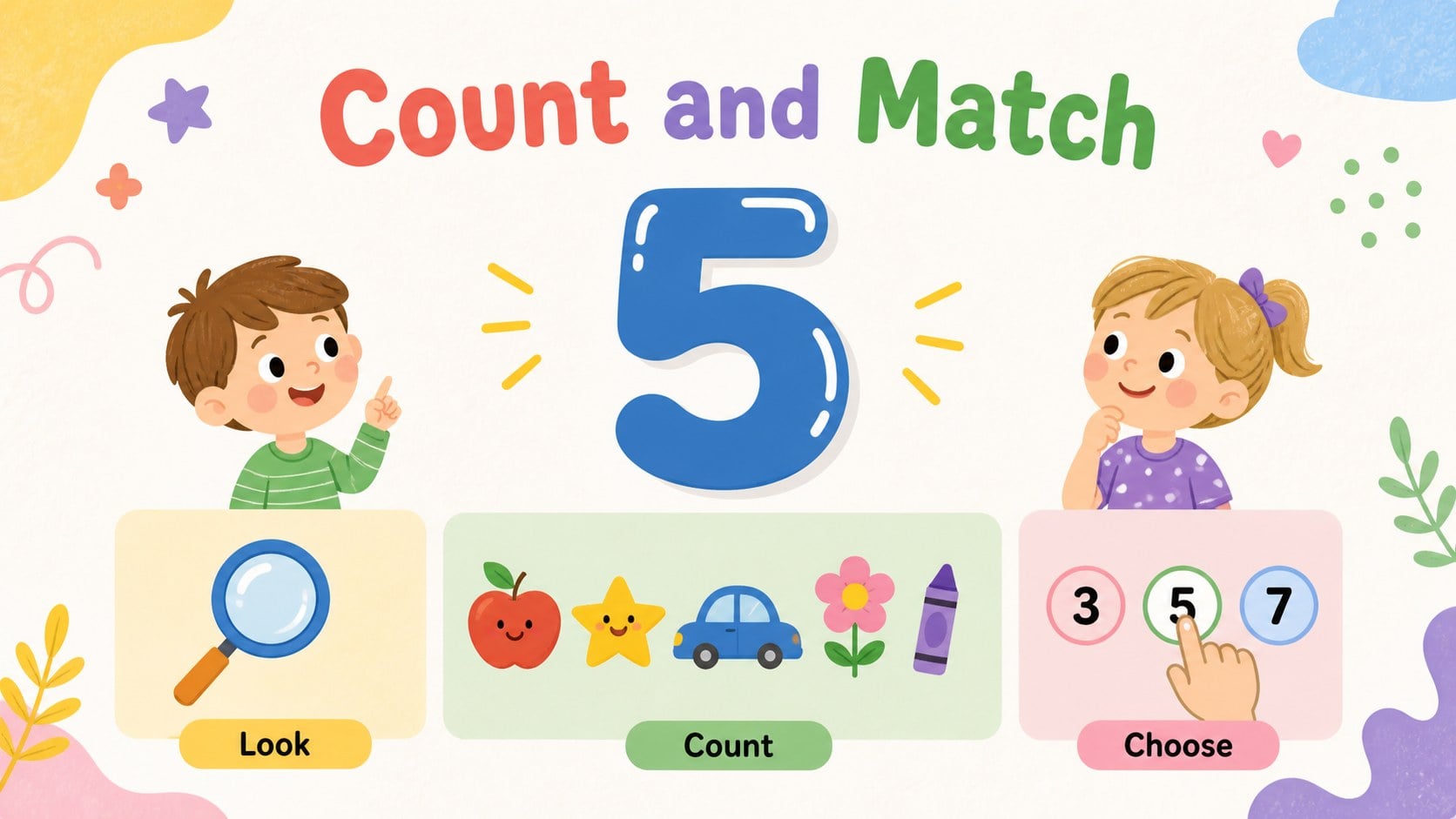
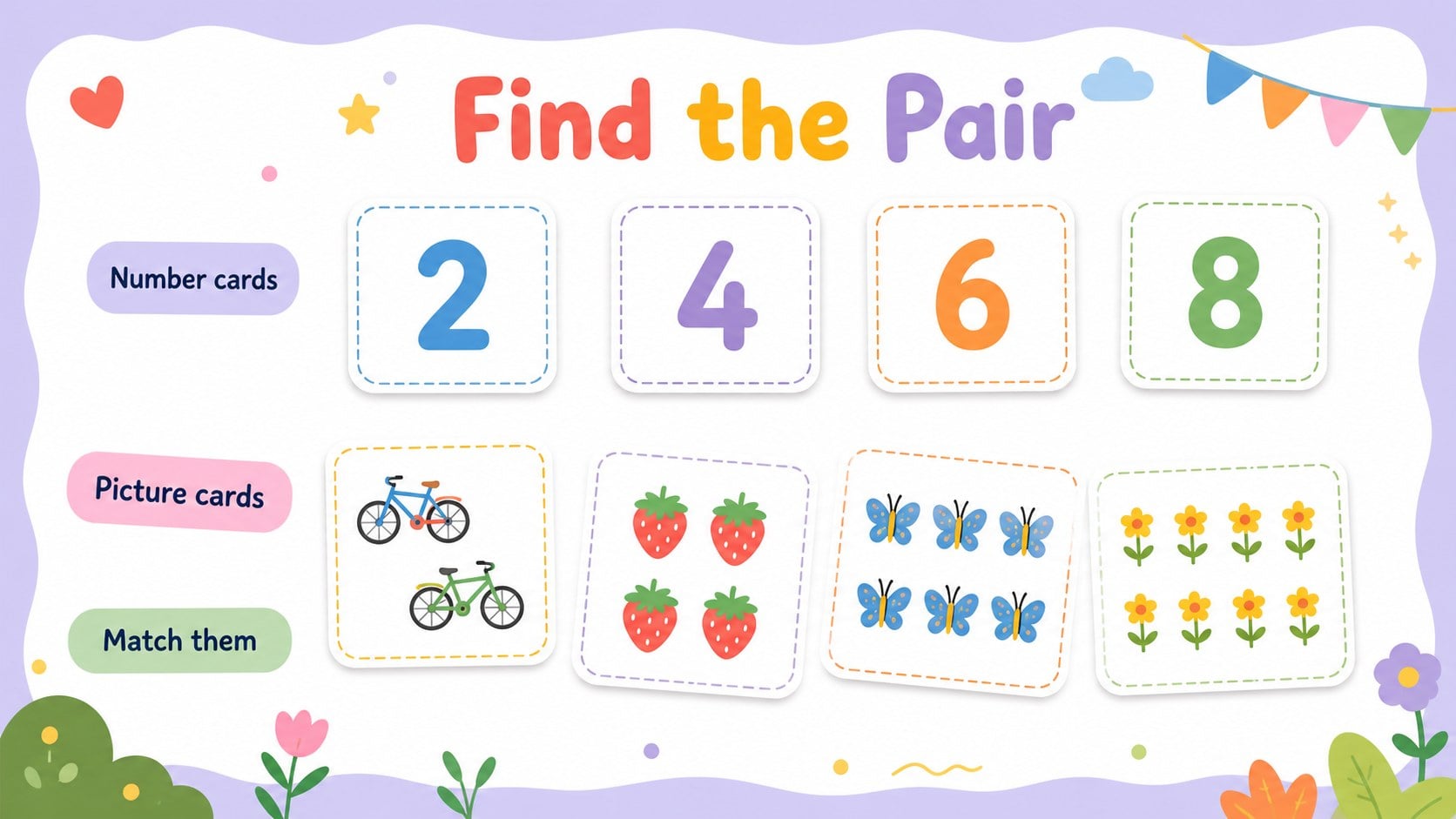
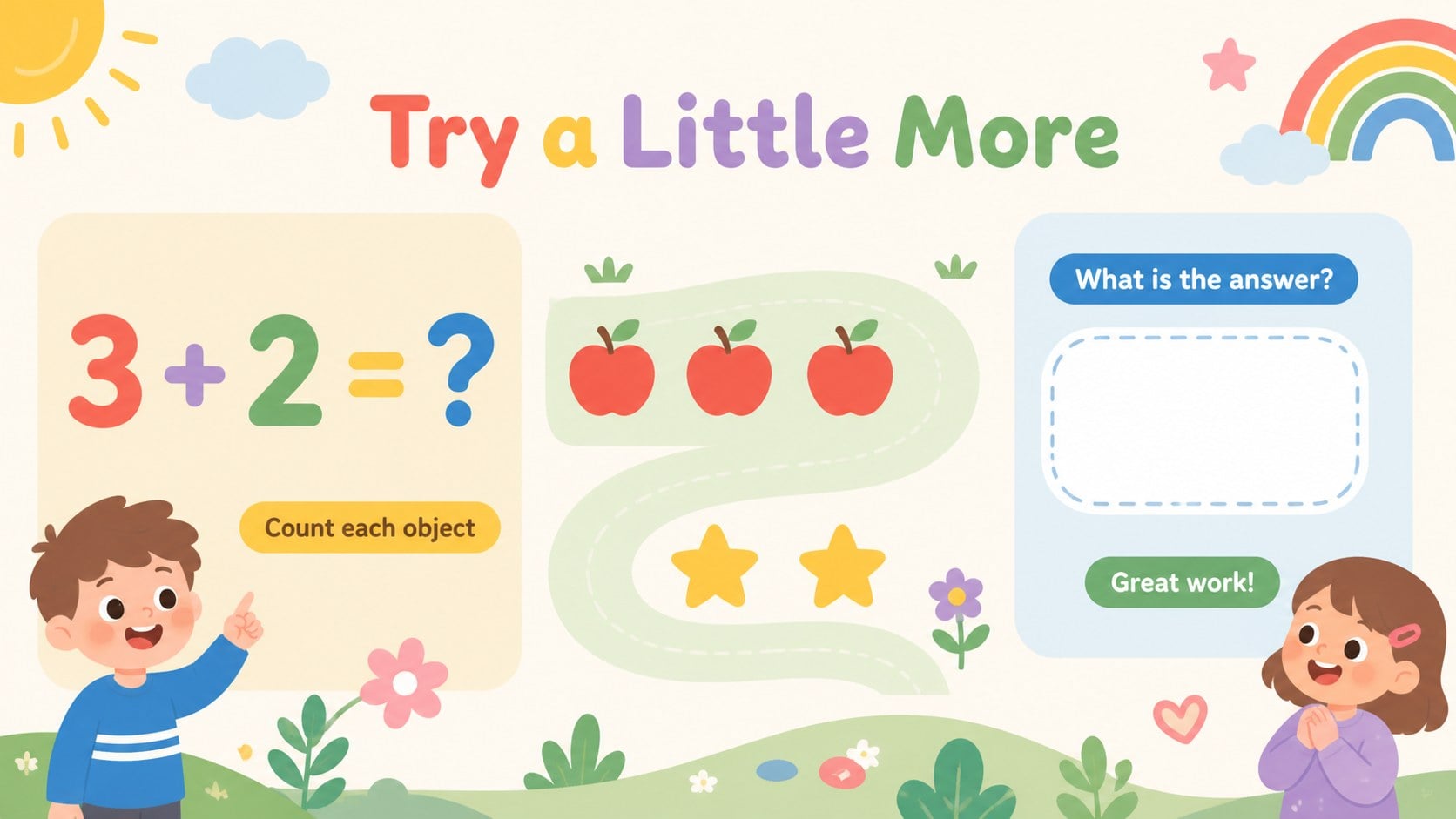
Make early math feel inviting with this playful counting cards slide deck for preschoolers and beginning learners. Its cheerful pastel palette, friendly illustrations, and uncluttered layouts help children focus on numbers while giving adults an easy structure for guided practice. Use the deck for number recognition, counting aloud, matching quantities, or introducing simple addition.
Inside, you will find more than 25 editable slides for number cards, counting prompts, picture-based exercises, memory games, and short review activities. The flexible layouts can be adapted for preschool number recognition activities, printable counting cards for kids, or interactive early math lesson slides. Replace the sample numbers, swap illustrations, add a child's name, or create a themed lesson around animals, classroom objects, or everyday items. Slides can be presented on screen, exported as a PDF, or printed and trimmed into reusable cards.
This resource is designed for early-years teachers, parents, homeschool families, tutors, and activity leaders. It is compatible with PowerPoint and Google Slides, making it simple to adjust text, colors, graphics, and lesson pacing before sharing or presenting.
Perfect for: preschool number recognition lesson; home counting practice; kindergarten math center; tutor-led number games; printable classroom flashcards.
Frequently asked questions
Can I edit the deck in PowerPoint? Yes. The presentation is designed for PowerPoint editing, including changes to numbers, text, colors, illustrations, and slide order. You can also export the finished deck as a PDF for printing.
Practical details
Yes. The presentation is designed for PowerPoint editing, including changes to numbers, text, colors, illustrations, and slide order. You can also export the finished deck as a PDF for printing.
Yes, the slides can be opened and customized in Google Slides. Review fonts and graphic placement after importing to make sure every element displays as expected.
Yes. Export the selected number-card pages as a PDF, print them on suitable paper, and trim along the page boundaries. You can laminate the cards for repeated classroom or home use.
You can replace the sample numbers, add quantity pictures, change the activity instructions, and adjust the colors or illustrations. This makes the deck suitable for counting, matching, memory practice, and simple addition.
Keep exploring
15Build an engaging World UFO Day session with this flying saucer history lesson deck, featuring retro green-and-brown slides for PowerPoint and Google Slides.
 15
15Plan a lively animal-learning journey with this jungle zoo adventure lesson deck, ready to customize in PowerPoint and Google Slides for young learners.
 16
16Turn environmental research into a clear story with a Watercolor Ecology Presentation Theme for PowerPoint and Google Slides in calming green and blue.
 16
16Build focused fashion, literature, and humanities presentations with the Red Triangle Editorial Theme, editable in PowerPoint and Google Slides.
 15
15Turn streaming stats, favorite tracks, and concert highlights into a bold annual listening recap slide deck for PowerPoint and Google Slides.
 15
15Turn highlights, milestones, and favorite moments into a colorful year in review slide deck with bold 3D graphics for PowerPoint and Google Slides.
 3
3Build a credible endorsement with Standout Colleague Recommendation Letter Slides, featuring colorful prompts for skills, achievements, and team impact.
 4
4Build clear beginner sessions with an ice hockey fundamentals training deck for coaches, PE teachers, and clubs, ready for PowerPoint and Google Slides.