
 15
15presentation
Flying Saucer History Lesson Deck
Build an engaging World UFO Day session with this flying saucer history lesson deck, featuring retro green-and-brown slides for PowerPoint and Google Slides.
Google SlidesPowerPoint
presentation · English
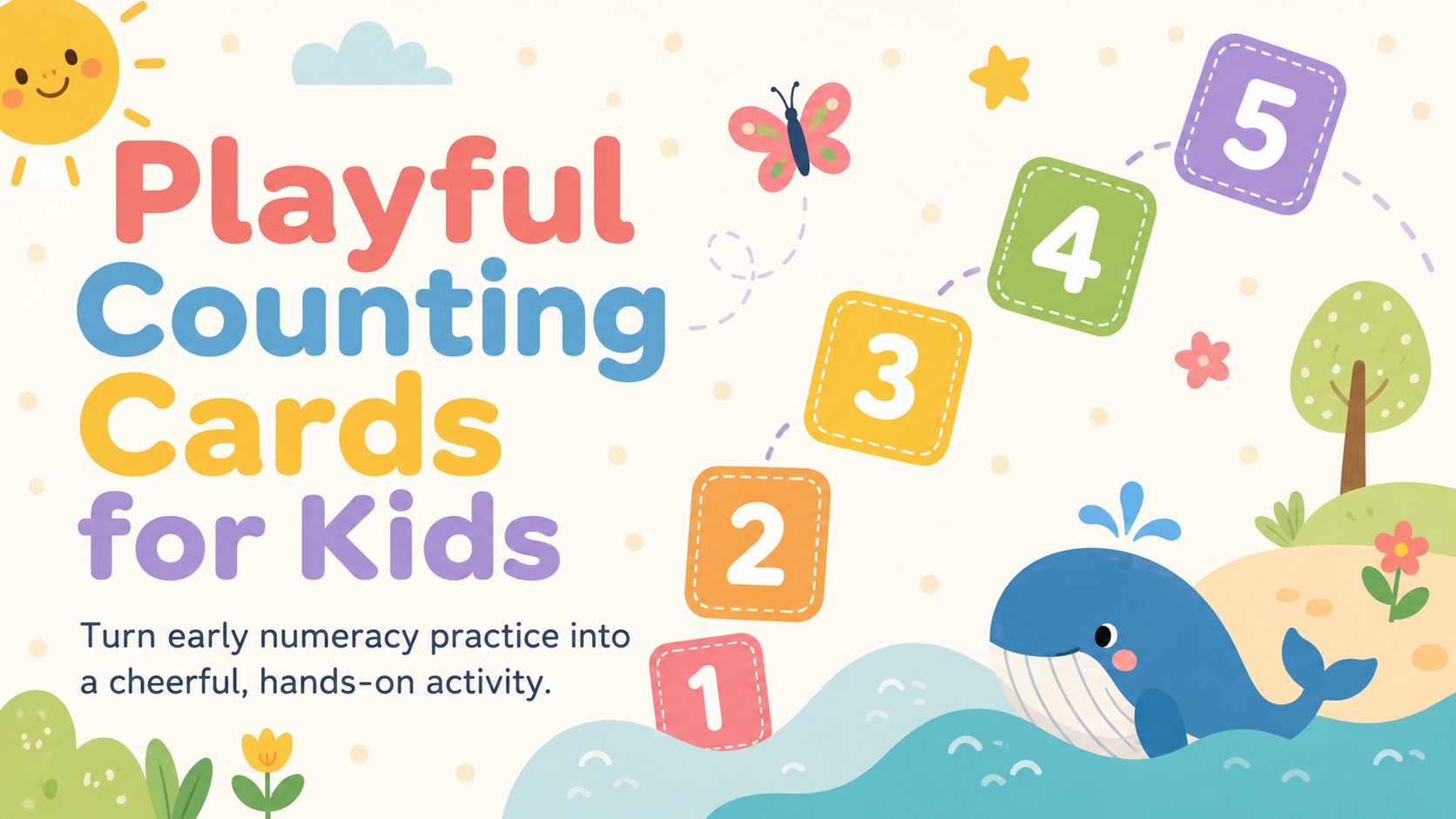
Build early math confidence with Playful Counting Cards for Kids, an editable pastel deck for number recognition, counting games, and class practice.



Design notes
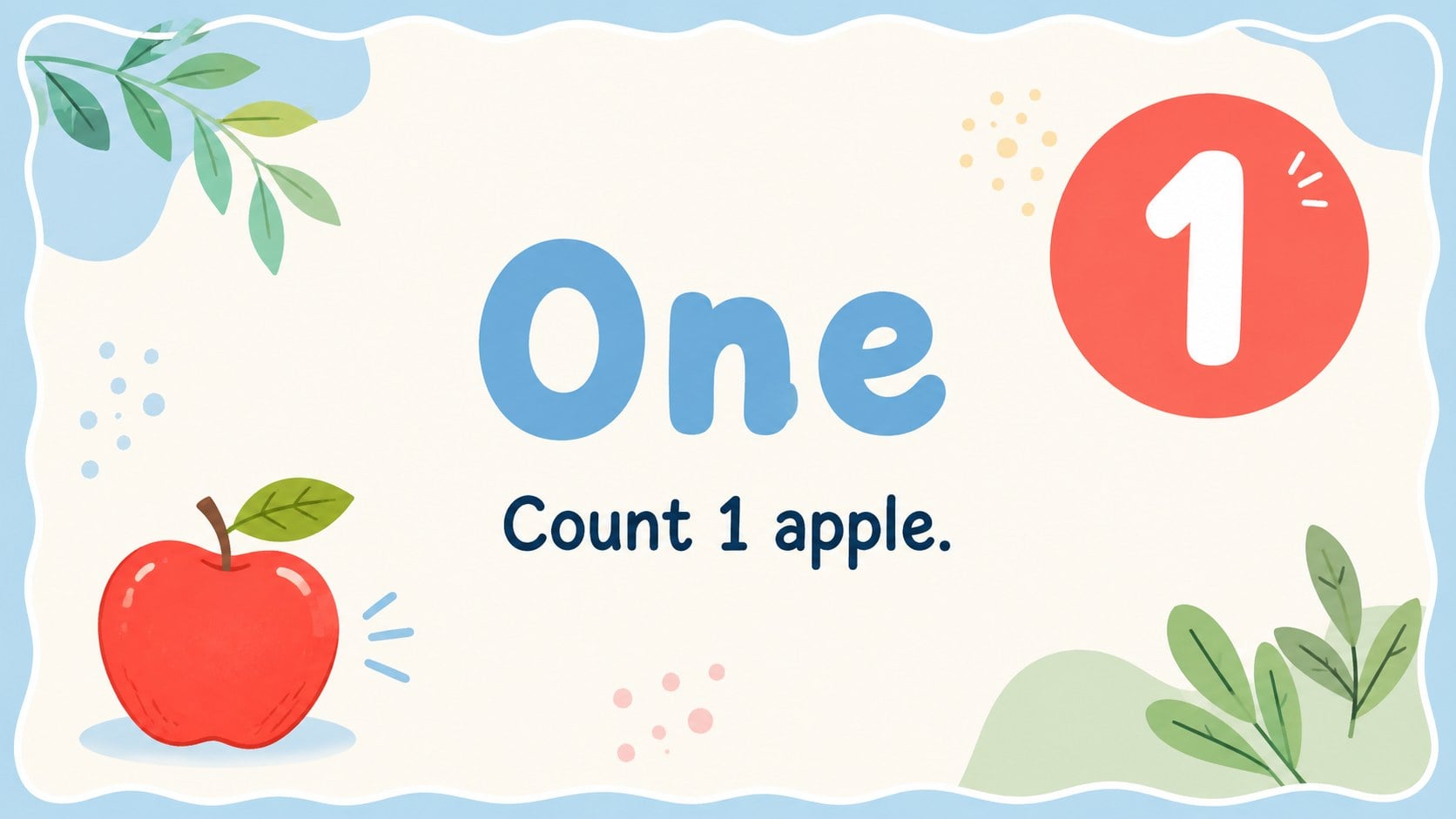
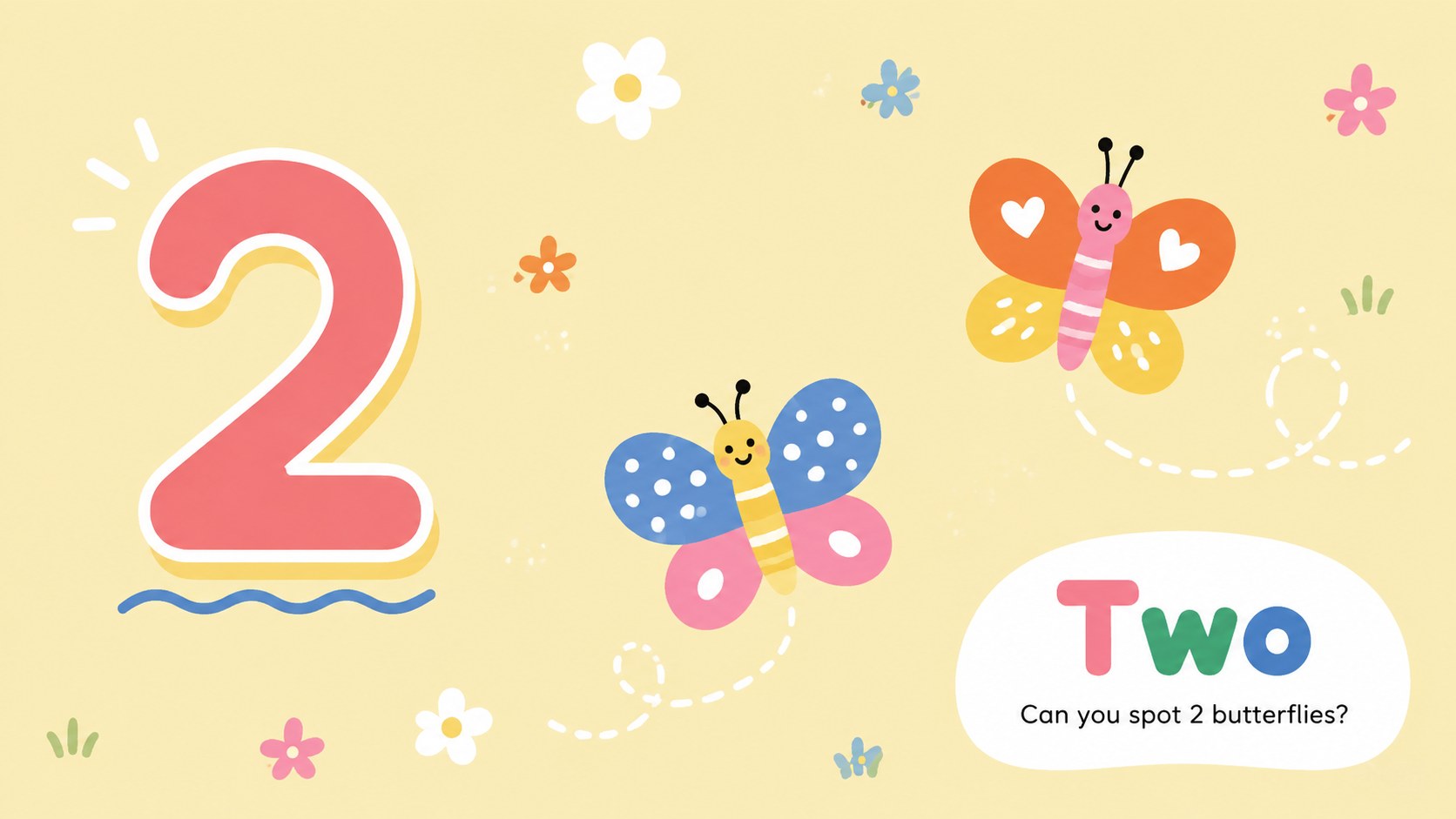
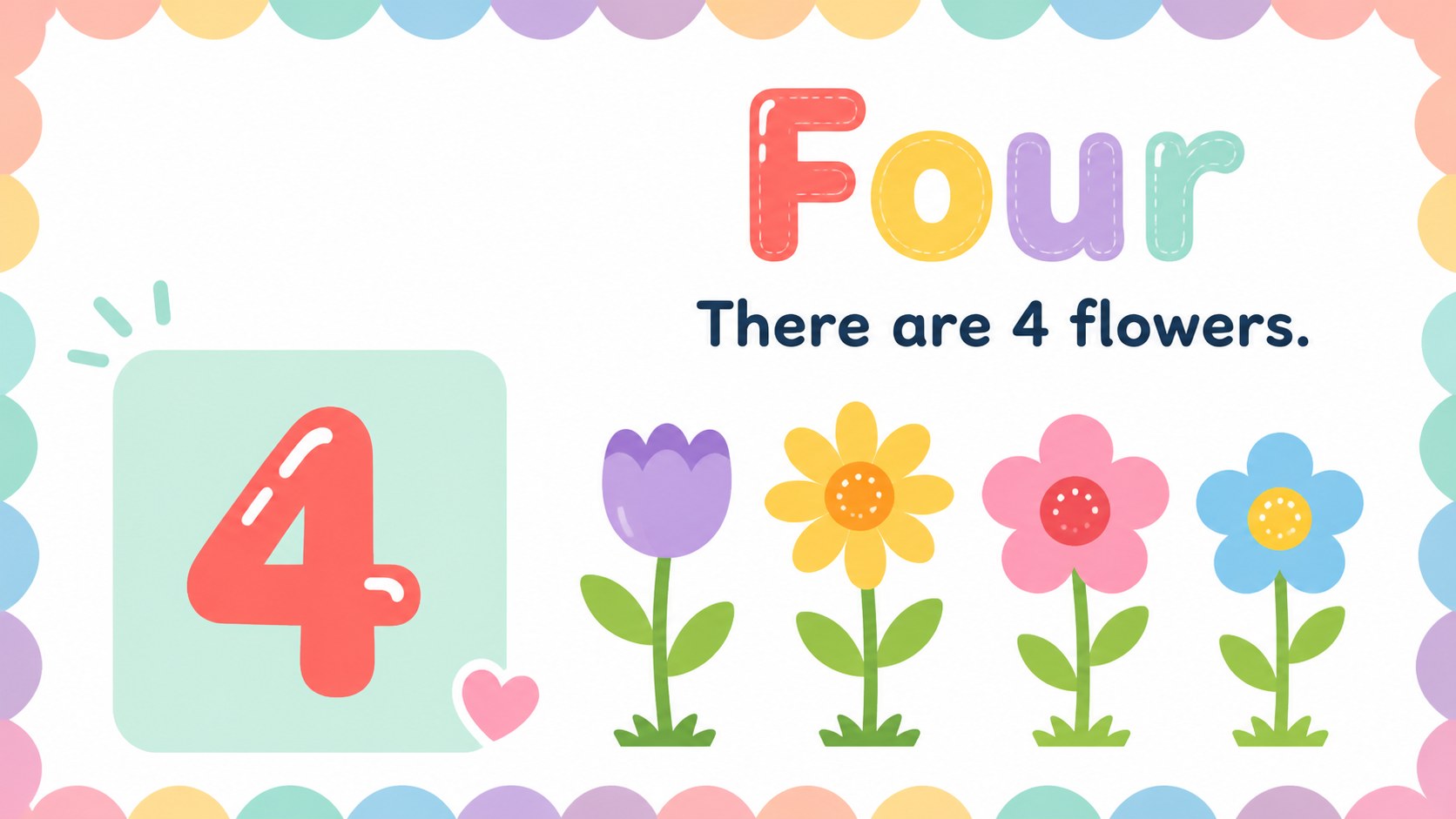
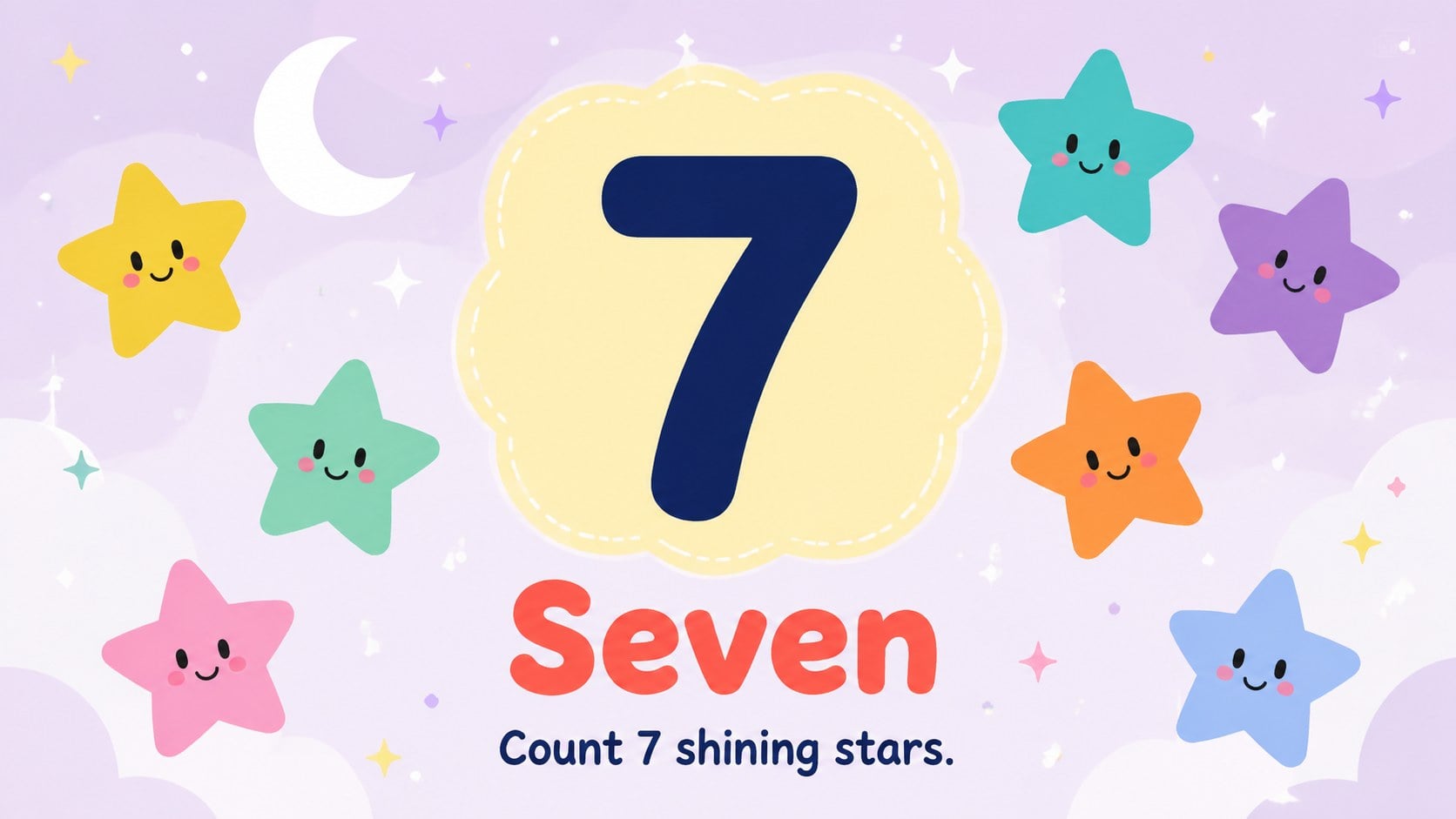
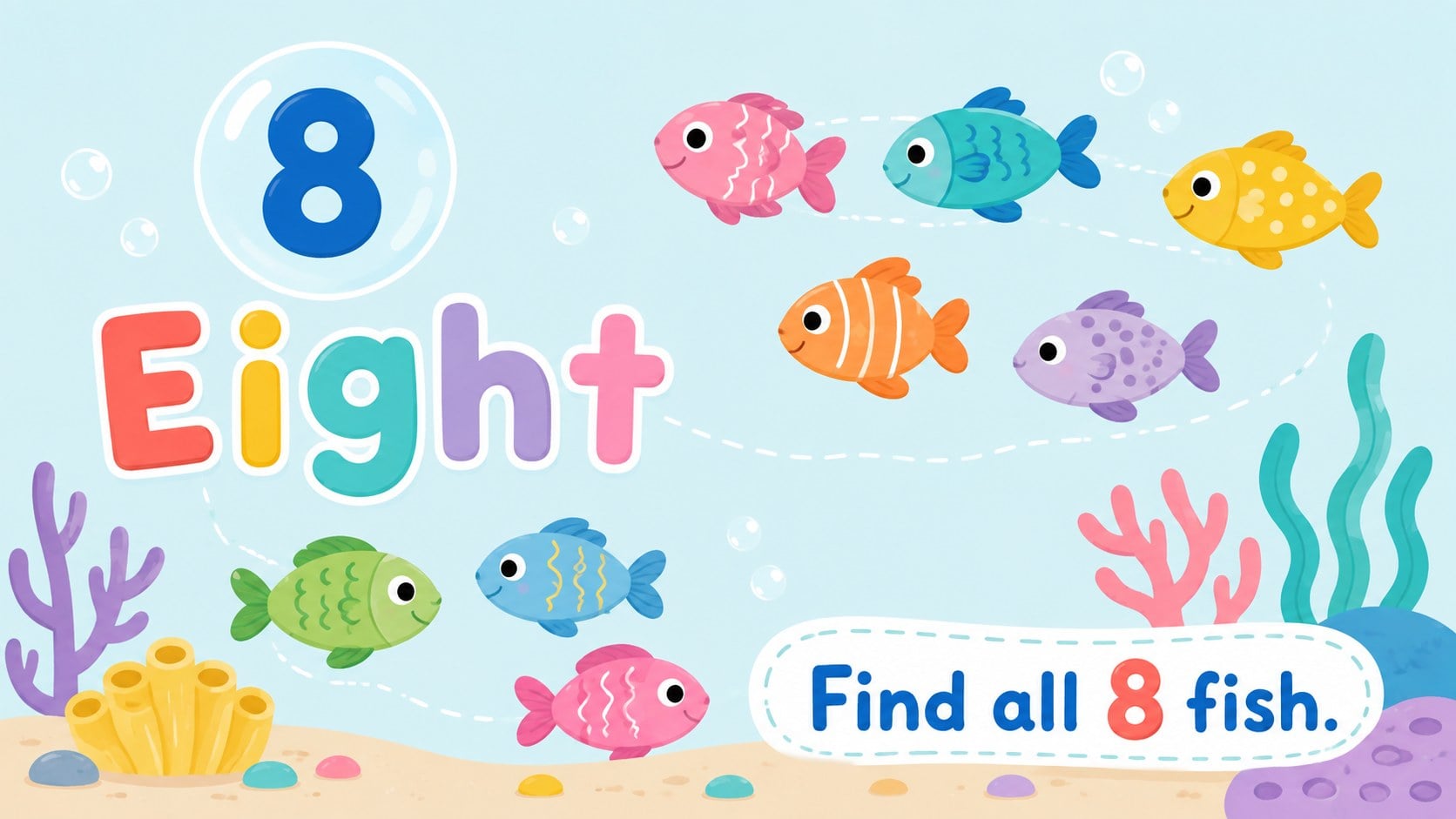
Playful Counting Cards for Kids turns early number practice into an inviting visual activity for preschool and primary learners. Cheerful illustrations, spacious layouts, and a colorful pastel palette help children focus on each numeral without making lessons feel formal. Use the deck on a classroom screen, during small-group instruction, or as printable practice cards.
Inside, you will find editable counting cards for preschool, number recognition prompts, picture-counting challenges, and simple comparison activities. The sequence introduces numerals clearly, then reinforces them through matching, counting, and recall. These pastel number recognition slides can be reordered, duplicated, or adapted with your own objects, instructions, and difficulty levels in PowerPoint or Google Slides.
Teachers can use this early math flashcard deck for warm-ups, learning stations, intervention sessions, or whole-class games. Parents and tutors can also create quick practice routines for home learning or travel. The white backgrounds keep every card easy to read, while playful shapes, friendly animals, and nature-inspired details preserve a warm, child-centered style. Customize the wording, colors, and illustrations to suit different ages, learning goals, or classroom themes, then present digitally or export selected slides for printing.
Perfect for: preschool number recognition; kindergarten math warm-up; small-group counting practice; home learning activity; printable flashcard station.
Frequently asked questions
Can I edit the numbers and illustrations? Yes. You can replace the numerals, instructions, colors, and picture groups to match your lesson in PowerPoint or Google Slides. Slides may also be duplicated to introduce additional numbers.
Practical details
Yes. You can replace the numerals, instructions, colors, and picture groups to match your lesson in PowerPoint or Google Slides. Slides may also be duplicated to introduce additional numbers.
The deck is designed for PowerPoint and Google Slides. Review fonts and object placement after importing so the presentation remains consistent on your device.
Yes. Select the cards you need and export them as PDF pages before printing. For smaller cards, choose a multiple-pages-per-sheet setting in your printer options.
Begin with numeral recognition and one-to-one counting for younger learners. For more advanced practice, add missing-number prompts, quantity comparisons, simple addition, or timed recall activities.
Keep exploring
15Build an engaging World UFO Day session with this flying saucer history lesson deck, featuring retro green-and-brown slides for PowerPoint and Google Slides.
 15
15Plan a lively animal-learning journey with this jungle zoo adventure lesson deck, ready to customize in PowerPoint and Google Slides for young learners.
 16
16Turn environmental research into a clear story with a Watercolor Ecology Presentation Theme for PowerPoint and Google Slides in calming green and blue.
 16
16Build focused fashion, literature, and humanities presentations with the Red Triangle Editorial Theme, editable in PowerPoint and Google Slides.
 15
15Turn streaming stats, favorite tracks, and concert highlights into a bold annual listening recap slide deck for PowerPoint and Google Slides.
 15
15Turn highlights, milestones, and favorite moments into a colorful year in review slide deck with bold 3D graphics for PowerPoint and Google Slides.
 3
3Build a credible endorsement with Standout Colleague Recommendation Letter Slides, featuring colorful prompts for skills, achievements, and team impact.
 4
4Build clear beginner sessions with an ice hockey fundamentals training deck for coaches, PE teachers, and clubs, ready for PowerPoint and Google Slides.