
 15
15presentation
Flying Saucer History Lesson Deck
Build an engaging World UFO Day session with this flying saucer history lesson deck, featuring retro green-and-brown slides for PowerPoint and Google Slides.
Google SlidesPowerPoint
presentation · English
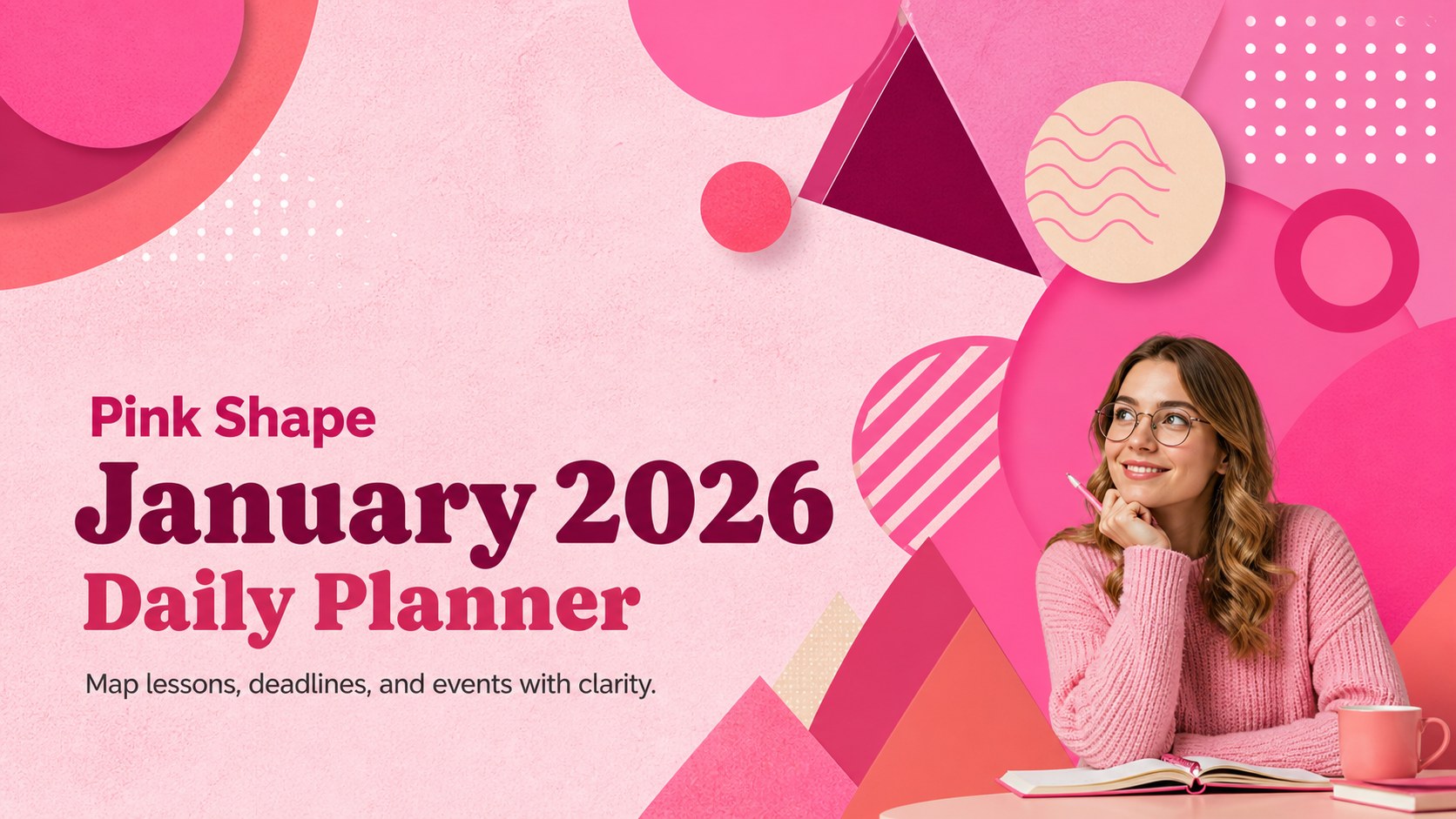
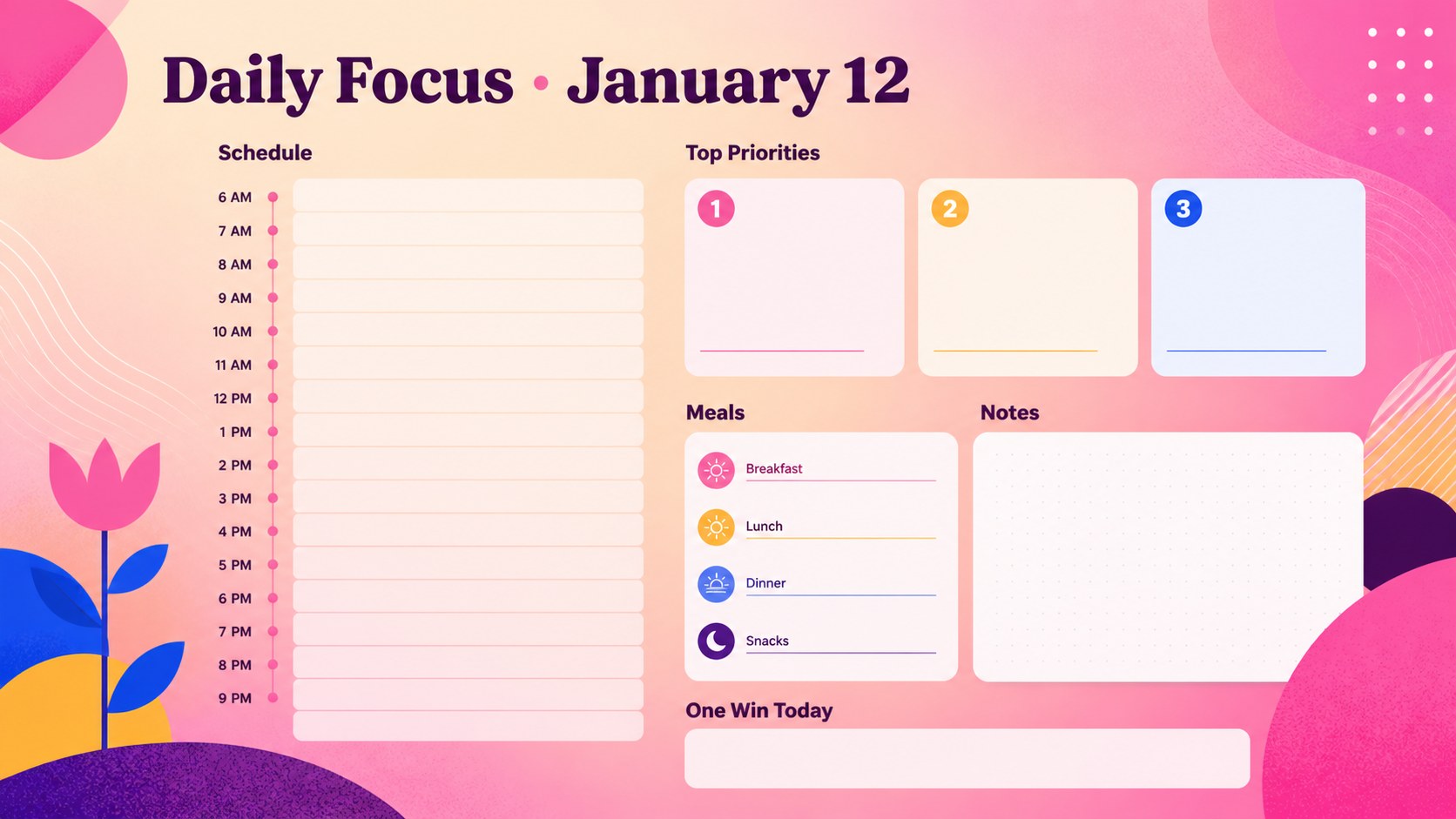
Plan lessons, appointments, and deadlines with this Pink Shape January 2026 Daily Planner, editable in PowerPoint and Google Slides for a bright start.
Design notes
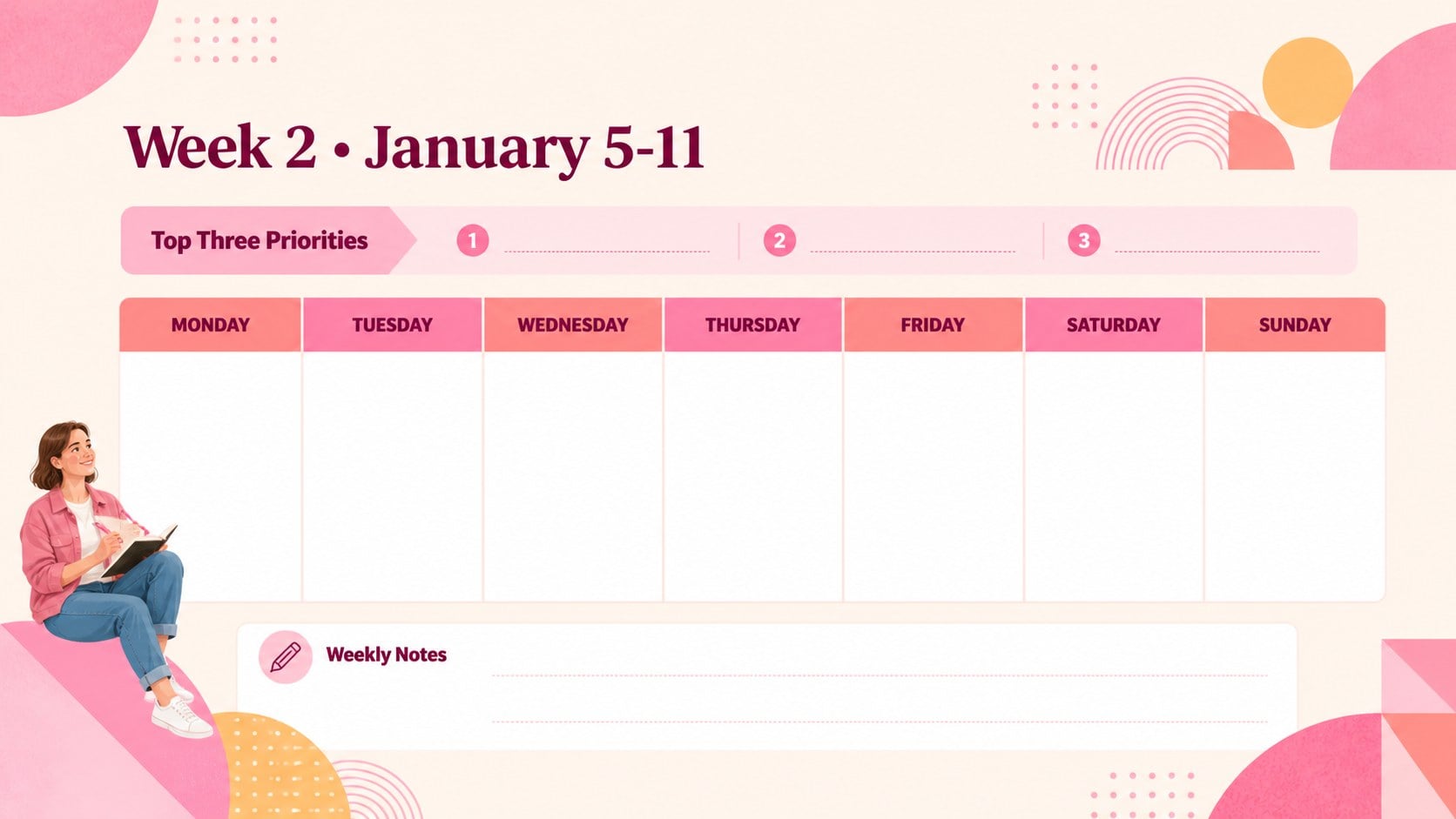
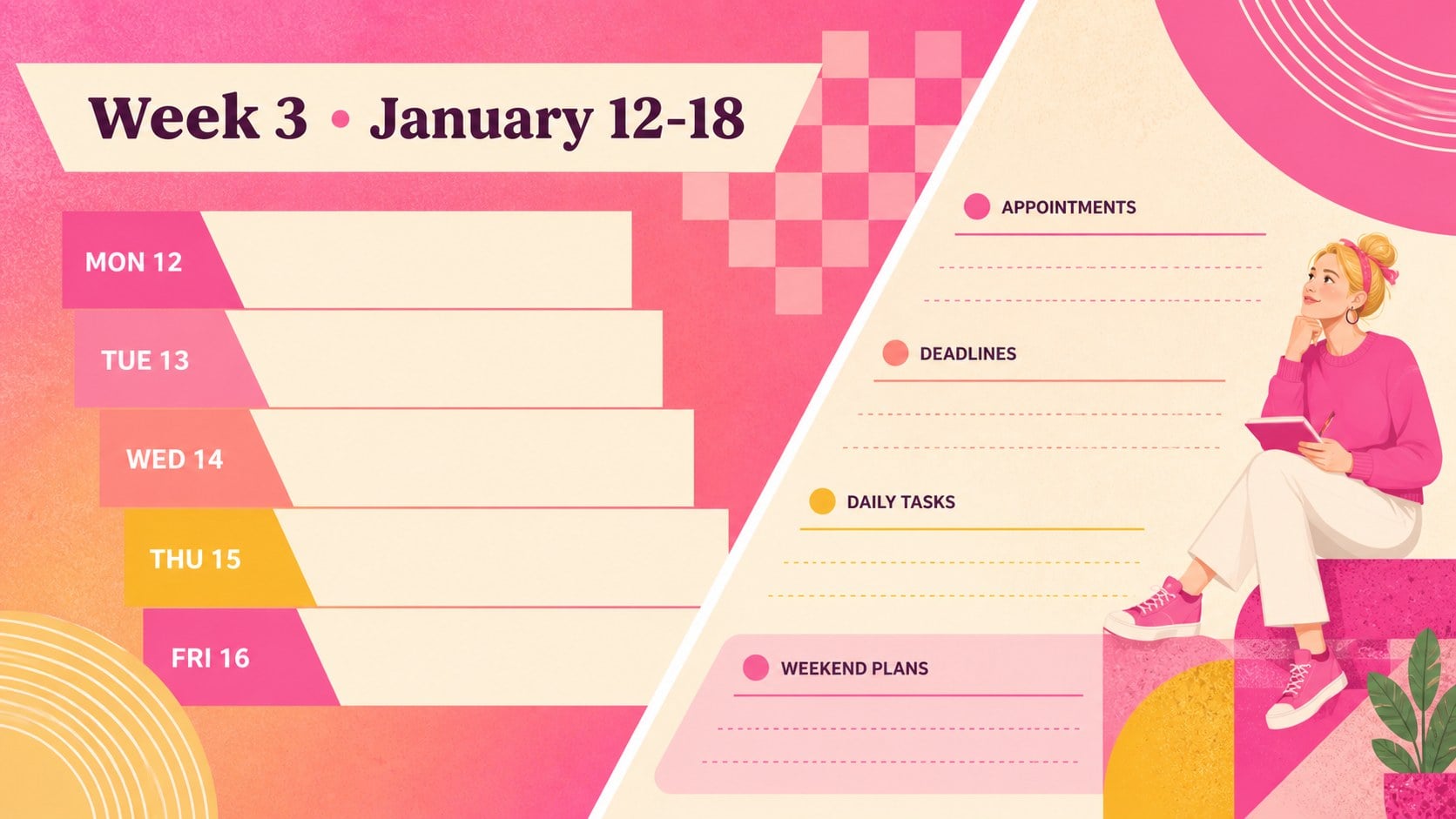
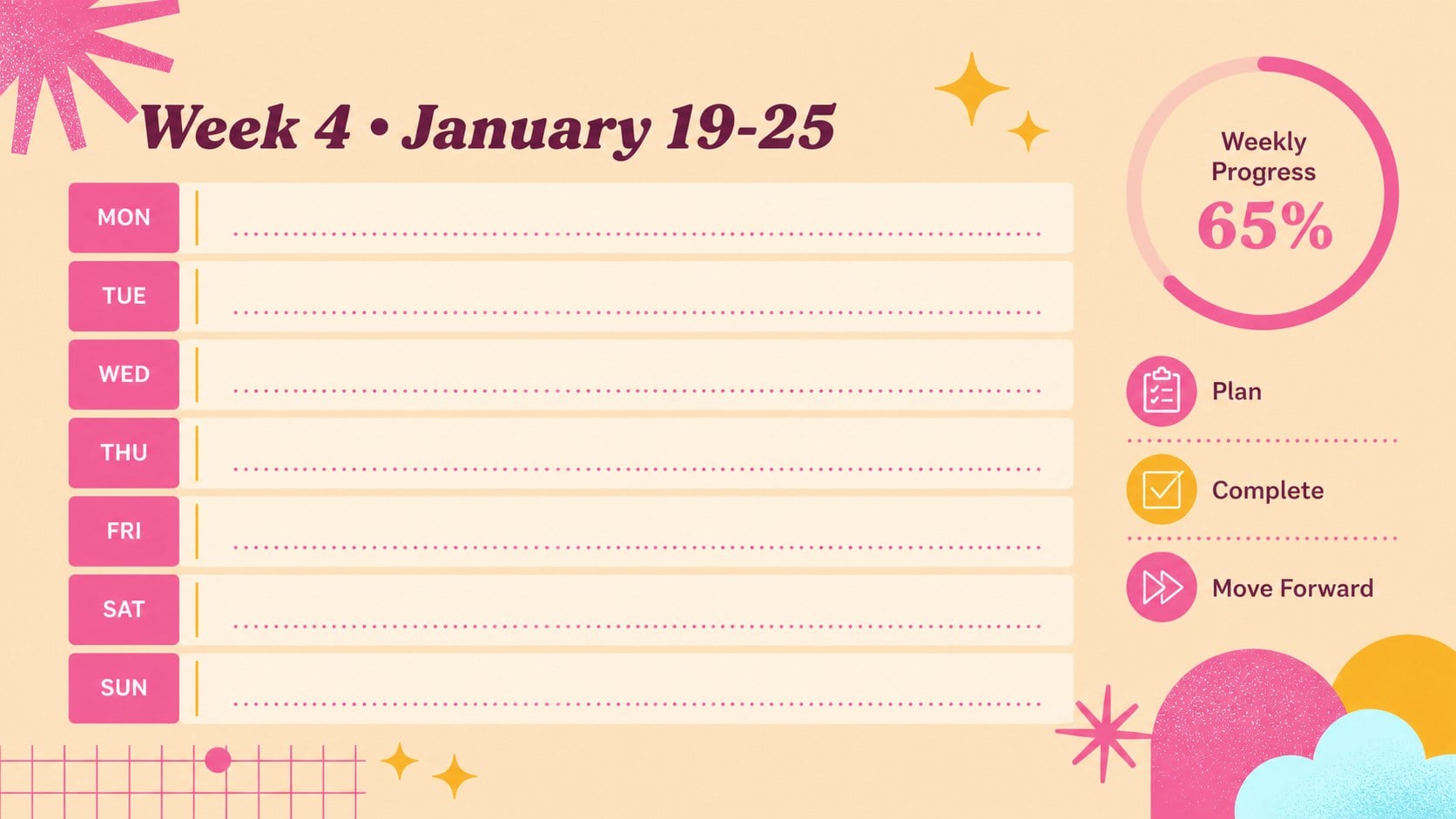
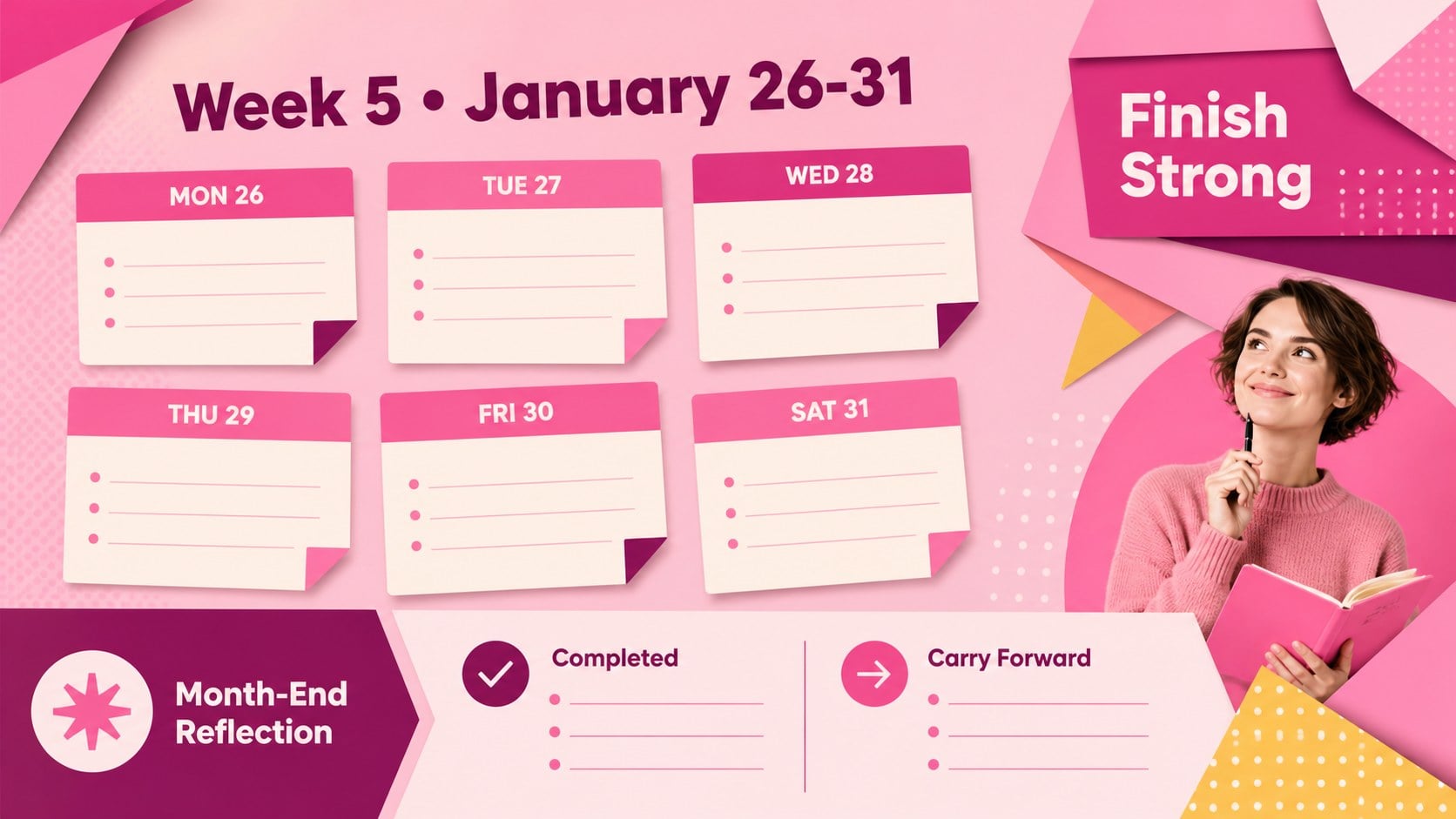
The Pink Shape January 2026 Daily Planner turns a busy month into a clear, colorful visual schedule. Bold pink forms, playful geometric accents, and subtle textures create an energetic look without distracting from your plans. Use the editable slides to coordinate lessons, appointments, project milestones, personal goals, and important reminders in PowerPoint or Google Slides.
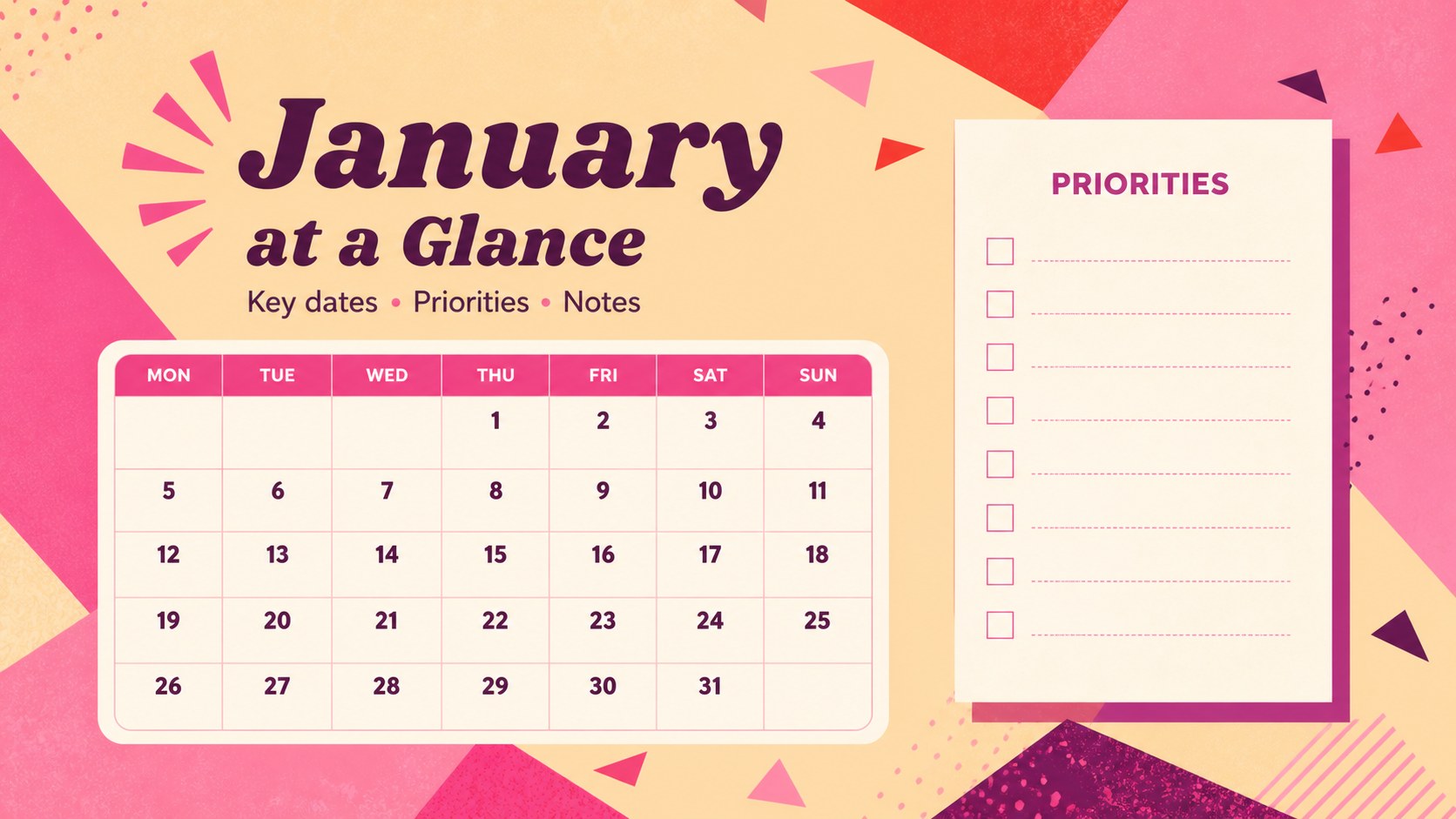
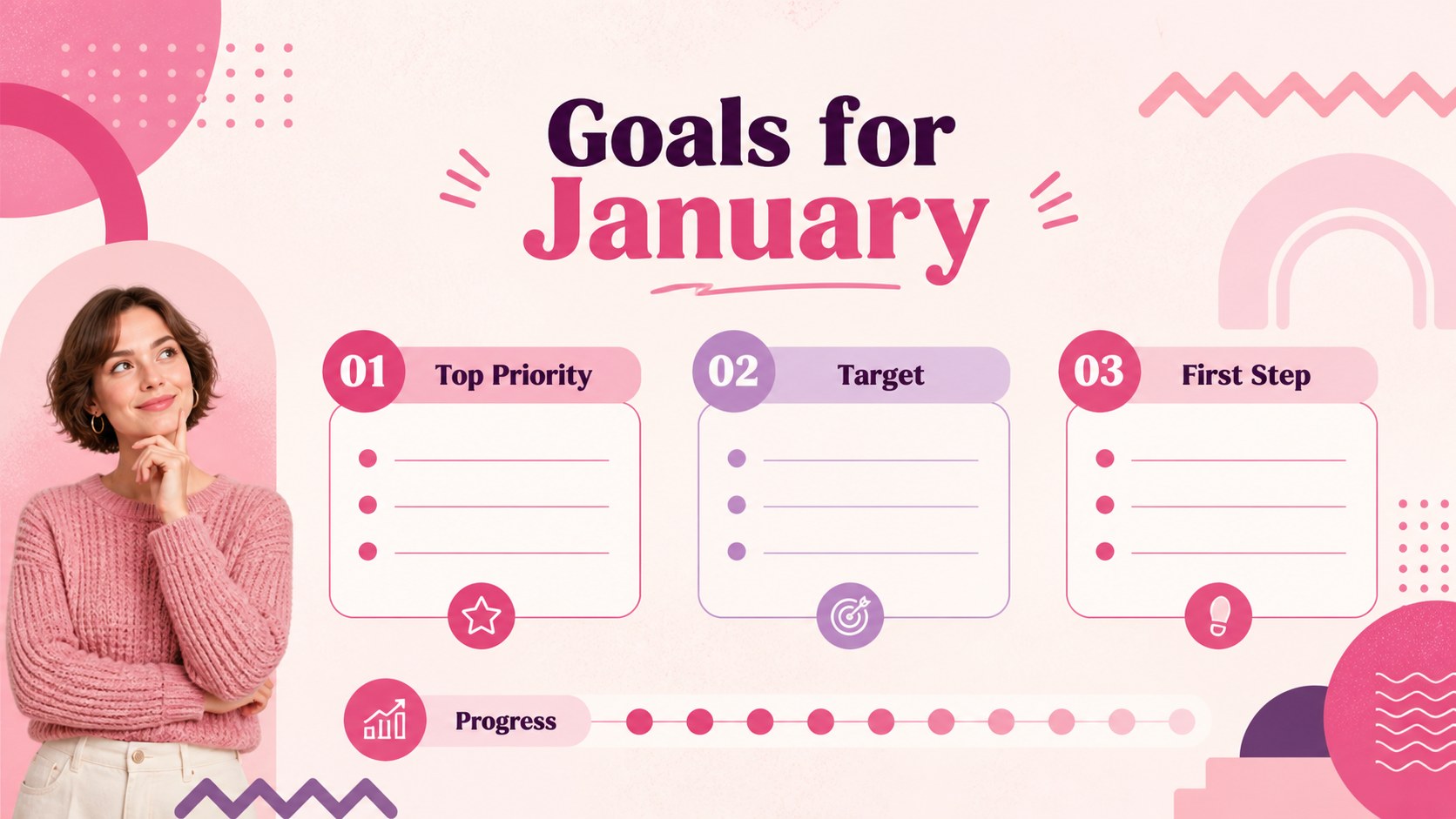
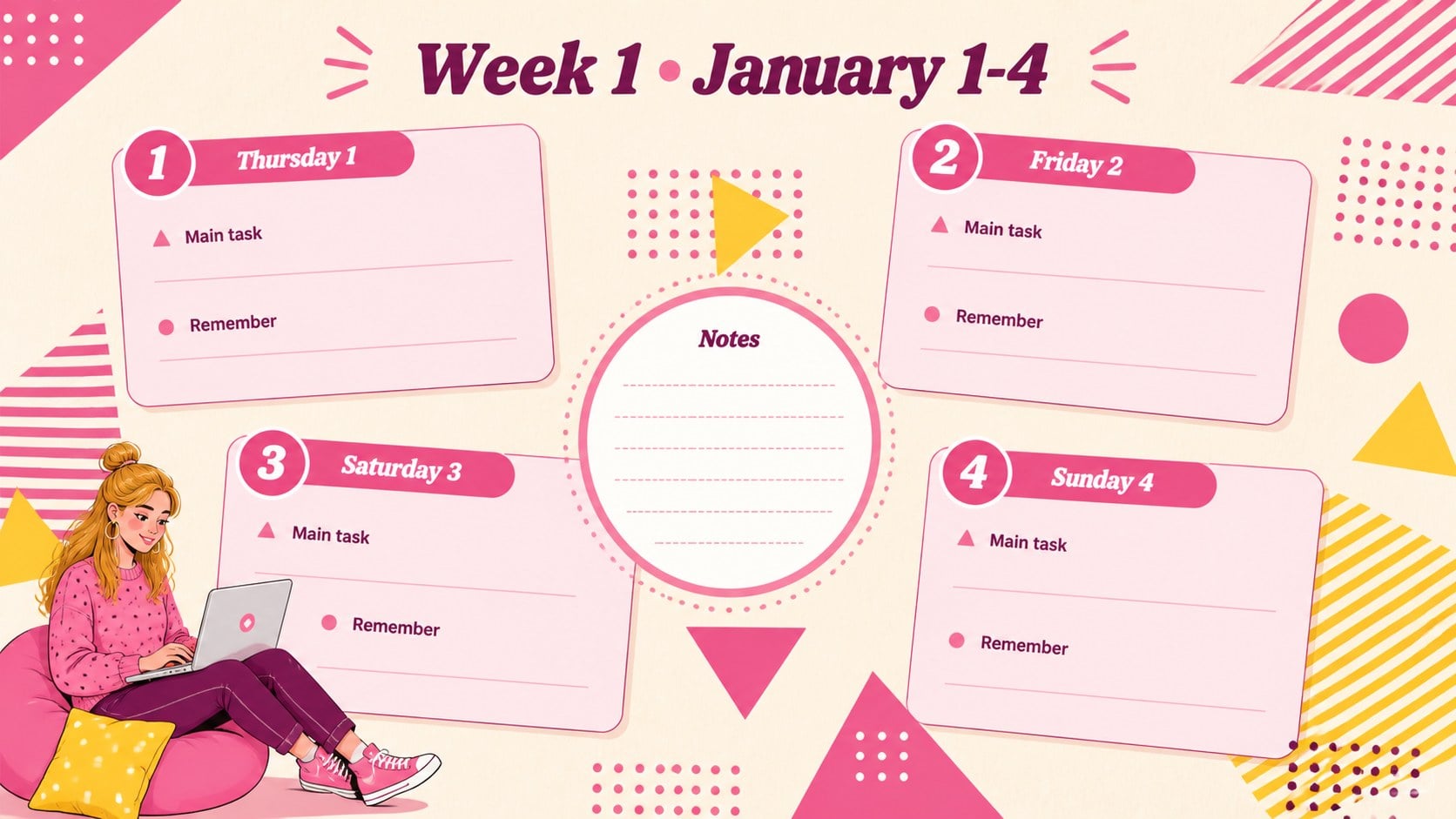
Inside, you will find a complete January overview, weekly planning spreads, a focused daily page, priority lists, an event organizer, a habit tracker, and flexible notes layouts. More than 25 customizable designs provide room for dates, tasks, deadlines, and short reflections. The pink geometric teacher planner also includes practical chart, timeline, and checklist formats, making it suitable as an editable January lesson planning deck or a visual organizer for workplace teams.
Educators can build printable classroom schedule slides for assignments, activities, and school events. Students can organize study sessions and due dates, while families, freelancers, and project coordinators can adapt the same layouts for routines or client work. Change the wording, colors, fonts, and shapes to match your needs, then present the planner digitally or export selected pages for printing.
Perfect for: classroom lesson scheduling; student assignment planning; family appointment tracking; January project coordination; personal habit monitoring.
Frequently asked questions
Can I edit every planner layout? Yes. Dates, headings, task lists, colors, fonts, and decorative shapes can be adjusted to suit your schedule or visual identity. You can also duplicate layouts when you need additional daily or weekly pages.
Practical details
Yes. Dates, headings, task lists, colors, fonts, and decorative shapes can be adjusted to suit your schedule or visual identity. You can also duplicate layouts when you need additional daily or weekly pages.
The planner is designed for PowerPoint and Google Slides. Both platforms support editing, presenting, and exporting selected pages for digital sharing or printing.
Yes. Teachers can replace the sample entries with lesson topics, homework deadlines, assessments, activities, and school events. The weekly and daily layouts can also be assigned to students as planning pages.
Yes. The background colors, geometric accents, and text styling are editable in both supported platforms. For a consistent result, update the main pink shades and contrasting accent colors across every slide.
Keep exploring
15Build an engaging World UFO Day session with this flying saucer history lesson deck, featuring retro green-and-brown slides for PowerPoint and Google Slides.
 15
15Plan a lively animal-learning journey with this jungle zoo adventure lesson deck, ready to customize in PowerPoint and Google Slides for young learners.
 16
16Turn environmental research into a clear story with a Watercolor Ecology Presentation Theme for PowerPoint and Google Slides in calming green and blue.
 16
16Build focused fashion, literature, and humanities presentations with the Red Triangle Editorial Theme, editable in PowerPoint and Google Slides.
 15
15Turn streaming stats, favorite tracks, and concert highlights into a bold annual listening recap slide deck for PowerPoint and Google Slides.
 15
15Turn highlights, milestones, and favorite moments into a colorful year in review slide deck with bold 3D graphics for PowerPoint and Google Slides.
 3
3Build a credible endorsement with Standout Colleague Recommendation Letter Slides, featuring colorful prompts for skills, achievements, and team impact.
 4
4Build clear beginner sessions with an ice hockey fundamentals training deck for coaches, PE teachers, and clubs, ready for PowerPoint and Google Slides.