
 15
15presentation
Flying Saucer History Lesson Deck
Build an engaging World UFO Day session with this flying saucer history lesson deck, featuring retro green-and-brown slides for PowerPoint and Google Slides.
Google SlidesPowerPoint
presentation · English
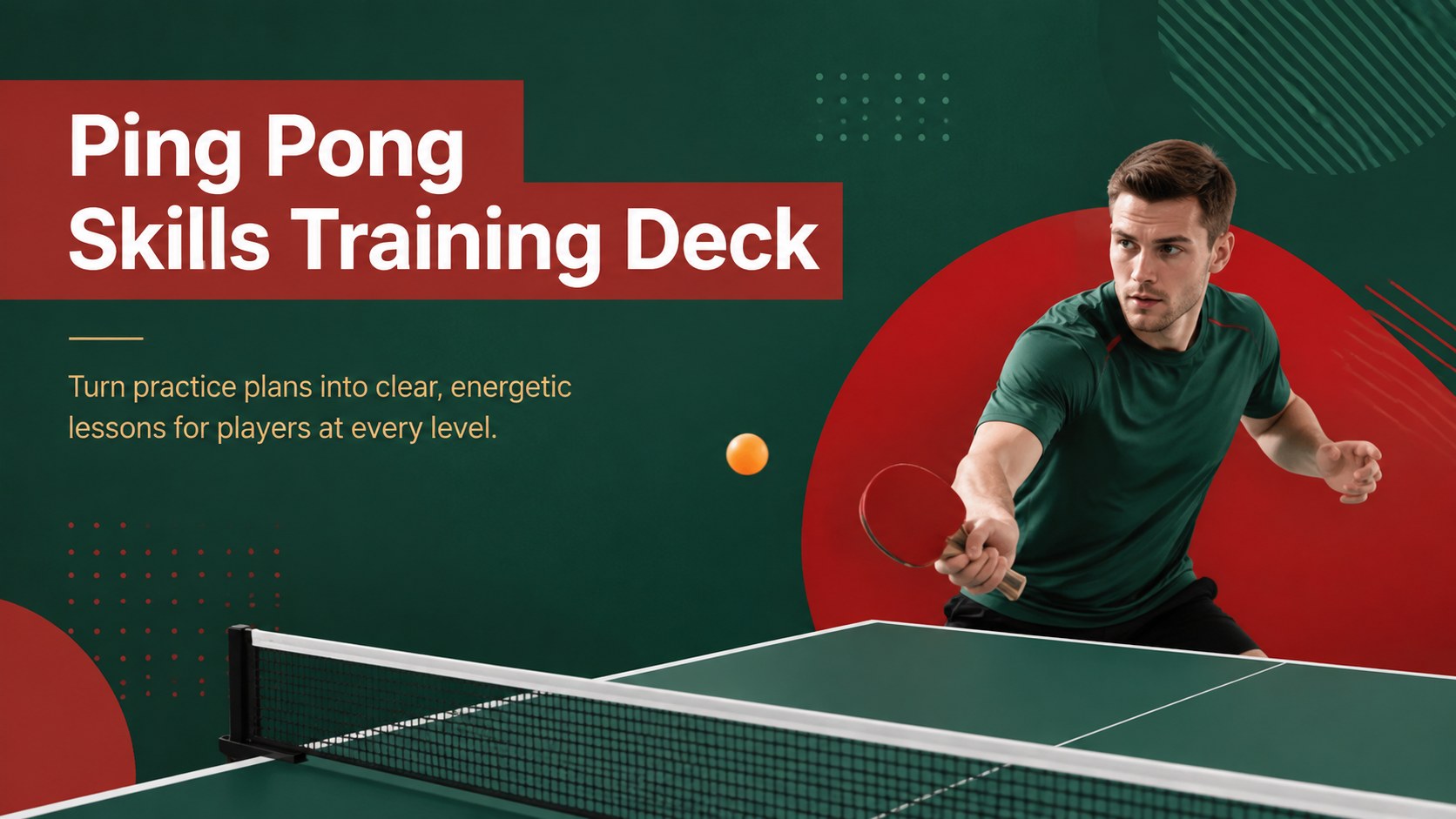
Build clear, practical lessons with a ping pong skills training deck for drills, technique breakdowns, match tactics, and player progress reviews.
Design notes
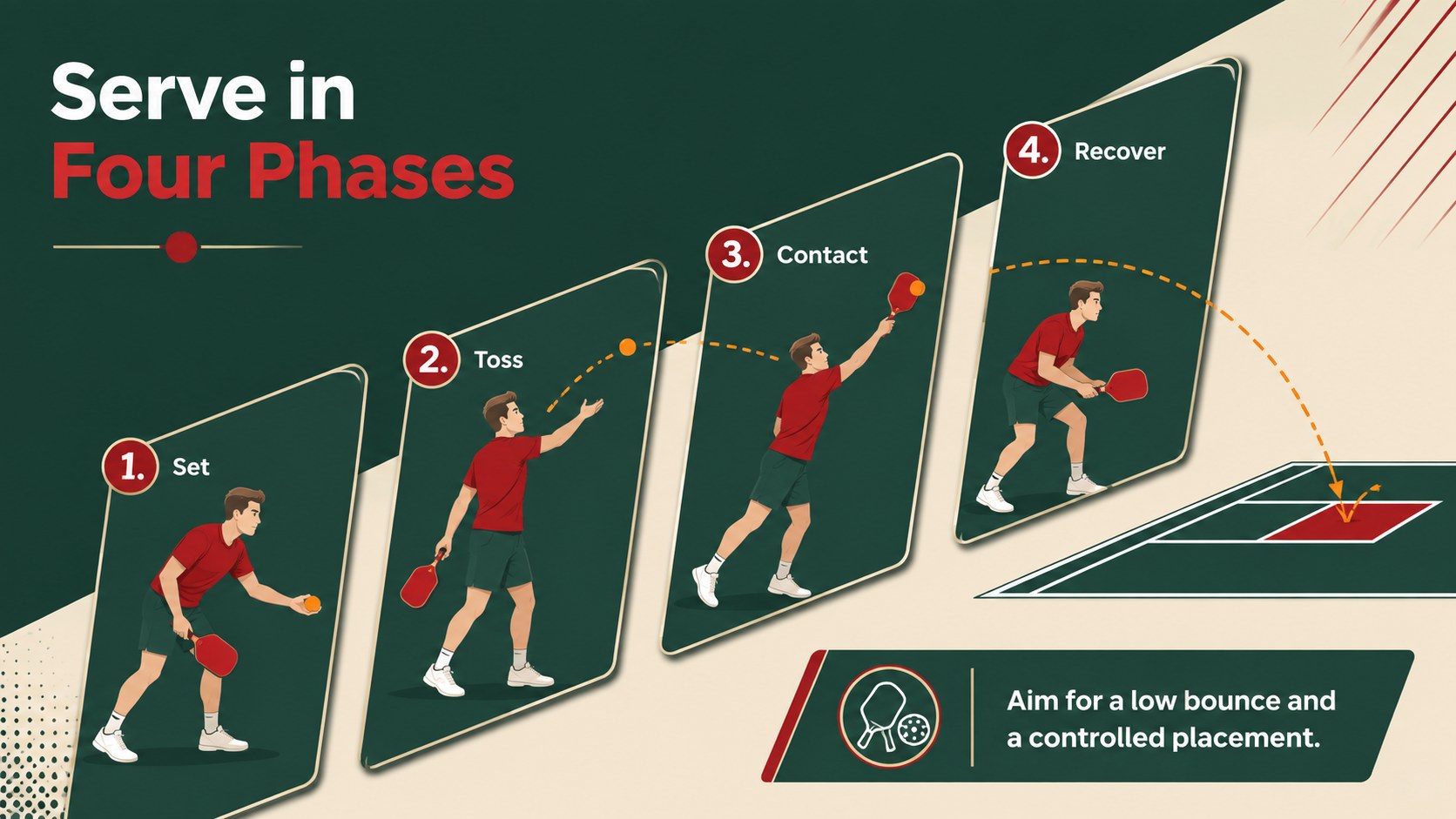
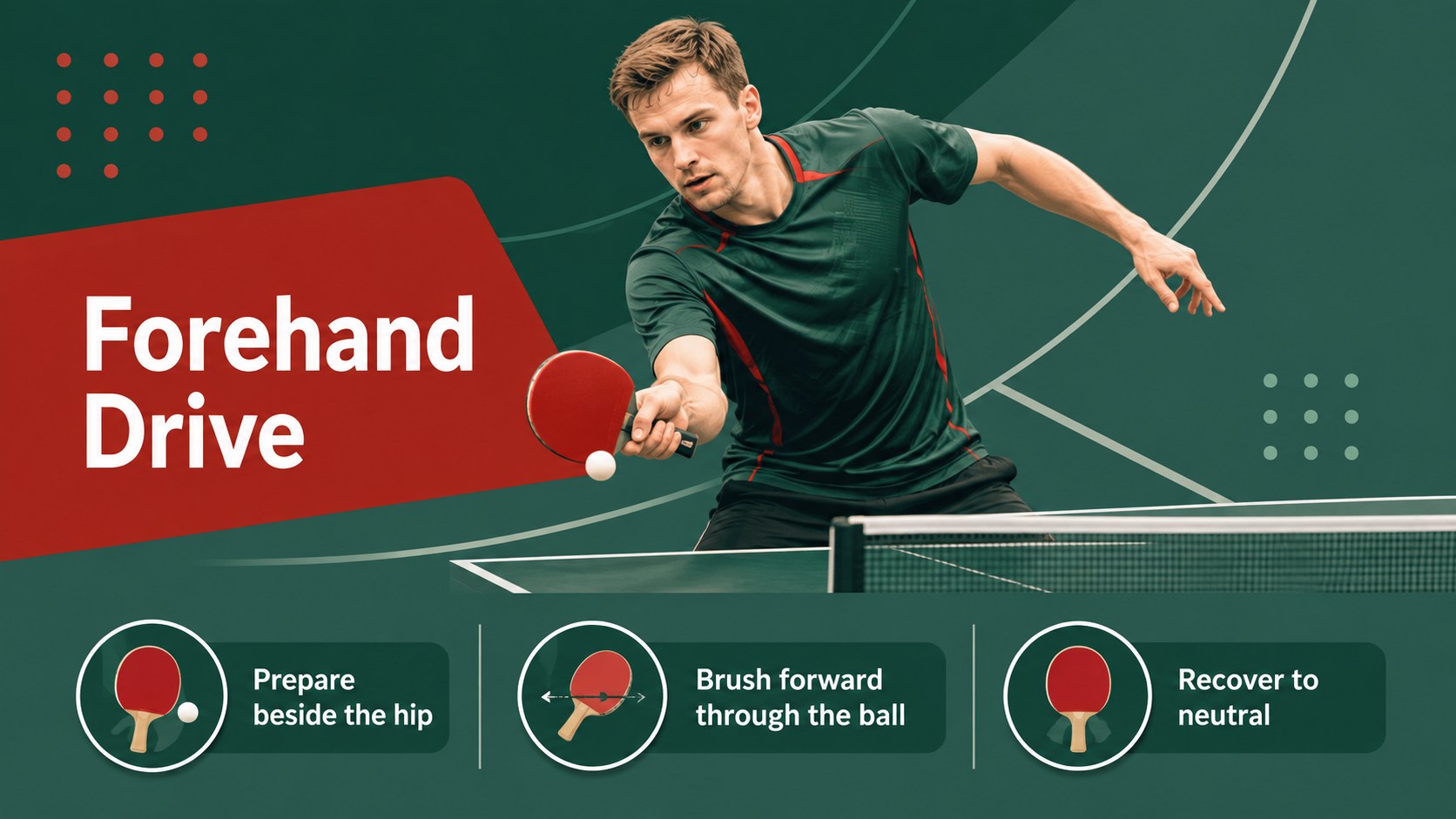
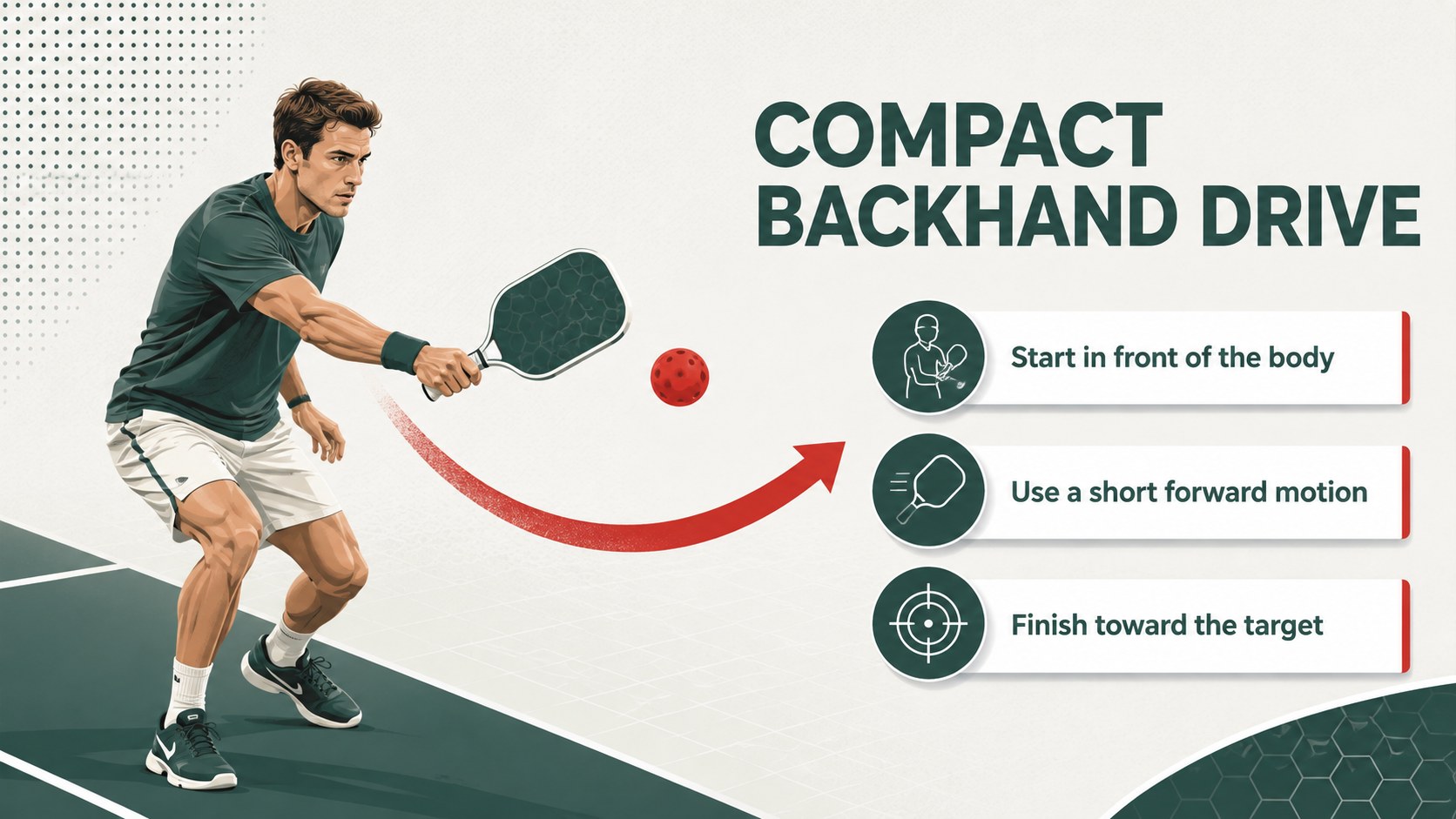
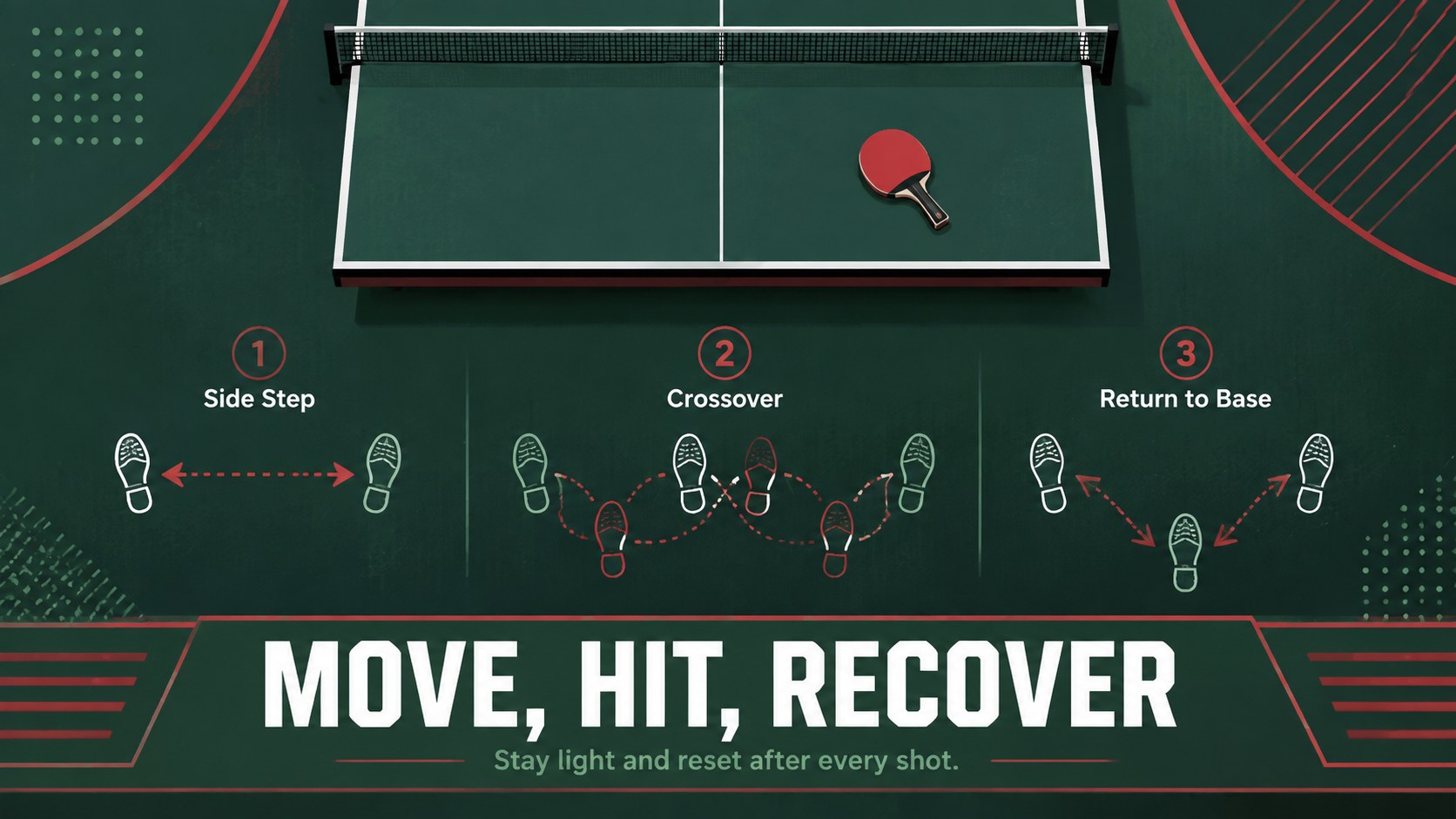
Designed for coaches, physical education teachers, club leaders, and competitive players, this ping pong skills training deck turns technical instruction into a focused visual learning experience. Its crisp green-and-red palette, spacious typography, and simple sports graphics help audiences follow each lesson without distraction. Use it as a beginner table tennis lesson presentation or adapt the material for intermediate and advanced groups.
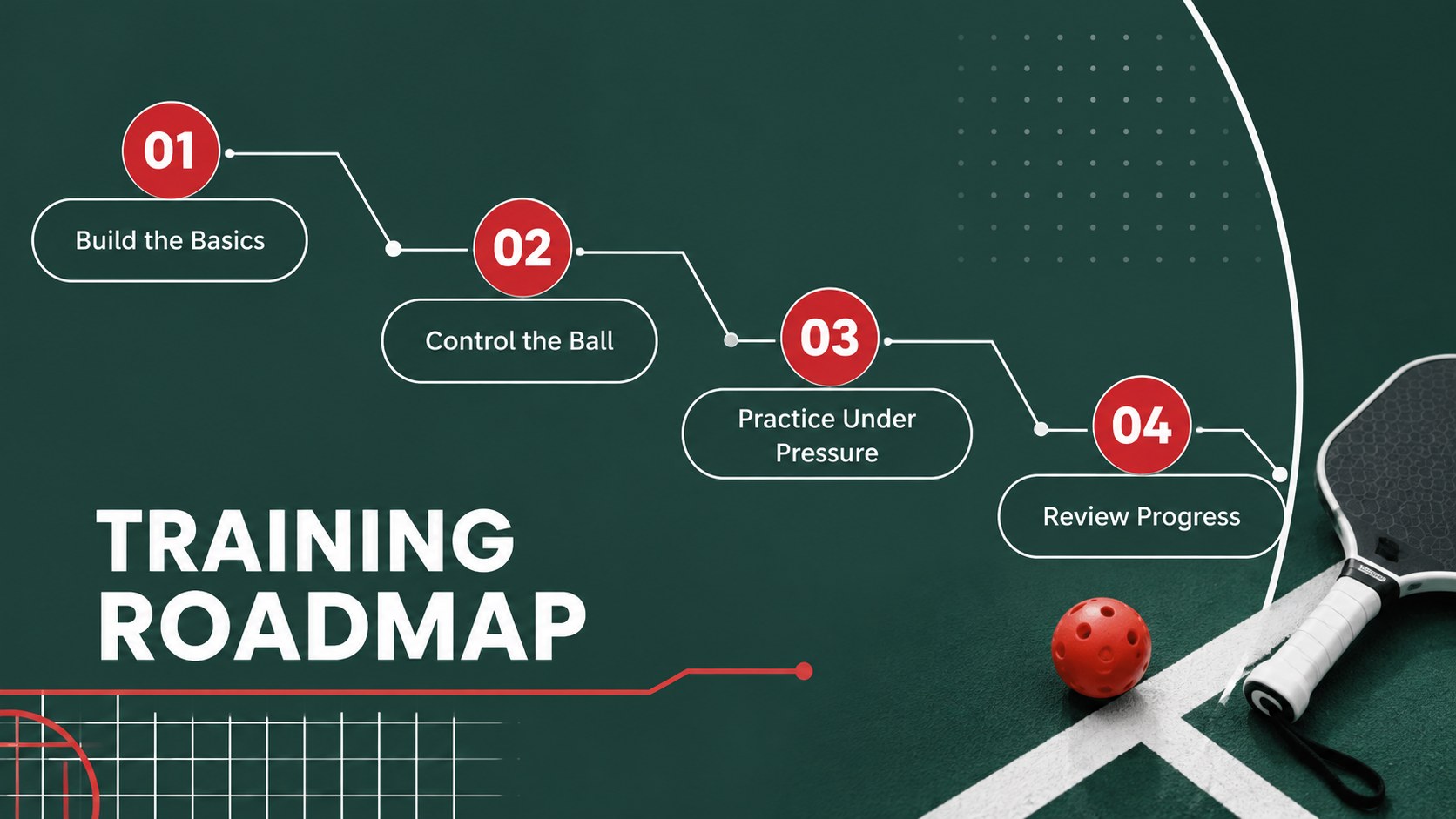
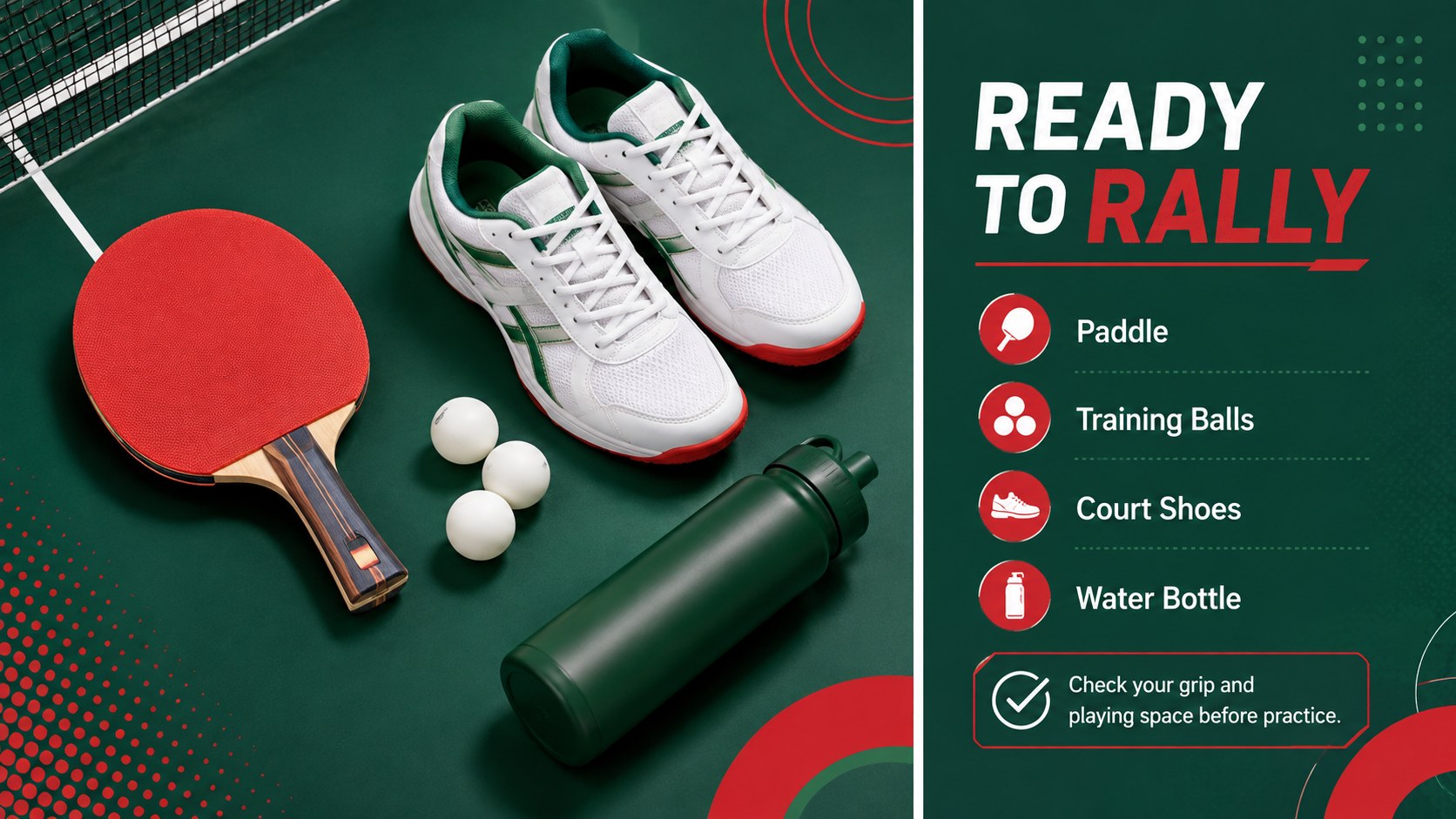
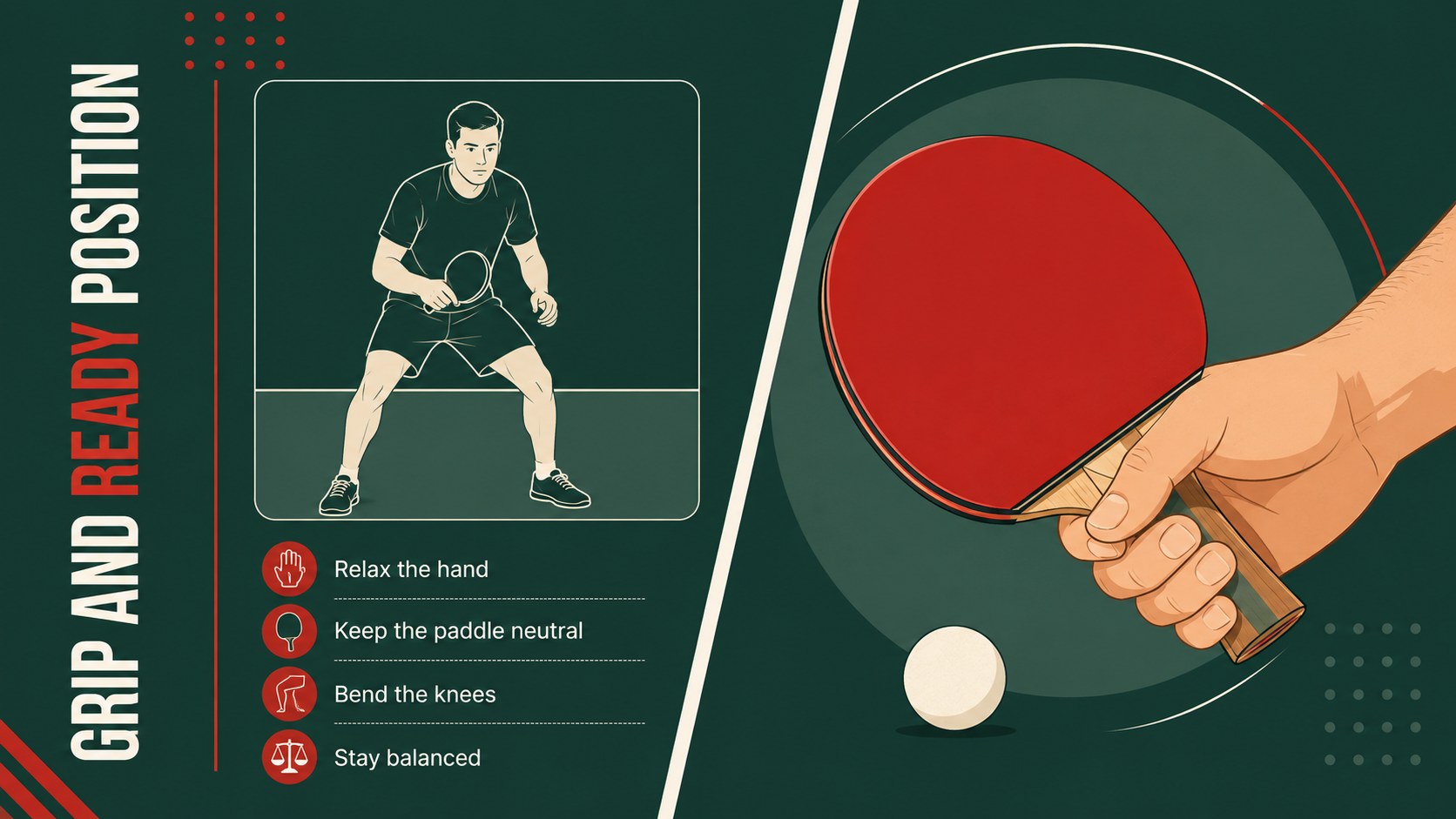
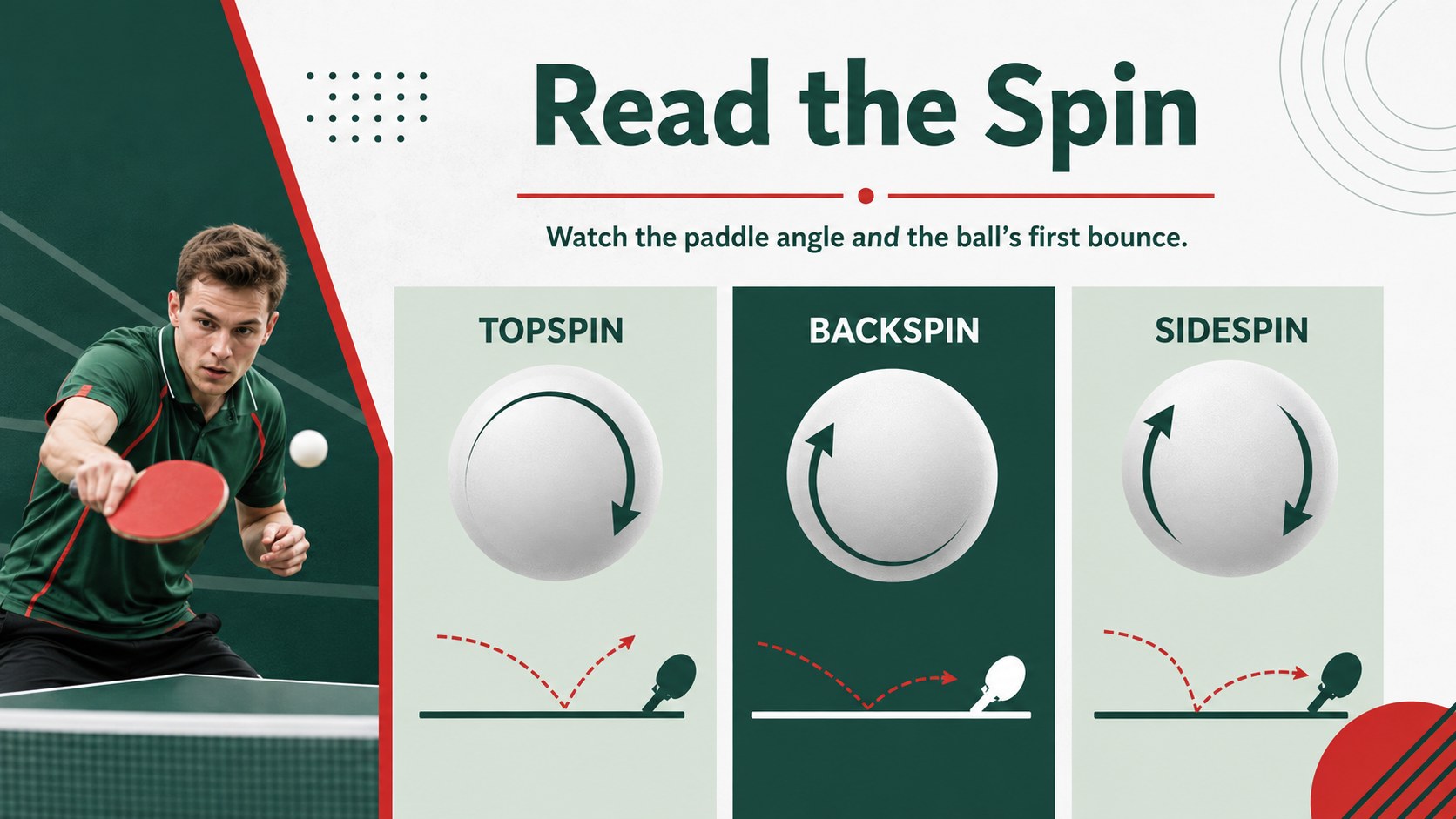
The deck includes layouts for course goals, equipment checks, ready position, grip, serves, forehand and backhand technique, footwork, spin control, practice drills, scoring rules, and match strategy. A session timeline and player progress chart make it practical for recurring classes, while concise diagrams provide room to explain movement and ball placement. These table tennis coaching slides are structured to support live demonstrations, group discussion, and independent review.
Every page can be edited in PowerPoint or Google Slides. Change the wording, rearrange sections, add club photography, or apply your own drill timings while retaining the clean visual system. Whether you need a ping pong drill presentation for a school unit, private lesson, community program, or sports camp, the flexible layouts make planning and teaching easier.
Perfect for: school table tennis unit; club coaching session; beginner skills workshop; sports camp instruction; player progress review.
Frequently asked questions
Can I edit this deck in PowerPoint and Google Slides? Yes. All text, colors, diagrams, and layout elements can be adjusted in PowerPoint or Google Slides. You can also duplicate sections to create longer training sessions.
Practical details
Yes. All text, colors, diagrams, and layout elements can be adjusted in PowerPoint or Google Slides. You can also duplicate sections to create longer training sessions.
Yes. Replace the sample instructions with beginner, intermediate, or advanced coaching points. Drill timings, tactical notes, and progress criteria can also be tailored to your group.
Yes. The layouts provide flexible areas for action photos, court diagrams, equipment images, and directional markers. Keep the supplied green-and-red palette or apply your club colors.
Yes. Teachers can use it to introduce equipment, safety, basic strokes, scoring, and classroom drills. The lesson roadmap and progress layouts also support multi-session units.
Keep exploring
15Build an engaging World UFO Day session with this flying saucer history lesson deck, featuring retro green-and-brown slides for PowerPoint and Google Slides.
 15
15Plan a lively animal-learning journey with this jungle zoo adventure lesson deck, ready to customize in PowerPoint and Google Slides for young learners.
 16
16Turn environmental research into a clear story with a Watercolor Ecology Presentation Theme for PowerPoint and Google Slides in calming green and blue.
 16
16Build focused fashion, literature, and humanities presentations with the Red Triangle Editorial Theme, editable in PowerPoint and Google Slides.
 15
15Turn streaming stats, favorite tracks, and concert highlights into a bold annual listening recap slide deck for PowerPoint and Google Slides.
 15
15Turn highlights, milestones, and favorite moments into a colorful year in review slide deck with bold 3D graphics for PowerPoint and Google Slides.
 3
3Build a credible endorsement with Standout Colleague Recommendation Letter Slides, featuring colorful prompts for skills, achievements, and team impact.
 4
4Build clear beginner sessions with an ice hockey fundamentals training deck for coaches, PE teachers, and clubs, ready for PowerPoint and Google Slides.