
 15
15presentation
Flying Saucer History Lesson Deck
Build an engaging World UFO Day session with this flying saucer history lesson deck, featuring retro green-and-brown slides for PowerPoint and Google Slides.
Google SlidesPowerPoint
presentation · English
Build active, inclusive classes with a physical education lesson planner featuring warm beige-and-green visuals, activity plans, and fitness goals.
Design notes
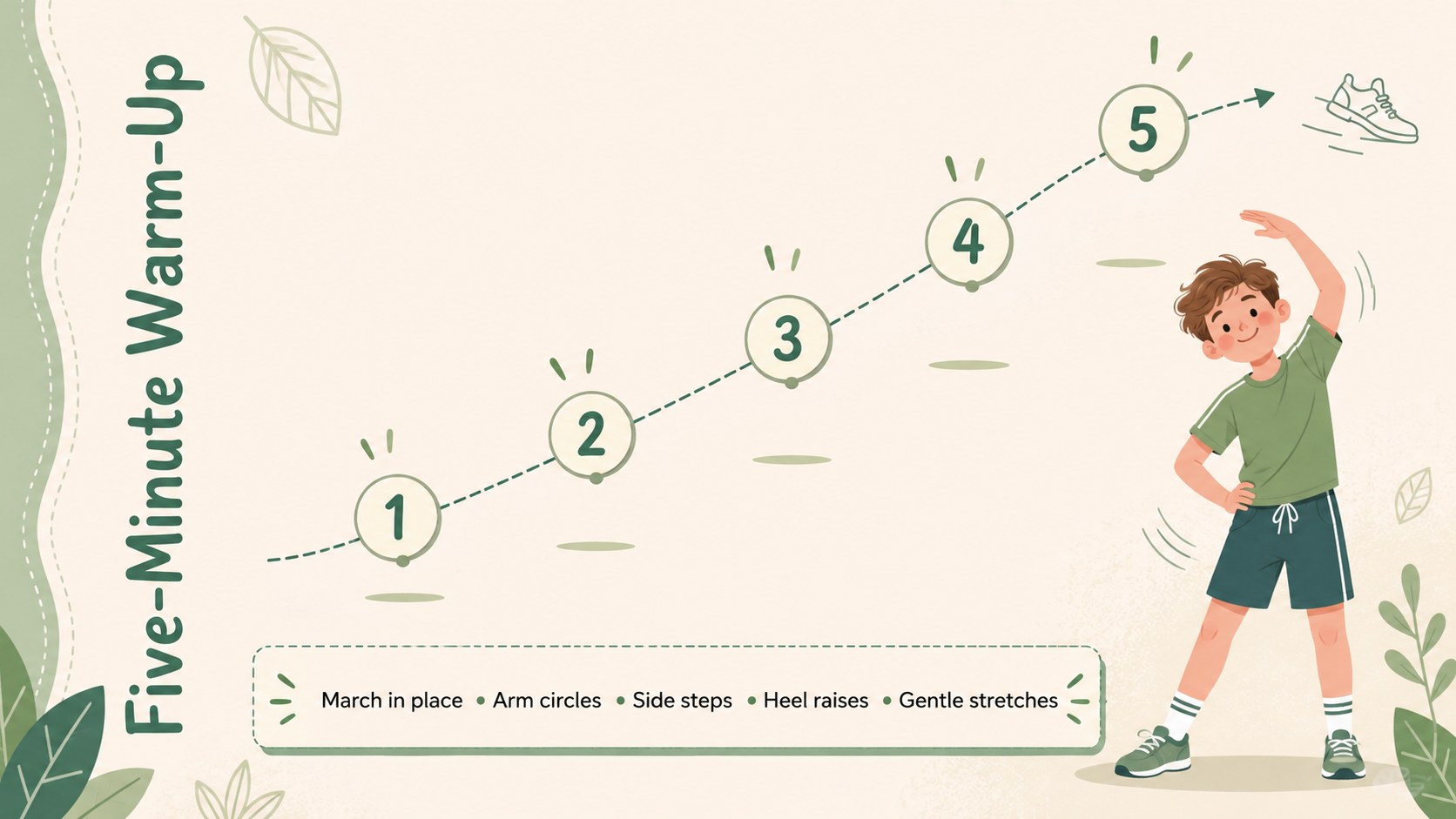
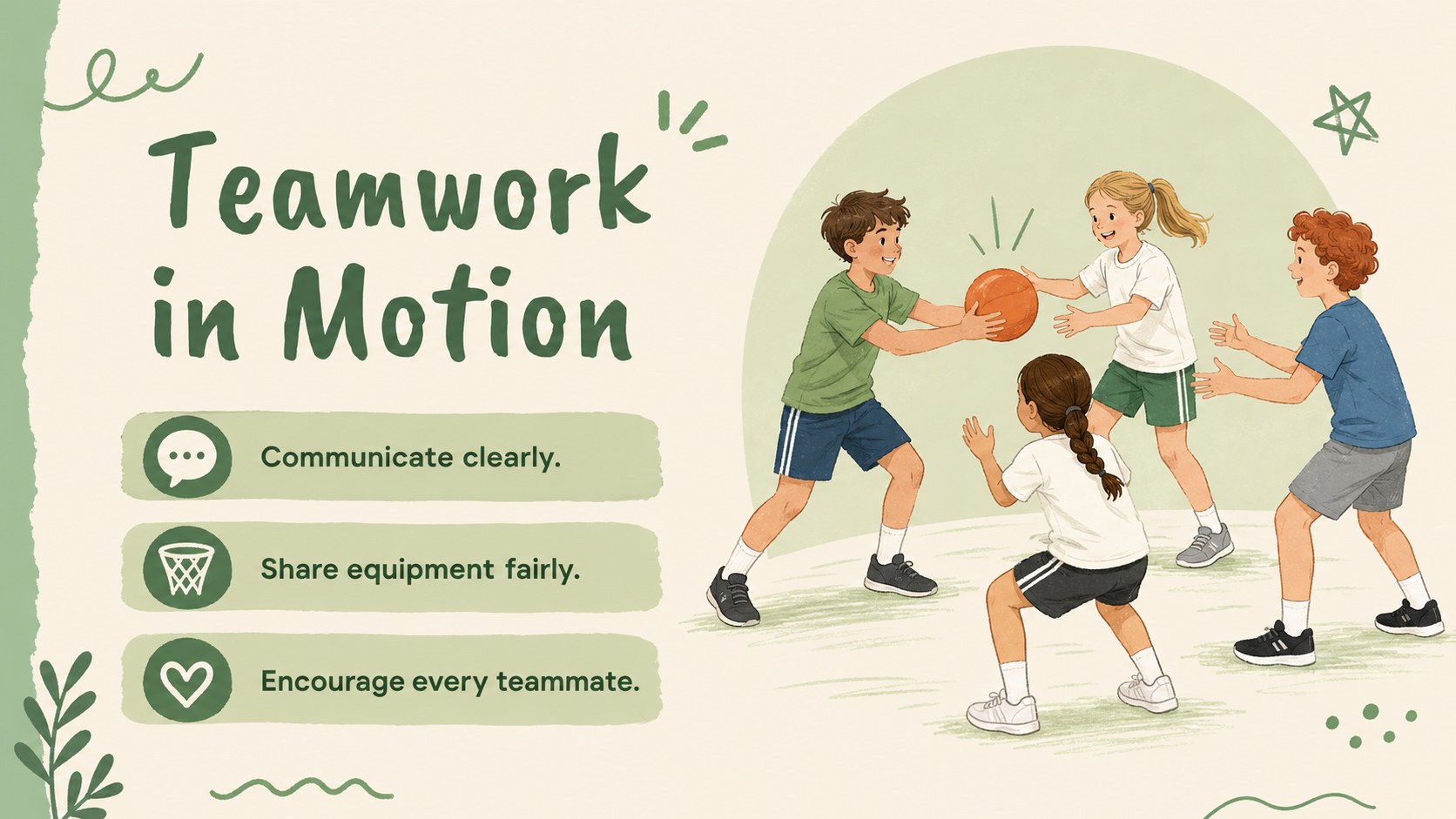
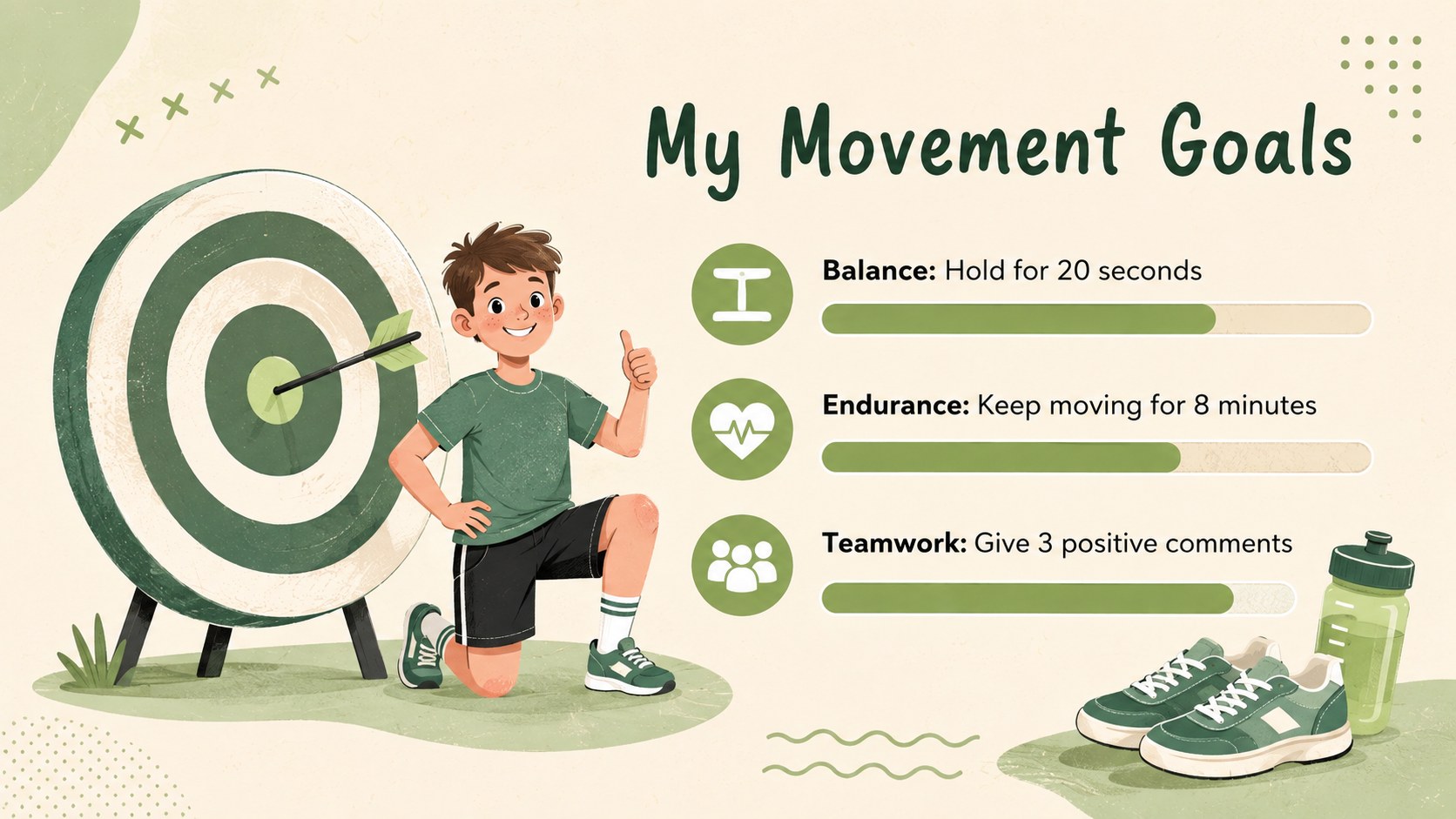
Bring structure and energy to movement-based learning with this physical education lesson planner. Designed for teachers, coaches, and activity leaders, the deck combines playful sports illustrations with a calm beige and green palette. Its friendly visual style helps students understand routines, expectations, and fitness concepts without making lesson materials feel overly formal.
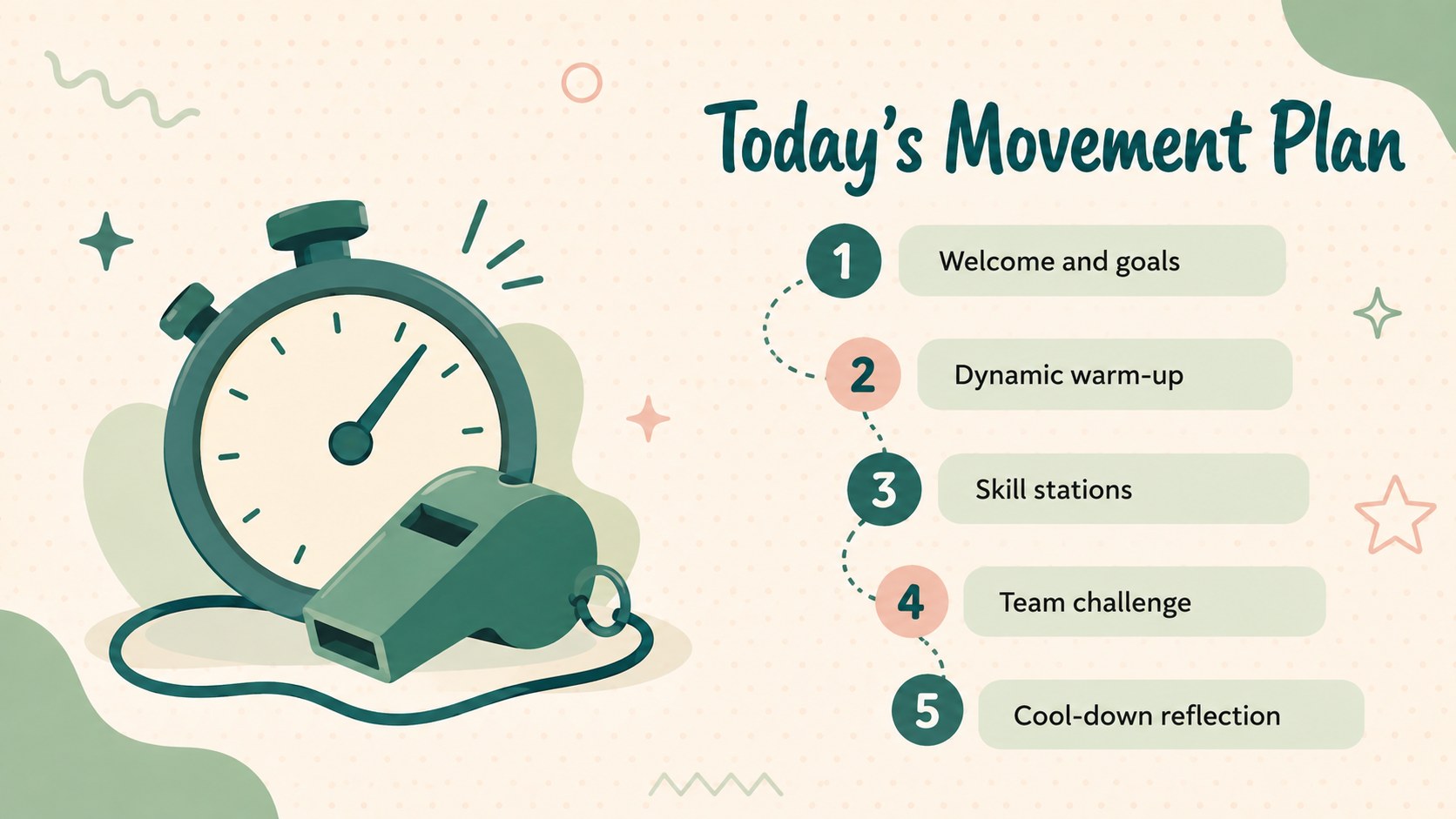
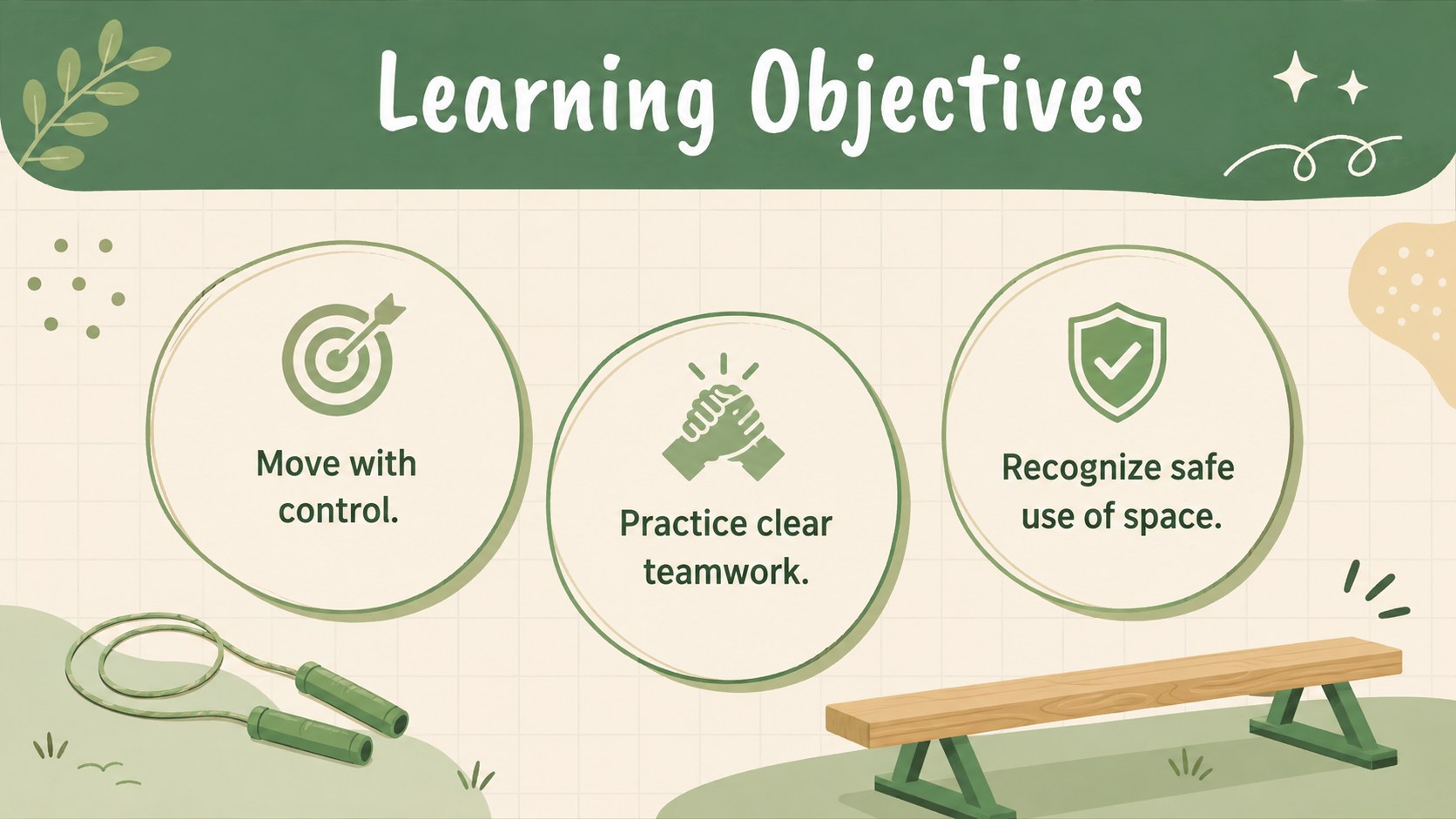
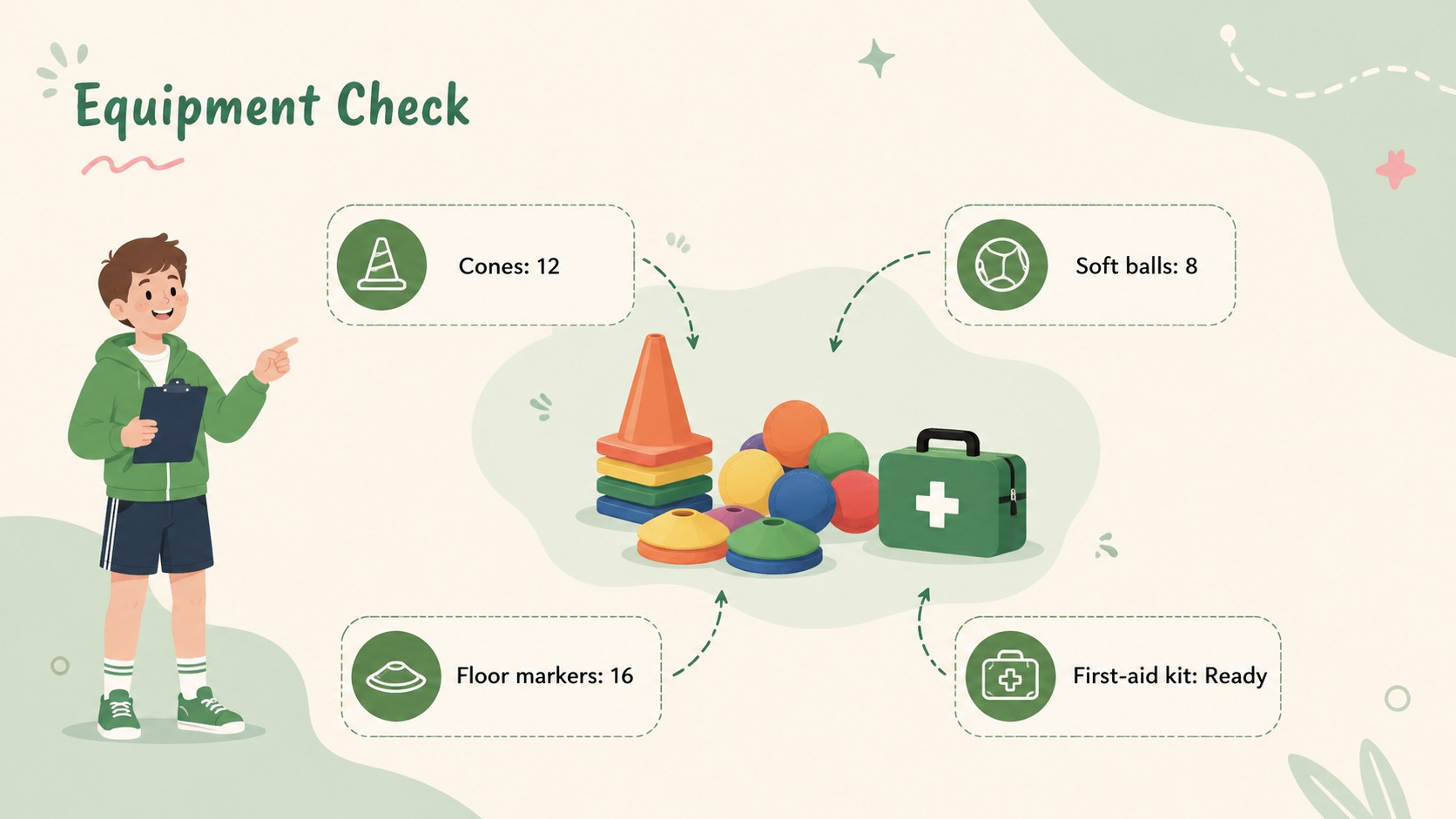
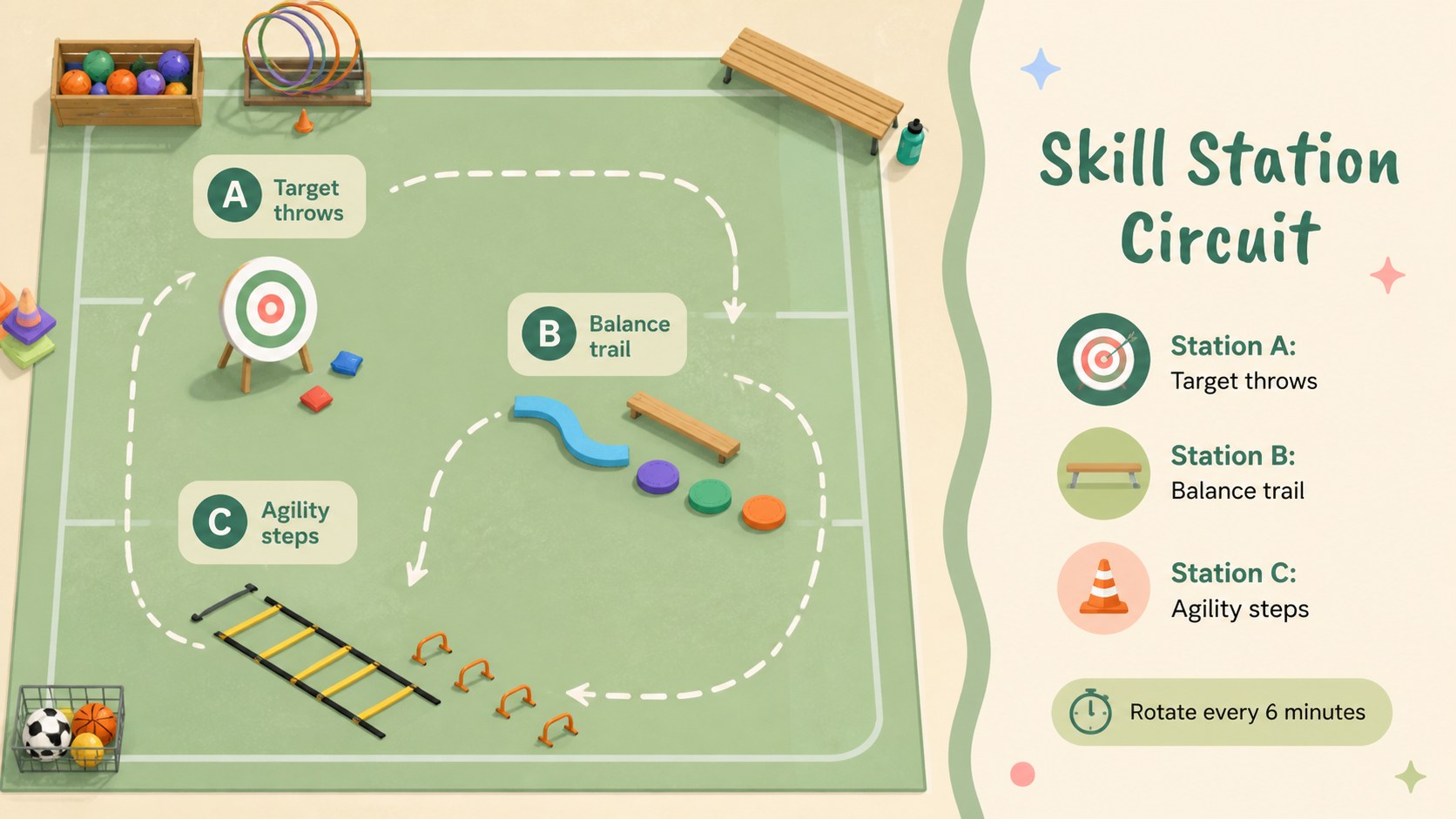
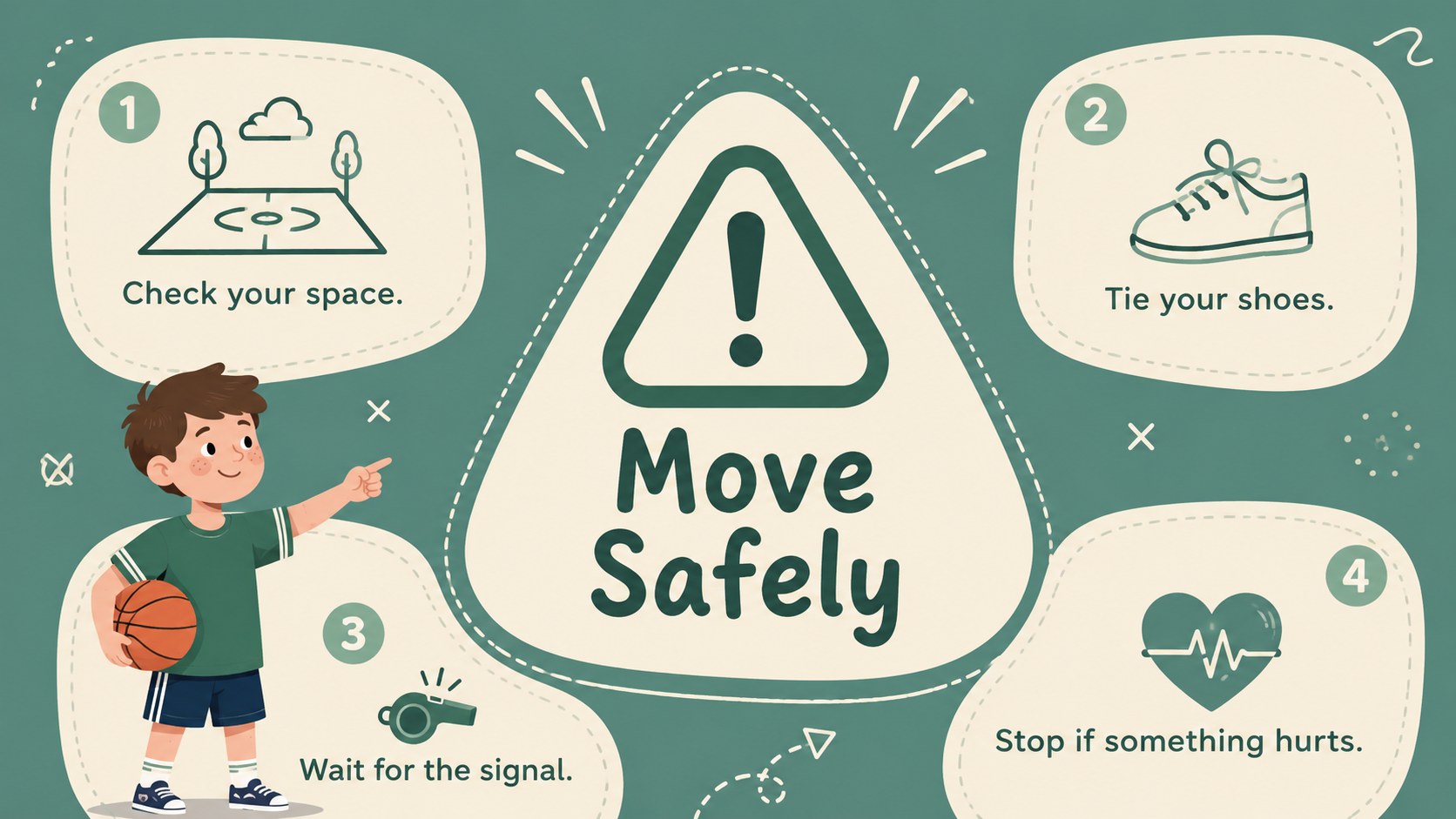
The 15-slide layout provides space for lesson objectives, warm-up instructions, equipment lists, activity stations, safety reminders, fitness goals, weekly schedules, progress checks, and student reflection. Use it as an elementary PE class slide template for daily instruction or adapt the layouts into editable school fitness activity slides for clubs, camps, and after-school programs. Charts, timelines, checklists, and comparison layouts make it easy to present information in a clear sequence.
Every slide is formatted in a widescreen 16:9 ratio and can be customized in PowerPoint or Google Slides. Change the wording, rearrange sections, replace illustrations, or adjust colors to suit a school identity or age group. The deck also works well as a student movement goals presentation for introducing personal targets and celebrating steady progress. Whether planning a single class or a complete unit, educators can create a consistent visual guide that keeps learners informed, involved, and ready to move.
Perfect for: weekly PE lesson planning; class warm-up briefing; fitness goal setting; activity station instructions; sports safety review; student progress reflection.
Frequently asked questions
Can I edit every part of this lesson planner? Yes. You can revise the text, colors, illustrations, shapes, and layout to match your class plan or school identity.
Practical details
Yes. You can revise the text, colors, illustrations, shapes, and layout to match your class plan or school identity.
The deck is designed for Microsoft PowerPoint and Google Slides. Its 16:9 format is suitable for classroom screens, projectors, and online lessons.
Yes. Replace the sample activities and vocabulary with instructions suited to elementary, middle, or secondary students. You can also simplify or expand the progress-tracking sections.
Yes. It includes goal, progress, schedule, and reflection layouts that can be customized for individual or class-wide tracking. Avoid displaying sensitive student information during shared presentations.
Keep exploring
15Build an engaging World UFO Day session with this flying saucer history lesson deck, featuring retro green-and-brown slides for PowerPoint and Google Slides.
 15
15Plan a lively animal-learning journey with this jungle zoo adventure lesson deck, ready to customize in PowerPoint and Google Slides for young learners.
 16
16Turn environmental research into a clear story with a Watercolor Ecology Presentation Theme for PowerPoint and Google Slides in calming green and blue.
 16
16Build focused fashion, literature, and humanities presentations with the Red Triangle Editorial Theme, editable in PowerPoint and Google Slides.
 15
15Turn streaming stats, favorite tracks, and concert highlights into a bold annual listening recap slide deck for PowerPoint and Google Slides.
 15
15Turn highlights, milestones, and favorite moments into a colorful year in review slide deck with bold 3D graphics for PowerPoint and Google Slides.
 3
3Build a credible endorsement with Standout Colleague Recommendation Letter Slides, featuring colorful prompts for skills, achievements, and team impact.
 4
4Build clear beginner sessions with an ice hockey fundamentals training deck for coaches, PE teachers, and clubs, ready for PowerPoint and Google Slides.