
 15
15presentation
Flying Saucer History Lesson Deck
Build an engaging World UFO Day session with this flying saucer history lesson deck, featuring retro green-and-brown slides for PowerPoint and Google Slides.
Google SlidesPowerPoint
presentation · English
Plan island stories with a Philippines travel guide collage deck in cool blue and grey, featuring vintage-inspired layouts for PowerPoint and Google Slides.




Design notes
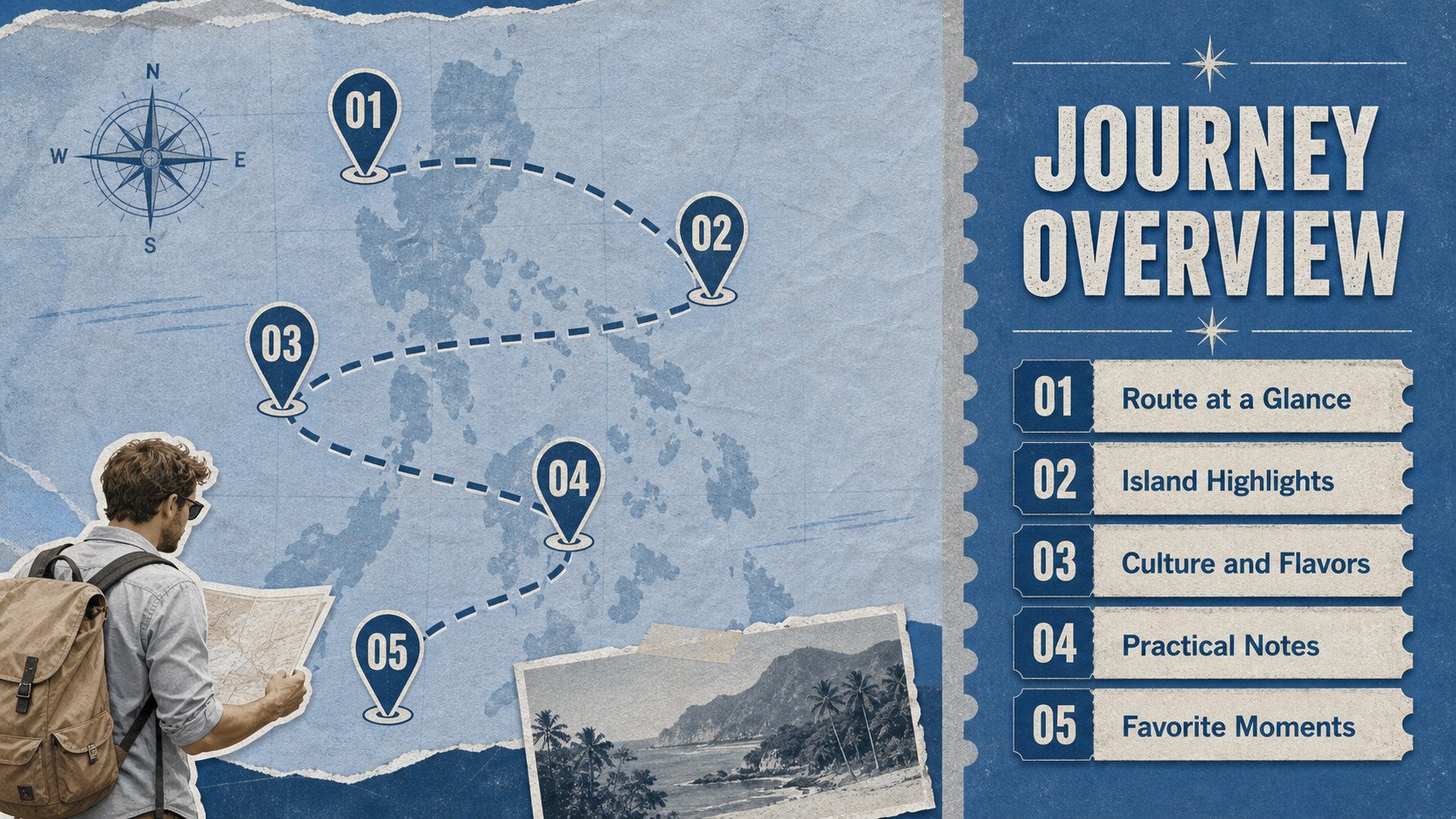
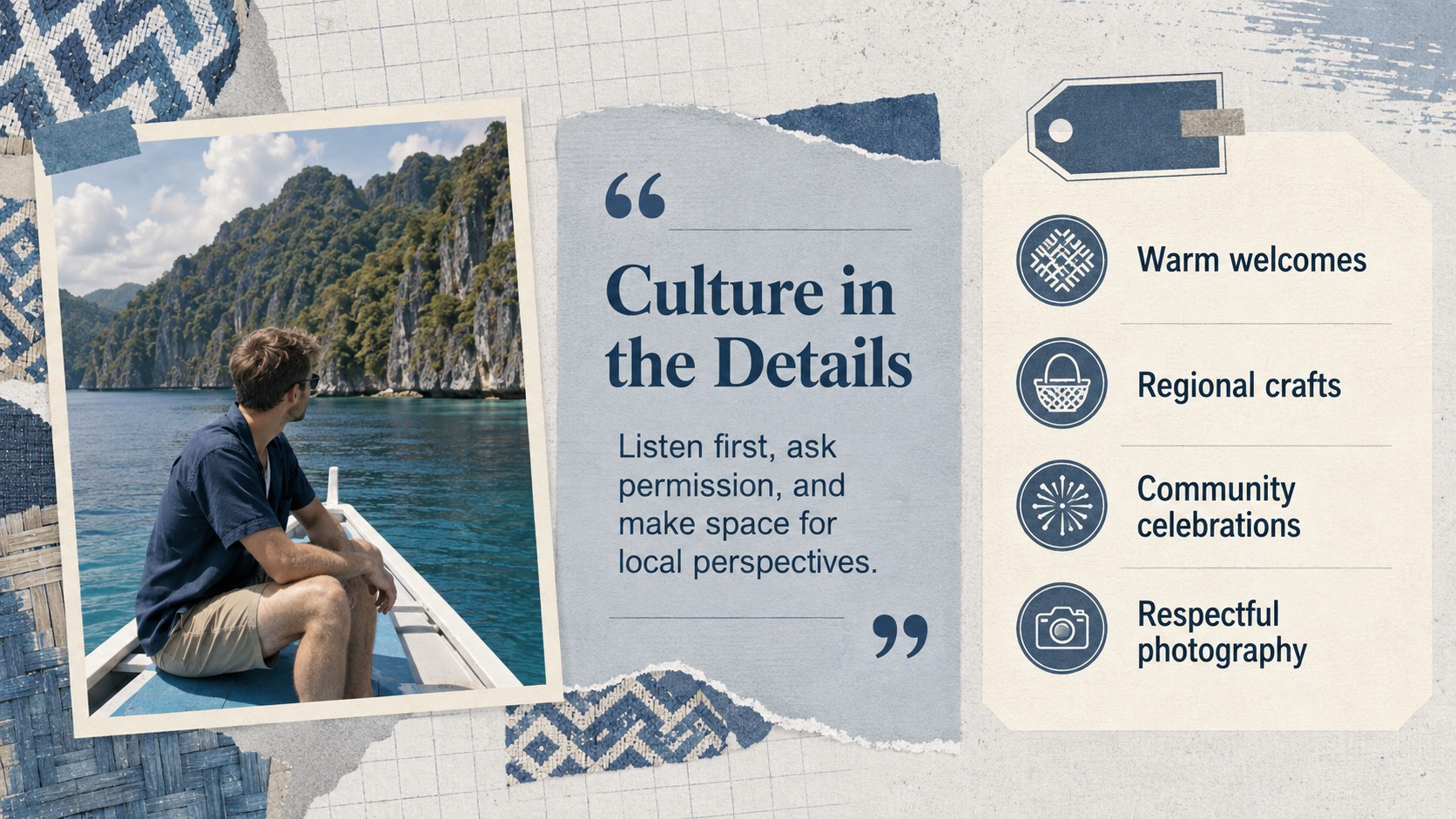
Turn route ideas, local discoveries, and travel memories into a cohesive visual journey with this Philippines travel guide collage deck. Its cool blue and grey palette pairs editorial photo arrangements with nostalgic sign-inspired details, creating an inviting look that feels cultured, calm, and easy to follow.
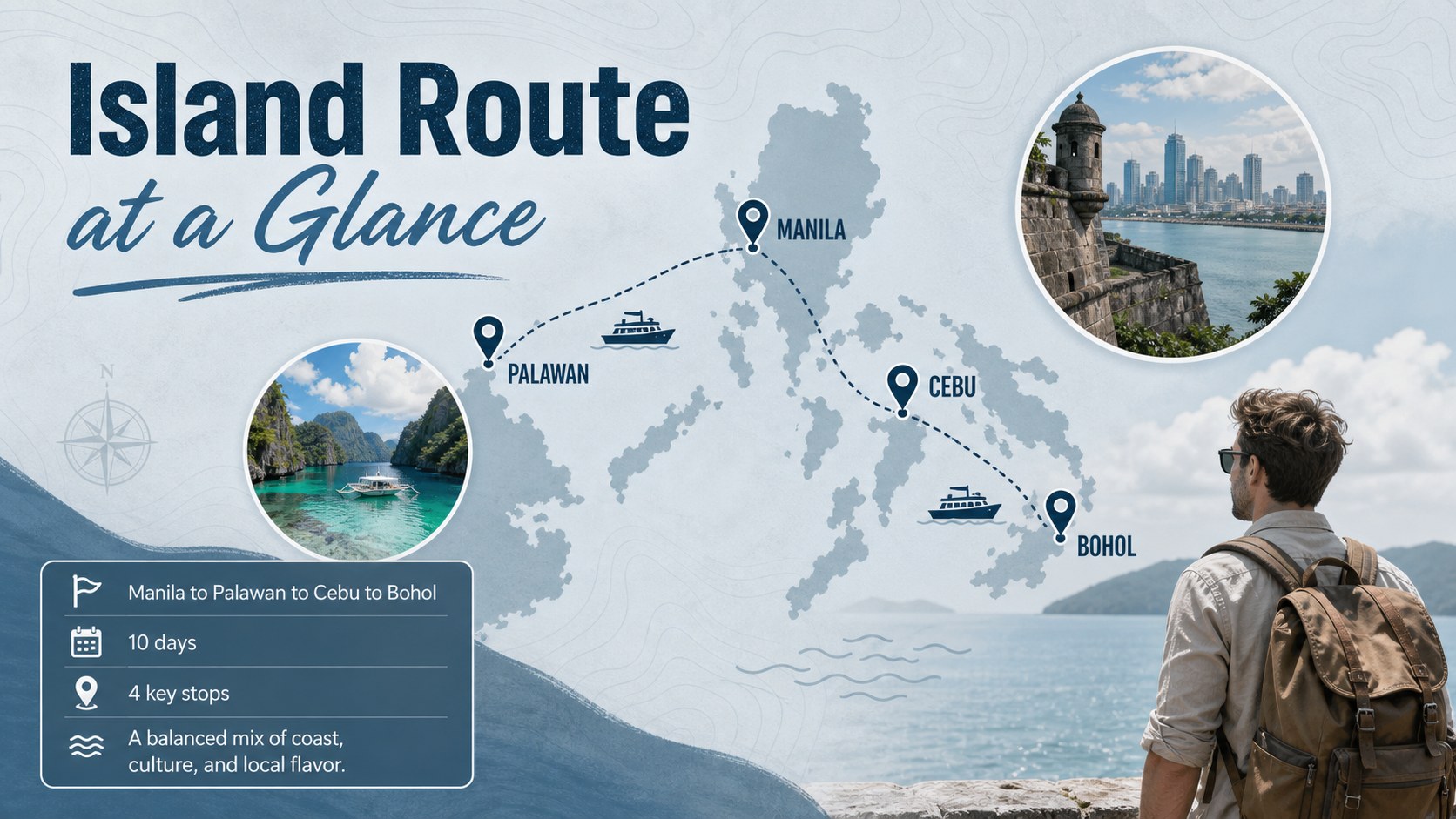
The deck provides layouts for an opening overview, island itinerary, featured destinations, cultural notes, food discoveries, practical travel tips, route planning, trip highlights, and a closing page. Photo frames, compact text areas, map-inspired graphics, and clear section dividers help you organize information without crowding the screen. Use it as a Philippines island itinerary presentation for a planned holiday, or adapt the structure into a blue grey tourism presentation for a class, campaign, or visitor briefing.
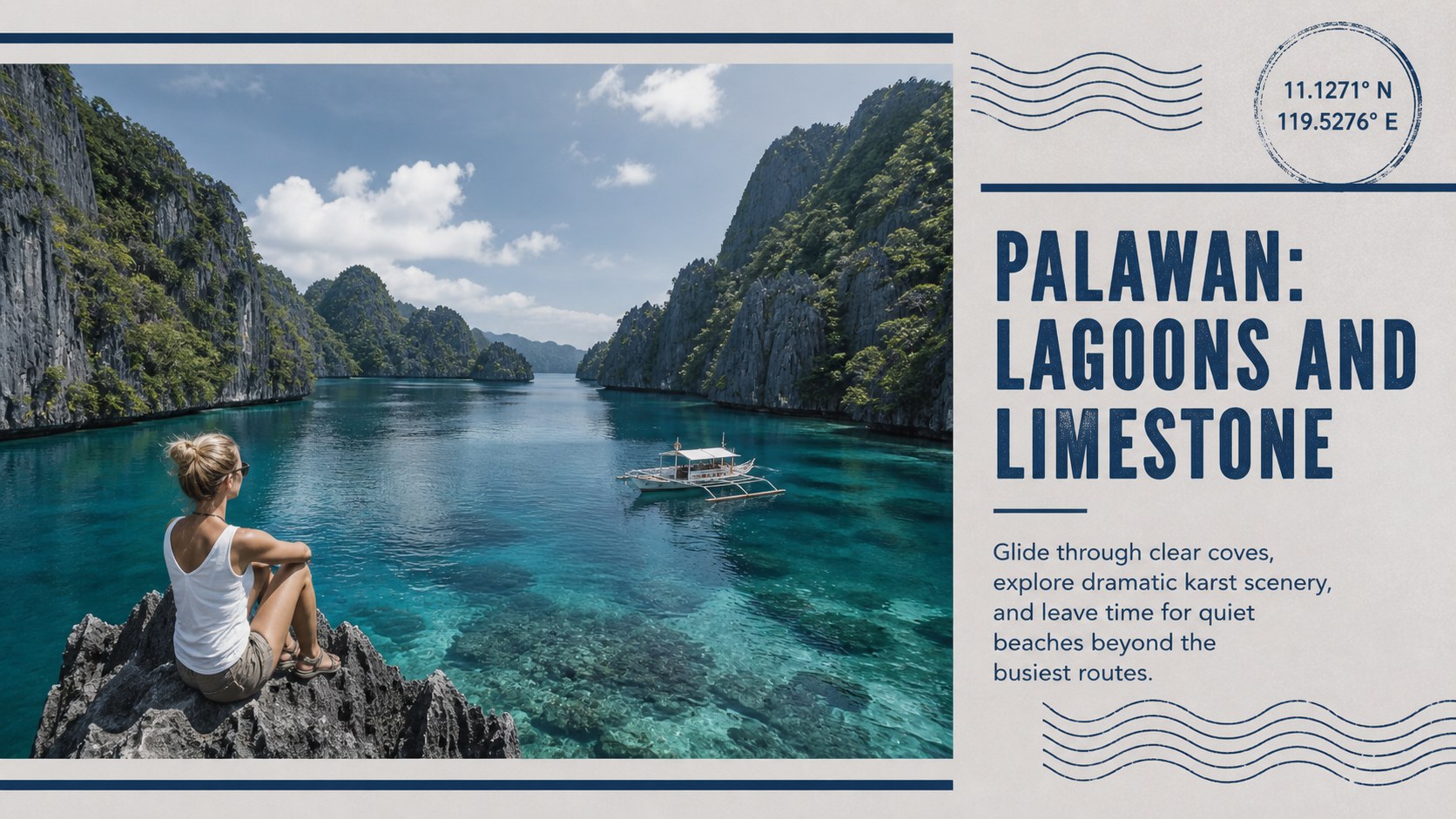
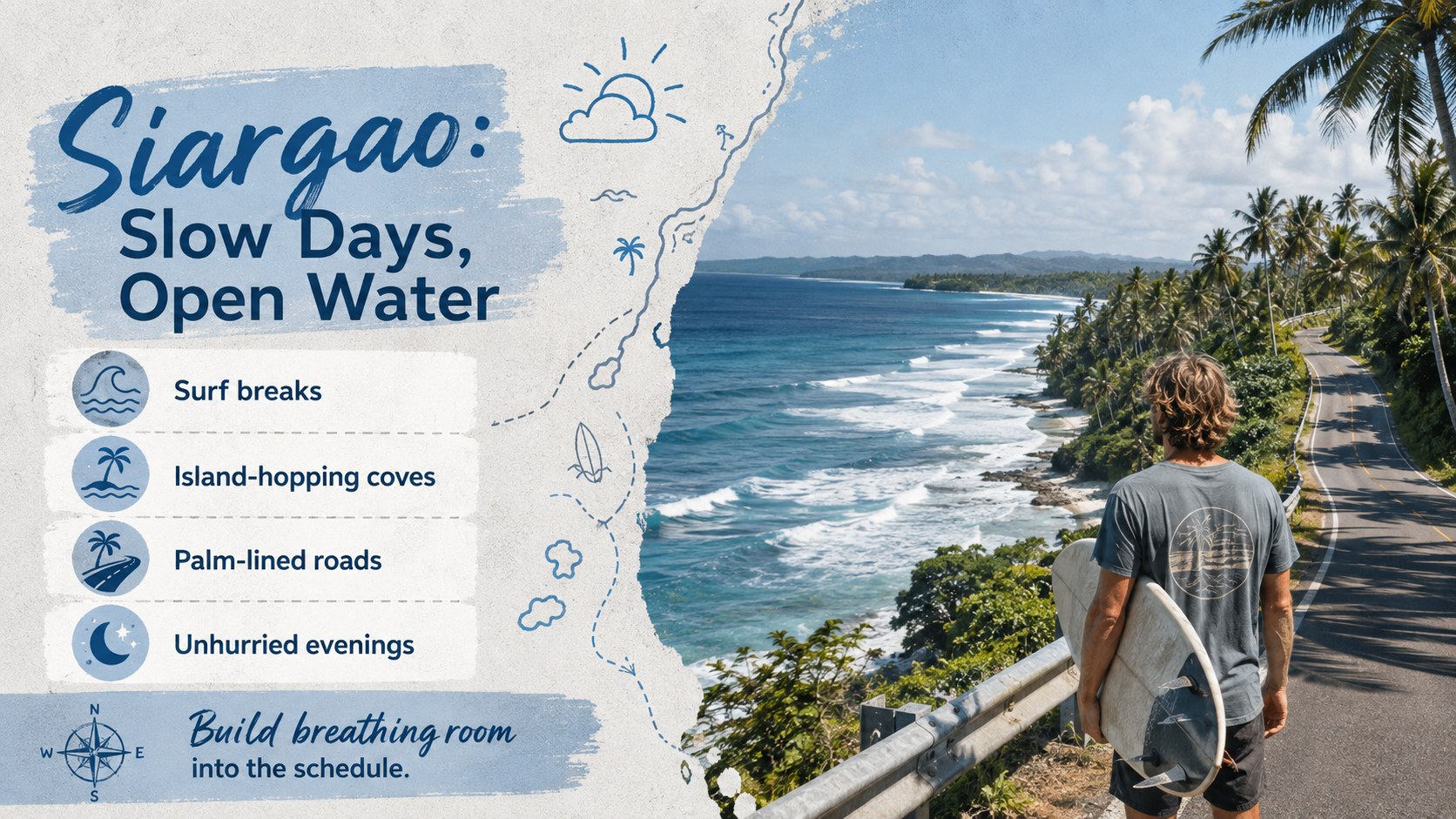
Designed for travelers, tourism teams, educators, students, travel writers, and hospitality professionals, the slides balance useful information with memorable storytelling. The vintage travel collage PowerPoint template can be edited in PowerPoint or Google Slides, making it simple to replace photos, update place names, adjust routes, and apply your own type choices. Use the layouts to introduce destinations such as Palawan, Cebu, Bohol, Siargao, or Luzon while keeping the visual narrative consistent from the first stop to the final reflection.
Perfect for: Philippines island itinerary; Tourism campaign briefing; Classroom geography report; Travel agency proposal; Vacation photo recap; Cultural destination guide.
Frequently asked questions
Which presentation platforms support this template? The deck is designed for Microsoft PowerPoint and Google Slides. Core layouts, text, colors, and image placeholders remain editable in both platforms.
Practical details
The deck is designed for Microsoft PowerPoint and Google Slides. Core layouts, text, colors, and image placeholders remain editable in both platforms.
Yes. Swap the sample imagery and place names for your own destinations, then revise captions, routes, and travel details to match your story.
Edit the theme colors, typography, shapes, and photo treatments directly in your presentation software. Keeping one dark blue, one pale grey, and a restrained accent color will preserve the deck's cohesive vintage character.
Yes. Its destination profiles, cultural notes, route layouts, and summary pages work well for geography lessons, tourism coursework, and student travel reports.
Keep exploring
15Build an engaging World UFO Day session with this flying saucer history lesson deck, featuring retro green-and-brown slides for PowerPoint and Google Slides.
 15
15Plan a lively animal-learning journey with this jungle zoo adventure lesson deck, ready to customize in PowerPoint and Google Slides for young learners.
 16
16Turn environmental research into a clear story with a Watercolor Ecology Presentation Theme for PowerPoint and Google Slides in calming green and blue.
 16
16Build focused fashion, literature, and humanities presentations with the Red Triangle Editorial Theme, editable in PowerPoint and Google Slides.
 15
15Turn streaming stats, favorite tracks, and concert highlights into a bold annual listening recap slide deck for PowerPoint and Google Slides.
 15
15Turn highlights, milestones, and favorite moments into a colorful year in review slide deck with bold 3D graphics for PowerPoint and Google Slides.
 3
3Build a credible endorsement with Standout Colleague Recommendation Letter Slides, featuring colorful prompts for skills, achievements, and team impact.
 4
4Build clear beginner sessions with an ice hockey fundamentals training deck for coaches, PE teachers, and clubs, ready for PowerPoint and Google Slides.