
 15
15presentation
Flying Saucer History Lesson Deck
Build an engaging World UFO Day session with this flying saucer history lesson deck, featuring retro green-and-brown slides for PowerPoint and Google Slides.
Google SlidesPowerPoint
presentation · English
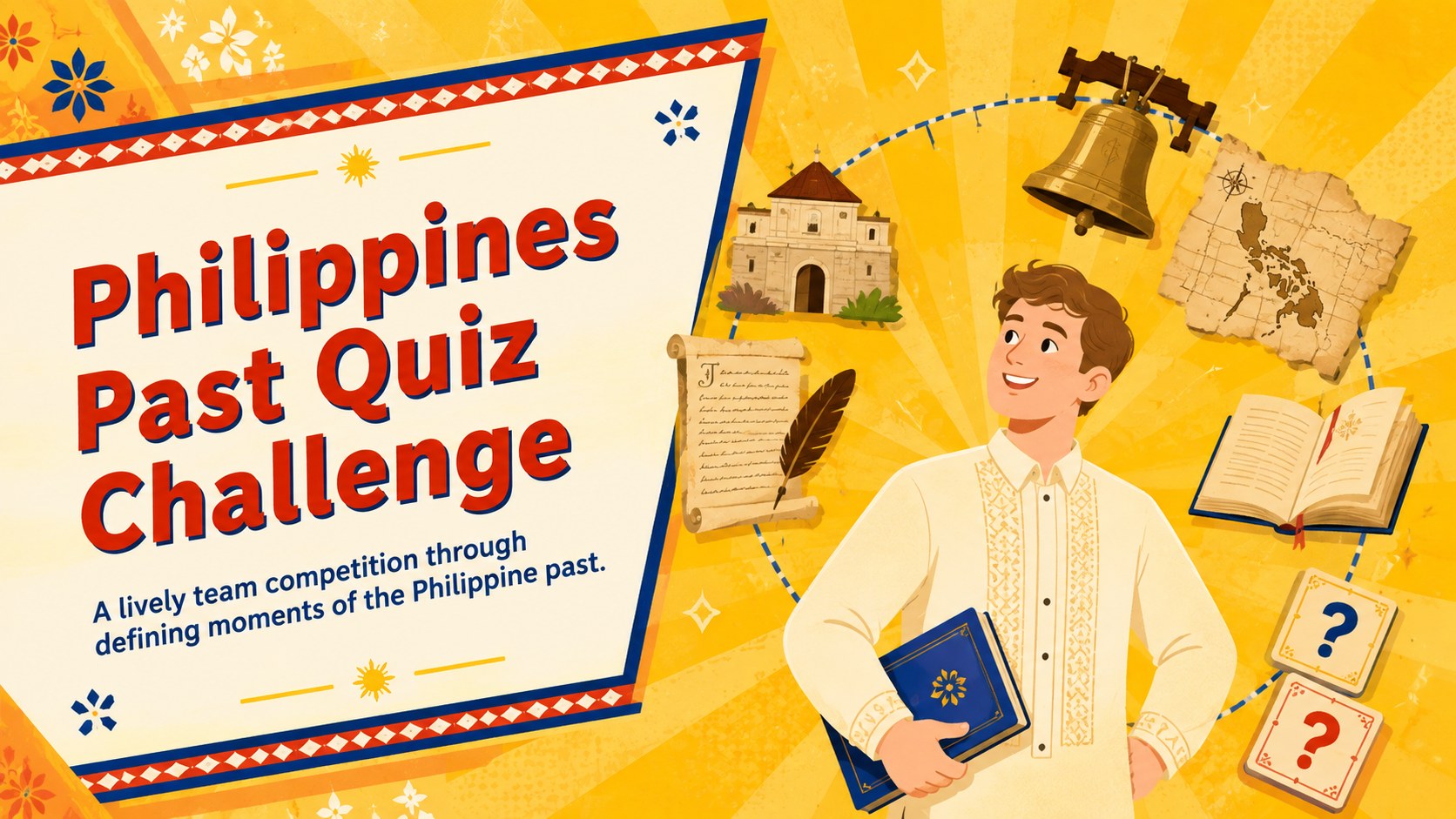
Make review sessions lively with the Philippines Past Quiz Challenge, an illustrated classroom game for PowerPoint and Google Slides with editable rounds.
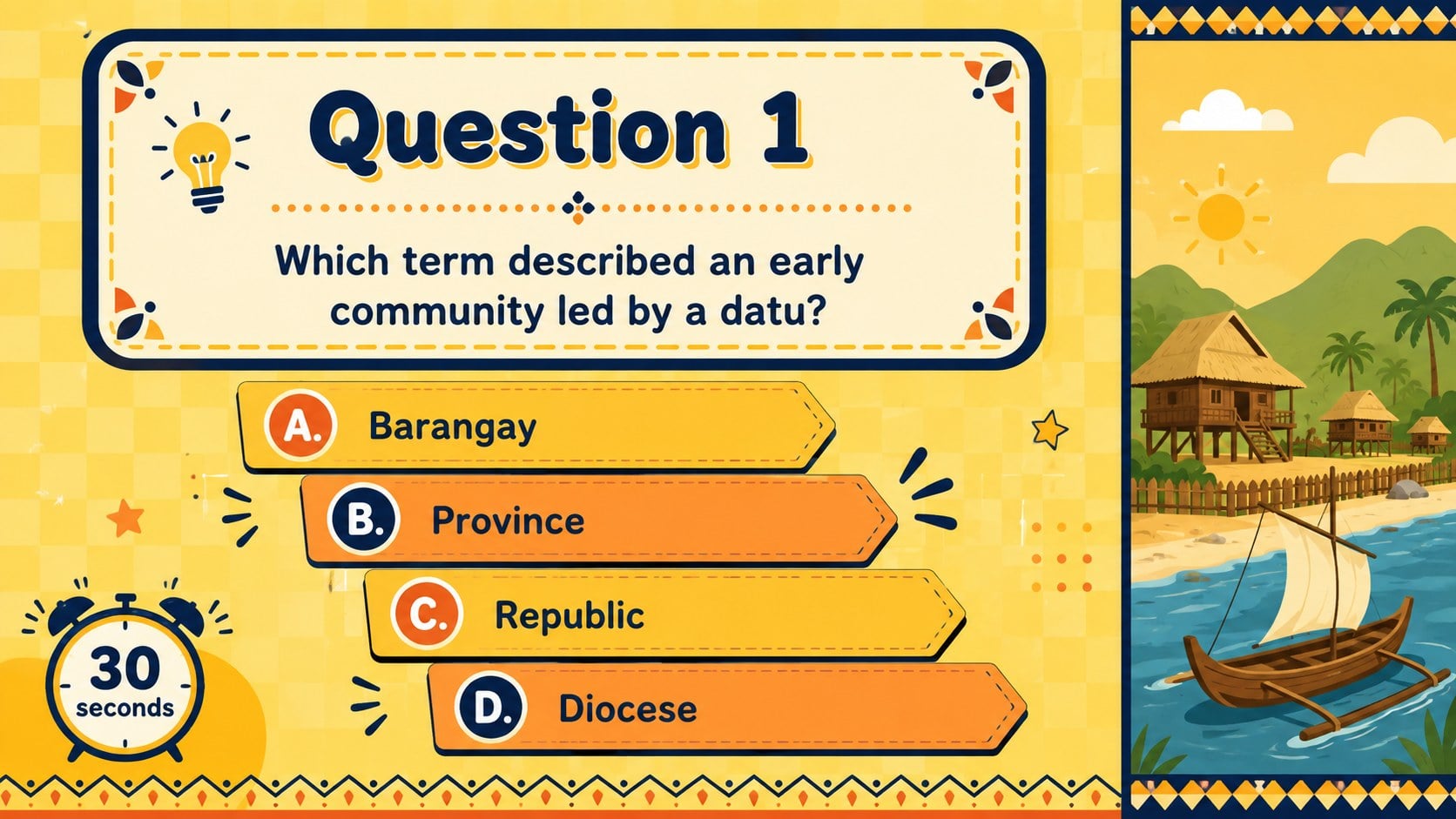
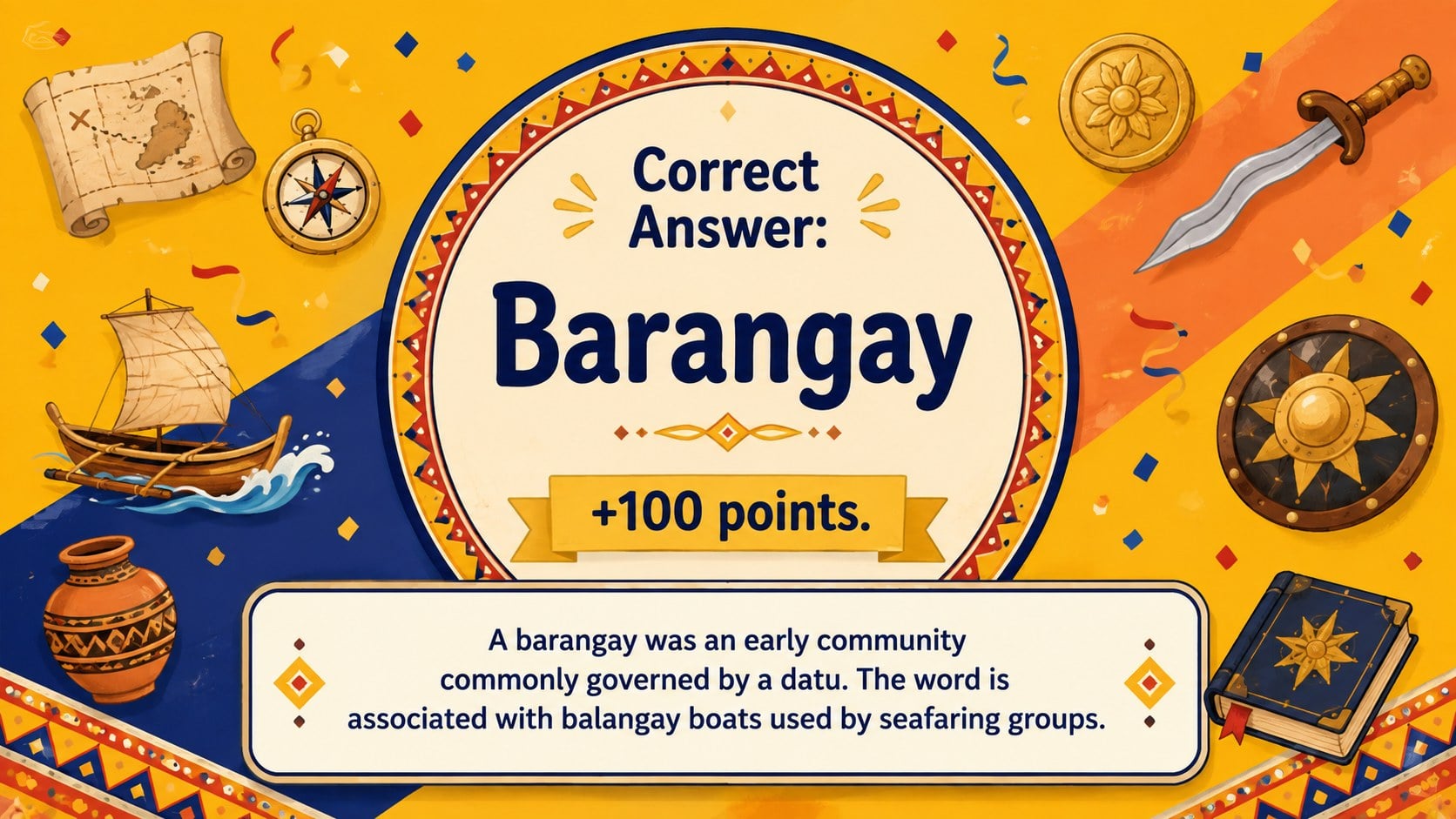
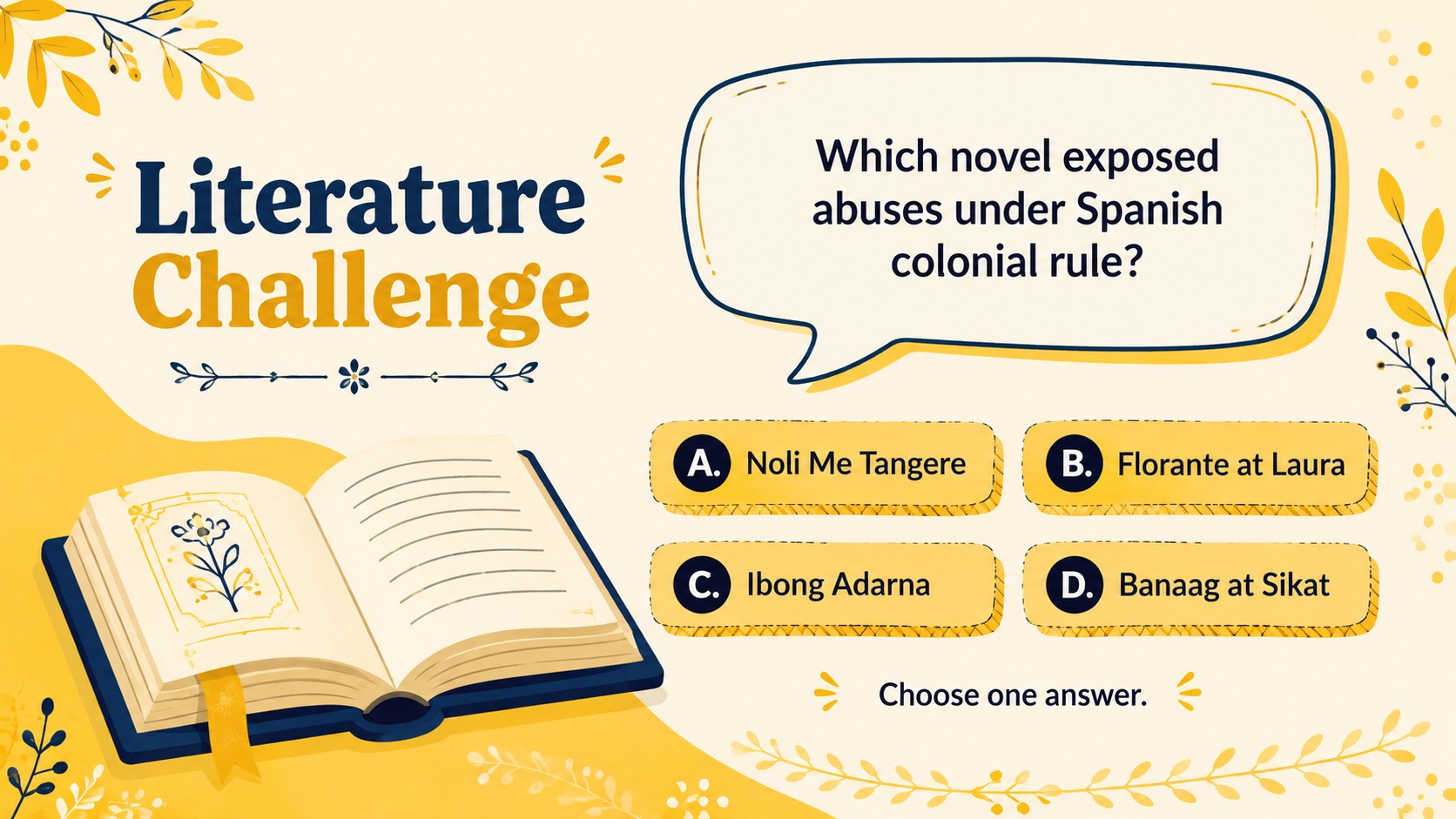
Design notes
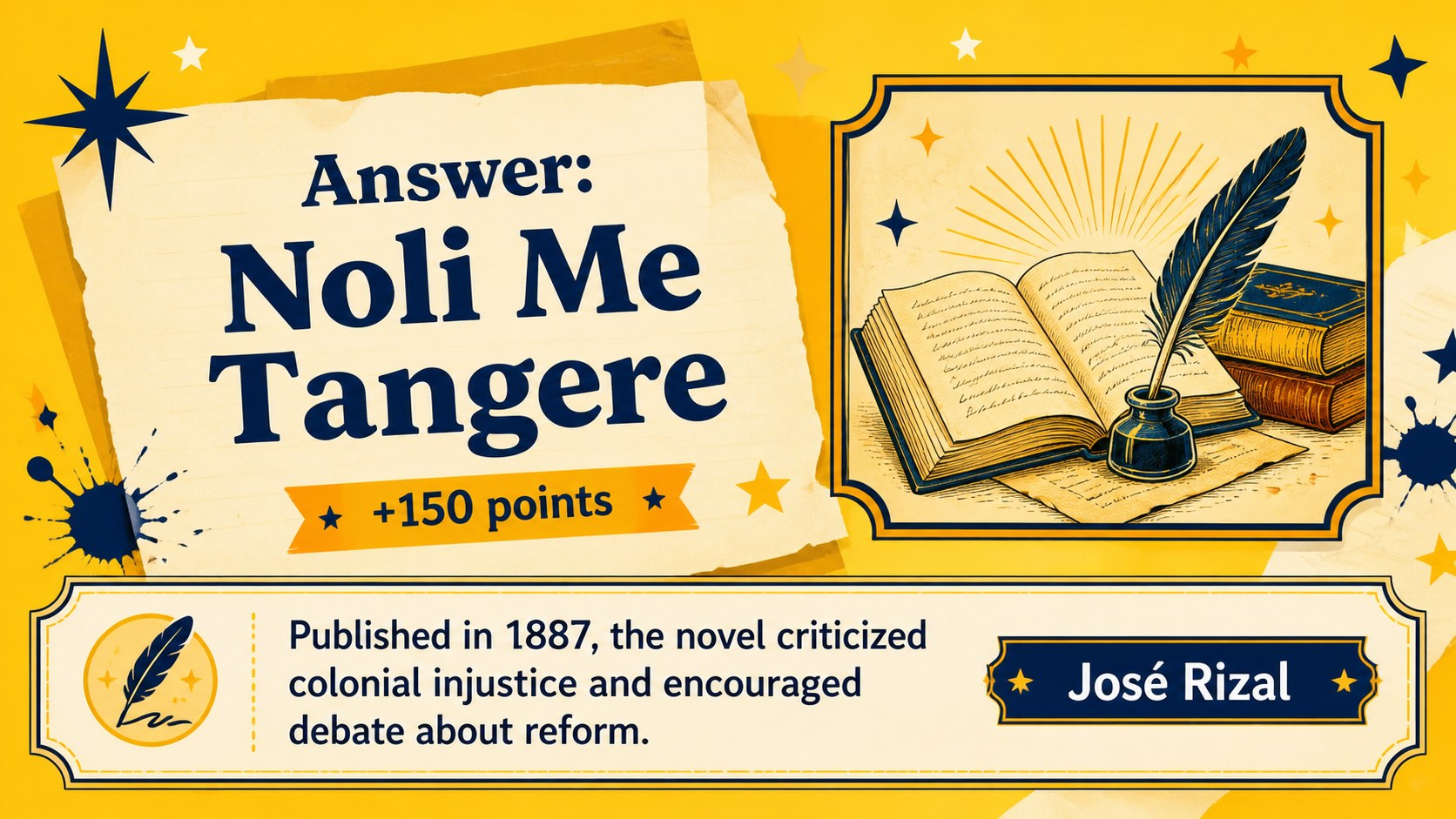
Bring energy to your next history lesson with the Philippines Past Quiz Challenge, a yellow illustrated deck built for questions, quick decisions, and friendly competition. This interactive Philippines history classroom game helps learners revisit major periods, influential works, independence milestones, and civic developments without turning review time into another lecture.
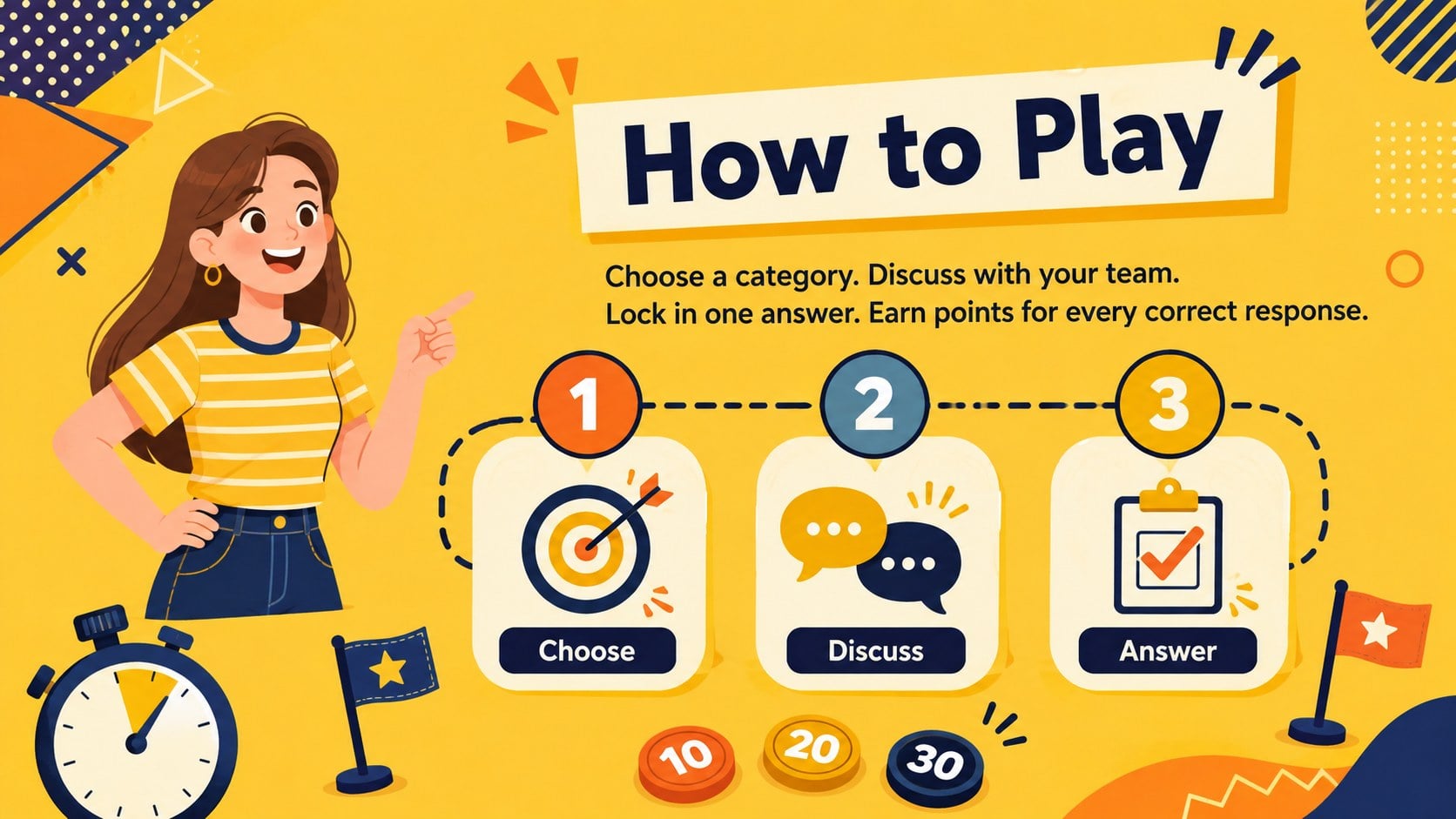
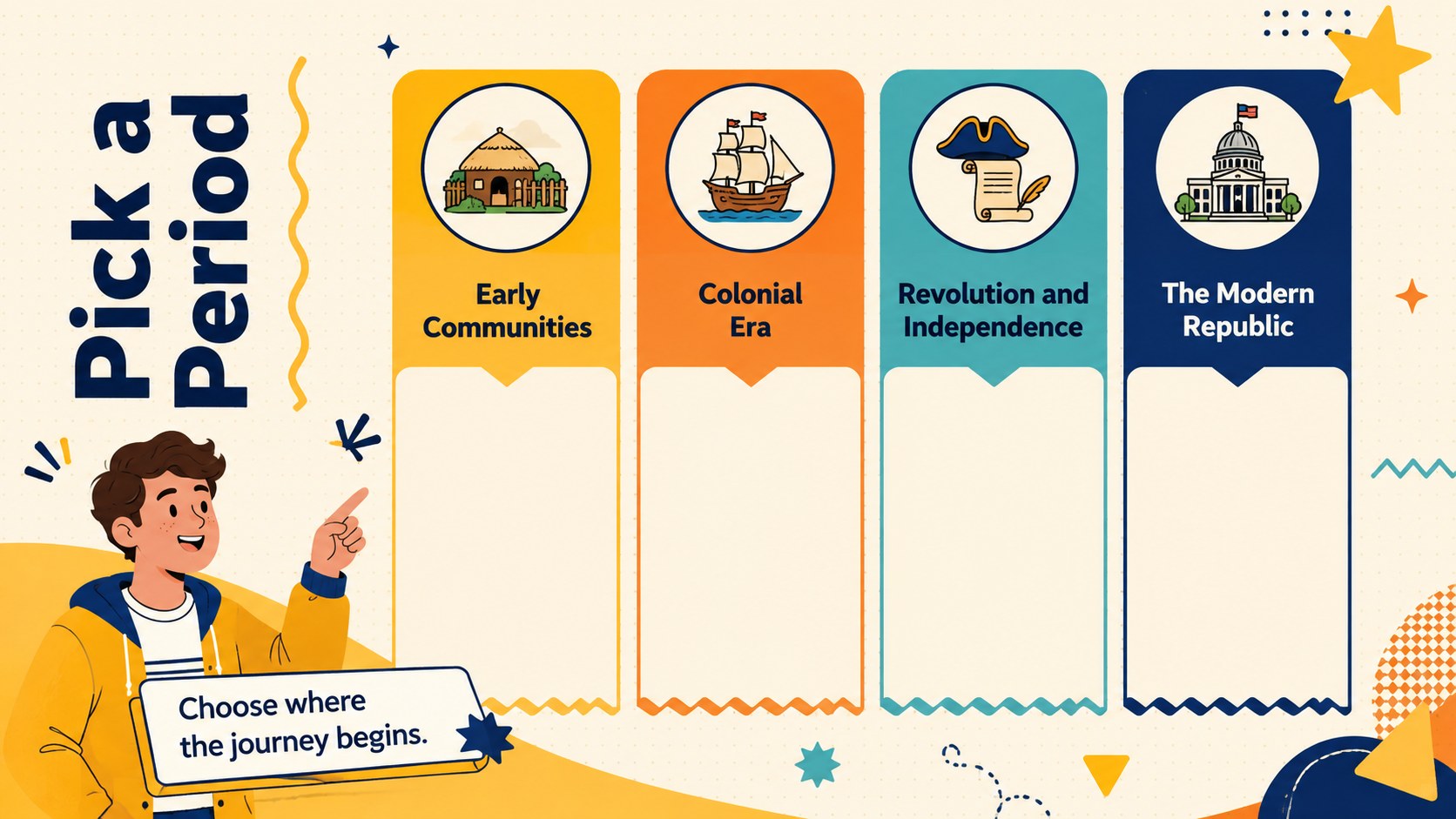
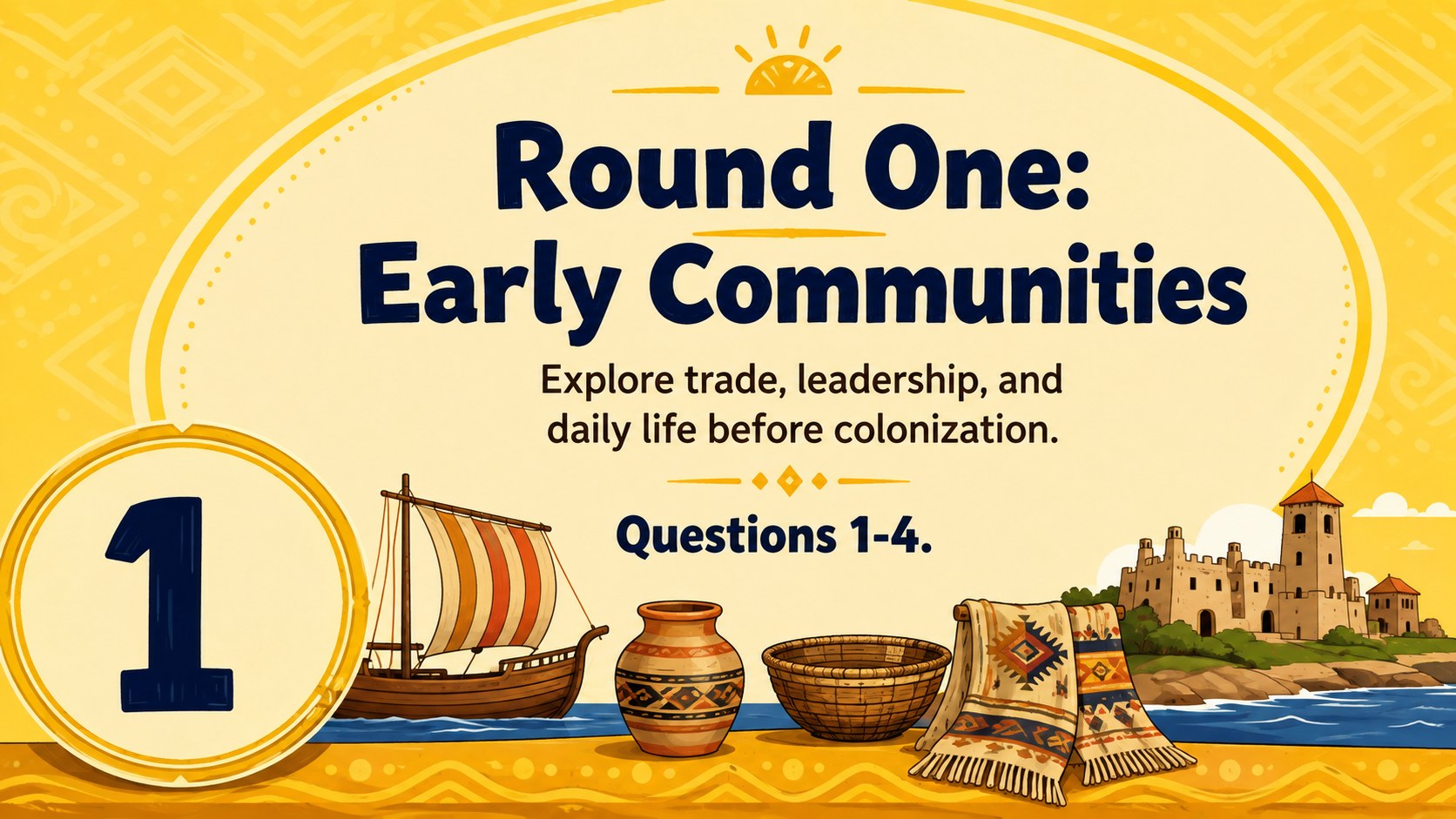
Inside, you will find layouts for game instructions, historical eras, multiple-choice questions, answer reveals, image clues, timelines, team scores, and a final challenge. The varied formats make this a practical Philippine history quiz PowerPoint for individual play, small groups, or whole-class teams. Every layout can be adapted with your own questions, point values, illustrations, and difficulty levels while preserving a clear visual rhythm.
Designed for teachers, students, cultural organizations, and community presenters, these yellow illustrated social studies slides work well for classroom revision, heritage celebrations, academic competitions, and family learning events. Use the deck in PowerPoint or Google Slides, add transitions for suspense, and duplicate question layouts to create longer rounds. Its cheerful illustrated style keeps the subject approachable while giving historical content enough structure for purposeful discussion and recall.
Perfect for: classroom history review; Philippine heritage event; student team competition; social studies warm-up; family learning game.
Frequently asked questions
Can I replace the questions with my own curriculum content? Yes. Edit the question, answer, clue, category, and score text directly in PowerPoint or Google Slides. You can also duplicate any layout to expand a round.
Practical details
Yes. Edit the question, answer, clue, category, and score text directly in PowerPoint or Google Slides. You can also duplicate any layout to expand a round.
The deck is designed for Microsoft PowerPoint and Google Slides. Basic layouts, text, colors, and illustrations can be adjusted in either platform.
Yes. Divide participants into teams, assign point values to the questions, and update the included scoreboard between rounds. The answer-reveal layouts can be presented after each team responds.
Change the yellow palette, typefaces, decorative shapes, and illustrations using the standard formatting controls in your presentation software. Keep strong contrast between questions and backgrounds so projected text remains readable.
Keep exploring
15Build an engaging World UFO Day session with this flying saucer history lesson deck, featuring retro green-and-brown slides for PowerPoint and Google Slides.
 15
15Plan a lively animal-learning journey with this jungle zoo adventure lesson deck, ready to customize in PowerPoint and Google Slides for young learners.
 16
16Turn environmental research into a clear story with a Watercolor Ecology Presentation Theme for PowerPoint and Google Slides in calming green and blue.
 16
16Build focused fashion, literature, and humanities presentations with the Red Triangle Editorial Theme, editable in PowerPoint and Google Slides.
 15
15Turn streaming stats, favorite tracks, and concert highlights into a bold annual listening recap slide deck for PowerPoint and Google Slides.
 15
15Turn highlights, milestones, and favorite moments into a colorful year in review slide deck with bold 3D graphics for PowerPoint and Google Slides.
 3
3Build a credible endorsement with Standout Colleague Recommendation Letter Slides, featuring colorful prompts for skills, achievements, and team impact.
 4
4Build clear beginner sessions with an ice hockey fundamentals training deck for coaches, PE teachers, and clubs, ready for PowerPoint and Google Slides.