
 15
15presentation
Flying Saucer History Lesson Deck
Build an engaging World UFO Day session with this flying saucer history lesson deck, featuring retro green-and-brown slides for PowerPoint and Google Slides.
Google SlidesPowerPoint
presentation · English
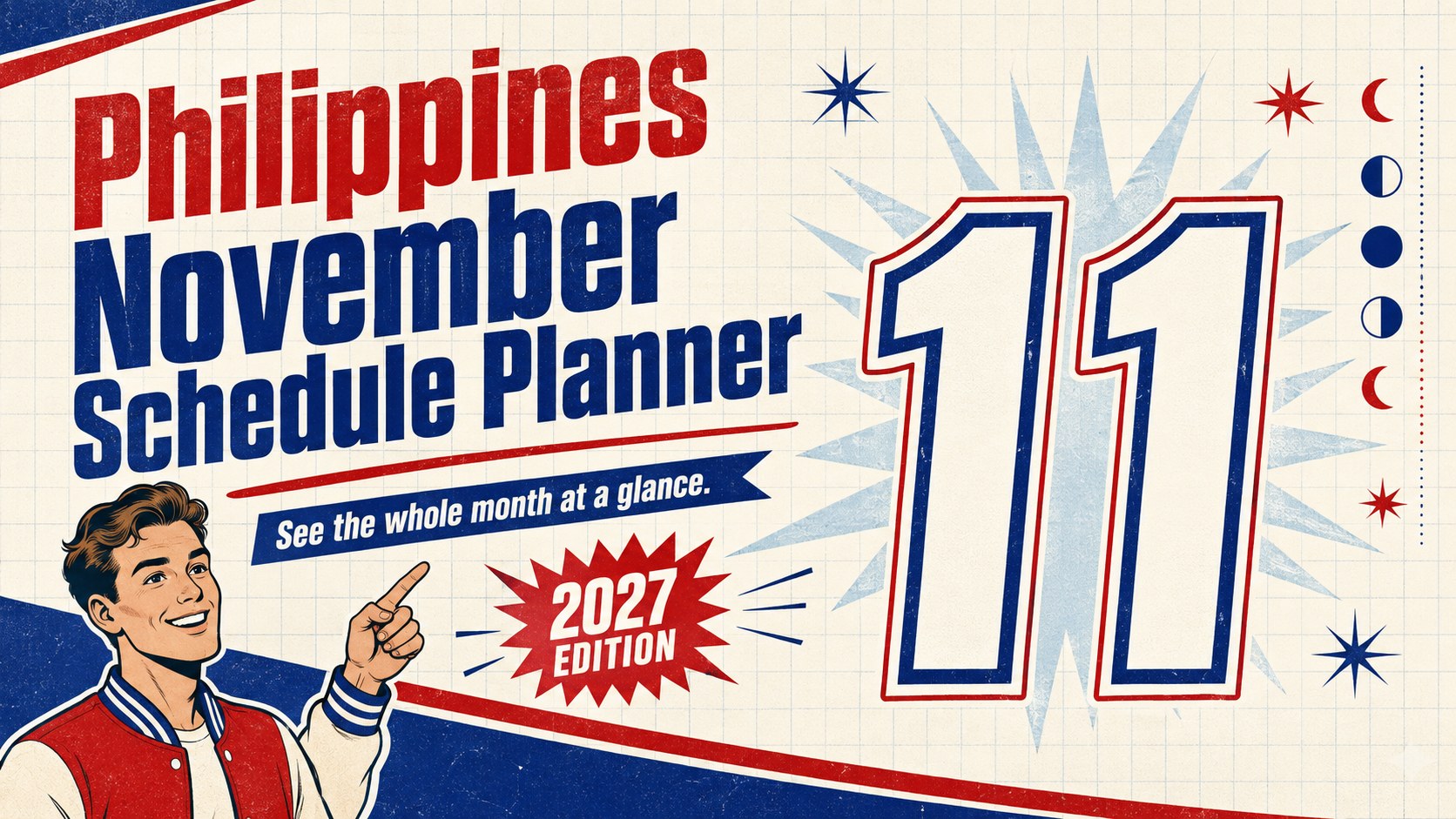
Use the Philippines November Schedule Planner to organize 2027 holidays, moon phases, deadlines, and events in an editable PowerPoint or Google Slides layout.
Design notes
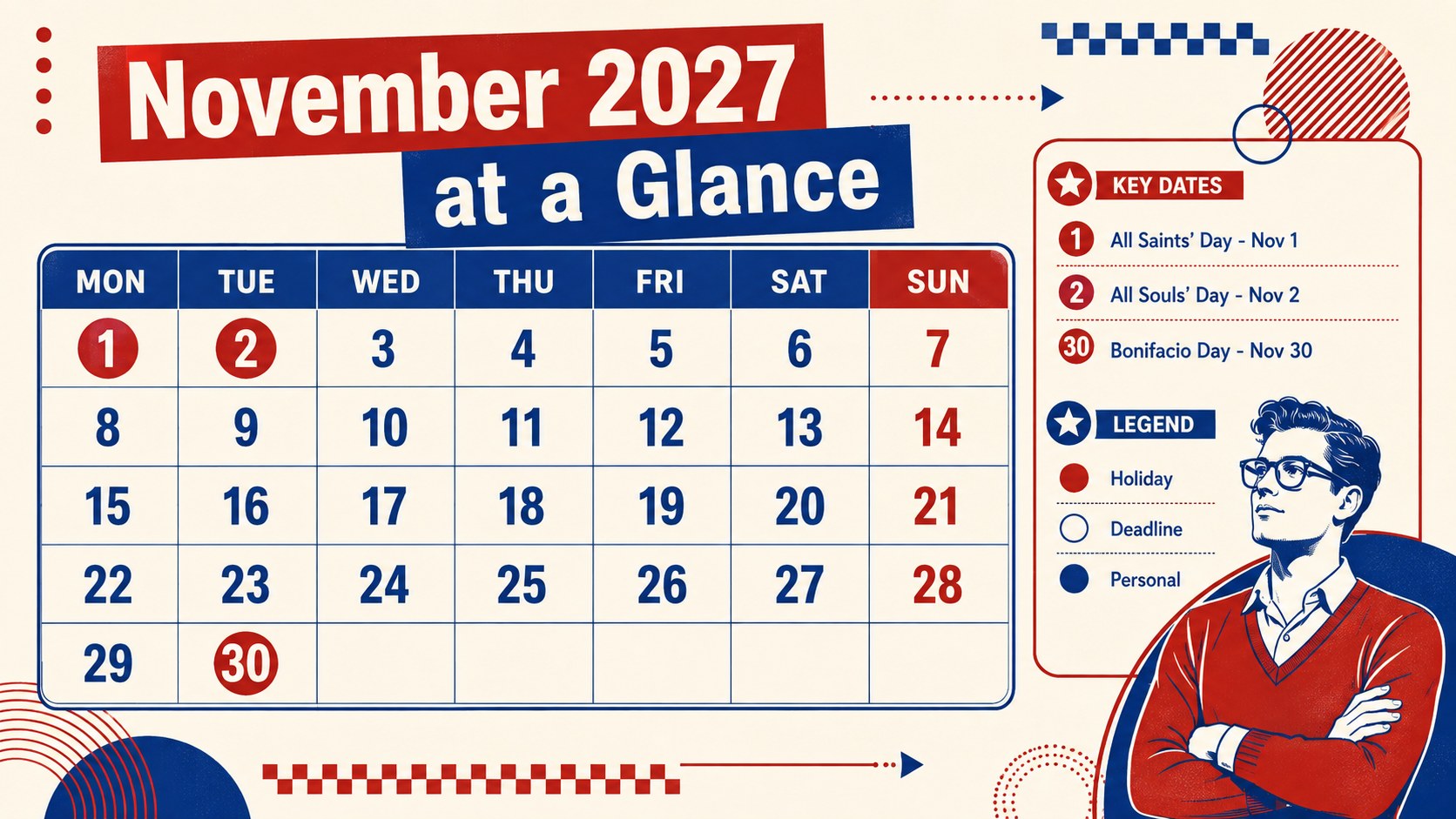
Turn a crowded month into a clear plan with the Philippines November Schedule Planner. Its confident red-and-blue palette, oversized numerals, and retro-inspired geometry make important dates easy to scan without sacrificing writing space. Designed as an editable November 2027 planner for Philippines-based schedules, it brings national observances, lunar details, appointments, and personal priorities into one coordinated deck.
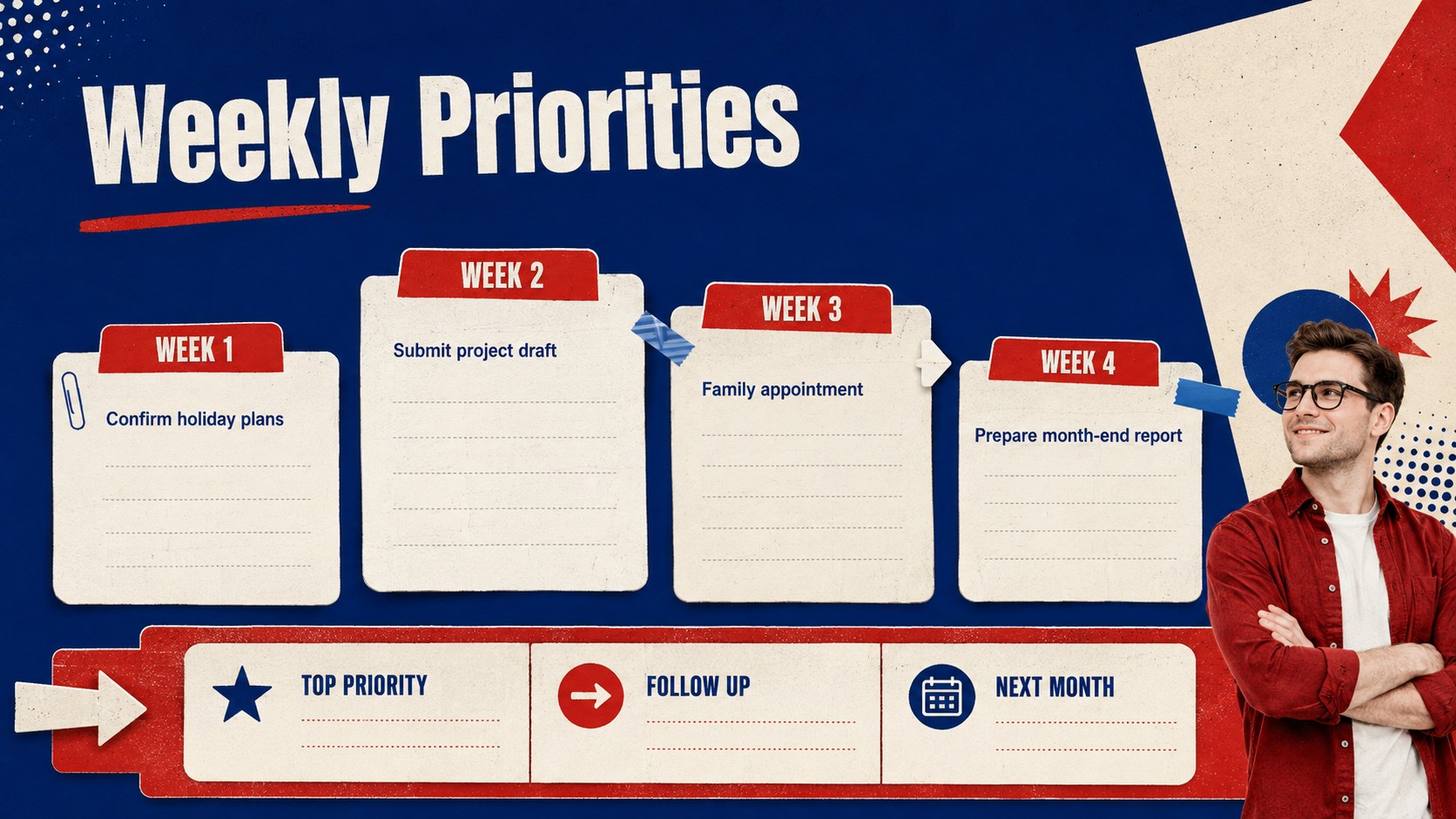
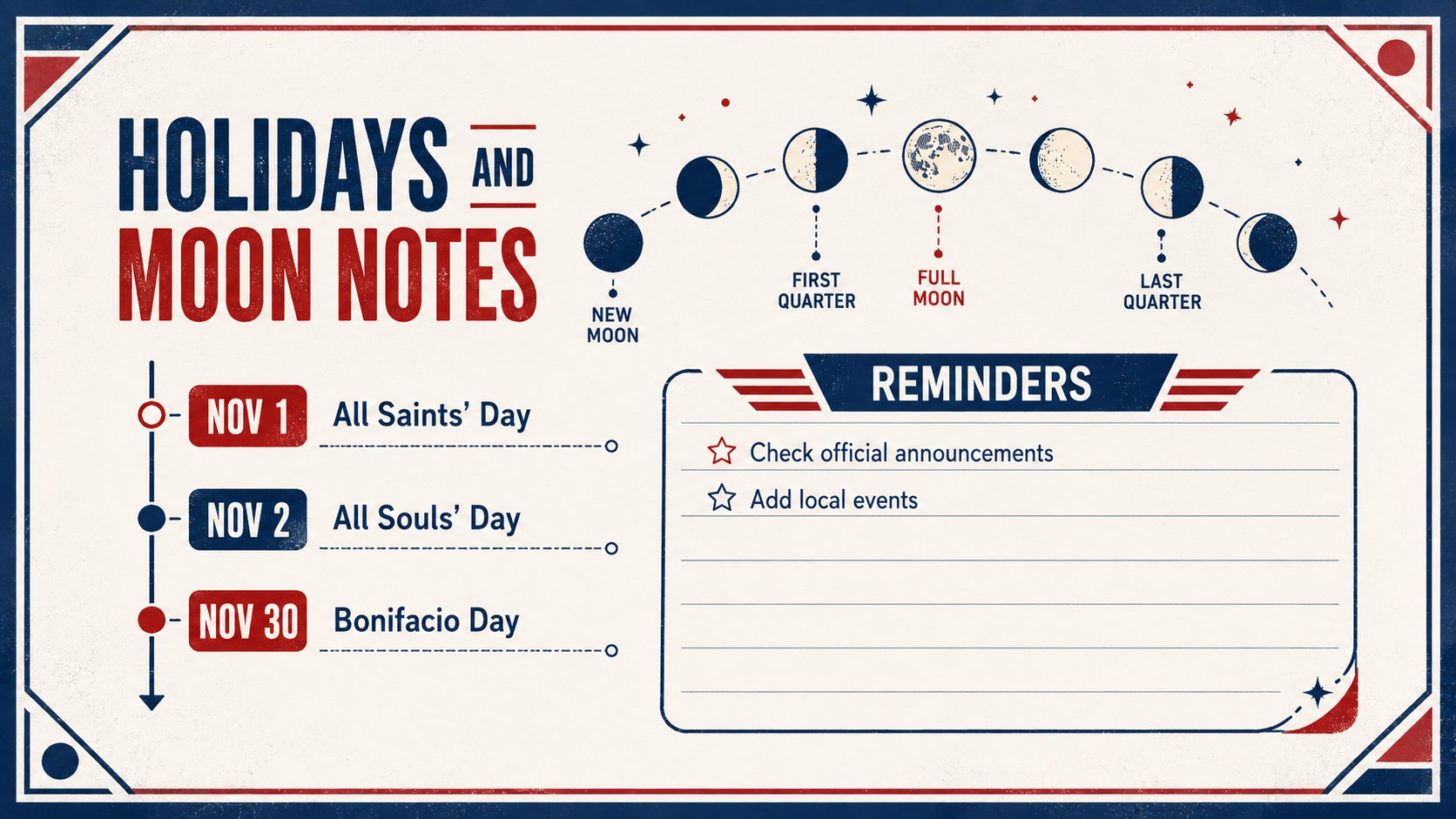
The four-slide set includes a bold cover, a complete monthly overview, a weekly priorities dashboard, and a focused guide to holidays and moon phases. Use the calendar as a visual Philippine public holiday schedule, mark deadlines with color-coded blocks, or adapt the November moon phase calendar template for lessons and personal tracking. Dedicated areas for tasks, notes, reminders, and upcoming events help separate urgent work from flexible plans.
This template suits families coordinating activities, students managing assignments, educators preparing classroom schedules, and professionals organizing projects or community events. Every headline, date label, color, and shape can be edited in PowerPoint or Google Slides. Rearrange sections, add local events, update holiday details, or print individual layouts as planning sheets. The structured grid remains practical for everyday use, while the energetic retro styling gives routine scheduling a distinctive visual identity.
Perfect for: family activity scheduling; school deadline tracking; workplace project planning; Philippine holiday coordination; community event organization.
Frequently asked questions
Can I edit every date and event in this planner? Yes. Date labels, holiday names, task lists, colors, and decorative shapes can all be changed to match your schedule.
Practical details
Yes. Date labels, holiday names, task lists, colors, and decorative shapes can all be changed to match your schedule.
The planner is designed for Microsoft PowerPoint and Google Slides. Both platforms allow you to duplicate layouts, update text, and add your own events.
Yes. Replace any existing event label or insert additional text boxes for regional observances, school dates, company closures, and family occasions.
The layouts provide editable planning references rather than legal guidance. Confirm public holiday classifications and late government announcements before distributing a final schedule.
Keep exploring
15Build an engaging World UFO Day session with this flying saucer history lesson deck, featuring retro green-and-brown slides for PowerPoint and Google Slides.
 15
15Plan a lively animal-learning journey with this jungle zoo adventure lesson deck, ready to customize in PowerPoint and Google Slides for young learners.
 16
16Turn environmental research into a clear story with a Watercolor Ecology Presentation Theme for PowerPoint and Google Slides in calming green and blue.
 16
16Build focused fashion, literature, and humanities presentations with the Red Triangle Editorial Theme, editable in PowerPoint and Google Slides.
 15
15Turn streaming stats, favorite tracks, and concert highlights into a bold annual listening recap slide deck for PowerPoint and Google Slides.
 15
15Turn highlights, milestones, and favorite moments into a colorful year in review slide deck with bold 3D graphics for PowerPoint and Google Slides.
 3
3Build a credible endorsement with Standout Colleague Recommendation Letter Slides, featuring colorful prompts for skills, achievements, and team impact.
 4
4Build clear beginner sessions with an ice hockey fundamentals training deck for coaches, PE teachers, and clubs, ready for PowerPoint and Google Slides.