
 15
15presentation
Flying Saucer History Lesson Deck
Build an engaging World UFO Day session with this flying saucer history lesson deck, featuring retro green-and-brown slides for PowerPoint and Google Slides.
Google SlidesPowerPoint
presentation · English
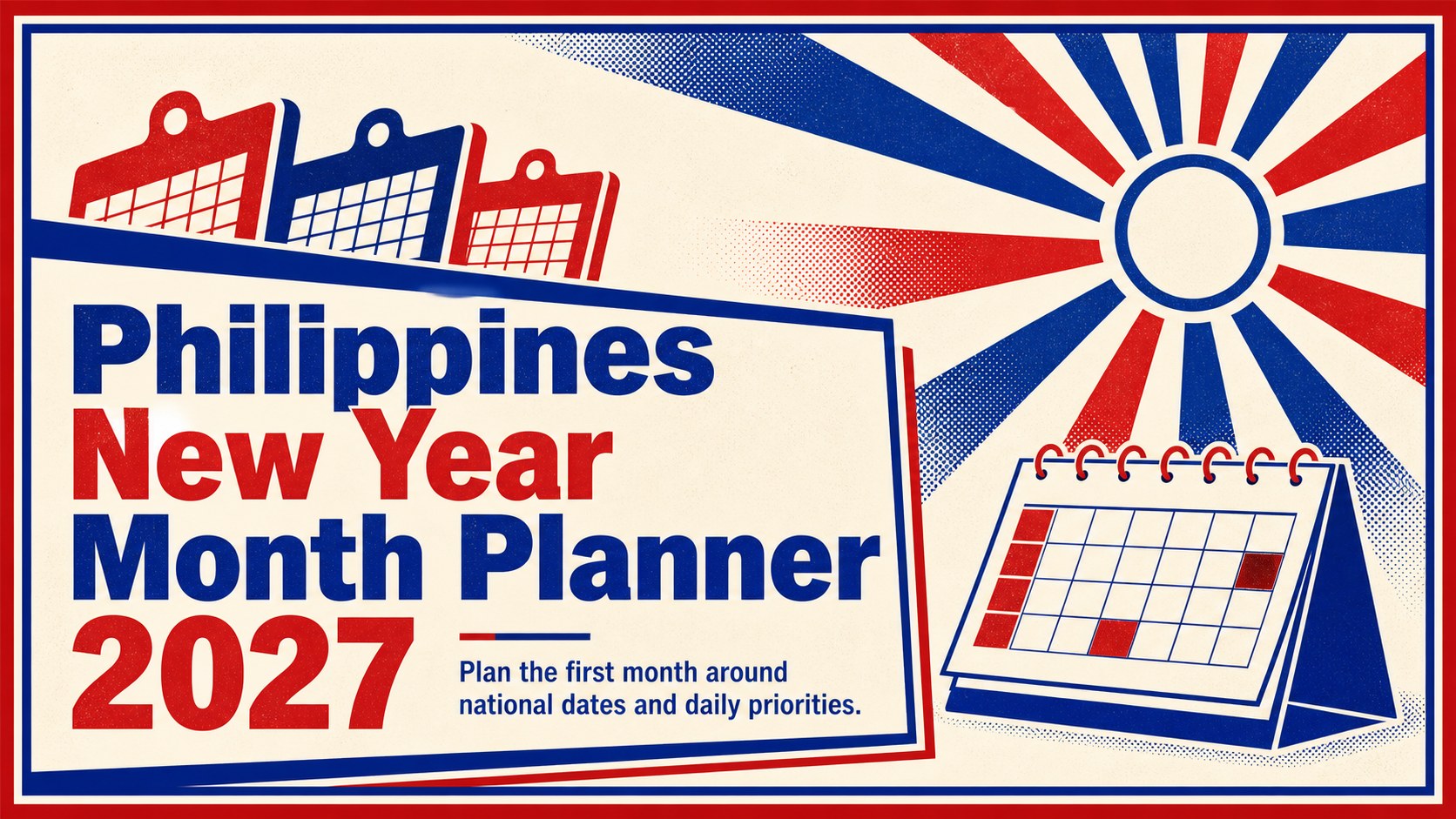
Map work, school, and family commitments with the Philippines New Year Month Planner 2027, editable in PowerPoint and Google Slides.
Design notes
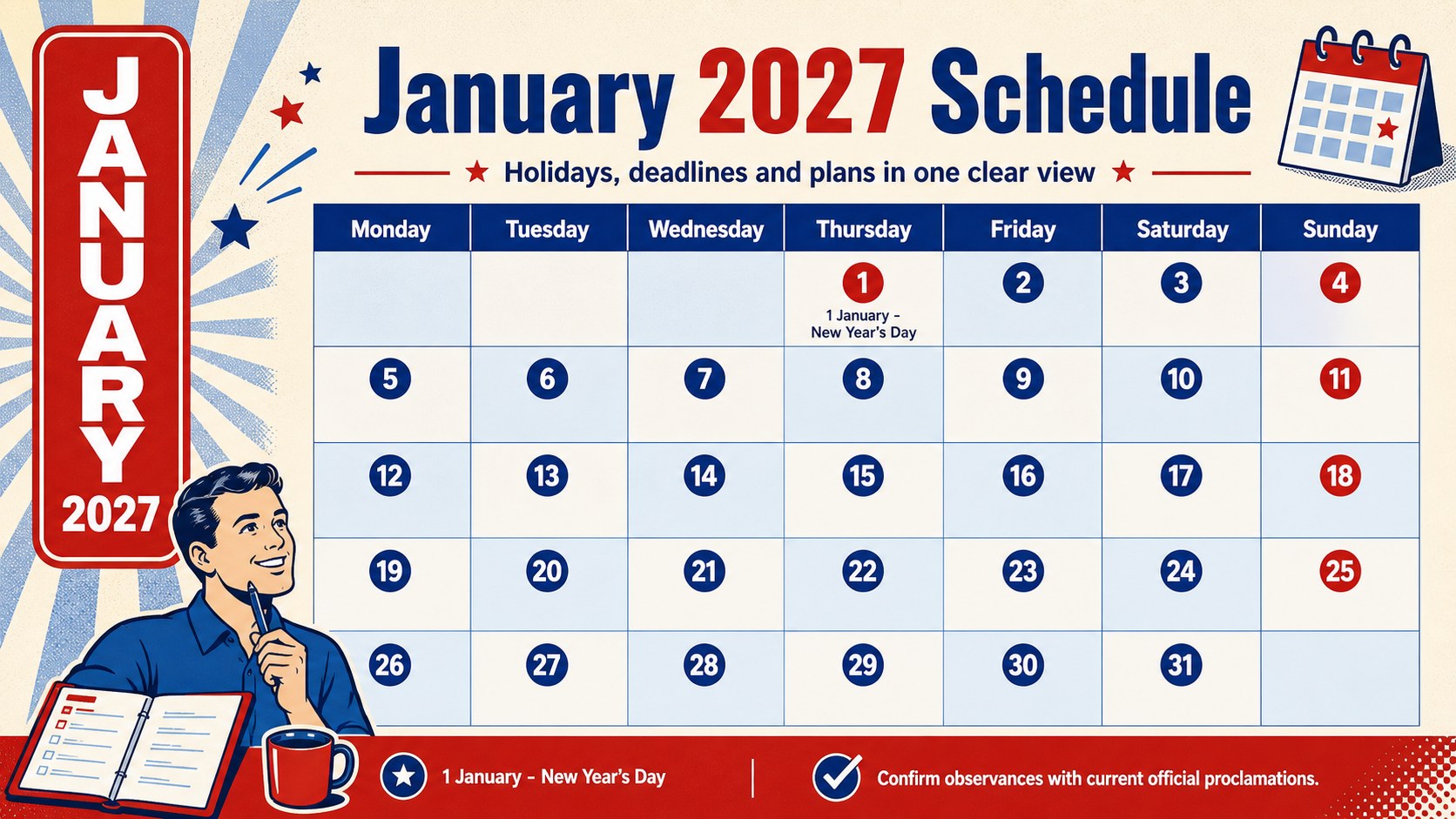
Start the year with a practical view of holidays, appointments, deadlines, and personal plans. The Philippines New Year Month Planner 2027 combines a clean monthly structure with bold blue and red retro styling, making important dates easy to spot without crowding the page. Edit every section in PowerPoint or Google Slides to create a schedule that fits your household, classroom, team, or organization.
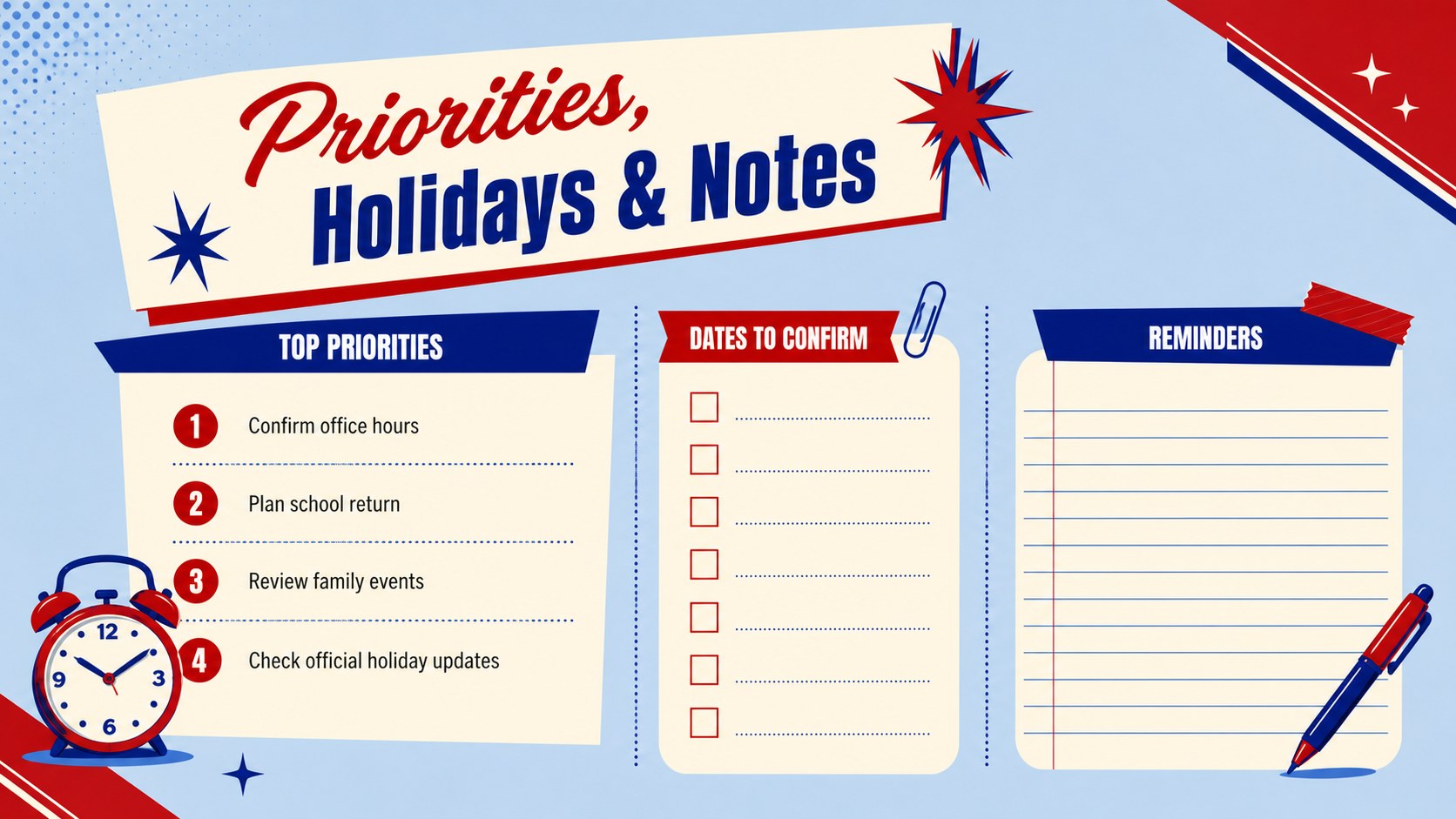
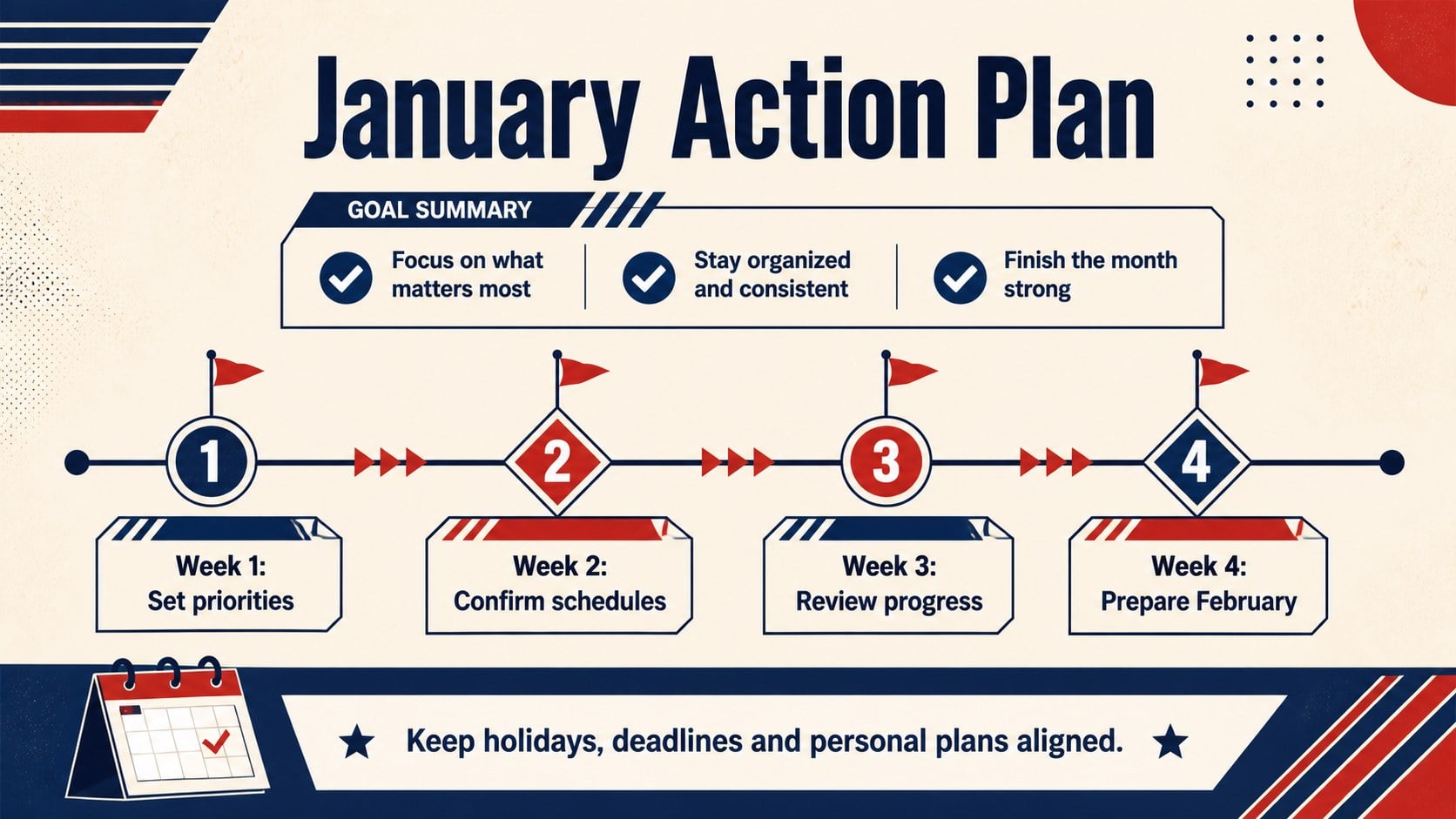
Inside, you will find a January 2027 monthly grid, a focused holiday overview, space for priorities, and a simple notes layout for reminders or follow-up tasks. Use it as an editable Philippines holiday planner 2027 resource, add organization-specific events, or adapt the pages into a January 2027 Philippines monthly schedule. Text, colors, shapes, and labels can be adjusted while preserving the strong portrait-inspired visual character of the original design direction.
This planner is suited to office administrators coordinating leave, teachers arranging the return to class, students tracking assignments, families organizing gatherings, and community teams preparing seasonal activities. It can also support a Philippine office leave planning calendar by placing closures, staff availability, and deadlines in one readable view. Holiday observances may change through official proclamations, so confirm dates with current Philippine government sources before publishing or distributing a final schedule.
Perfect for: office leave coordination; school term scheduling; family holiday planning; community event organization; student deadline tracking.
Frequently asked questions
Can I edit every date and event in this planner? Yes. The date labels, event text, notes, colors, and graphic elements can be customized to match your schedule and preferred terminology.
Practical details
Yes. The date labels, event text, notes, colors, and graphic elements can be customized to match your schedule and preferred terminology.
The template is designed for PowerPoint and Google Slides. Layouts may display slightly differently between platforms, so review the final version before presenting or exporting it.
Yes. Replace existing labels or add text boxes for internal closures, school activities, municipal events, birthdays, and deadlines.
Holiday dates can be revised or supplemented by official proclamations. Verify the schedule against current Philippine government announcements before using the planner as an authoritative calendar.
Keep exploring
15Build an engaging World UFO Day session with this flying saucer history lesson deck, featuring retro green-and-brown slides for PowerPoint and Google Slides.
 15
15Plan a lively animal-learning journey with this jungle zoo adventure lesson deck, ready to customize in PowerPoint and Google Slides for young learners.
 16
16Turn environmental research into a clear story with a Watercolor Ecology Presentation Theme for PowerPoint and Google Slides in calming green and blue.
 16
16Build focused fashion, literature, and humanities presentations with the Red Triangle Editorial Theme, editable in PowerPoint and Google Slides.
 15
15Turn streaming stats, favorite tracks, and concert highlights into a bold annual listening recap slide deck for PowerPoint and Google Slides.
 15
15Turn highlights, milestones, and favorite moments into a colorful year in review slide deck with bold 3D graphics for PowerPoint and Google Slides.
 3
3Build a credible endorsement with Standout Colleague Recommendation Letter Slides, featuring colorful prompts for skills, achievements, and team impact.
 4
4Build clear beginner sessions with an ice hockey fundamentals training deck for coaches, PE teachers, and clubs, ready for PowerPoint and Google Slides.