
 15
15presentation
Flying Saucer History Lesson Deck
Build an engaging World UFO Day session with this flying saucer history lesson deck, featuring retro green-and-brown slides for PowerPoint and Google Slides.
Google SlidesPowerPoint
presentation · English
Plan work, school, and celebrations with a Philippines February 2027 schedule planner featuring a bold retro calendar for PowerPoint and Google Slides.
Design notes
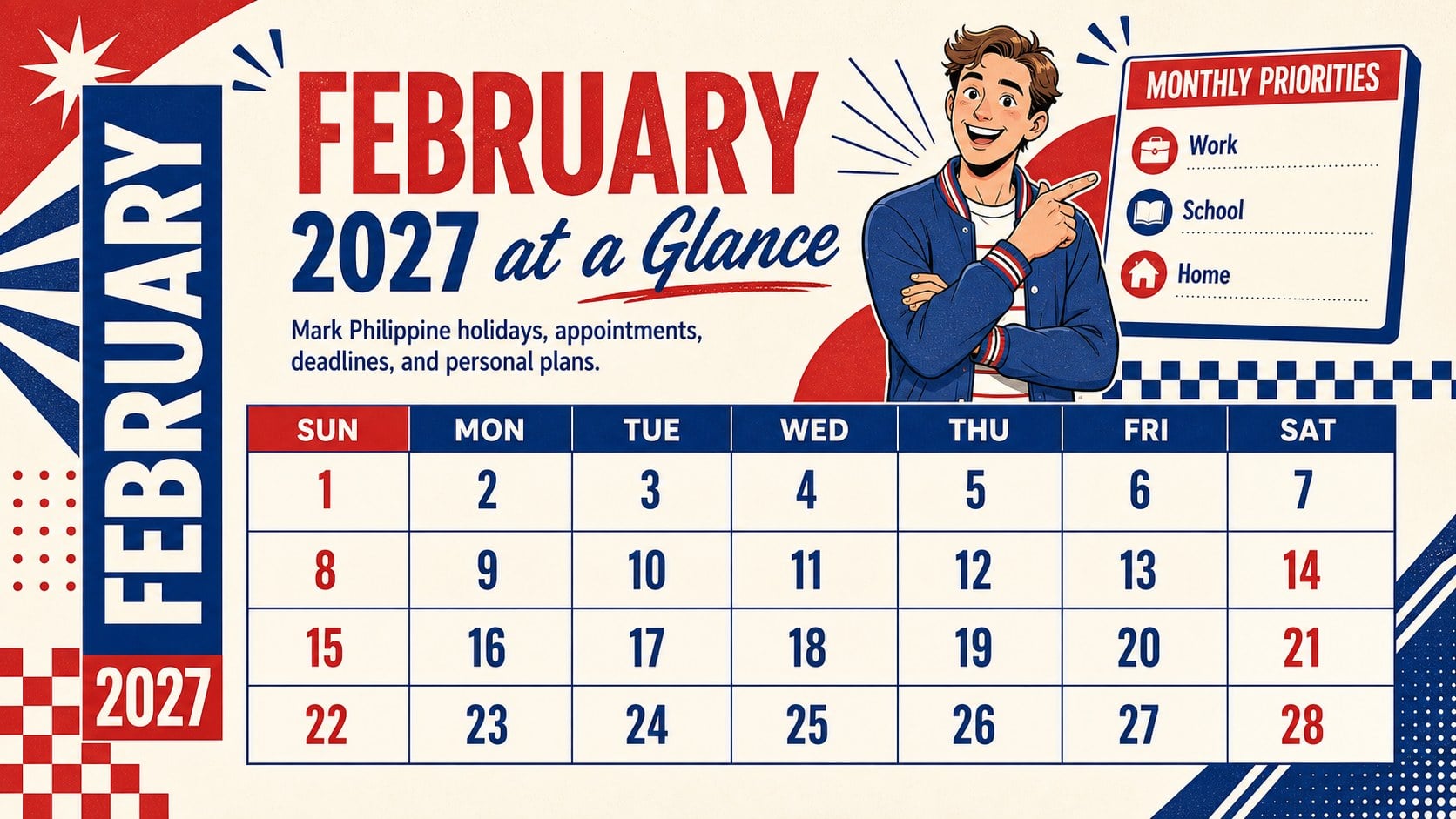
Bring appointments, celebrations, deadlines, and public observances together with the Philippines February 2027 schedule planner. Bold blue and red accents, energetic retro typography, and a structured monthly layout make important dates easy to spot without sacrificing personality. Use it as an editable Philippines February 2027 planner for coordinating household routines, class activities, office commitments, or community events.
Inside, you will find a complete month-at-a-glance calendar, a focused key-dates page, and a practical weekly preparation layout. Dedicated areas for priorities, reminders, and notes help turn the deck into more than a date reference. Holiday labels and event details remain fully editable, so you can update them when official announcements are confirmed. The retro February calendar PowerPoint template also supports color, font, shape, and layout adjustments to suit different planning needs.
This Philippine monthly schedule template is designed for families, teachers, students, administrators, team leaders, and independent professionals who want a clear visual plan for February. Open it in PowerPoint or Google Slides, replace the sample wording, add local events, and adapt the schedule for print or screen use. Its lively retro style works especially well for school bulletins, workplace planning meetings, household coordination, and personal organization.
Perfect for: family monthly planning; school activity scheduling; office deadline tracking; Philippine holiday coordination; community event planning.
Frequently asked questions
Can I edit every date and holiday label? Yes. Dates, event names, reminders, colors, and notes can be changed to match your plans. You can also revise holiday information after official Philippine announcements are released.
Practical details
Yes. Dates, event names, reminders, colors, and notes can be changed to match your plans. You can also revise holiday information after official Philippine announcements are released.
The template is designed for PowerPoint and Google Slides. Both platforms allow you to edit the text, rearrange elements, and present or print the finished calendar.
Yes. Replace the palette, adjust the typography, and modify the decorative shapes while preserving the calendar structure. You can also add a school, team, or household color scheme without changing the planning content.
Yes. After editing, export the slides to PDF and select the appropriate paper and scaling settings in your print dialog. Review the print preview first to confirm margins and text size.
Keep exploring
15Build an engaging World UFO Day session with this flying saucer history lesson deck, featuring retro green-and-brown slides for PowerPoint and Google Slides.
 15
15Plan a lively animal-learning journey with this jungle zoo adventure lesson deck, ready to customize in PowerPoint and Google Slides for young learners.
 16
16Turn environmental research into a clear story with a Watercolor Ecology Presentation Theme for PowerPoint and Google Slides in calming green and blue.
 16
16Build focused fashion, literature, and humanities presentations with the Red Triangle Editorial Theme, editable in PowerPoint and Google Slides.
 15
15Turn streaming stats, favorite tracks, and concert highlights into a bold annual listening recap slide deck for PowerPoint and Google Slides.
 15
15Turn highlights, milestones, and favorite moments into a colorful year in review slide deck with bold 3D graphics for PowerPoint and Google Slides.
 3
3Build a credible endorsement with Standout Colleague Recommendation Letter Slides, featuring colorful prompts for skills, achievements, and team impact.
 4
4Build clear beginner sessions with an ice hockey fundamentals training deck for coaches, PE teachers, and clubs, ready for PowerPoint and Google Slides.