
 15
15presentation
Flying Saucer History Lesson Deck
Build an engaging World UFO Day session with this flying saucer history lesson deck, featuring retro green-and-brown slides for PowerPoint and Google Slides.
Google SlidesPowerPoint
presentation · English
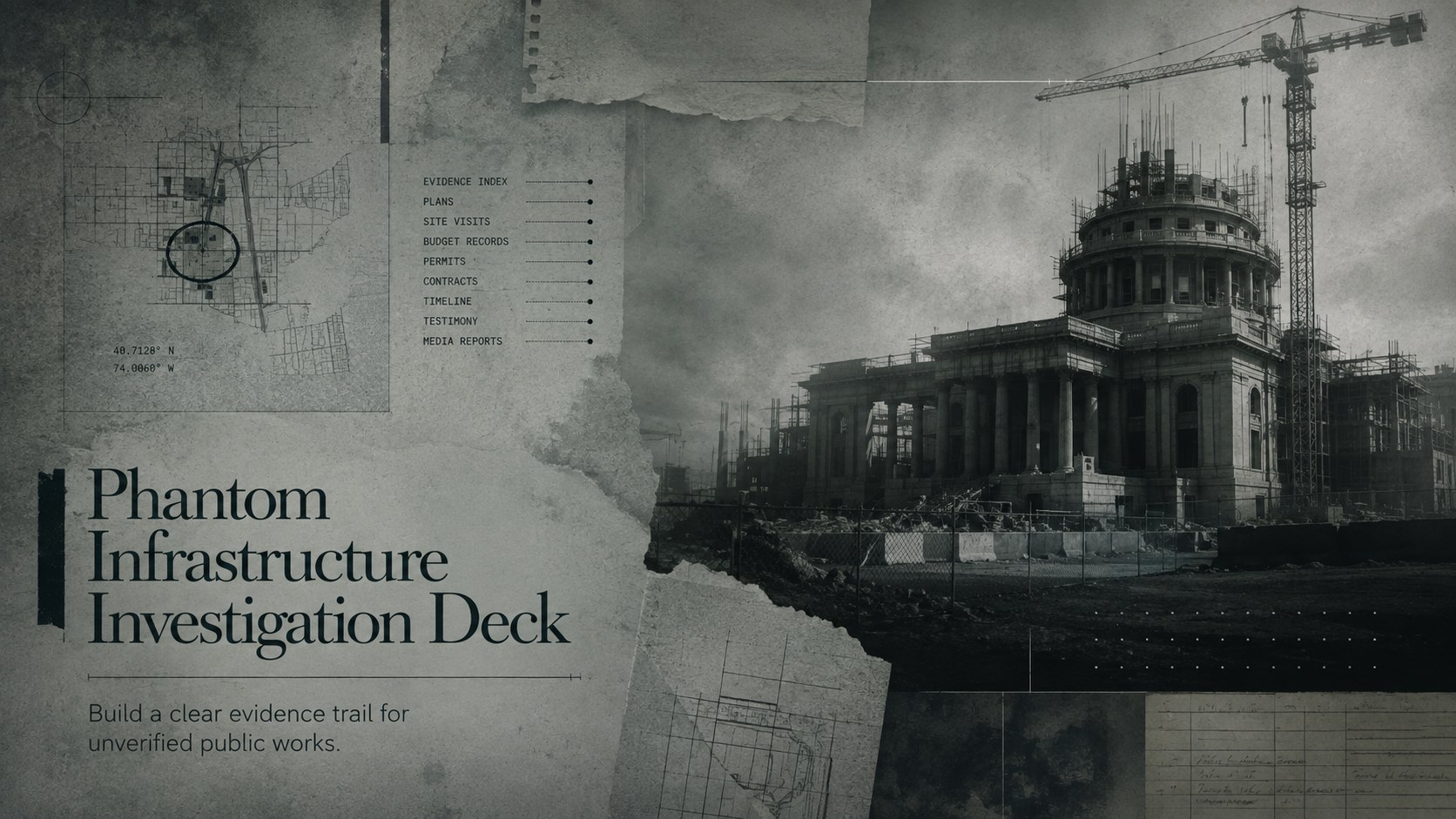
Use this phantom infrastructure investigation deck to trace missing public works, document evidence, review budgets, and present accountability findings.
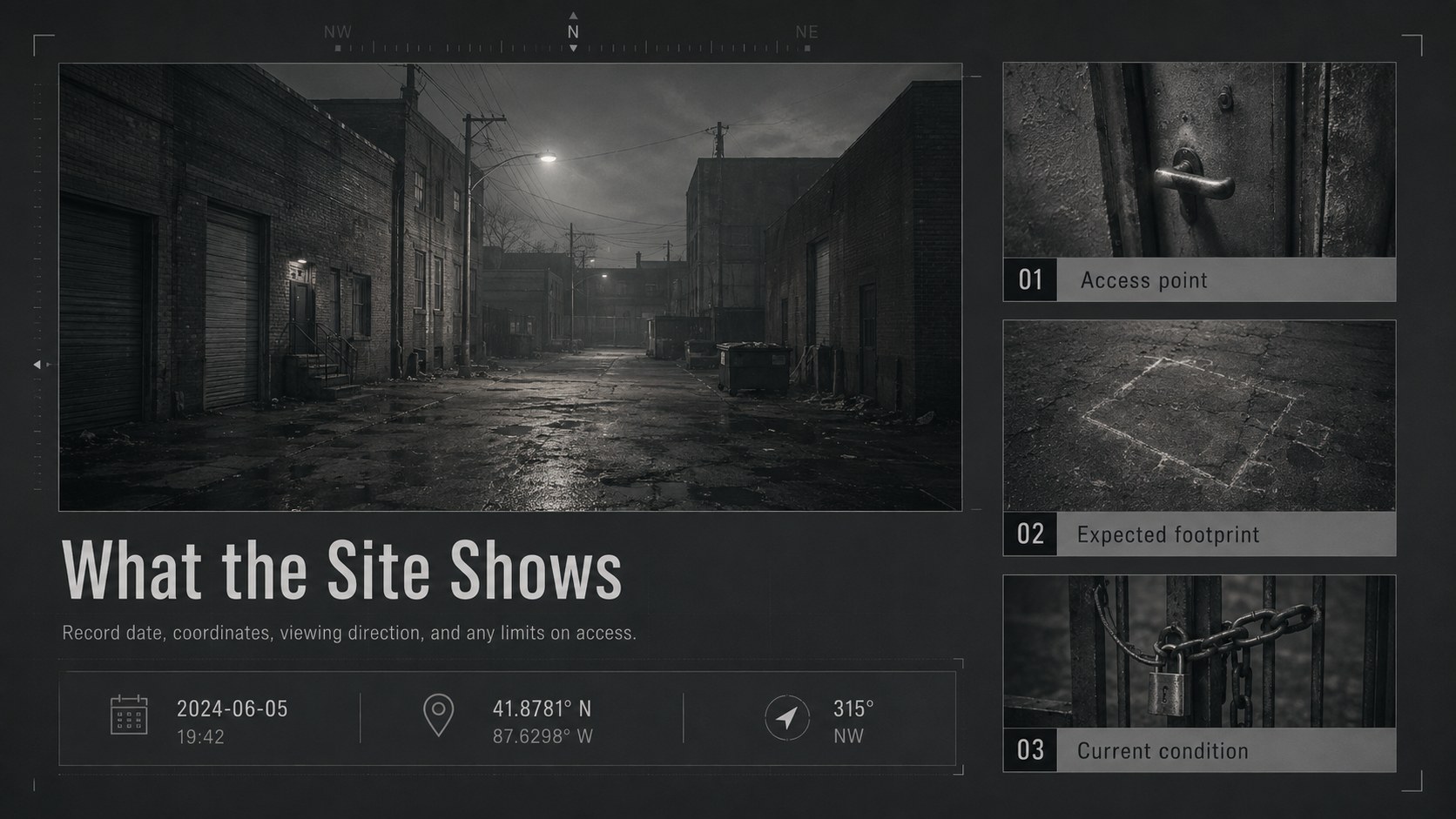
Design notes
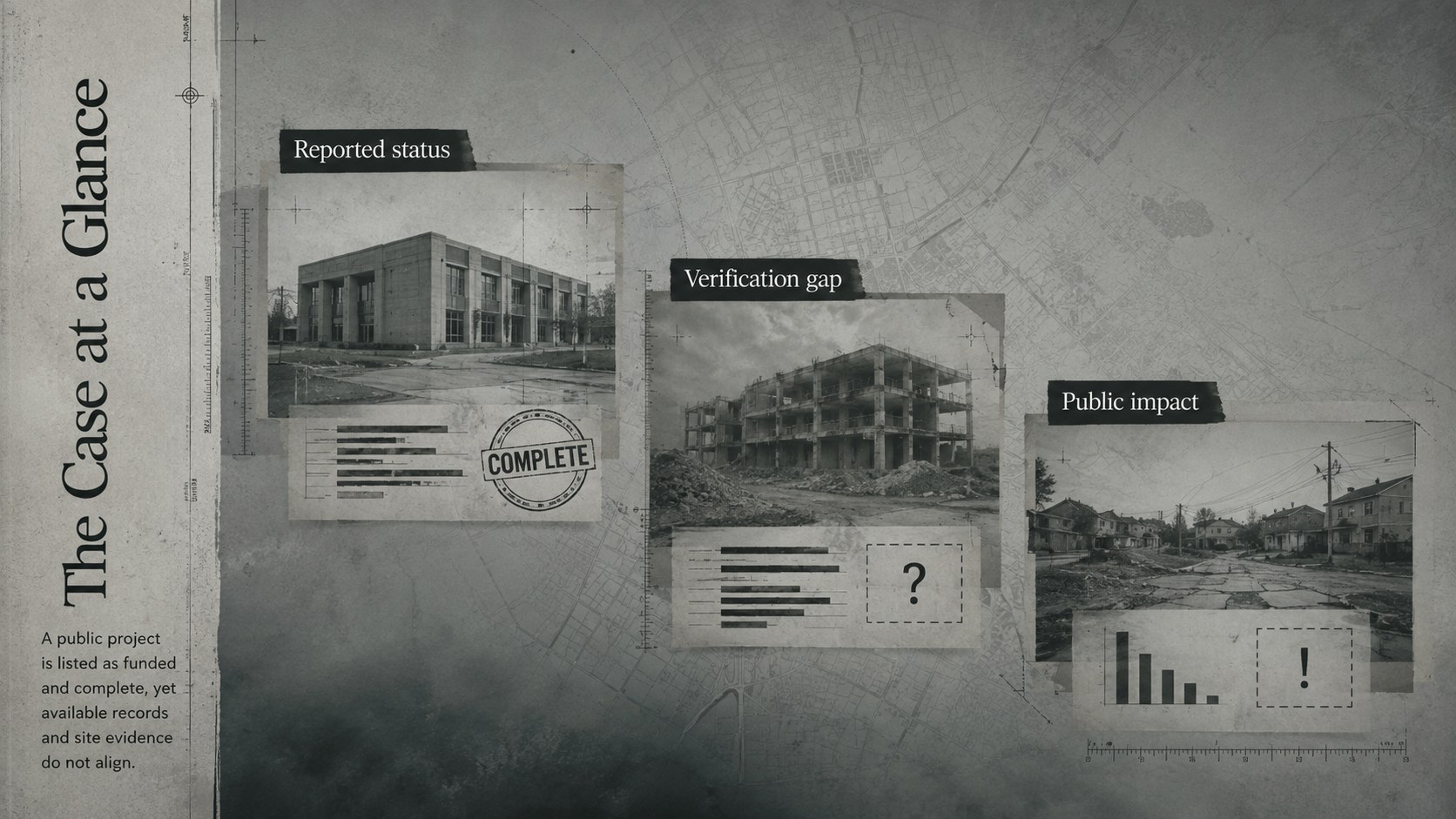
Turn scattered records, site observations, and budget figures into a focused investigation with the Phantom Infrastructure Investigation Deck. Its restrained grey palette, editorial typography, and shadowed documentary style create a serious setting for examining public projects that were funded or reported as complete but cannot be fully verified.
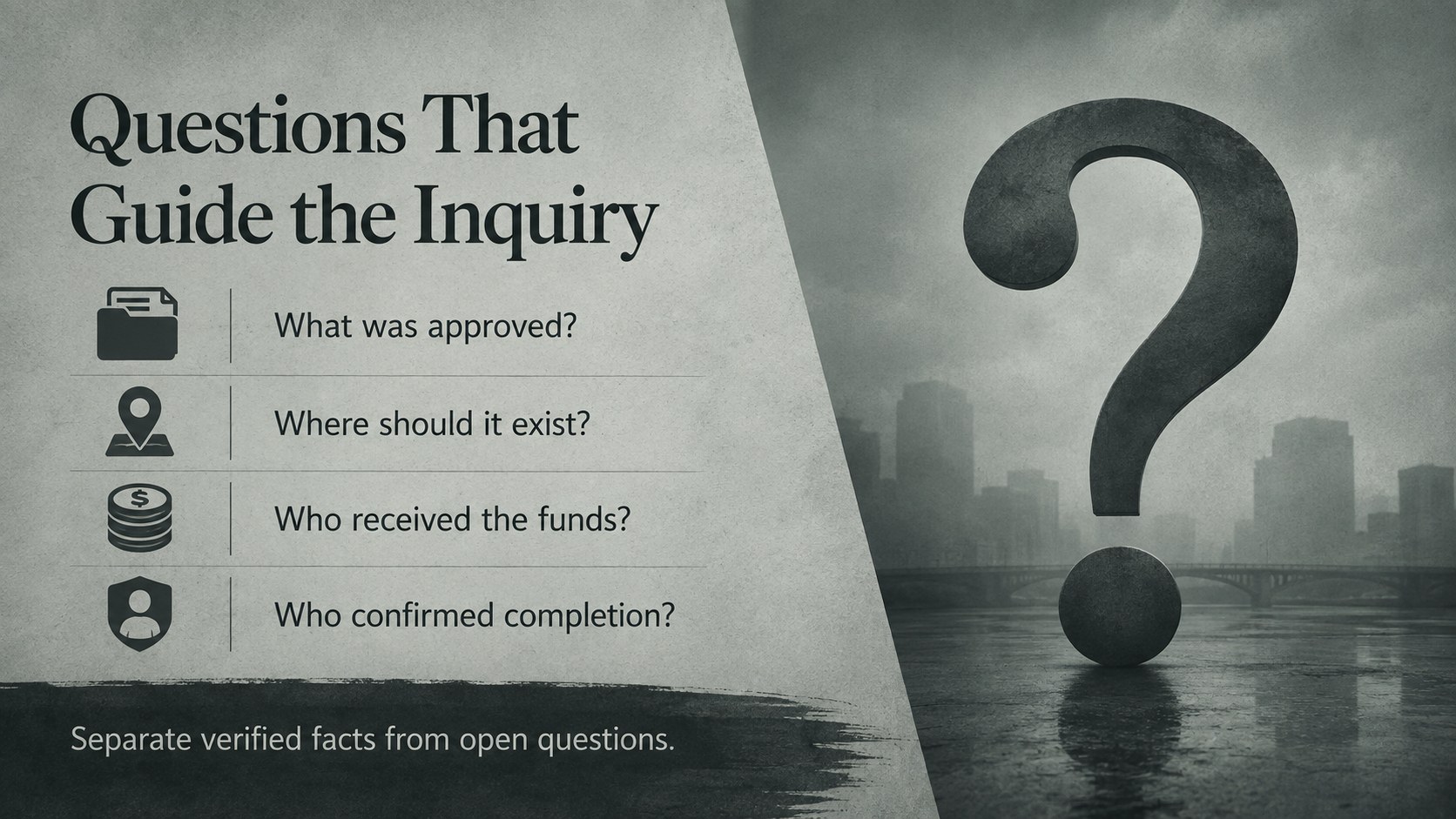
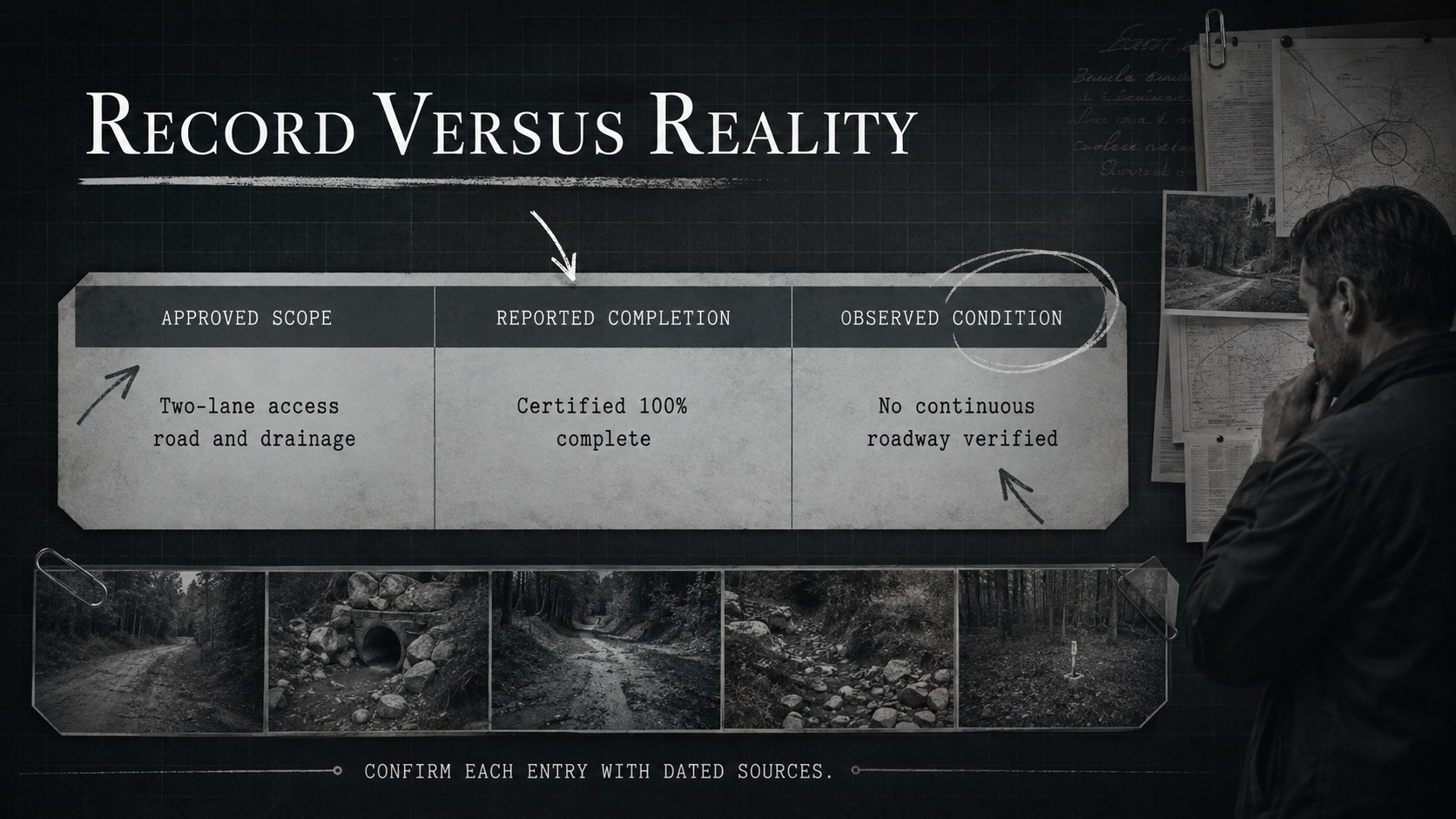
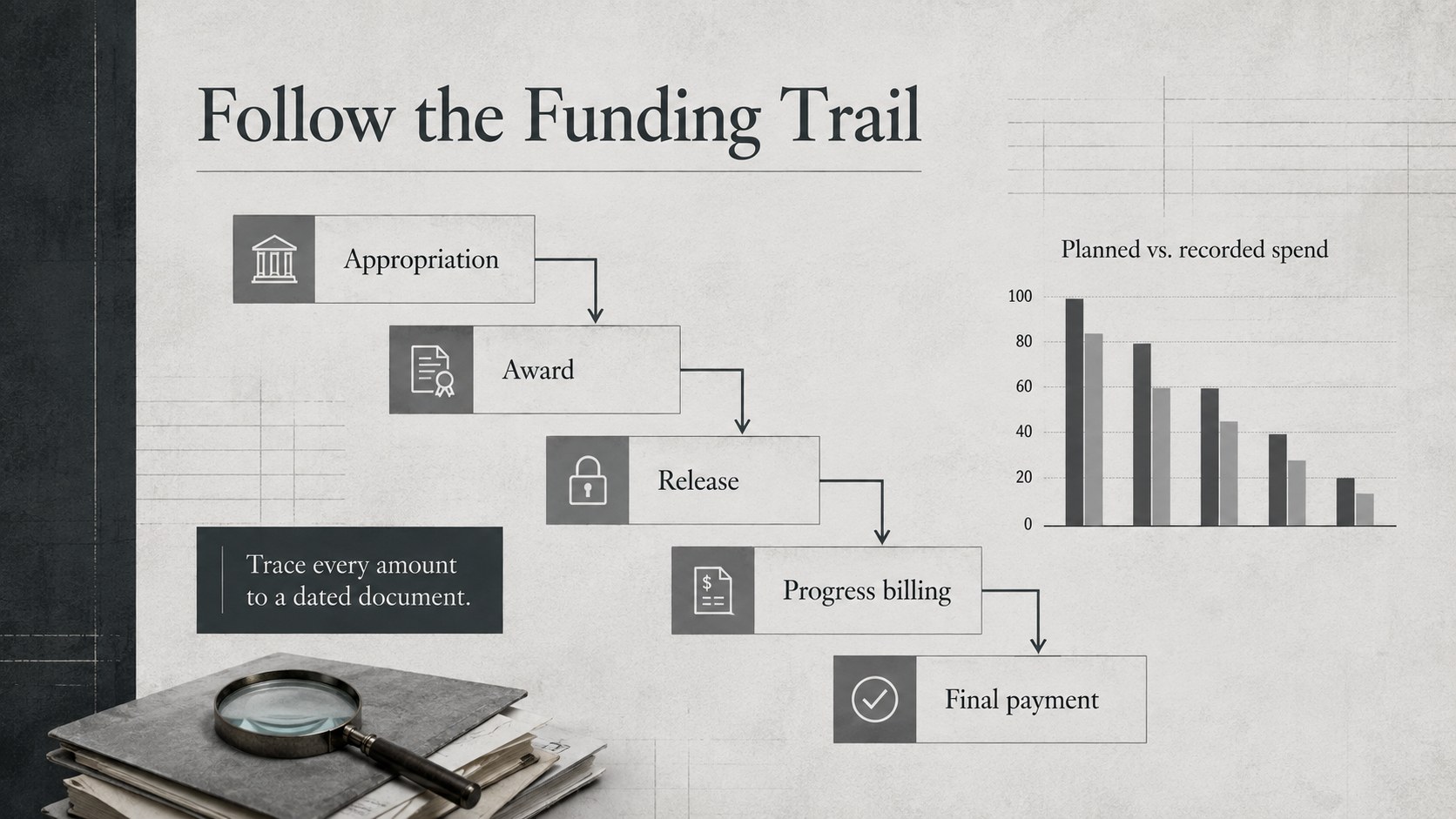
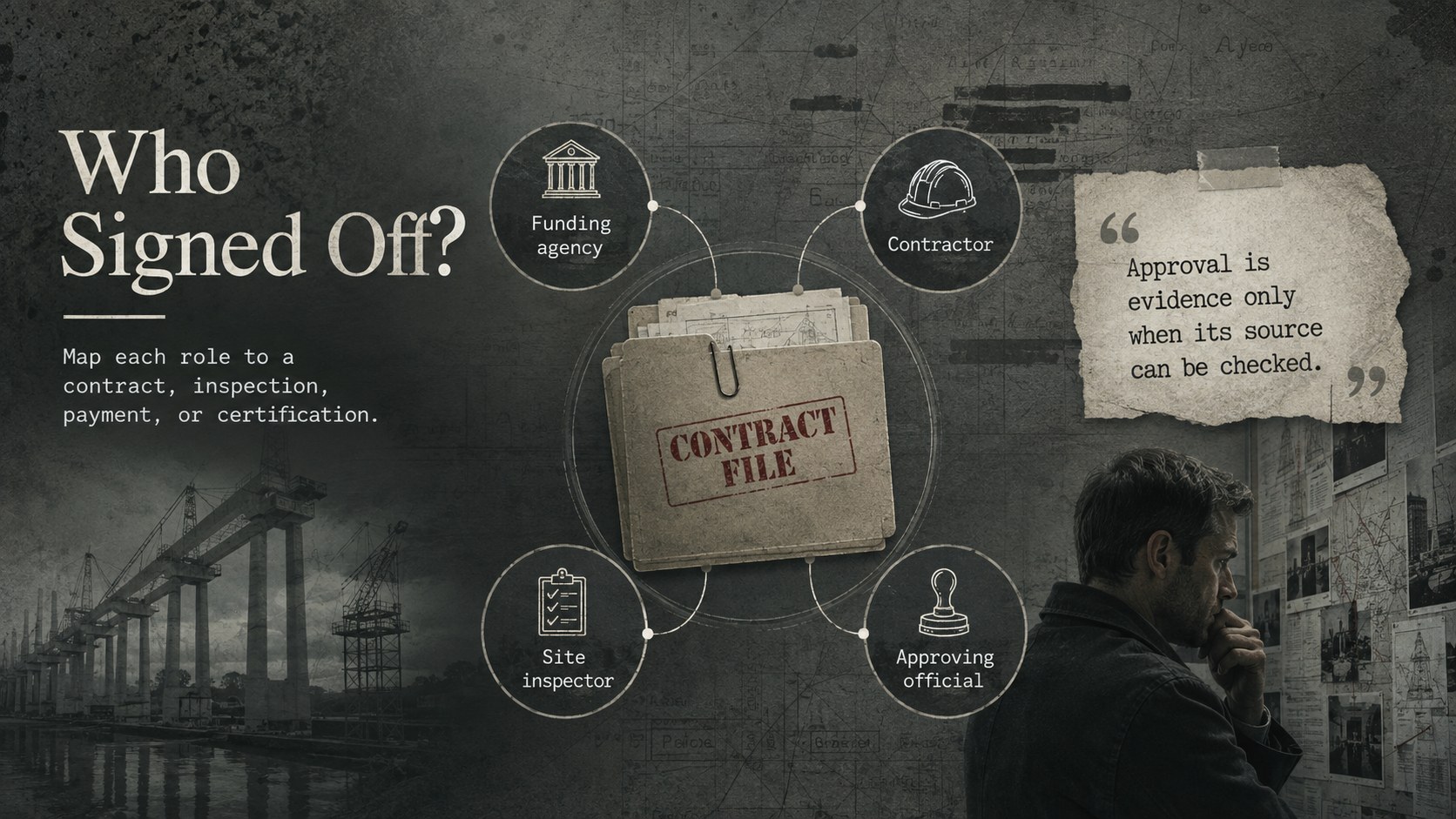
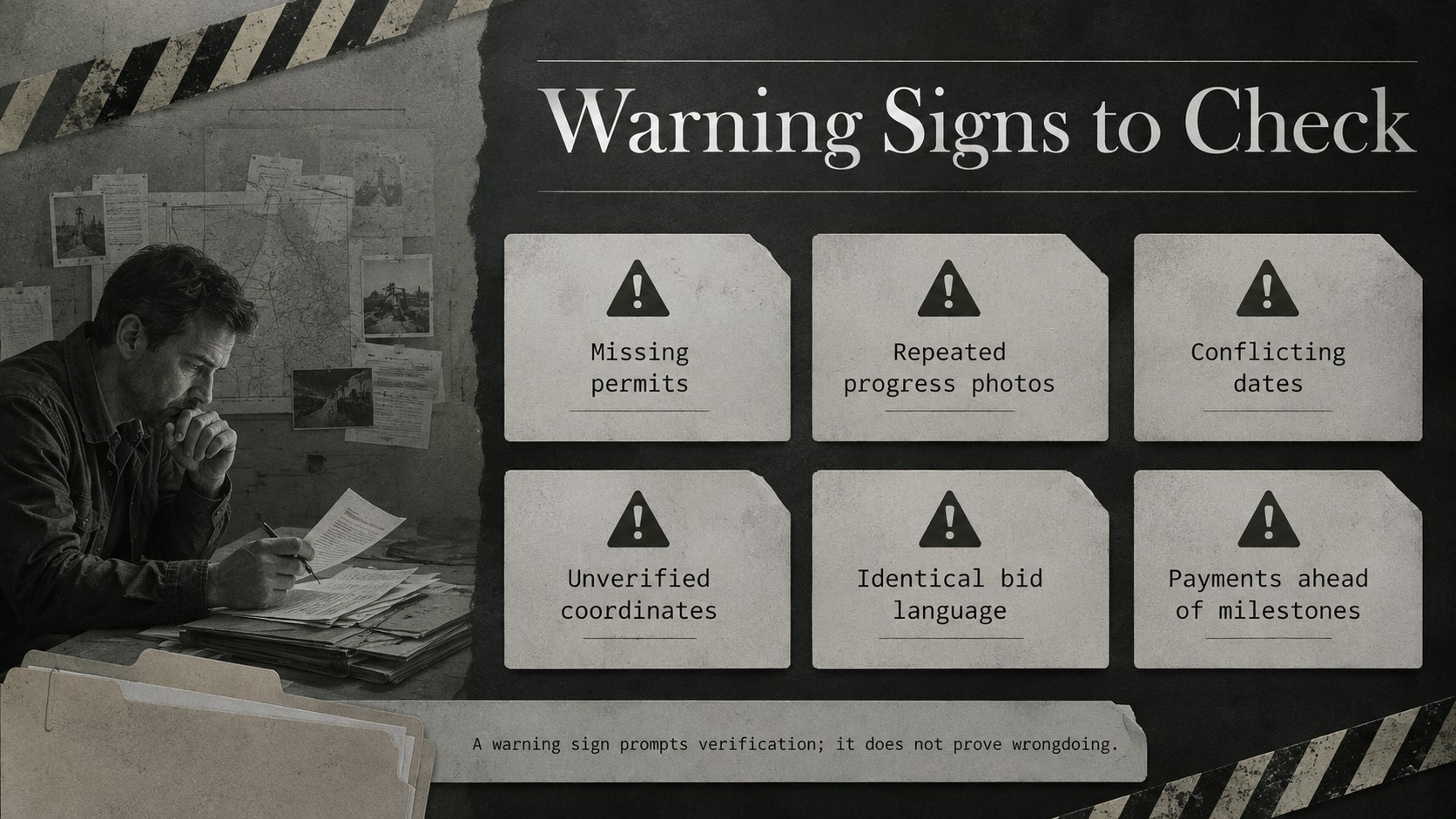
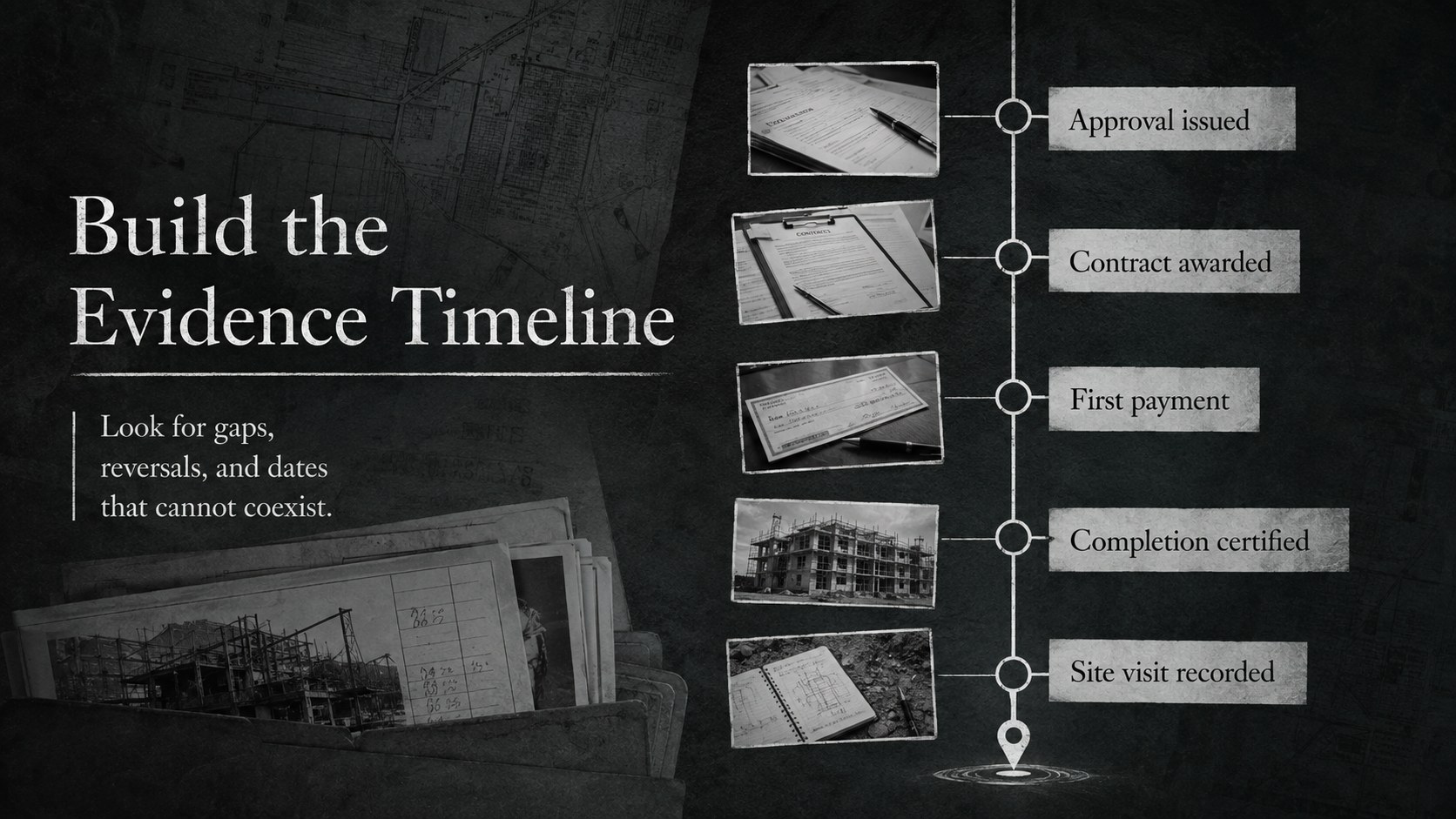
The 14-slide layout includes an opening case brief, investigation questions, project profiles, document comparisons, warning signs, a funding trail, contractor relationships, site evidence, an event timeline, and recommendations. Flexible charts, photo frames, quote treatments, and evidence labels help you assemble a public works discrepancy report without losing the narrative thread. The structure also works as a government infrastructure audit presentation or a municipal project evidence timeline for meetings, classrooms, and public forums.
Built for PowerPoint and Google Slides, every page can be adapted with local records, photographs, maps, agency names, and verified statistics. Use it for investigative reporting, civic advocacy, policy education, academic case studies, compliance reviews, or community briefings. The design supports factual analysis while leaving room for careful satire, provided claims are clearly sourced and distinguished from commentary. Replace the sample wording, apply your evidence standards, and shape the deck around the people, contracts, and decisions relevant to your case.
Perfect for: public works audit briefing; investigative journalism report; municipal oversight meeting; civic advocacy campaign; public policy classroom case study; contractor compliance review.
Frequently asked questions
Can I edit this investigation deck in PowerPoint and Google Slides? Yes. The text, colors, photographs, charts, timelines, and evidence labels can be edited in PowerPoint or Google Slides. Font substitutions may vary slightly between platforms, so review line breaks before presenting.
Practical details
Yes. The text, colors, photographs, charts, timelines, and evidence labels can be edited in PowerPoint or Google Slides. Font substitutions may vary slightly between platforms, so review line breaks before presenting.
Replace the sample project names with verified local details, then add site photographs, contract records, maps, dates, and budget figures. Keep citations close to each claim so viewers can distinguish documented facts from analysis.
Yes. It includes layouts for planned versus reported spending, milestone tracking, document comparisons, and chronological evidence. You can simplify or expand these sections depending on the amount of available data.
Yes. Teachers, journalists, researchers, community groups, and oversight teams can adapt it for case studies or public briefings. Review sensitive claims carefully and use neutral placeholders when presenting an unresolved investigation.
Keep exploring
15Build an engaging World UFO Day session with this flying saucer history lesson deck, featuring retro green-and-brown slides for PowerPoint and Google Slides.
 15
15Plan a lively animal-learning journey with this jungle zoo adventure lesson deck, ready to customize in PowerPoint and Google Slides for young learners.
 16
16Turn environmental research into a clear story with a Watercolor Ecology Presentation Theme for PowerPoint and Google Slides in calming green and blue.
 16
16Build focused fashion, literature, and humanities presentations with the Red Triangle Editorial Theme, editable in PowerPoint and Google Slides.
 15
15Turn streaming stats, favorite tracks, and concert highlights into a bold annual listening recap slide deck for PowerPoint and Google Slides.
 15
15Turn highlights, milestones, and favorite moments into a colorful year in review slide deck with bold 3D graphics for PowerPoint and Google Slides.
 3
3Build a credible endorsement with Standout Colleague Recommendation Letter Slides, featuring colorful prompts for skills, achievements, and team impact.
 4
4Build clear beginner sessions with an ice hockey fundamentals training deck for coaches, PE teachers, and clubs, ready for PowerPoint and Google Slides.