
 15
15presentation
Flying Saucer History Lesson Deck
Build an engaging World UFO Day session with this flying saucer history lesson deck, featuring retro green-and-brown slides for PowerPoint and Google Slides.
Google SlidesPowerPoint
presentation · English
Turn favorite moments, milestones, and lessons into a vivid personal year recap presentation for PowerPoint and Google Slides, with 12 editable layouts.
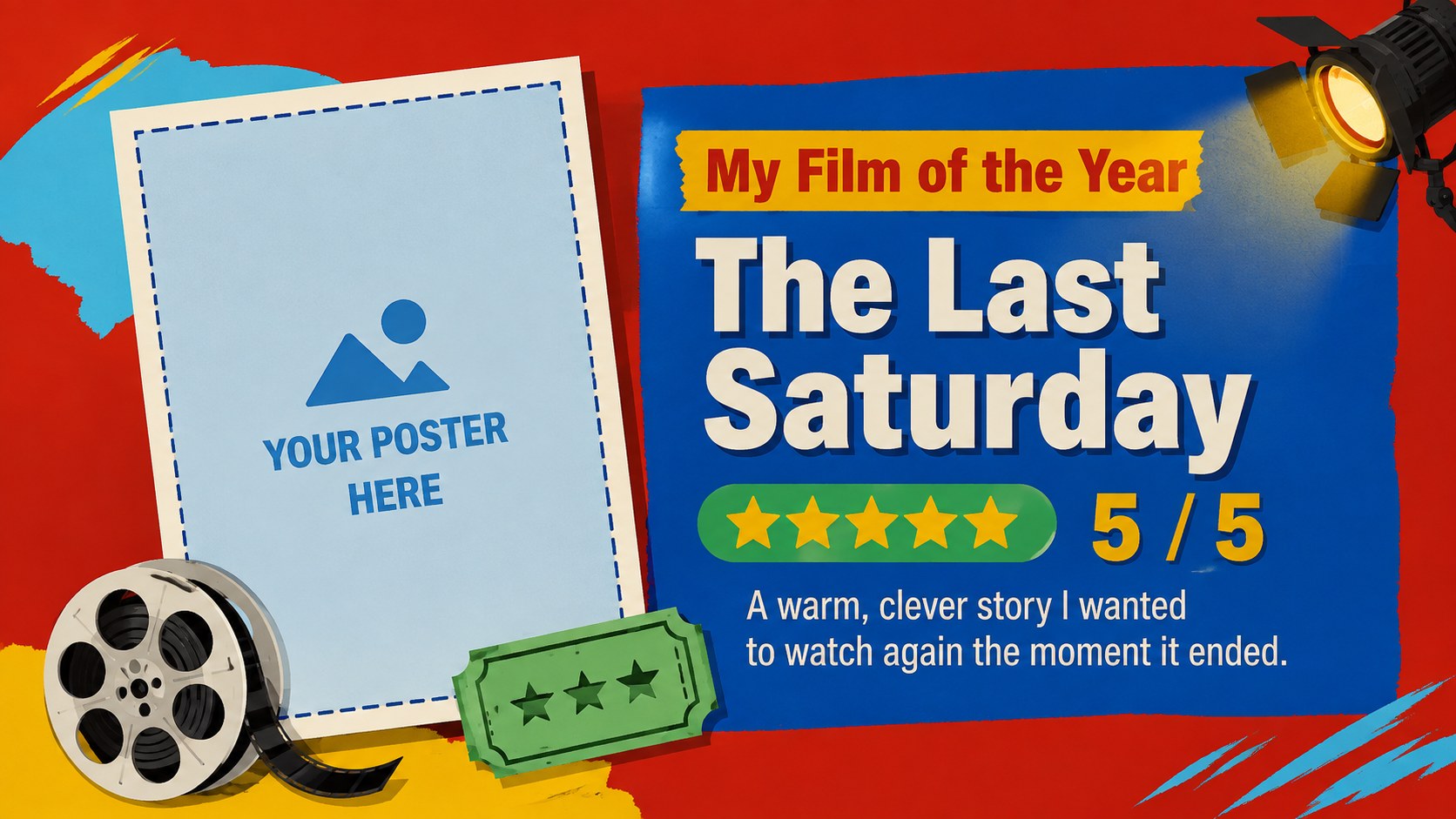
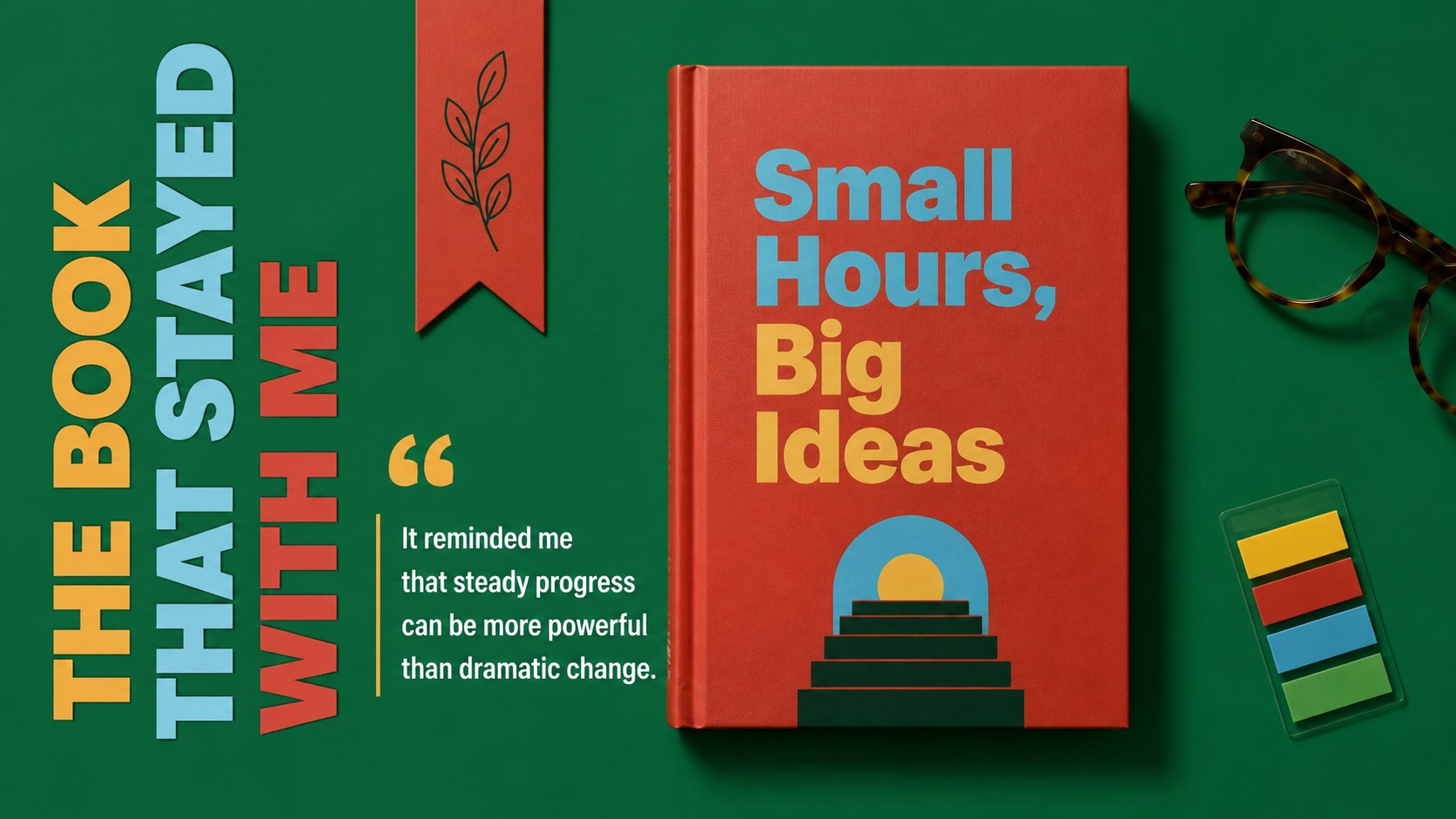
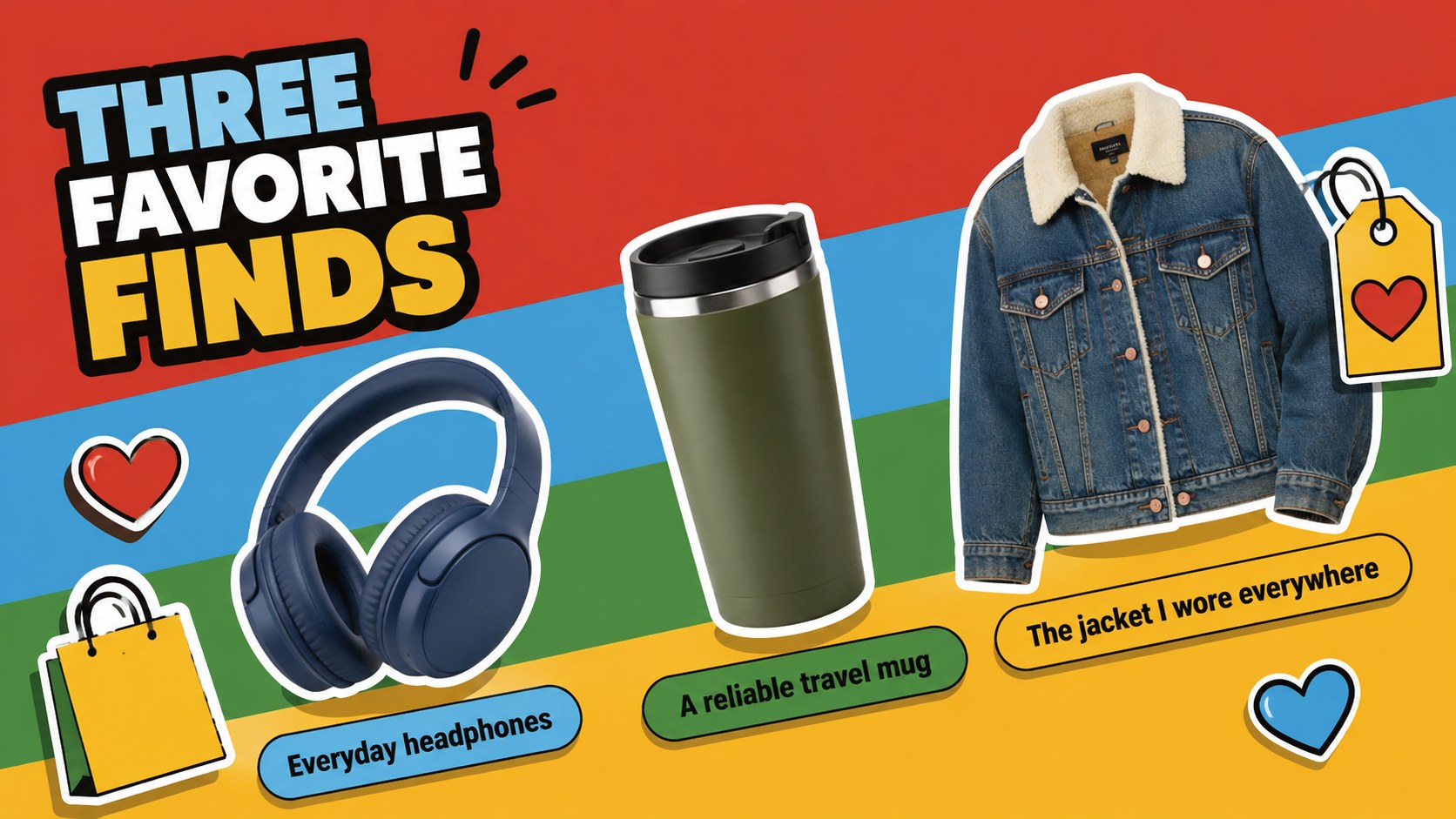
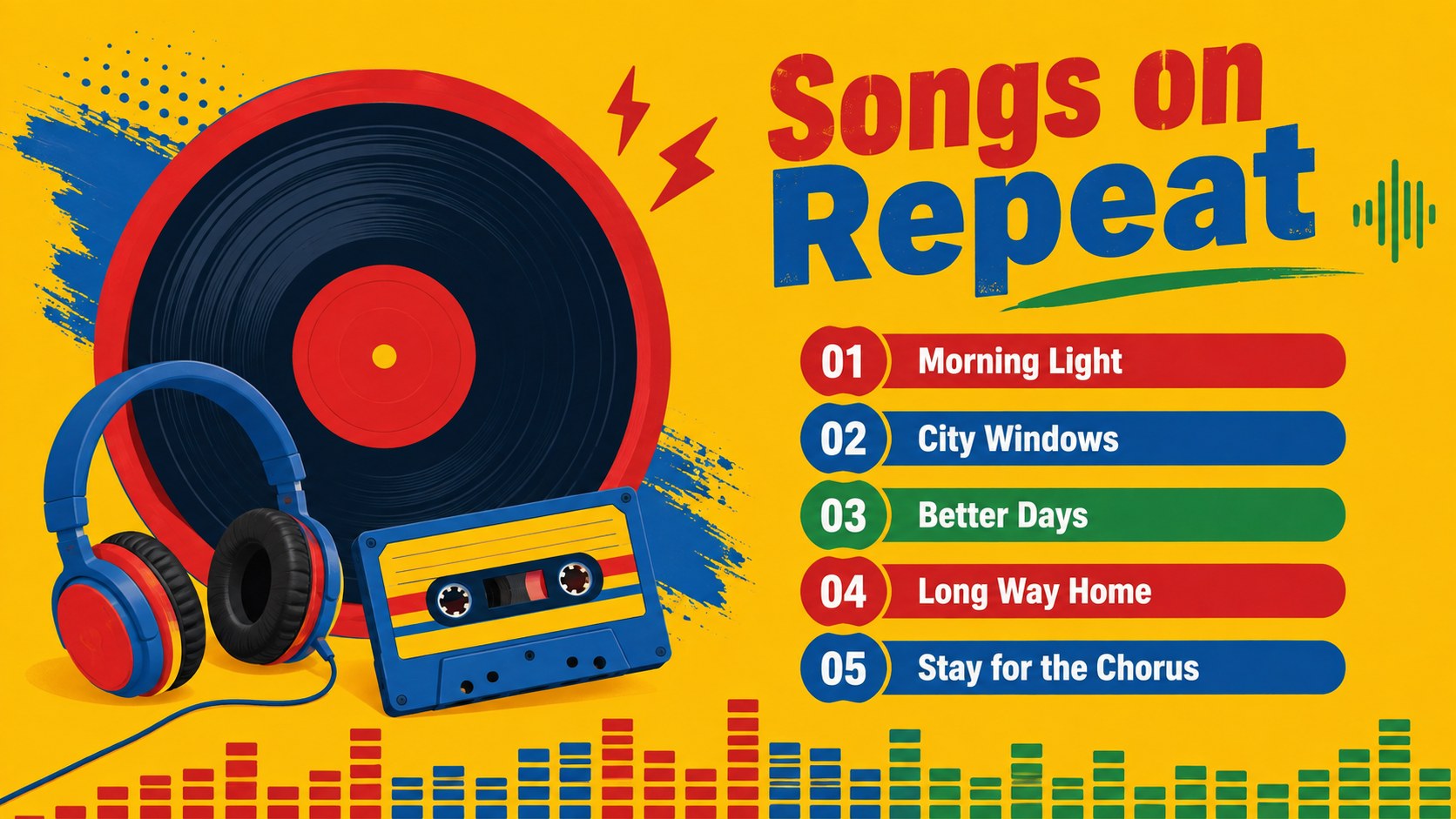
Design notes
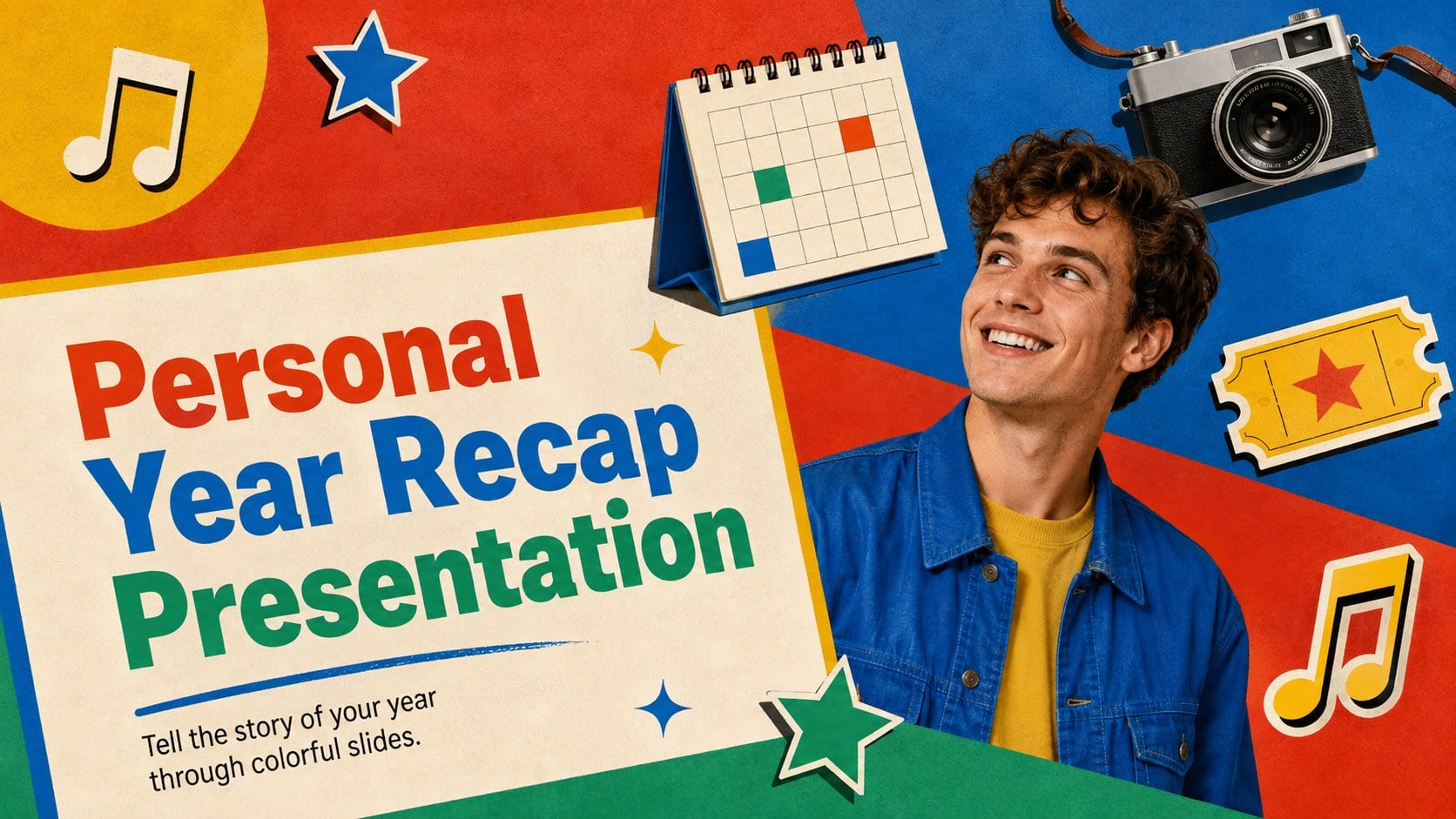
Turn twelve memorable months into a story worth sharing with this personal year recap presentation. Its bold red, blue, green, and yellow palette gives photos, reflections, and favorite discoveries plenty of energy while keeping each page easy to follow. The playful editorial style works equally well for a casual gathering, social event, classroom reflection, or private keepsake.
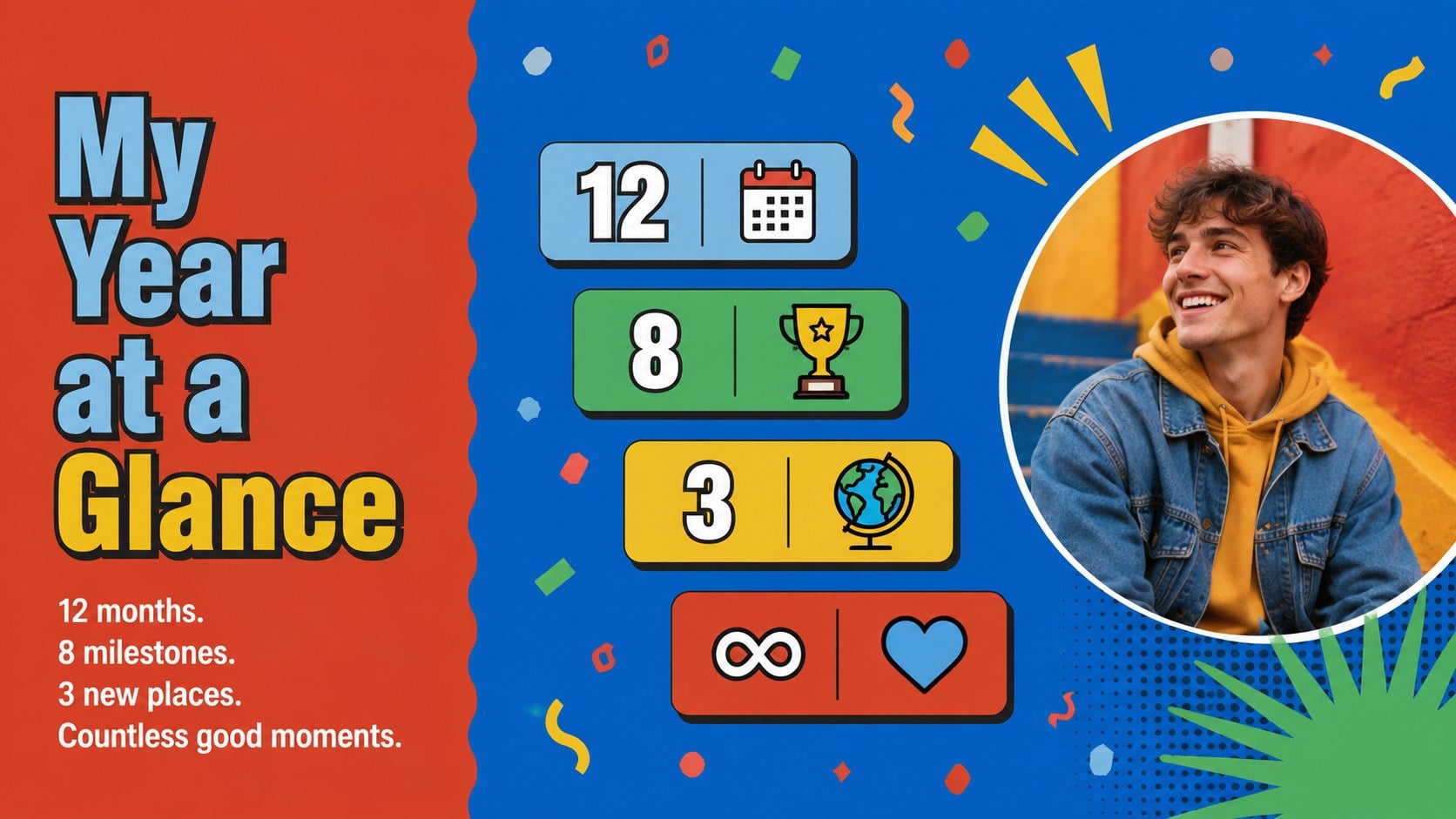
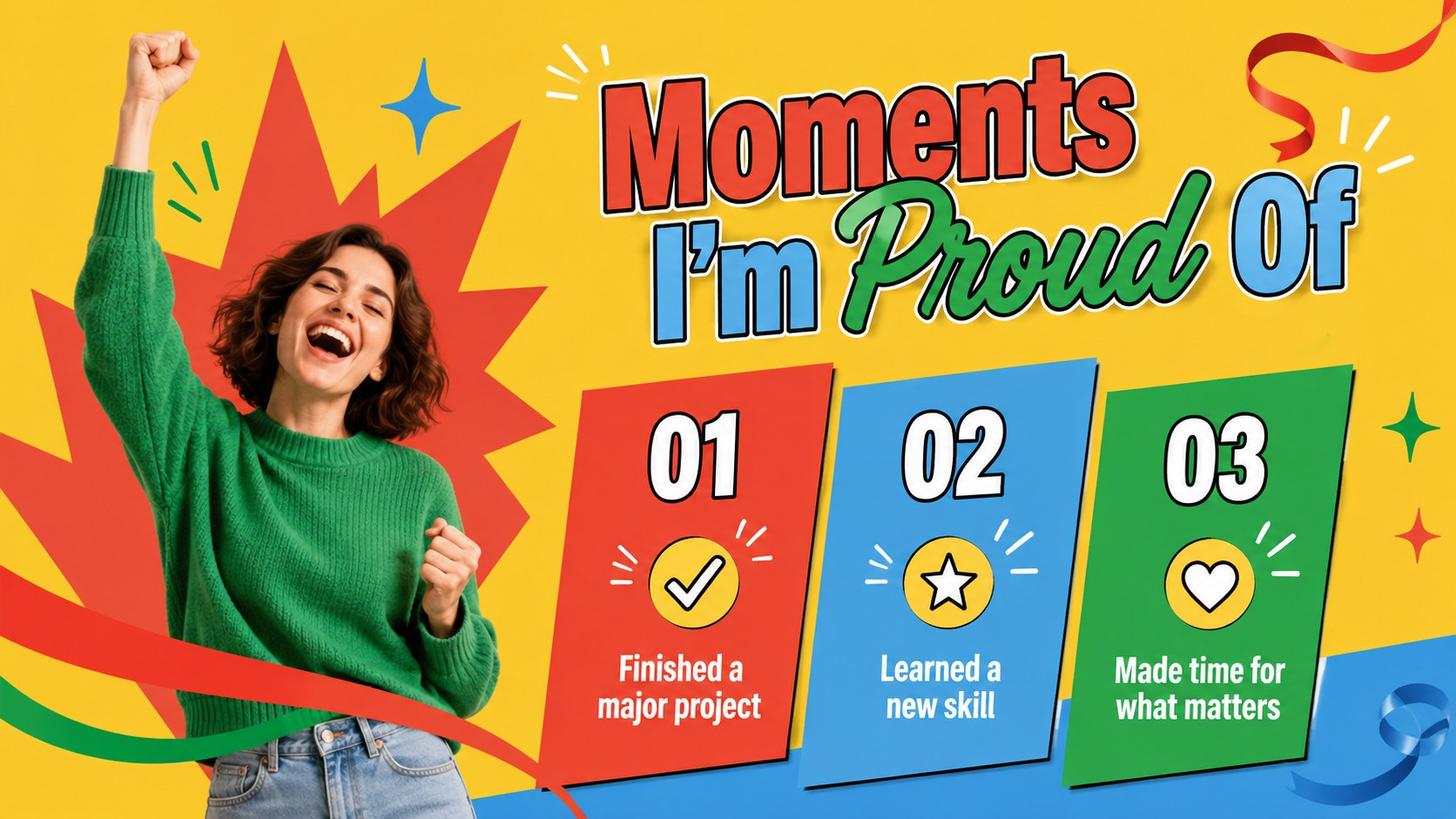
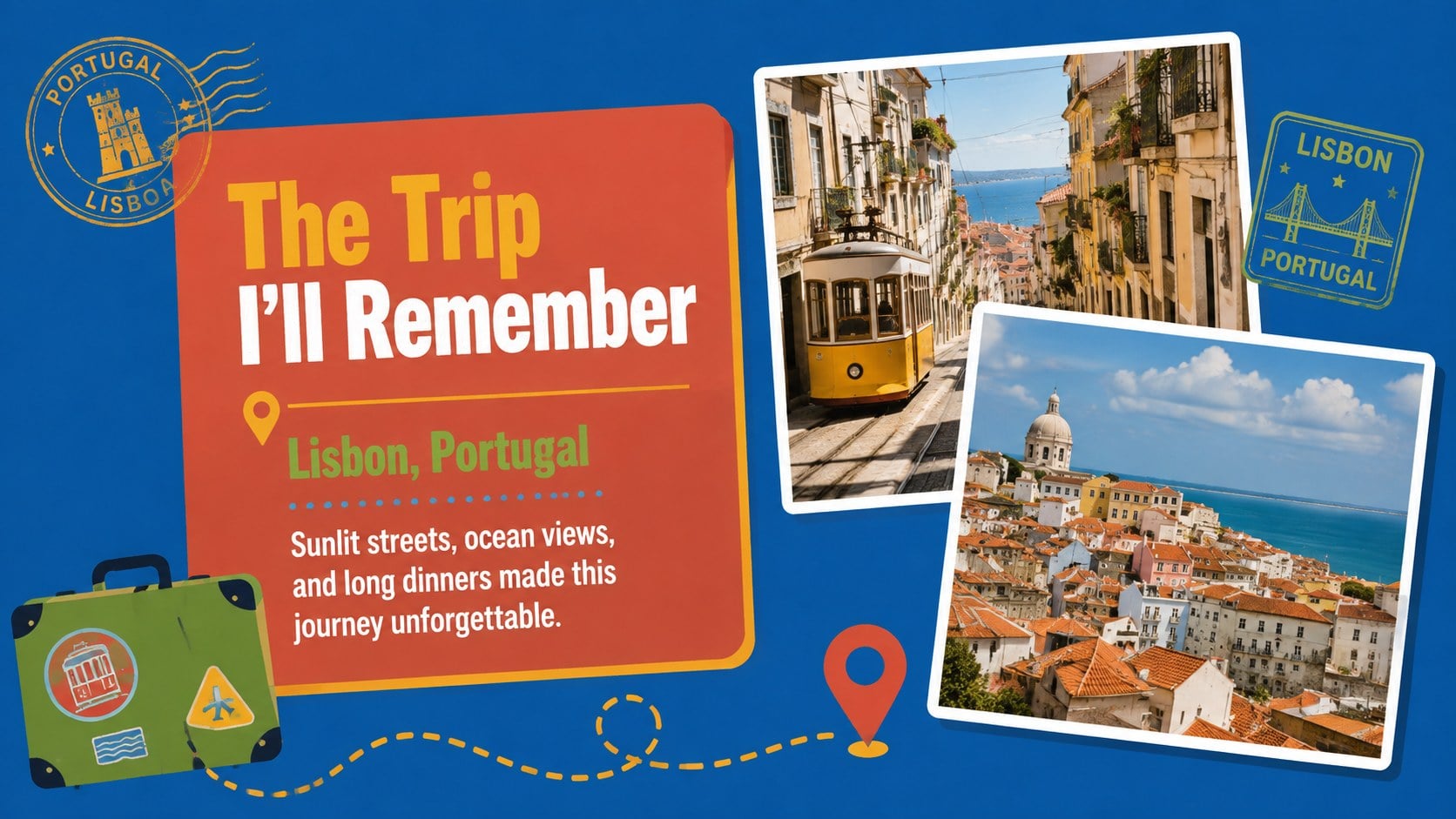
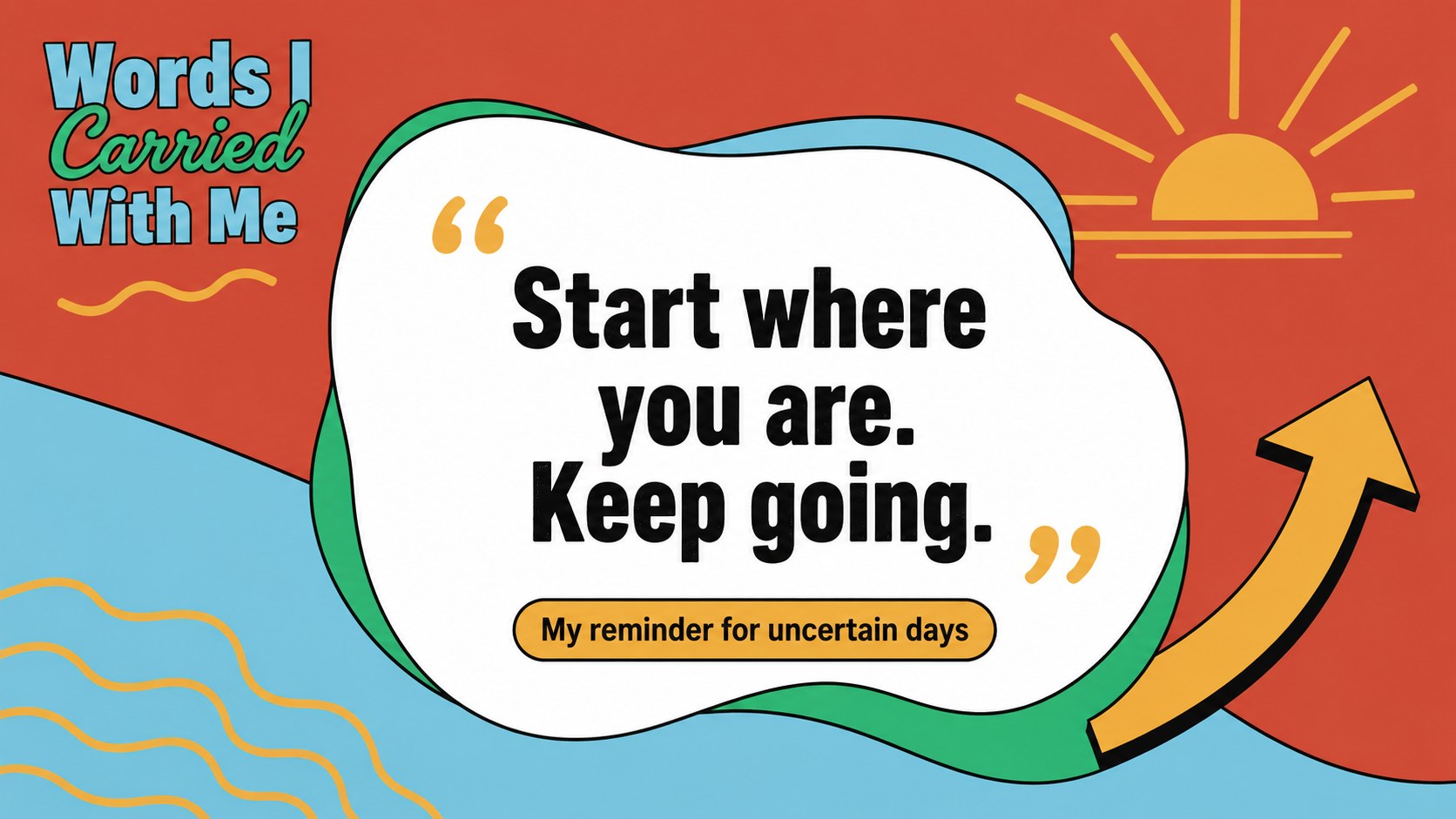
Inside are 12 coordinated layouts covering a year-at-a-glance summary, proud moments, an unforgettable trip, favorite film and book, top purchases, songs on repeat, a meaningful quote, personal growth, and goals for the months ahead. Use the photo-focused pages as a year in photos presentation, or turn the full set into an annual memories presentation template for friends and family. Strong headings, flexible image areas, and concise text blocks help every highlight stand out.
This personal milestones PowerPoint template is designed for students, creators, professionals, families, and anyone who wants to reflect without building a deck from scratch. Replace the sample wording, add your own images, adjust the colors, and reorganize sections in PowerPoint or Google Slides. The 16:9 format is ready for screens, virtual presentations, and exported PDFs, making it simple to present live or share afterward.
Perfect for: personal year reflection; family memory night; student annual recap; creator highlights presentation; birthday year retrospective; friends gathering slideshow.
Frequently asked questions
Can I edit this presentation in PowerPoint and Google Slides? Yes. All text, colors, images, and layout elements can be adjusted in PowerPoint or Google Slides. Some font spacing or transitions may need minor refinement after moving between platforms.
Practical details
Yes. All text, colors, images, and layout elements can be adjusted in PowerPoint or Google Slides. Some font spacing or transitions may need minor refinement after moving between platforms.
Replace the sample text with your milestones, favorites, and reflections, then add photos from your device or cloud storage. You can also duplicate, delete, or reorder slides to match the story of your year.
Yes. Update the theme colors or recolor individual shapes to coordinate with your photos, school colors, or personal style. Keep strong contrast between text and backgrounds so the slides remain readable.
Yes. The layouts are designed to make sense as a self-guided slideshow as well as a live presentation. You can also export the finished deck as a PDF for easy viewing and distribution.
Keep exploring
15Build an engaging World UFO Day session with this flying saucer history lesson deck, featuring retro green-and-brown slides for PowerPoint and Google Slides.
 15
15Plan a lively animal-learning journey with this jungle zoo adventure lesson deck, ready to customize in PowerPoint and Google Slides for young learners.
 16
16Turn environmental research into a clear story with a Watercolor Ecology Presentation Theme for PowerPoint and Google Slides in calming green and blue.
 16
16Build focused fashion, literature, and humanities presentations with the Red Triangle Editorial Theme, editable in PowerPoint and Google Slides.
 15
15Turn streaming stats, favorite tracks, and concert highlights into a bold annual listening recap slide deck for PowerPoint and Google Slides.
 15
15Turn highlights, milestones, and favorite moments into a colorful year in review slide deck with bold 3D graphics for PowerPoint and Google Slides.
 3
3Build a credible endorsement with Standout Colleague Recommendation Letter Slides, featuring colorful prompts for skills, achievements, and team impact.
 4
4Build clear beginner sessions with an ice hockey fundamentals training deck for coaches, PE teachers, and clubs, ready for PowerPoint and Google Slides.