
 15
15presentation
Flying Saucer History Lesson Deck
Build an engaging World UFO Day session with this flying saucer history lesson deck, featuring retro green-and-brown slides for PowerPoint and Google Slides.
Google SlidesPowerPoint
presentation · English
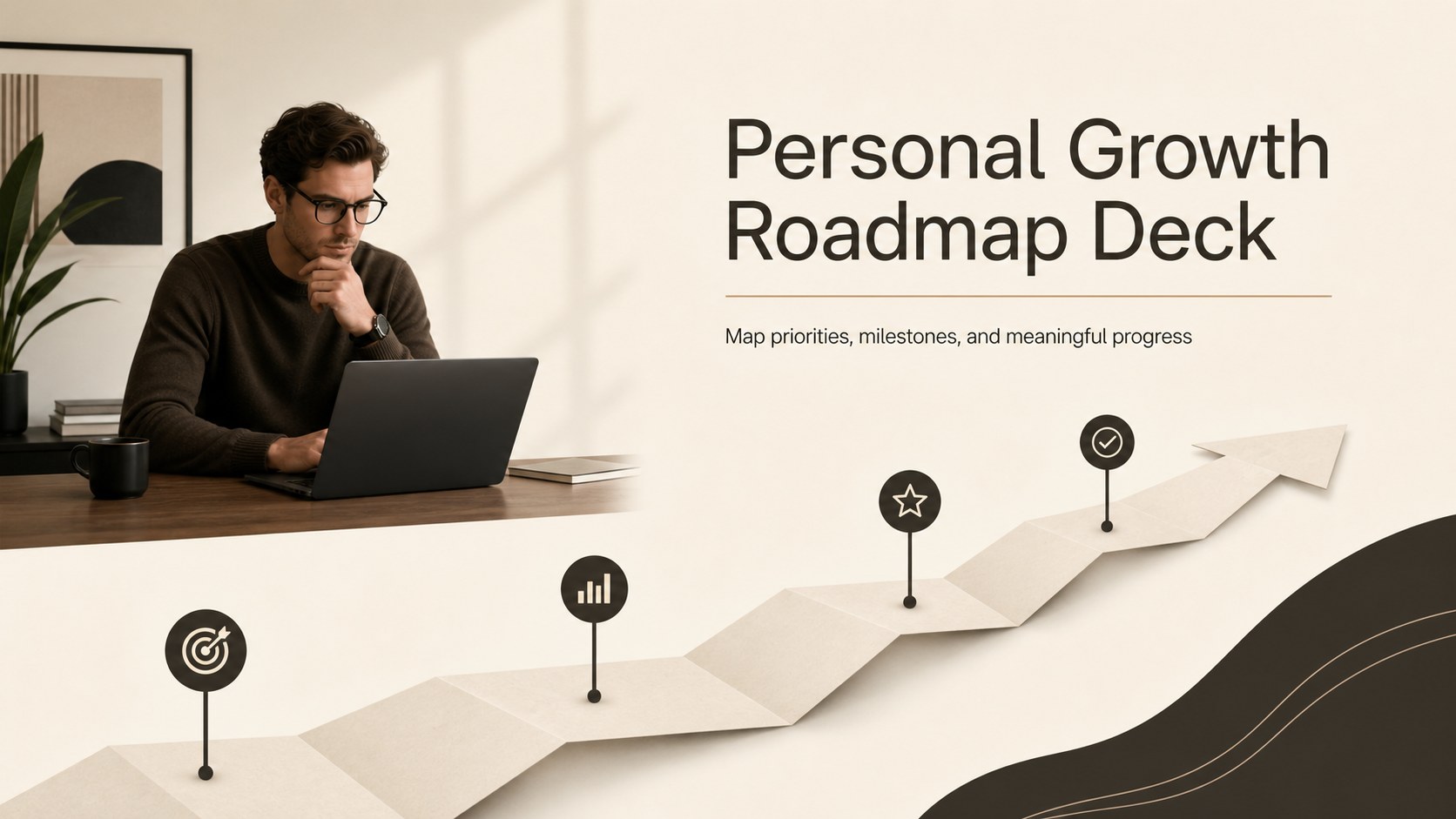
Build a clear personal growth roadmap deck for goals, milestones, and reflection with warm beige-brown slides for PowerPoint and Google Slides.


Design notes
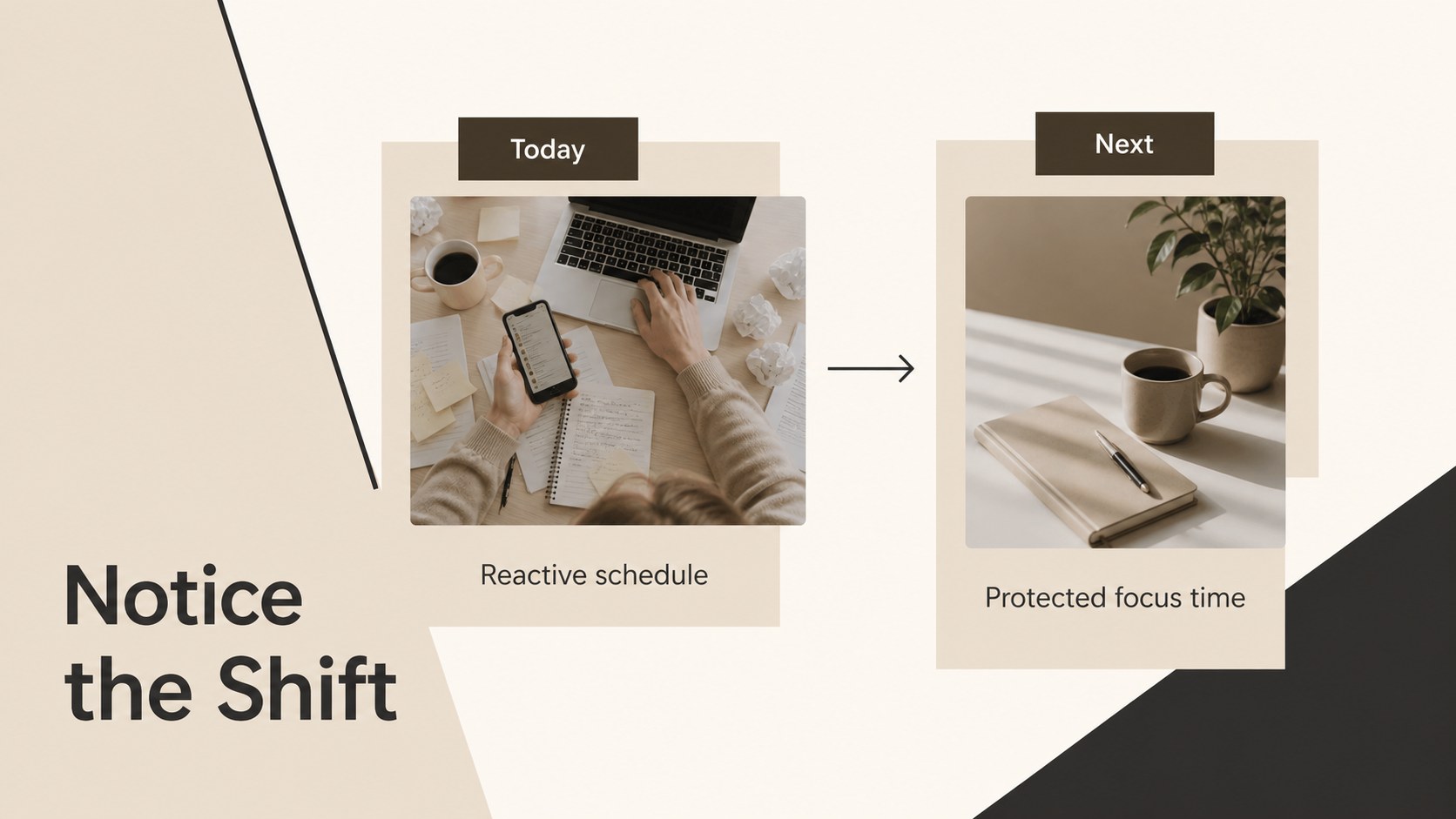
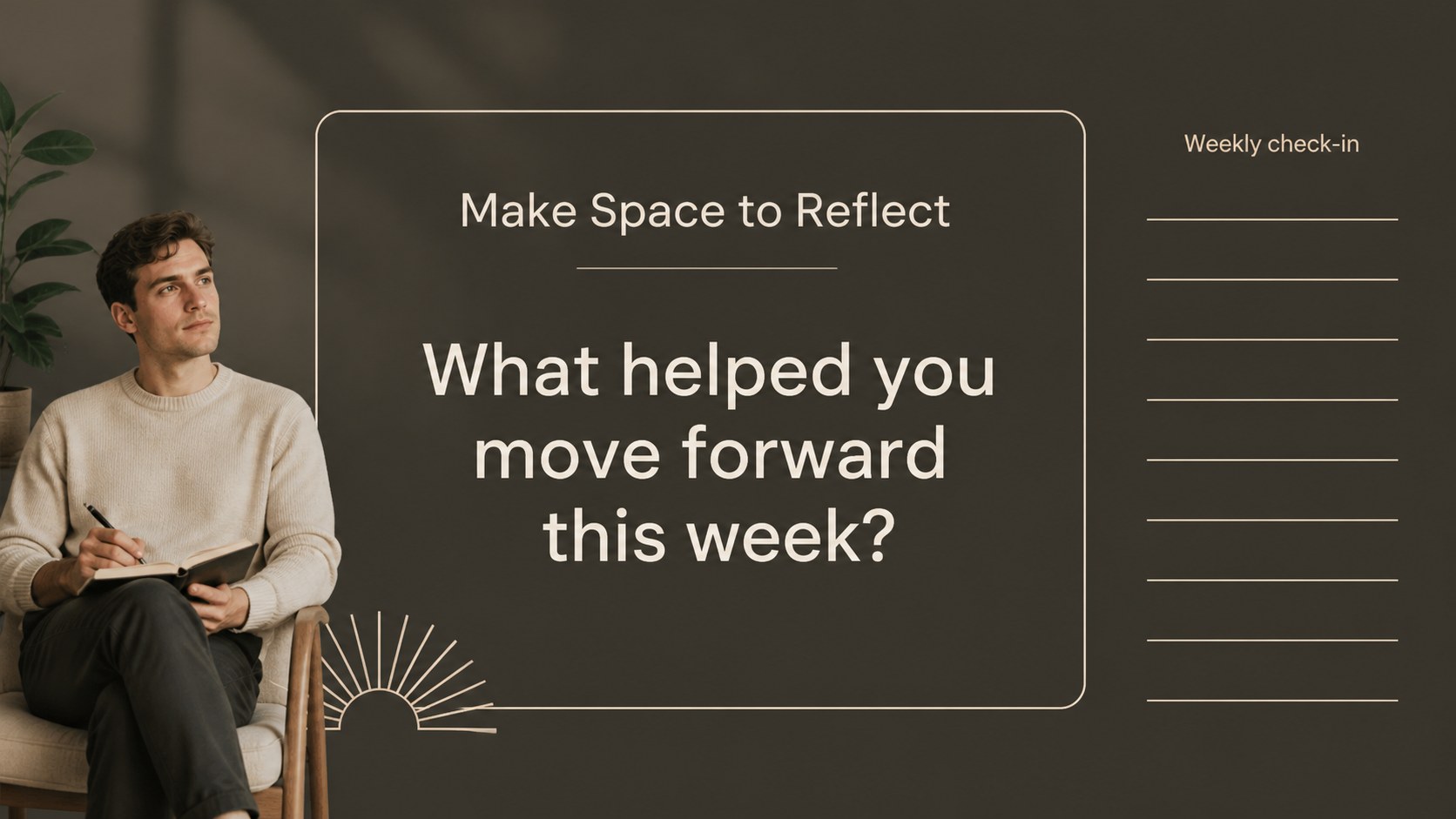
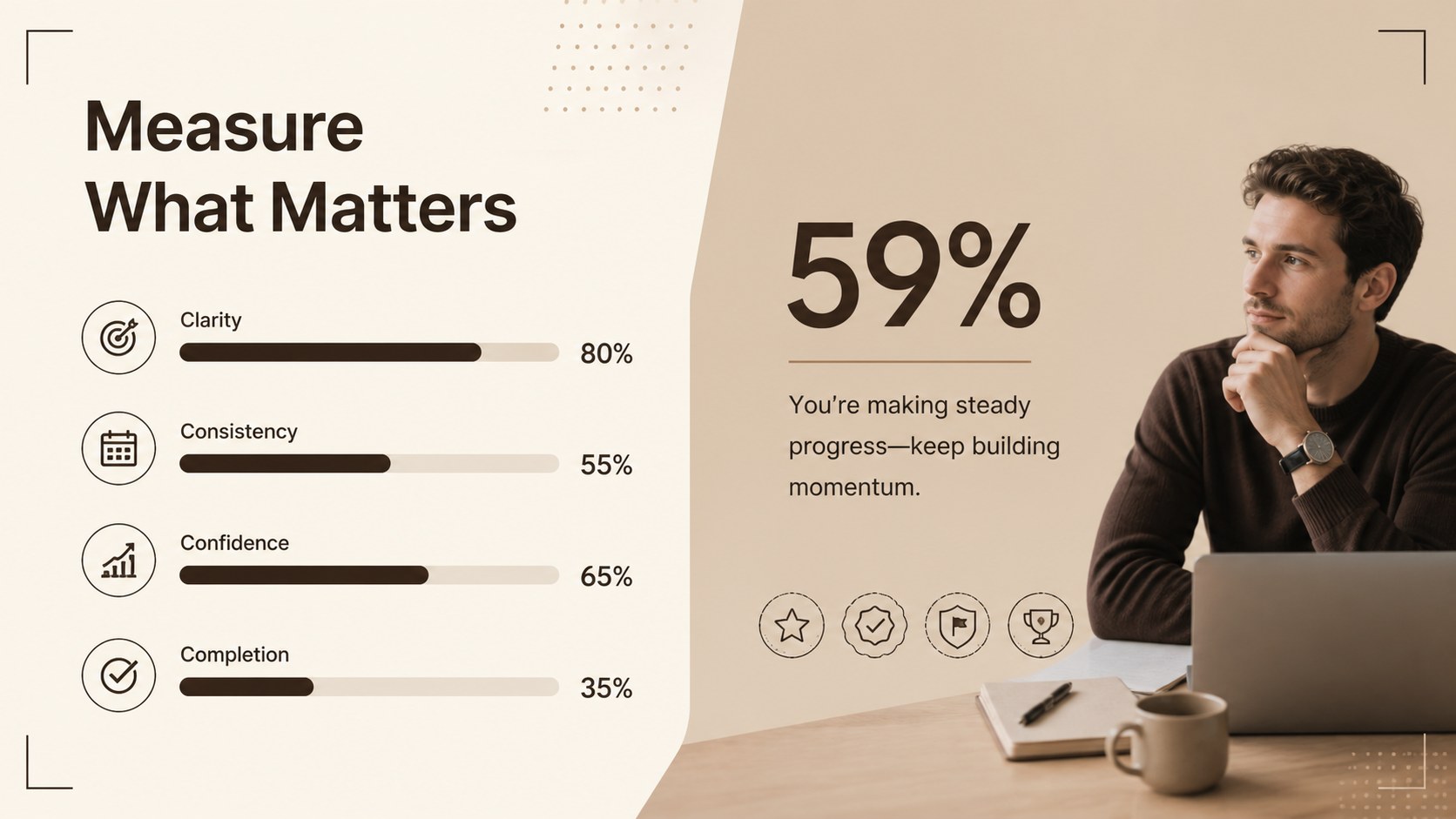
Personal Growth Roadmap Deck is a modern presentation template for turning ambitions into a clear, motivating action plan. Its warm beige, brown, and black palette creates a calm editorial feel that works well for reflective workshops, planning sessions, and individual goal reviews.
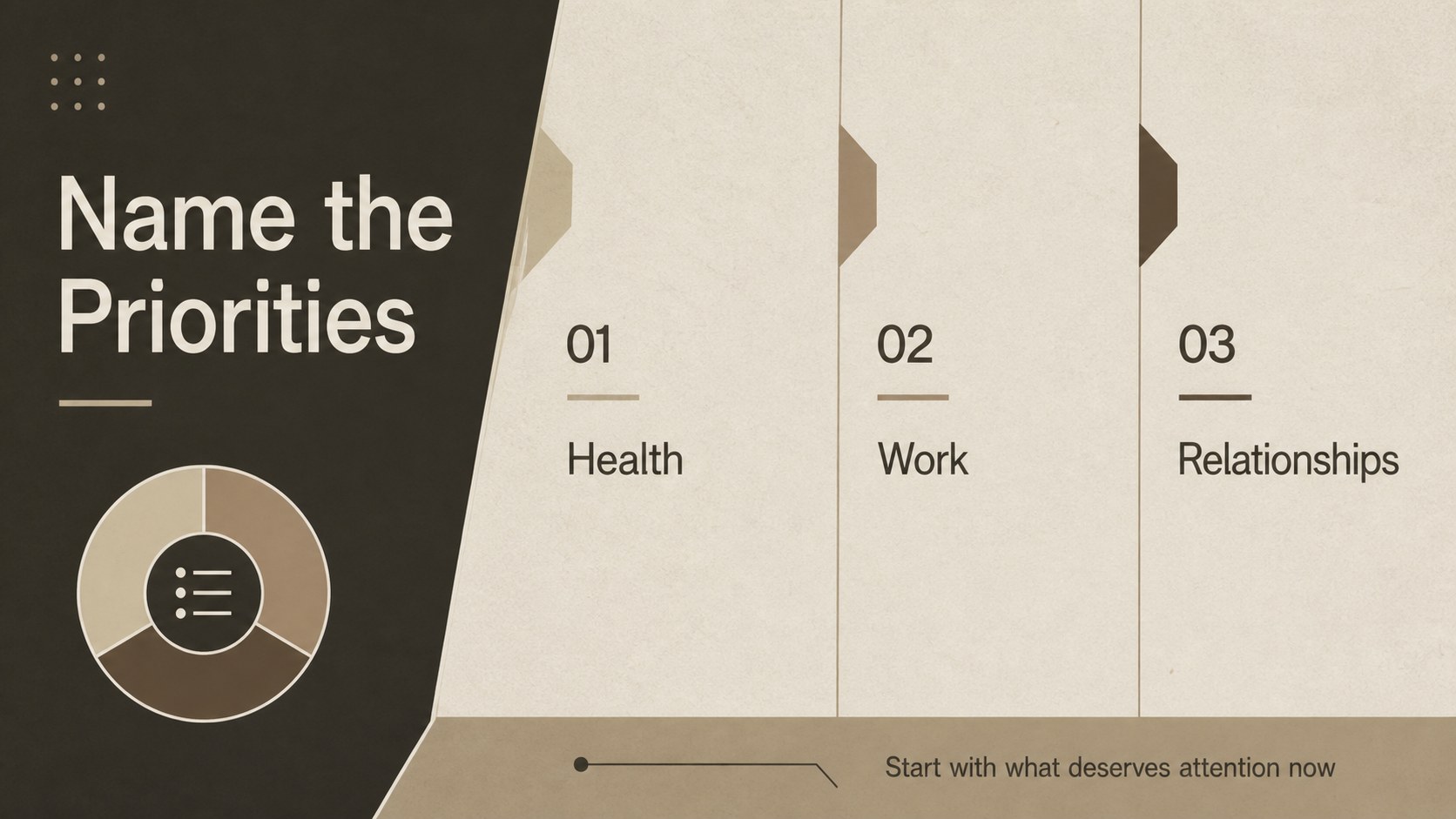
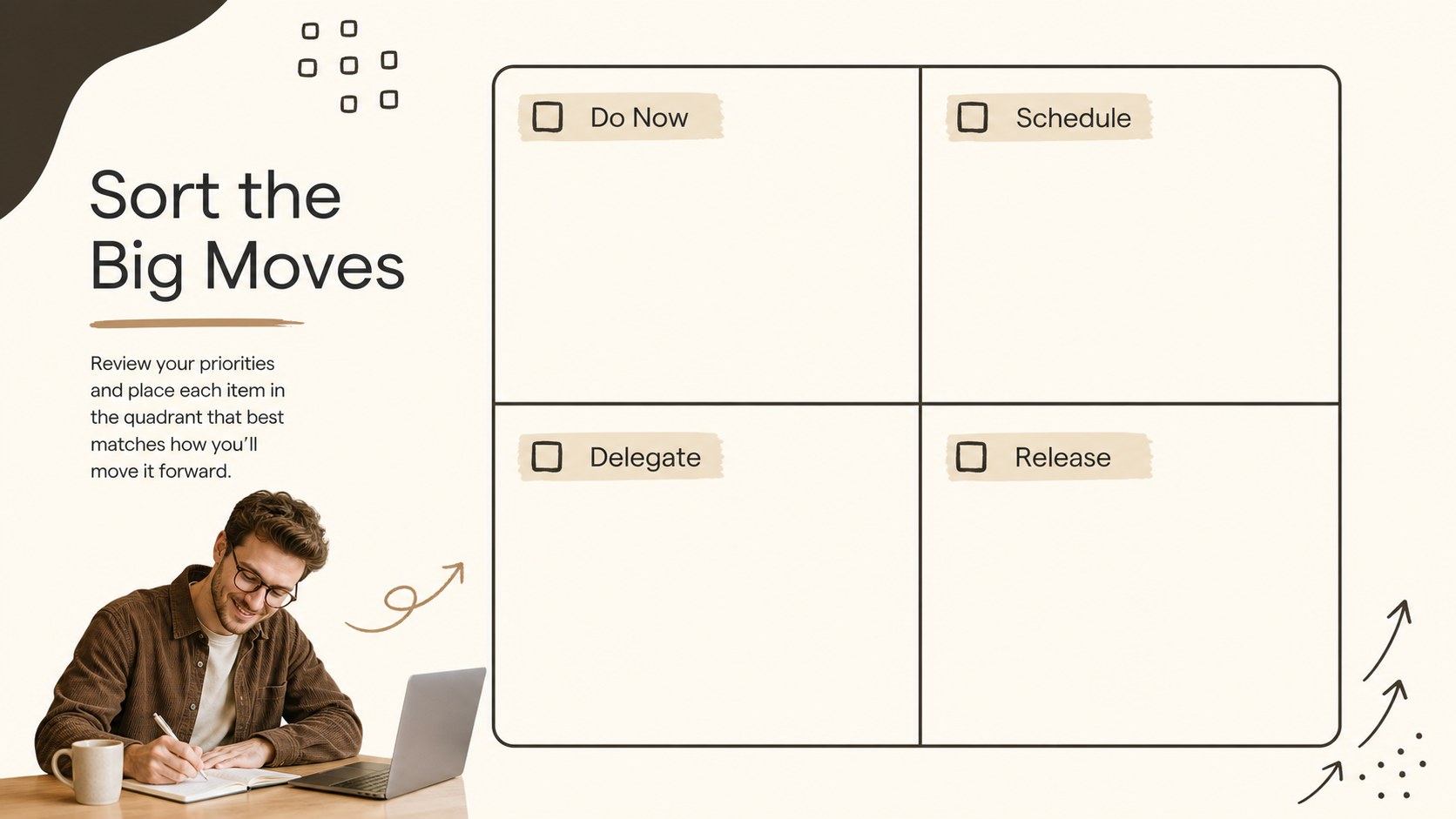
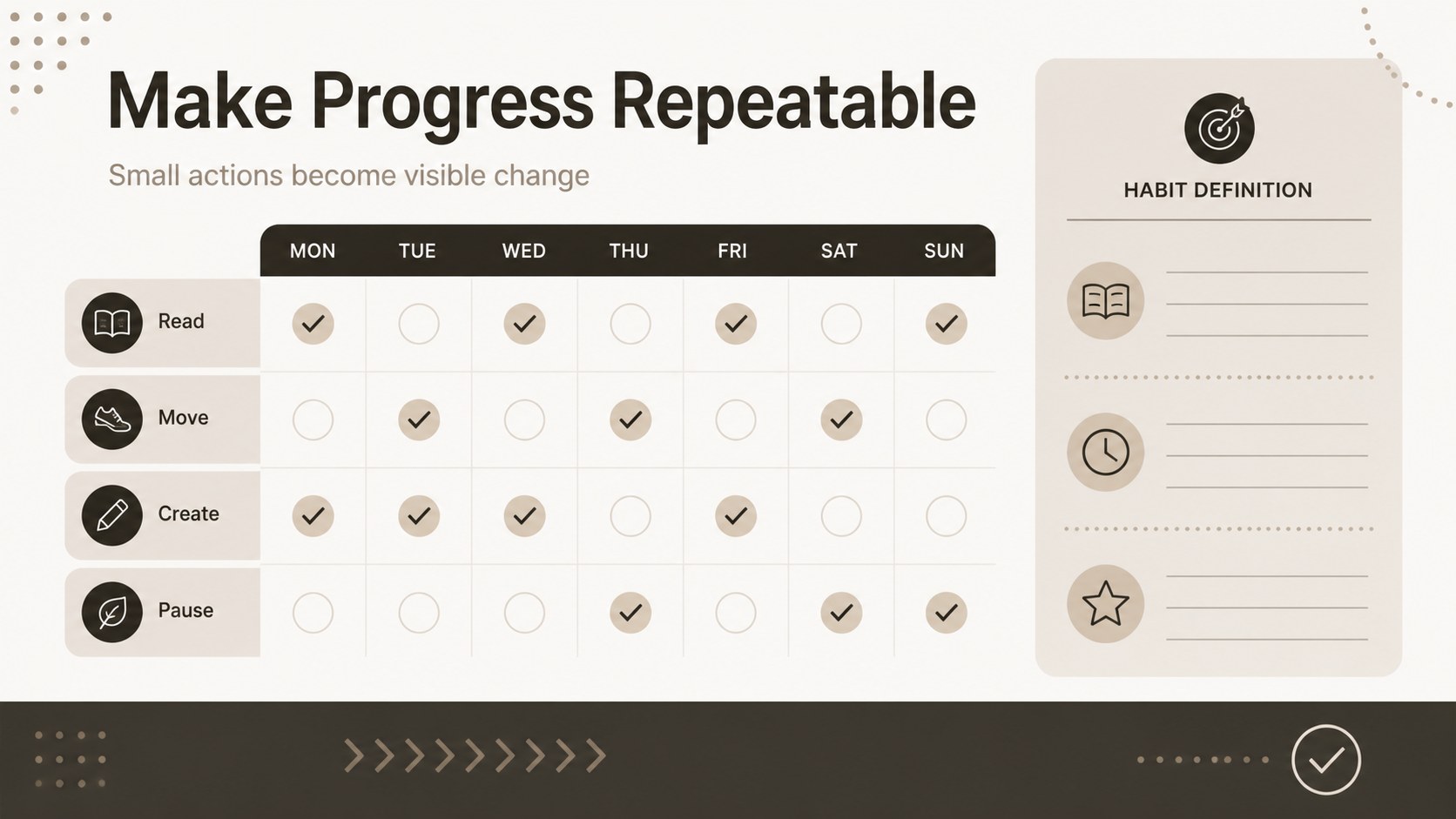
Inside, you will find 14 fully editable 16:9 slides for introducing a personal direction, sorting priorities, mapping milestones, tracking habits, and reviewing progress. The layouts include vision prompts, structured text areas, timeline compositions, comparison panels, progress markers, quote pages, and space for visual references. Use the deck as personal goal mapping slides, a self improvement presentation template, or a quarterly goal review deck for a team or coaching program.
This presentation is designed for students, professionals, coaches, educators, creative teams, and anyone organizing a new chapter. Replace the sample copy with your own objectives, dates, metrics, and imagery, then adjust the typography, shapes, and color accents to match your project. The files work with PowerPoint and Google Slides, making it simple to present live, share digitally, or adapt for a planning workbook.
Perfect for: personal annual planning; life coaching workshop; quarterly team review; student development session; employee growth conversation.
Frequently asked questions
Can I edit the Personal Growth Roadmap Deck in PowerPoint? Yes. The presentation is compatible with PowerPoint and can be customized by changing text, images, colors, shapes, and layouts. No design software beyond PowerPoint is required for standard edits.
Practical details
Yes. The presentation is compatible with PowerPoint and can be customized by changing text, images, colors, shapes, and layouts. No design software beyond PowerPoint is required for standard edits.
Yes, you can open and edit the deck in Google Slides. Check the typography and image placement after importing, since some fonts or effects may render slightly differently.
Use the layouts for personal planning, coaching sessions, team development meetings, student goal setting, or quarterly reviews. The milestone and reflection pages also work well for progress presentations.
Yes. All major design elements are editable, so you can replace the warm neutral palette with your organization or project colors. Keeping the black contrast accents will help preserve the template's structured editorial style.
Keep exploring
15Build an engaging World UFO Day session with this flying saucer history lesson deck, featuring retro green-and-brown slides for PowerPoint and Google Slides.
 15
15Plan a lively animal-learning journey with this jungle zoo adventure lesson deck, ready to customize in PowerPoint and Google Slides for young learners.
 16
16Turn environmental research into a clear story with a Watercolor Ecology Presentation Theme for PowerPoint and Google Slides in calming green and blue.
 16
16Build focused fashion, literature, and humanities presentations with the Red Triangle Editorial Theme, editable in PowerPoint and Google Slides.
 15
15Turn streaming stats, favorite tracks, and concert highlights into a bold annual listening recap slide deck for PowerPoint and Google Slides.
 15
15Turn highlights, milestones, and favorite moments into a colorful year in review slide deck with bold 3D graphics for PowerPoint and Google Slides.
 3
3Build a credible endorsement with Standout Colleague Recommendation Letter Slides, featuring colorful prompts for skills, achievements, and team impact.
 4
4Build clear beginner sessions with an ice hockey fundamentals training deck for coaches, PE teachers, and clubs, ready for PowerPoint and Google Slides.