
 15
15presentation
Flying Saucer History Lesson Deck
Build an engaging World UFO Day session with this flying saucer history lesson deck, featuring retro green-and-brown slides for PowerPoint and Google Slides.
Google SlidesPowerPoint
presentation · English
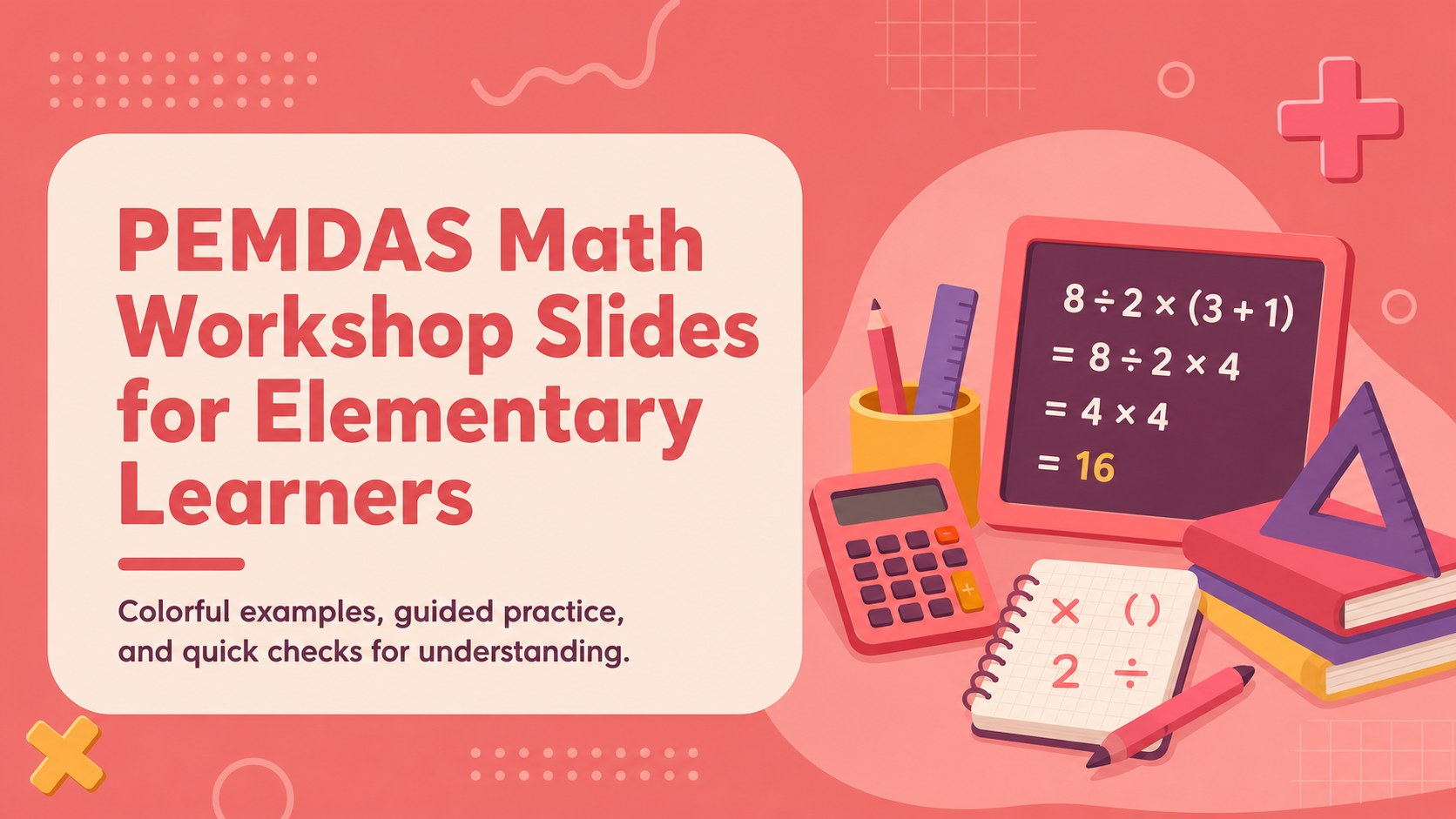
Teach order of operations with a playful PEMDAS math workshop for young learners. Customize colorful PowerPoint and Google Slides activities for class.
Design notes
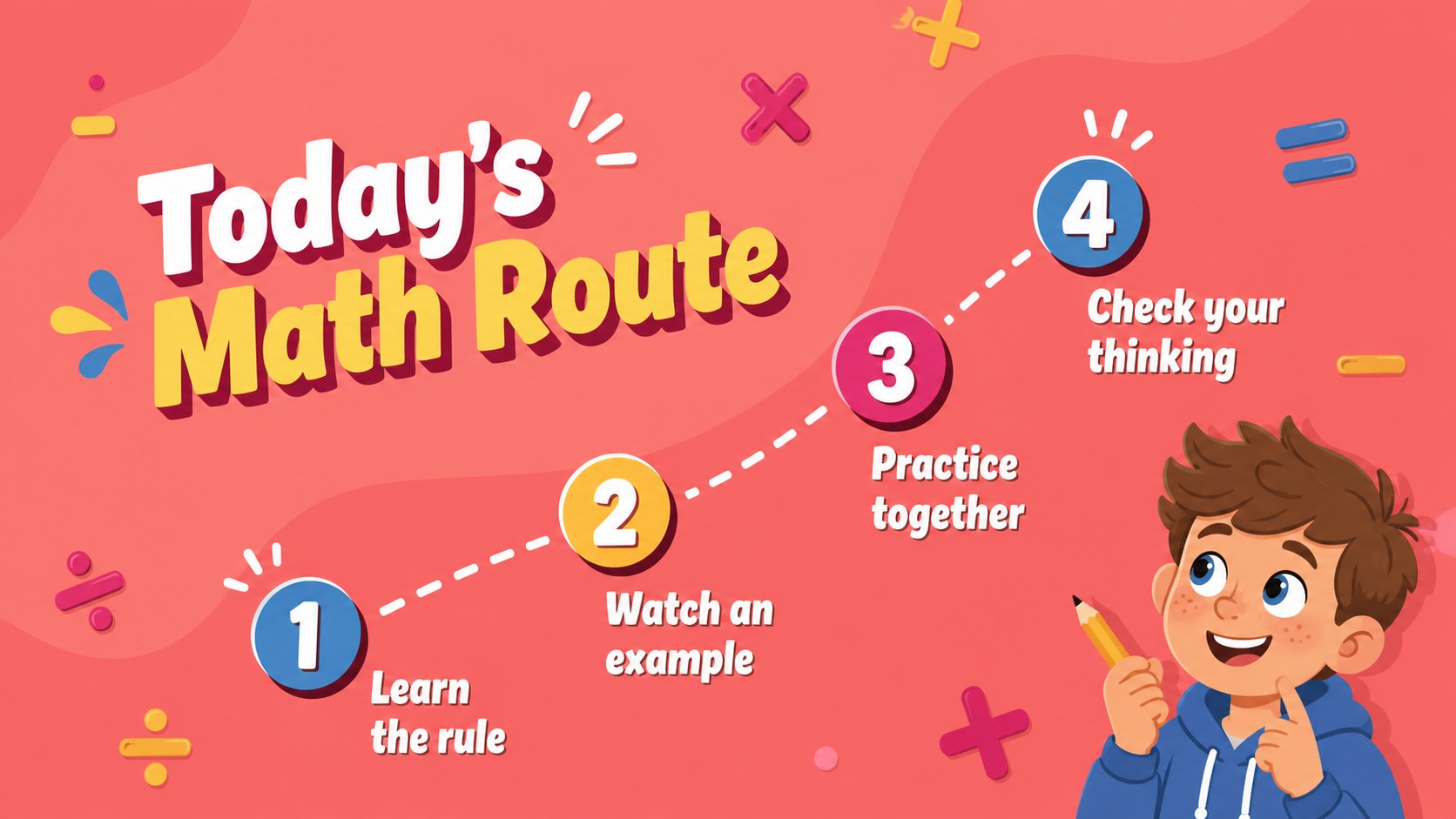
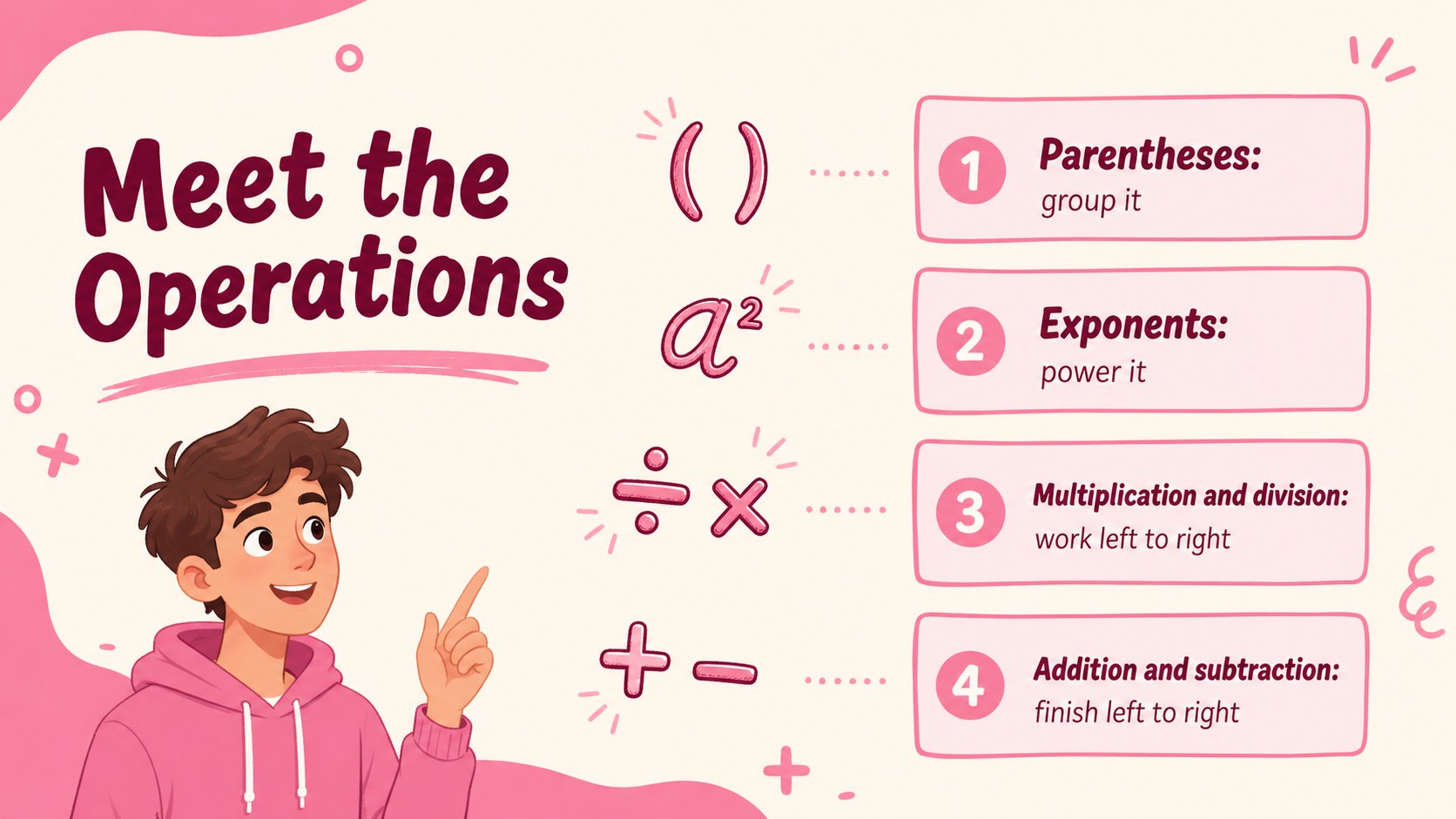
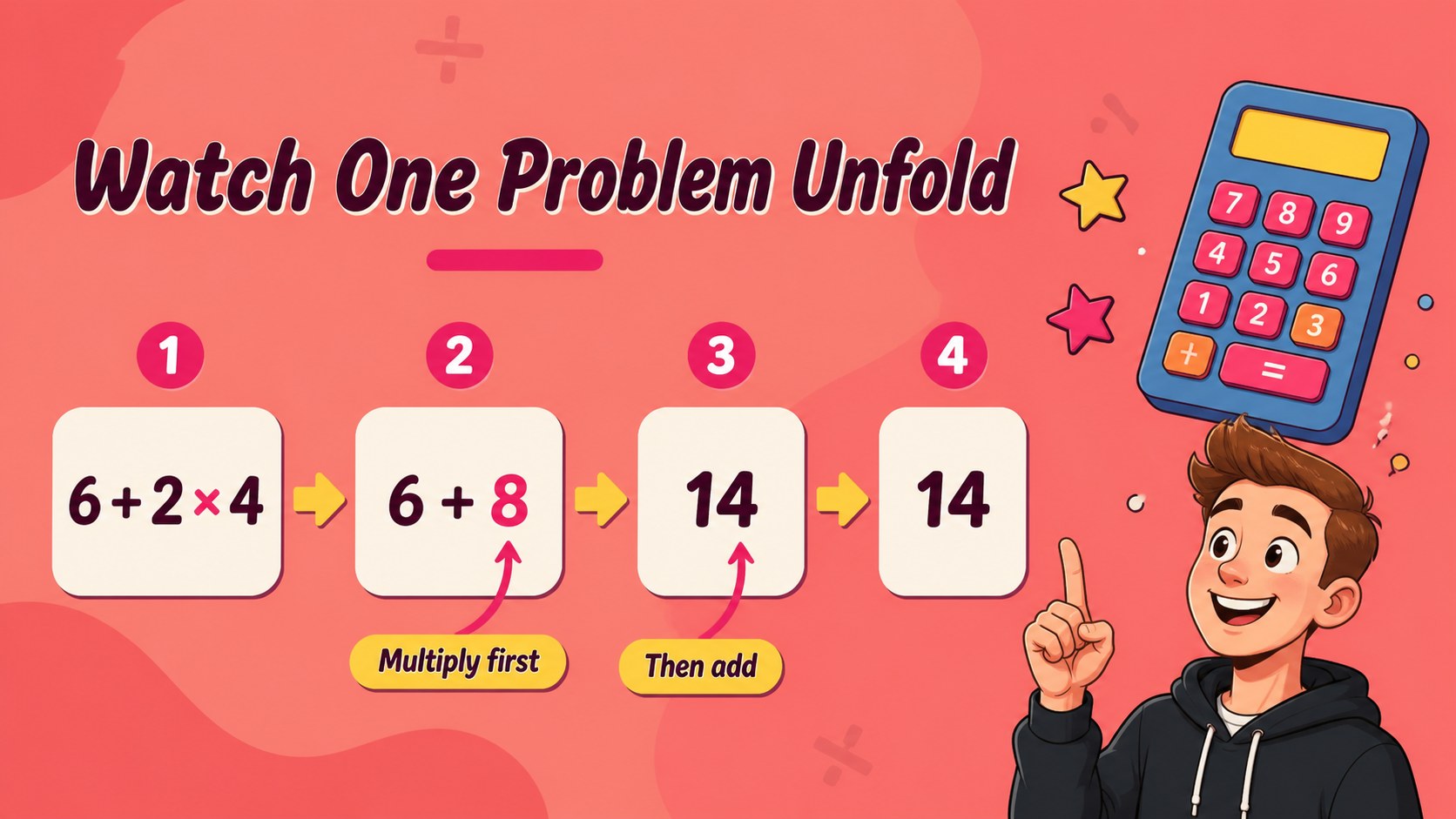
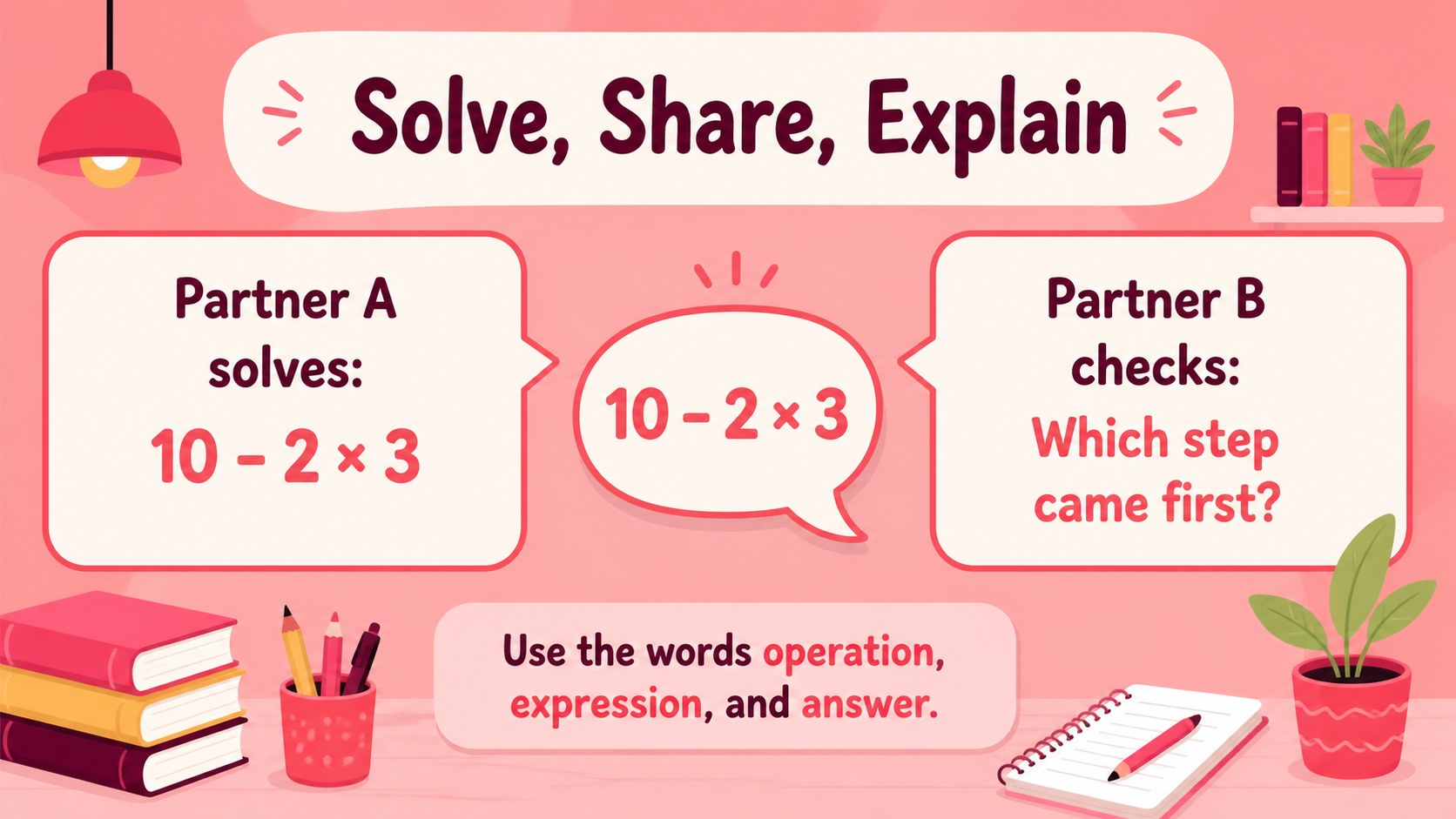
Make order of operations easier to teach with PEMDAS Math Workshop Slides for Elementary Learners. This colorful, illustrated presentation gives teachers a clear path from vocabulary and symbol recognition to solving multi-step expressions. The friendly pink palette, bold lettering, and visual examples help students stay focused while new ideas are introduced one step at a time.
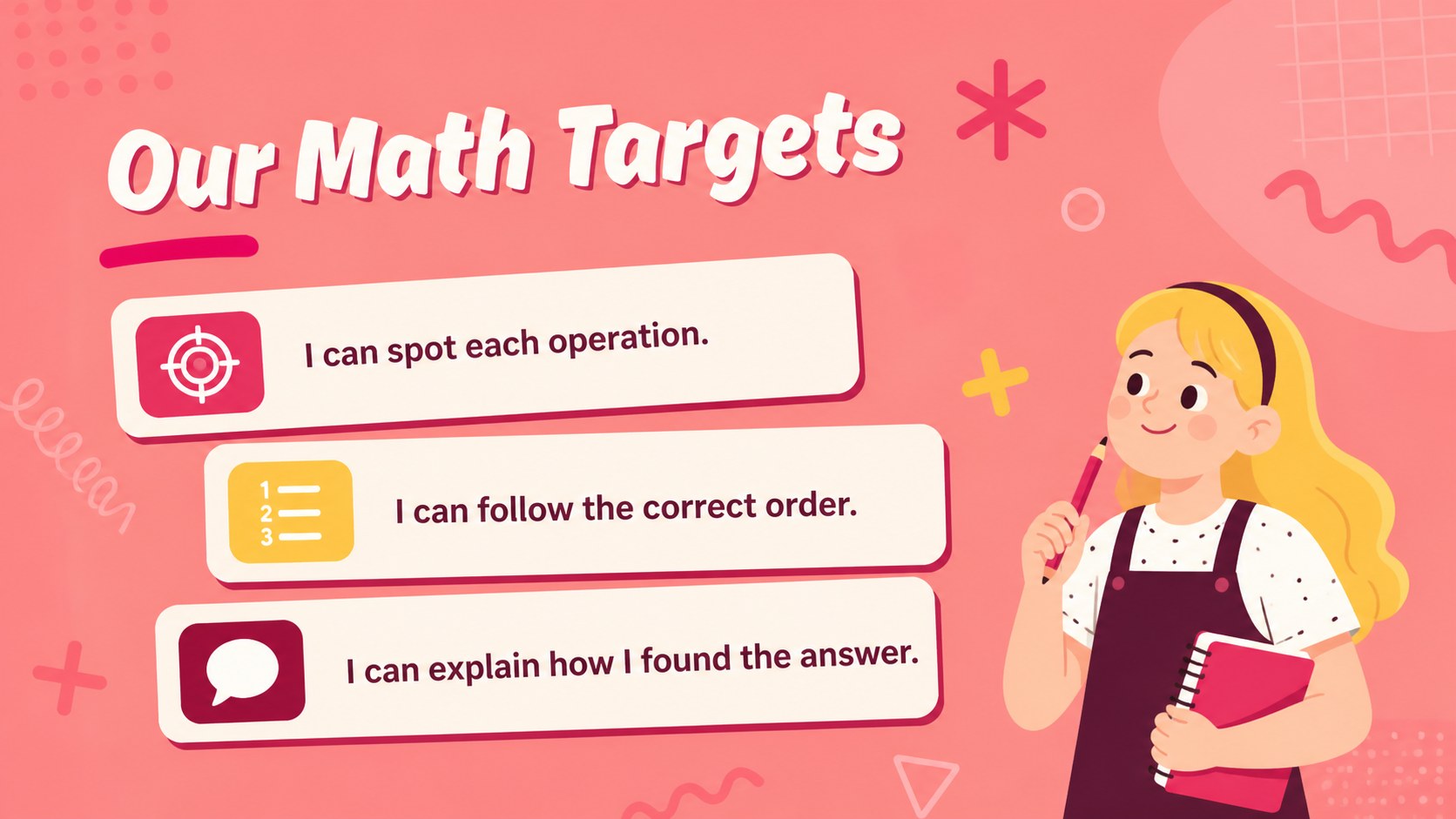
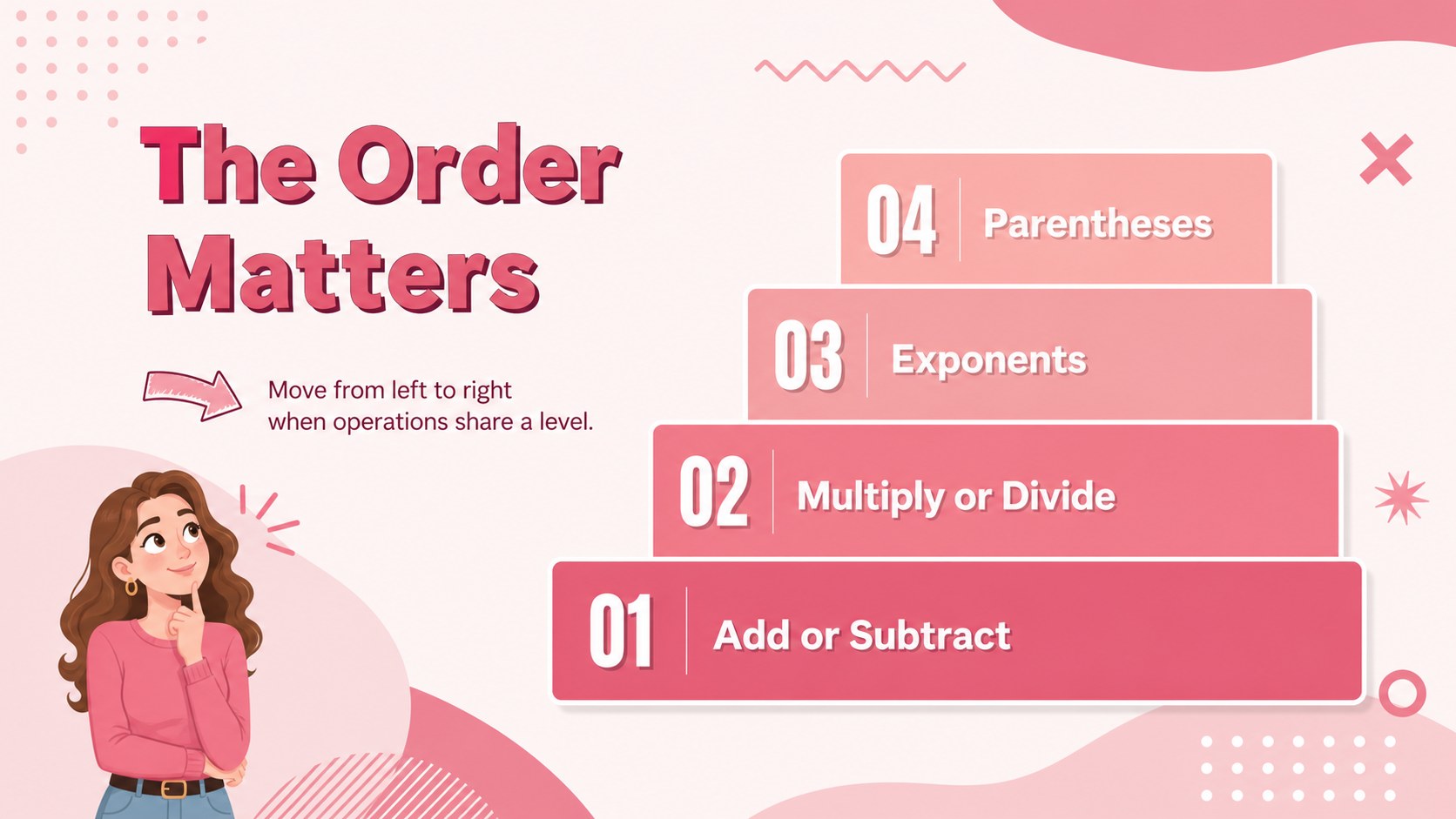
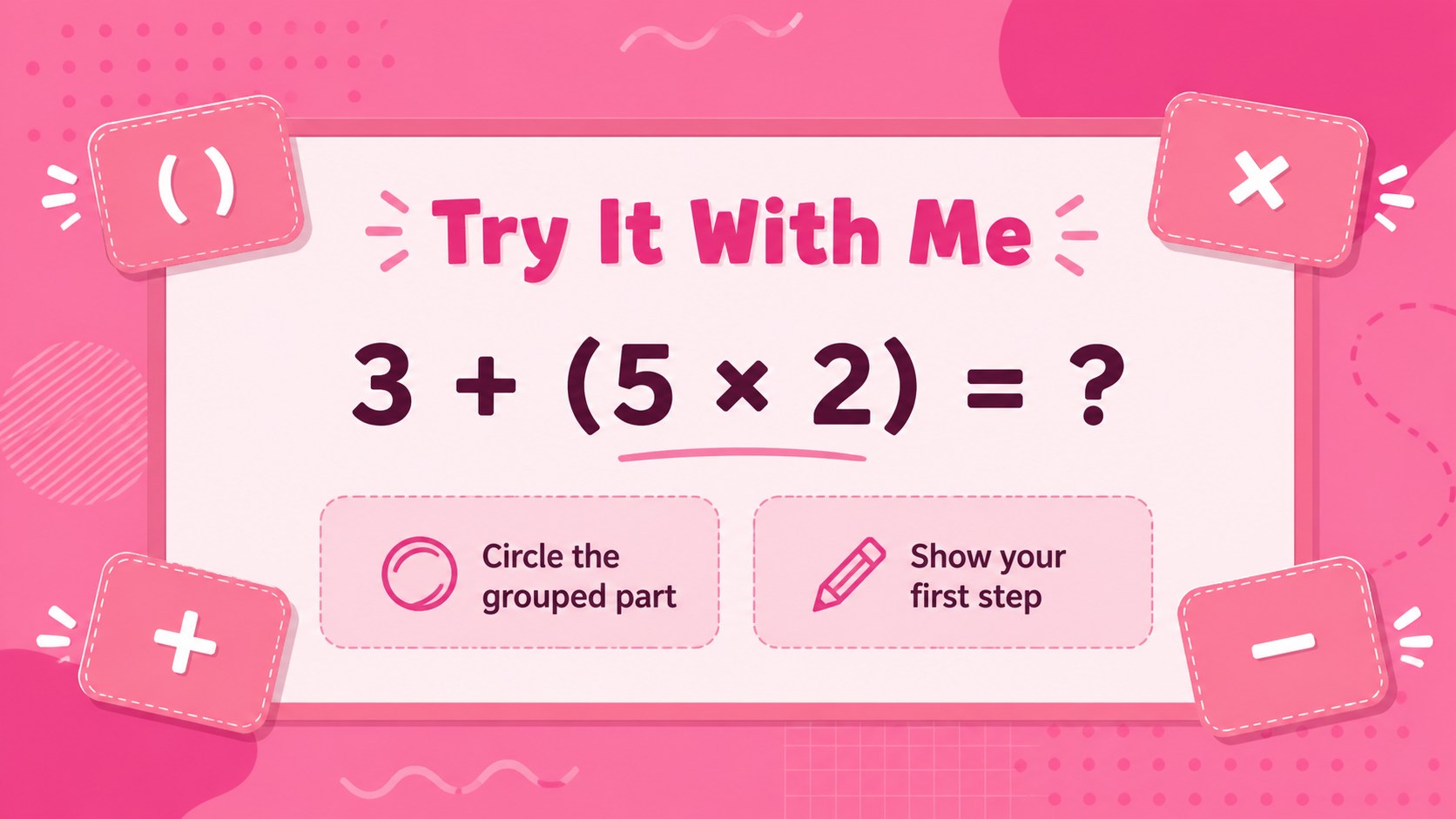
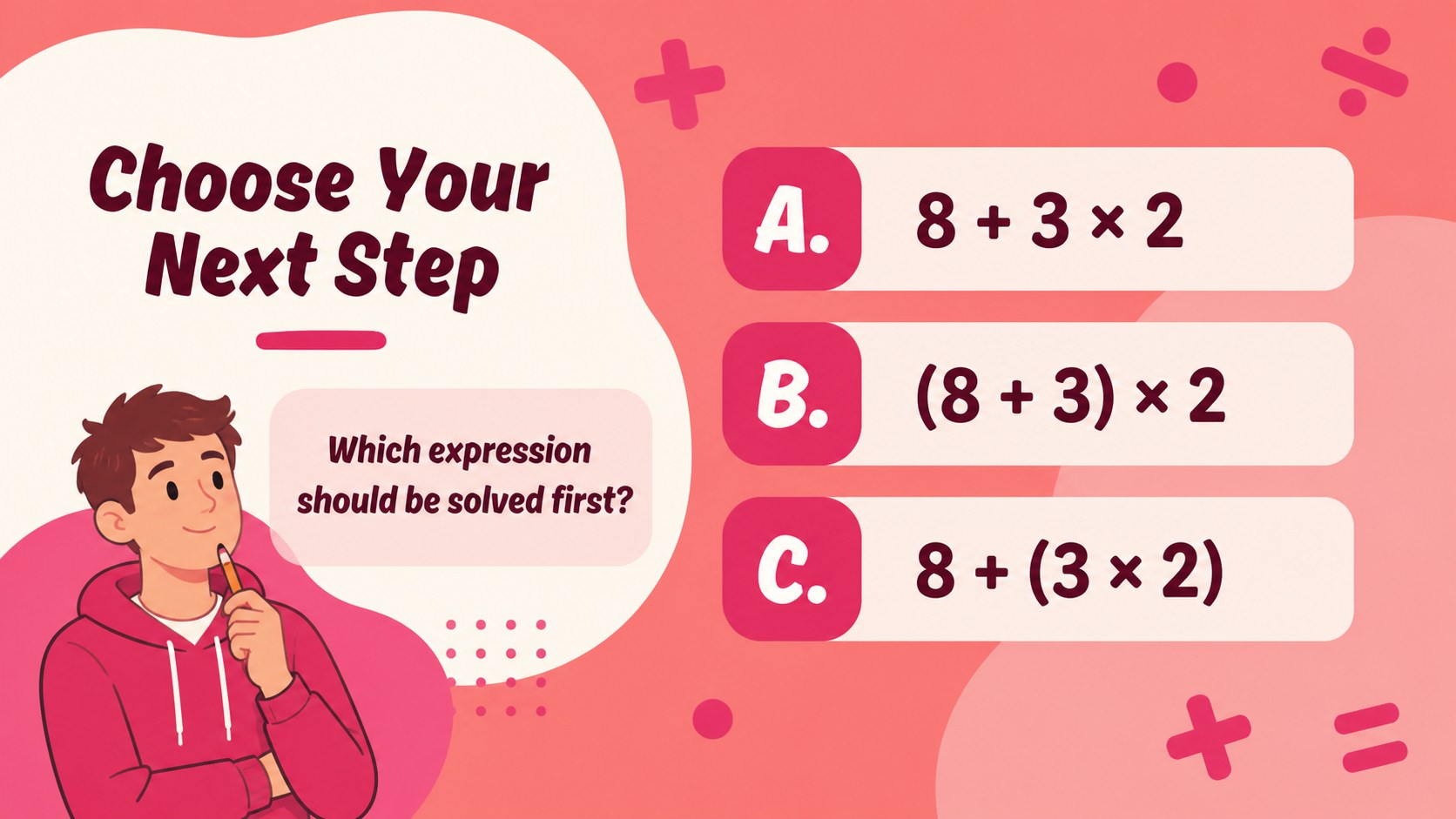
Inside the deck, you will find an opening lesson, learning goals, a review of parentheses and exponents, operation-order diagrams, worked examples, guided practice, independent questions, partner activities, and a final recap. The layouts support a classroom math warm-up, a small-group intervention session, or a virtual lesson. Use the editable text, shapes, charts, and illustrations to match your pacing and curriculum.
This resource is designed for elementary teachers, tutors, homeschool educators, and student teachers who need a practical order of operations lesson deck. It works in PowerPoint and Google Slides, making it easy to present, revise, and share across common classroom setups. Use the slides as a full lesson, select individual activities for review, or build a reusable PEMDAS practice presentation for future units.
Perfect for: elementary math mini-lesson; small-group intervention; tutoring session; homeschool review; virtual classroom activity.
Frequently asked questions
Can I edit these slides in PowerPoint? Yes. The presentation is compatible with PowerPoint and can be customized with your own examples, instructions, colors, and classroom terminology. You can also hide or rearrange activities to fit your lesson length.
Practical details
Yes. The presentation is compatible with PowerPoint and can be customized with your own examples, instructions, colors, and classroom terminology. You can also hide or rearrange activities to fit your lesson length.
Yes, you can open the presentation in Google Slides and edit the content there. Check the imported fonts, spacing, and animations before presenting because some PowerPoint effects may appear differently.
The examples and visual approach are aimed at elementary learners who are beginning to evaluate numerical expressions. Teachers can simplify the problems for early practice or add more complex expressions for advanced groups.
Absolutely. Replace the sample expressions with problems from your curriculum, add answer explanations, or duplicate practice layouts for extra questions. The deck is structured so you can adapt the pacing without rebuilding the presentation.
Keep exploring
15Build an engaging World UFO Day session with this flying saucer history lesson deck, featuring retro green-and-brown slides for PowerPoint and Google Slides.
 15
15Plan a lively animal-learning journey with this jungle zoo adventure lesson deck, ready to customize in PowerPoint and Google Slides for young learners.
 16
16Turn environmental research into a clear story with a Watercolor Ecology Presentation Theme for PowerPoint and Google Slides in calming green and blue.
 16
16Build focused fashion, literature, and humanities presentations with the Red Triangle Editorial Theme, editable in PowerPoint and Google Slides.
 15
15Turn streaming stats, favorite tracks, and concert highlights into a bold annual listening recap slide deck for PowerPoint and Google Slides.
 15
15Turn highlights, milestones, and favorite moments into a colorful year in review slide deck with bold 3D graphics for PowerPoint and Google Slides.
 3
3Build a credible endorsement with Standout Colleague Recommendation Letter Slides, featuring colorful prompts for skills, achievements, and team impact.
 4
4Build clear beginner sessions with an ice hockey fundamentals training deck for coaches, PE teachers, and clubs, ready for PowerPoint and Google Slides.