
 15
15presentation
Flying Saucer History Lesson Deck
Build an engaging World UFO Day session with this flying saucer history lesson deck, featuring retro green-and-brown slides for PowerPoint and Google Slides.
Google SlidesPowerPoint
presentation · English
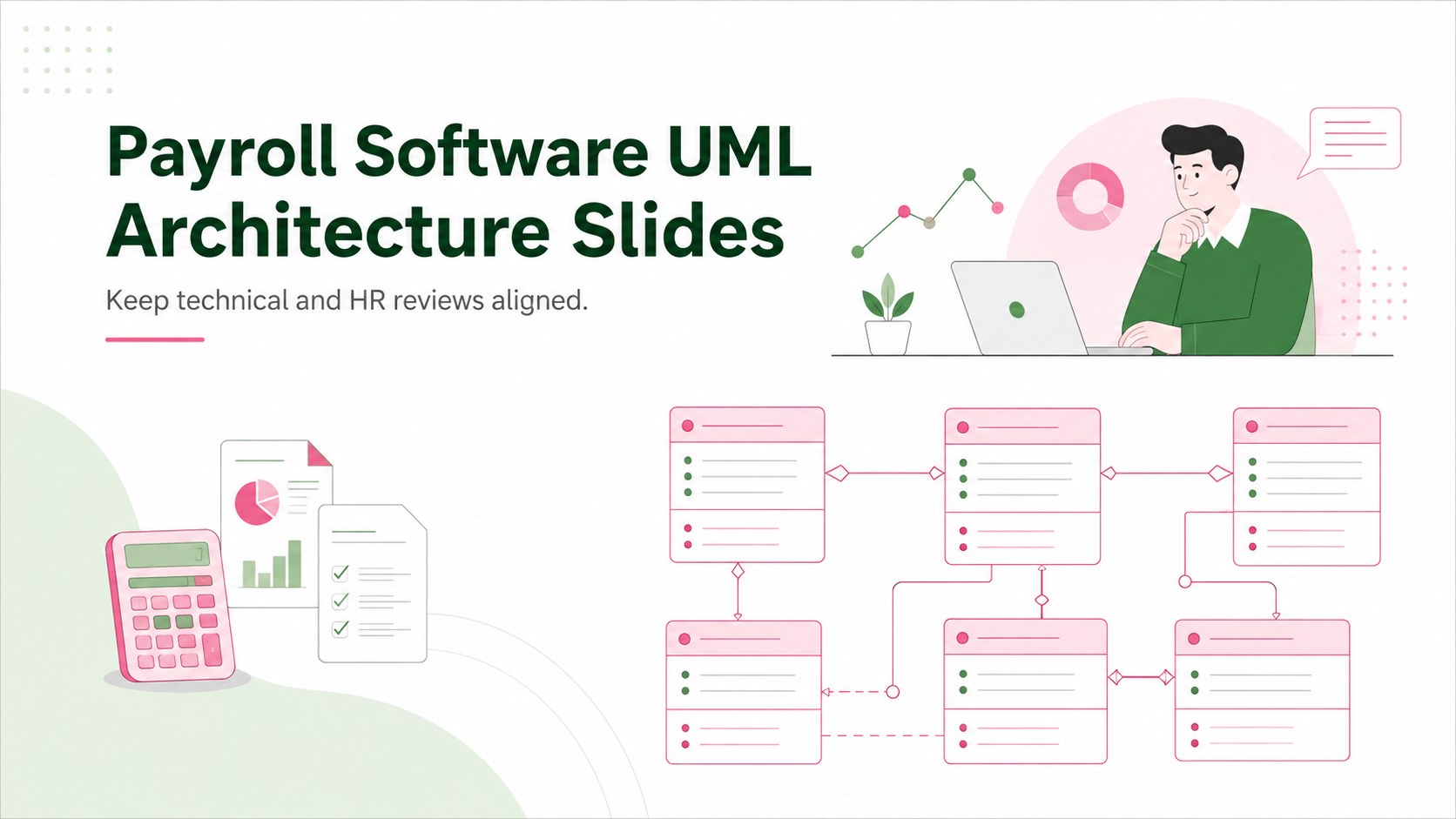
Map payroll entities, relationships, and workflows with payroll software UML architecture slides built for clear reviews in PowerPoint and Google Slides.
Design notes
Turn a complicated compensation platform into a structure that teams can understand at a glance. These payroll software UML architecture slides use a polished whiteboard style, crisp diagramming, and a balanced green, white, and pink palette to clarify how records, calculations, deductions, and payments connect. The layouts are designed for focused discussions without overwhelming viewers with unnecessary technical detail.
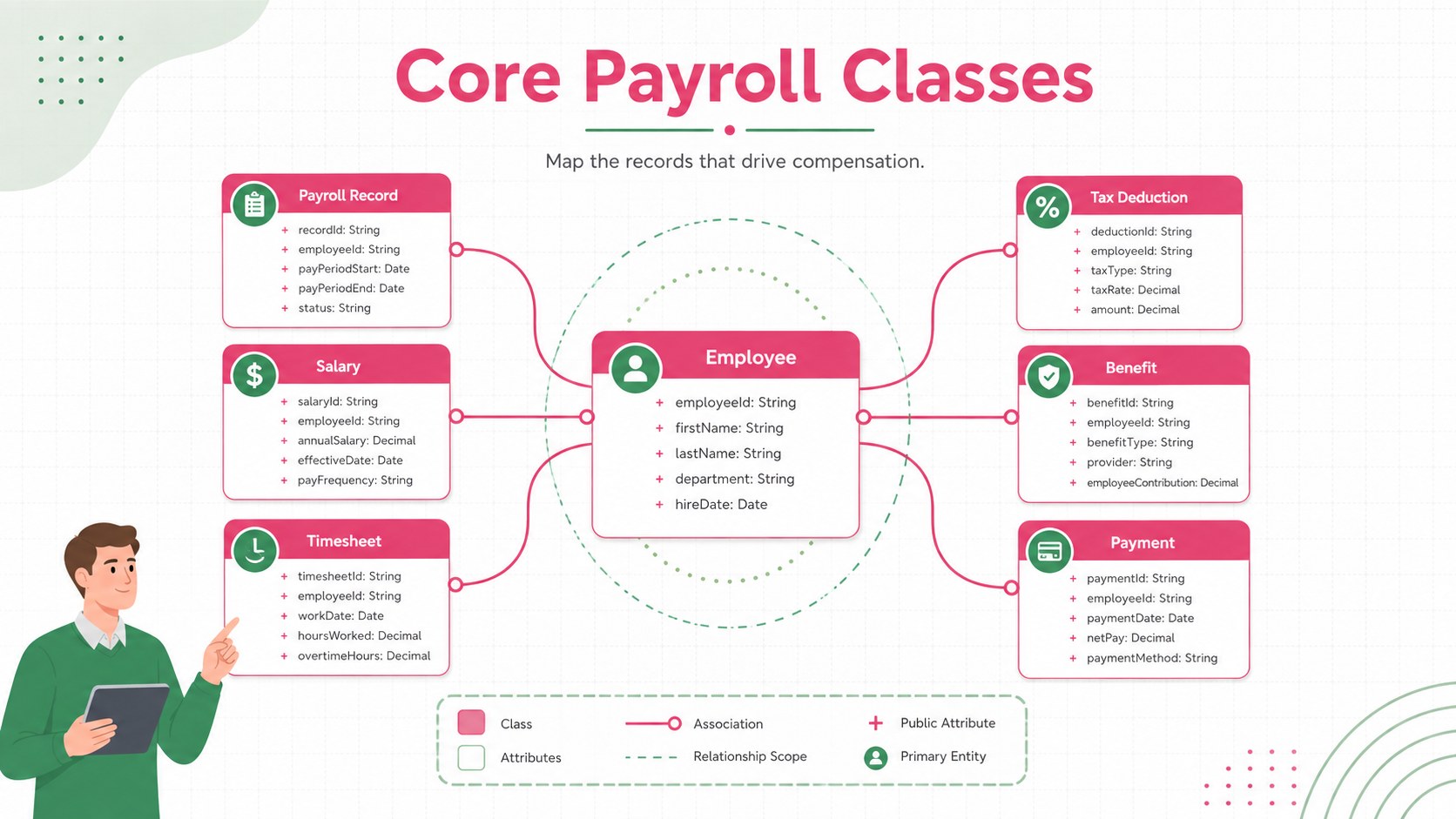
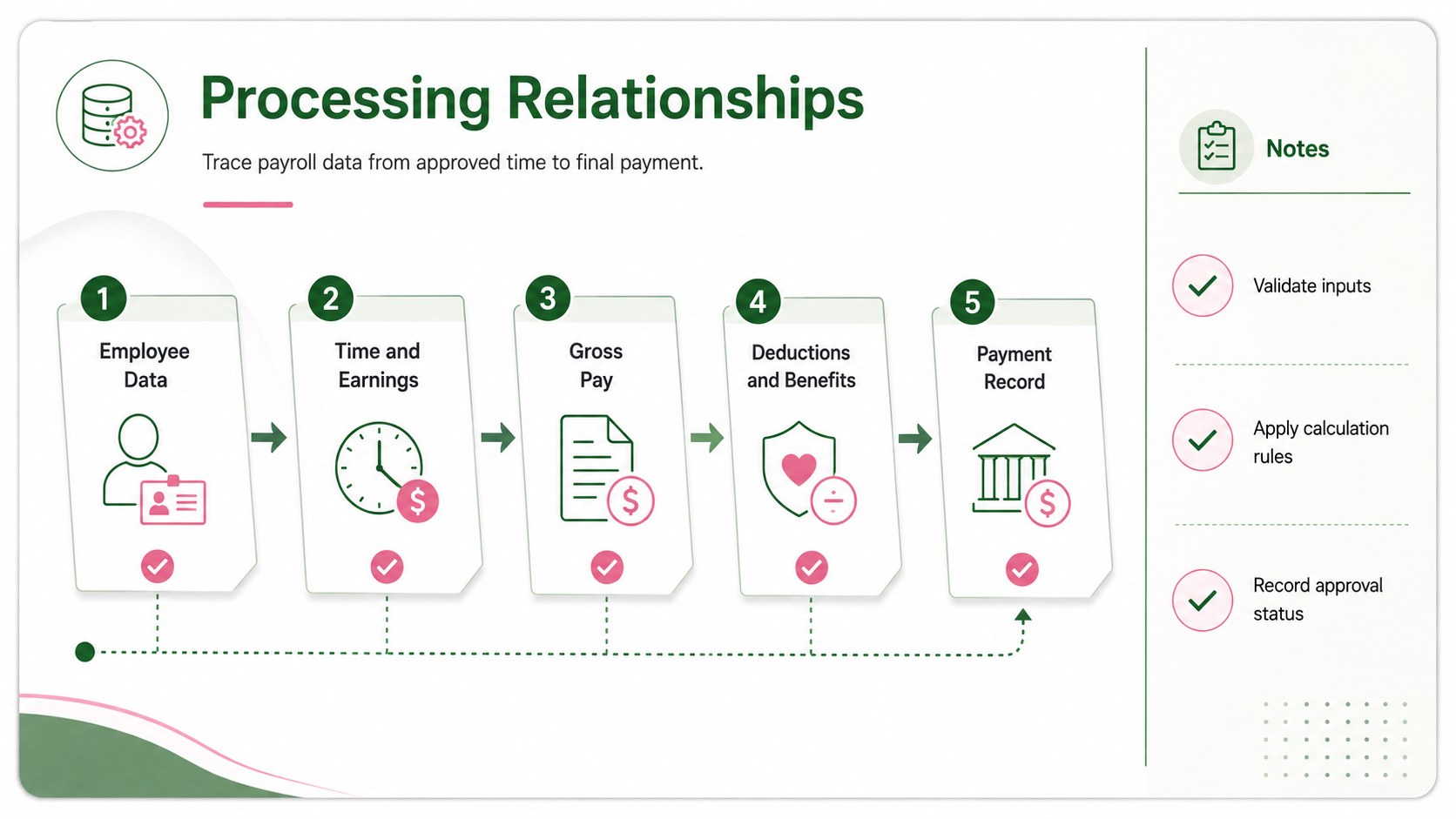
Inside the deck, you will find three editable 16:9 layouts covering the overall architecture, core payroll classes, and processing relationships. Use the payroll software class diagram template to map entities such as Employee, Payroll Record, Salary, Tax Deduction, Benefit, Timesheet, and Payment. Connector lines, relationship labels, notes, and grouped modules can be adapted to match an existing application or a proposed build. The editable payroll workflow slides also make it easy to highlight ownership, validation rules, data dependencies, and integration points.
This template is suited to software architects, developers, HR technology teams, payroll administrators, business analysts, product managers, and consultants. It can support requirements workshops, technical design reviews, stakeholder briefings, vendor comparisons, and implementation planning. Whether you are documenting a new platform or refining an HR software entity relationship map, every element can be customized in PowerPoint or Google Slides to reflect your terminology, processes, and visual standards.
Perfect for: payroll platform design review; HR software requirements workshop; compensation database planning; system integration briefing; payroll vendor evaluation.
Frequently asked questions
Can I edit the UML classes and relationships? Yes. Class names, attributes, methods, connectors, labels, colors, and notes can be edited to match your payroll platform and internal terminology.
Practical details
Yes. Class names, attributes, methods, connectors, labels, colors, and notes can be edited to match your payroll platform and internal terminology.
The slides are designed for PowerPoint and Google Slides. Both platforms support editing the text, shapes, connector lines, and layout elements.
Yes. You can add or remove entities, reorganize modules, and revise relationships for hourly, salaried, contractor, or multi-region payroll processes.
Yes. The whiteboard layouts prioritize readable labels and clear visual groupings, making the architecture easier to discuss with HR, finance, operations, and leadership teams.
Keep exploring
15Build an engaging World UFO Day session with this flying saucer history lesson deck, featuring retro green-and-brown slides for PowerPoint and Google Slides.
 15
15Plan a lively animal-learning journey with this jungle zoo adventure lesson deck, ready to customize in PowerPoint and Google Slides for young learners.
 16
16Turn environmental research into a clear story with a Watercolor Ecology Presentation Theme for PowerPoint and Google Slides in calming green and blue.
 16
16Build focused fashion, literature, and humanities presentations with the Red Triangle Editorial Theme, editable in PowerPoint and Google Slides.
 15
15Turn streaming stats, favorite tracks, and concert highlights into a bold annual listening recap slide deck for PowerPoint and Google Slides.
 15
15Turn highlights, milestones, and favorite moments into a colorful year in review slide deck with bold 3D graphics for PowerPoint and Google Slides.
 3
3Build a credible endorsement with Standout Colleague Recommendation Letter Slides, featuring colorful prompts for skills, achievements, and team impact.
 4
4Build clear beginner sessions with an ice hockey fundamentals training deck for coaches, PE teachers, and clubs, ready for PowerPoint and Google Slides.