
 15
15presentation
Flying Saucer History Lesson Deck
Build an engaging World UFO Day session with this flying saucer history lesson deck, featuring retro green-and-brown slides for PowerPoint and Google Slides.
Google SlidesPowerPoint
presentation · English
Build a calmer routine with this pastel week-at-a-glance planner, featuring editable A4 layouts for classes, meetings, and tasks in PowerPoint or Google…
Design notes
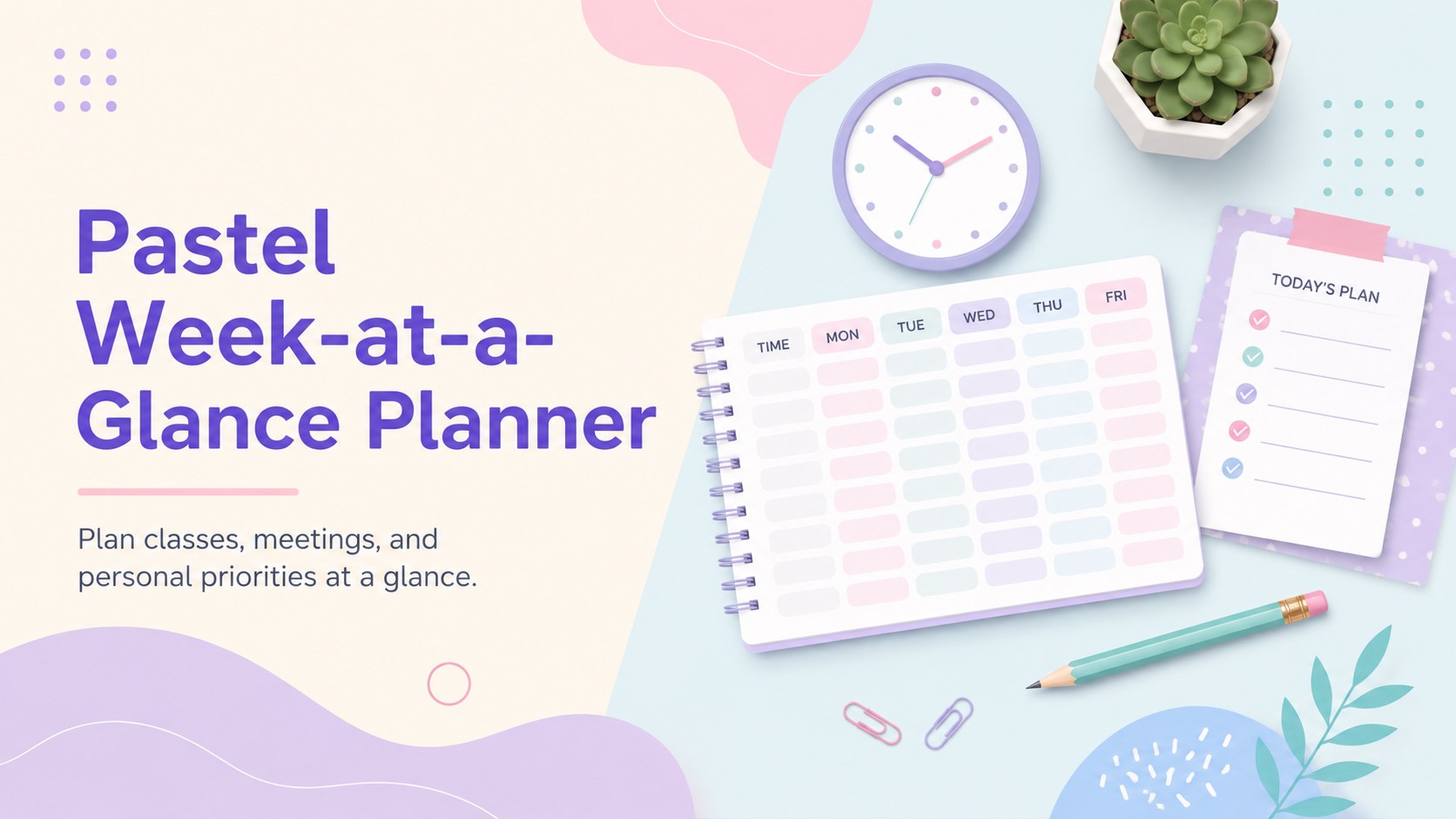
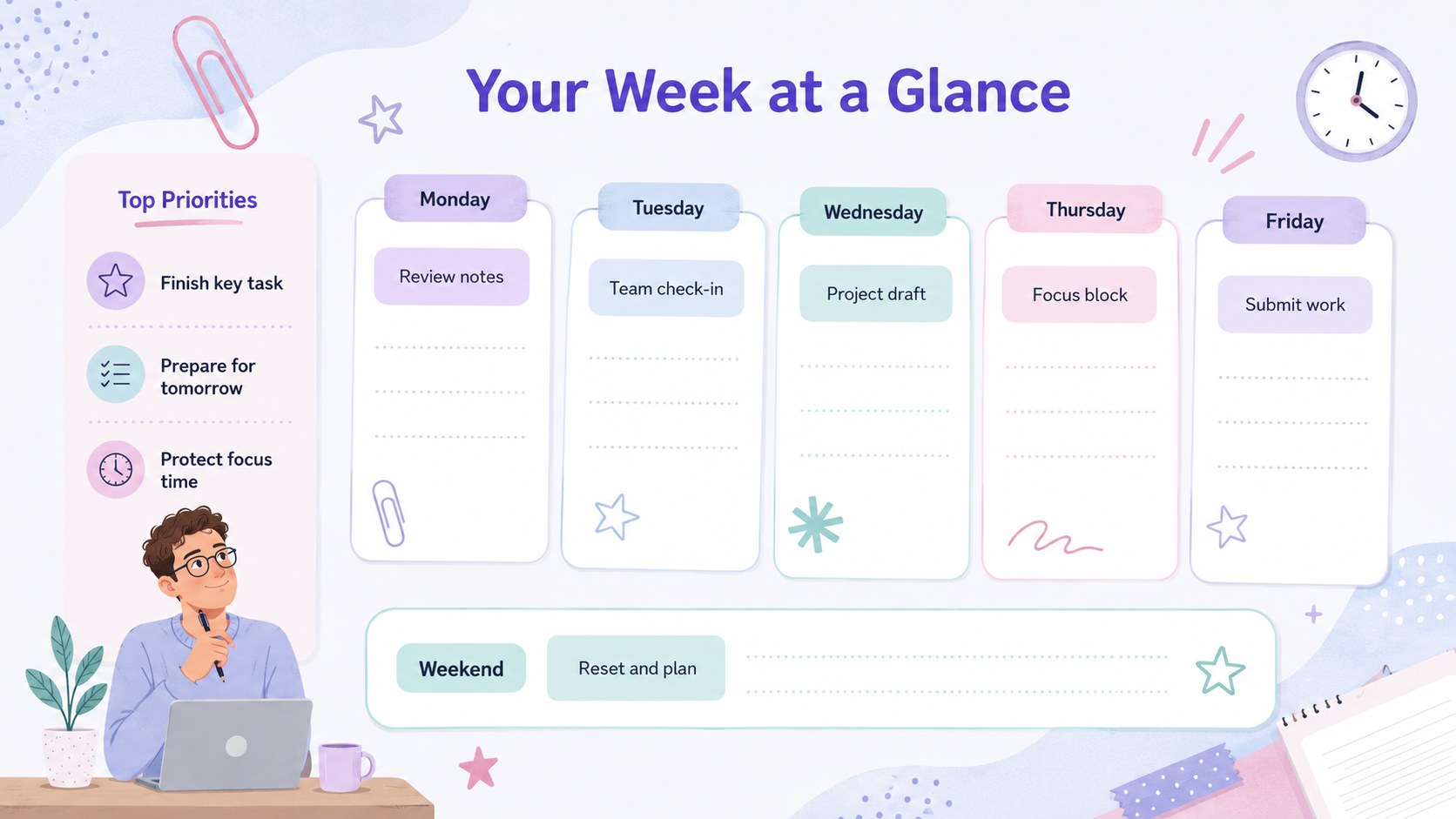
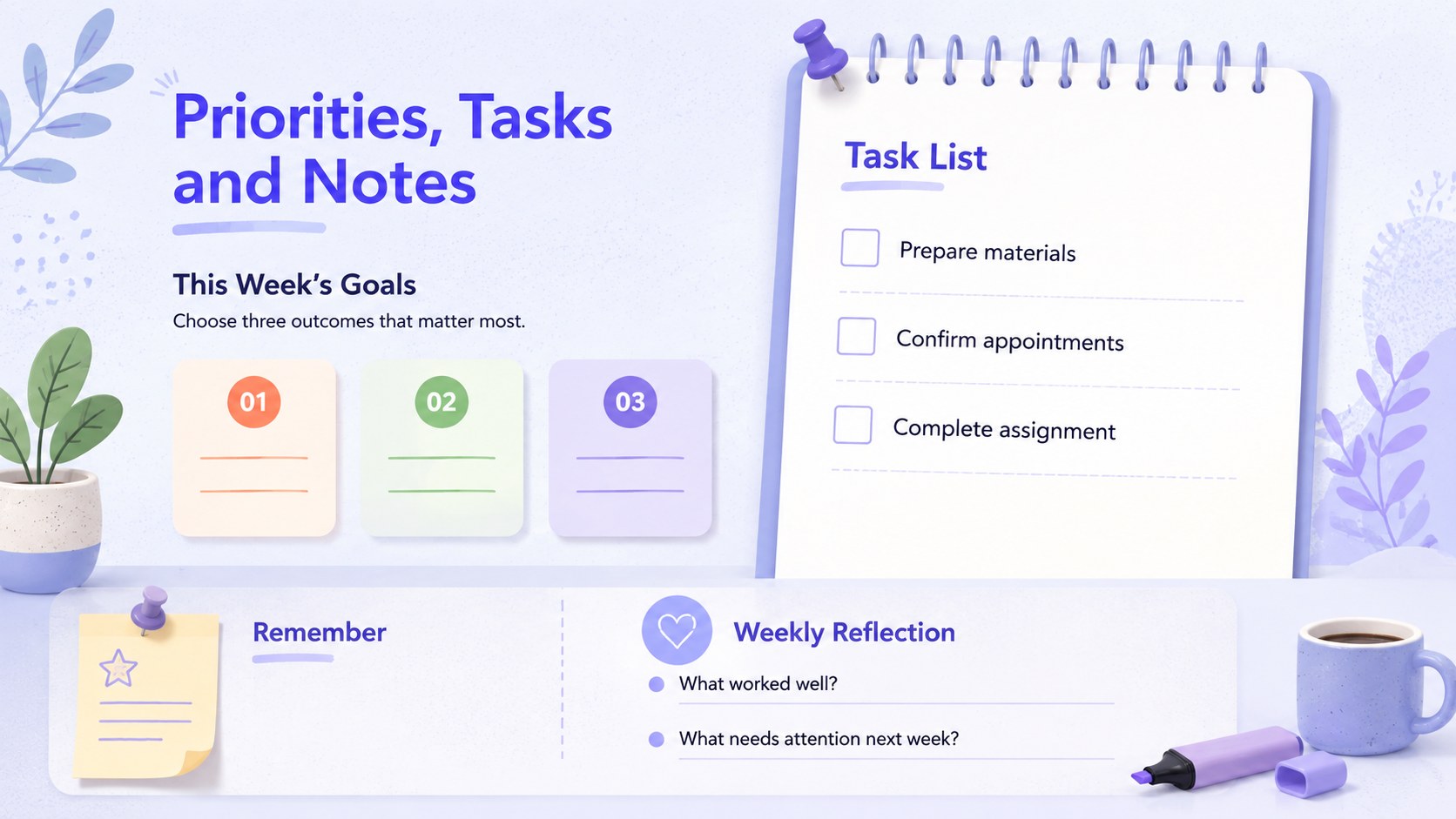
Bring structure to busy days with the Pastel Week-at-a-Glance Planner, an adaptable set of planning pages for PowerPoint and Google Slides. Its soft, colorful palette keeps schedules approachable while clear sections make appointments, deadlines, and priorities easy to find. Use this editable pastel weekly planner on screen, share it with a group, or prepare an A4 copy for your desk, binder, or classroom wall.
The template includes three ready-to-edit layouts: a complete weekly overview, a focused weekday organizer, and a priorities and notes page. Each design provides practical space for timed events, task lists, reminders, goals, and end-of-week reflections. Text, colors, labels, and shapes can be adjusted without rebuilding the page, making it a flexible A4 weekly planning template for different routines and responsibilities.
Students can turn it into student assignment planning slides for lessons, study sessions, project milestones, and due dates. Teachers can organize classroom activities or create a shared overview for the school week. Professionals can map meetings, deep-work blocks, deliverables, and follow-ups, while families and individuals can coordinate errands, appointments, meals, and personal goals. The balanced spacing, simple typography, and gentle pastel accents support quick scanning without making a full calendar feel crowded.
Perfect for: student assignment tracking; teacher lesson scheduling; weekly meeting planning; family activity coordination; personal priority mapping.
Frequently asked questions
Can I edit every section of the planner? Yes. You can replace the text, rename days or sections, move shapes, and adjust the pastel colors to match your routine.
Practical details
Yes. You can replace the text, rename days or sections, move shapes, and adjust the pastel colors to match your routine.
The planner is designed for Microsoft PowerPoint and Google Slides. Layouts and text remain editable in both platforms.
Yes. The planning pages are arranged for A4 output and can be exported as PDFs before printing. Check your printer settings and select actual size for the most consistent spacing.
Rename the sections around your workflow, such as assignments, lessons, meetings, deadlines, or follow-ups. You can also duplicate a page to create separate planners for different classes, projects, or team members.
Keep exploring
15Build an engaging World UFO Day session with this flying saucer history lesson deck, featuring retro green-and-brown slides for PowerPoint and Google Slides.
 15
15Plan a lively animal-learning journey with this jungle zoo adventure lesson deck, ready to customize in PowerPoint and Google Slides for young learners.
 16
16Turn environmental research into a clear story with a Watercolor Ecology Presentation Theme for PowerPoint and Google Slides in calming green and blue.
 16
16Build focused fashion, literature, and humanities presentations with the Red Triangle Editorial Theme, editable in PowerPoint and Google Slides.
 15
15Turn streaming stats, favorite tracks, and concert highlights into a bold annual listening recap slide deck for PowerPoint and Google Slides.
 15
15Turn highlights, milestones, and favorite moments into a colorful year in review slide deck with bold 3D graphics for PowerPoint and Google Slides.
 3
3Build a credible endorsement with Standout Colleague Recommendation Letter Slides, featuring colorful prompts for skills, achievements, and team impact.
 4
4Build clear beginner sessions with an ice hockey fundamentals training deck for coaches, PE teachers, and clubs, ready for PowerPoint and Google Slides.