
 15
15presentation
Flying Saucer History Lesson Deck
Build an engaging World UFO Day session with this flying saucer history lesson deck, featuring retro green-and-brown slides for PowerPoint and Google Slides.
Google SlidesPowerPoint
presentation · English
Build clear workflows with Pastel Process Mapping Slides, an editable diagram set for project plans, lessons, and presentations in PowerPoint or Google…

Design notes
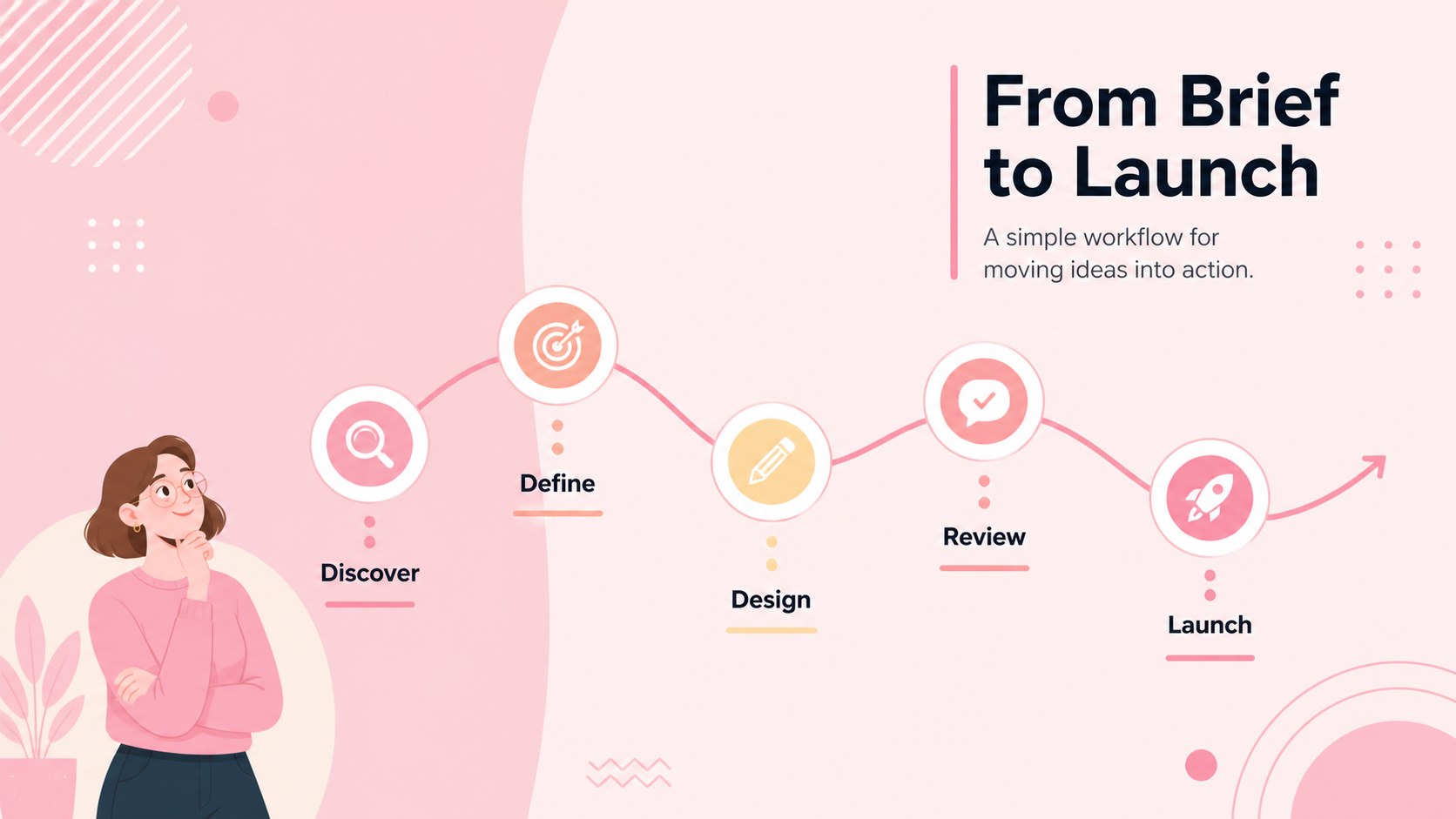
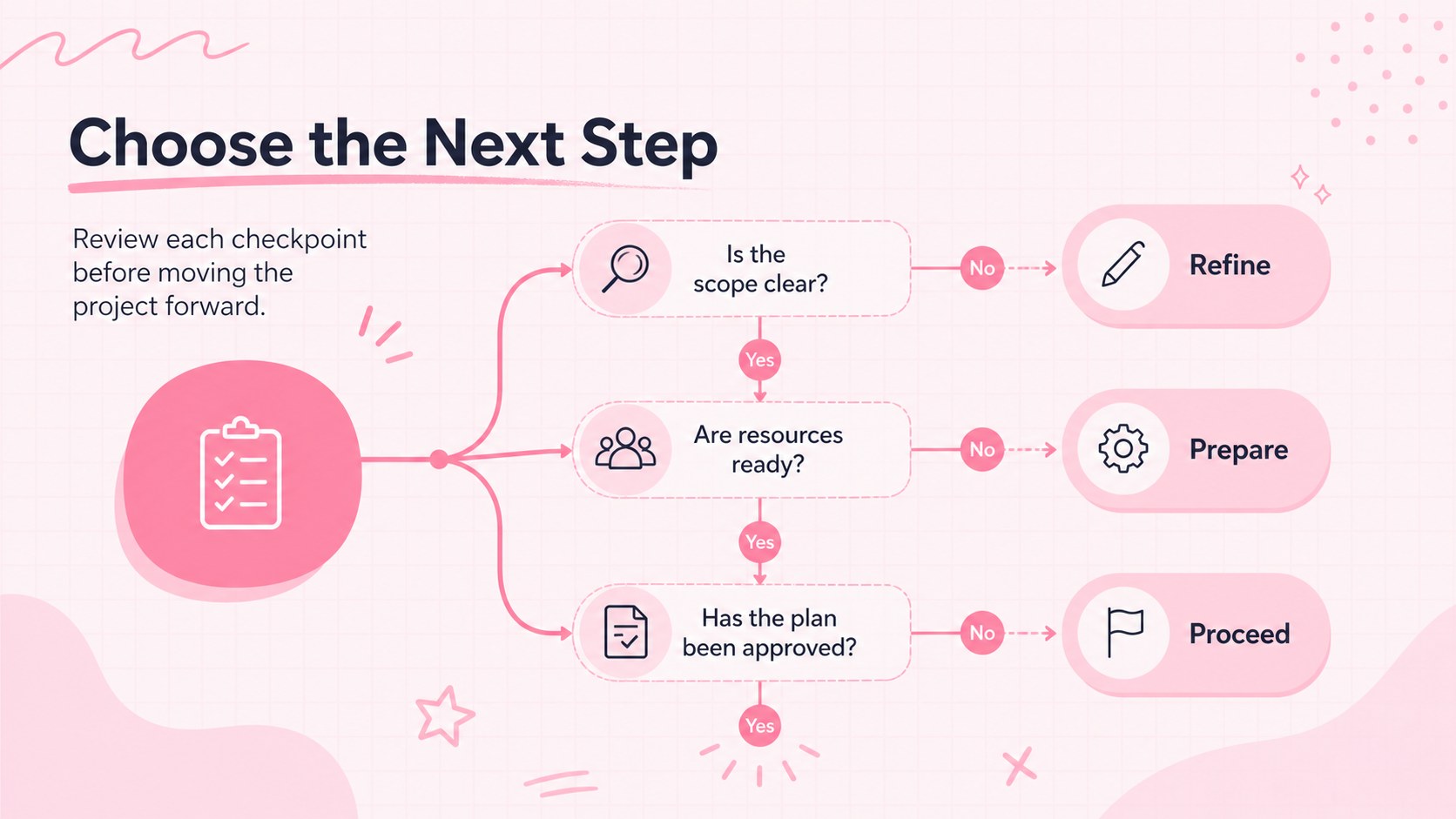
Pastel Process Mapping Slides help you explain workflows, decisions, and multi-step ideas without overwhelming your audience. The soft pink palette, clean typography, and playful abstract accents create an approachable visual system that works equally well in a classroom, planning session, or professional meeting. Use this editable process mapping presentation to turn dense instructions into structured stories that viewers can scan quickly.
Inside, you will find three coordinated infographic layouts for building sequential workflows, connected stages, and branching decisions. Each design can be adapted with your own labels, colors, icons, and supporting notes. The pastel workflow diagram template is especially useful when you need to show responsibilities, milestones, dependencies, or alternative paths while keeping the overall presentation light and organized. Shapes and connectors can be duplicated or rearranged to accommodate shorter or more detailed processes.
These slides are designed for project managers, educators, students, consultants, operations teams, and anyone who regularly explains how work moves from one step to the next. Create project planning flowchart slides for a kickoff meeting, map a customer journey, outline a lesson sequence, or simplify an approval procedure. The template is fully editable in PowerPoint and Google Slides, making it straightforward to tailor the diagrams to your subject, audience, and presentation format.
Perfect for: project kickoff workflow; classroom lesson sequence; customer journey mapping; approval process overview; team responsibility planning.
Frequently asked questions
Can I change the steps and connectors in these diagrams? Yes. Every process shape, label, line, and connector can be edited, moved, duplicated, or removed to fit your workflow. You can also expand a diagram by adding more stages with the existing visual style.
Practical details
Yes. Every process shape, label, line, and connector can be edited, moved, duplicated, or removed to fit your workflow. You can also expand a diagram by adding more stages with the existing visual style.
The template is designed for PowerPoint and Google Slides. Both platforms allow you to customize the text, colors, shapes, and layout elements.
Yes. Replace the pink and supporting pastel tones with your brand or course colors while preserving the diagram structure. For readability, keep strong contrast between labels, connectors, and background areas.
The layouts suit sequential processes, decision paths, project phases, lesson steps, and operational procedures. Keep labels concise and use supporting notes only where a stage needs additional context.
Keep exploring
15Build an engaging World UFO Day session with this flying saucer history lesson deck, featuring retro green-and-brown slides for PowerPoint and Google Slides.
 15
15Plan a lively animal-learning journey with this jungle zoo adventure lesson deck, ready to customize in PowerPoint and Google Slides for young learners.
 16
16Turn environmental research into a clear story with a Watercolor Ecology Presentation Theme for PowerPoint and Google Slides in calming green and blue.
 16
16Build focused fashion, literature, and humanities presentations with the Red Triangle Editorial Theme, editable in PowerPoint and Google Slides.
 15
15Turn streaming stats, favorite tracks, and concert highlights into a bold annual listening recap slide deck for PowerPoint and Google Slides.
 15
15Turn highlights, milestones, and favorite moments into a colorful year in review slide deck with bold 3D graphics for PowerPoint and Google Slides.
 3
3Build a credible endorsement with Standout Colleague Recommendation Letter Slides, featuring colorful prompts for skills, achievements, and team impact.
 4
4Build clear beginner sessions with an ice hockey fundamentals training deck for coaches, PE teachers, and clubs, ready for PowerPoint and Google Slides.