
 15
15presentation
Flying Saucer History Lesson Deck
Build an engaging World UFO Day session with this flying saucer history lesson deck, featuring retro green-and-brown slides for PowerPoint and Google Slides.
Google SlidesPowerPoint
presentation · English
Turn favorite snapshots into an organized pastel photocard memory journal with editable blue-and-pink layouts for easy editing in PowerPoint and Google…
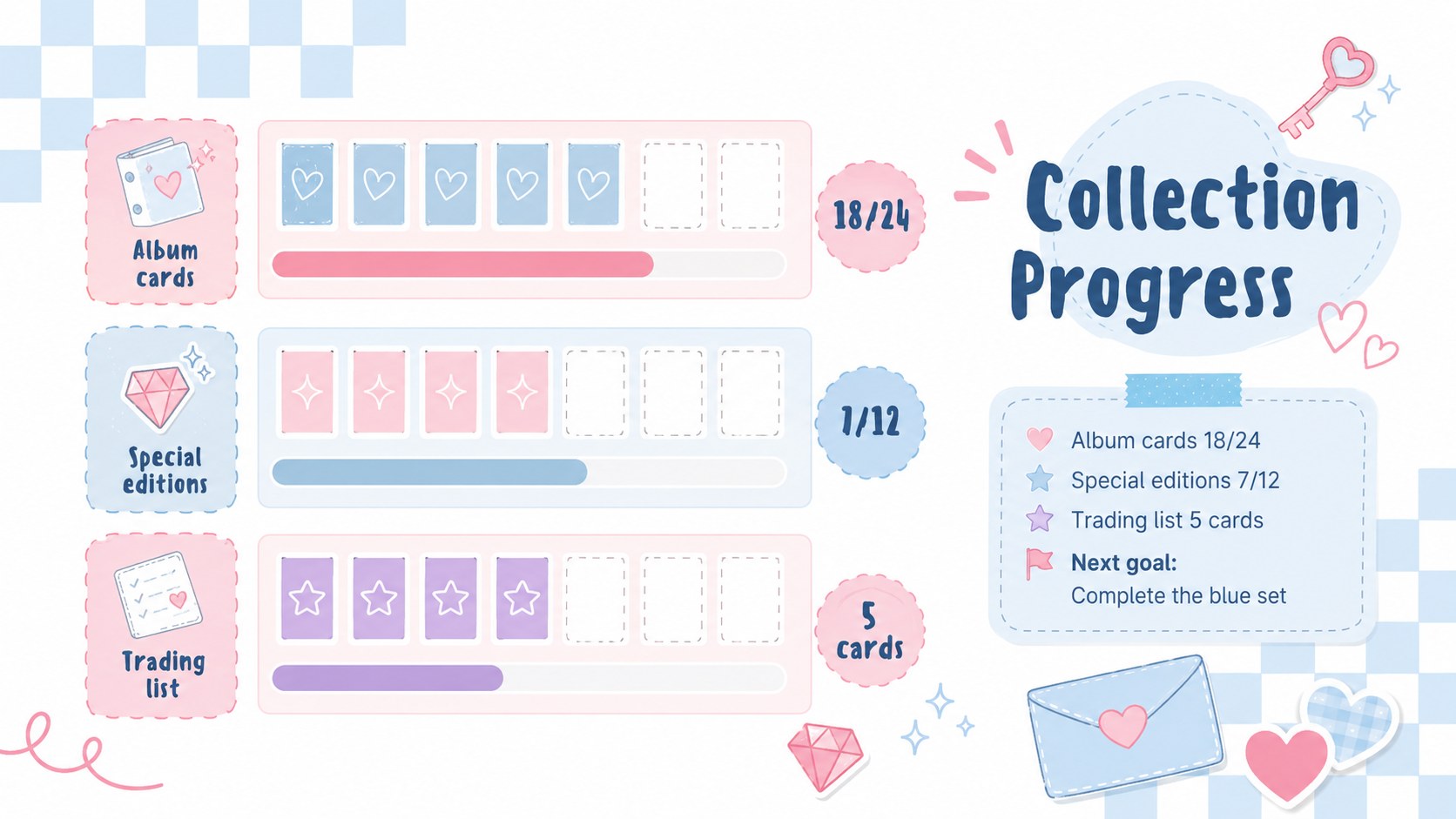
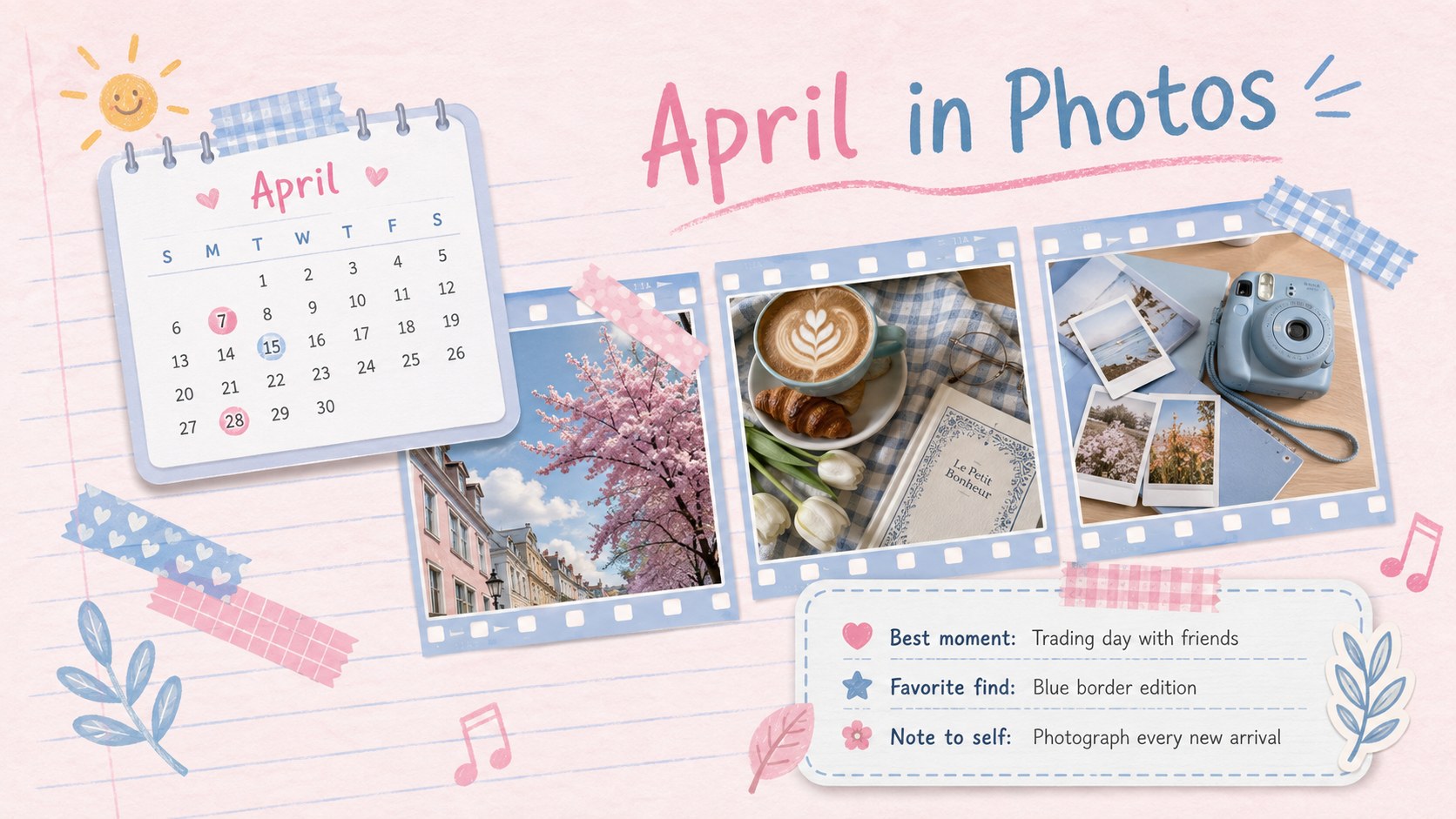
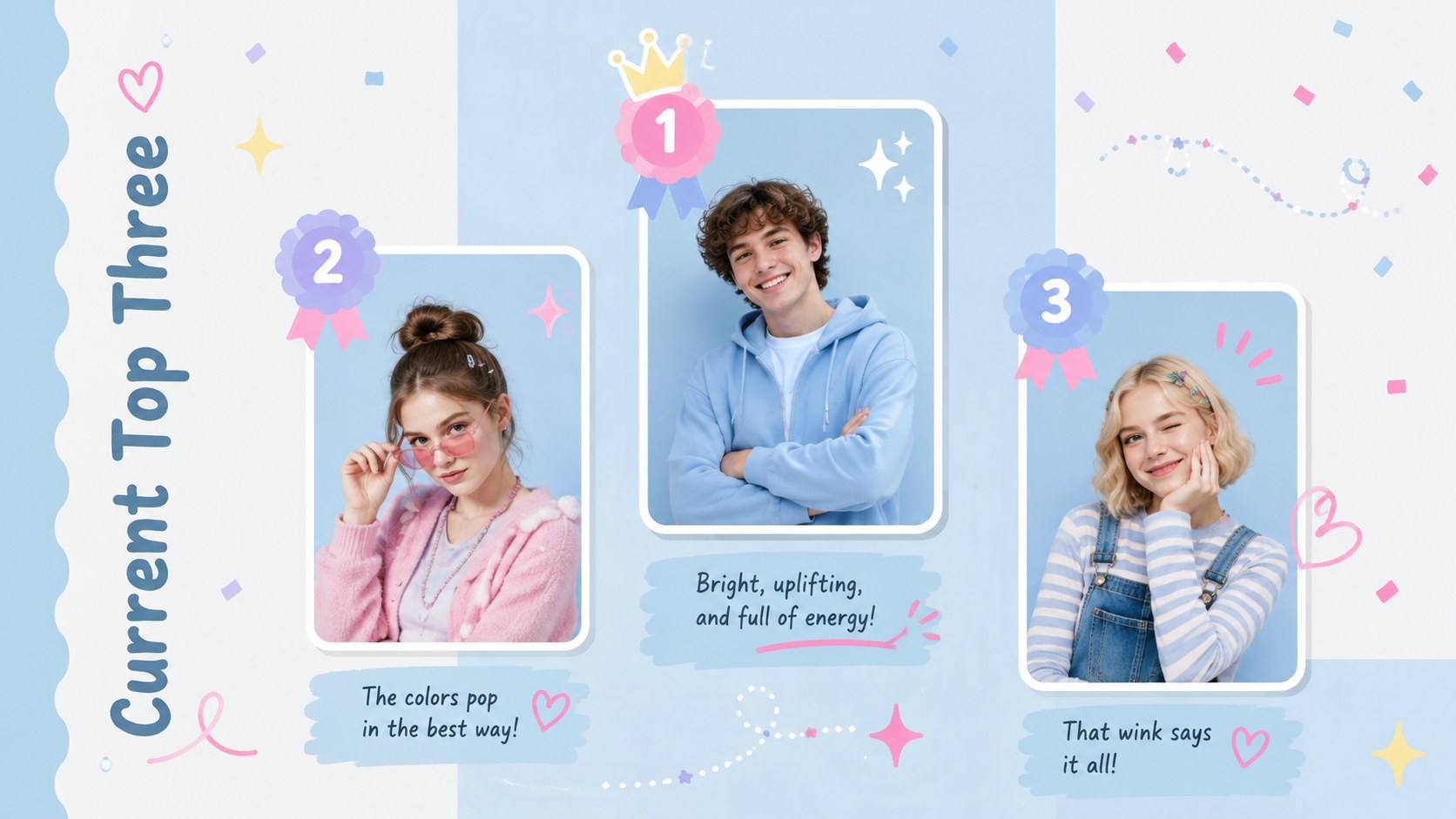
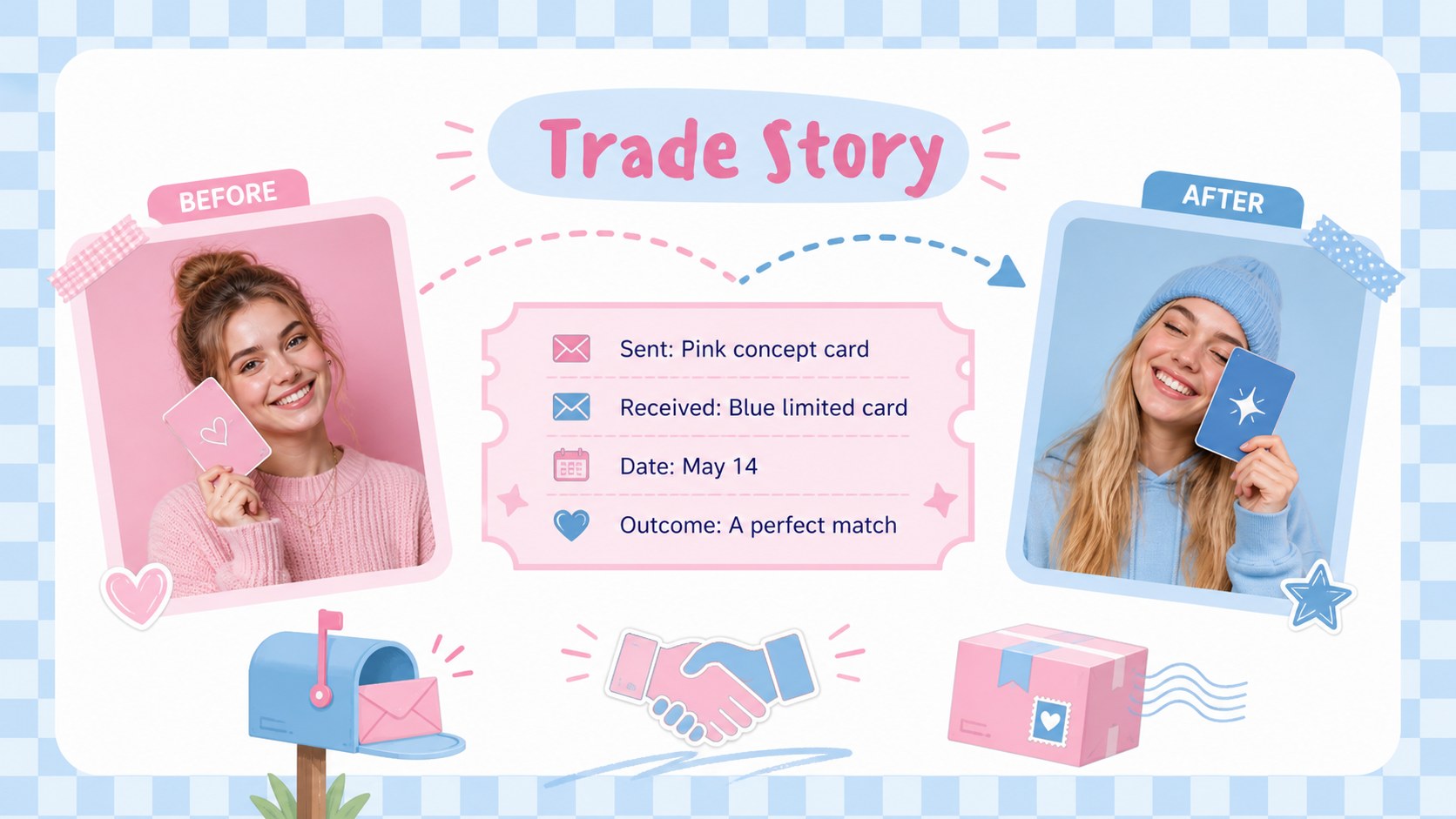
Design notes
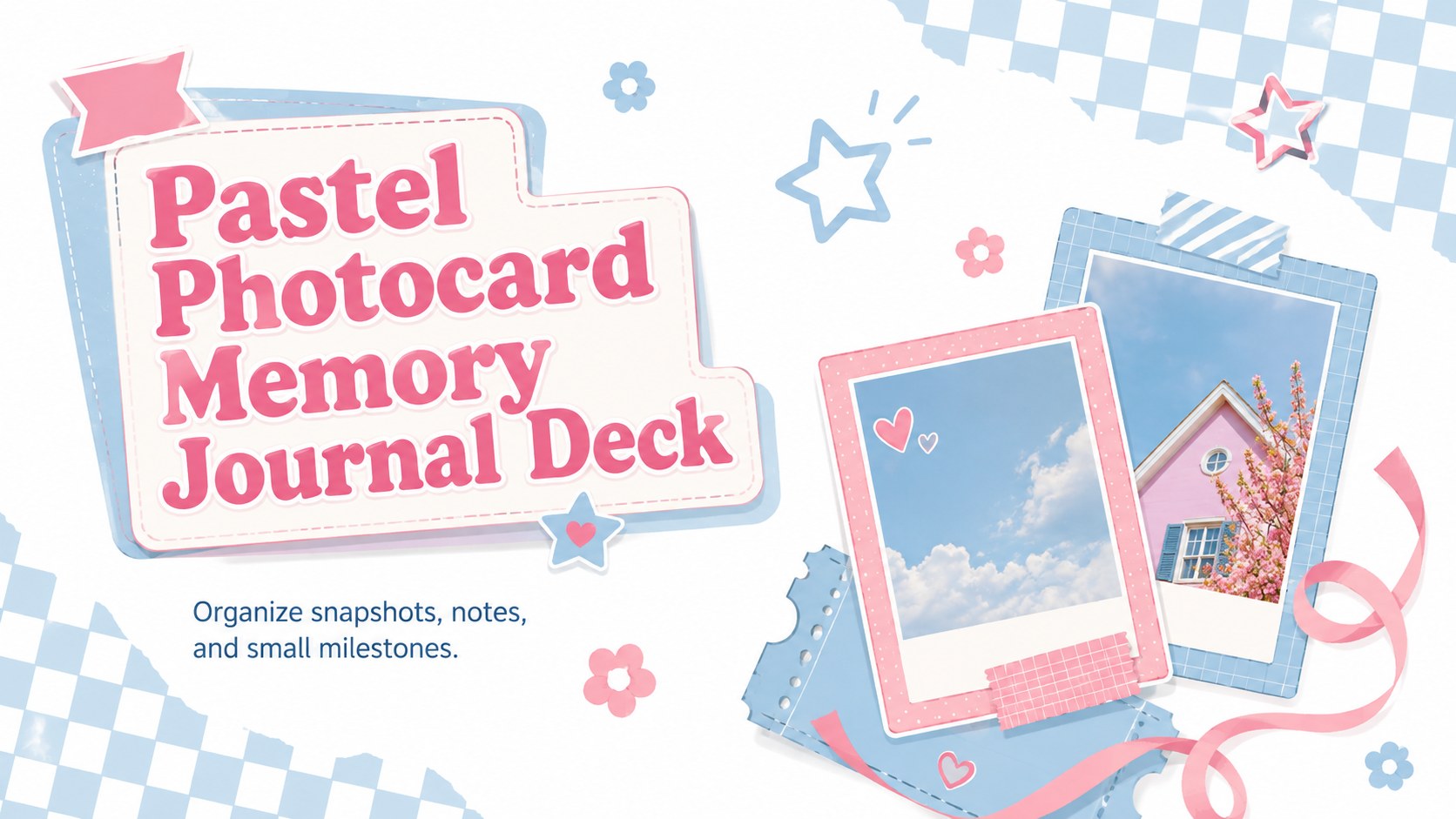
Build a pastel photocard memory journal that gives favorite images, personal notes, and everyday milestones a cheerful place to live. Soft blue and pink tones meet retro checkerboards, hand-drawn accents, and clean editorial spacing, creating a nostalgic look without making pages feel crowded. Every layout can be adapted in PowerPoint or Google Slides.
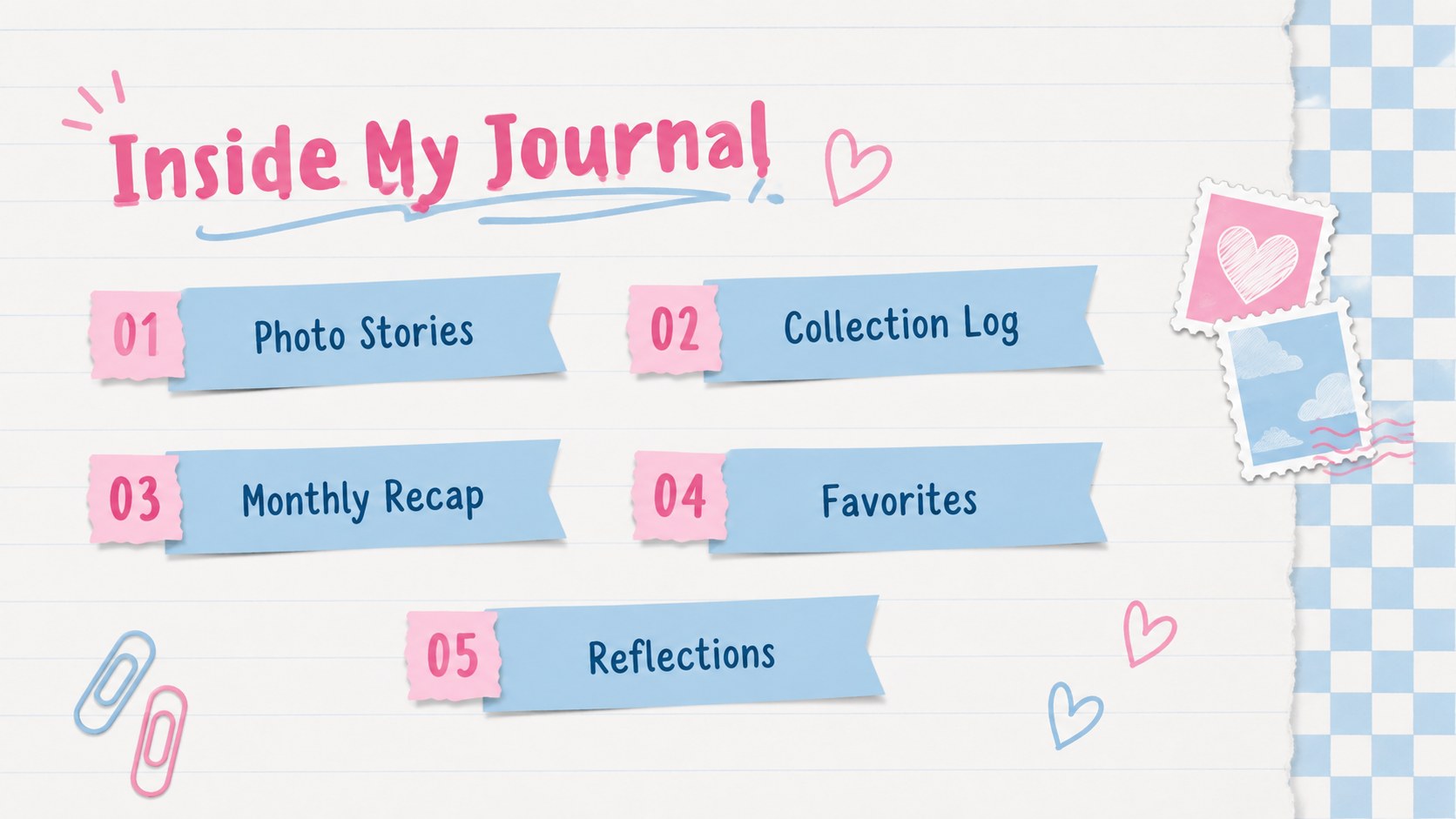
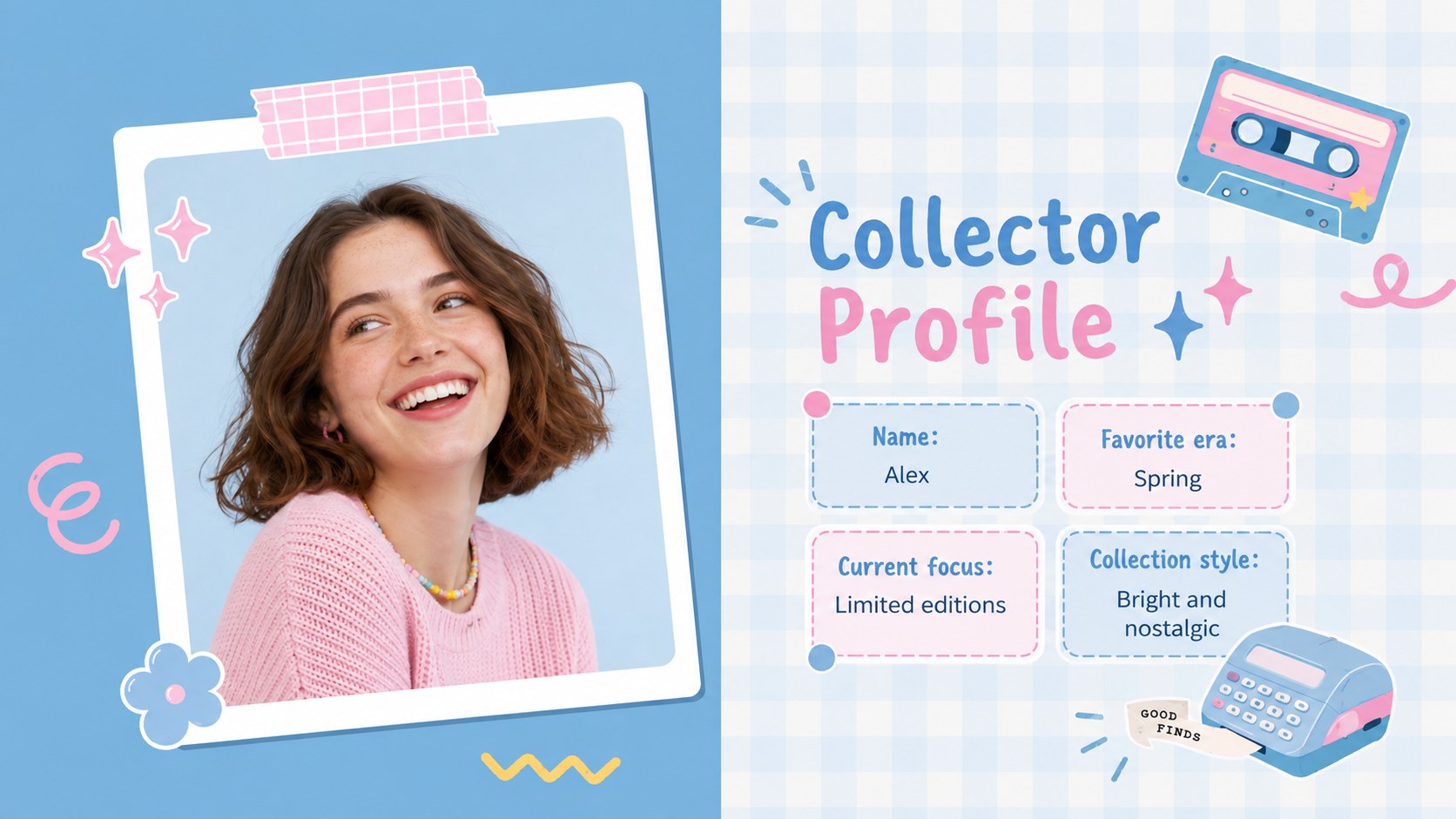
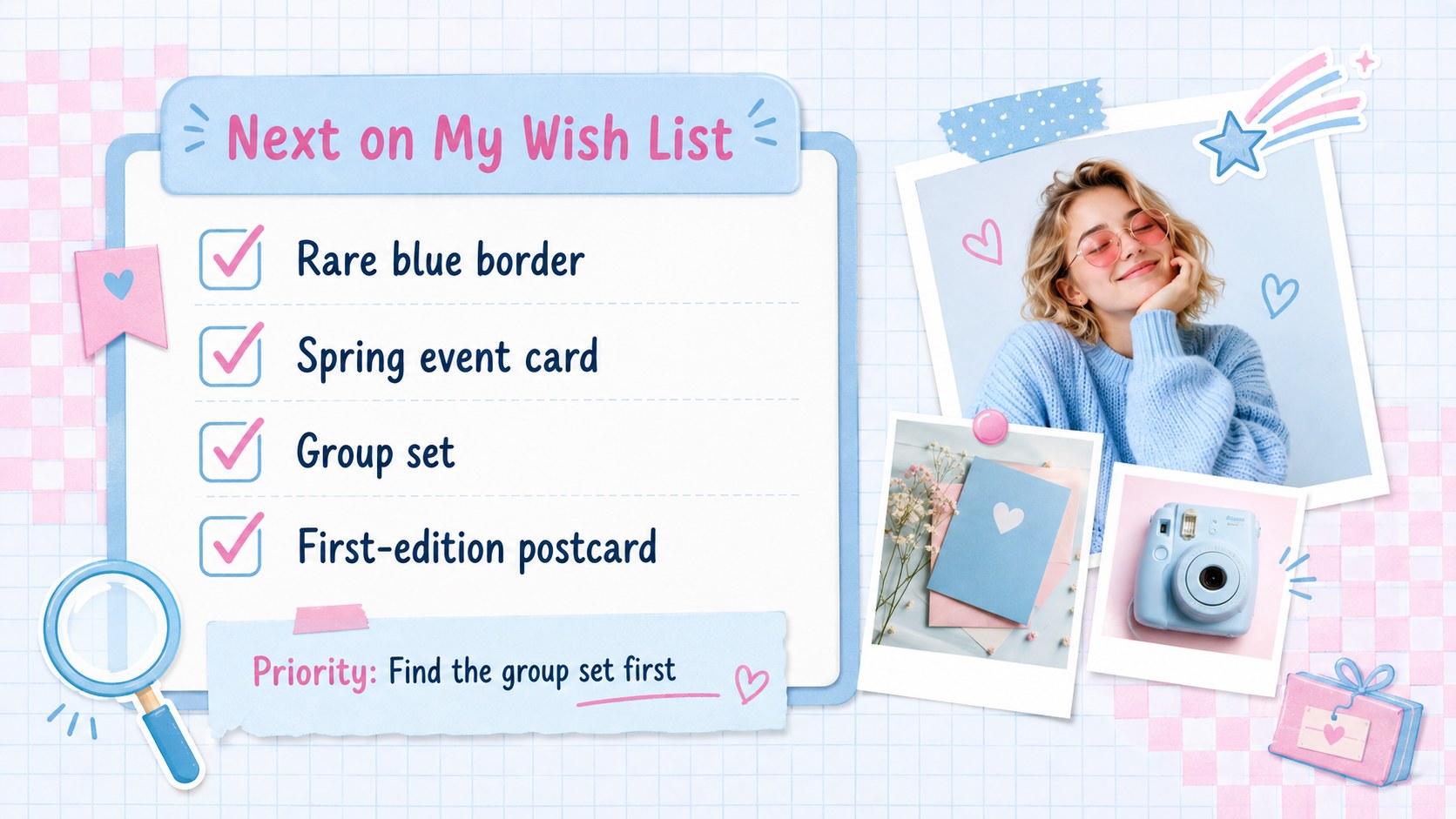
Inside, you will find cover designs, photo grids, profile pages, monthly recaps, collection trackers, caption layouts, mood pages, wish lists, and reflection prompts. The varied formats work as an editable K-pop photocard journal, a blue pink checkerboard scrapbook presentation, or a digital memory keeping presentation template. Replace the sample wording, drop in photographs, adjust colors, and rearrange decorative elements to suit your collection or story.
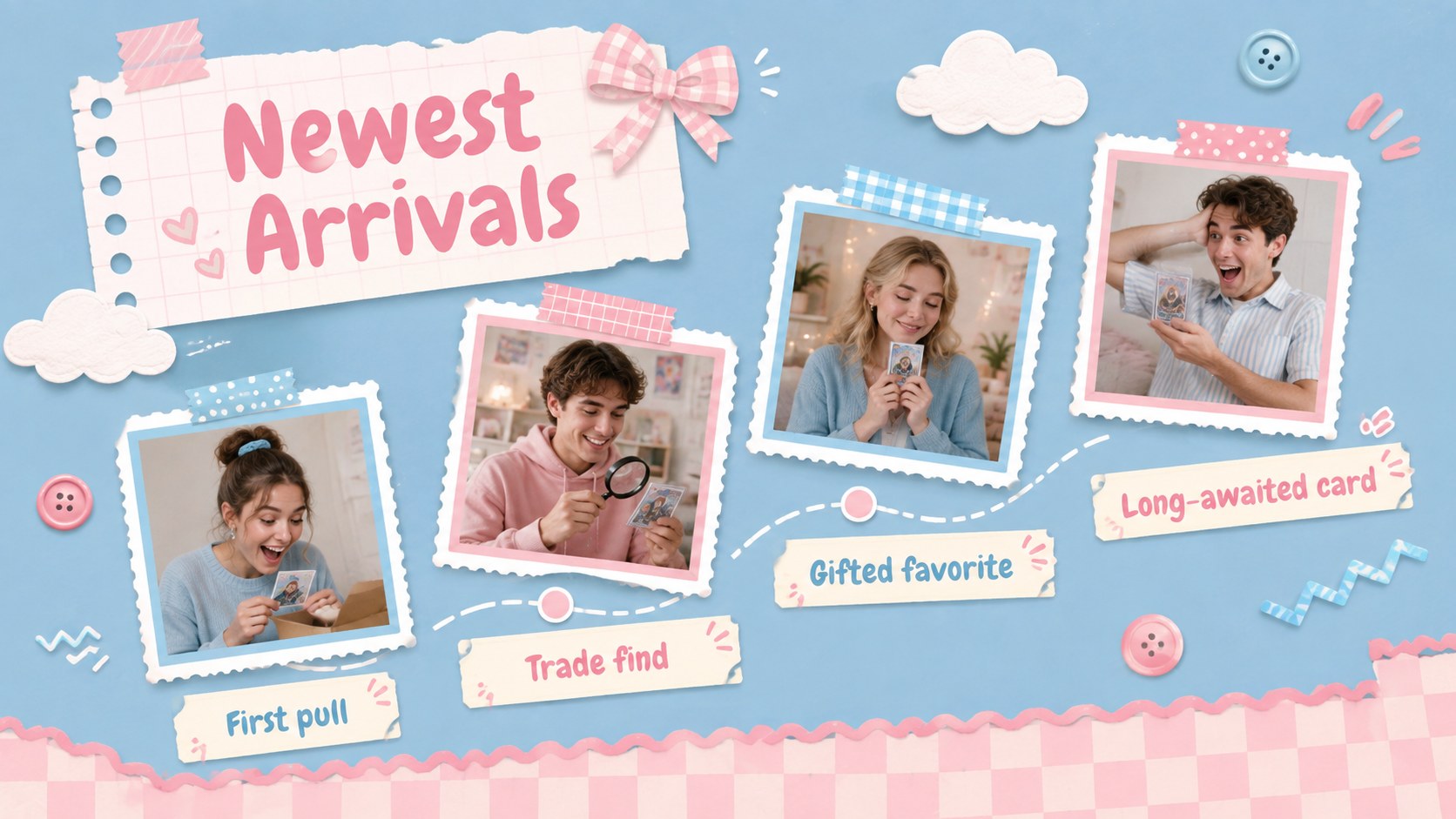
This deck is made for collectors, students, journal enthusiasts, memory keepers, and creative presenters who want an easy alternative to building an album from scratch. Use it to document new card arrivals, share trading highlights, preserve friendship memories, recap a season, or assemble a personal photo diary. The coordinated typography and reusable page structures help the full journal stay visually consistent while leaving plenty of room for individual expression.
Perfect for: photocard collection journal; monthly photo recap; collectible trading log; friendship memory album; personal snapshot diary; seasonal scrapbook presentation.
Frequently asked questions
Can I edit this journal deck in PowerPoint? Yes. You can replace photographs and text, move page elements, recolor shapes, and duplicate layouts directly in PowerPoint. Standard editable objects are used to make routine customization straightforward.
Practical details
Yes. You can replace photographs and text, move page elements, recolor shapes, and duplicate layouts directly in PowerPoint. Standard editable objects are used to make routine customization straightforward.
Yes. Upload the presentation to Google Drive and open it with Google Slides to edit online. Check font substitutions after import and choose a similar available typeface if needed.
Insert your own images into the photo areas, then update captions, dates, ratings, and collection details. You can also rearrange stickers and checkerboard accents while keeping the pastel blue and pink palette.
Yes. Duplicate any photo grid, tracker, recap, or reflection page to expand the journal. Vary image placement and accent colors across repeated pages to keep the finished deck lively and coherent.
Keep exploring
15Build an engaging World UFO Day session with this flying saucer history lesson deck, featuring retro green-and-brown slides for PowerPoint and Google Slides.
 15
15Plan a lively animal-learning journey with this jungle zoo adventure lesson deck, ready to customize in PowerPoint and Google Slides for young learners.
 16
16Turn environmental research into a clear story with a Watercolor Ecology Presentation Theme for PowerPoint and Google Slides in calming green and blue.
 16
16Build focused fashion, literature, and humanities presentations with the Red Triangle Editorial Theme, editable in PowerPoint and Google Slides.
 15
15Turn streaming stats, favorite tracks, and concert highlights into a bold annual listening recap slide deck for PowerPoint and Google Slides.
 15
15Turn highlights, milestones, and favorite moments into a colorful year in review slide deck with bold 3D graphics for PowerPoint and Google Slides.
 3
3Build a credible endorsement with Standout Colleague Recommendation Letter Slides, featuring colorful prompts for skills, achievements, and team impact.
 4
4Build clear beginner sessions with an ice hockey fundamentals training deck for coaches, PE teachers, and clubs, ready for PowerPoint and Google Slides.