
 15
15presentation
Flying Saucer History Lesson Deck
Build an engaging World UFO Day session with this flying saucer history lesson deck, featuring retro green-and-brown slides for PowerPoint and Google Slides.
Google SlidesPowerPoint
presentation · English
Build a heartfelt Pastel Memory Book Presentation with editable photo layouts, journal prompts, and collage pages for PowerPoint or Google Slides.






Design notes
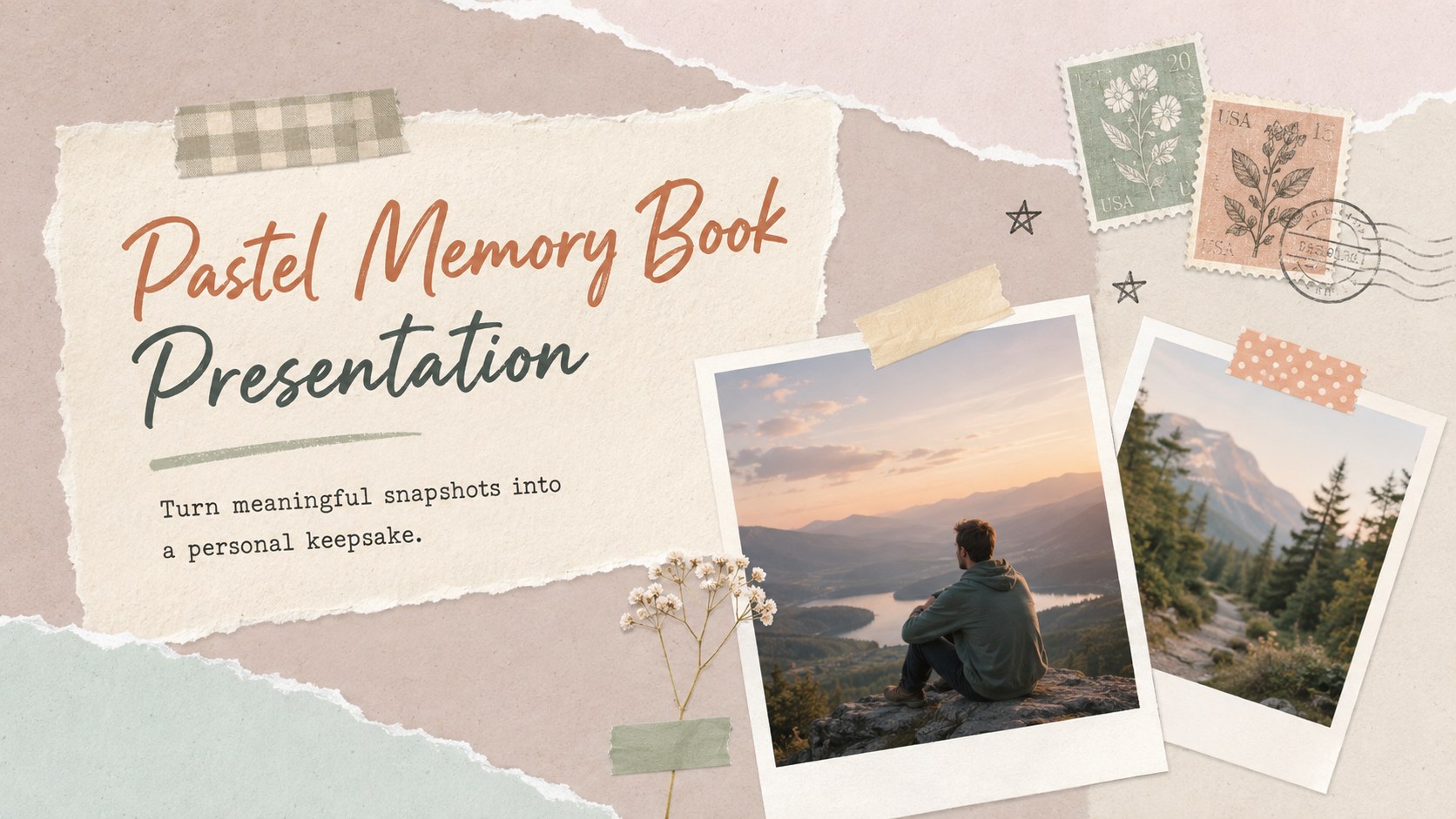
A Pastel Memory Book Presentation turns everyday photographs into a warm visual story you can revisit and share. Soft colors, layered paper textures, cheerful doodles, and relaxed typography create the charm of a handmade album while keeping every page easy to edit.
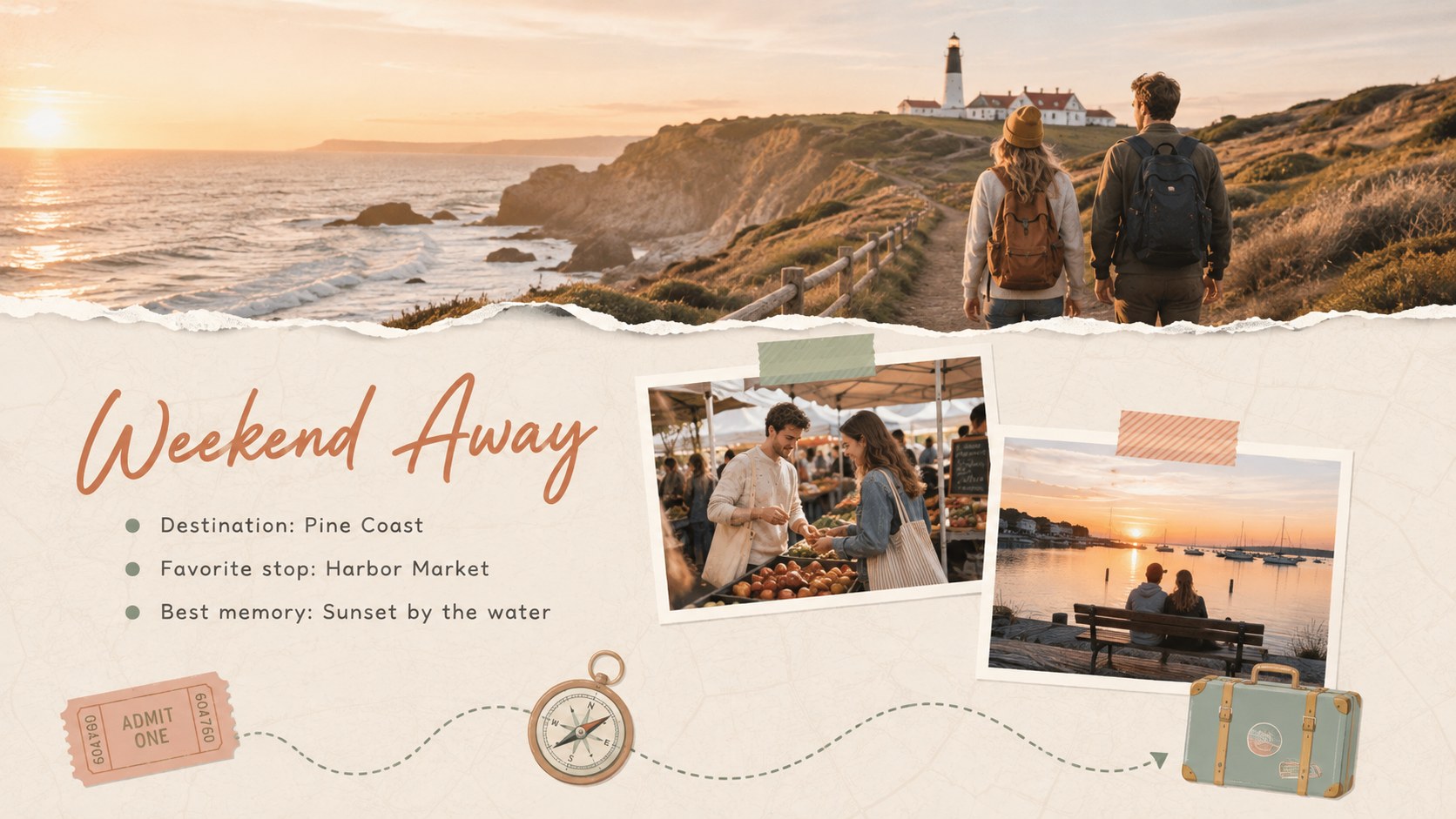
Inside, you will find flexible layouts for photo collections, personal reflections, milestone highlights, travel notes, family moments, friendships, pets, and favorite memories. Use the timeline to trace important events, compare then-and-now pictures, or collect an entire year on one page. Dedicated caption areas and journal prompts help you add context without crowding the images. Together, these pages work as an editable family photo album slides collection, a scrapbook travel memories presentation, or a personal year in review slideshow.
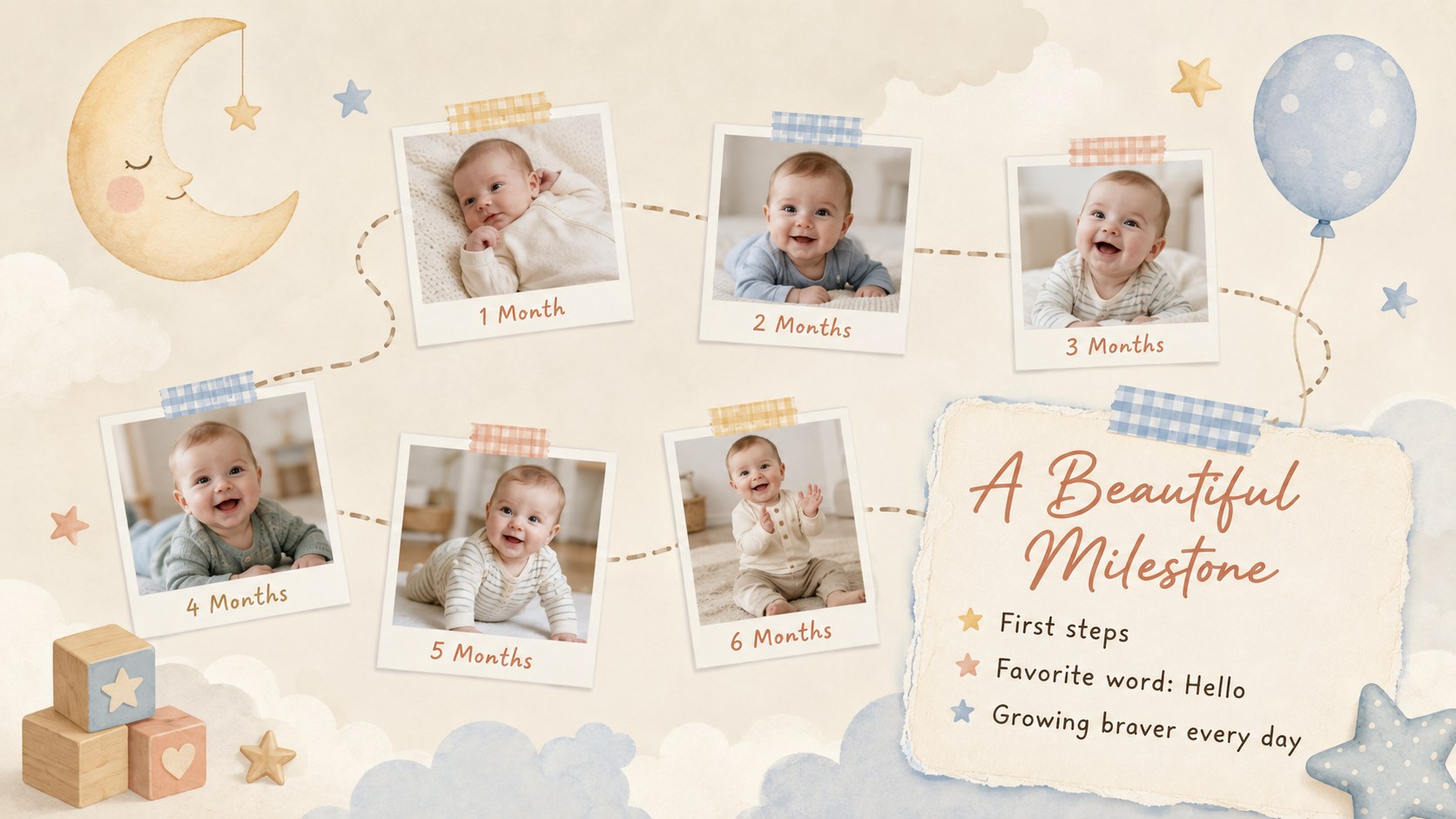
This deck is designed for families, students, couples, travelers, new parents, photographers, and anyone creating a thoughtful digital keepsake. Change the photos, wording, colors, and page order in PowerPoint or Google Slides to suit a birthday, anniversary, graduation, vacation, baby milestone, or seasonal recap. The varied compositions also make it simple to build a shorter album or expand the presentation as new memories are added.
Perfect for: family photo keepsake; baby milestone album; vacation memory recap; anniversary slideshow; graduation photo story; personal year in review.
Frequently asked questions
Can I replace the sample photos with my own images? Yes. Replace each image placeholder with personal photos, then crop or reposition the image to fit the collage frame. Both PowerPoint and Google Slides support these basic photo-editing controls.
Practical details
Yes. Replace each image placeholder with personal photos, then crop or reposition the image to fit the collage frame. Both PowerPoint and Google Slides support these basic photo-editing controls.
The template is designed for Microsoft PowerPoint and Google Slides. Some fonts, transitions, or image effects may display slightly differently between the two platforms.
Yes. Adjust the background, paper shapes, labels, and accent graphics to match a celebration, season, or personal style. For a consistent result, reuse a small set of replacement colors throughout the deck.
Delete pages that do not fit your story or duplicate a favorite layout for additional photos. You can also reorder the slides to organize memories by date, person, place, or theme.
Keep exploring
15Build an engaging World UFO Day session with this flying saucer history lesson deck, featuring retro green-and-brown slides for PowerPoint and Google Slides.
 15
15Plan a lively animal-learning journey with this jungle zoo adventure lesson deck, ready to customize in PowerPoint and Google Slides for young learners.
 16
16Turn environmental research into a clear story with a Watercolor Ecology Presentation Theme for PowerPoint and Google Slides in calming green and blue.
 16
16Build focused fashion, literature, and humanities presentations with the Red Triangle Editorial Theme, editable in PowerPoint and Google Slides.
 15
15Turn streaming stats, favorite tracks, and concert highlights into a bold annual listening recap slide deck for PowerPoint and Google Slides.
 15
15Turn highlights, milestones, and favorite moments into a colorful year in review slide deck with bold 3D graphics for PowerPoint and Google Slides.
 3
3Build a credible endorsement with Standout Colleague Recommendation Letter Slides, featuring colorful prompts for skills, achievements, and team impact.
 4
4Build clear beginner sessions with an ice hockey fundamentals training deck for coaches, PE teachers, and clubs, ready for PowerPoint and Google Slides.