
 15
15presentation
Flying Saucer History Lesson Deck
Build an engaging World UFO Day session with this flying saucer history lesson deck, featuring retro green-and-brown slides for PowerPoint and Google Slides.
Google SlidesPowerPoint
presentation · English
Turn fan edits, music recaps, and personal stories into a vivid showcase with this pastel k-pop fan story theme for PowerPoint and Google Slides.

Design notes
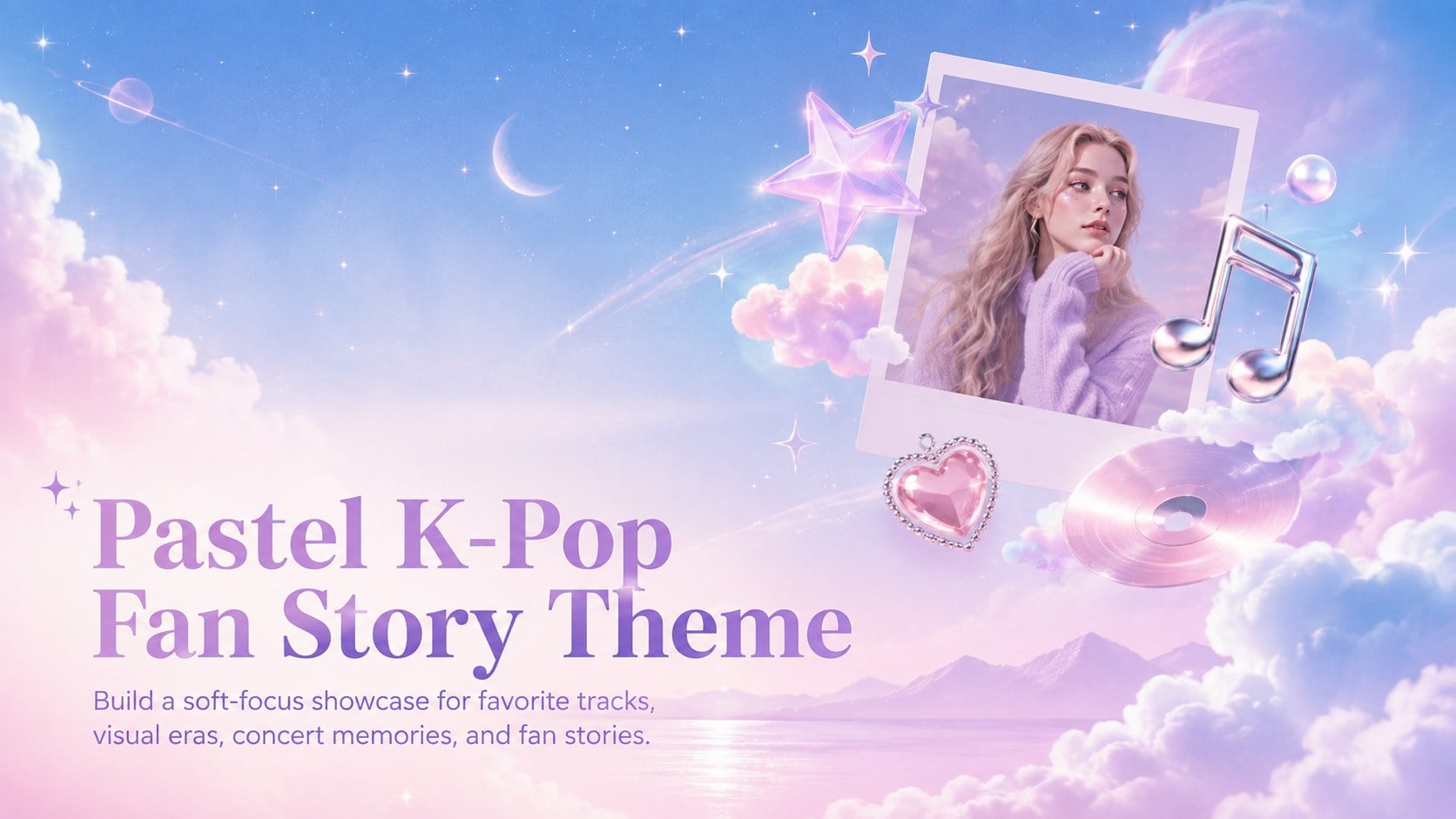
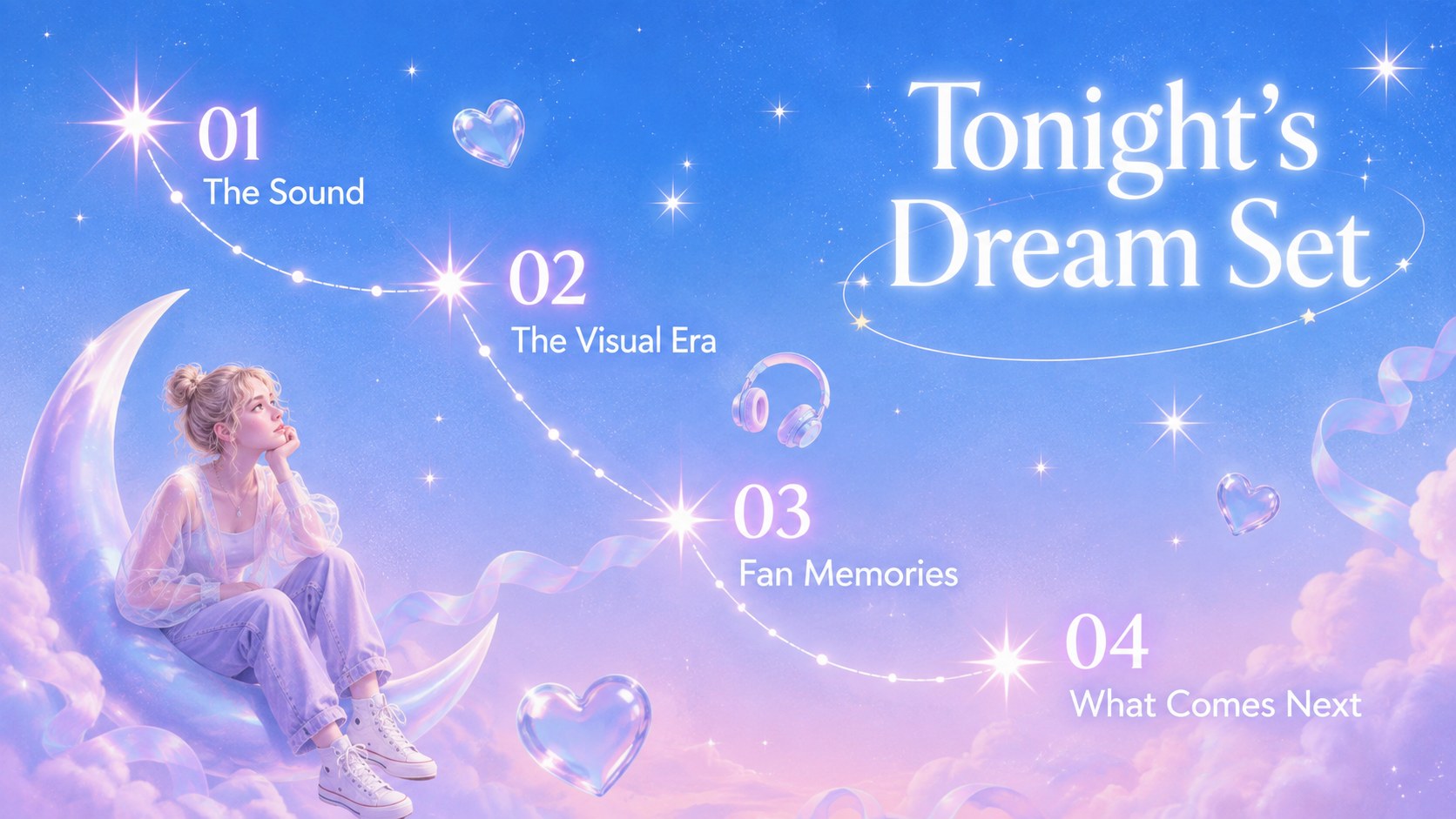
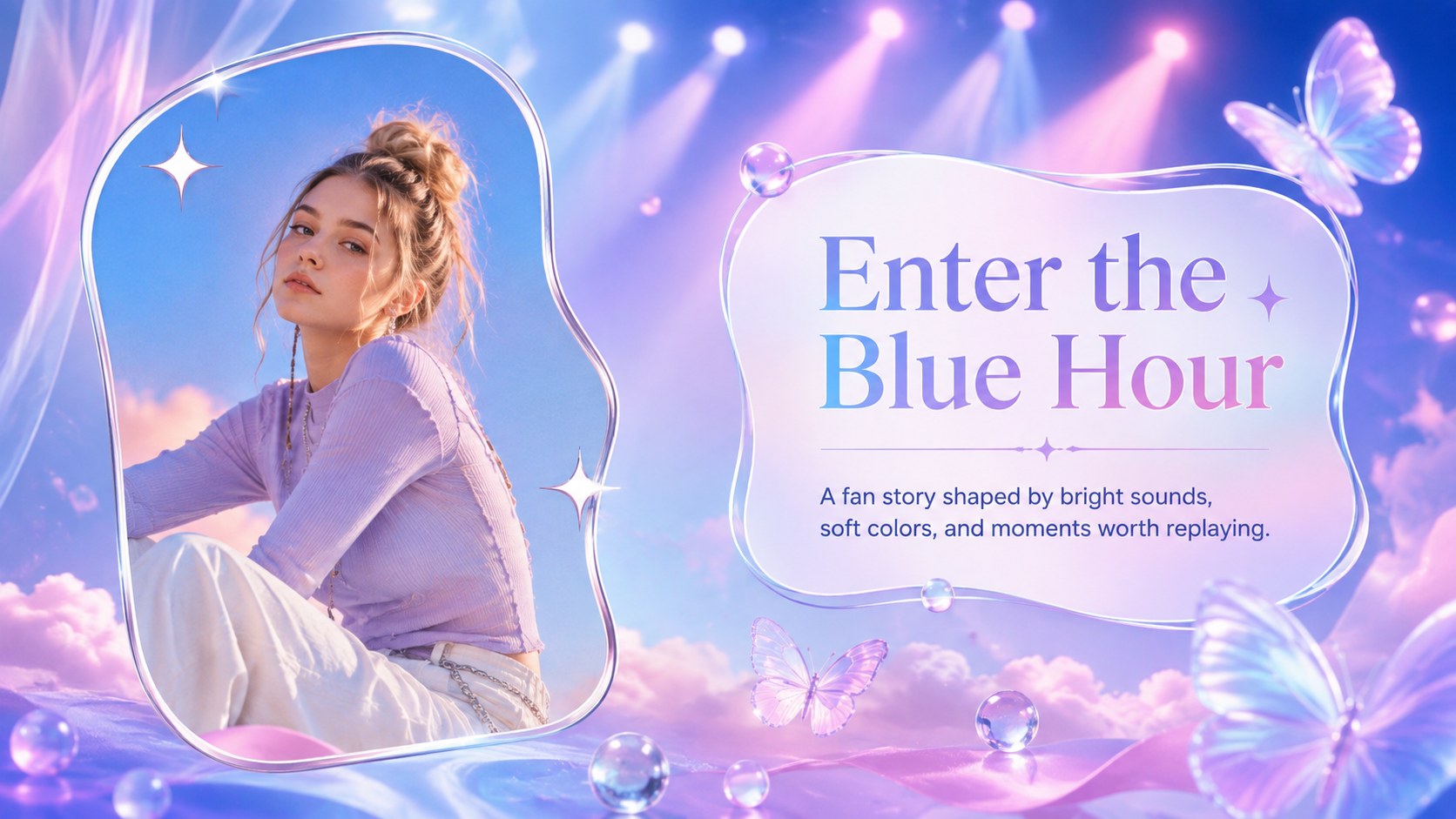
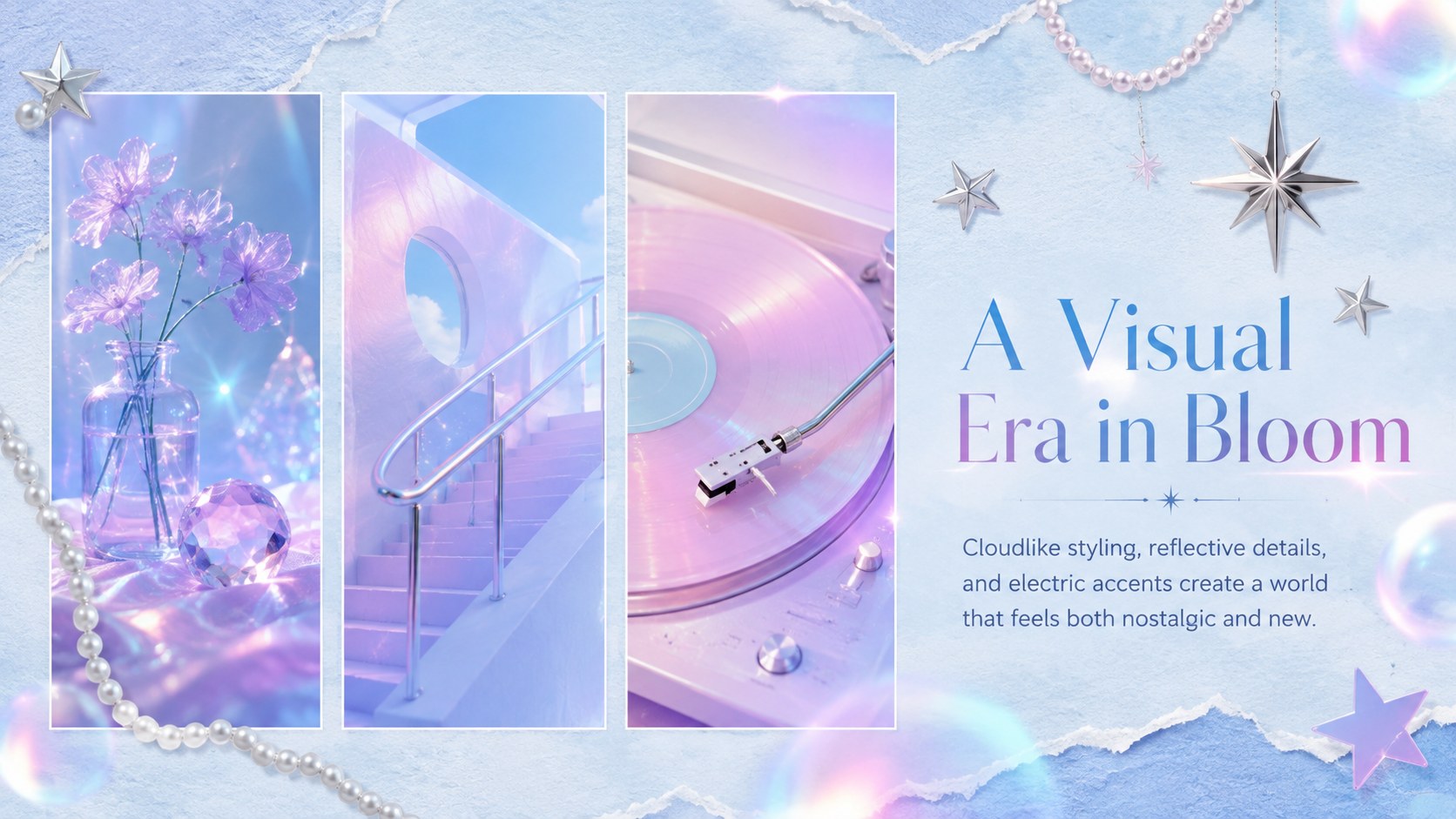
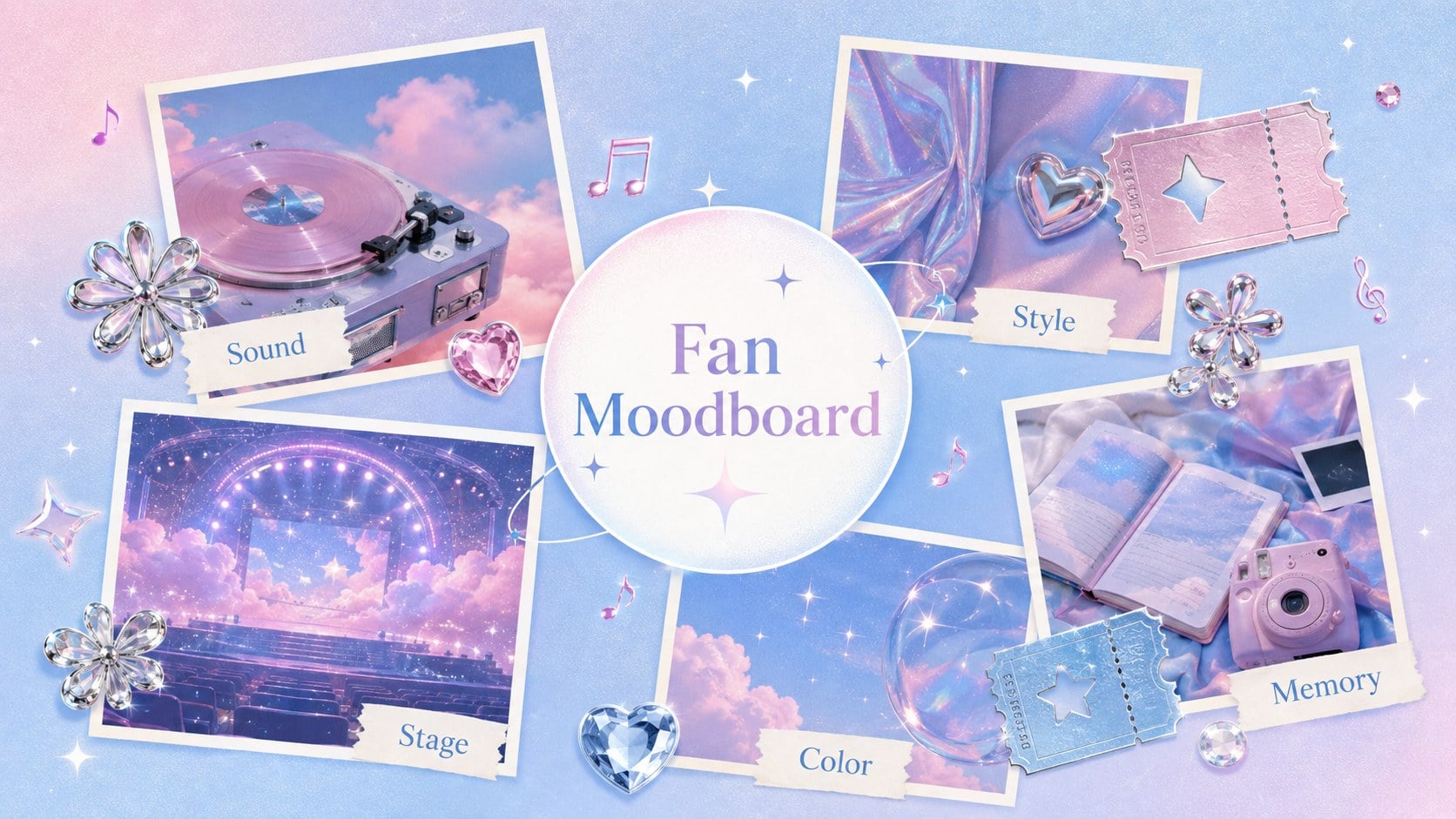
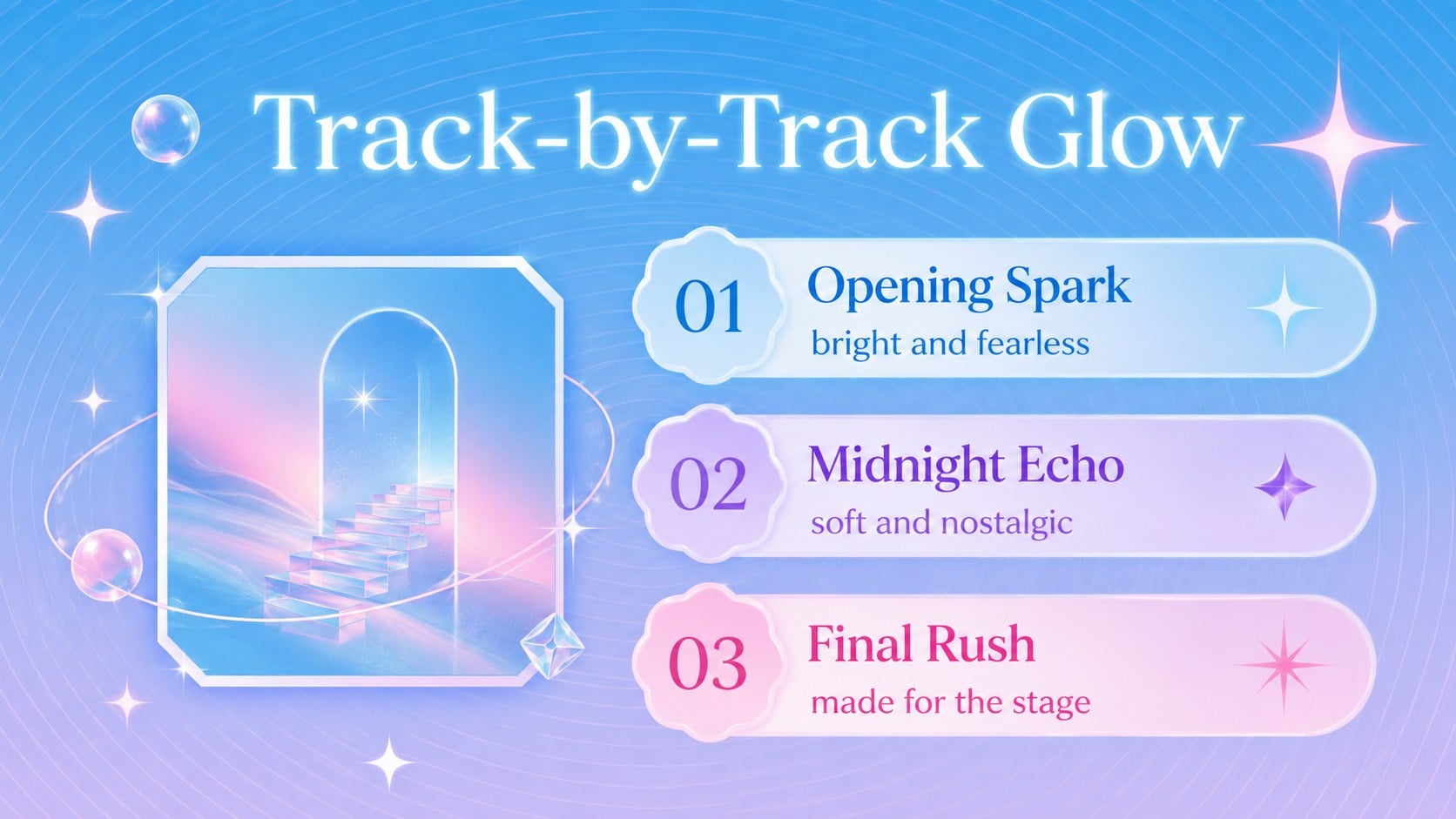
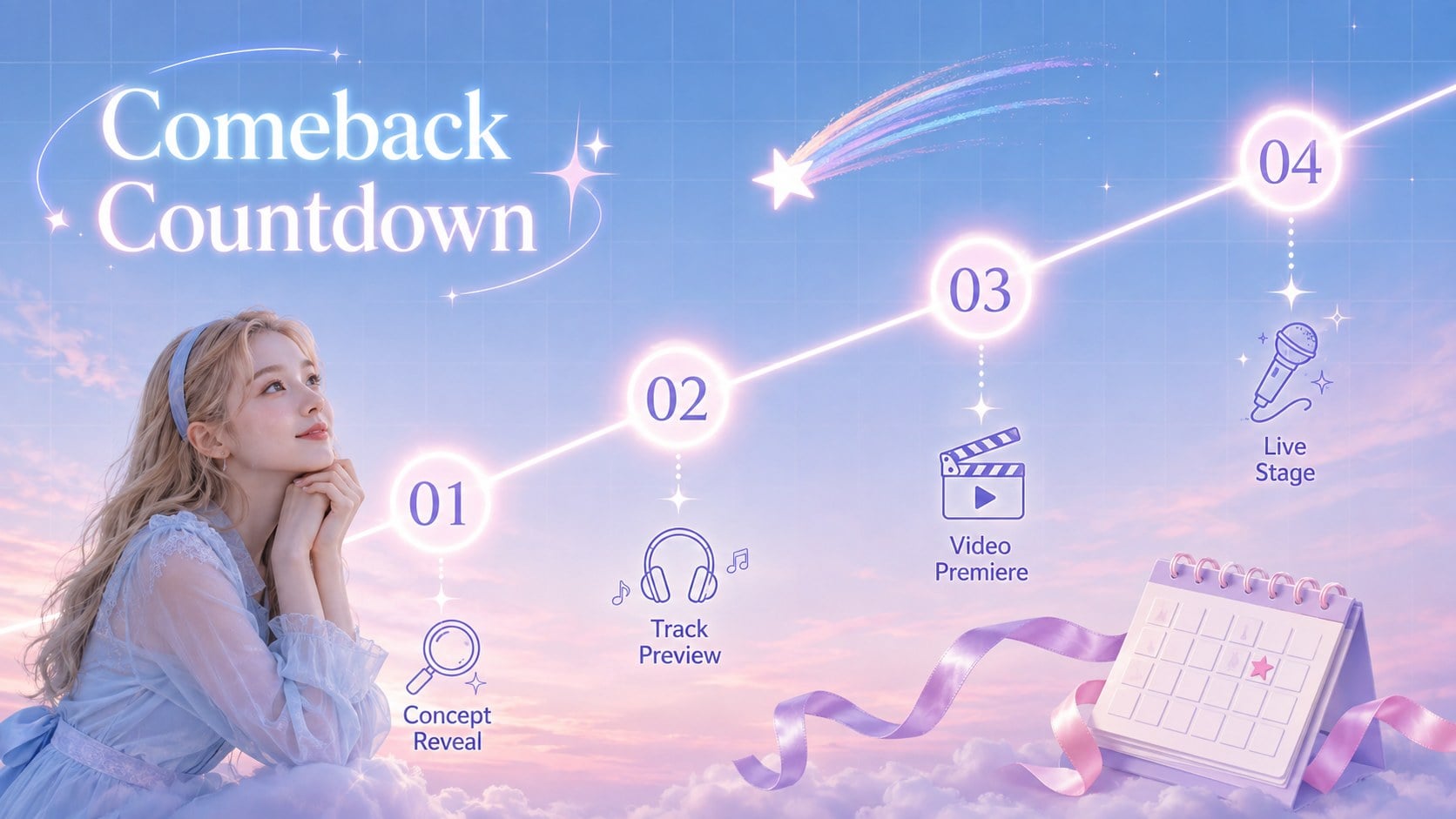
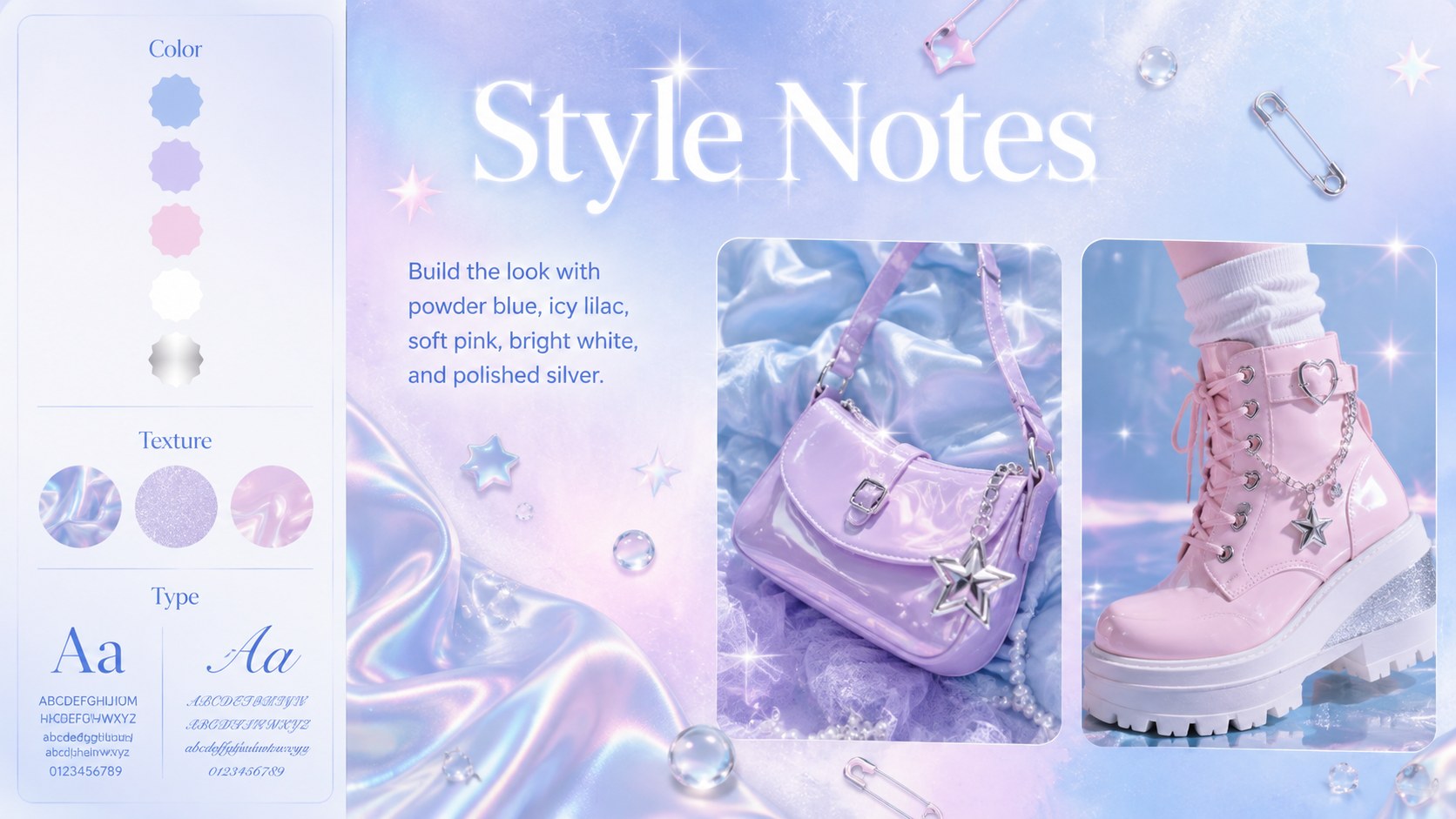
Turn music memories and creative ideas into an atmospheric story with this pastel k-pop fan story theme. Designed around airy blue tones, luminous accents, soft surreal imagery, and playful Y2K details, the deck gives fan-made projects a polished visual identity without losing their personal energy. Edit every layout in PowerPoint or Google Slides to match a favorite artist, era, playlist, or event.
Inside, you will find flexible layouts for opening titles, moodboards, track highlights, visual concepts, countdowns, style notes, community snapshots, concert memories, timelines, and closing messages. Photo frames, subtle gradients, decorative stars, translucent shapes, and editorial text areas help create a dreamy k-pop presentation template that remains easy to read. Charts and comparison layouts also make it possible to organize rankings, streaming milestones, polls, or event details.
Use these pastel music fandom slides for comeback recaps, fan club meetings, school projects about pop culture, concert photo journals, or a Y2K fan photo album deck. Colors, fonts, images, and wording can be adjusted throughout, so the same system works for energetic group presentations or intimate personal stories. The 16:9 format is ready for classroom screens, online sharing, and live event displays.
Perfect for: K-pop comeback recap; concert memory album; fan club presentation; music moodboard showcase; Hallyu culture class project; favorite track ranking.
Frequently asked questions
Can I edit this theme in PowerPoint and Google Slides? Yes. The layouts are designed for PowerPoint and Google Slides, with editable text, colors, shapes, and image areas. Some font rendering or effects may vary slightly between the two platforms.
Practical details
Yes. The layouts are designed for PowerPoint and Google Slides, with editable text, colors, shapes, and image areas. Some font rendering or effects may vary slightly between the two platforms.
Replace the sample photos and wording, then adjust the accent colors to reflect the chosen concept. Keep the soft blue base and luminous decorative elements if you want to preserve the original dreamlike style.
Yes. Several layouts support full-size photography, captions, timelines, favorite moments, and track highlights. Crop images consistently and use short captions to keep the album cohesive.
Yes. The deck includes space for rankings, percentage summaries, comparisons, and milestone data. Edit the values and labels directly, then coordinate the chart colors with the pastel palette.
Keep exploring
15Build an engaging World UFO Day session with this flying saucer history lesson deck, featuring retro green-and-brown slides for PowerPoint and Google Slides.
 15
15Plan a lively animal-learning journey with this jungle zoo adventure lesson deck, ready to customize in PowerPoint and Google Slides for young learners.
 16
16Turn environmental research into a clear story with a Watercolor Ecology Presentation Theme for PowerPoint and Google Slides in calming green and blue.
 16
16Build focused fashion, literature, and humanities presentations with the Red Triangle Editorial Theme, editable in PowerPoint and Google Slides.
 15
15Turn streaming stats, favorite tracks, and concert highlights into a bold annual listening recap slide deck for PowerPoint and Google Slides.
 15
15Turn highlights, milestones, and favorite moments into a colorful year in review slide deck with bold 3D graphics for PowerPoint and Google Slides.
 3
3Build a credible endorsement with Standout Colleague Recommendation Letter Slides, featuring colorful prompts for skills, achievements, and team impact.
 4
4Build clear beginner sessions with an ice hockey fundamentals training deck for coaches, PE teachers, and clubs, ready for PowerPoint and Google Slides.