
 15
15presentation
Flying Saucer History Lesson Deck
Build an engaging World UFO Day session with this flying saucer history lesson deck, featuring retro green-and-brown slides for PowerPoint and Google Slides.
Google SlidesPowerPoint
presentation · English
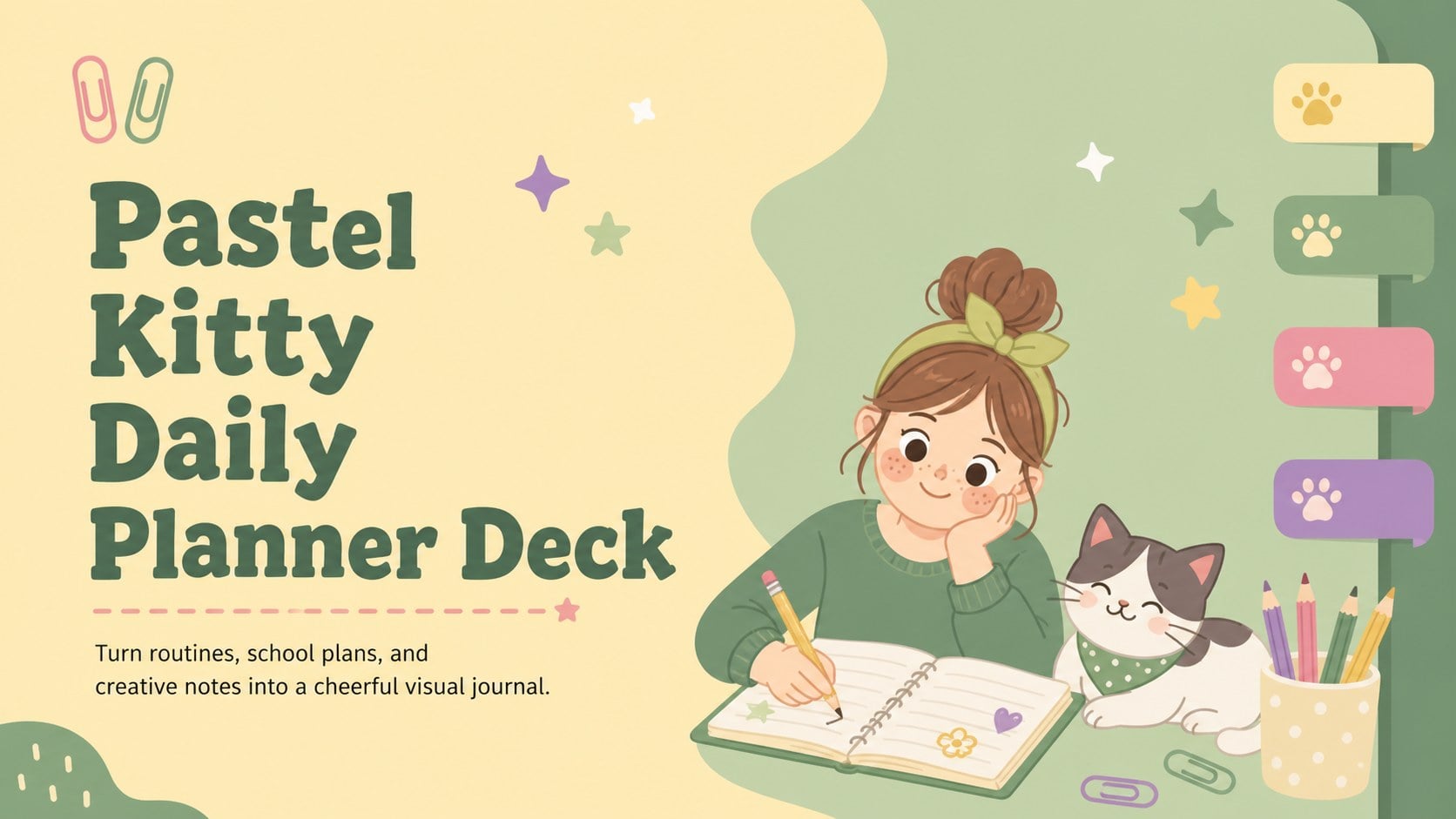
Organize schoolwork, routines, and creative notes with a pastel kitty daily planner deck made for easy editing in PowerPoint and Google Slides.
Design notes
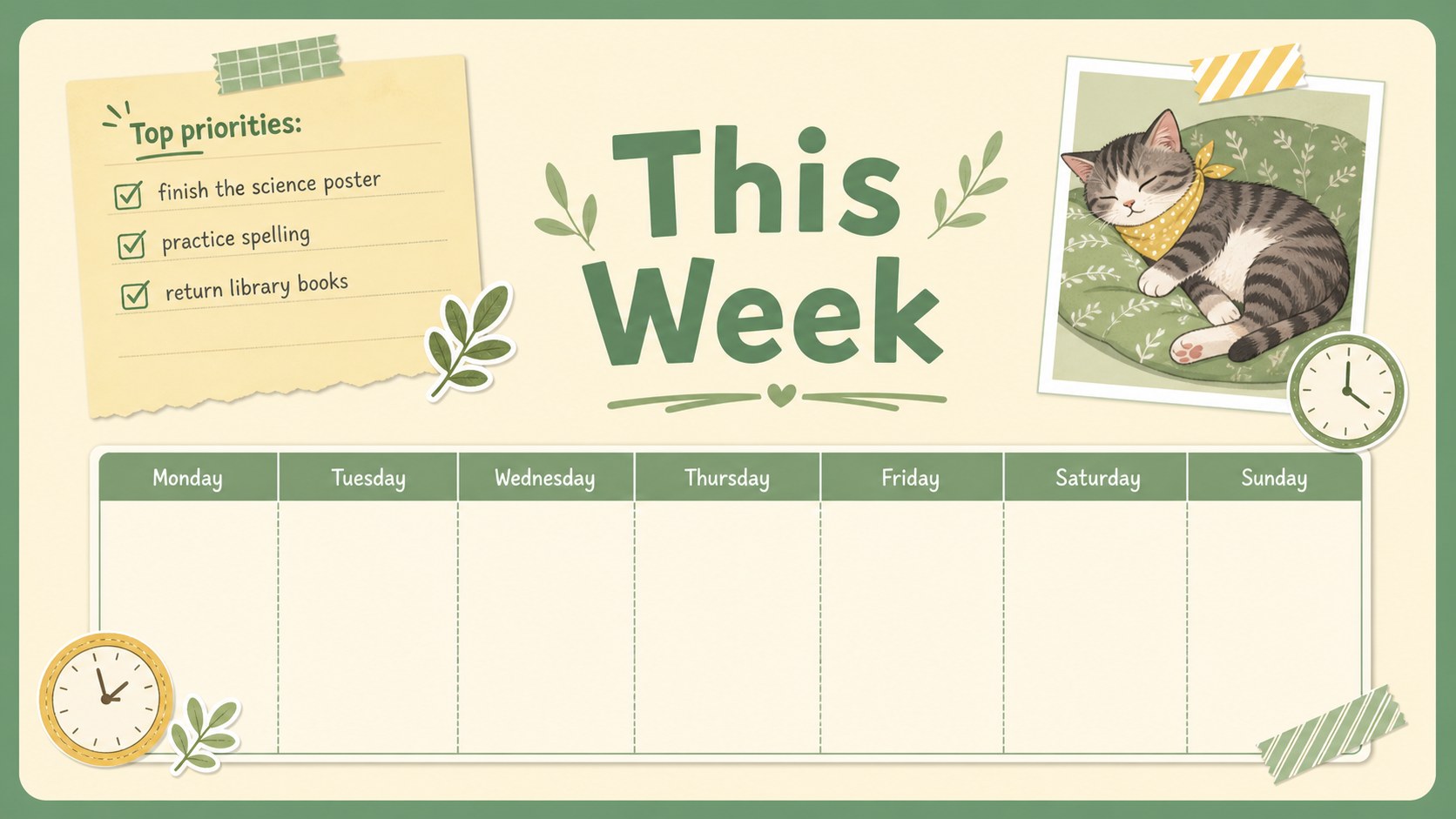
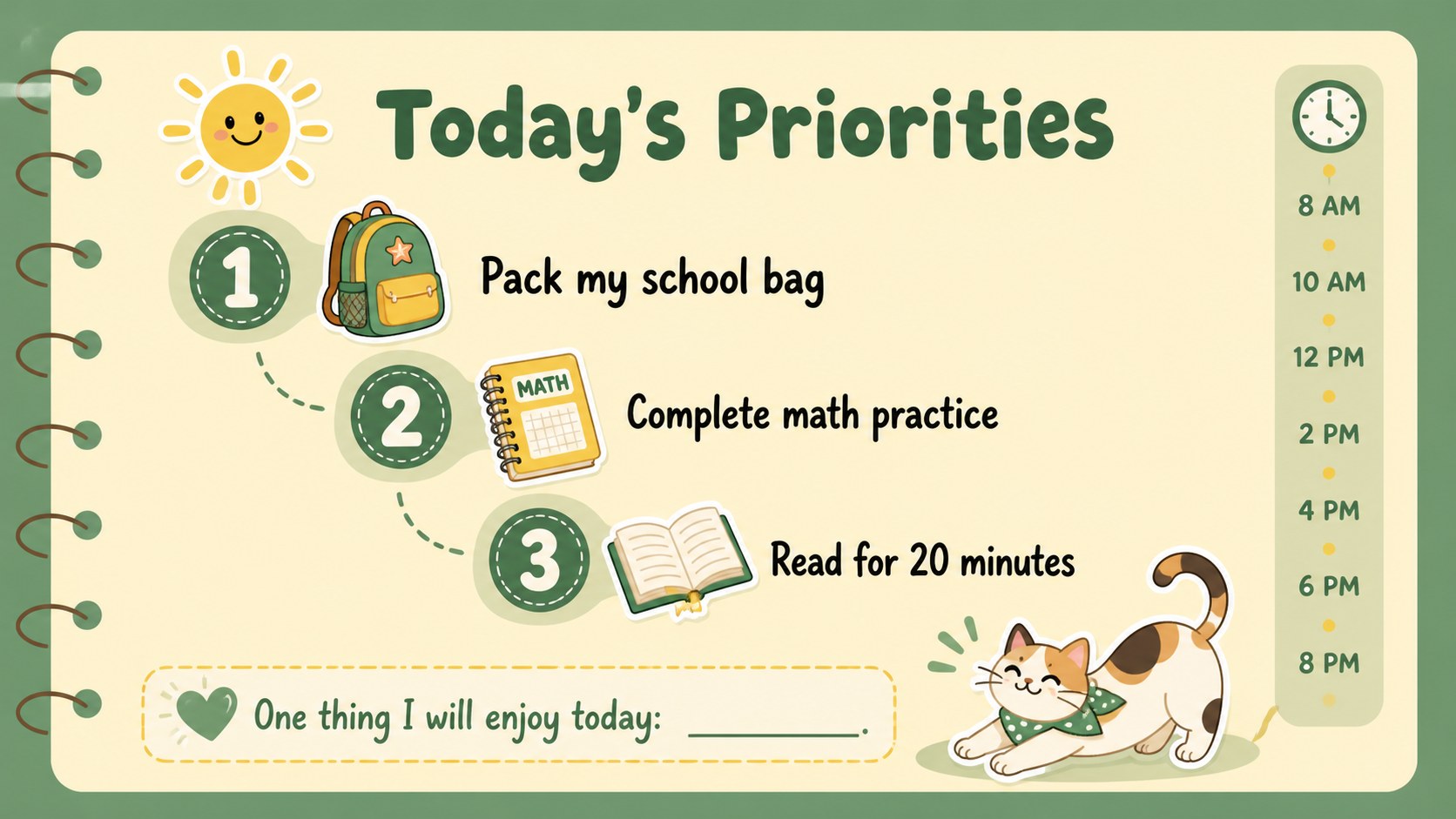
Bring structure and personality to busy days with the Pastel Kitty Daily Planner Deck. Designed in lively yellow, green, and soft pastel tones, this playful presentation combines original cat illustrations with practical spaces for schedules, goals, notes, and reflections. Every layout can be edited in PowerPoint or Google Slides to suit a student’s routine, classroom project, or personal planning style.
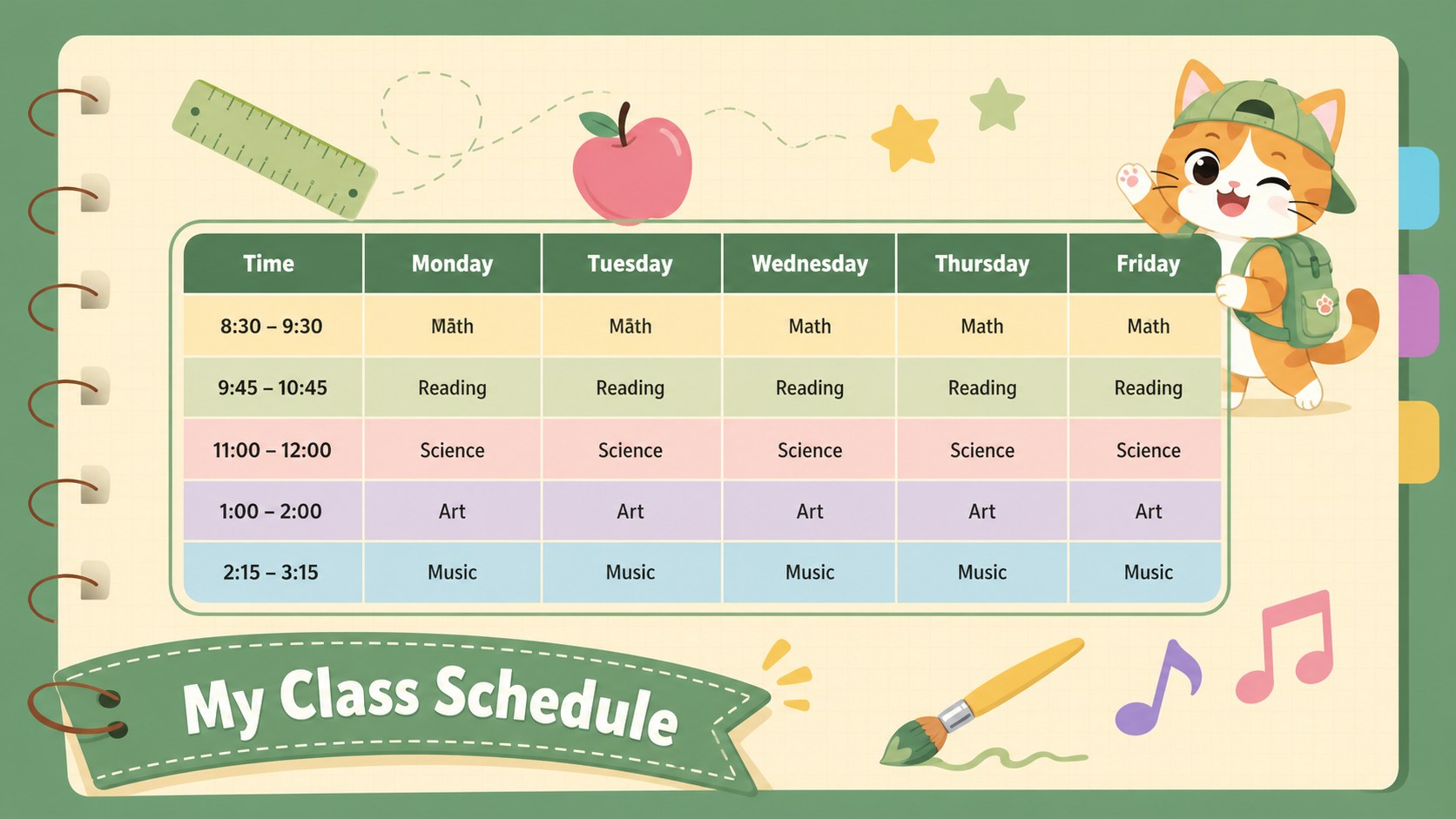
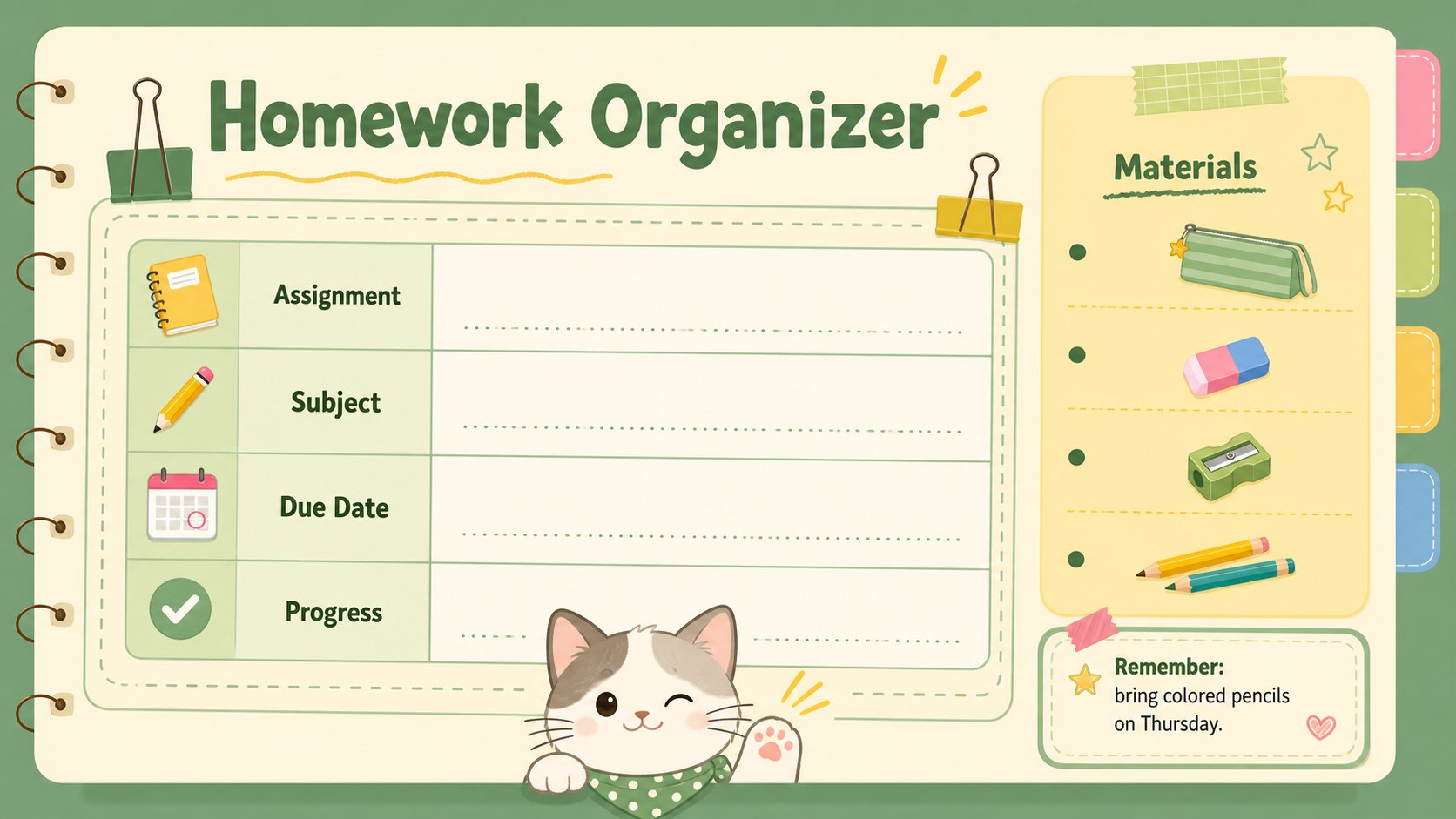
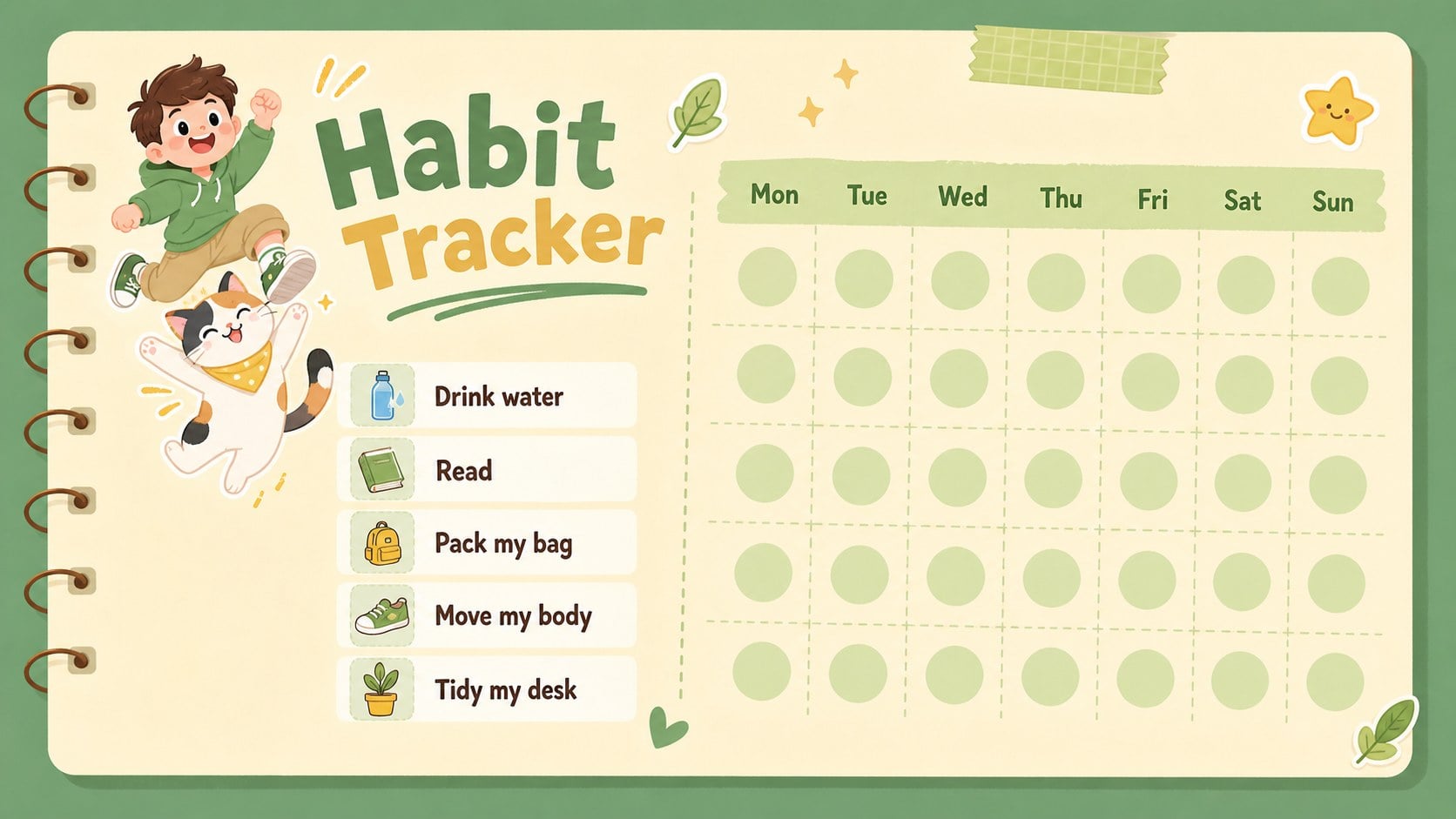
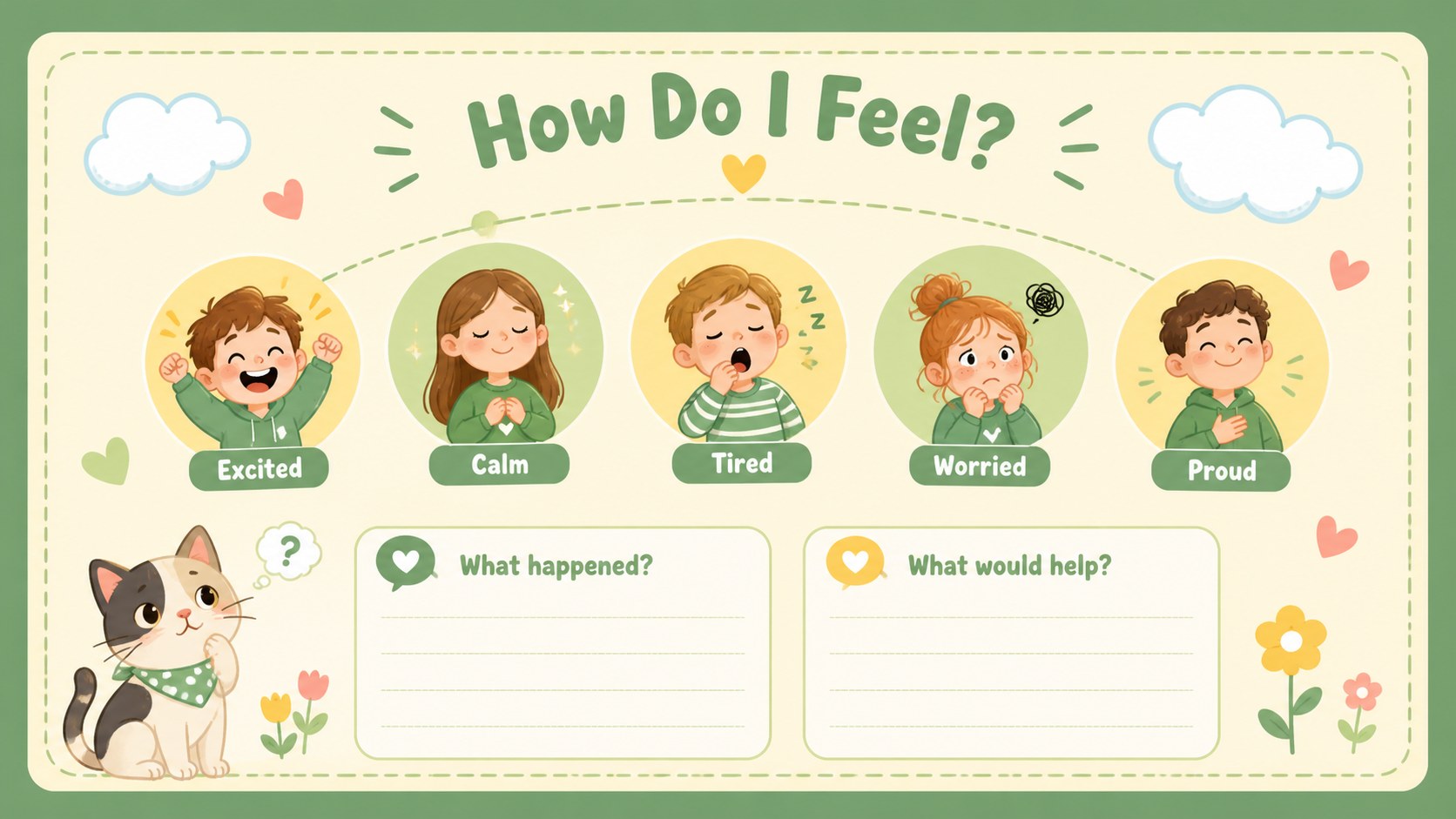
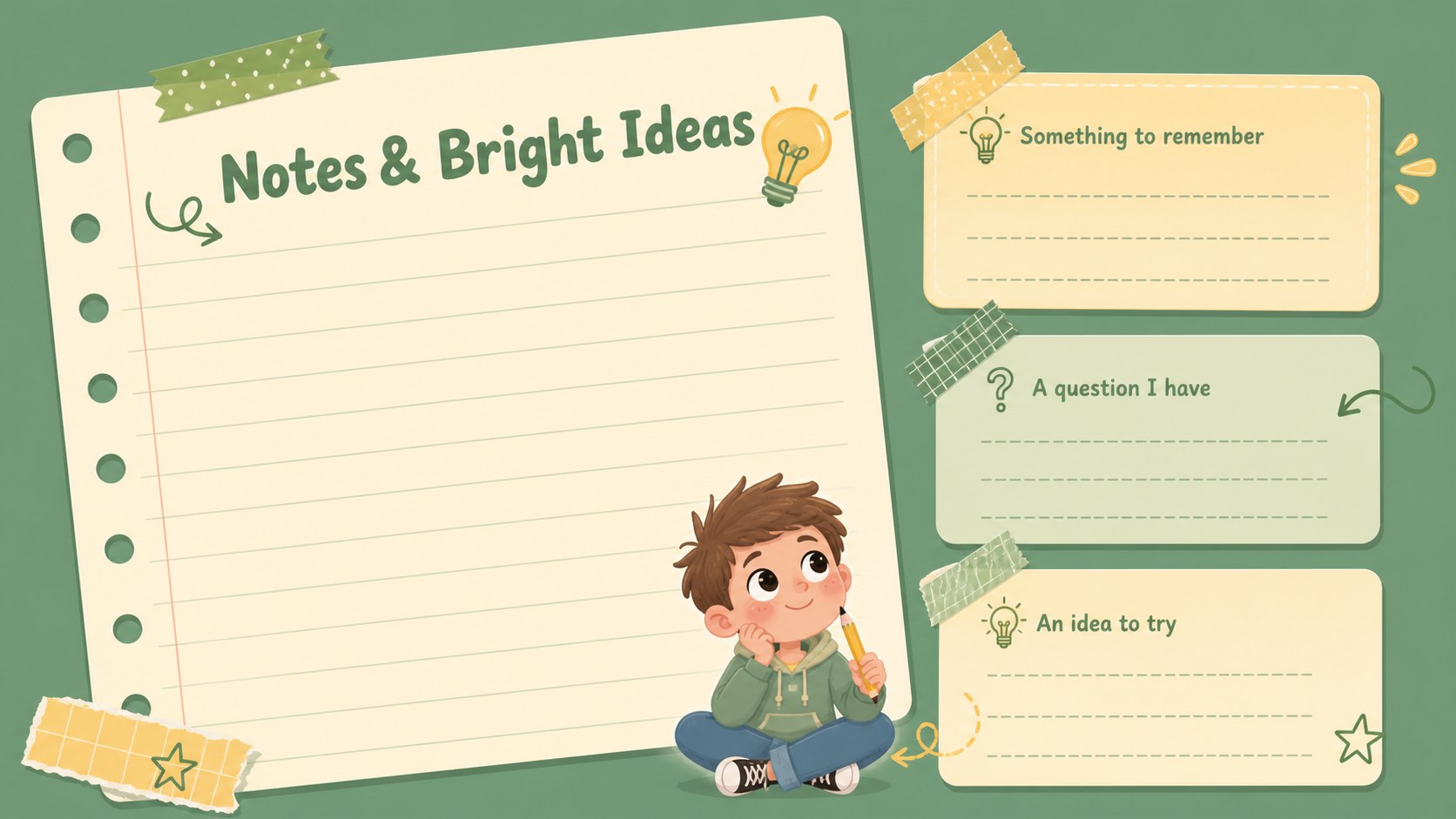
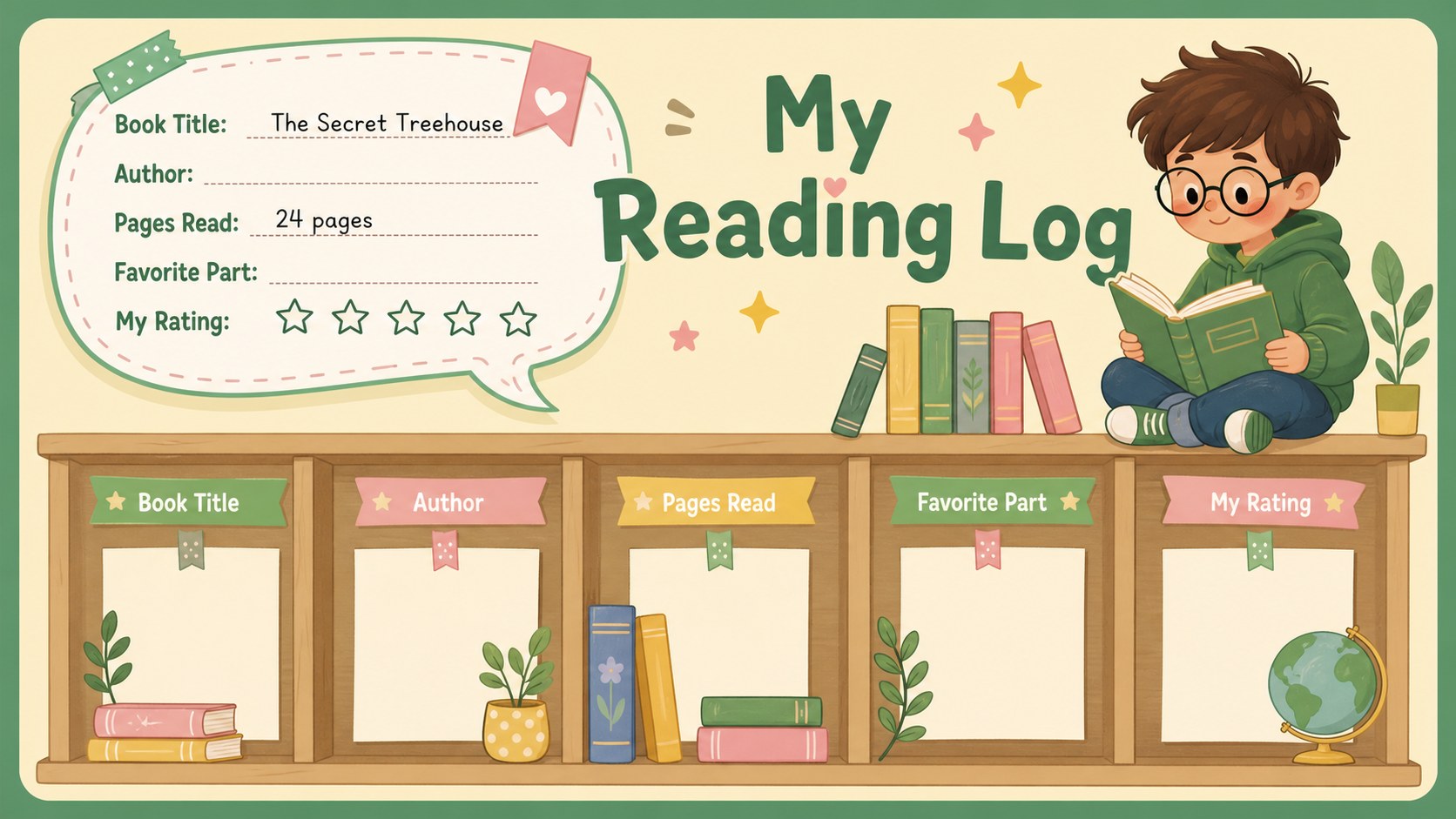
Inside, you will find weekly and daily planning pages, a class schedule, homework organizer, habit tracker, mood check-in, reading log, project timeline, memory page, and flexible note layouts. The varied formats make this a useful cute cat planner presentation for organizing responsibilities without losing the fun of a colorful illustrated journal. Clear headings and roomy writing areas also help younger users scan information quickly.
Teachers can adapt the deck as a pastel student organizer template for classroom check-ins, independent learning, or take-home planning. Families may use it to coordinate chores, activities, and personal goals, while children can turn it into an illustrated school journal for recording achievements and favorite moments. Customize the wording, rearrange sections, add photos, or adjust the palette while retaining the cheerful green-and-yellow design system.
Perfect for: student weekly planning; classroom routine tracking; homework organization; children's personal journaling; habit and mood check-ins; school project planning.
Frequently asked questions
Can I edit every planner page? Yes. Headings, lists, dates, colors, and writing areas can be changed in PowerPoint or Google Slides. You can also duplicate, remove, or reorder pages to create a shorter or more detailed planner.
Practical details
Yes. Headings, lists, dates, colors, and writing areas can be changed in PowerPoint or Google Slides. You can also duplicate, remove, or reorder pages to create a shorter or more detailed planner.
The deck is designed for PowerPoint and Google Slides. Upload the file to your preferred platform, then replace the sample text and adjust the layouts as needed.
Yes. Teachers can replace personal planning prompts with lesson goals, homework reminders, reading records, or classroom responsibilities. The layouts work for individual student copies as well as whole-class displays.
Change the cat illustrations, accent colors, fonts, and decorative shapes while keeping the planner structure intact. Personal photos, stickers, subject labels, and school colors can also be added.
Keep exploring
15Build an engaging World UFO Day session with this flying saucer history lesson deck, featuring retro green-and-brown slides for PowerPoint and Google Slides.
 15
15Plan a lively animal-learning journey with this jungle zoo adventure lesson deck, ready to customize in PowerPoint and Google Slides for young learners.
 16
16Turn environmental research into a clear story with a Watercolor Ecology Presentation Theme for PowerPoint and Google Slides in calming green and blue.
 16
16Build focused fashion, literature, and humanities presentations with the Red Triangle Editorial Theme, editable in PowerPoint and Google Slides.
 15
15Turn streaming stats, favorite tracks, and concert highlights into a bold annual listening recap slide deck for PowerPoint and Google Slides.
 15
15Turn highlights, milestones, and favorite moments into a colorful year in review slide deck with bold 3D graphics for PowerPoint and Google Slides.
 3
3Build a credible endorsement with Standout Colleague Recommendation Letter Slides, featuring colorful prompts for skills, achievements, and team impact.
 4
4Build clear beginner sessions with an ice hockey fundamentals training deck for coaches, PE teachers, and clubs, ready for PowerPoint and Google Slides.