
 15
15presentation
Flying Saucer History Lesson Deck
Build an engaging World UFO Day session with this flying saucer history lesson deck, featuring retro green-and-brown slides for PowerPoint and Google Slides.
Google SlidesPowerPoint
presentation · English
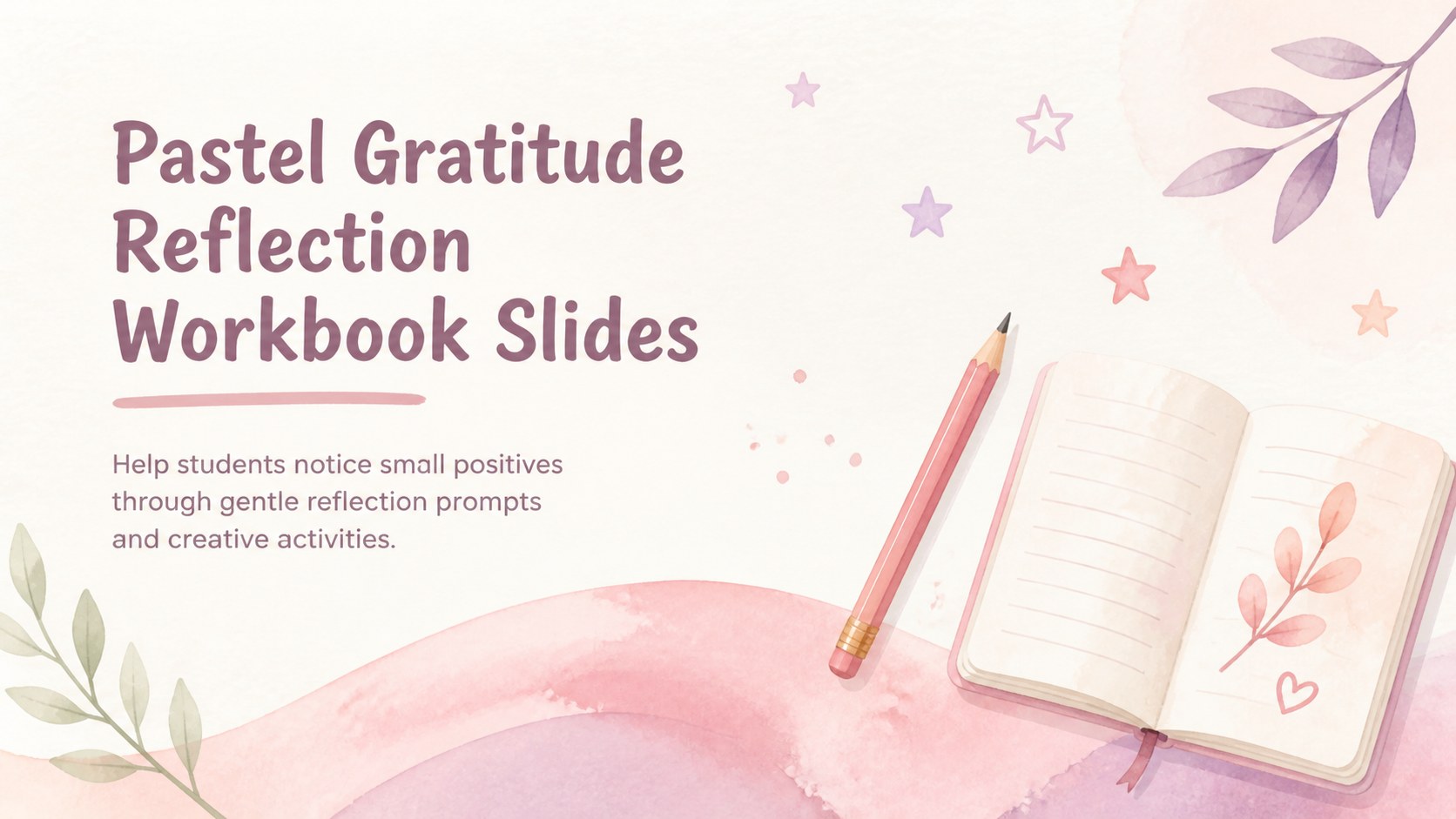
Build a thoughtful classroom routine with a pastel gratitude reflection workbook featuring editable prompts for PowerPoint and Google Slides.
Design notes
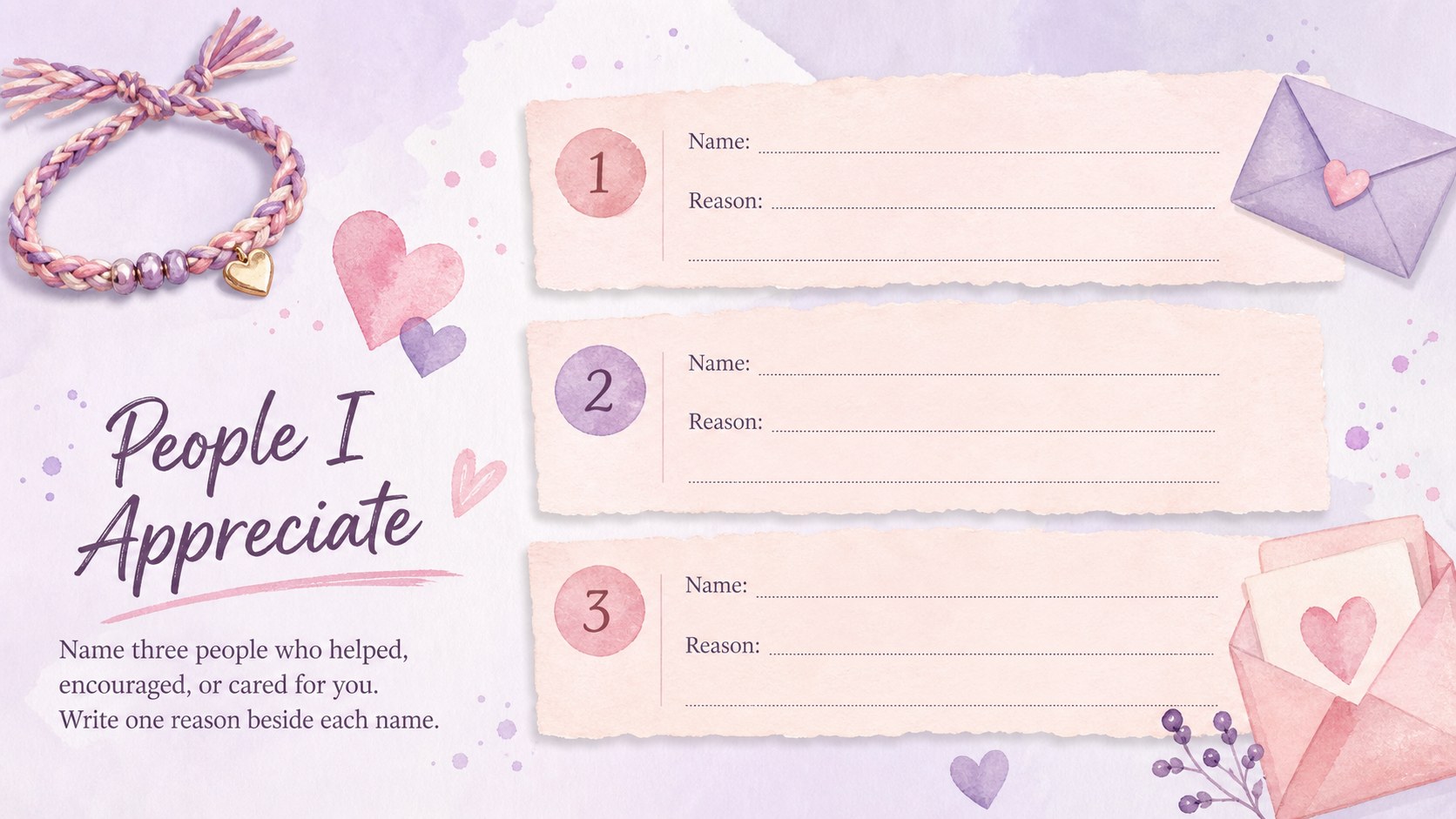
The Pastel Gratitude Reflection Workbook gives teachers a calm, inviting way to help students recognize positive moments, supportive people, personal strengths, and everyday sources of joy. Soft pink and purple watercolor details create a welcoming atmosphere without distracting from the reflection activities.
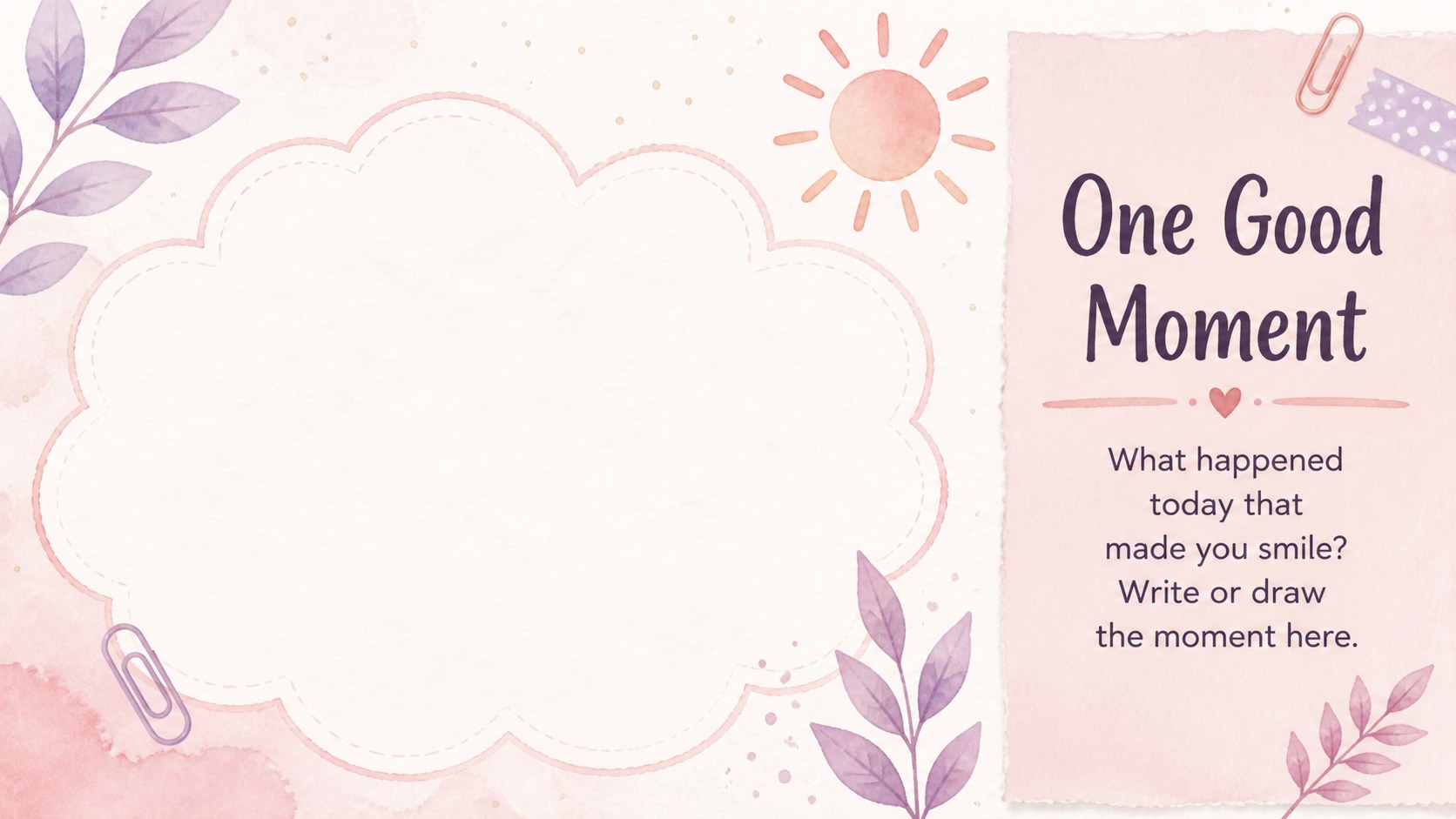
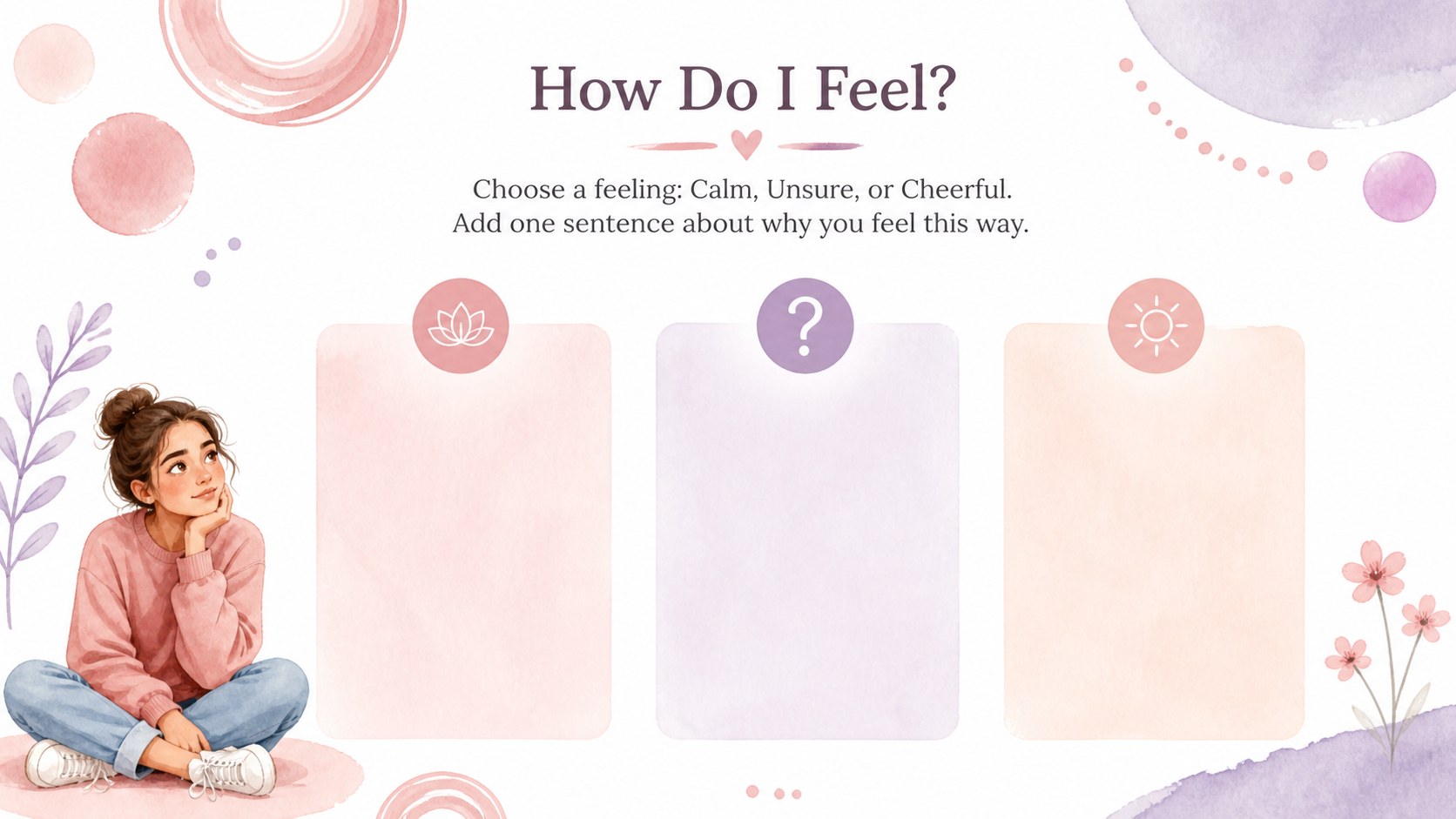
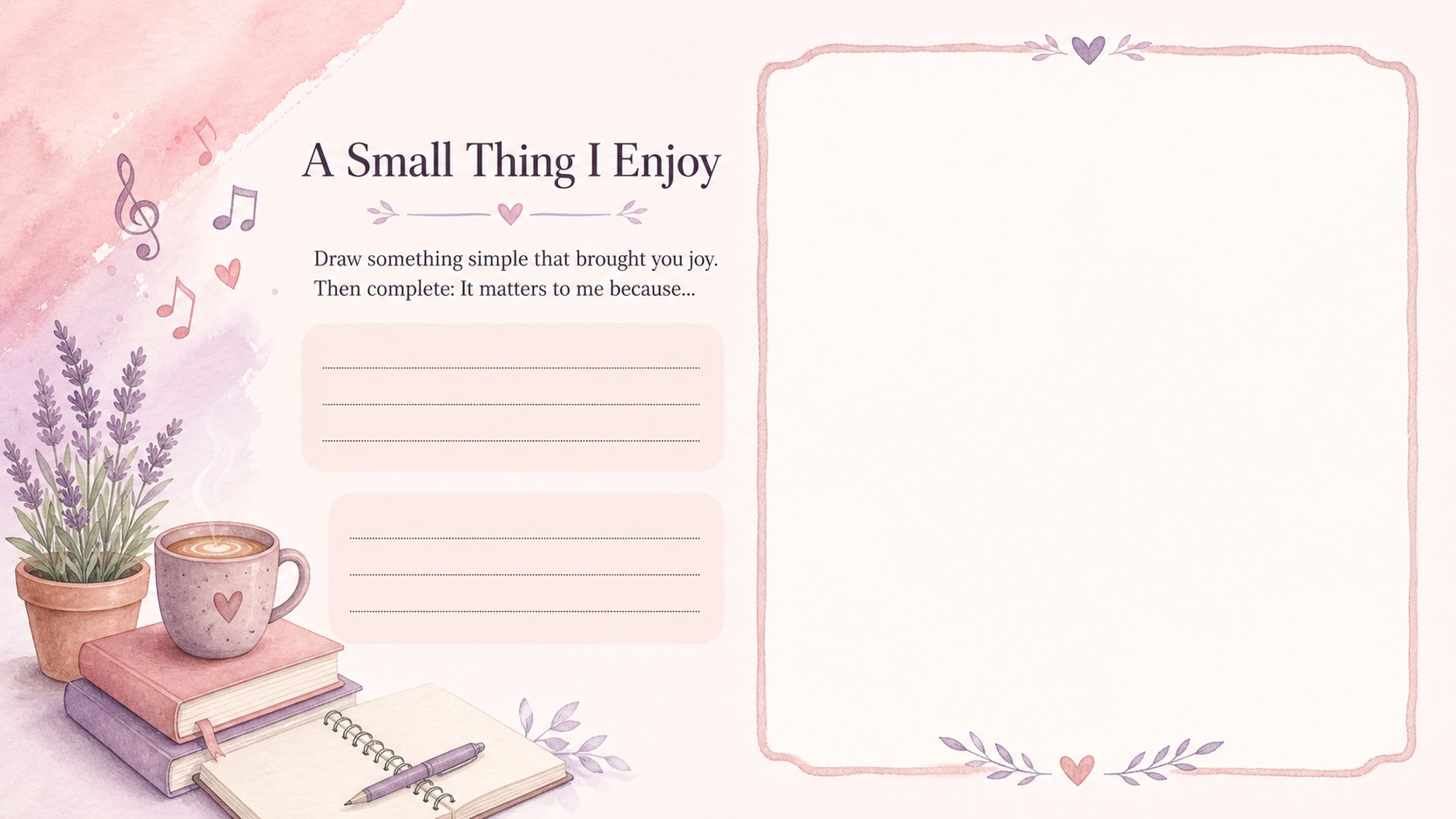
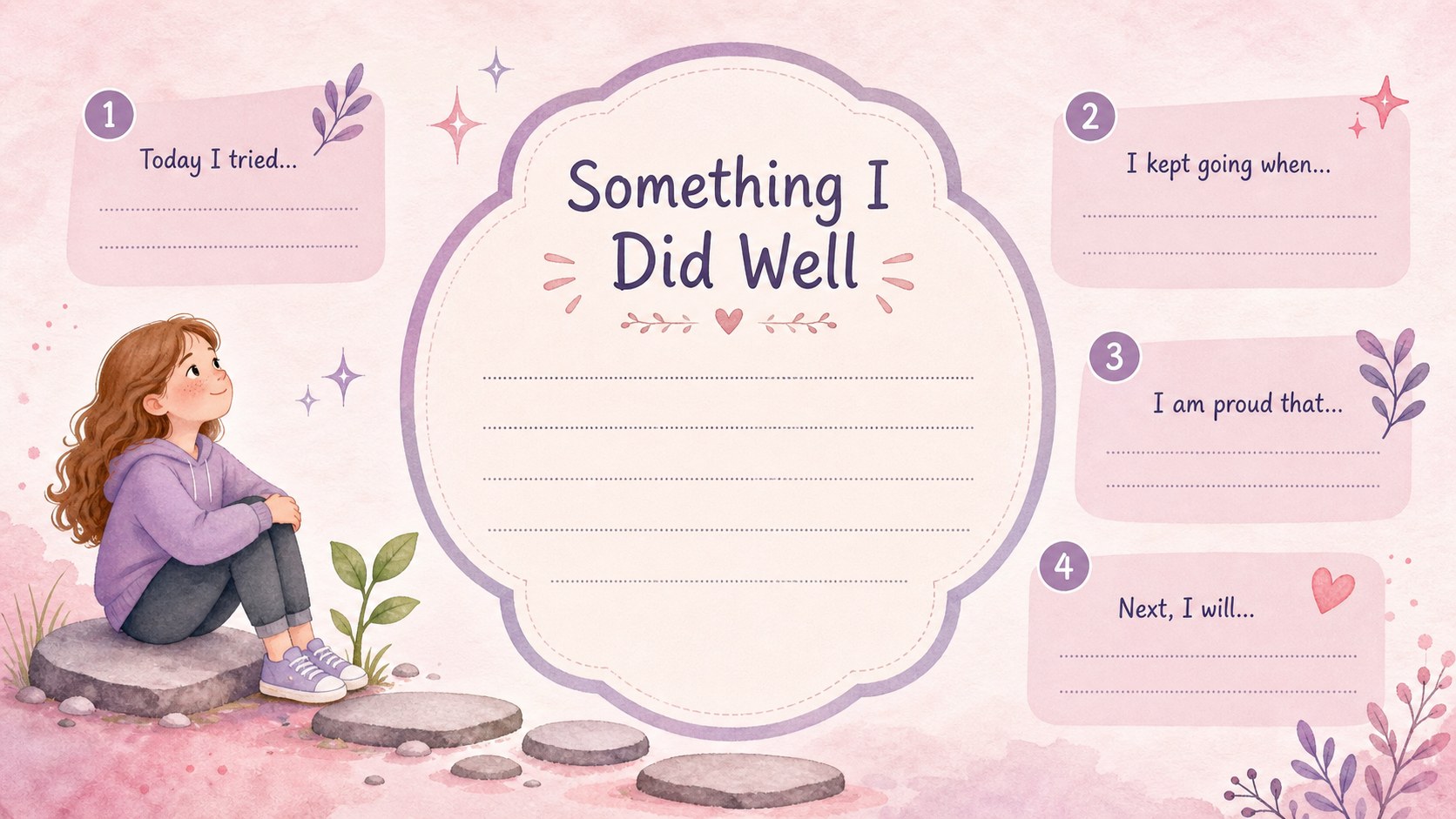
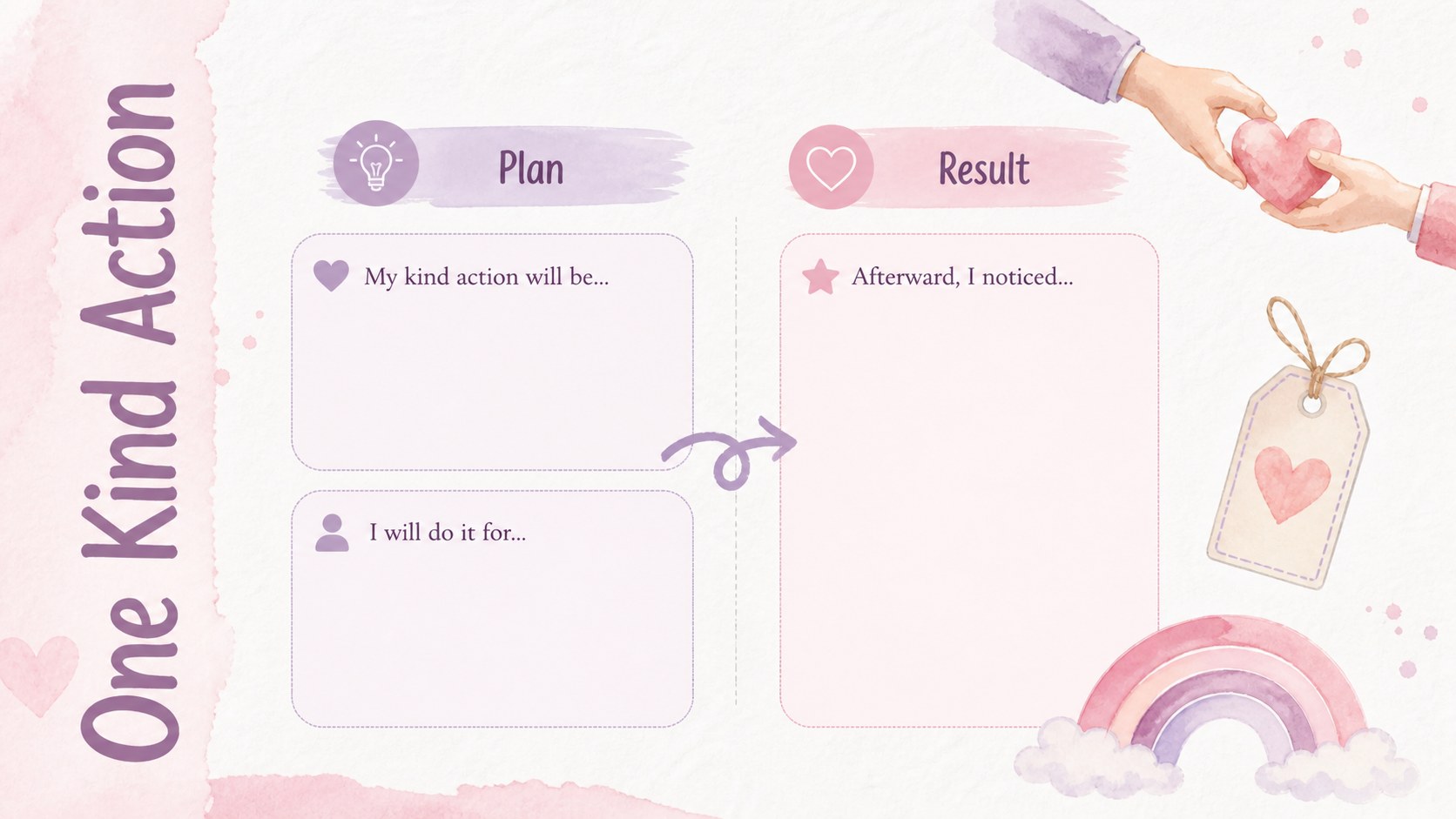
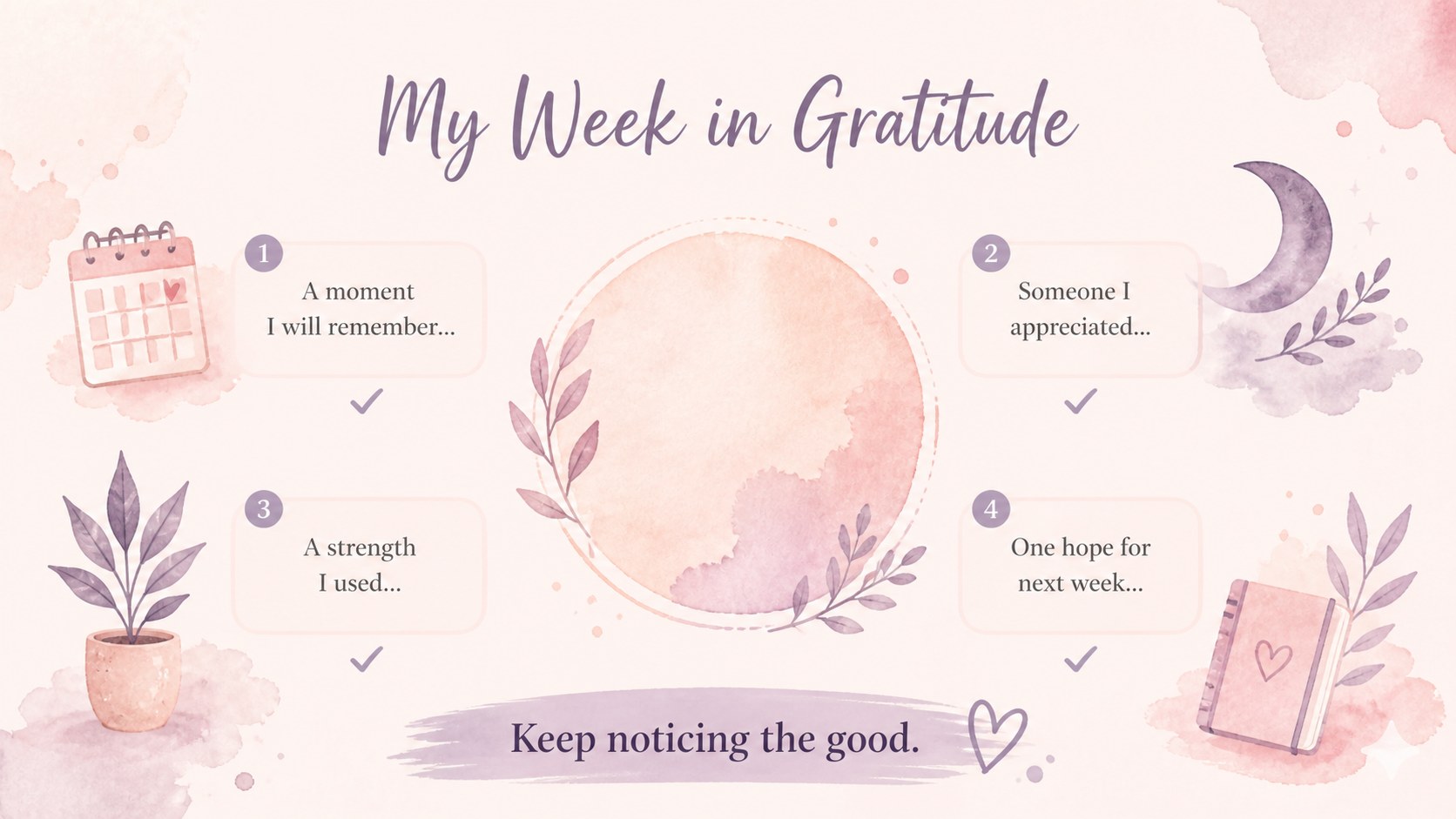
Inside, you will find editable gratitude prompts, mood check-ins, drawing spaces, thoughtful sentence starters, and pages for recording kind actions. The deck can support a daily classroom gratitude practice, a weekly social-emotional learning routine, or an individual student reflection journal. Use the slides digitally or adapt selected pages as printable gratitude activities for students. Every layout can be personalized in PowerPoint or Google Slides with your own questions, instructions, fonts, and classroom language.
This watercolor gratitude workbook is designed for elementary teachers, school counselors, homeschool educators, and youth group leaders. It works especially well during morning meetings, calm-down periods, advisory sessions, and lessons about emotional awareness. The pastel classroom reflection slides offer enough structure for young learners while leaving room for honest, personal responses. Whether students type, write, draw, or discuss their answers, the activities encourage mindful observation and a consistent habit of appreciation.
Perfect for: morning meeting reflection; weekly gratitude practice; school counseling session; social-emotional learning lesson; homeschool journal activity.
Frequently asked questions
Can I edit the reflection questions? Yes. Open the deck in PowerPoint or Google Slides to replace prompts, adjust instructions, and add questions suited to your students' age or learning goals.
Practical details
Yes. Open the deck in PowerPoint or Google Slides to replace prompts, adjust instructions, and add questions suited to your students' age or learning goals.
Yes. Export selected slides as PDF files and print them at a size that fits your classroom materials. Review the print preview first to confirm margins and scaling.
The template is designed for Microsoft PowerPoint and Google Slides. Text, colors, and page elements remain editable in both platforms, although minor font substitutions may occur.
Change the pink and purple accents through the theme or color controls, then update fonts and decorative elements as needed. Keep text contrast strong so every reflection prompt remains easy to read.
Keep exploring
15Build an engaging World UFO Day session with this flying saucer history lesson deck, featuring retro green-and-brown slides for PowerPoint and Google Slides.
 15
15Plan a lively animal-learning journey with this jungle zoo adventure lesson deck, ready to customize in PowerPoint and Google Slides for young learners.
 16
16Turn environmental research into a clear story with a Watercolor Ecology Presentation Theme for PowerPoint and Google Slides in calming green and blue.
 16
16Build focused fashion, literature, and humanities presentations with the Red Triangle Editorial Theme, editable in PowerPoint and Google Slides.
 15
15Turn streaming stats, favorite tracks, and concert highlights into a bold annual listening recap slide deck for PowerPoint and Google Slides.
 15
15Turn highlights, milestones, and favorite moments into a colorful year in review slide deck with bold 3D graphics for PowerPoint and Google Slides.
 3
3Build a credible endorsement with Standout Colleague Recommendation Letter Slides, featuring colorful prompts for skills, achievements, and team impact.
 4
4Build clear beginner sessions with an ice hockey fundamentals training deck for coaches, PE teachers, and clubs, ready for PowerPoint and Google Slides.