
 15
15presentation
Flying Saucer History Lesson Deck
Build an engaging World UFO Day session with this flying saucer history lesson deck, featuring retro green-and-brown slides for PowerPoint and Google Slides.
Google SlidesPowerPoint
presentation · English
Build a memorable pastel creative portfolio deck for class, interviews, or client reviews with playful layouts for PowerPoint and Google Slides.
Design notes
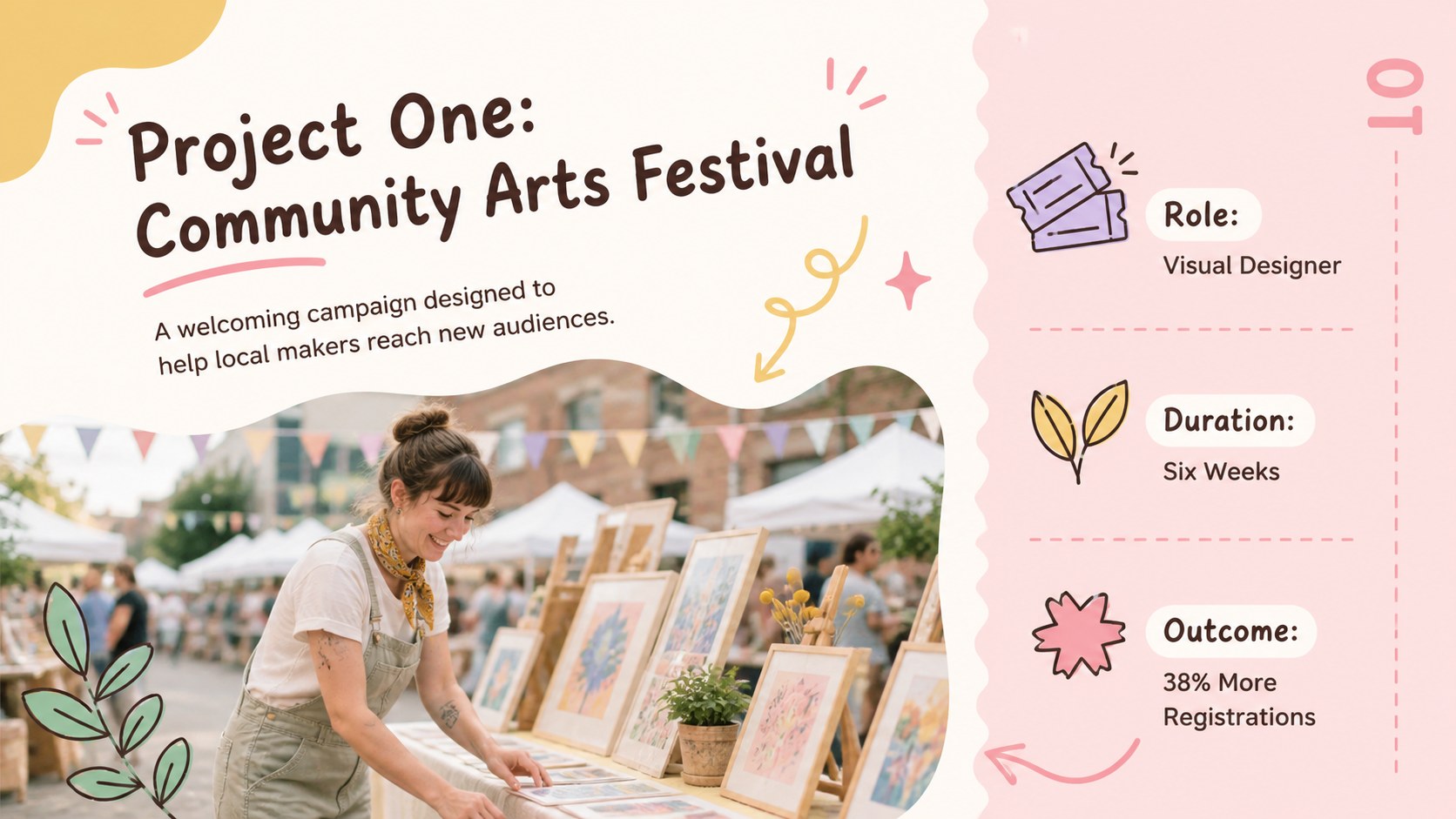
Turn personal work, class assignments, and professional projects into an engaging story with this pastel creative portfolio deck. The soft pink and yellow palette feels cheerful without overwhelming your content, while hand-drawn accents add personality to every page. Use it as a playful student portfolio presentation or adapt it for interviews, freelance introductions, and informal client reviews.
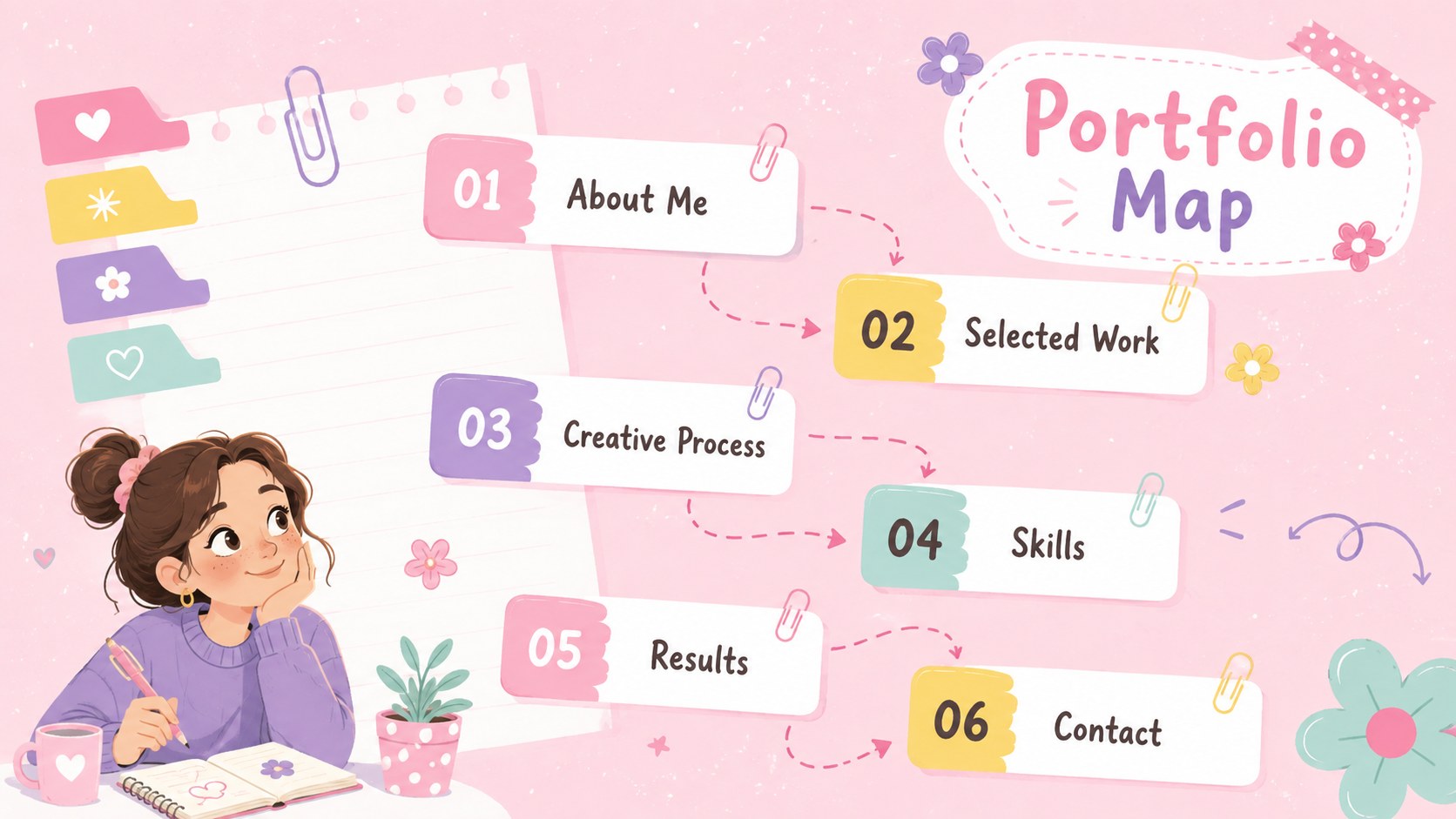
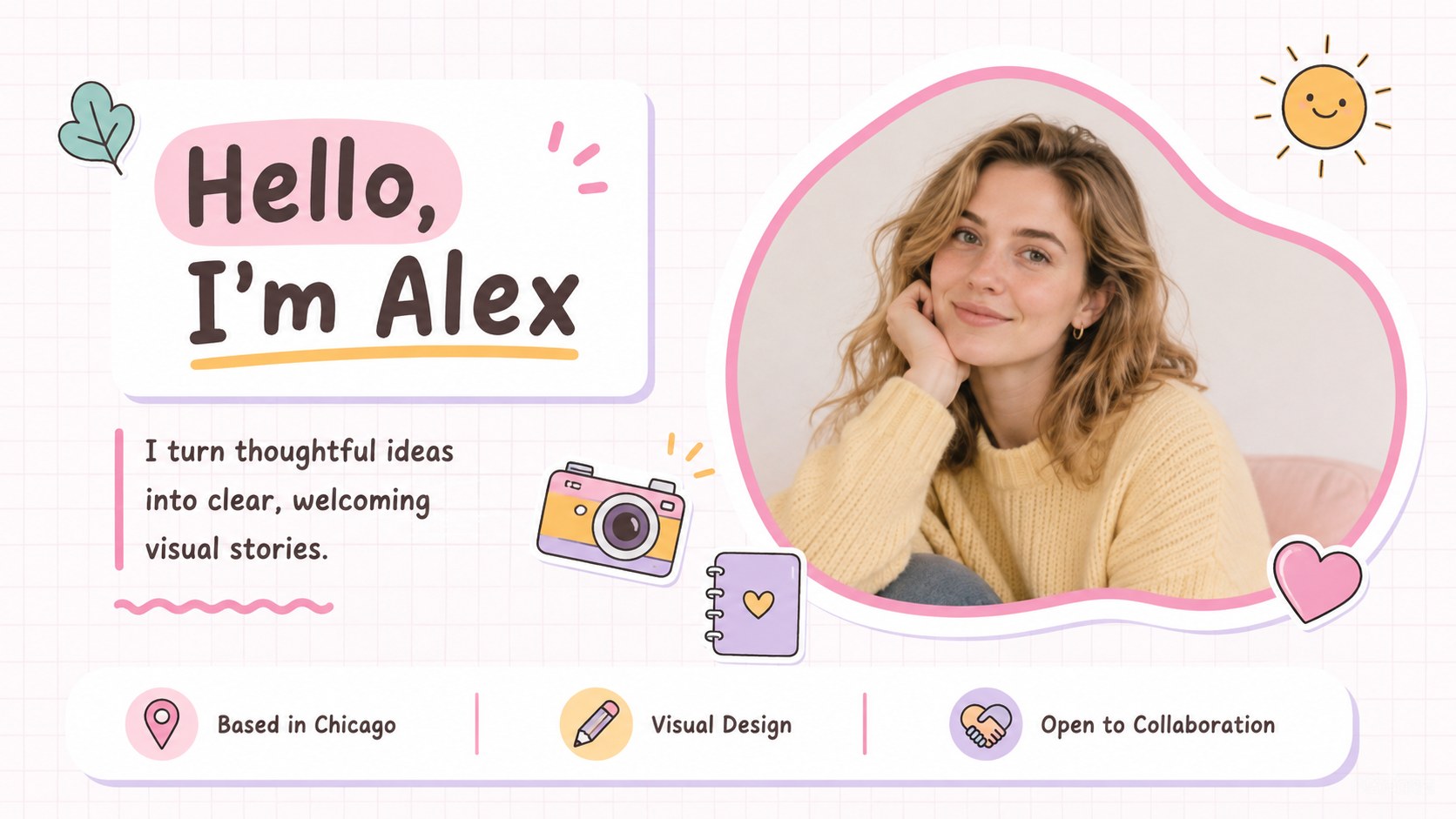
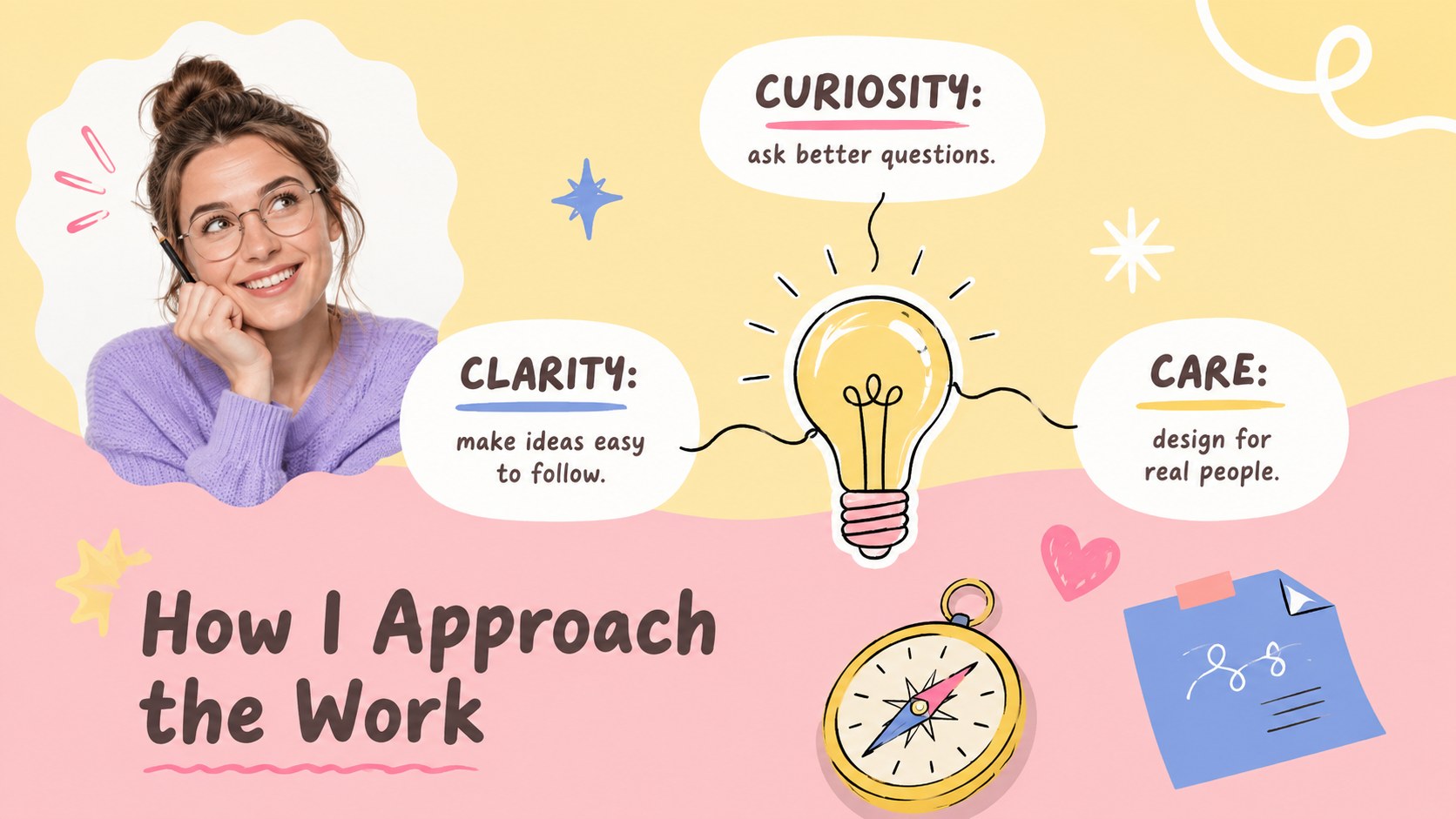
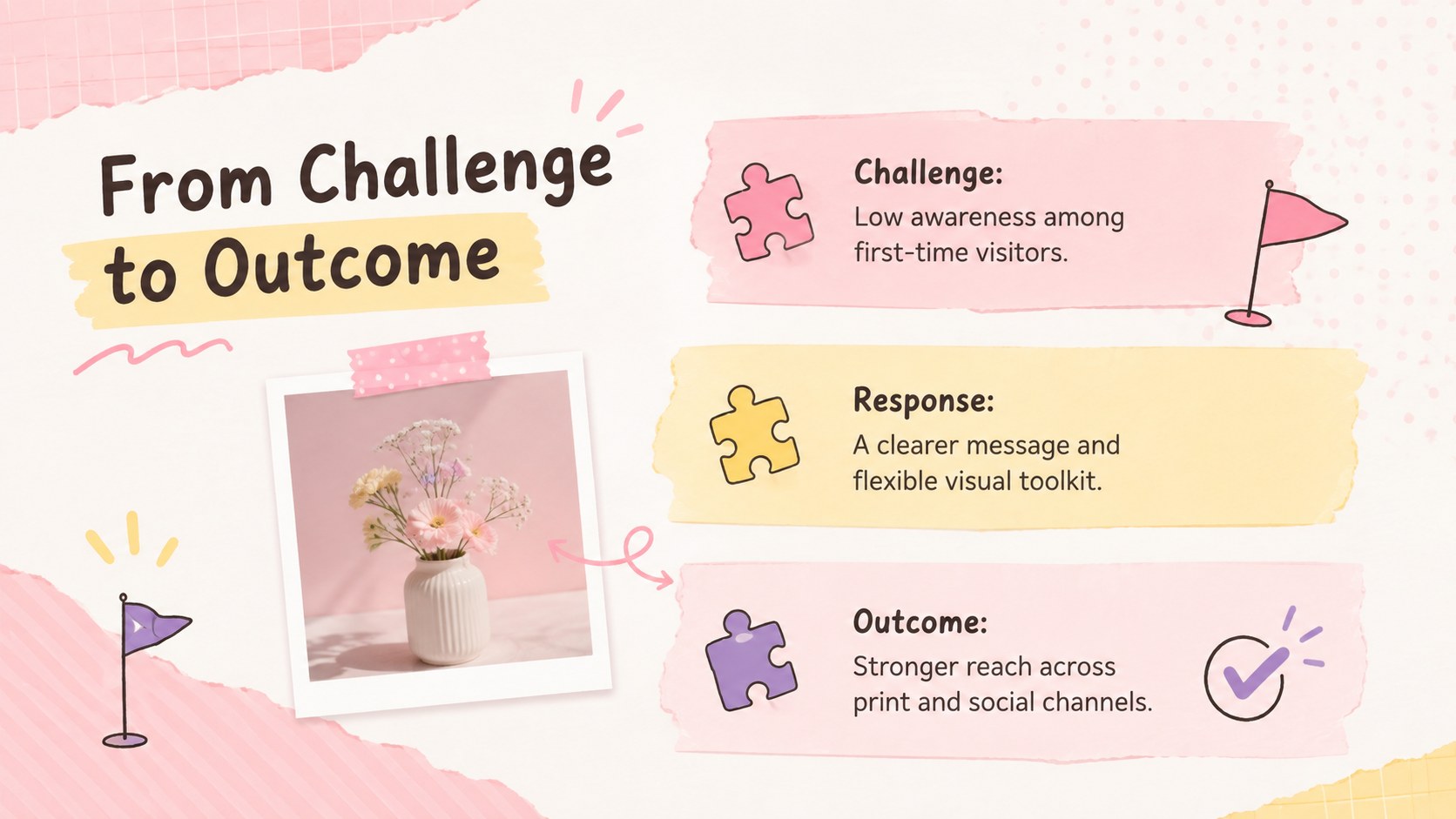
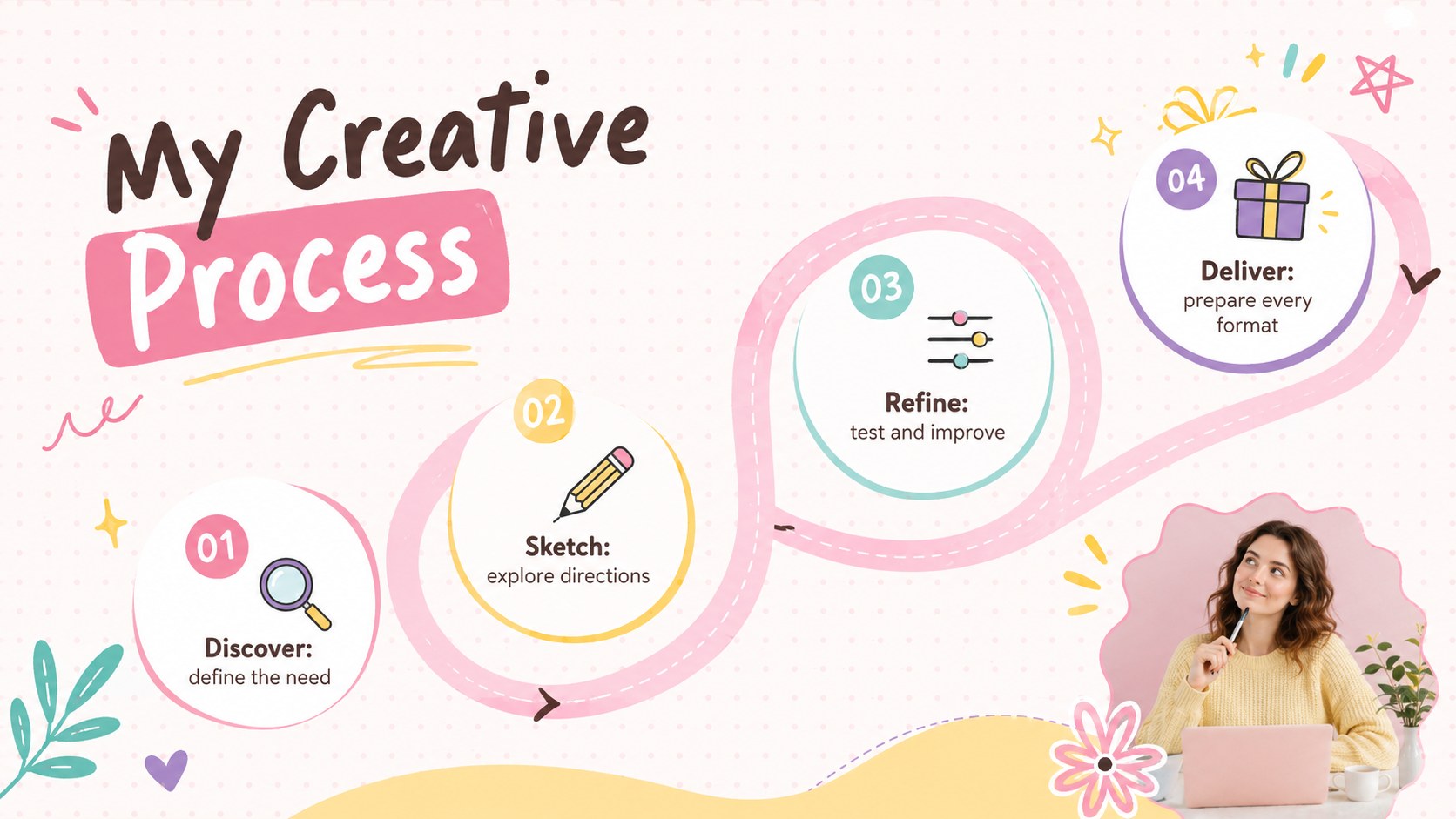
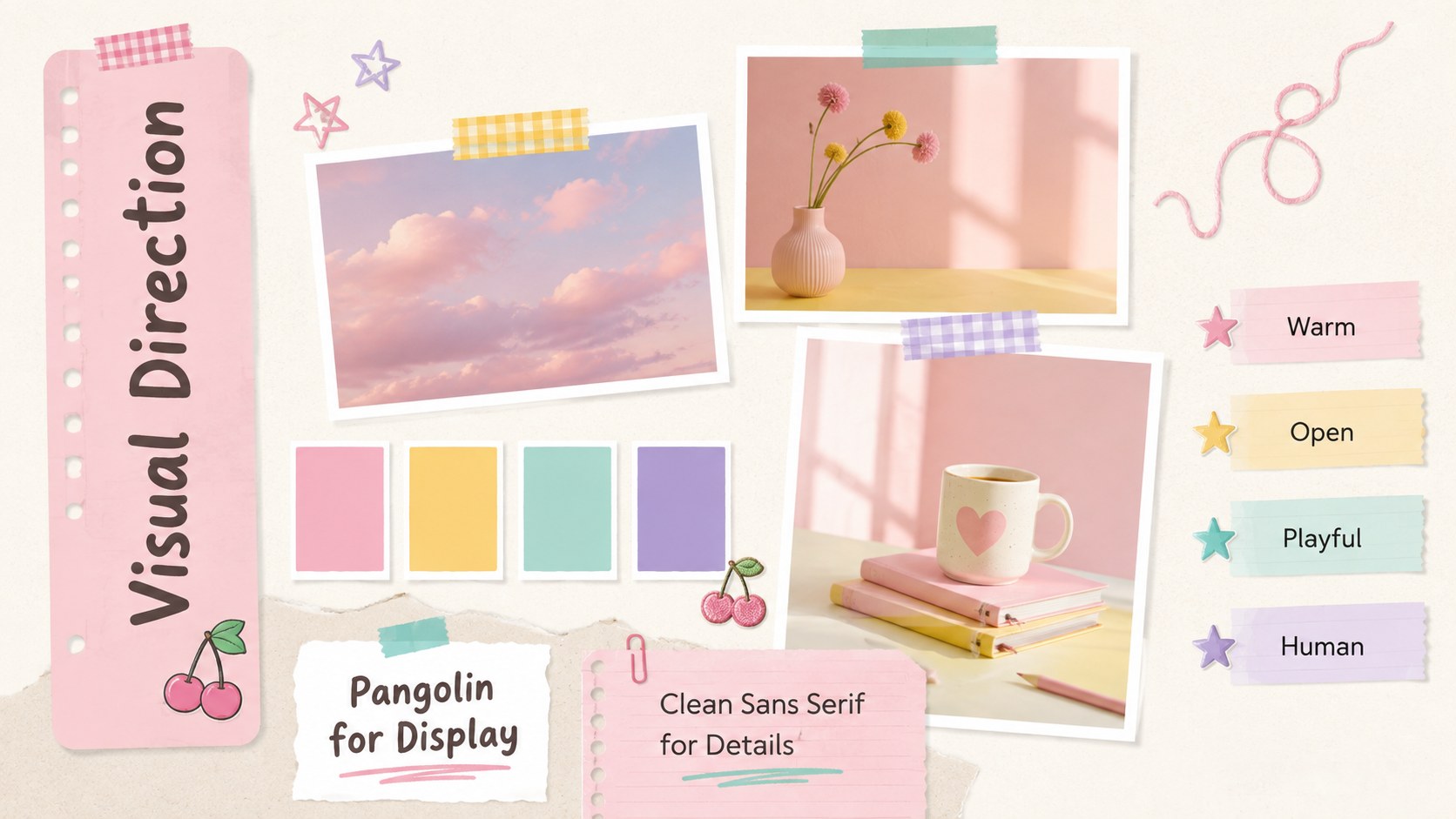
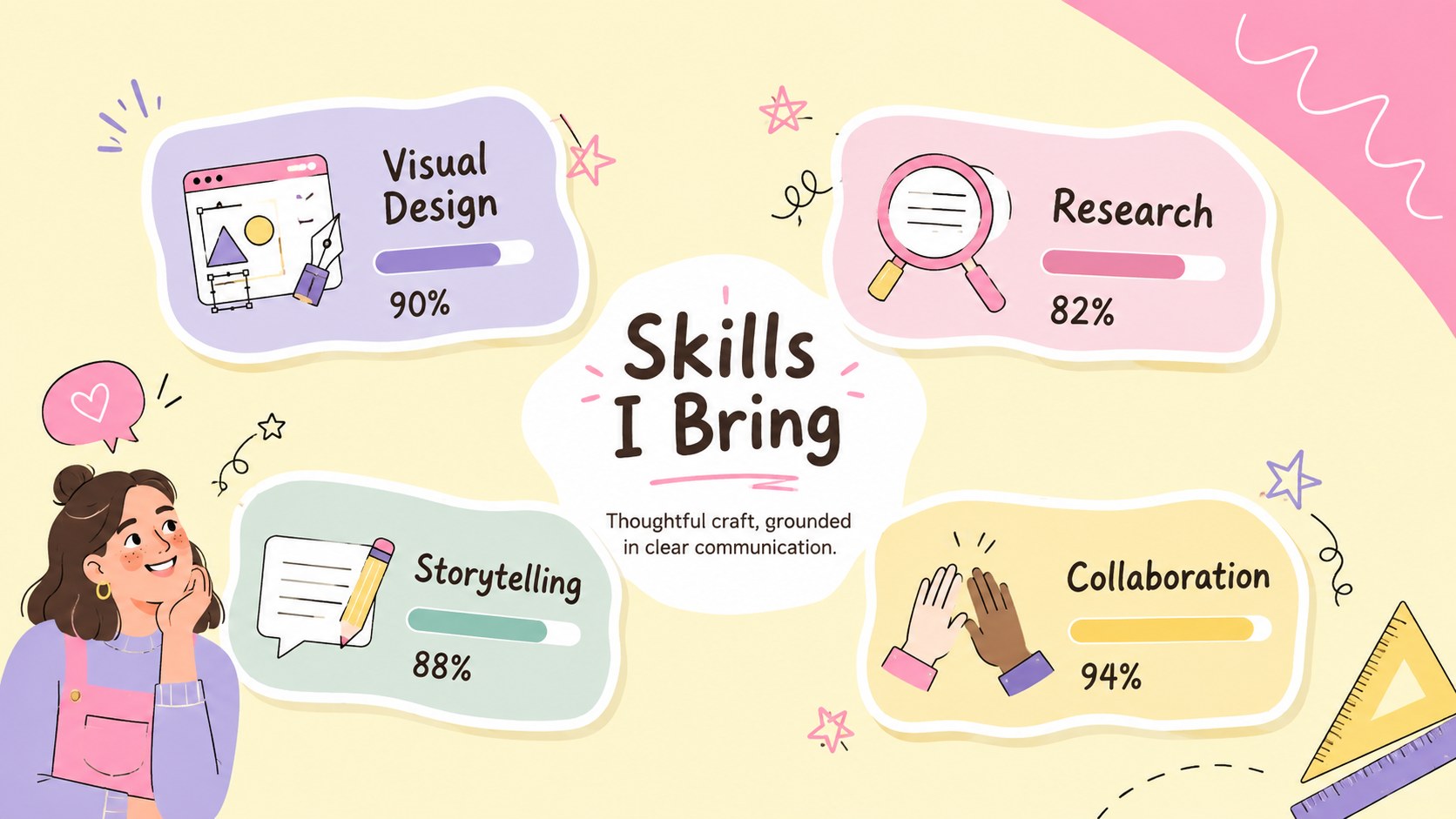
The deck includes layouts for an introduction, project index, personal profile, creative philosophy, case studies, process notes, moodboards, skills, timelines, results, testimonials, services, and contact details. Charts, image frames, icons, and editable text areas help you balance evidence with visual storytelling. A coordinated pink and yellow project showcase can be assembled quickly while still leaving room for your own photography, illustrations, colors, and typography.
Designed for PowerPoint and Google Slides, every page can be edited to suit your work. Replace sample text, rearrange sections, add project images, or adjust the palette while preserving the lighthearted aesthetic. The hand drawn creative portfolio template works especially well for students, designers, illustrators, marketers, educators, and early-career professionals who want an approachable alternative to a formal corporate portfolio.
Use the complete sequence for a live presentation, or select individual pages to create a concise application deck, project recap, or shareable portfolio file.
Perfect for: student project showcase; creative job interview; freelance client introduction; design case study review; class portfolio presentation; early-career work sample deck.
Frequently asked questions
Practical details
Yes. The layouts, text, colors, shapes, and image placeholders are editable in both PowerPoint and Google Slides. Minor font or spacing adjustments may be needed when moving between platforms.
Replace the sample copy and images with your own projects, then update the accent colors and fonts to match your style. Keep the recurring doodles and generous spacing consistent to maintain a cohesive visual system.
Yes. Select the profile, case study, process, results, and contact layouts to build a focused interview presentation. The playful design is especially suitable for creative, education, marketing, and entry-level roles.
Yes. Each section works independently, so you can remove pages without disrupting the overall design. A concise version can include the cover, profile, two case studies, skills, results, and contact page.
Keep exploring
15Build an engaging World UFO Day session with this flying saucer history lesson deck, featuring retro green-and-brown slides for PowerPoint and Google Slides.
 15
15Plan a lively animal-learning journey with this jungle zoo adventure lesson deck, ready to customize in PowerPoint and Google Slides for young learners.
 16
16Turn environmental research into a clear story with a Watercolor Ecology Presentation Theme for PowerPoint and Google Slides in calming green and blue.
 16
16Build focused fashion, literature, and humanities presentations with the Red Triangle Editorial Theme, editable in PowerPoint and Google Slides.
 15
15Turn streaming stats, favorite tracks, and concert highlights into a bold annual listening recap slide deck for PowerPoint and Google Slides.
 15
15Turn highlights, milestones, and favorite moments into a colorful year in review slide deck with bold 3D graphics for PowerPoint and Google Slides.
 3
3Build a credible endorsement with Standout Colleague Recommendation Letter Slides, featuring colorful prompts for skills, achievements, and team impact.
 4
4Build clear beginner sessions with an ice hockey fundamentals training deck for coaches, PE teachers, and clubs, ready for PowerPoint and Google Slides.