
 15
15presentation
Flying Saucer History Lesson Deck
Build an engaging World UFO Day session with this flying saucer history lesson deck, featuring retro green-and-brown slides for PowerPoint and Google Slides.
Google SlidesPowerPoint
presentation · English
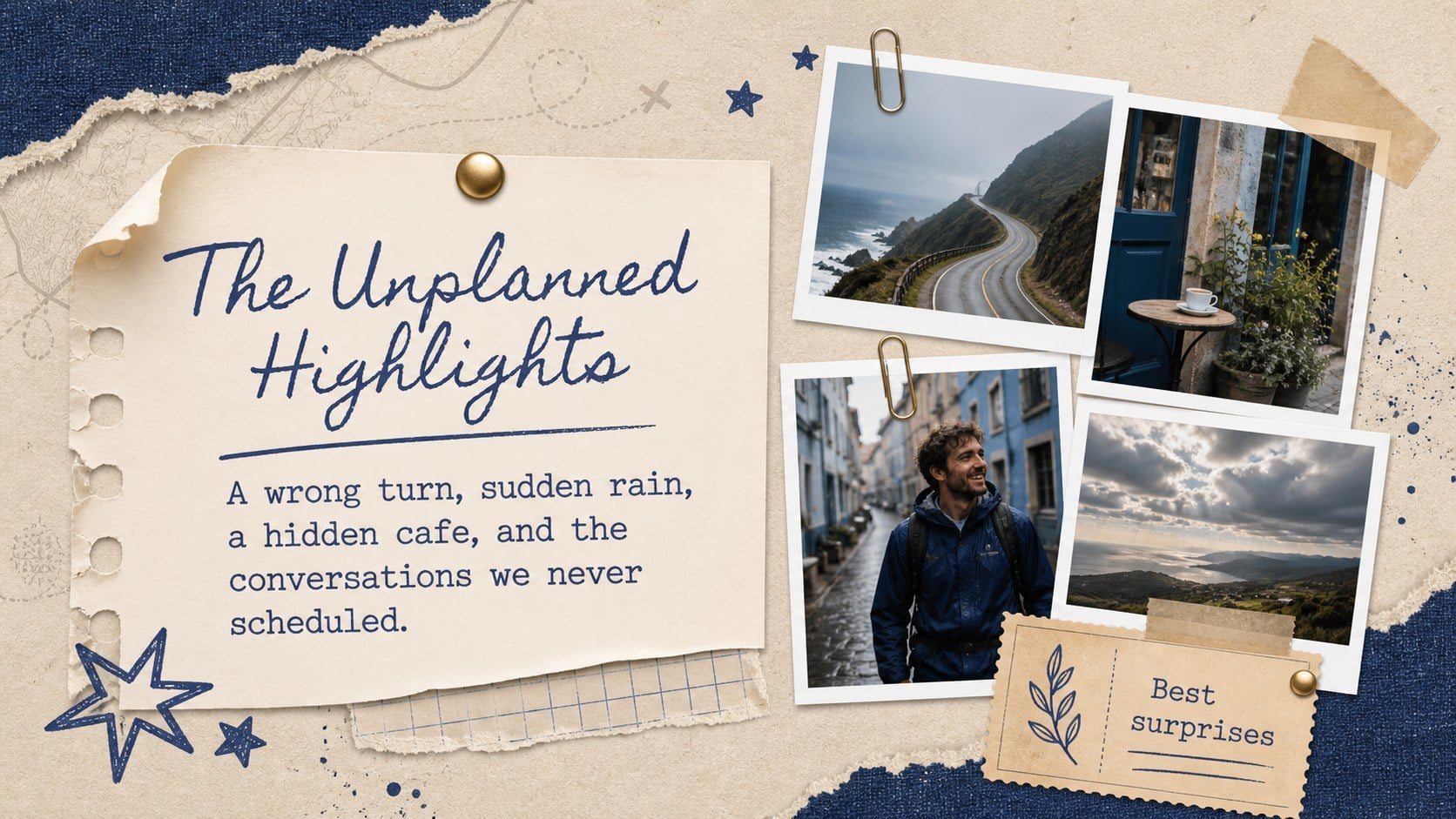
Turn favorite journeys into a polished Passport Memories Scrapbook Deck, with blue-and-beige collage layouts for PowerPoint and Google Slides.
Design notes
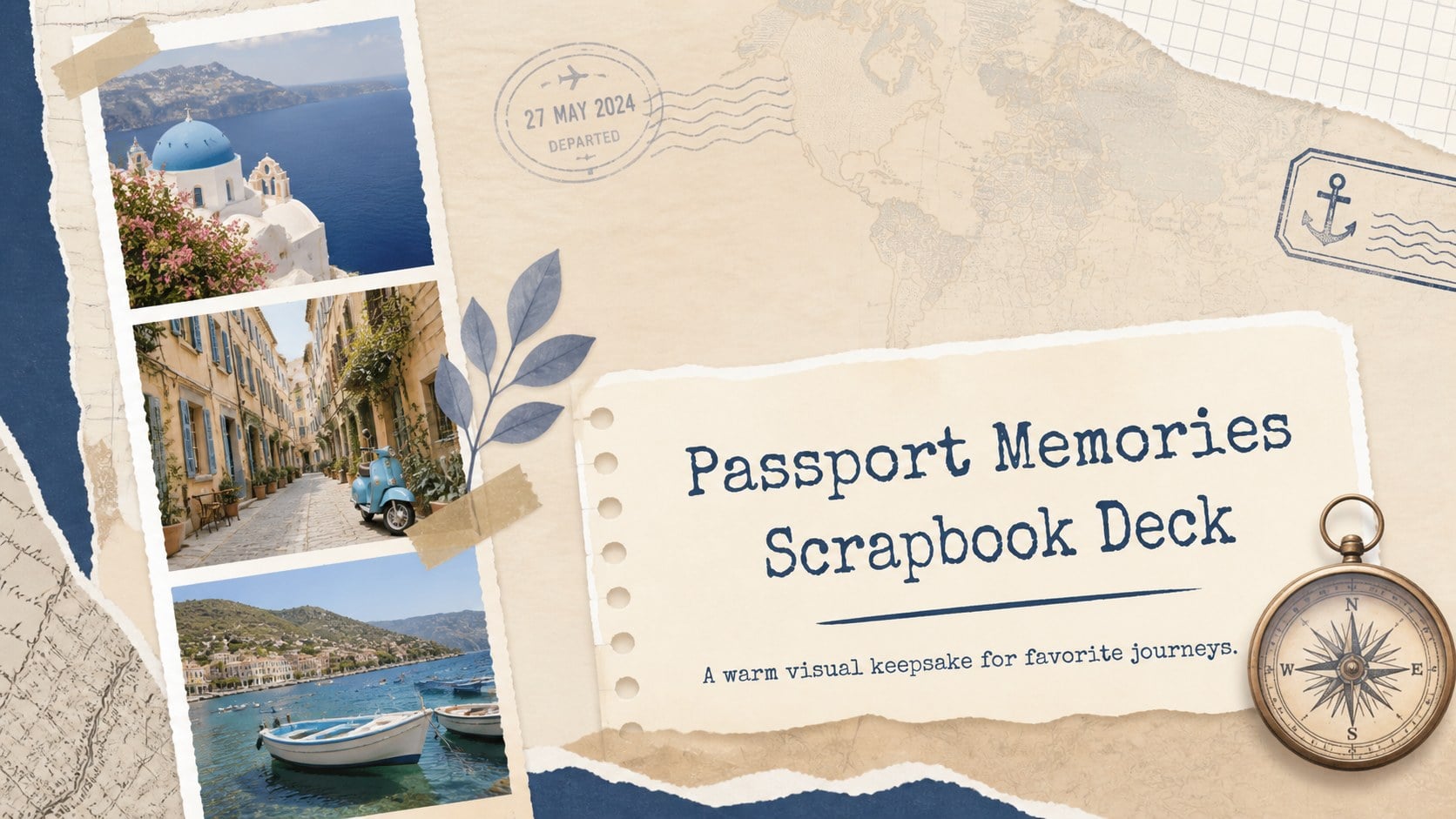
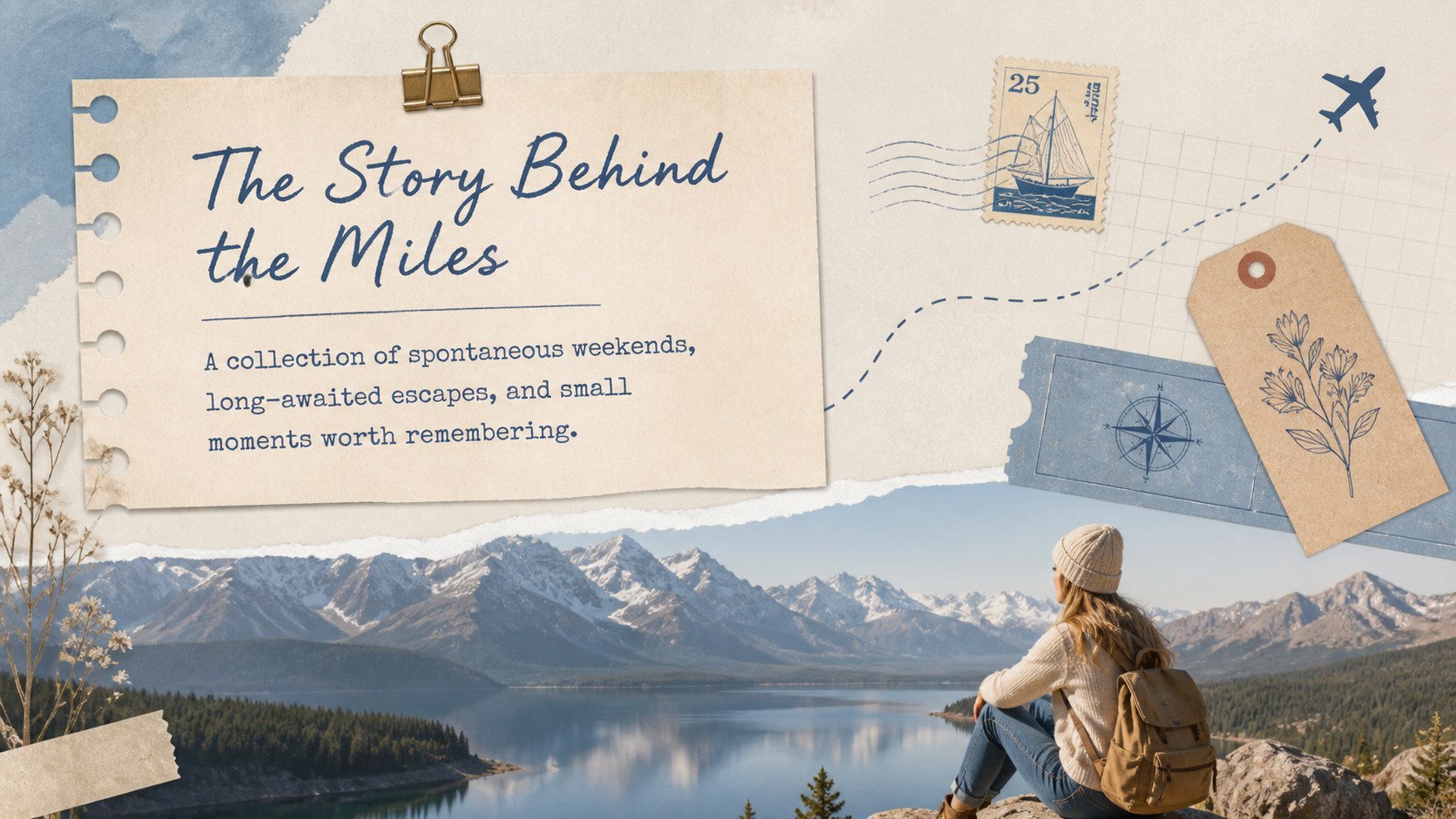
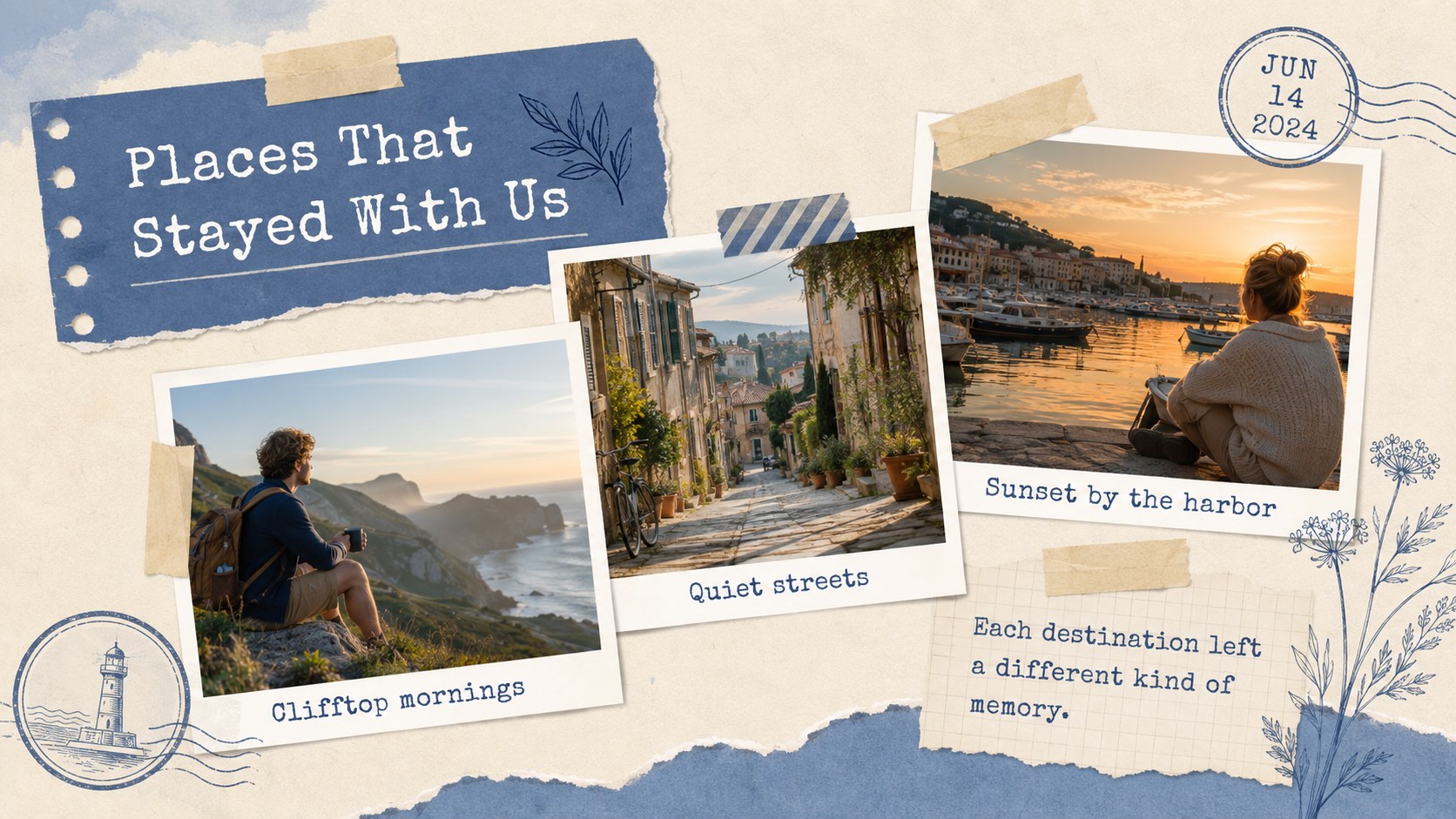
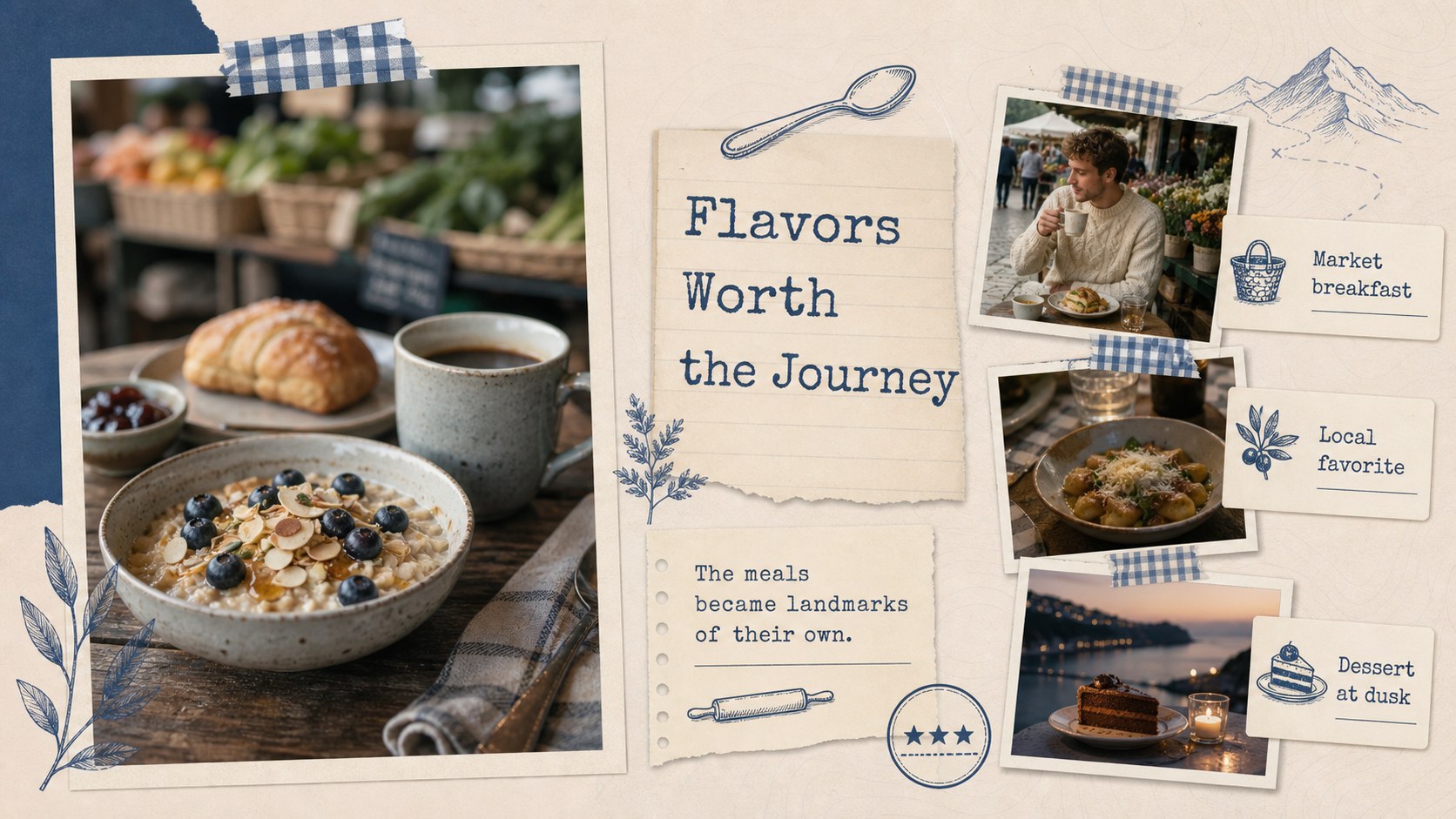
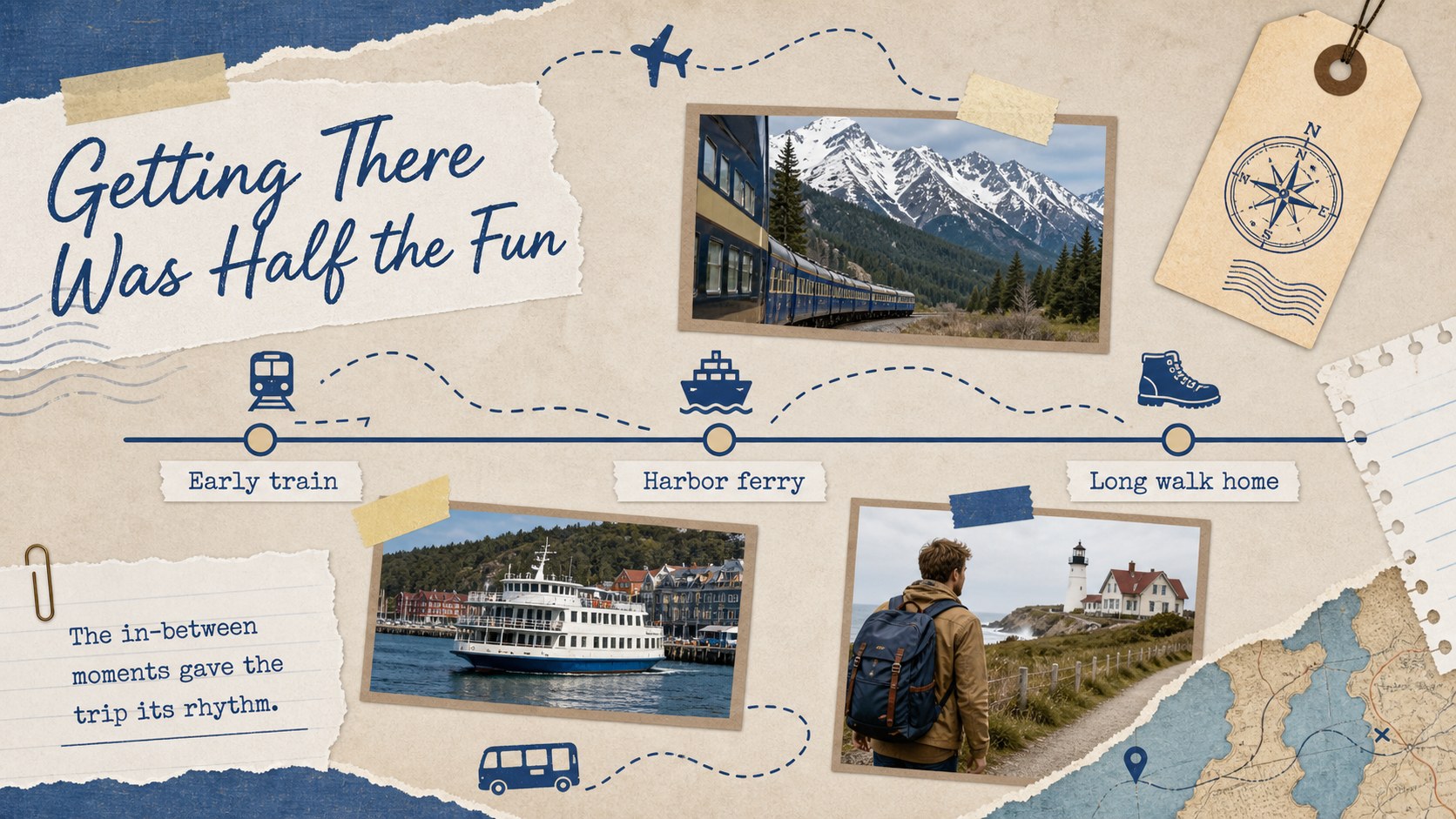
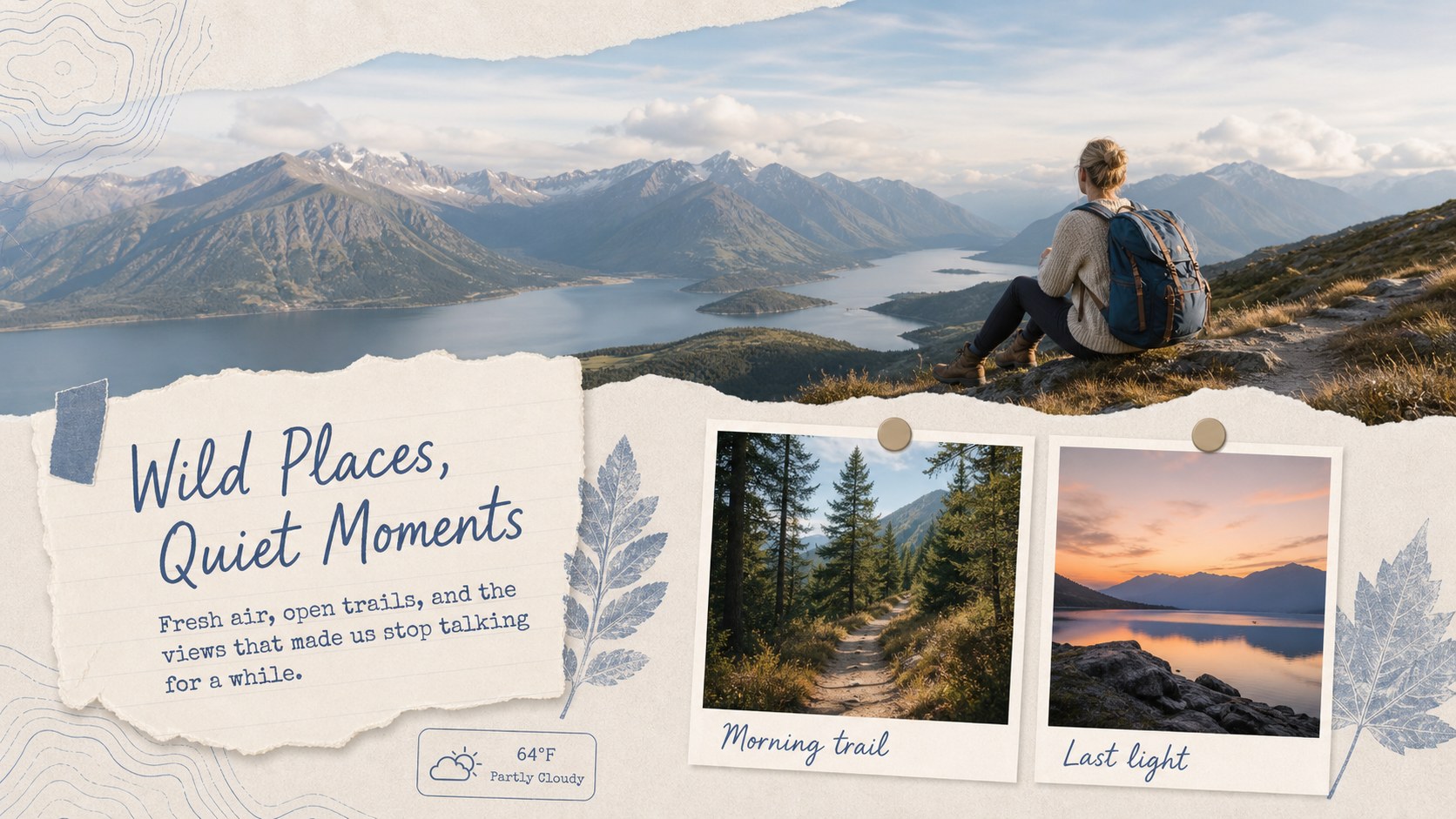
Bring your favorite destinations together in a Passport Memories Scrapbook Deck designed for personal storytelling. Its soothing blue and beige palette, layered photo frames, paper textures, and travel-inspired accents create a relaxed setting for documenting meaningful places without distracting from your images. Use it as a travel memories presentation for one special holiday, a year of weekend escapes, or a collection of adventures shared with friends.
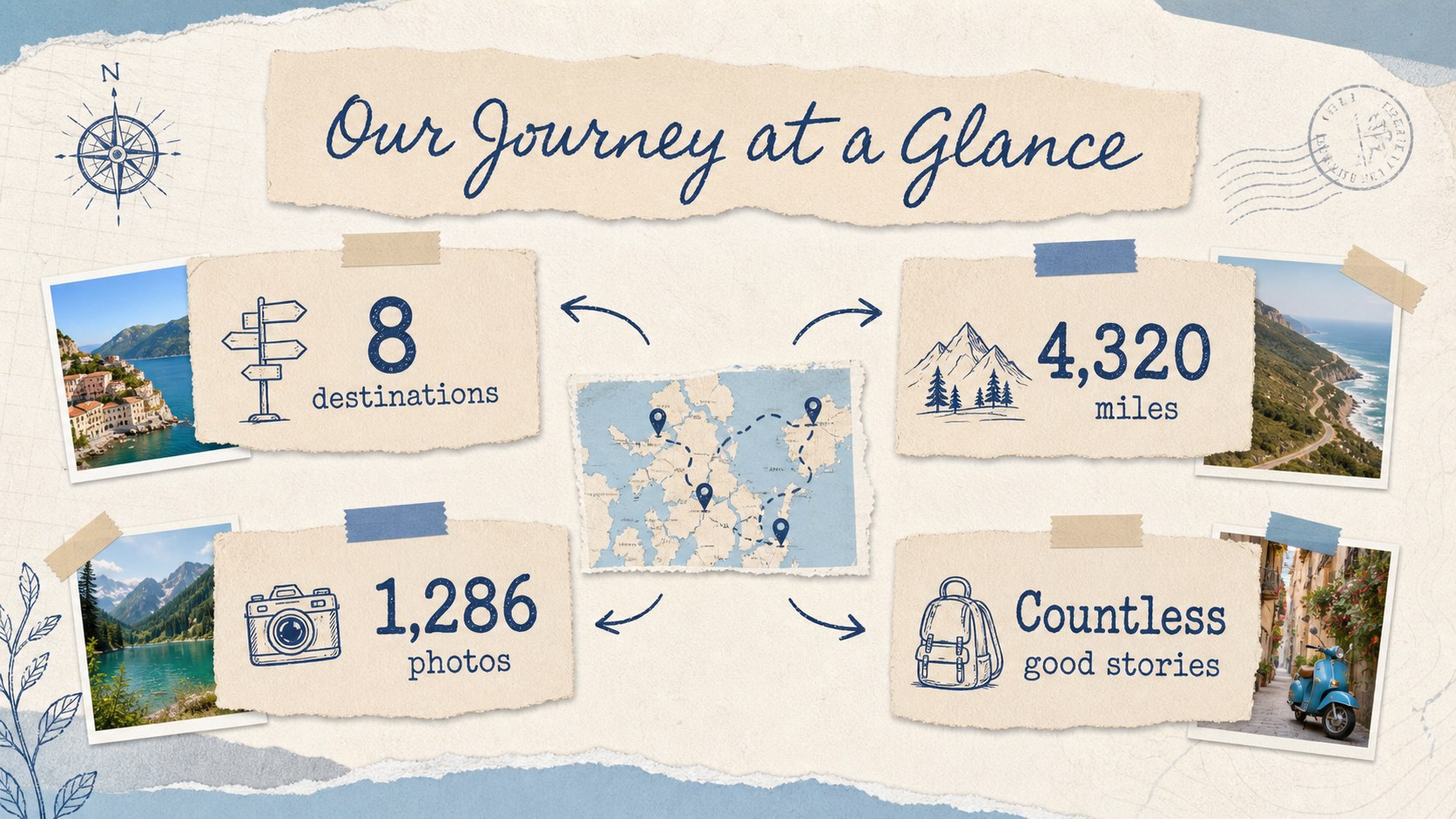
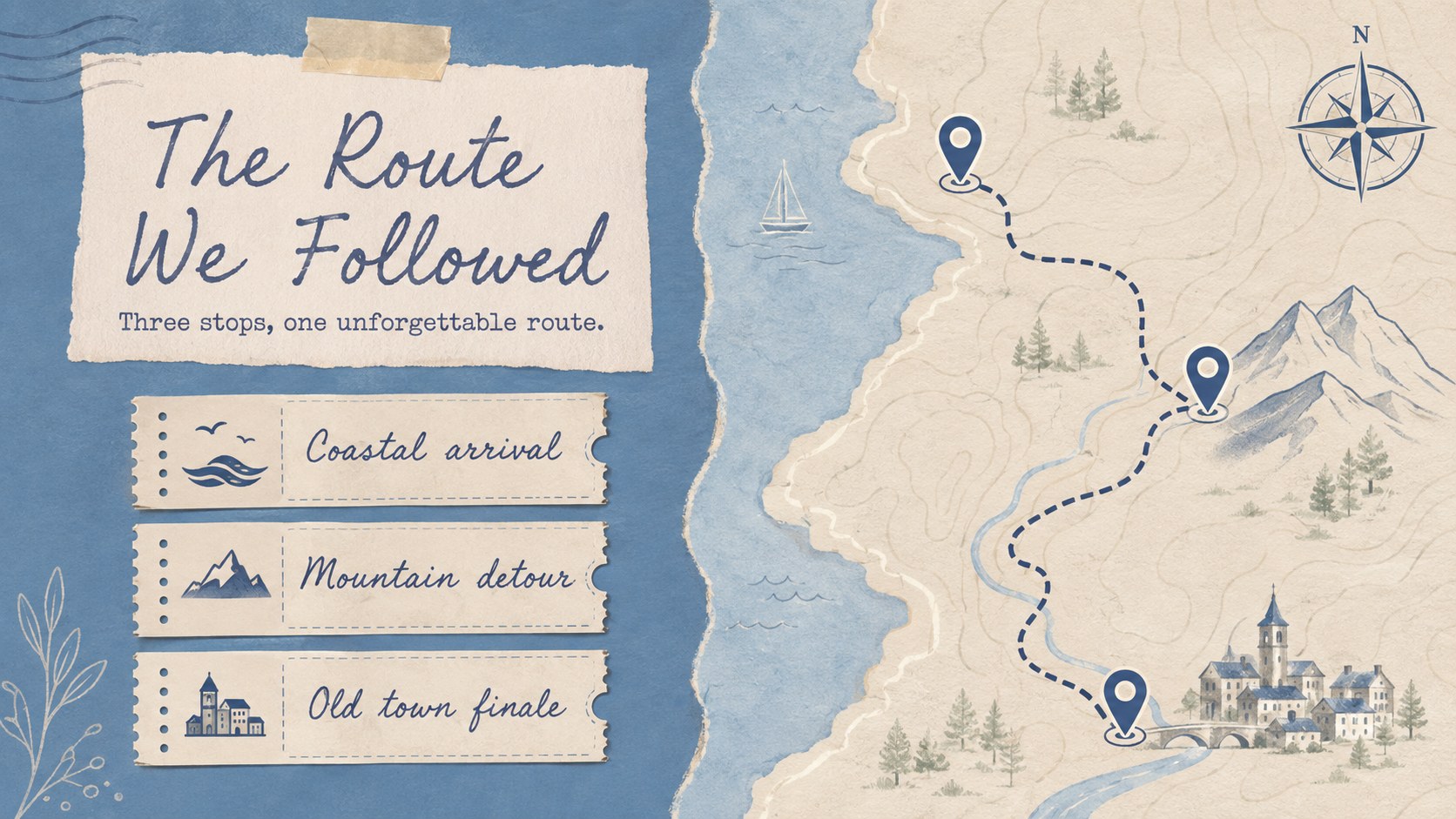
The 11-slide deck includes space for an opening story, destination highlights, a route overview, memorable meals, outdoor discoveries, trip statistics, personal reflections, and a closing photo. Flexible collage arrangements support landscapes, portraits, ticket stubs, captions, maps, and short journal entries. Every slide uses a widescreen 16:9 format and can be customized in PowerPoint or Google Slides with your own photos, colors, text, transitions, and animations.
This blue beige travel scrapbook works well for travelers, families, photographers, students, travel bloggers, and anyone creating a vacation photo recap slideshow. Present it at a reunion, share it online, turn it into a digital trip journal, or keep it as a private record of places that mattered. The structured layouts help you build a polished story while leaving enough freedom for candid details and individual style.
Perfect for: annual travel recap; family vacation photo story; travel blog presentation; study abroad reflection; honeymoon memory album; weekend getaway journal.
Frequently asked questions
Can I edit this travel scrapbook in PowerPoint and Google Slides? Yes. You can replace the sample wording and photos, move collage elements, and adjust colors in either PowerPoint or Google Slides. Some font substitutions may occur if the original typefaces are not installed.
Practical details
Yes. You can replace the sample wording and photos, move collage elements, and adjust colors in either PowerPoint or Google Slides. Some font substitutions may occur if the original typefaces are not installed.
Replace the image placeholders with your own landscape, portrait, food, and activity photos. Crop each image to its frame, then keep captions short so the scrapbook layouts remain easy to scan.
Yes. Update the background, paper accents, labels, and decorative shapes to match your destination or photography. Maintain strong contrast between text and textured areas for readability.
The slides can be exported as a PDF for digital sharing or printing. Review image resolution and printer margins before producing a physical album.
Keep exploring
15Build an engaging World UFO Day session with this flying saucer history lesson deck, featuring retro green-and-brown slides for PowerPoint and Google Slides.
 15
15Plan a lively animal-learning journey with this jungle zoo adventure lesson deck, ready to customize in PowerPoint and Google Slides for young learners.
 16
16Turn environmental research into a clear story with a Watercolor Ecology Presentation Theme for PowerPoint and Google Slides in calming green and blue.
 16
16Build focused fashion, literature, and humanities presentations with the Red Triangle Editorial Theme, editable in PowerPoint and Google Slides.
 15
15Turn streaming stats, favorite tracks, and concert highlights into a bold annual listening recap slide deck for PowerPoint and Google Slides.
 15
15Turn highlights, milestones, and favorite moments into a colorful year in review slide deck with bold 3D graphics for PowerPoint and Google Slides.
 3
3Build a credible endorsement with Standout Colleague Recommendation Letter Slides, featuring colorful prompts for skills, achievements, and team impact.
 4
4Build clear beginner sessions with an ice hockey fundamentals training deck for coaches, PE teachers, and clubs, ready for PowerPoint and Google Slides.