
 15
15presentation
Flying Saucer History Lesson Deck
Build an engaging World UFO Day session with this flying saucer history lesson deck, featuring retro green-and-brown slides for PowerPoint and Google Slides.
Google SlidesPowerPoint
presentation · English
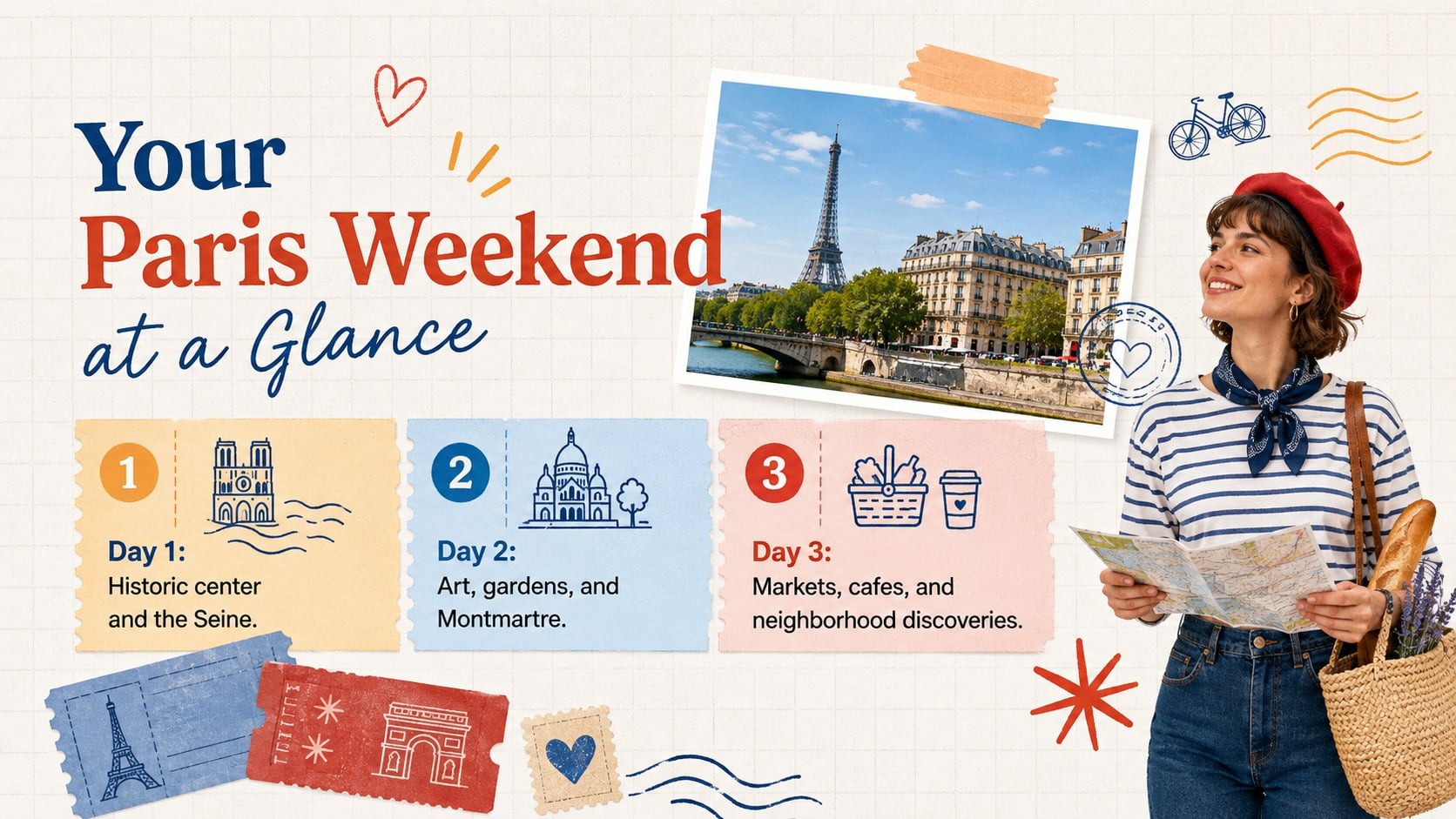
Build client-ready itineraries with a Paris city break planner featuring collage-style slides for landmarks, dining, stays, and practical local tips.




Design notes
Turn Paris recommendations into a clear, inviting journey with this Paris city break planner for PowerPoint and Google Slides. Its modern white canvas, colorful paper details, handwritten accents, and playful travel imagery create a polished collage look without distracting from essential trip information. Use it as a paris weekend itinerary presentation for clients, groups, or hospitality partners.
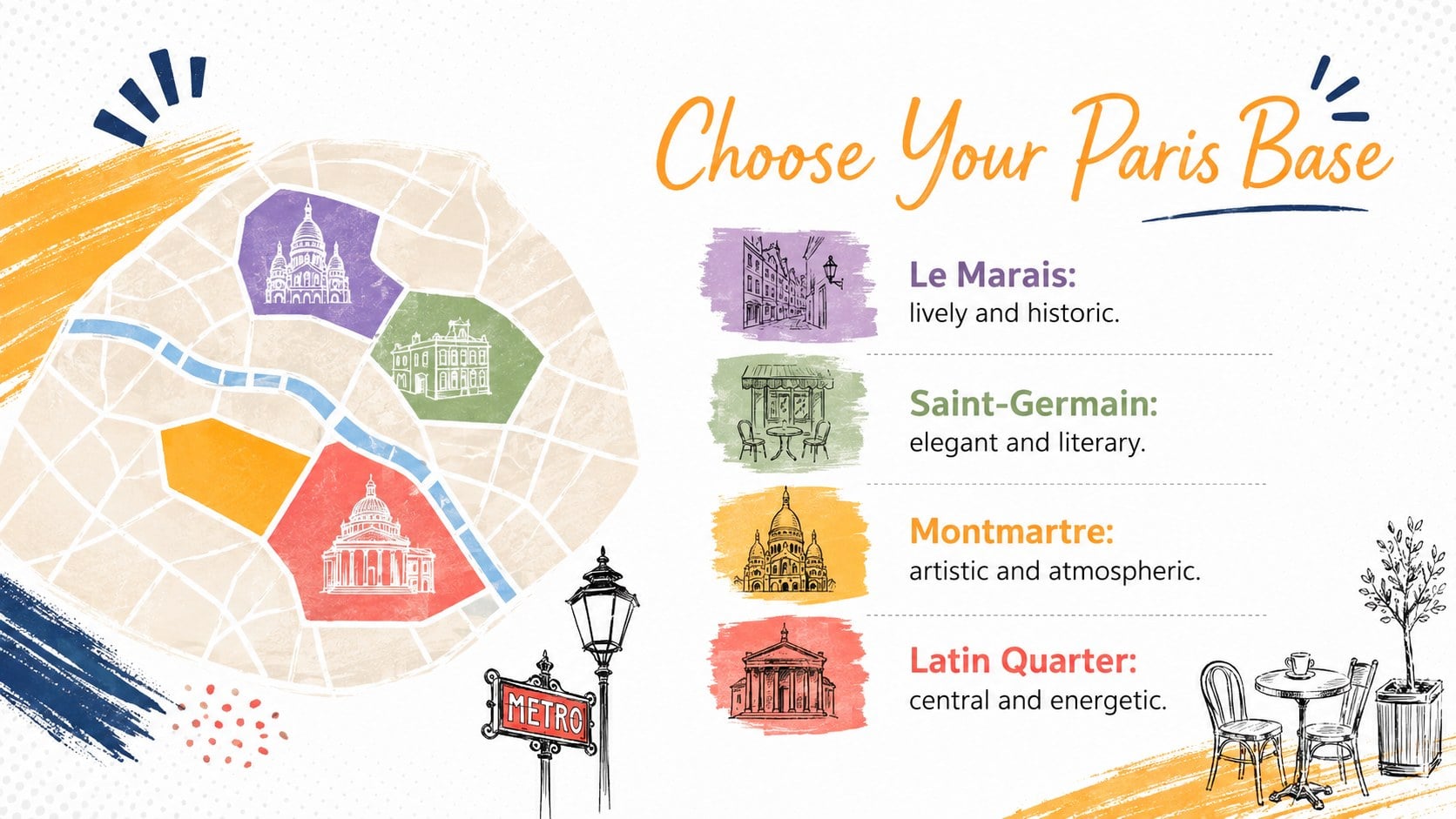
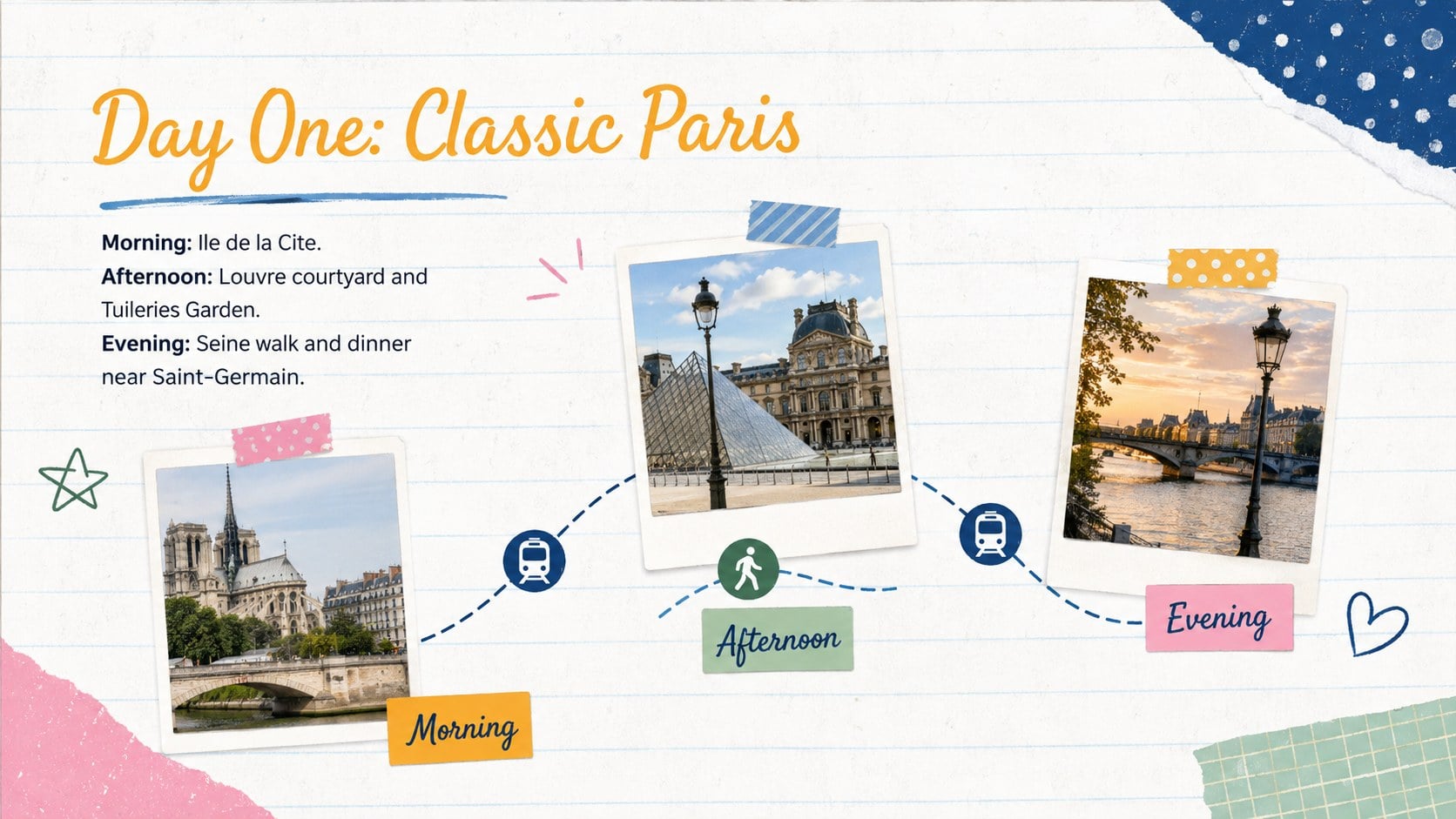
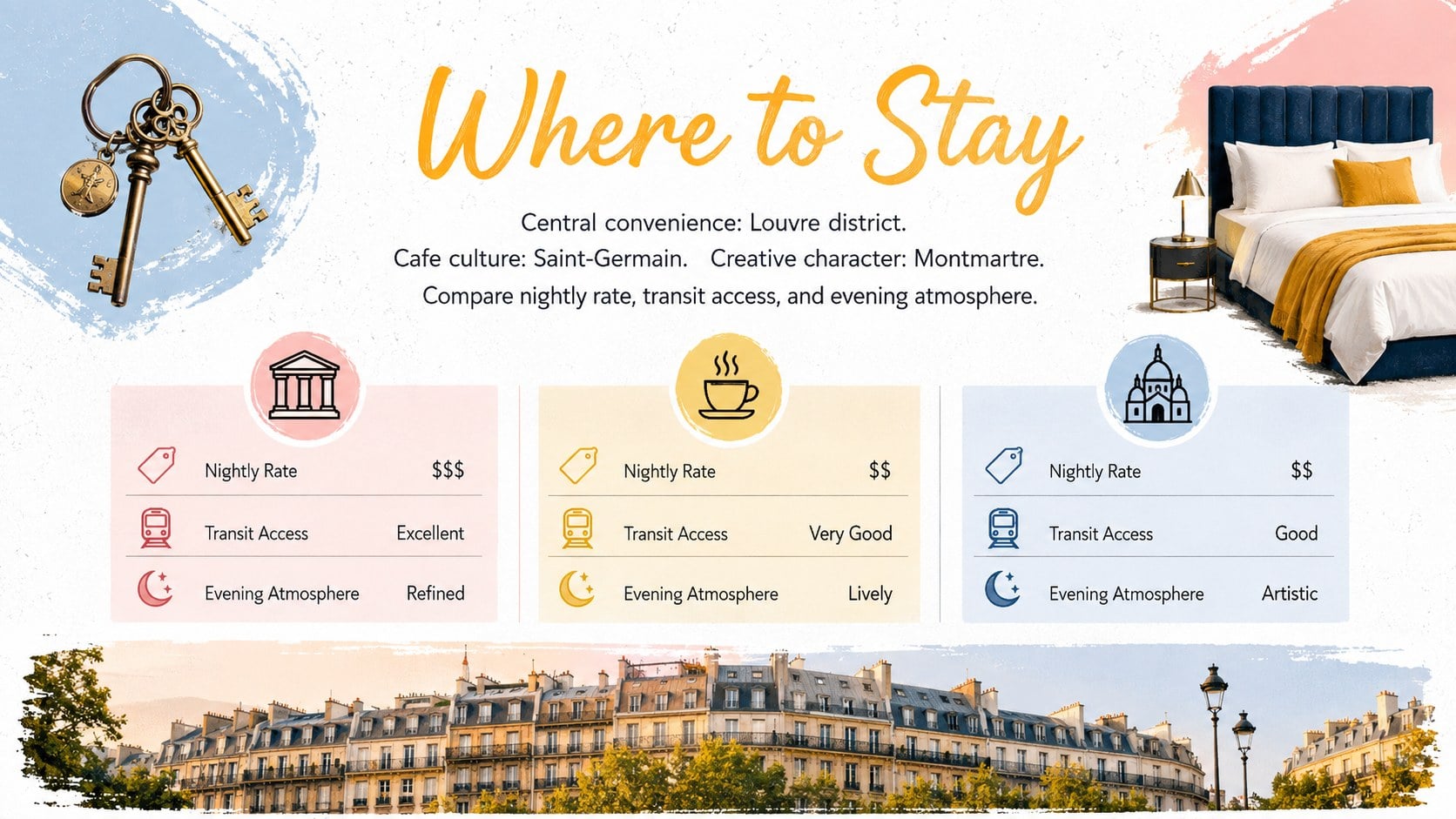
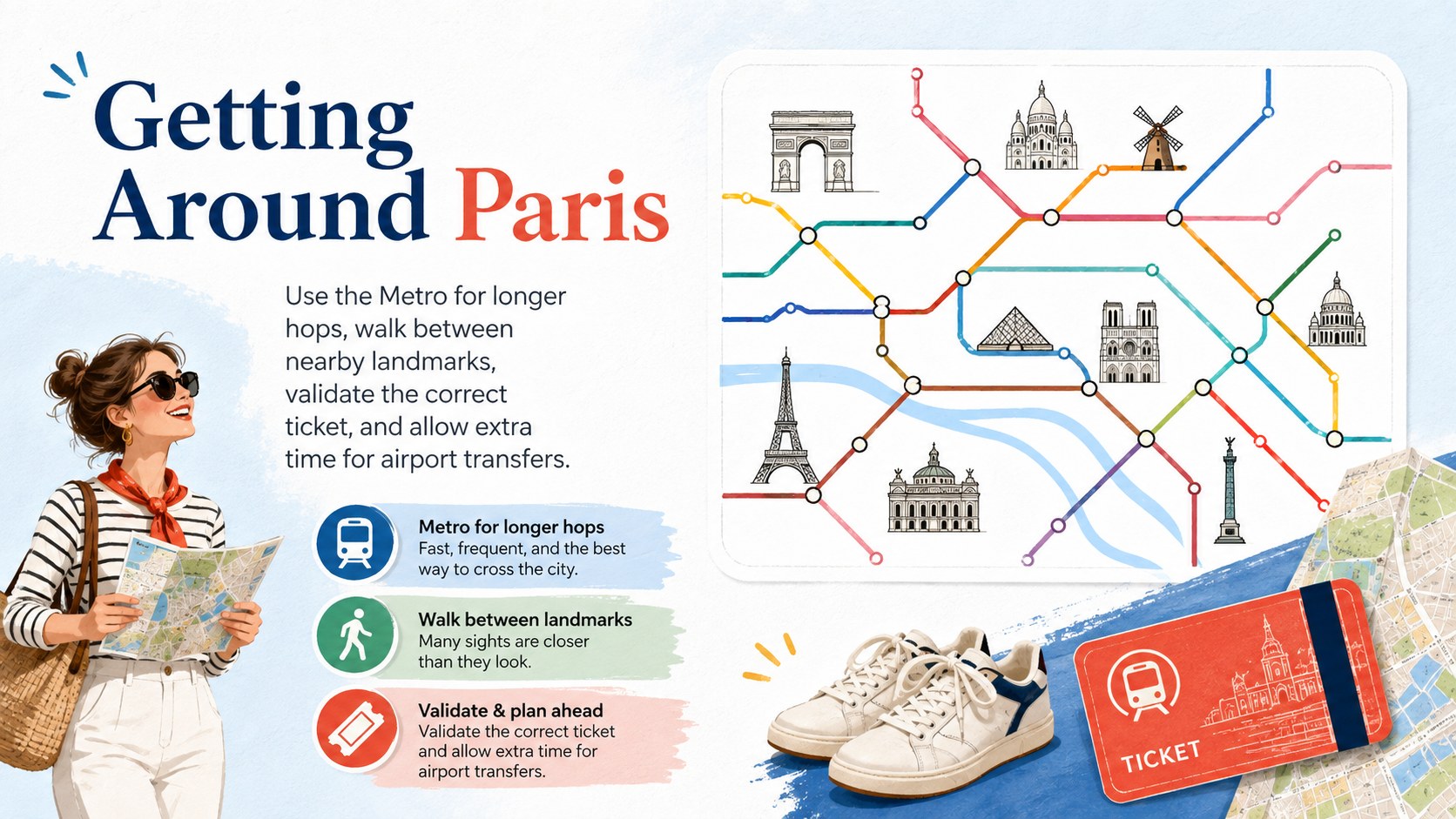
The deck provides flexible layouts for trip highlights, neighborhood profiles, landmark recommendations, daily schedules, dining picks, hotel options, transport advice, seasonal notes, budget estimates, and packing reminders. Charts, photo frames, maps, timelines, and comparison layouts help organize practical details while preserving the upbeat editorial style. Every element can be adjusted to match a traveler profile, brand identity, trip length, or service package.
Designed for travel agents, tour operators, hotel teams, destination marketers, and independent trip planners, this editable paris tourism slide deck works equally well for consultation meetings and shareable proposals. It can also serve as a city break presentation for travel agents who need to explain choices quickly and guide clients toward booking decisions. Replace the sample text and images, update the colors or fonts, then present directly or export the finished itinerary for distribution.
Perfect for: client weekend itinerary proposal; Paris group tour briefing; hotel concierge recommendations; travel agency consultation; destination marketing presentation.
Frequently asked questions
Can I edit the itinerary and destination recommendations? Yes. All headings, schedules, descriptions, photos, colors, and layout elements can be customized to suit the trip length and traveler profile.
Practical details
Yes. All headings, schedules, descriptions, photos, colors, and layout elements can be customized to suit the trip length and traveler profile.
The template is designed for Microsoft PowerPoint and Google Slides. Some fonts or effects may display slightly differently between platforms, so review the final deck before presenting.
Yes. Replace the Paris photos, landmark names, map references, and local advice while keeping the collage design system and planning layouts.
Yes. Add your logo separately, apply your brand colors and typefaces, and update the contact or booking details before sharing the presentation with clients.
Keep exploring
15Build an engaging World UFO Day session with this flying saucer history lesson deck, featuring retro green-and-brown slides for PowerPoint and Google Slides.
 15
15Plan a lively animal-learning journey with this jungle zoo adventure lesson deck, ready to customize in PowerPoint and Google Slides for young learners.
 16
16Turn environmental research into a clear story with a Watercolor Ecology Presentation Theme for PowerPoint and Google Slides in calming green and blue.
 16
16Build focused fashion, literature, and humanities presentations with the Red Triangle Editorial Theme, editable in PowerPoint and Google Slides.
 15
15Turn streaming stats, favorite tracks, and concert highlights into a bold annual listening recap slide deck for PowerPoint and Google Slides.
 15
15Turn highlights, milestones, and favorite moments into a colorful year in review slide deck with bold 3D graphics for PowerPoint and Google Slides.
 3
3Build a credible endorsement with Standout Colleague Recommendation Letter Slides, featuring colorful prompts for skills, achievements, and team impact.
 4
4Build clear beginner sessions with an ice hockey fundamentals training deck for coaches, PE teachers, and clubs, ready for PowerPoint and Google Slides.