
 15
15presentation
Flying Saucer History Lesson Deck
Build an engaging World UFO Day session with this flying saucer history lesson deck, featuring retro green-and-brown slides for PowerPoint and Google Slides.
Google SlidesPowerPoint
presentation · English
Turn simple folds into a hands-on science challenge with this Paper Airplane STEM Activity Deck, built for editable PowerPoint and Google Slides lessons.
Design notes
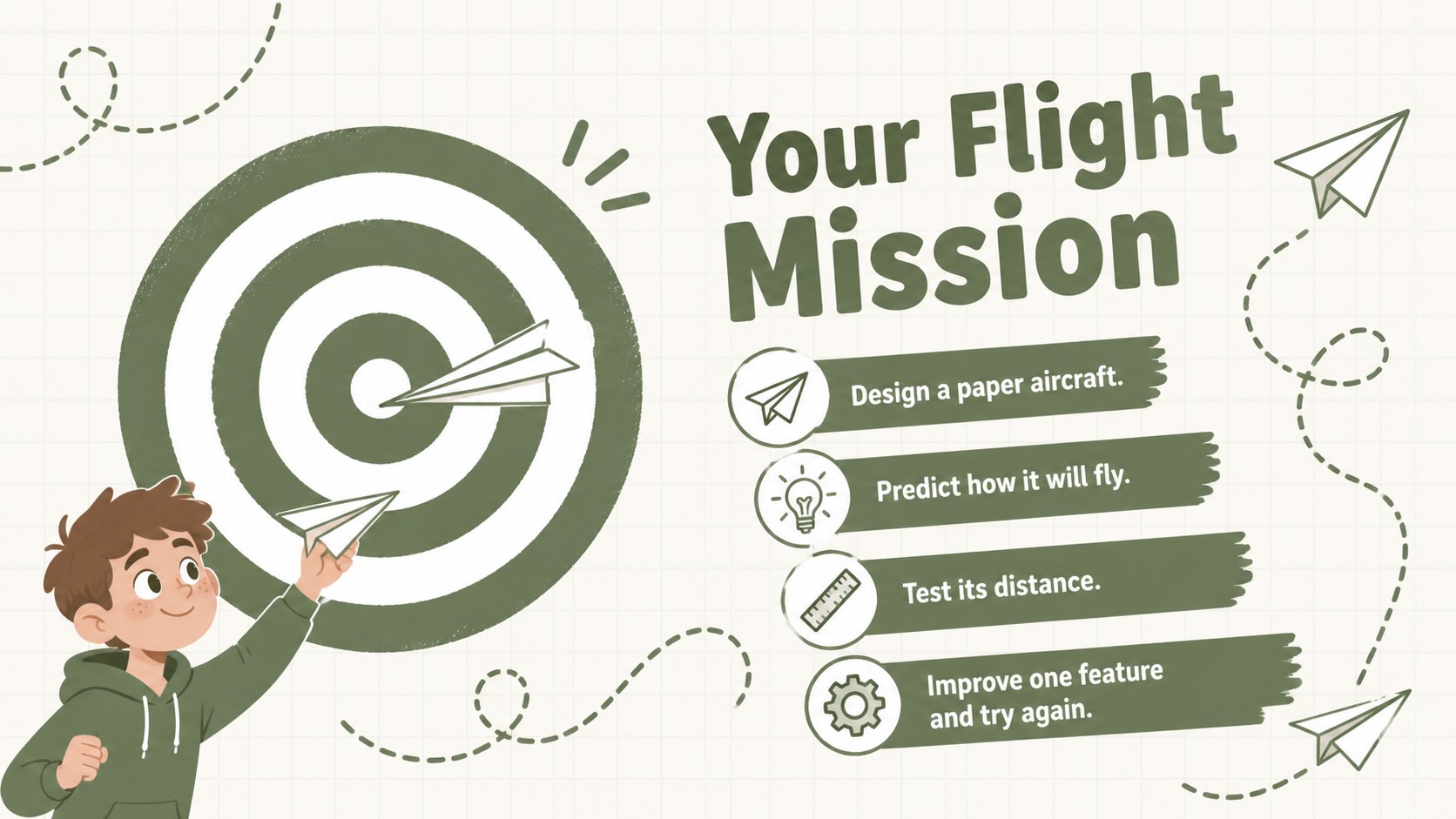
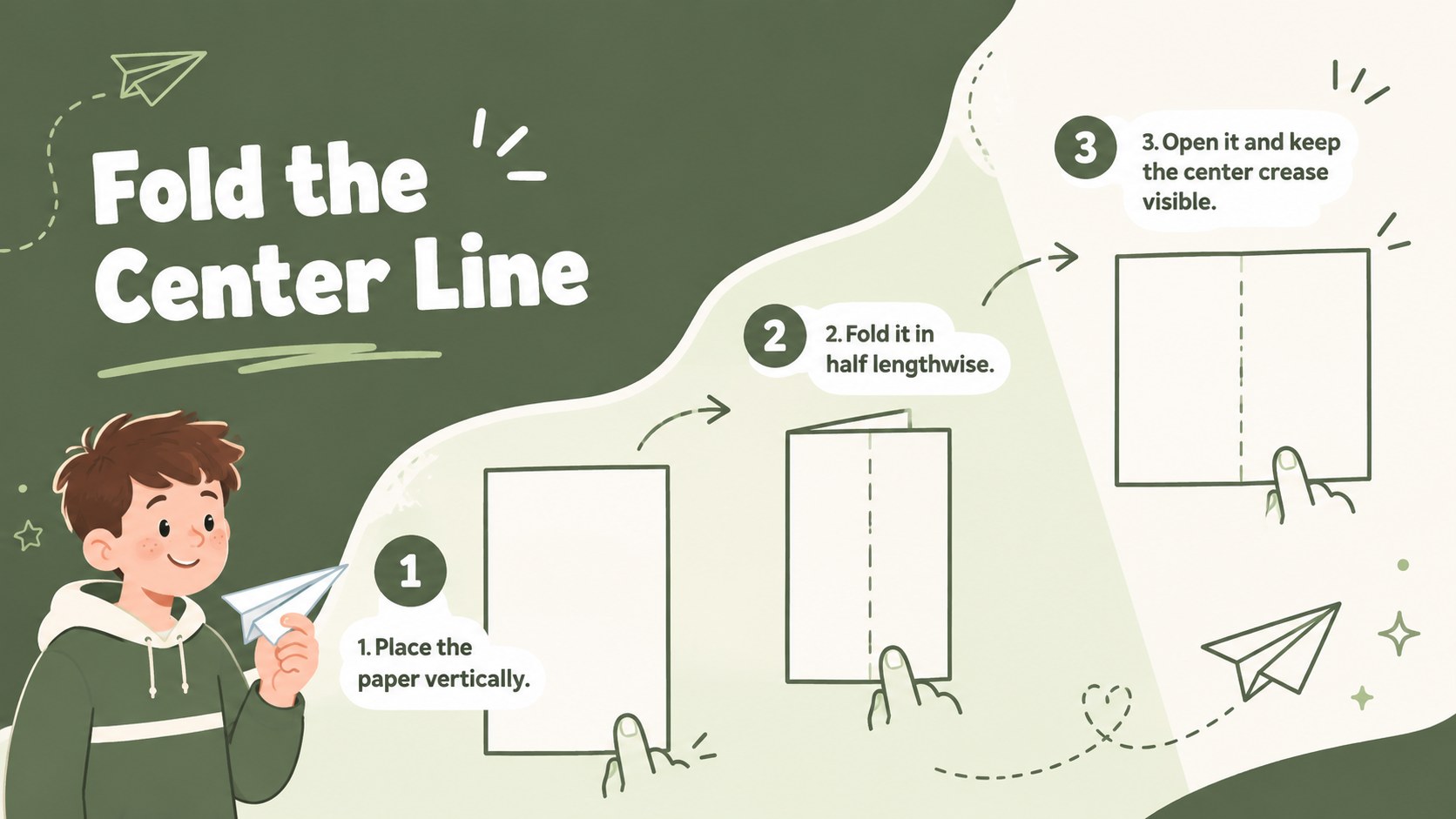
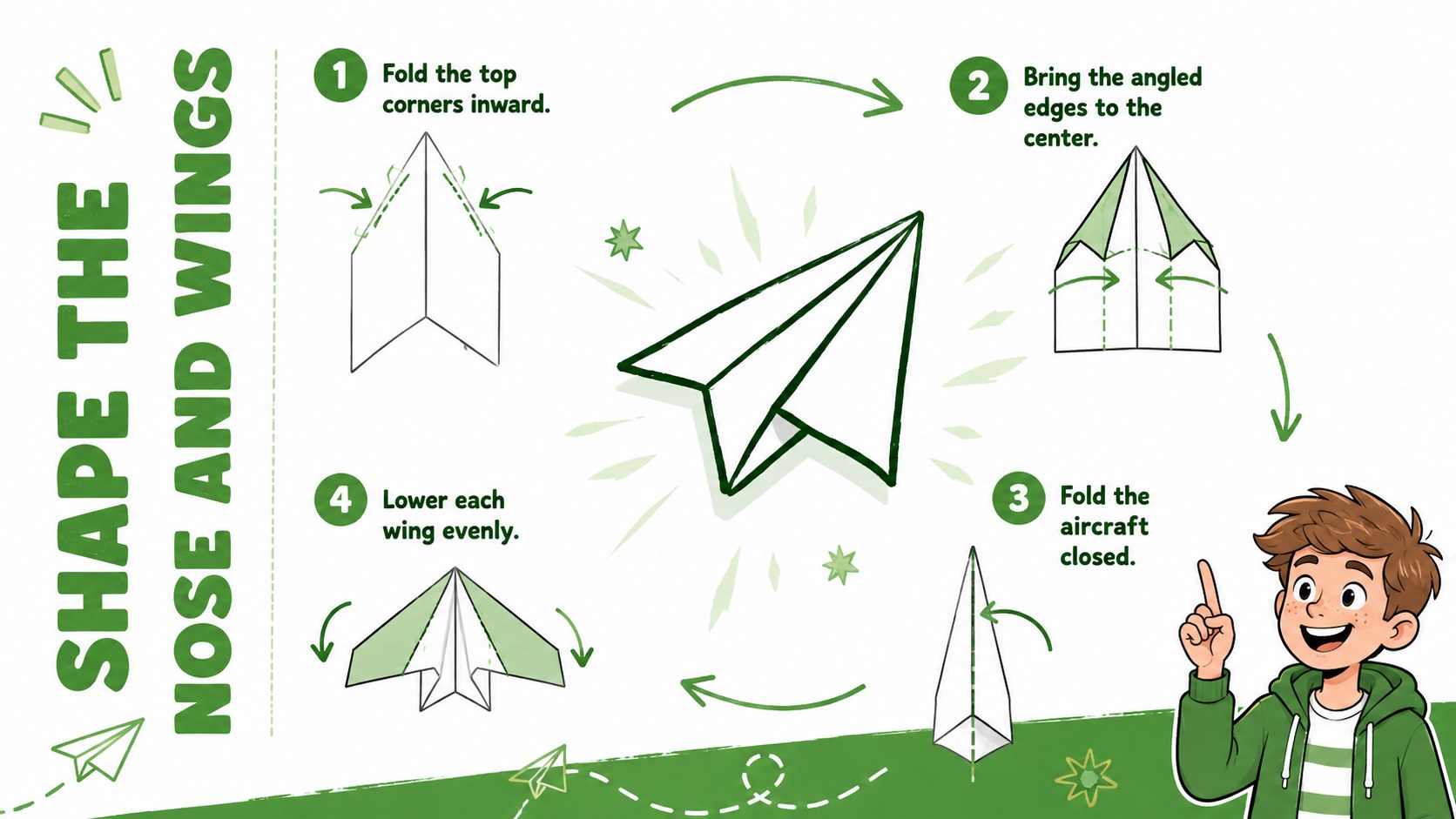
Turn an everyday sheet of paper into an engaging investigation with the Paper Airplane STEM Activity Deck. Designed for elementary classrooms, science clubs, and family learning sessions, this playful green-and-white presentation guides children through folding, predicting, flying, measuring, and improving their own aircraft. Animated-style doodles and spacious layouts make each task approachable without distracting from the lesson.
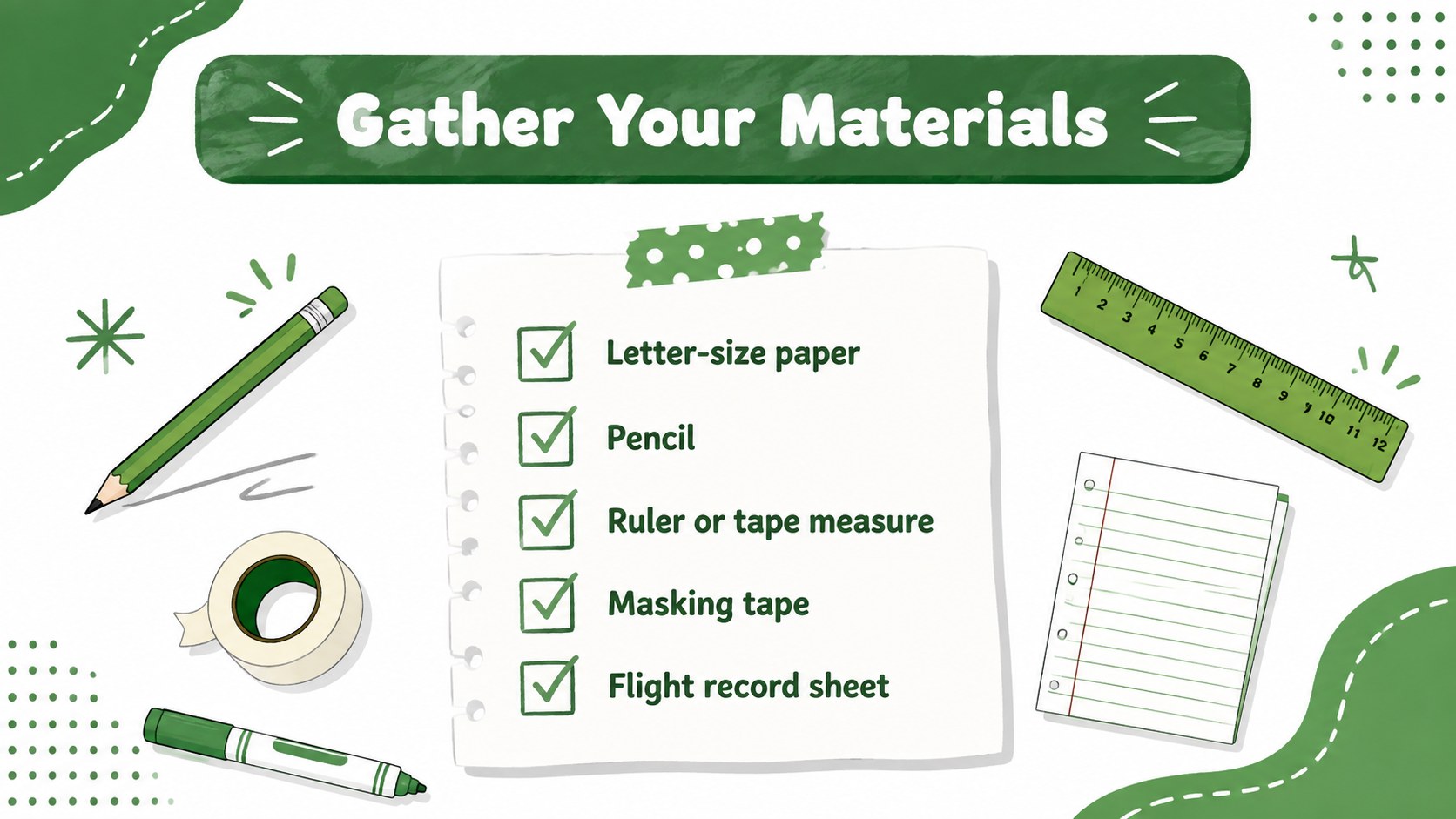
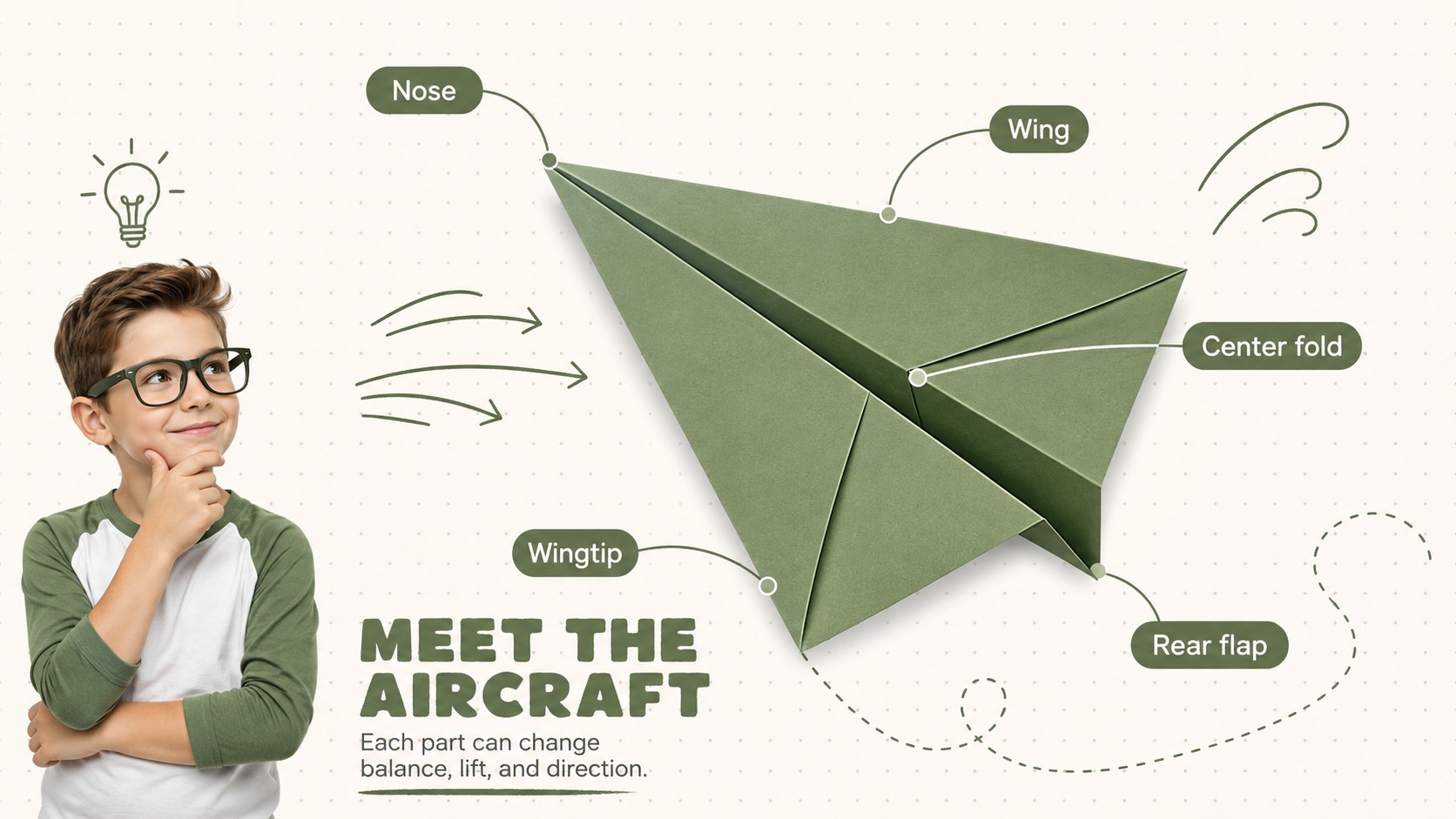
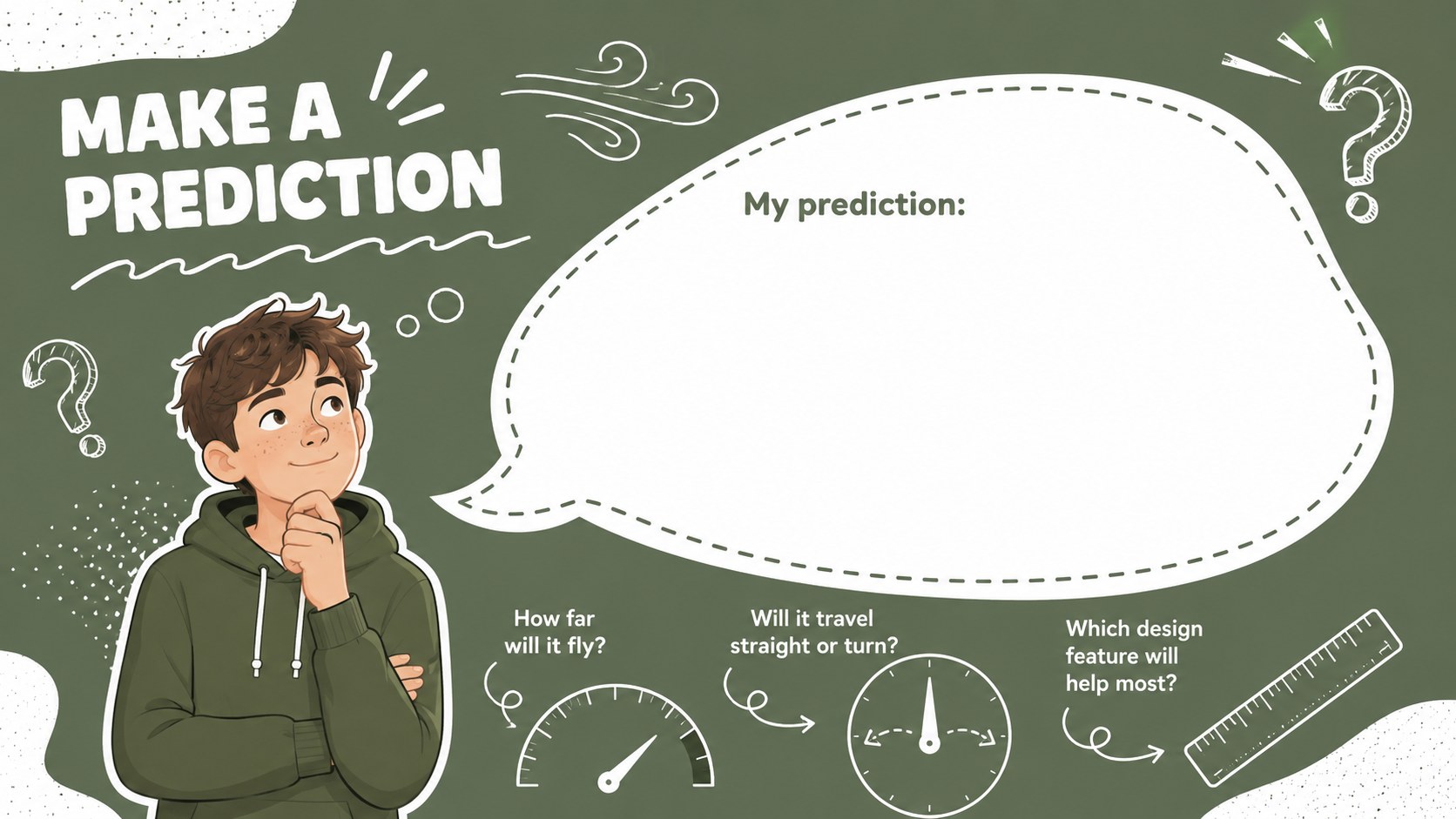
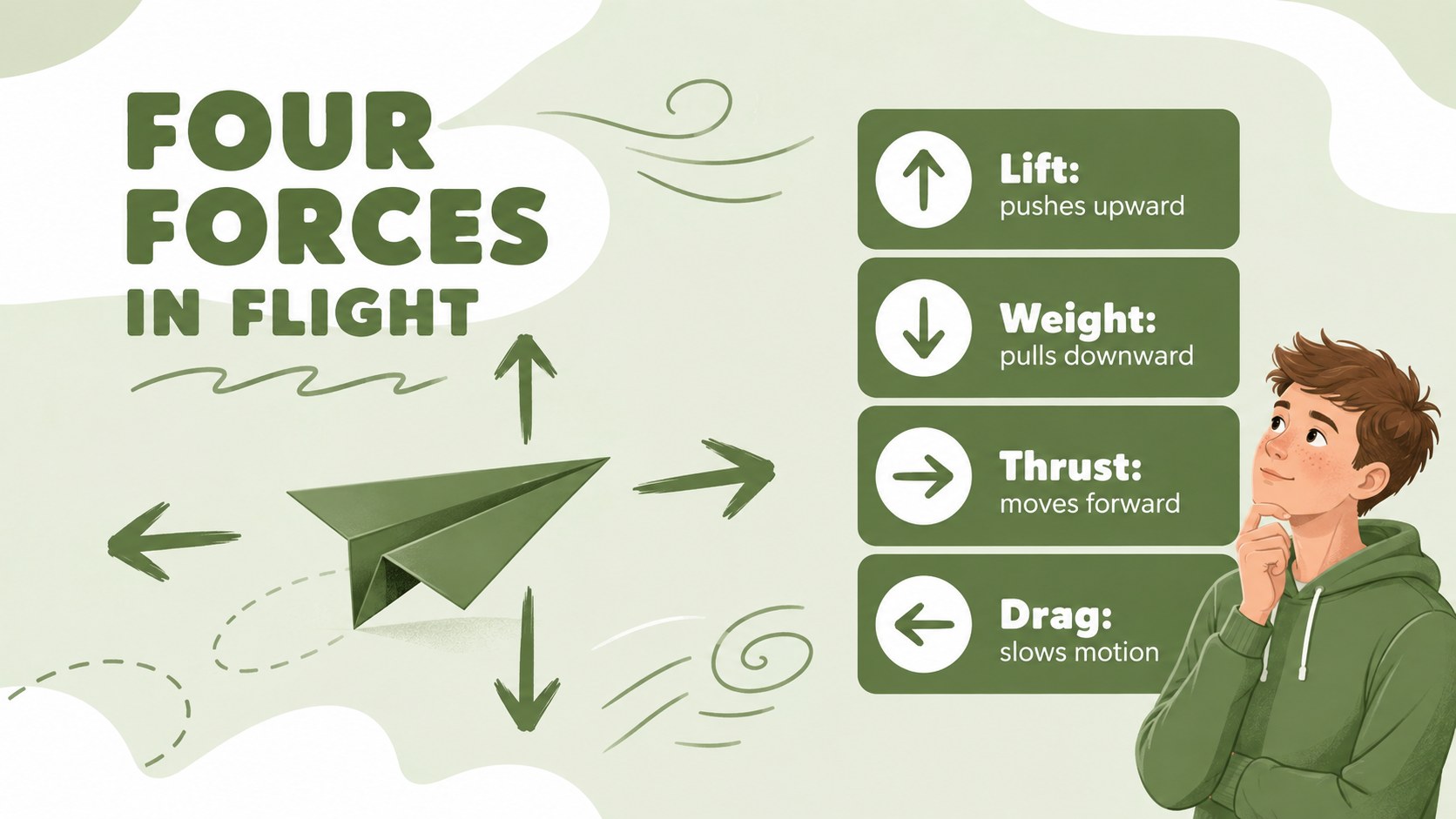
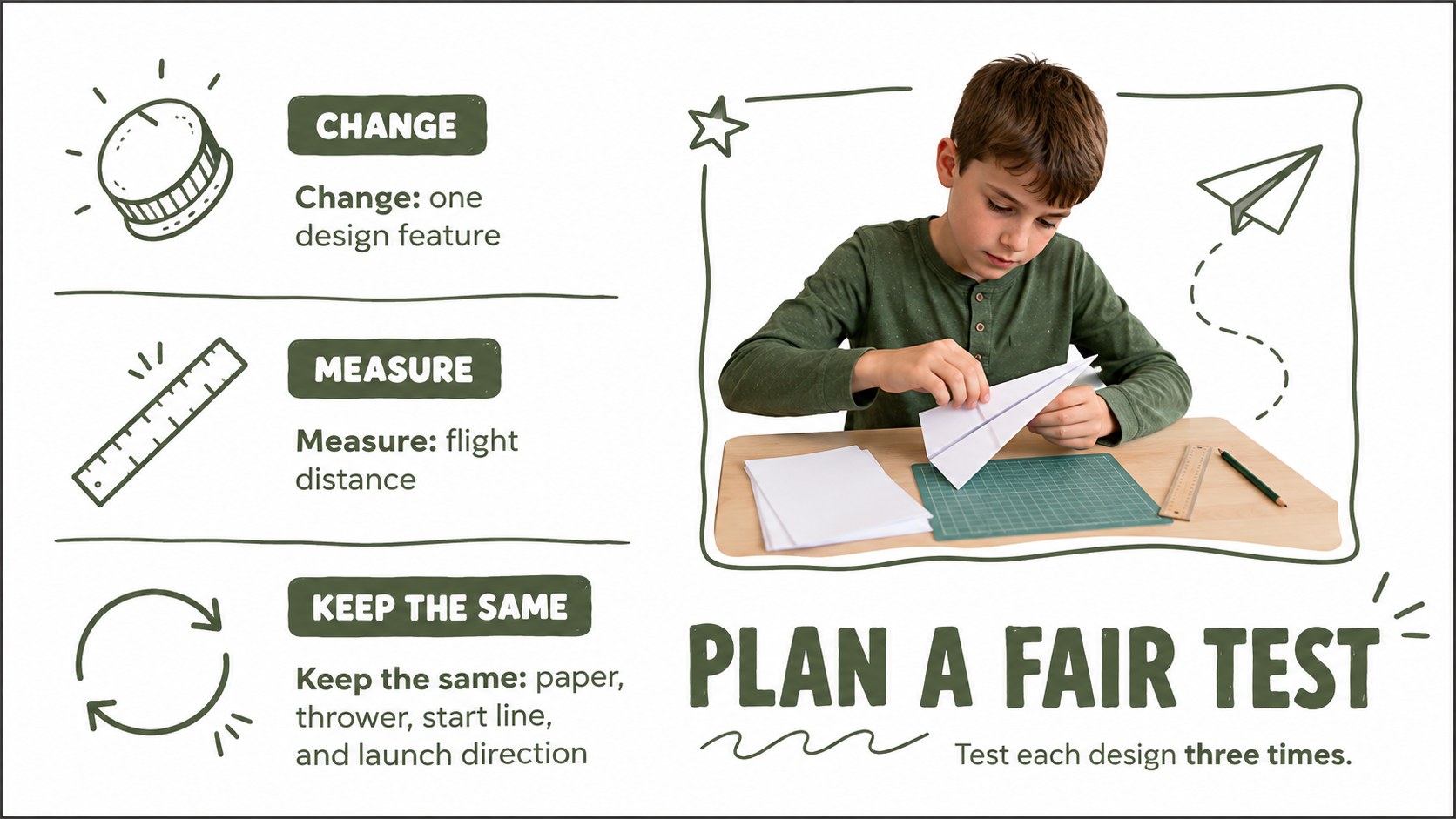
The deck includes 15 classroom-ready layouts covering materials, folding stages, basic forces of flight, experiment variables, predictions, test procedures, distance records, design comparisons, troubleshooting, and reflection. Teachers can use the paper airplane science lesson slides as a complete activity or select individual pages for a shorter workshop. Tables and prompts also support a classroom flight experiment presentation in which teams compare results and explain how each design choice affected performance.
This aerodynamics activity for elementary students works well for STEM days, engineering units, after-school programs, indoor recess projects, and collaborative learning. Every slide can be edited in PowerPoint or Google Slides, allowing educators to change instructions, add class results, adjust vocabulary, or apply their own timing. The lighthearted doodle style keeps the experience kid-friendly, while the structured sequence builds observation, measurement, communication, and problem-solving skills.
Perfect for: elementary science lesson; classroom flight experiment; STEM engineering challenge; after-school science club; indoor team activity.
Frequently asked questions
Can I edit the folding instructions and experiment questions? Yes. All headings, directions, tables, and prompts can be changed to match your students' age, lesson goals, and available class time.
Practical details
Yes. All headings, directions, tables, and prompts can be changed to match your students' age, lesson goals, and available class time.
The deck is designed for PowerPoint and Google Slides. Its standard 16:9 format works for classroom projectors, interactive displays, and online lessons.
Yes. Replace the sample measurements in the data tables and comparison layouts with your class results, then update the charts or written conclusions.
Yes. You can adjust the green-and-white palette, move or remove doodles, and add school-specific graphics while preserving the activity structure.
Keep exploring
15Build an engaging World UFO Day session with this flying saucer history lesson deck, featuring retro green-and-brown slides for PowerPoint and Google Slides.
 15
15Plan a lively animal-learning journey with this jungle zoo adventure lesson deck, ready to customize in PowerPoint and Google Slides for young learners.
 16
16Turn environmental research into a clear story with a Watercolor Ecology Presentation Theme for PowerPoint and Google Slides in calming green and blue.
 16
16Build focused fashion, literature, and humanities presentations with the Red Triangle Editorial Theme, editable in PowerPoint and Google Slides.
 15
15Turn streaming stats, favorite tracks, and concert highlights into a bold annual listening recap slide deck for PowerPoint and Google Slides.
 15
15Turn highlights, milestones, and favorite moments into a colorful year in review slide deck with bold 3D graphics for PowerPoint and Google Slides.
 3
3Build a credible endorsement with Standout Colleague Recommendation Letter Slides, featuring colorful prompts for skills, achievements, and team impact.
 4
4Build clear beginner sessions with an ice hockey fundamentals training deck for coaches, PE teachers, and clubs, ready for PowerPoint and Google Slides.