
 15
15presentation
Flying Saucer History Lesson Deck
Build an engaging World UFO Day session with this flying saucer history lesson deck, featuring retro green-and-brown slides for PowerPoint and Google Slides.
Google SlidesPowerPoint
presentation · English
Build an engaging packaging design class with a packaging design studio lesson deck for college learners, featuring case studies, critiques, and visual…
Design notes
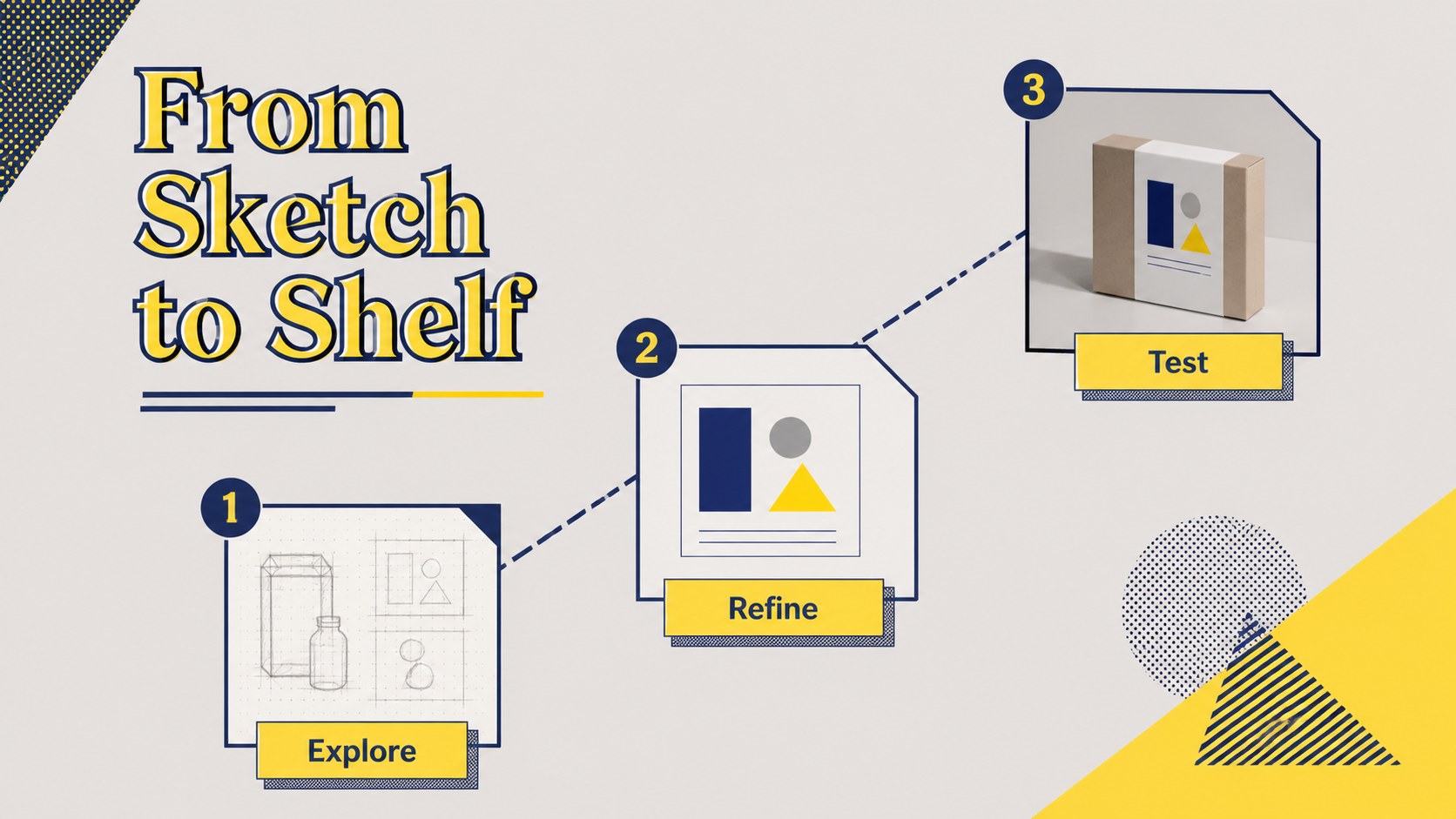
Packaging is where visual identity meets physical experience. This packaging design studio lesson gives college instructors a structured way to explore how color, typography, materials, form, and messaging influence a product before it reaches the shelf. The bold yellow, navy, and gray geometric style creates an energetic setting for discussion while leaving generous space for examples and student work.
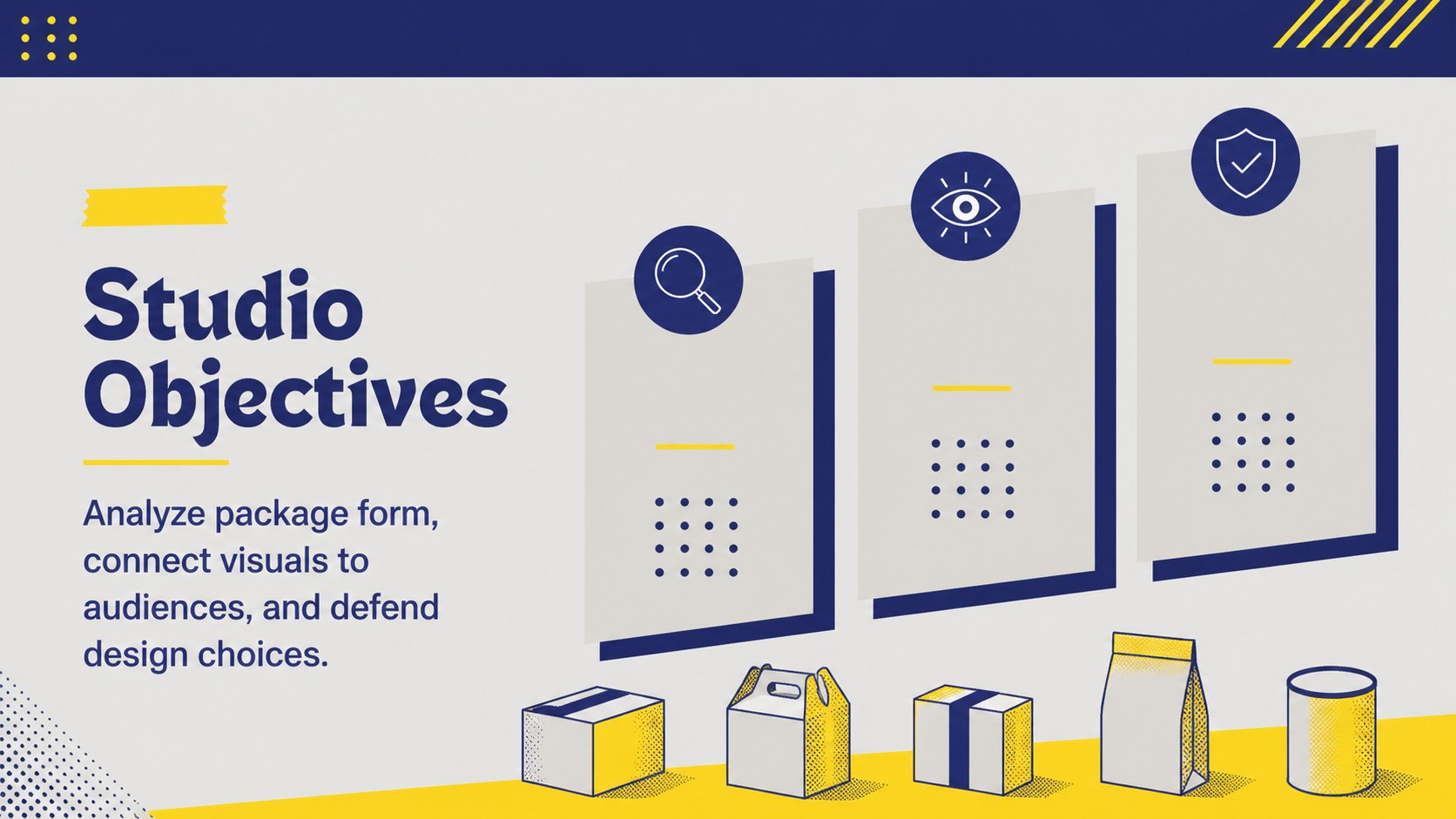
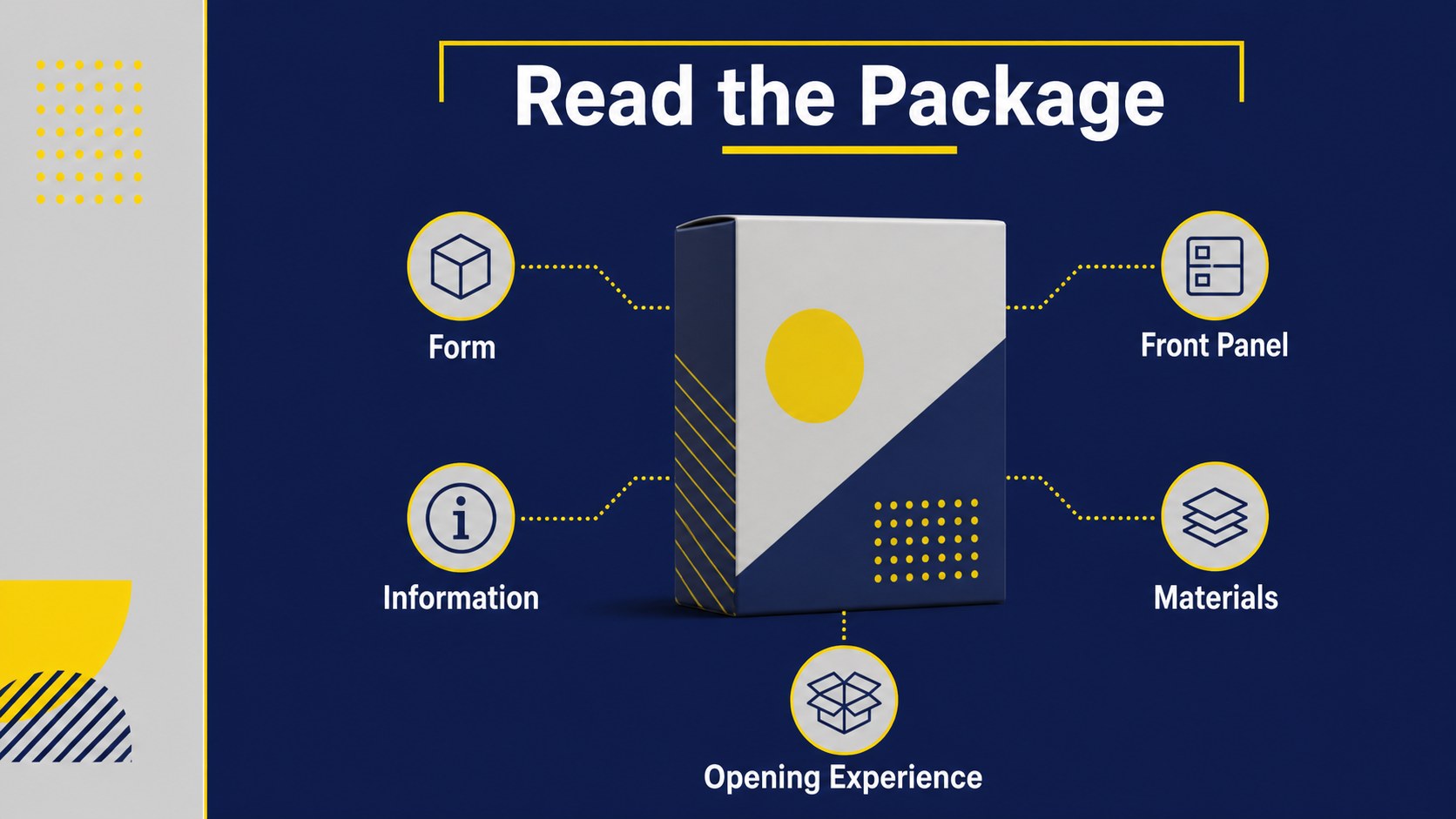
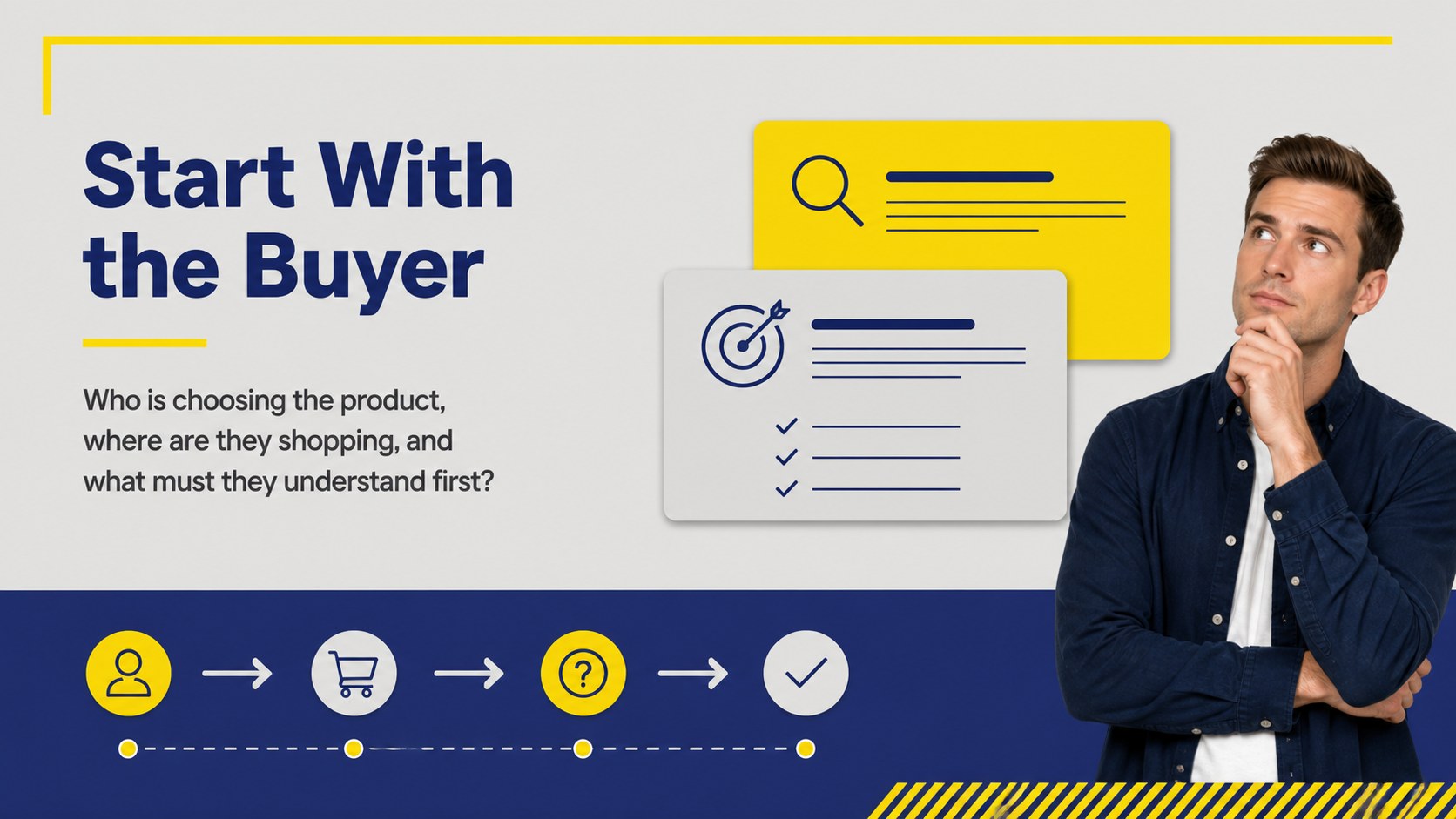
Inside, you will find layouts for learning objectives, packaging anatomy, audience research, visual hierarchy, material choices, competitor comparisons, case studies, and critique prompts. Add photographs, mockups, sketches, or campaign references to turn the deck into a practical packaging design workshop. A dedicated shelf impact presentation section can help students assess how products stand out in a crowded retail environment, while a brand packaging case study slide supports close analysis of successful decisions.
This resource is designed for college professors, design lecturers, workshop facilitators, and creative teams introducing packaging fundamentals. Customize it, then present through, PowerPoint, or Google Slides. Use the included layouts for a lecture, studio review, portfolio discussion, or collaborative assignment briefing.
Perfect for: college graphic design lecture; packaging design studio critique; brand identity workshop; product mockup assignment briefing; retail design case study.
Frequently asked questions
Can I edit this packaging design studio lesson? Yes. The template is designed for editing, so you can replace text, images, colors, and examples with your own course material. The layouts also support drag-and-drop customization.
Practical details
Yes. The template is designed for editing, so you can replace text, images, colors, and examples with your own course material. The layouts also support drag-and-drop customization.
Yes. After editing, you can export the presentation as a PowerPoint file or save an editable copy to Google Slides through. Check the exported file before presenting to confirm that fonts and media display correctly.
Use product photography, dielines, package mockups, sketches, competitor examples, and student concepts. The deck includes space for research findings, design rationale, and structured critique questions.
Yes. The sequence can introduce packaging fundamentals before moving into analysis and studio exercises. Instructors can simplify the examples for an introductory class or add more detailed brand and production research for advanced learners.
Keep exploring
15Build an engaging World UFO Day session with this flying saucer history lesson deck, featuring retro green-and-brown slides for PowerPoint and Google Slides.
 15
15Plan a lively animal-learning journey with this jungle zoo adventure lesson deck, ready to customize in PowerPoint and Google Slides for young learners.
 16
16Turn environmental research into a clear story with a Watercolor Ecology Presentation Theme for PowerPoint and Google Slides in calming green and blue.
 16
16Build focused fashion, literature, and humanities presentations with the Red Triangle Editorial Theme, editable in PowerPoint and Google Slides.
 15
15Turn streaming stats, favorite tracks, and concert highlights into a bold annual listening recap slide deck for PowerPoint and Google Slides.
 15
15Turn highlights, milestones, and favorite moments into a colorful year in review slide deck with bold 3D graphics for PowerPoint and Google Slides.
 3
3Build a credible endorsement with Standout Colleague Recommendation Letter Slides, featuring colorful prompts for skills, achievements, and team impact.
 4
4Build clear beginner sessions with an ice hockey fundamentals training deck for coaches, PE teachers, and clubs, ready for PowerPoint and Google Slides.