
 15
15presentation
Flying Saucer History Lesson Deck
Build an engaging World UFO Day session with this flying saucer history lesson deck, featuring retro green-and-brown slides for PowerPoint and Google Slides.
Google SlidesPowerPoint
presentation · English
Create an outdoor kids camp flyer template with bright illustrated layouts for dates, activities, registration, and family-friendly promotion in PowerPoint…
Design notes
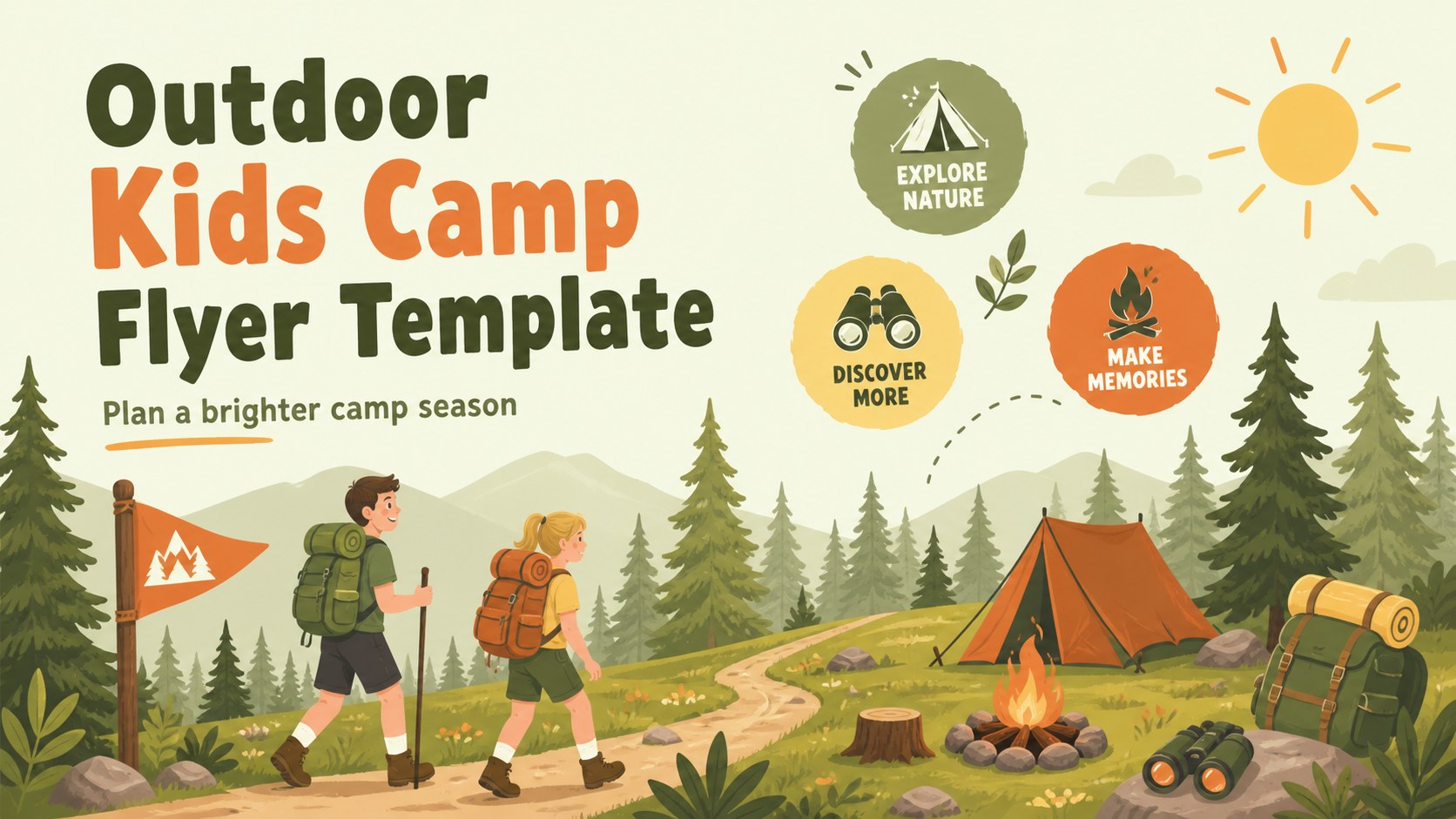
This outdoor kids camp flyer template gives summer programs a cheerful visual system for promoting dates, activities, and registration information. Bright green, orange, and yellow accents combine with friendly illustrations to create an energetic first impression for children and their families. Use the layouts as a digital announcement, printable handout, or presentation-ready event overview.
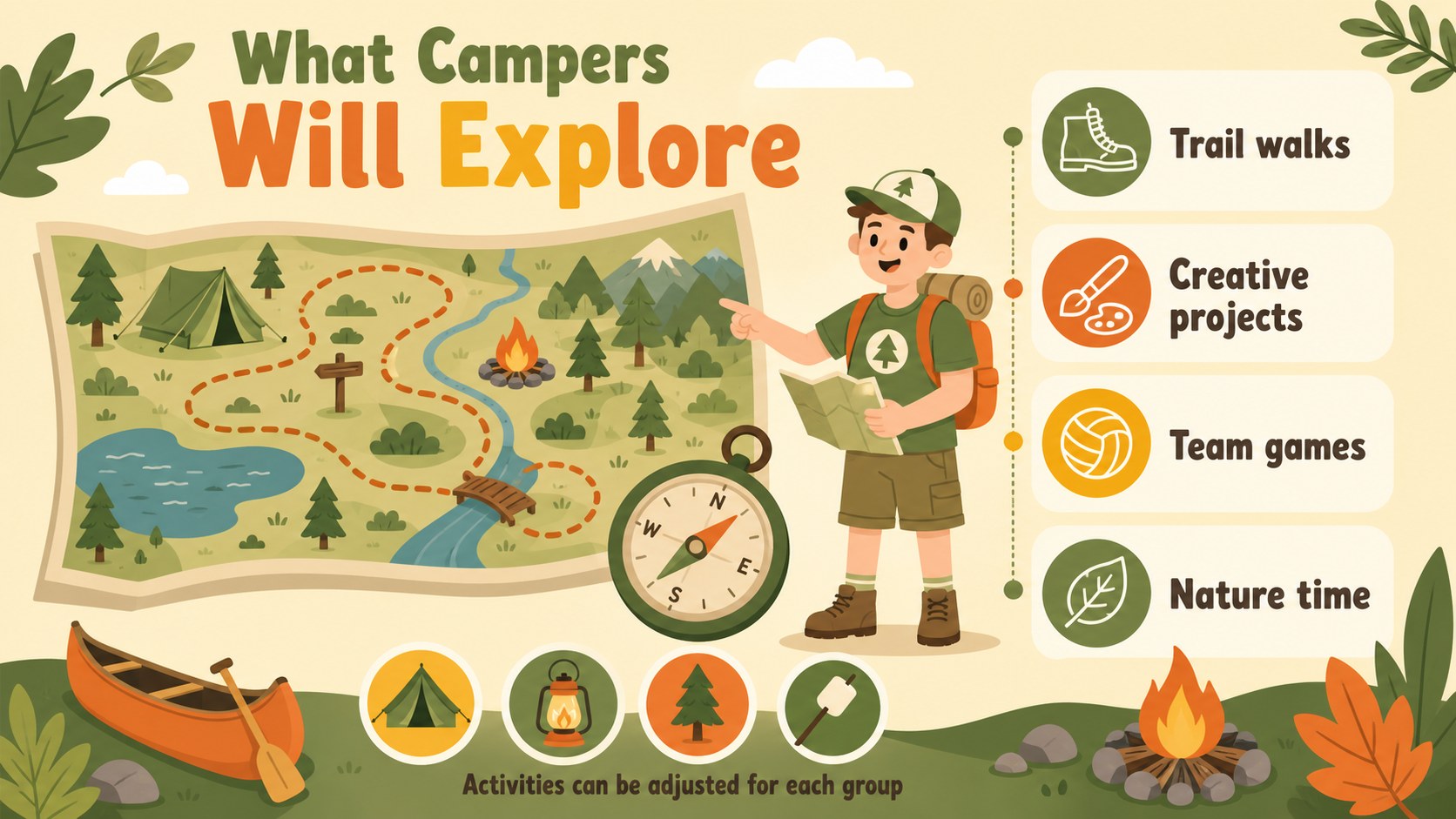
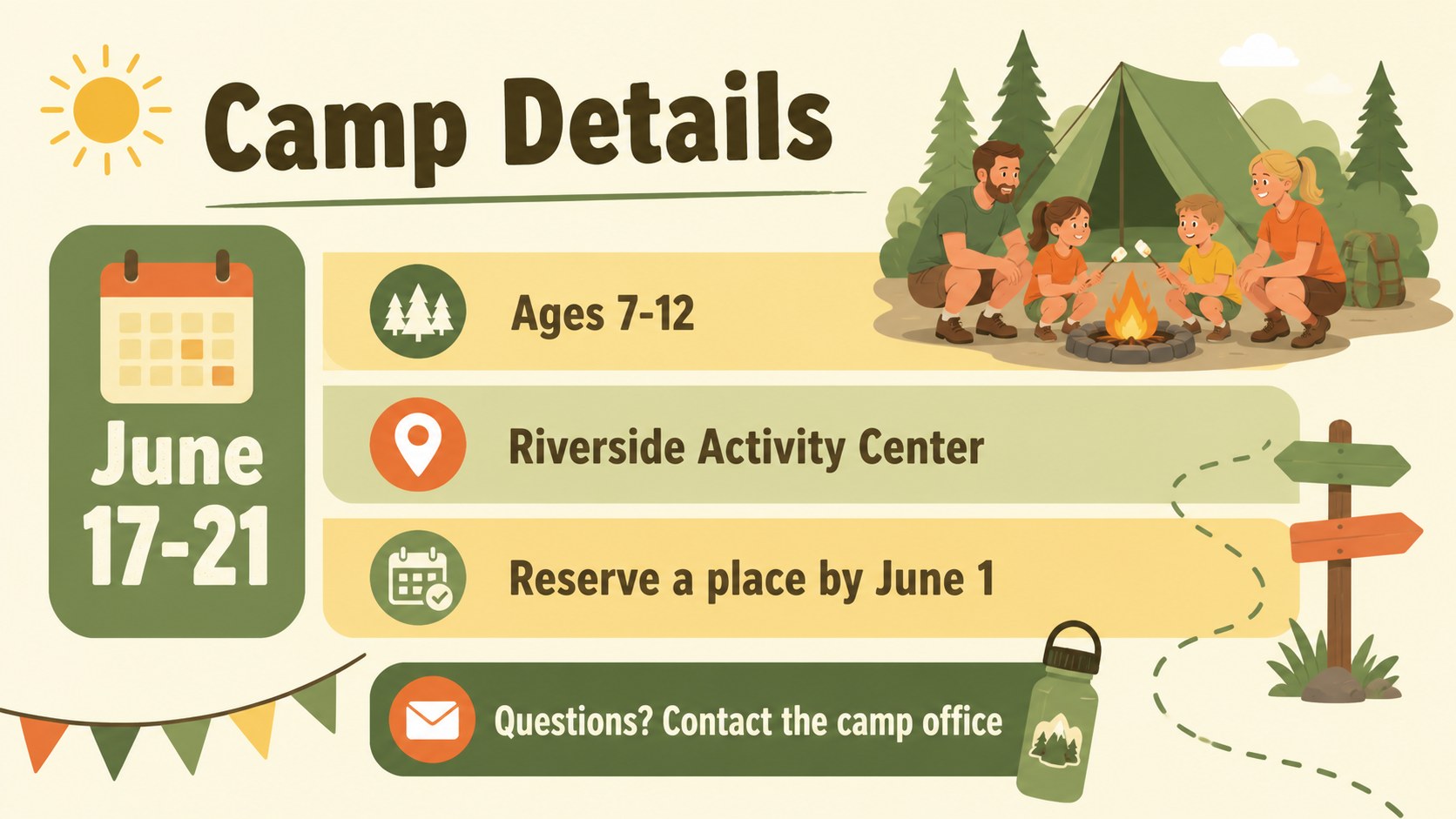
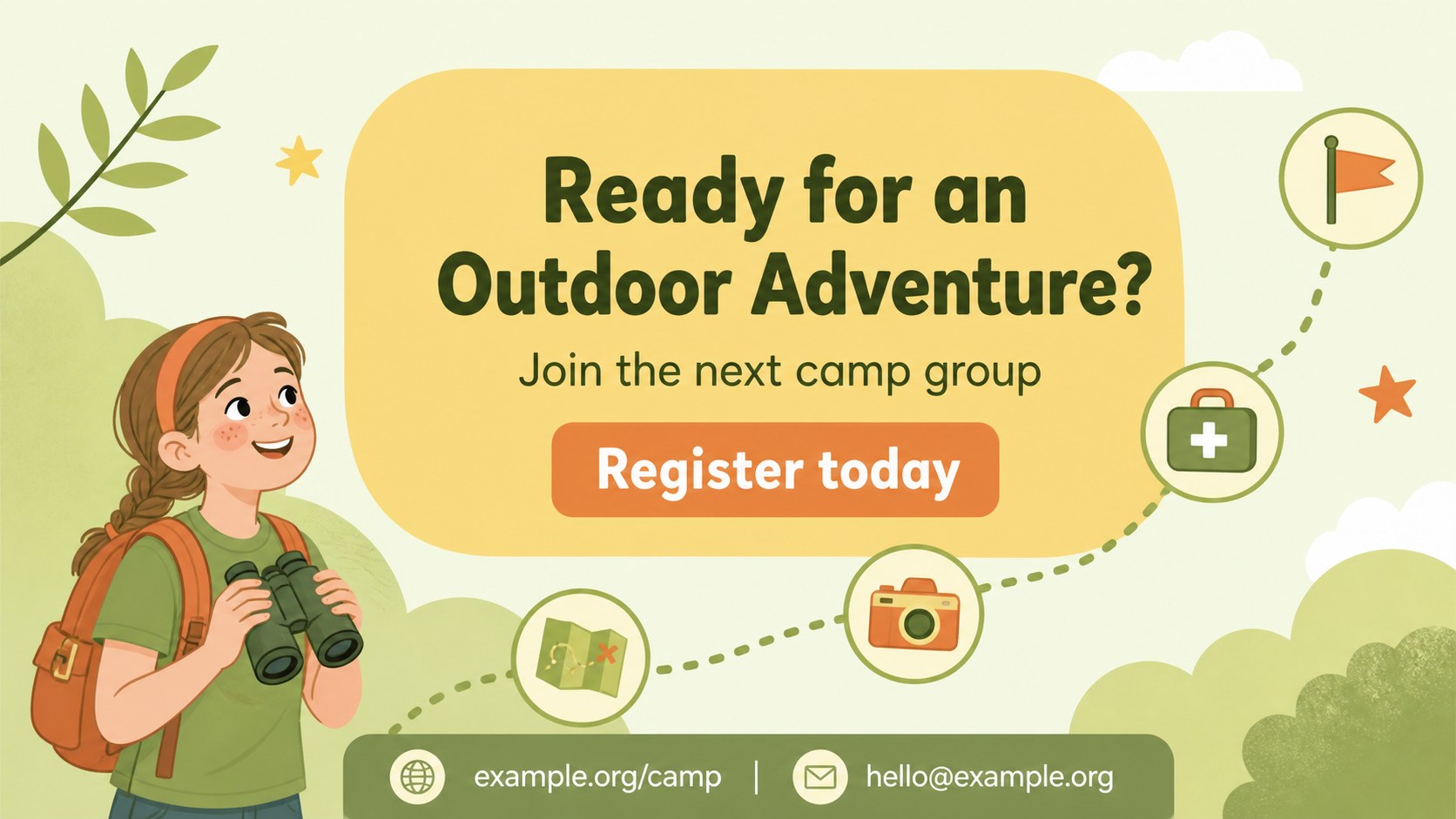
Inside, you will find four adaptable 16:9 slides for a camp cover, program highlights, daily activity details, and a clear registration call to action. The structure works well for a summer camp registration flyer, an editable camp announcement deck, or a kids activity program flyer shared with parents, schools, and community groups. Replace the sample copy, update dates, add contact details, and rearrange visual elements to match your schedule.
The template is designed for camp directors, school coordinators, recreation teams, youth organizations, and community centers. Edit it in PowerPoint or Google Slides, then export the finished design for online sharing or print. The playful palette remains easy to adapt while keeping key information readable and inviting across posters, social posts, email announcements, and information sessions.
Perfect for: summer camp registration campaign; school holiday program announcement; community center youth event; recreation department information session; parent orientation handout.
Frequently asked questions
Can I edit this template in PowerPoint? Yes. The layouts can be customized in PowerPoint, including text, colors, images, and activity details. Export the completed slides as PDF or image files when you need print-ready materials.
Practical details
Yes. The layouts can be customized in PowerPoint, including text, colors, images, and activity details. Export the completed slides as PDF or image files when you need print-ready materials.
Yes, you can open and edit the template in Google Slides. Update the sample content with your camp dates, registration link, venue, and contact information before sharing it online.
Yes. The layouts can be adapted for handouts, noticeboards, and digital announcements. Check the page setup and export settings before printing so the final dimensions and margins suit your chosen format.
Include the program name, dates, age range, location, activities, fees, registration deadline, and a clear contact method. A short list of what children should bring can also help families prepare.
Keep exploring
15Build an engaging World UFO Day session with this flying saucer history lesson deck, featuring retro green-and-brown slides for PowerPoint and Google Slides.
 15
15Plan a lively animal-learning journey with this jungle zoo adventure lesson deck, ready to customize in PowerPoint and Google Slides for young learners.
 16
16Turn environmental research into a clear story with a Watercolor Ecology Presentation Theme for PowerPoint and Google Slides in calming green and blue.
 16
16Build focused fashion, literature, and humanities presentations with the Red Triangle Editorial Theme, editable in PowerPoint and Google Slides.
 15
15Turn streaming stats, favorite tracks, and concert highlights into a bold annual listening recap slide deck for PowerPoint and Google Slides.
 15
15Turn highlights, milestones, and favorite moments into a colorful year in review slide deck with bold 3D graphics for PowerPoint and Google Slides.
 3
3Build a credible endorsement with Standout Colleague Recommendation Letter Slides, featuring colorful prompts for skills, achievements, and team impact.
 4
4Build clear beginner sessions with an ice hockey fundamentals training deck for coaches, PE teachers, and clubs, ready for PowerPoint and Google Slides.