
 15
15presentation
Flying Saucer History Lesson Deck
Build an engaging World UFO Day session with this flying saucer history lesson deck, featuring retro green-and-brown slides for PowerPoint and Google Slides.
Google SlidesPowerPoint
presentation · English
Clarify roles, reporting lines, and workflows with organizational chart infographic slides in a clean purple style for PowerPoint and Google Slides.
Design notes
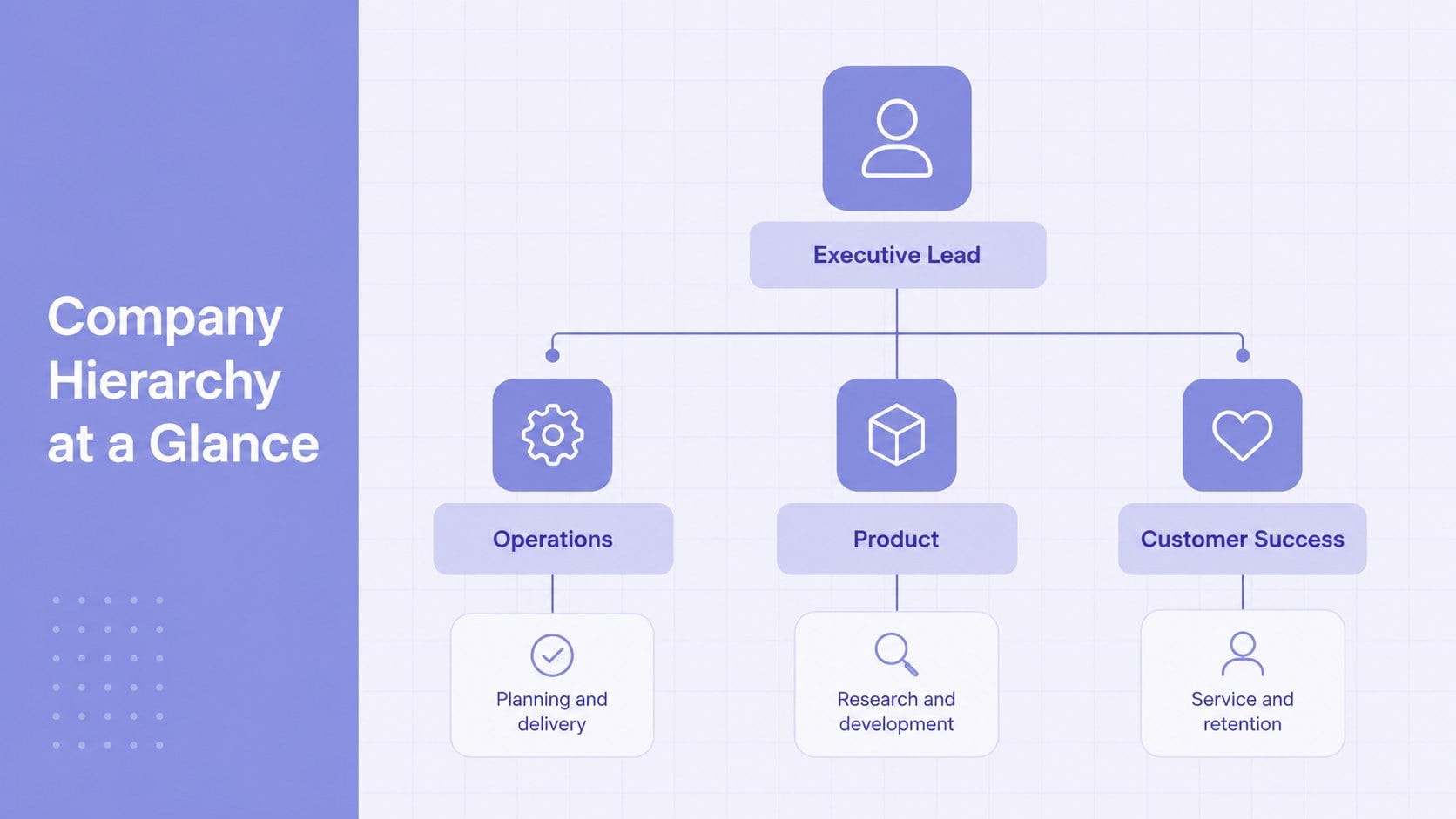
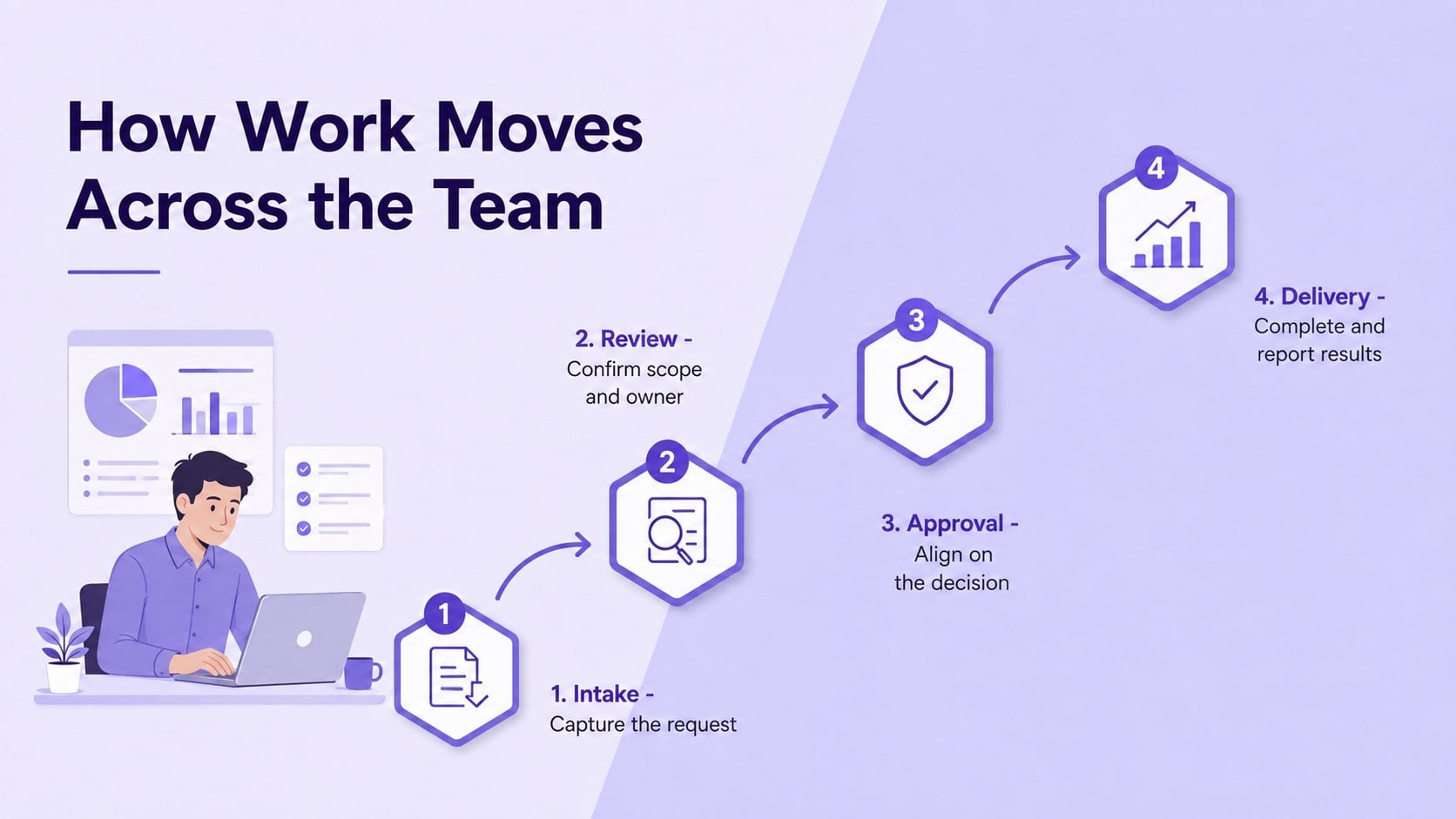
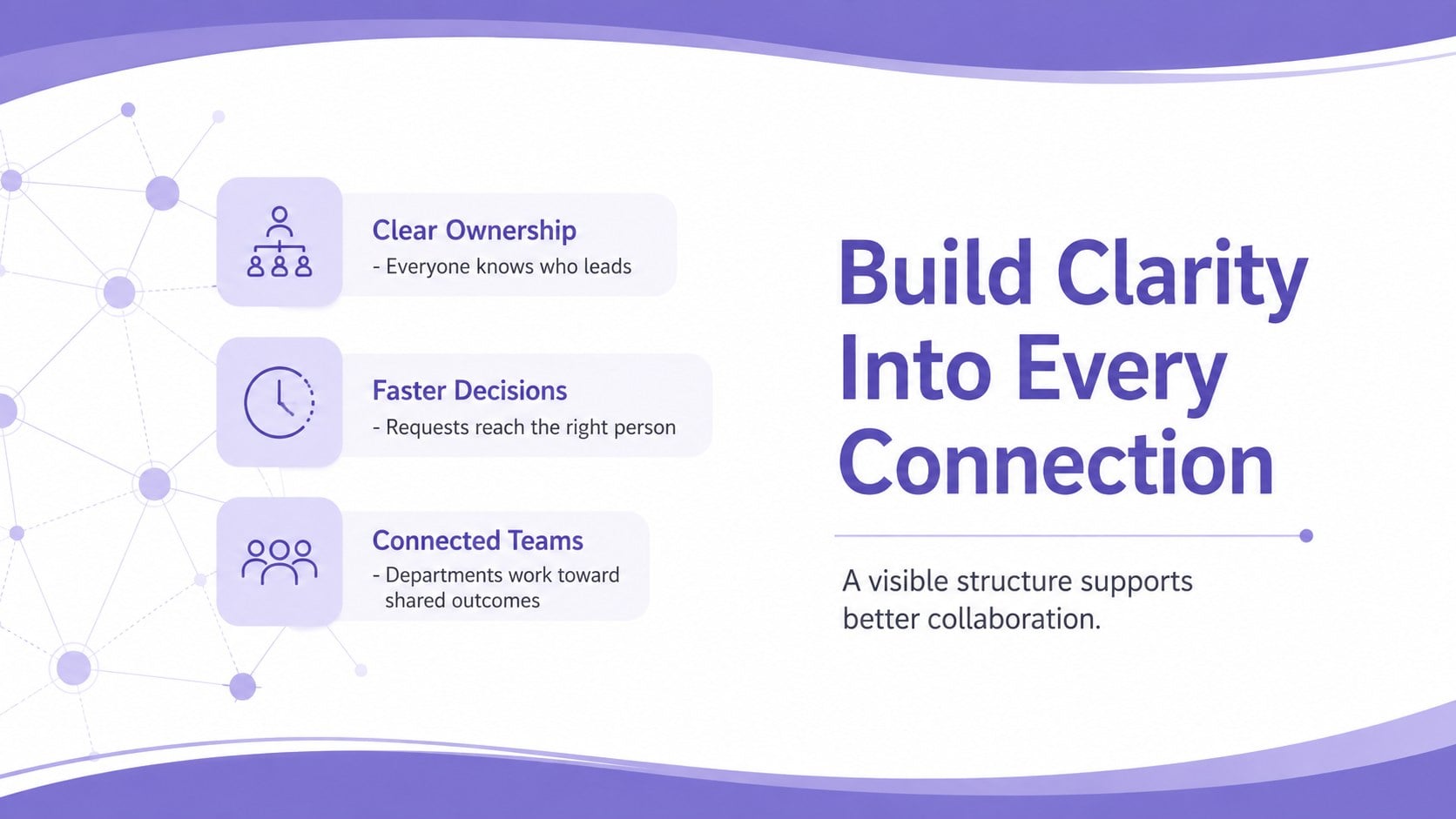
Make responsibilities and working relationships easier to understand with organizational chart infographic slides designed for clear, focused communication. The simple purple visual system keeps attention on names, roles, connections, and key metrics without crowding the screen. Use the deck to introduce a company hierarchy, explain a project team, or document how information moves between departments.
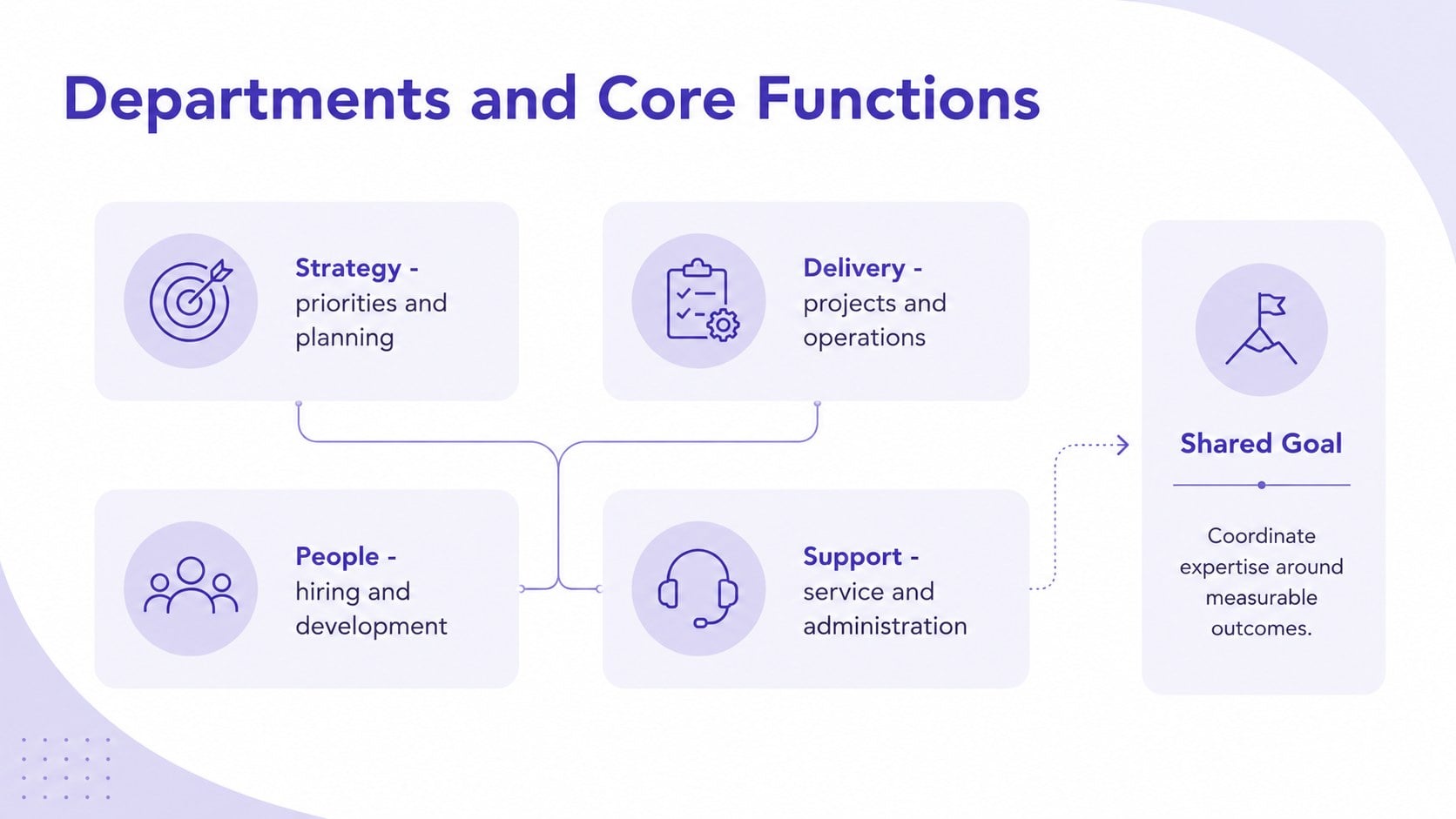
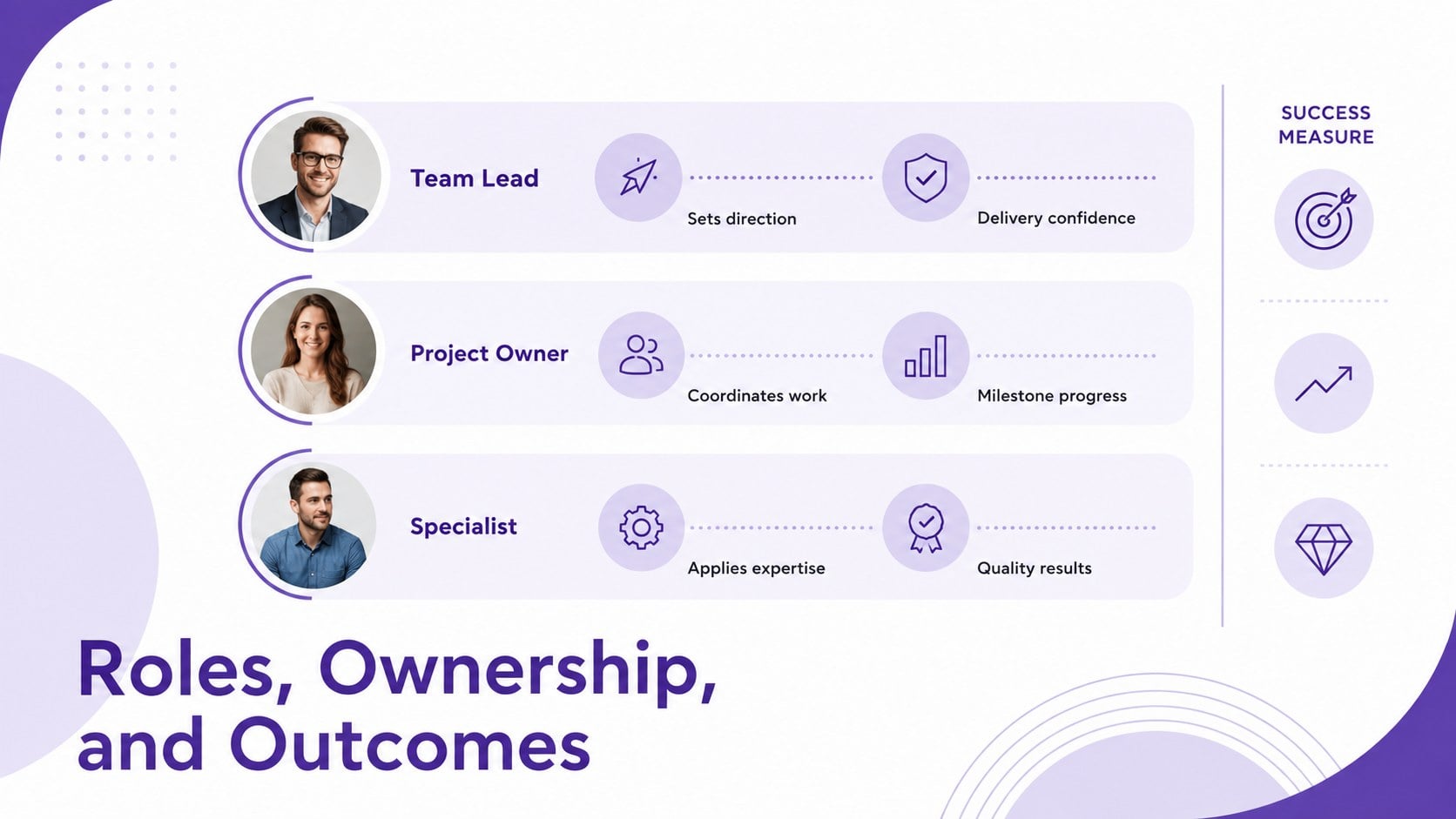
The six-slide collection includes a polished cover, an editable company hierarchy presentation layout, a department overview, a role comparison, a workflow diagram, and a summary page. Modular shapes, connecting lines, text areas, and data callouts can be adapted to small teams or layered organizations. The consistent typography and restrained palette help every diagram feel like part of the same presentation, while the widescreen format provides enough room for readable labels.
These layouts are useful for managers, human resources teams, consultants, educators, students, and project leads. Build a team reporting lines slide deck for onboarding, restructure a department hierarchy diagram for PowerPoint, or present a cross-functional process in Google Slides. Every page is designed for practical customization, so you can replace sample roles, adjust colors, reorganize branches, and add or remove levels as your structure changes.
Perfect for: employee onboarding overview; department restructuring proposal; project team introduction; leadership reporting review; cross-functional workflow briefing.
Frequently asked questions
Can I edit every role and reporting line? Yes. Replace the sample names and titles, move hierarchy blocks, and reconnect reporting lines to match your organization. You can also duplicate or remove sections as the team changes.
Practical details
Yes. Replace the sample names and titles, move hierarchy blocks, and reconnect reporting lines to match your organization. You can also duplicate or remove sections as the team changes.
The deck is designed for PowerPoint and Google Slides. Fonts, shapes, colors, and text remain editable in both platforms, although minor spacing adjustments may be needed after importing.
Yes, but divide complex structures across department or division slides rather than placing every employee on one page. This keeps labels readable and makes reporting relationships easier to follow.
Update the theme colors to match your organization, then apply the new palette consistently to hierarchy levels, connectors, and callouts. Maintain strong contrast between text and backgrounds for clear projection and printing.
Keep exploring
15Build an engaging World UFO Day session with this flying saucer history lesson deck, featuring retro green-and-brown slides for PowerPoint and Google Slides.
 15
15Plan a lively animal-learning journey with this jungle zoo adventure lesson deck, ready to customize in PowerPoint and Google Slides for young learners.
 16
16Turn environmental research into a clear story with a Watercolor Ecology Presentation Theme for PowerPoint and Google Slides in calming green and blue.
 16
16Build focused fashion, literature, and humanities presentations with the Red Triangle Editorial Theme, editable in PowerPoint and Google Slides.
 15
15Turn streaming stats, favorite tracks, and concert highlights into a bold annual listening recap slide deck for PowerPoint and Google Slides.
 15
15Turn highlights, milestones, and favorite moments into a colorful year in review slide deck with bold 3D graphics for PowerPoint and Google Slides.
 3
3Build a credible endorsement with Standout Colleague Recommendation Letter Slides, featuring colorful prompts for skills, achievements, and team impact.
 4
4Build clear beginner sessions with an ice hockey fundamentals training deck for coaches, PE teachers, and clubs, ready for PowerPoint and Google Slides.