
 15
15presentation
Flying Saucer History Lesson Deck
Build an engaging World UFO Day session with this flying saucer history lesson deck, featuring retro green-and-brown slides for PowerPoint and Google Slides.
Google SlidesPowerPoint
presentation · English
Make math practice click with Order of Operations Practice Slides featuring guided examples, quick checks, and editable pink visuals for elementary learners.
Design notes
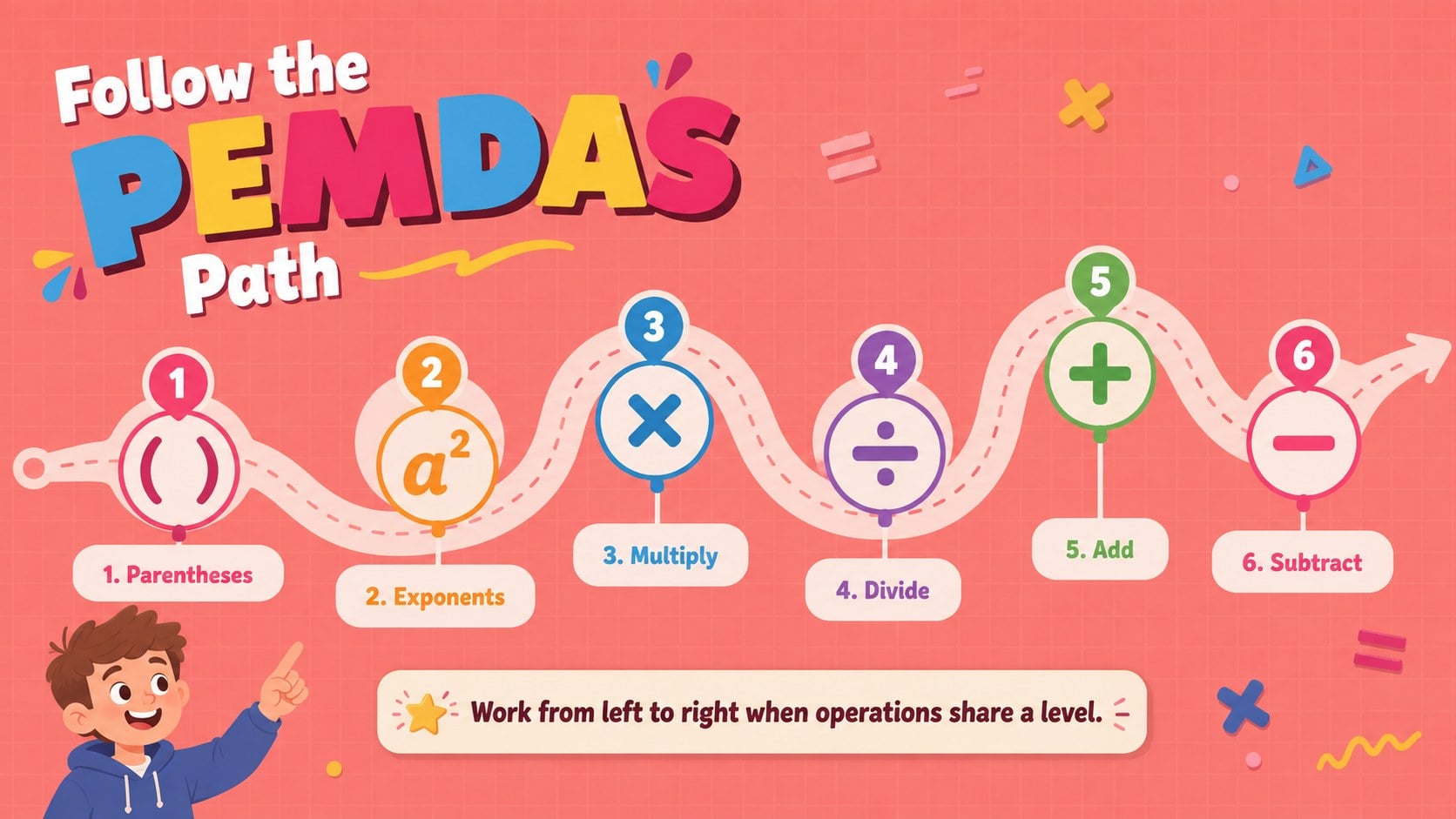
Bring structure and energy to math review with Order of Operations Practice Slides designed for elementary learners. The cheerful pink palette, playful lettering, colorful patterns, and original child-friendly illustrations make each problem feel approachable while keeping the focus on accurate calculation. Teachers can introduce parentheses, exponents, multiplication, division, addition, and subtraction one step at a time.
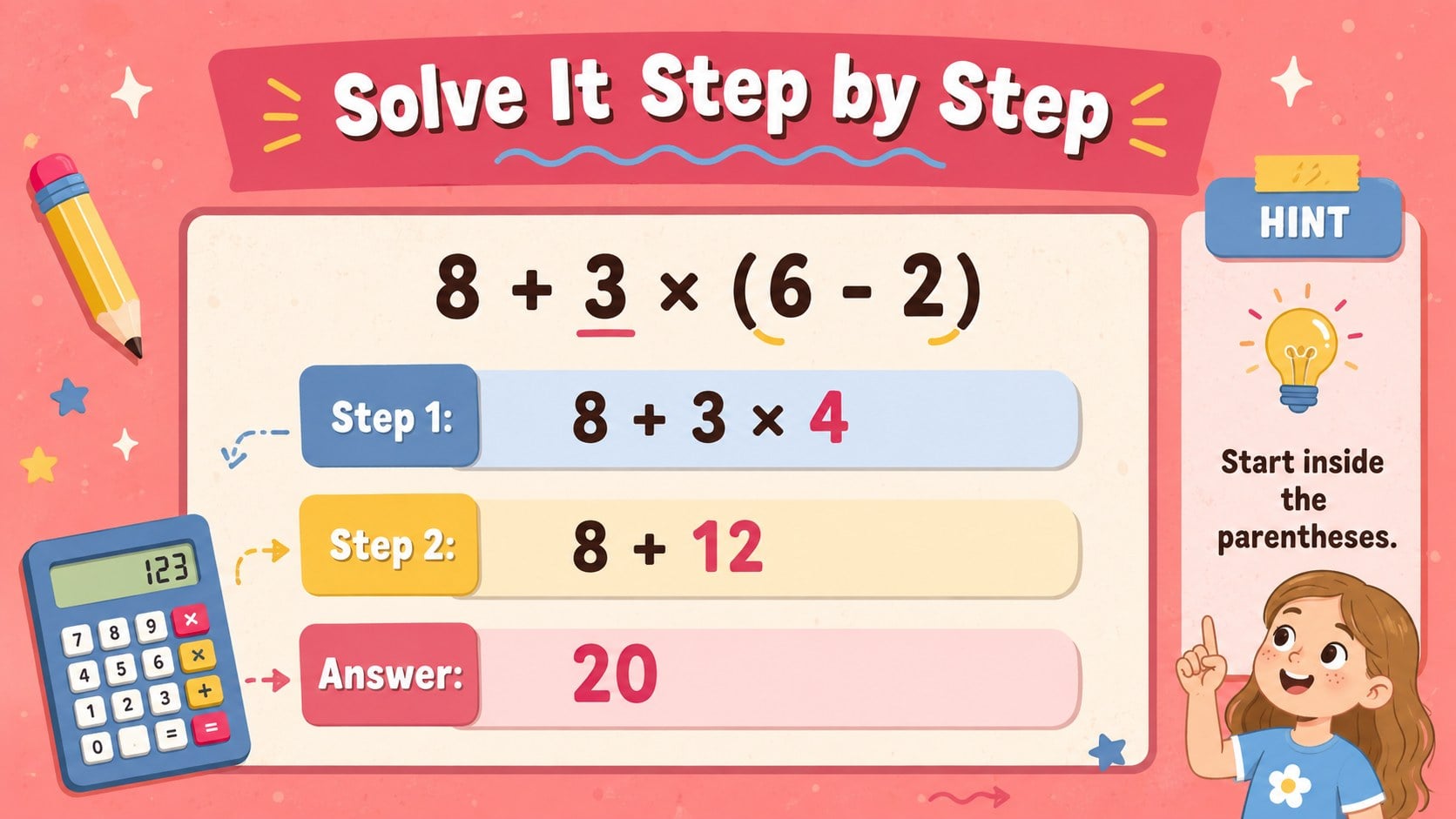
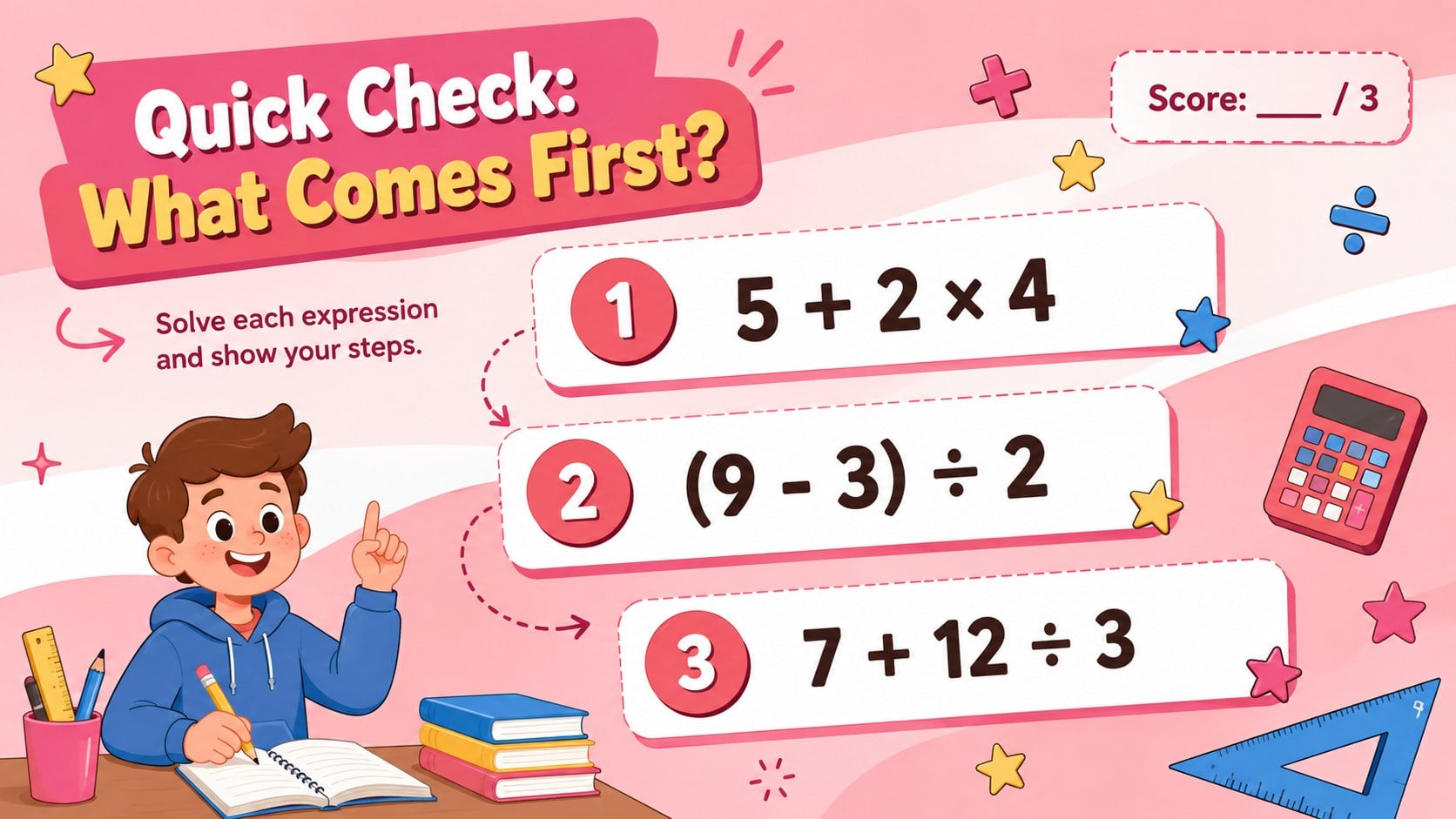
Inside are 17 ready-to-use lesson slides for instruction, modeled examples, independent practice, partner challenges, and quick assessment. Use the visual PEMDAS sequence to demonstrate how to evaluate an expression, then move into guided problems with clearly marked working space. A short quiz and answer-review layouts make this an effective order of operations classroom activity without requiring a separate worksheet.
This editable PEMDAS lesson for elementary students works well for whole-class projection, math centers, tutoring, homework review, or remote instruction. Change the numbers, operation symbols, directions, and difficulty level to match your grade or learning objective. You can also add answer keys, hints, or extension questions for differentiated practice.
Customize the deck in PowerPoint or Google Slides, then present it live or share it digitally with students. The layout is especially useful for teachers seeking a PEMDAS quiz presentation for kids that balances clear instructional sequencing with a warm, lively visual style.
Perfect for: whole-class PEMDAS lesson; guided math practice; classroom quiz review; small-group intervention; remote math instruction.
Frequently asked questions
Practical details
Yes. Replace the numbers, symbols, instructions, and answer steps to suit your curriculum or grade level. You can also duplicate layouts to create additional practice questions.
The template is designed for PowerPoint and Google Slides. Text, colors, shapes, and lesson content can be adjusted in either platform.
Yes. Simplify expressions for introductory practice or add exponents, nested parentheses, and multi-step calculations for advanced learners. Hints and answer keys can be shown, hidden, or moved to separate review slides.
Yes. The layouts support guided checks, independent questions, a short classroom quiz, and answer review. Teachers can use them for informal assessment, exit tickets, or tutoring sessions.
Keep exploring
15Build an engaging World UFO Day session with this flying saucer history lesson deck, featuring retro green-and-brown slides for PowerPoint and Google Slides.
 15
15Plan a lively animal-learning journey with this jungle zoo adventure lesson deck, ready to customize in PowerPoint and Google Slides for young learners.
 16
16Turn environmental research into a clear story with a Watercolor Ecology Presentation Theme for PowerPoint and Google Slides in calming green and blue.
 16
16Build focused fashion, literature, and humanities presentations with the Red Triangle Editorial Theme, editable in PowerPoint and Google Slides.
 15
15Turn streaming stats, favorite tracks, and concert highlights into a bold annual listening recap slide deck for PowerPoint and Google Slides.
 15
15Turn highlights, milestones, and favorite moments into a colorful year in review slide deck with bold 3D graphics for PowerPoint and Google Slides.
 3
3Build a credible endorsement with Standout Colleague Recommendation Letter Slides, featuring colorful prompts for skills, achievements, and team impact.
 4
4Build clear beginner sessions with an ice hockey fundamentals training deck for coaches, PE teachers, and clubs, ready for PowerPoint and Google Slides.