
 15
15presentation
Flying Saucer History Lesson Deck
Build an engaging World UFO Day session with this flying saucer history lesson deck, featuring retro green-and-brown slides for PowerPoint and Google Slides.
Google SlidesPowerPoint
presentation · English
Build a polished application story with Orange Career Profile Slides, featuring editable layouts for experience, skills, education, and achievements.





Design notes
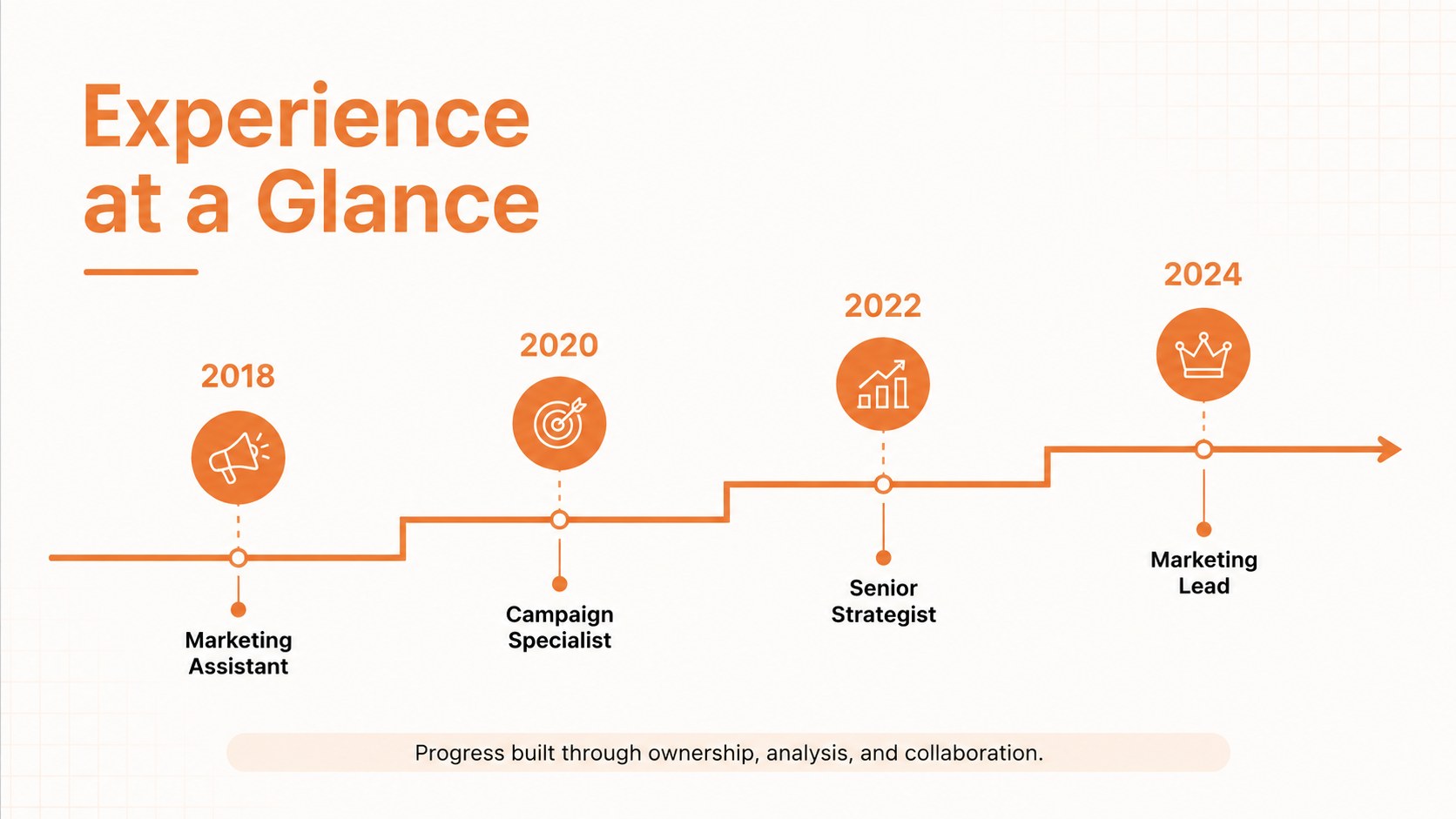
Orange Career Profile Slides turn a conventional resume into a concise visual narrative for applications, interviews, networking meetings, and professional introductions. The clean orange-and-white design balances personality with readability, helping your qualifications stand out without distracting from the details. Use this career profile slide deck for interviews when you need to guide recruiters through your background in a logical, memorable order.
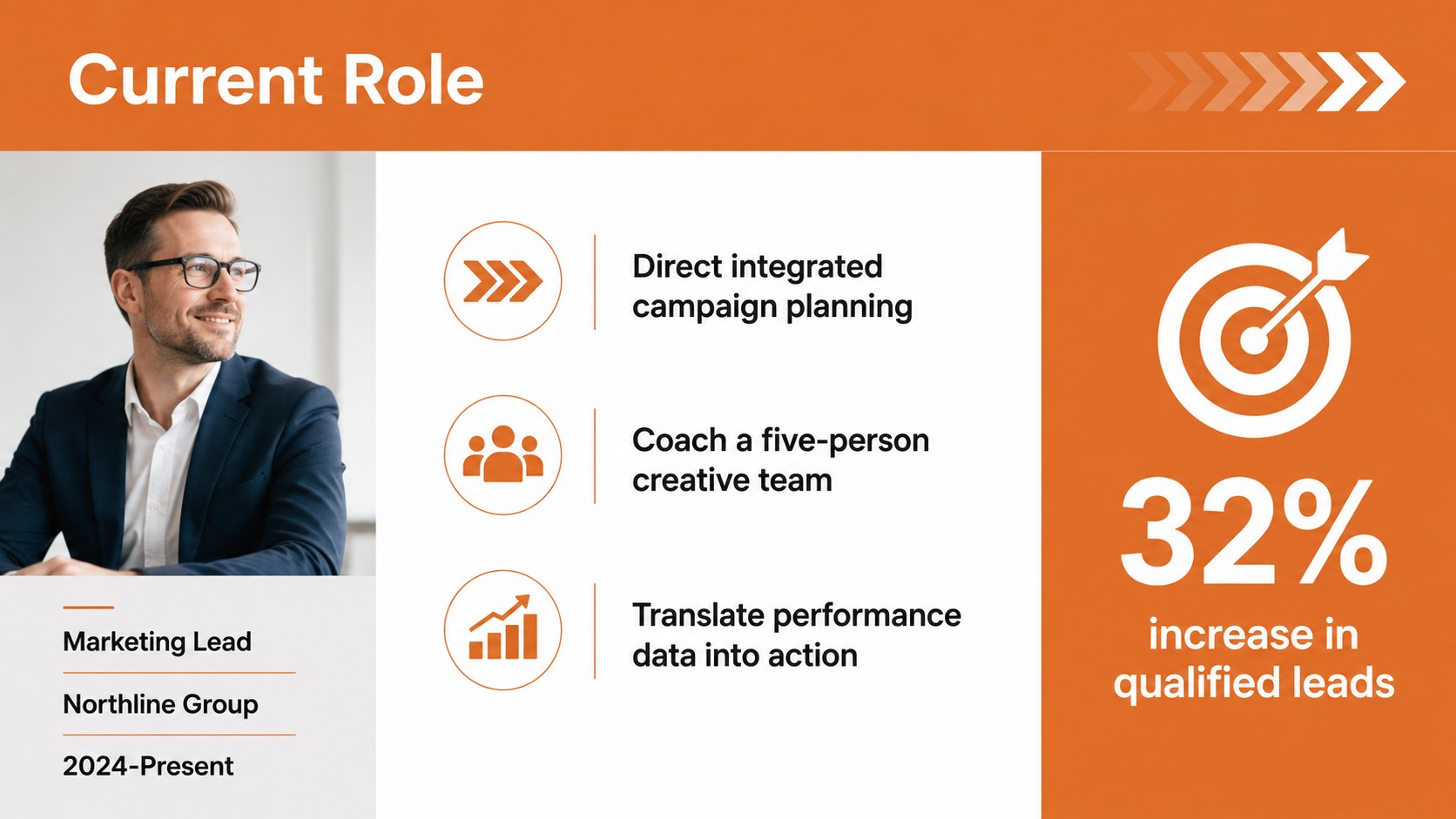
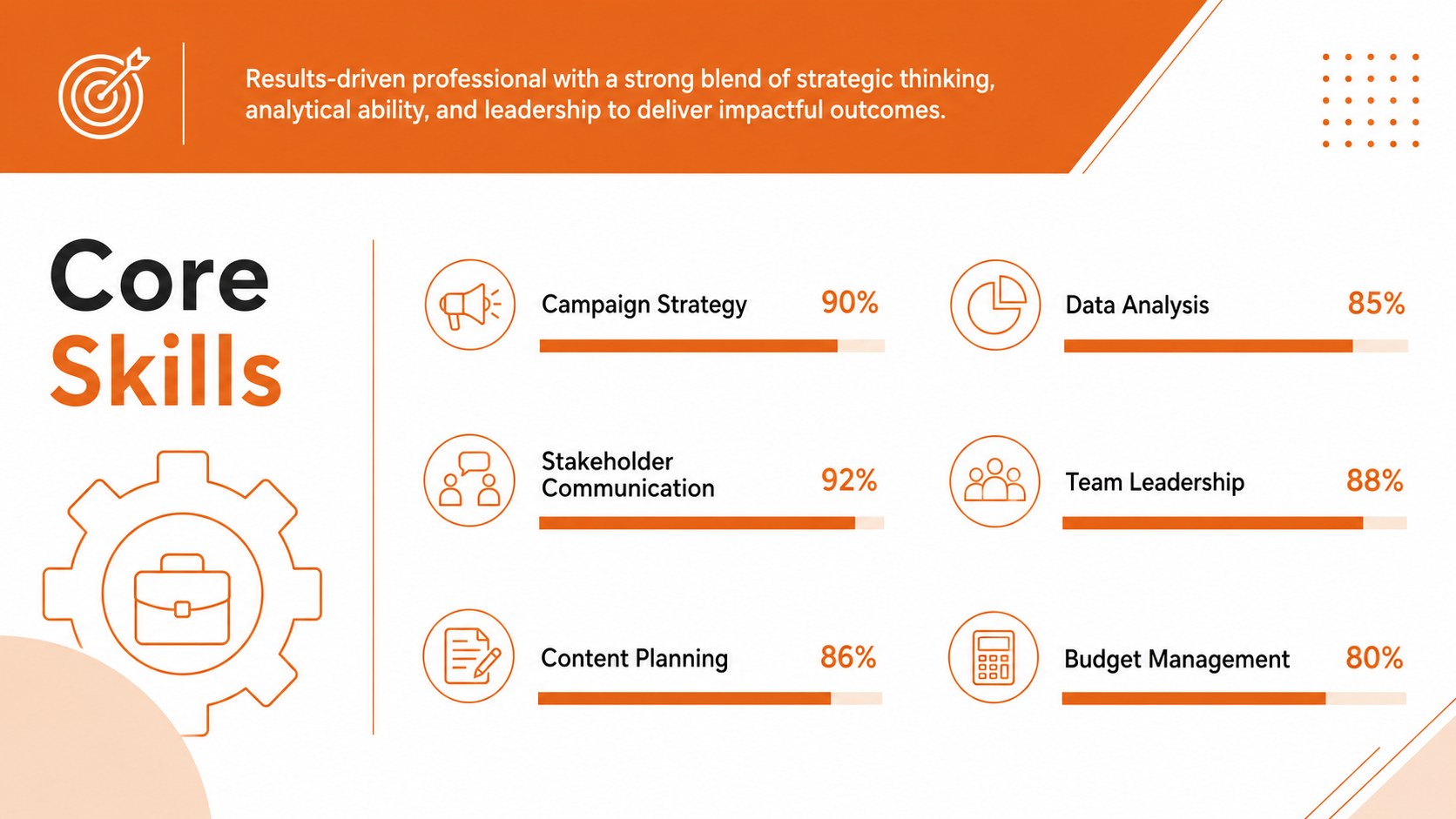
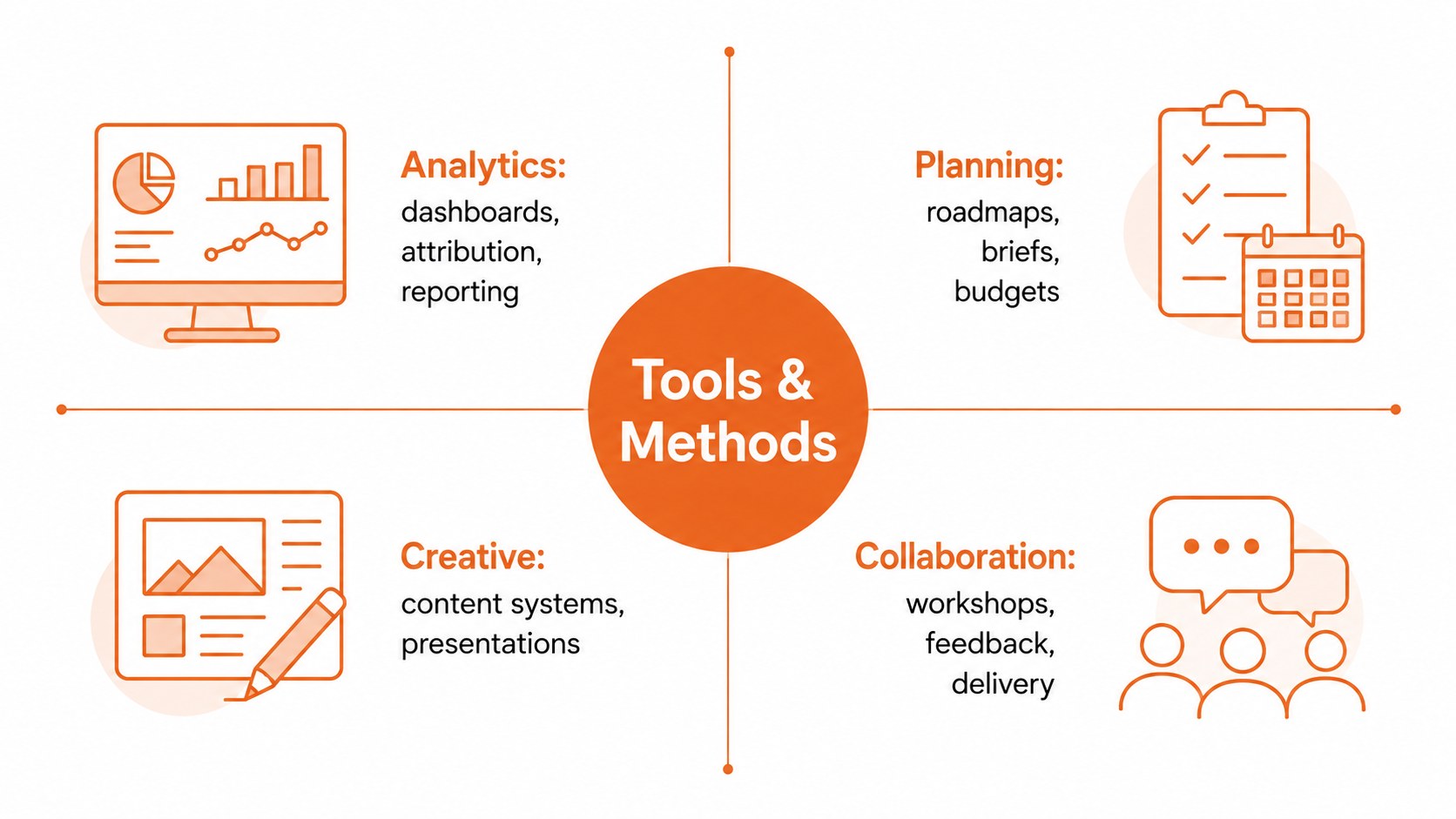
The presentation includes layouts for a personal introduction, career objective, employment timeline, role summaries, education, technical abilities, soft skills, software proficiency, selected projects, certifications, awards, volunteer experience, and references. Charts and progress graphics provide clear ways to communicate results, while milestone layouts make career development easy to follow. Every section can be edited in PowerPoint or Google Slides to match your experience and target role.
Designed for graduates, experienced professionals, freelancers, consultants, and career changers, these Orange Career Profile Slides can support an interview presentation, online portfolio, or networking introduction. Adapt the visual CV template for PowerPoint with your own typography, photographs, metrics, and role-specific keywords. The consistent layouts also work as editable professional biography slides for speakers, team profiles, and internal promotion reviews. Export the finished deck as a PDF when you need a convenient version for sharing or attaching to an application.
Perfect for: job interview presentation; graduate career portfolio; professional networking introduction; internal promotion review; freelancer credentials deck.
Frequently asked questions
Can I edit these career profile slides in PowerPoint? Yes. All text, colors, charts, timelines, and image placeholders can be customized in PowerPoint. Replace the sample details with your own experience and adjust the layouts to suit the role.
Practical details
Yes. All text, colors, charts, timelines, and image placeholders can be customized in PowerPoint. Replace the sample details with your own experience and adjust the layouts to suit the role.
Yes. Upload the presentation to Google Drive and open it in Google Slides for browser-based editing. Review font substitutions and spacing before presenting or exporting the final version.
Prioritize experience and projects that directly match the position, then support your claims with concise metrics. Keep only the most relevant slides so the presentation remains focused and easy to discuss.
Yes. Replace the accent colors with your personal brand or a color associated with your industry while preserving strong text contrast. Apply the new colors consistently to headings, charts, icons, and timeline markers.
Keep exploring
15Build an engaging World UFO Day session with this flying saucer history lesson deck, featuring retro green-and-brown slides for PowerPoint and Google Slides.
 15
15Plan a lively animal-learning journey with this jungle zoo adventure lesson deck, ready to customize in PowerPoint and Google Slides for young learners.
 16
16Turn environmental research into a clear story with a Watercolor Ecology Presentation Theme for PowerPoint and Google Slides in calming green and blue.
 16
16Build focused fashion, literature, and humanities presentations with the Red Triangle Editorial Theme, editable in PowerPoint and Google Slides.
 15
15Turn streaming stats, favorite tracks, and concert highlights into a bold annual listening recap slide deck for PowerPoint and Google Slides.
 15
15Turn highlights, milestones, and favorite moments into a colorful year in review slide deck with bold 3D graphics for PowerPoint and Google Slides.
 3
3Build a credible endorsement with Standout Colleague Recommendation Letter Slides, featuring colorful prompts for skills, achievements, and team impact.
 4
4Build clear beginner sessions with an ice hockey fundamentals training deck for coaches, PE teachers, and clubs, ready for PowerPoint and Google Slides.