
 15
15presentation
Flying Saucer History Lesson Deck
Build an engaging World UFO Day session with this flying saucer history lesson deck, featuring retro green-and-brown slides for PowerPoint and Google Slides.
Google SlidesPowerPoint
presentation · English
Build clearer workflows with Operational Excellence Roadmap Infographics for PowerPoint and Google Slides, using five editable green-and-white layouts.
Design notes
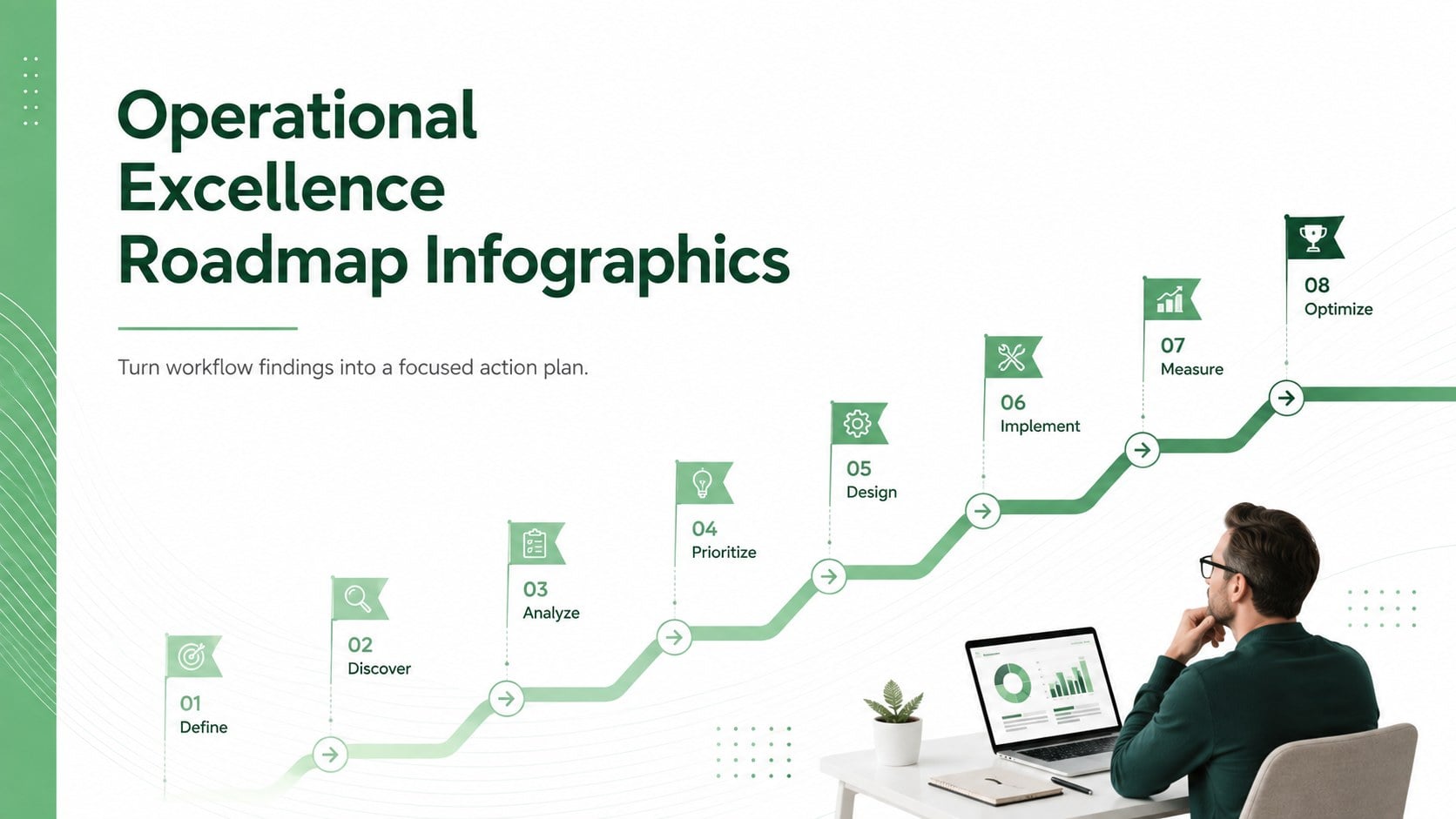
Operational Excellence Roadmap Infographics gives business professionals a structured way to turn workflow challenges into clear, actionable visuals. The minimal green-and-white design keeps attention on decisions, responsibilities, and results while providing enough flexibility for strategy meetings, internal reviews, and stakeholder updates. Use the layouts as continuous improvement presentation slides or combine them into a concise operational planning deck.
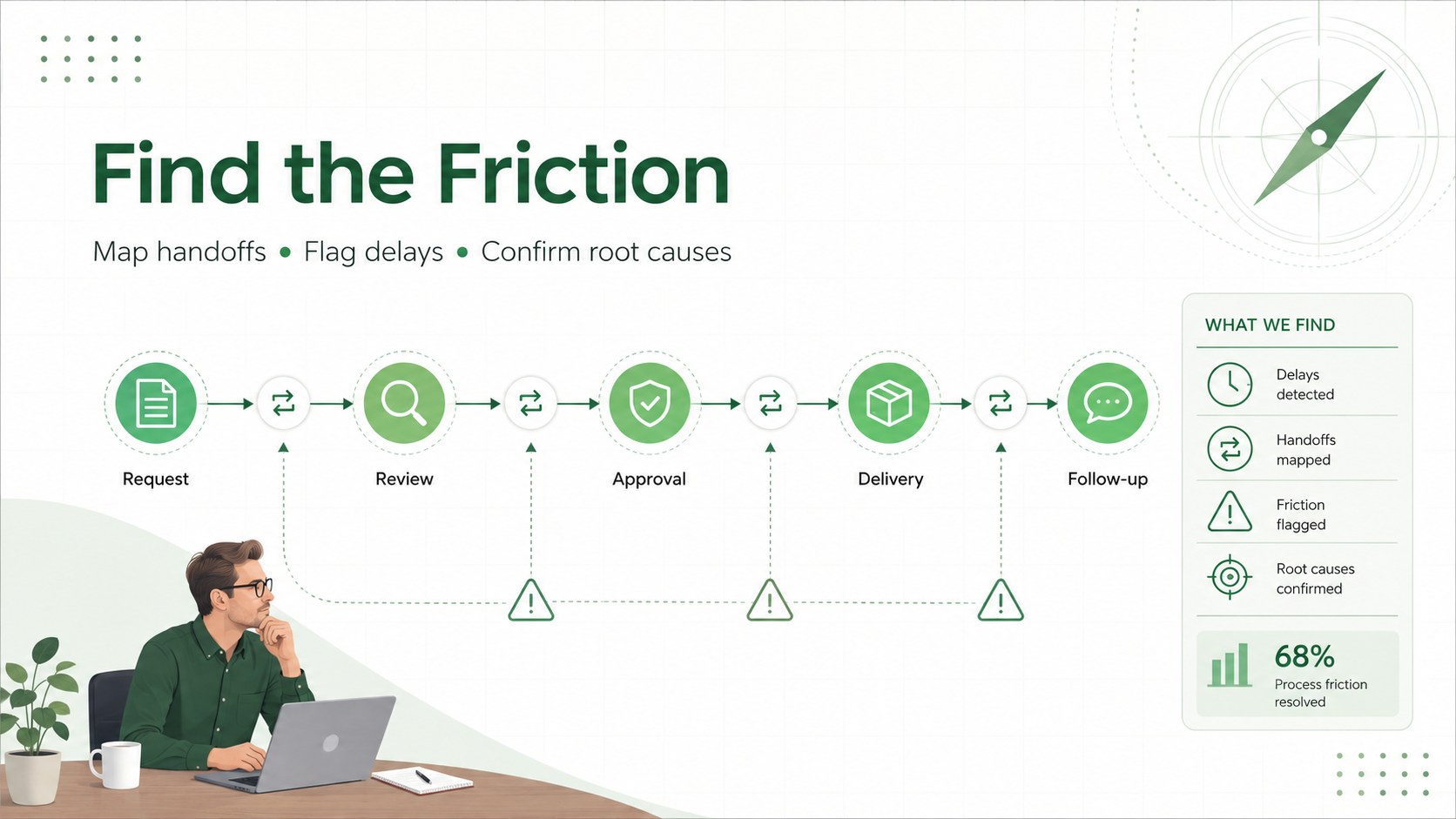
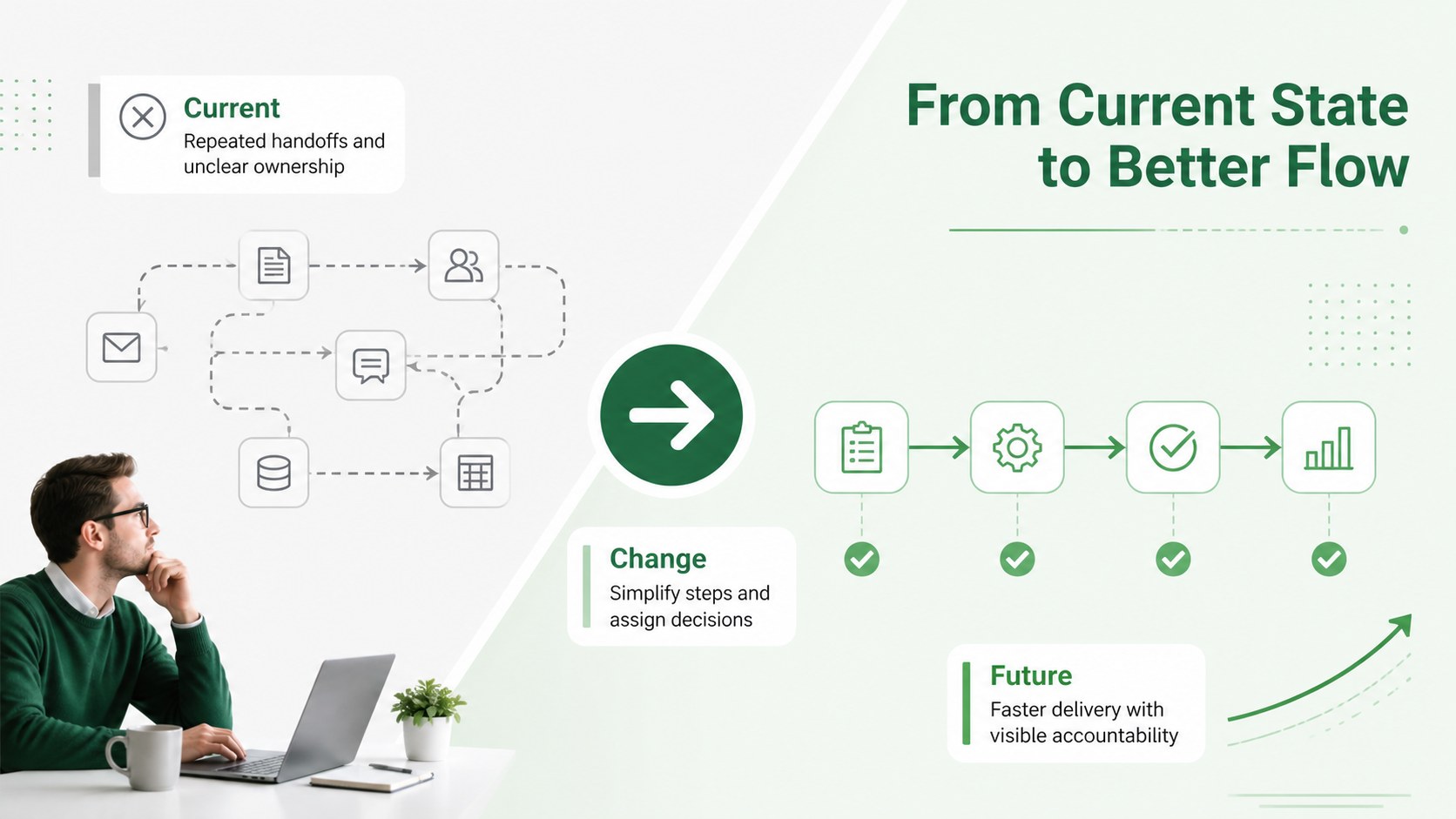
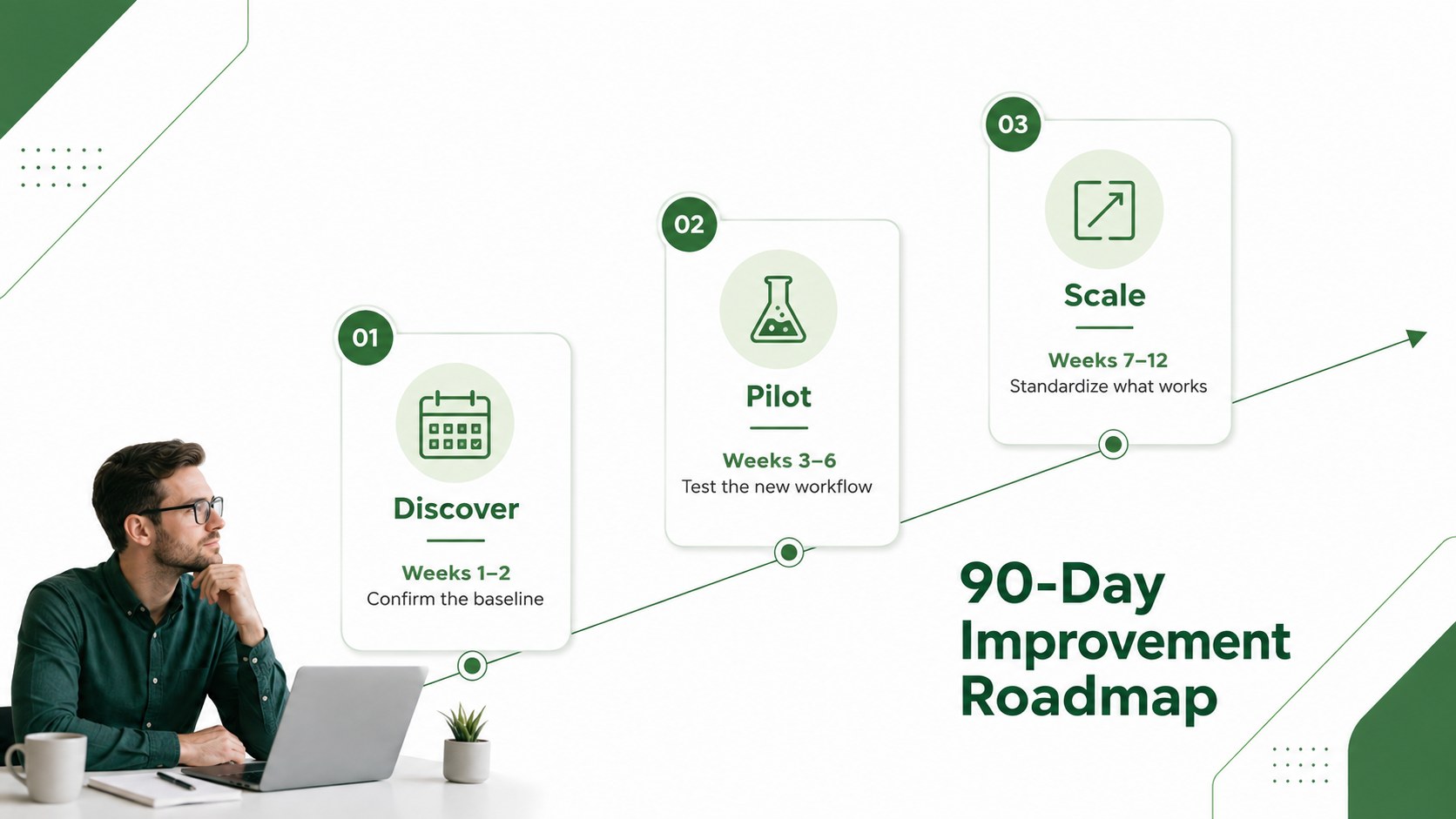
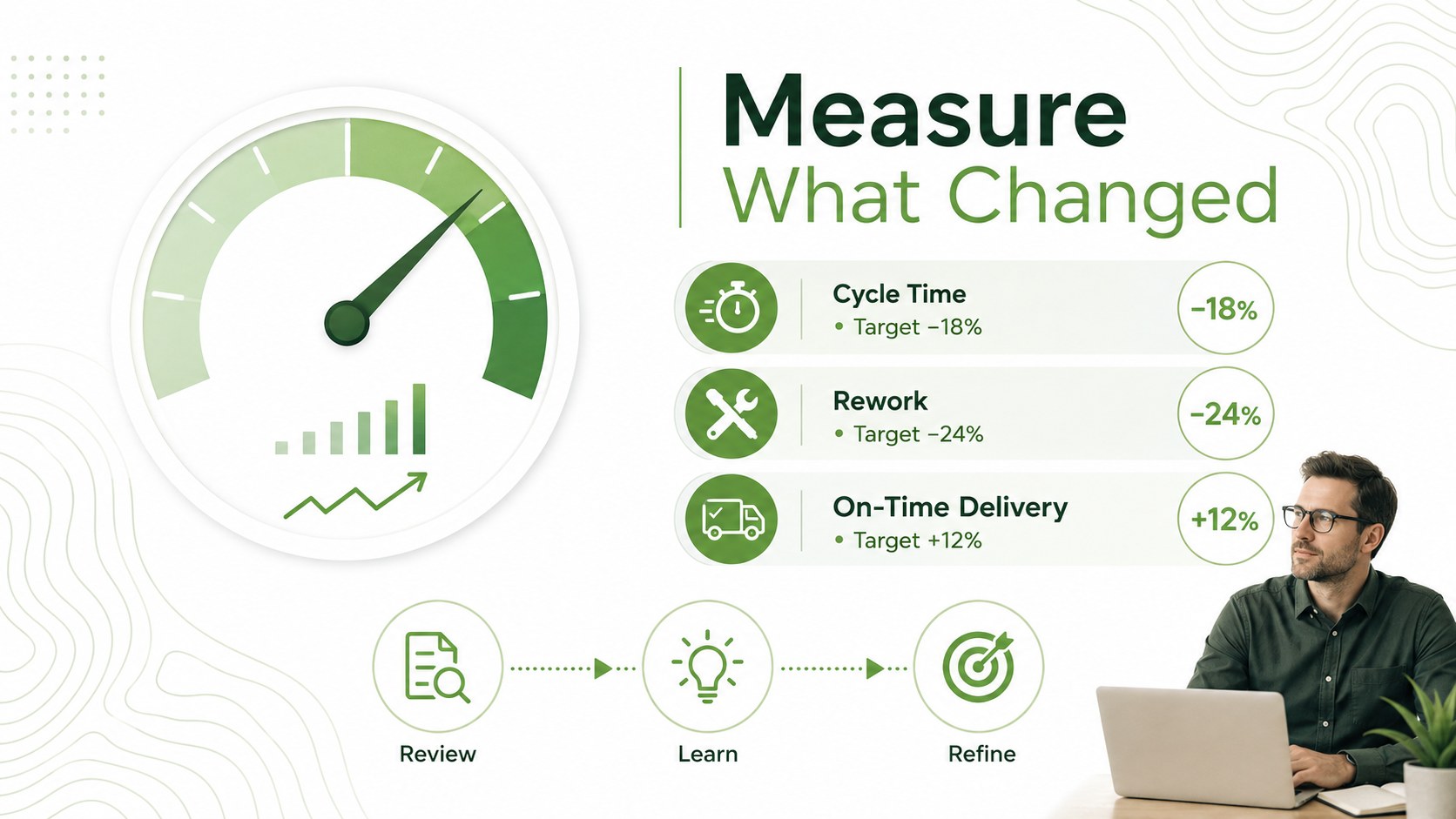
The set includes five editable 16:9 infographics for identifying friction points, comparing current and future workflows, organizing improvement stages, scheduling a 90-day rollout, and tracking performance indicators. Each layout uses clean typography, practical diagrams, timelines, process markers, and data callouts that can be adapted to different departments or industries. The workflow bottleneck analysis presentation layout is especially useful for showing where delays occur and what corrective action should follow.
Built for PowerPoint and Google Slides, the template suits operations managers, consultants, project leads, quality teams, and department heads. Adjust the text, colors, shapes, and metrics to reflect your own initiative, then use the process KPI tracking slides to report progress over time. Whether you are improving service delivery, reducing rework, shortening cycle times, or standardizing a recurring procedure, the deck helps communicate a credible path from diagnosis to measurable improvement.
Perfect for: quarterly operations review; workflow bottleneck workshop; lean improvement proposal; 90-day implementation plan; process KPI status update.
Frequently asked questions
Can I edit every infographic element? Yes. Text, colors, icons, shapes, timelines, and data labels can be customized to match your process and reporting needs. You can also remove sections or duplicate layouts for a longer presentation.
Practical details
Yes. Text, colors, icons, shapes, timelines, and data labels can be customized to match your process and reporting needs. You can also remove sections or duplicate layouts for a longer presentation.
The template is designed for Microsoft PowerPoint and Google Slides. Both platforms support editing, presenting, and exporting the finished deck.
Yes. Replace the green accents with your brand colors, update the typography, and add approved internal assets. The restrained white background makes it straightforward to adapt without rebuilding the diagrams.
Include a baseline, target, reporting period, and accountable owner for each metric. Common measures include cycle time, error rate, rework, throughput, cost per task, and on-time delivery.
Keep exploring
15Build an engaging World UFO Day session with this flying saucer history lesson deck, featuring retro green-and-brown slides for PowerPoint and Google Slides.
 15
15Plan a lively animal-learning journey with this jungle zoo adventure lesson deck, ready to customize in PowerPoint and Google Slides for young learners.
 16
16Turn environmental research into a clear story with a Watercolor Ecology Presentation Theme for PowerPoint and Google Slides in calming green and blue.
 16
16Build focused fashion, literature, and humanities presentations with the Red Triangle Editorial Theme, editable in PowerPoint and Google Slides.
 15
15Turn streaming stats, favorite tracks, and concert highlights into a bold annual listening recap slide deck for PowerPoint and Google Slides.
 15
15Turn highlights, milestones, and favorite moments into a colorful year in review slide deck with bold 3D graphics for PowerPoint and Google Slides.
 3
3Build a credible endorsement with Standout Colleague Recommendation Letter Slides, featuring colorful prompts for skills, achievements, and team impact.
 4
4Build clear beginner sessions with an ice hockey fundamentals training deck for coaches, PE teachers, and clubs, ready for PowerPoint and Google Slides.