
 15
15presentation
Flying Saucer History Lesson Deck
Build an engaging World UFO Day session with this flying saucer history lesson deck, featuring retro green-and-brown slides for PowerPoint and Google Slides.
Google SlidesPowerPoint
presentation · English
Build a clear festival lineup with Oktoberfest program poster slides in vintage blue, beige, and black, ready to edit in PowerPoint or Google Slides.
Design notes
Give guests a clear view of the festivities with Oktoberfest program poster slides designed for busy venues and seasonal celebrations. The vintage illustrated style combines deep blue, warm beige, and black with bold lettering and Bavarian-inspired details, creating a festive look that remains easy to read. Use the layouts in PowerPoint or Google Slides to organize activities, promote featured events, and keep visitors informed throughout the celebration.
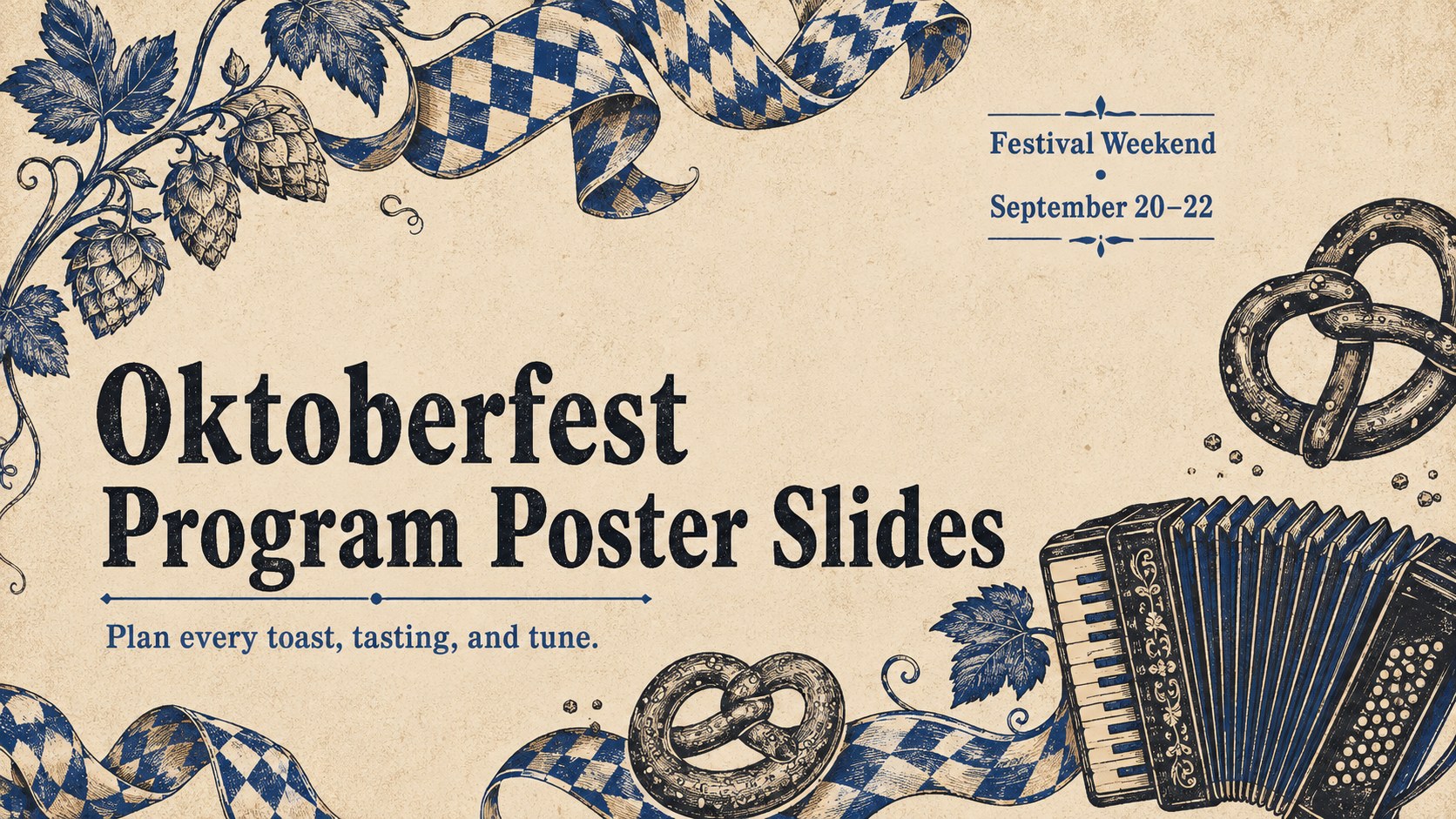
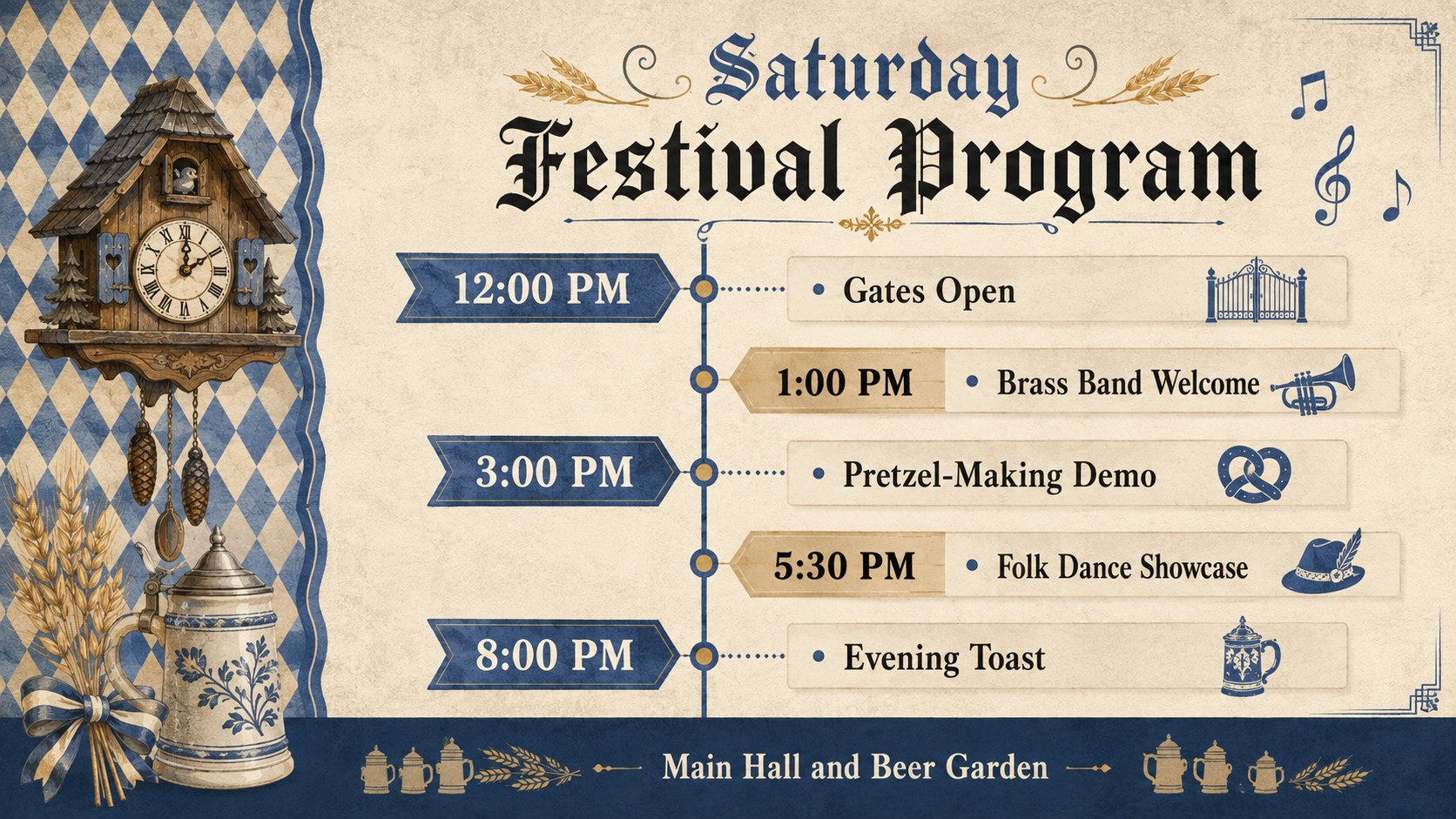
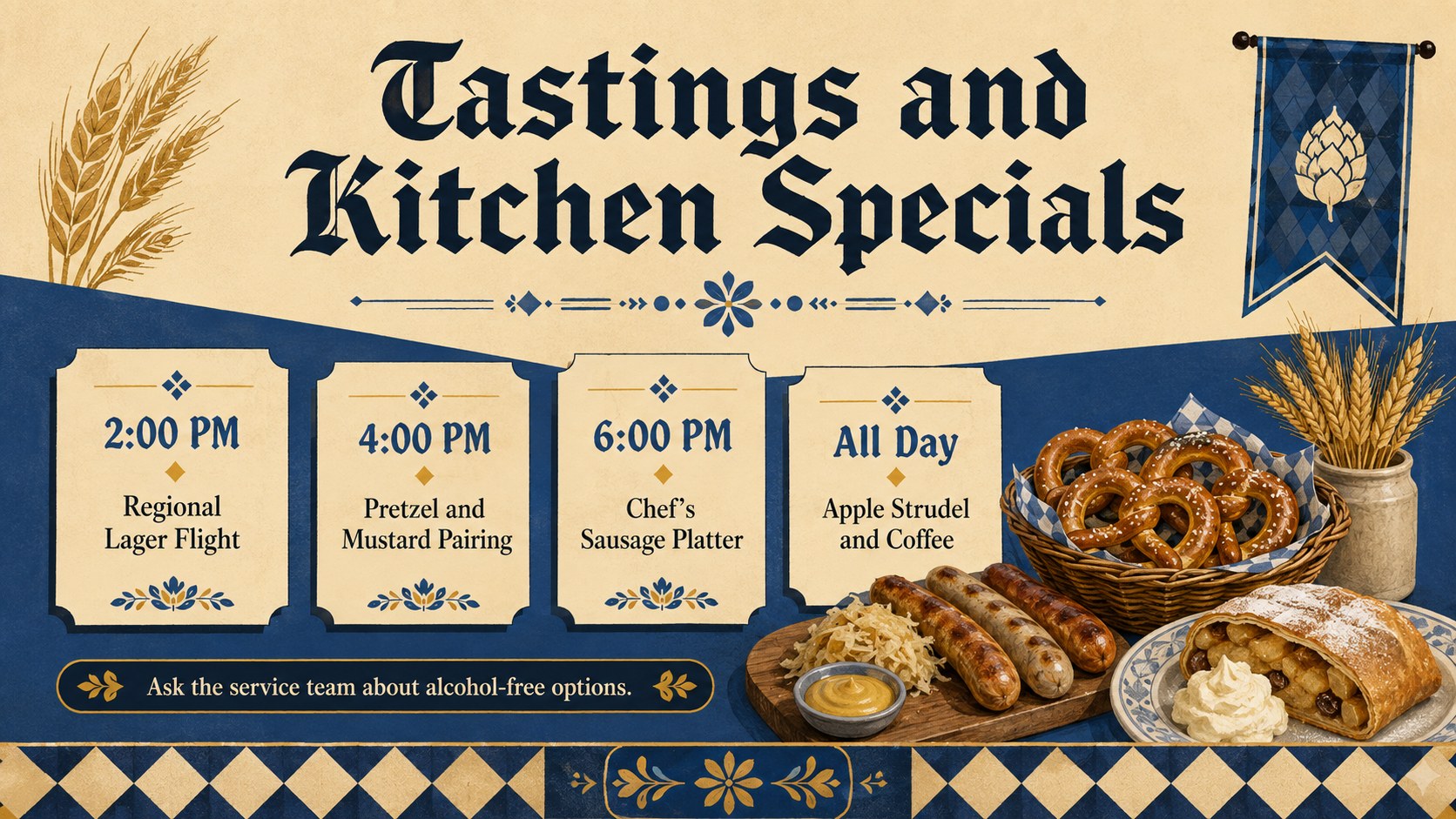
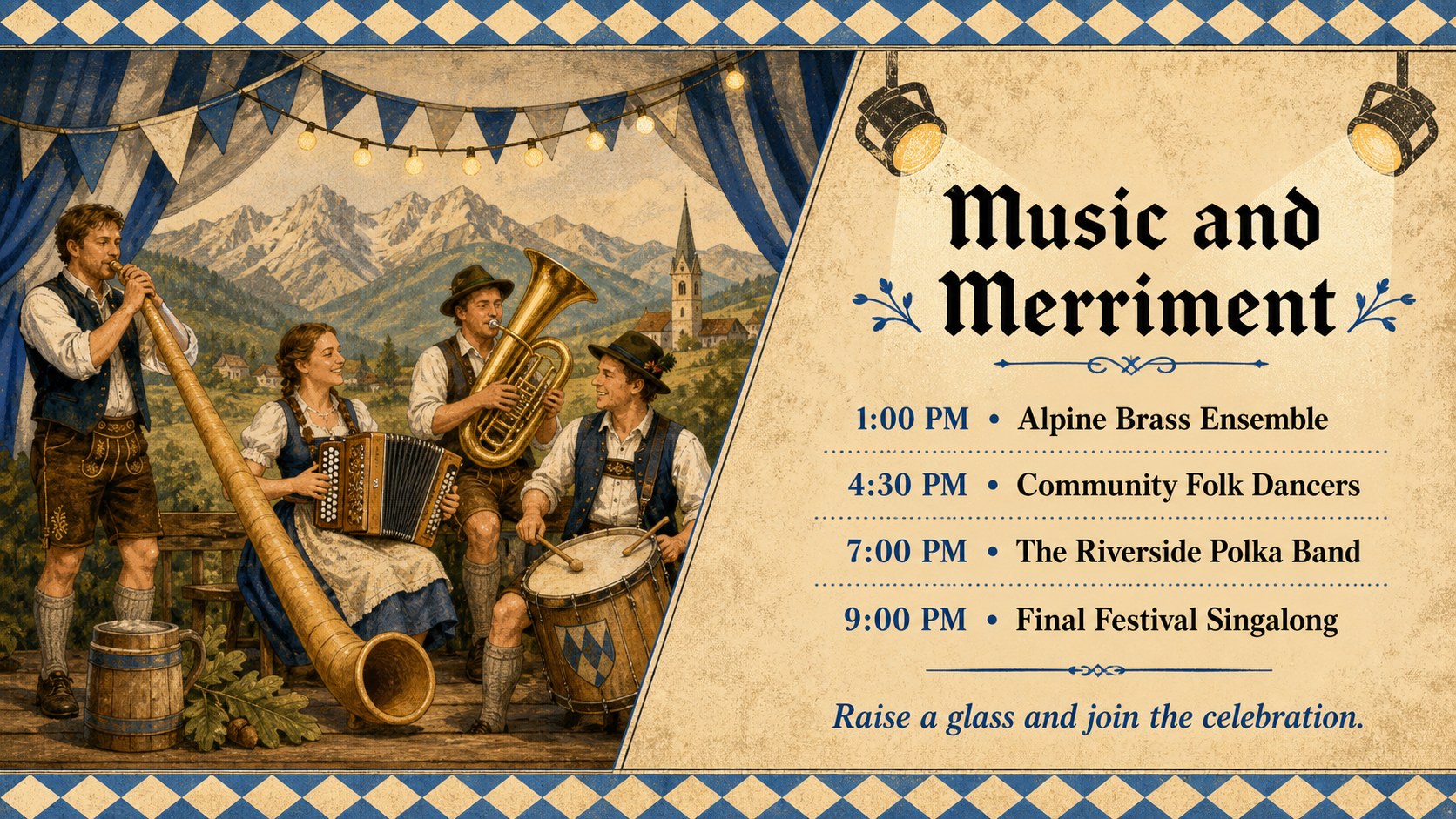
This set includes four coordinated layouts for a cover, daily program, food and drink highlights, and live entertainment. Each editable Oktoberfest schedule template can be adapted with your own dates, times, venue details, admission notes, and sponsor information. The structured typography and flexible content areas also make the deck suitable for exporting as digital signs, social posts, or a beer festival program poster.
These vintage Bavarian event slides are made for bar and restaurant owners, festival committees, hospitality teams, tourism groups, community organizers, and private party hosts. Adjust the text, reorder activities, add photographs or icons, and apply your preferred fonts while preserving the rustic festival atmosphere. Whether you are coordinating a weekend beer garden, a tasting event, or a full cultural festival, the layouts help guests find the experiences that matter to them.
Perfect for: beer garden weekend schedule; restaurant Oktoberfest promotion; community festival program; brewery tasting itinerary; Bavarian music event lineup.
Frequently asked questions
Can I edit the event times and activity names? Yes. Replace the sample wording with your own dates, times, performers, menu specials, venue details, and admission information while keeping the coordinated visual style.
Practical details
Yes. Replace the sample wording with your own dates, times, performers, menu specials, venue details, and admission information while keeping the coordinated visual style.
The slides are designed for PowerPoint and Google Slides. Text, colors, images, and layout elements can be adjusted in either platform.
Yes. After customizing the program, export individual slides as PDF or high-resolution images for printing. Check the final dimensions and printer bleed requirements before production.
Add your venue logo, event photography, sponsor details, and preferred typefaces. You can also change the blue, beige, and black palette while retaining strong contrast for schedule information.
Keep exploring
15Build an engaging World UFO Day session with this flying saucer history lesson deck, featuring retro green-and-brown slides for PowerPoint and Google Slides.
 15
15Plan a lively animal-learning journey with this jungle zoo adventure lesson deck, ready to customize in PowerPoint and Google Slides for young learners.
 16
16Turn environmental research into a clear story with a Watercolor Ecology Presentation Theme for PowerPoint and Google Slides in calming green and blue.
 16
16Build focused fashion, literature, and humanities presentations with the Red Triangle Editorial Theme, editable in PowerPoint and Google Slides.
 15
15Turn streaming stats, favorite tracks, and concert highlights into a bold annual listening recap slide deck for PowerPoint and Google Slides.
 15
15Turn highlights, milestones, and favorite moments into a colorful year in review slide deck with bold 3D graphics for PowerPoint and Google Slides.
 3
3Build a credible endorsement with Standout Colleague Recommendation Letter Slides, featuring colorful prompts for skills, achievements, and team impact.
 4
4Build clear beginner sessions with an ice hockey fundamentals training deck for coaches, PE teachers, and clubs, ready for PowerPoint and Google Slides.