
 15
15presentation
Flying Saucer History Lesson Deck
Build an engaging World UFO Day session with this flying saucer history lesson deck, featuring retro green-and-brown slides for PowerPoint and Google Slides.
Google SlidesPowerPoint
presentation · English
Plan reliable office connections with Office LAN Topology Planning Slides, an editable yellow-orange diagram deck for PowerPoint and Google Slides.
Design notes
Build a network plan that colleagues, clients, and students can understand at a glance with Office LAN Topology Planning Slides. The structured whiteboard layouts help you organize workstations, servers, switches, routers, wireless access points, and connection paths without overwhelming the audience. A warm yellow and orange palette keeps technical information approachable while retaining a polished, professional look.
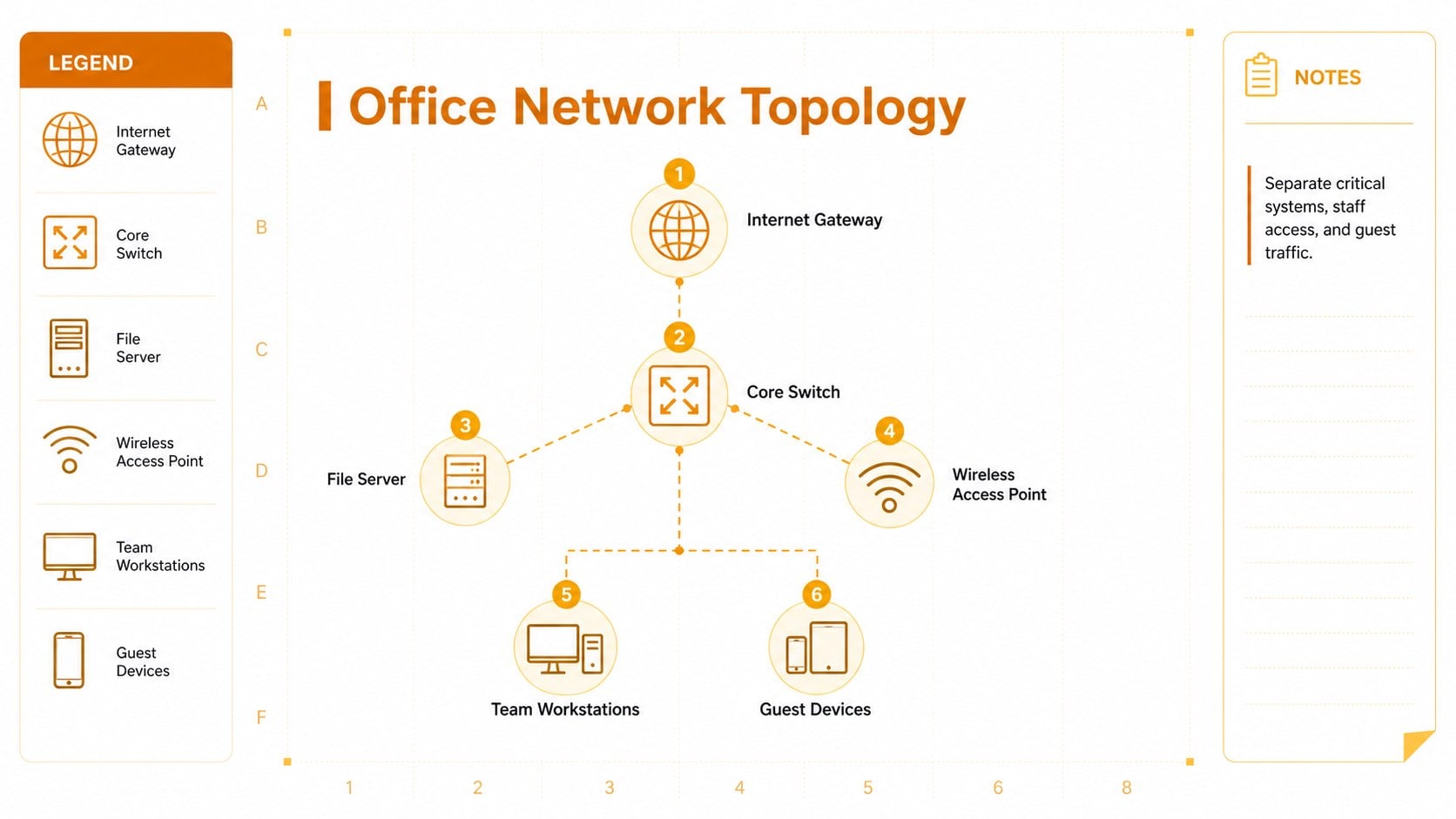
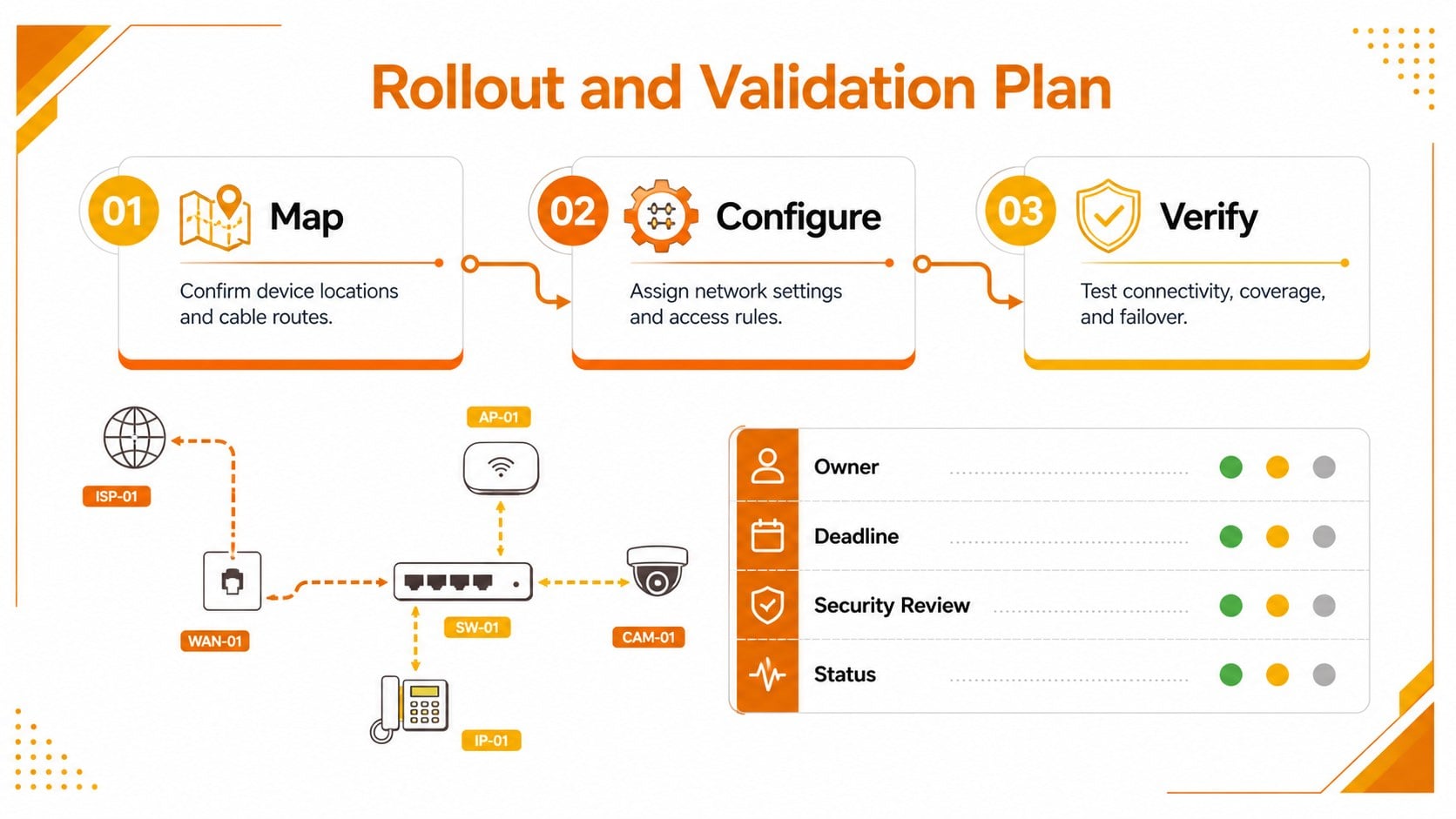
Inside are three editable 16:9 layouts for presenting the purpose of the network, mapping its physical or logical structure, and reviewing implementation priorities. Use the office LAN topology template to label hardware, distinguish wired and wireless links, document traffic flow, or identify possible points of failure. The network architecture whiteboard slides also provide flexible space for notes, legends, responsibilities, and security considerations. Shapes, connectors, colors, and text can be adjusted to match your environment.
This deck suits IT administrators preparing an office upgrade, consultants explaining infrastructure recommendations, project managers coordinating equipment rollouts, and educators introducing local networking concepts. It also works as a small business network planning deck for stakeholder meetings, technical workshops, and internal documentation. Edit the slides in PowerPoint or Google Slides, replace the sample labels with your own device names, and adapt the diagrams for a single room, department, campus area, or branch office.
Perfect for: office network upgrade planning; router and switch documentation; IT infrastructure briefing; computer networking lesson; branch office rollout meeting.
Frequently asked questions
Can I edit every part of the network diagrams? Yes. Device labels, connector lines, colors, icons, notes, and layout elements can be changed to reflect your network. You can also duplicate components when documenting larger environments.
Practical details
Yes. Device labels, connector lines, colors, icons, notes, and layout elements can be changed to reflect your network. You can also duplicate components when documenting larger environments.
The template is designed for PowerPoint and Google Slides. Both platforms support editing the slide text, diagram shapes, connection paths, and visual styling.
Yes. Customize line styles, colors, and labels to distinguish Ethernet links, wireless coverage, uplinks, and other connection types. A legend can be added to clarify the notation for your audience.
Replace the sample device names with your own departments, rooms, hardware, and IP details. Adjust the palette or add approved logos in PowerPoint or Google Slides to align the presentation with internal standards.
Keep exploring
15Build an engaging World UFO Day session with this flying saucer history lesson deck, featuring retro green-and-brown slides for PowerPoint and Google Slides.
 15
15Plan a lively animal-learning journey with this jungle zoo adventure lesson deck, ready to customize in PowerPoint and Google Slides for young learners.
 16
16Turn environmental research into a clear story with a Watercolor Ecology Presentation Theme for PowerPoint and Google Slides in calming green and blue.
 16
16Build focused fashion, literature, and humanities presentations with the Red Triangle Editorial Theme, editable in PowerPoint and Google Slides.
 15
15Turn streaming stats, favorite tracks, and concert highlights into a bold annual listening recap slide deck for PowerPoint and Google Slides.
 15
15Turn highlights, milestones, and favorite moments into a colorful year in review slide deck with bold 3D graphics for PowerPoint and Google Slides.
 3
3Build a credible endorsement with Standout Colleague Recommendation Letter Slides, featuring colorful prompts for skills, achievements, and team impact.
 4
4Build clear beginner sessions with an ice hockey fundamentals training deck for coaches, PE teachers, and clubs, ready for PowerPoint and Google Slides.