
 15
15presentation
Flying Saucer History Lesson Deck
Build an engaging World UFO Day session with this flying saucer history lesson deck, featuring retro green-and-brown slides for PowerPoint and Google Slides.
Google SlidesPowerPoint
presentation · English
Map deadlines, lessons, appointments, and family plans with an October 2027 schedule board for PowerPoint and Google Slides in black and beige.
Design notes
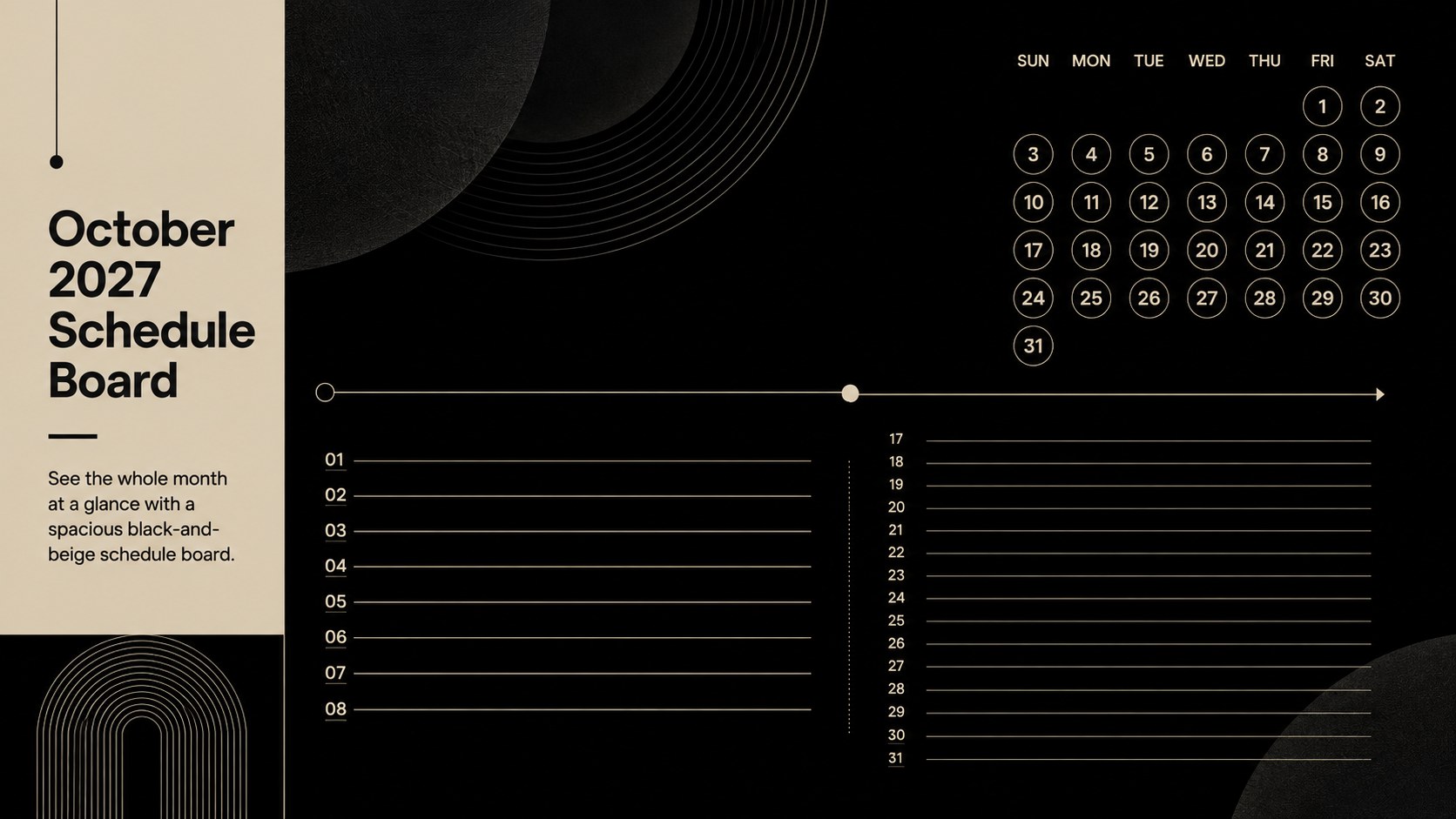
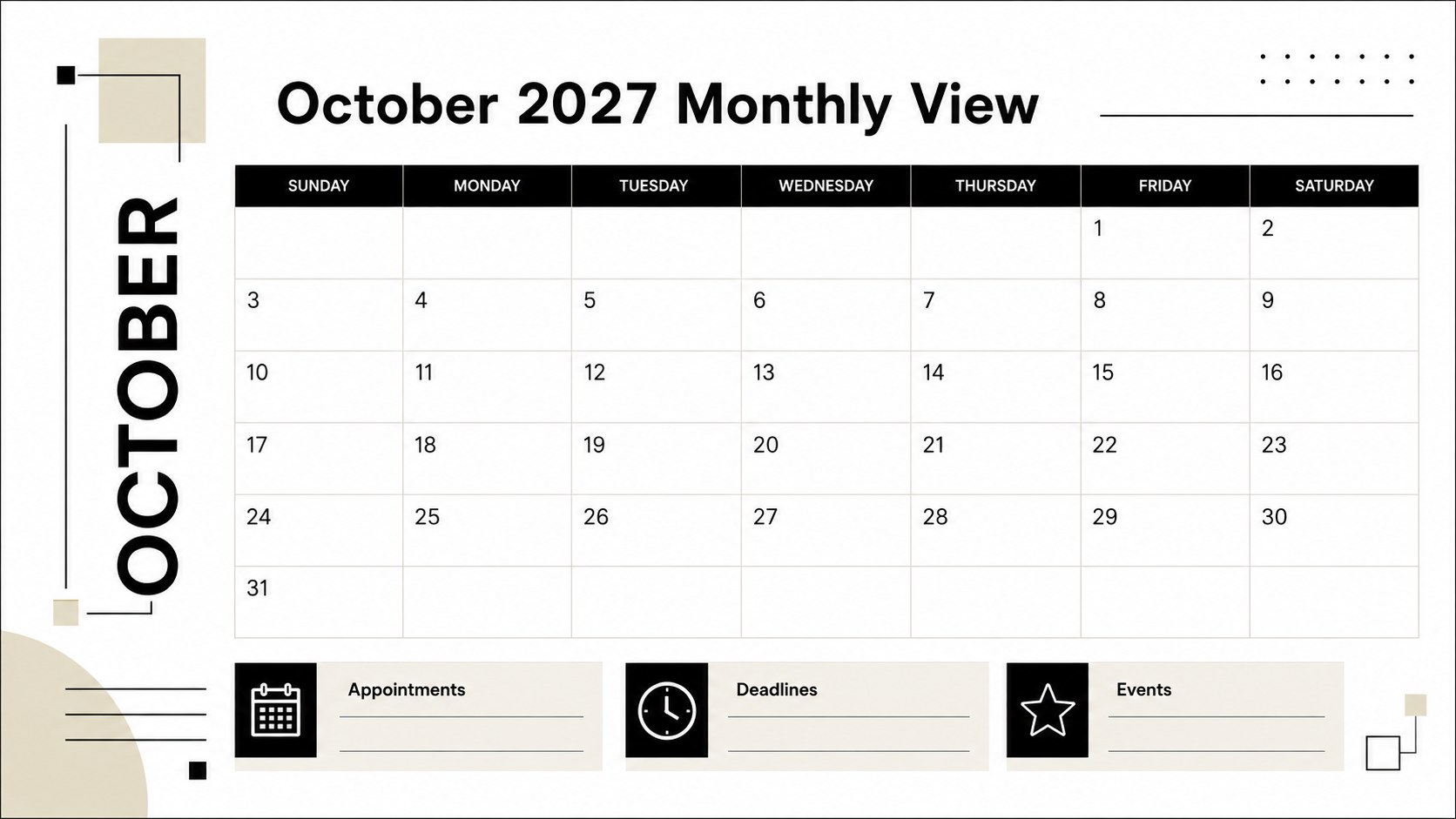
Bring structure to a busy month with this October 2027 schedule board, designed around a crisp black-and-beige palette and an easy-to-scan landscape layout. Strong typography, generous spacing, and clear date divisions make important commitments visible without crowding the page. Use it as an October 2027 work schedule, an academic organizer, or a shared planning display for the home.
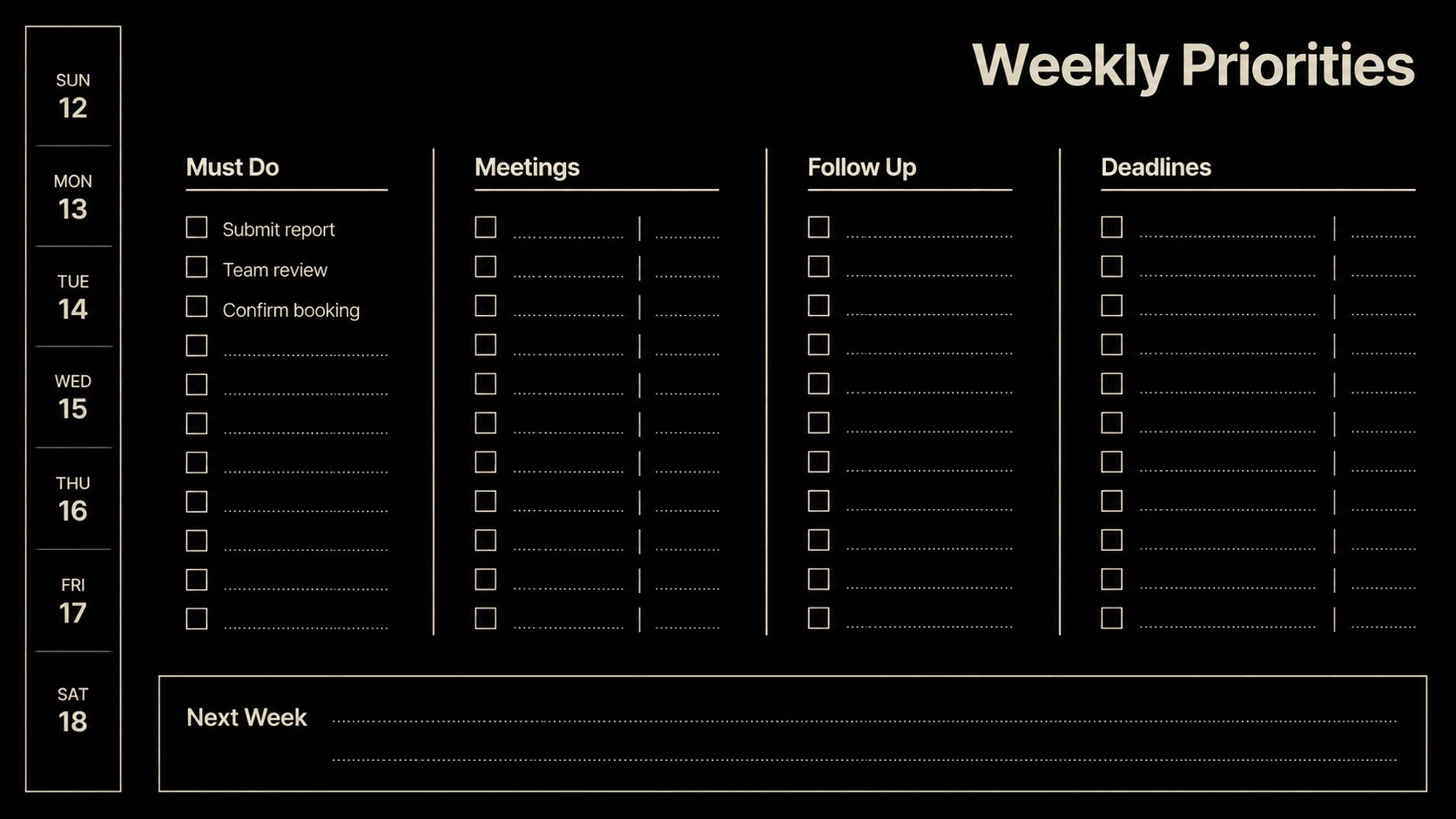
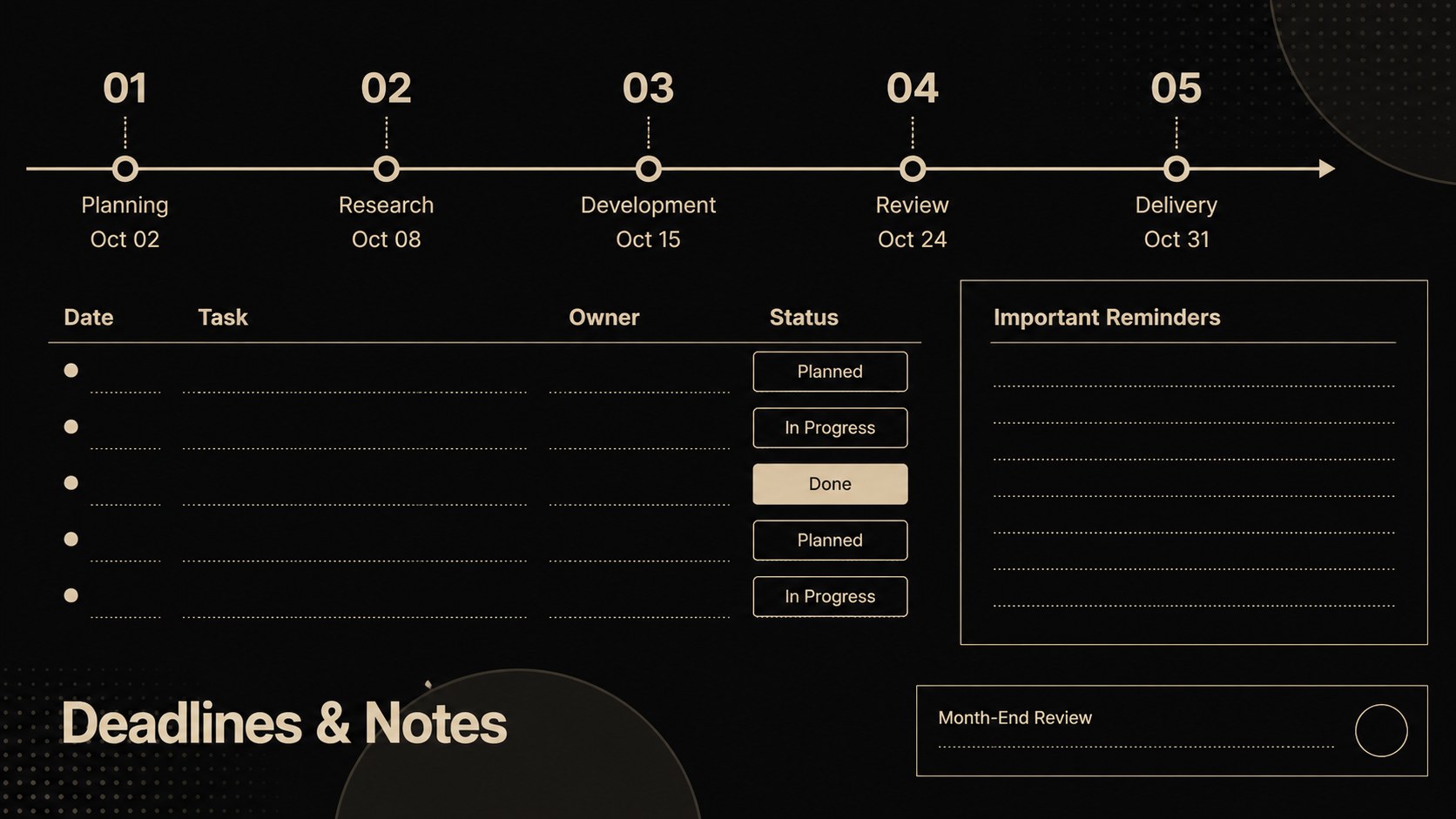
The template includes a complete monthly calendar, a weekly priorities layout, a deadline tracker, and a notes page for reminders or upcoming events. Every section can be edited in PowerPoint or Google Slides, including headings, dates, labels, fonts, shapes, and colors. The layouts also work well when exported as a printable October 2027 planner for desks, noticeboards, binders, or team planning areas.
Professionals can coordinate meetings, project milestones, and delivery dates, while teachers and students can record lessons, assignments, and campus activities. Families can adapt the same pages for appointments, travel, celebrations, and household responsibilities. The minimalist calendar design keeps attention on the schedule itself, and the neutral palette suits offices, classrooms, and personal planning spaces. Duplicate pages for different teams or subjects, add color-coded categories, and tailor the planning fields to match the way you organize your month.
Perfect for: monthly project scheduling; class assignment planning; family appointment tracking; office deadline management; October event coordination.
Frequently asked questions
Can I edit every date and planning field? Yes. Dates, headings, notes, category labels, fonts, shapes, and colors can all be changed to match your schedule.
Practical details
Yes. Dates, headings, notes, category labels, fonts, shapes, and colors can all be changed to match your schedule.
The template is designed for PowerPoint and Google Slides. Both platforms let you customize the layouts, duplicate pages, and export the finished schedule.
Yes. Export your completed layout as a PDF and select landscape orientation when printing for the best result.
Duplicate the monthly or weekly layouts, then rename each copy for a team, class, project, or family member. You can also assign distinct accent colors to each category.
Keep exploring
15Build an engaging World UFO Day session with this flying saucer history lesson deck, featuring retro green-and-brown slides for PowerPoint and Google Slides.
 15
15Plan a lively animal-learning journey with this jungle zoo adventure lesson deck, ready to customize in PowerPoint and Google Slides for young learners.
 16
16Turn environmental research into a clear story with a Watercolor Ecology Presentation Theme for PowerPoint and Google Slides in calming green and blue.
 16
16Build focused fashion, literature, and humanities presentations with the Red Triangle Editorial Theme, editable in PowerPoint and Google Slides.
 15
15Turn streaming stats, favorite tracks, and concert highlights into a bold annual listening recap slide deck for PowerPoint and Google Slides.
 15
15Turn highlights, milestones, and favorite moments into a colorful year in review slide deck with bold 3D graphics for PowerPoint and Google Slides.
 3
3Build a credible endorsement with Standout Colleague Recommendation Letter Slides, featuring colorful prompts for skills, achievements, and team impact.
 4
4Build clear beginner sessions with an ice hockey fundamentals training deck for coaches, PE teachers, and clubs, ready for PowerPoint and Google Slides.