
 15
15presentation
Flying Saucer History Lesson Deck
Build an engaging World UFO Day session with this flying saucer history lesson deck, featuring retro green-and-brown slides for PowerPoint and Google Slides.
Google SlidesPowerPoint
presentation · English
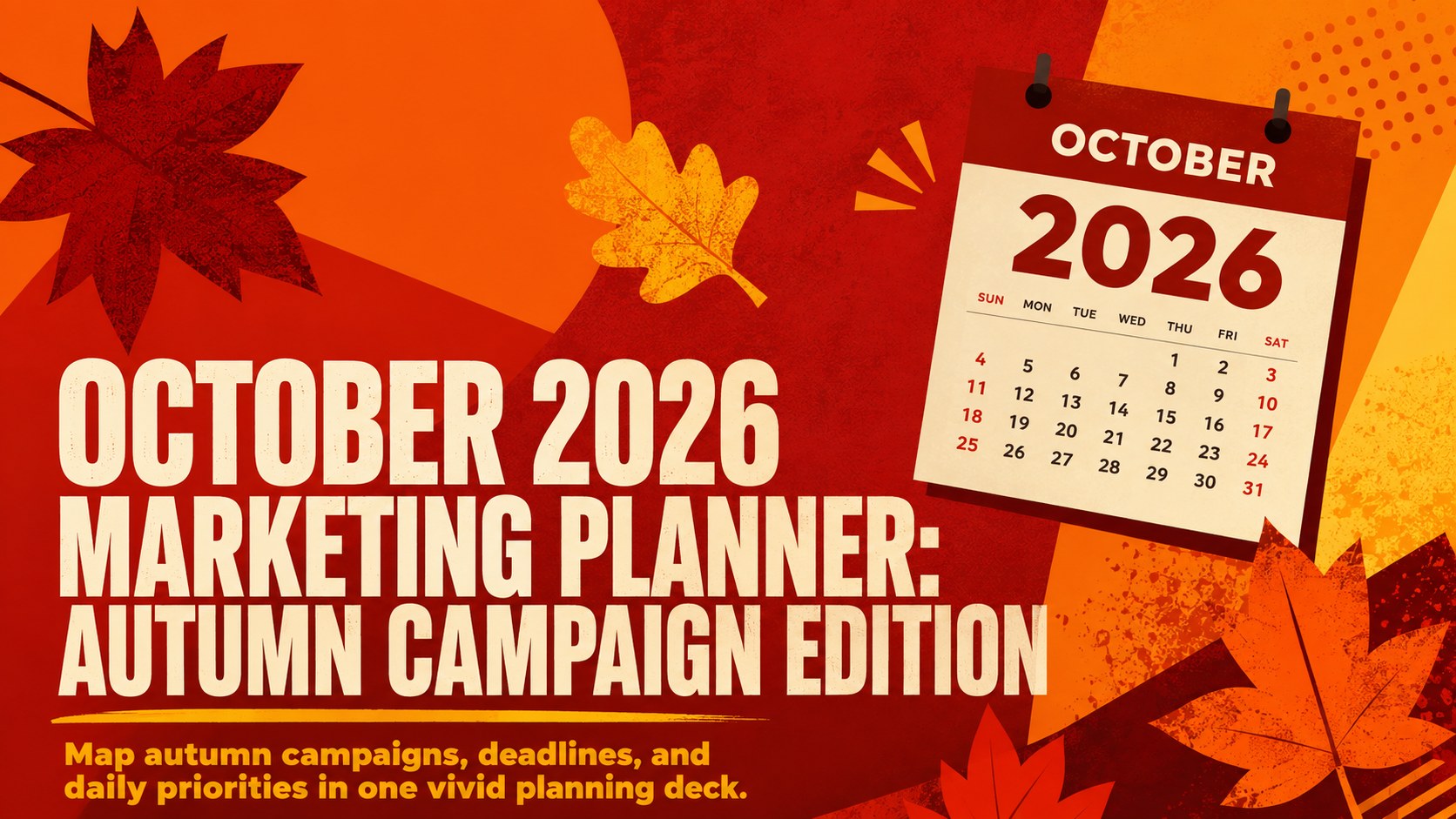
Organize campaigns with an October 2026 marketing planner featuring bold orange and red layouts for daily priorities, deadlines, content, and updates.
Design notes
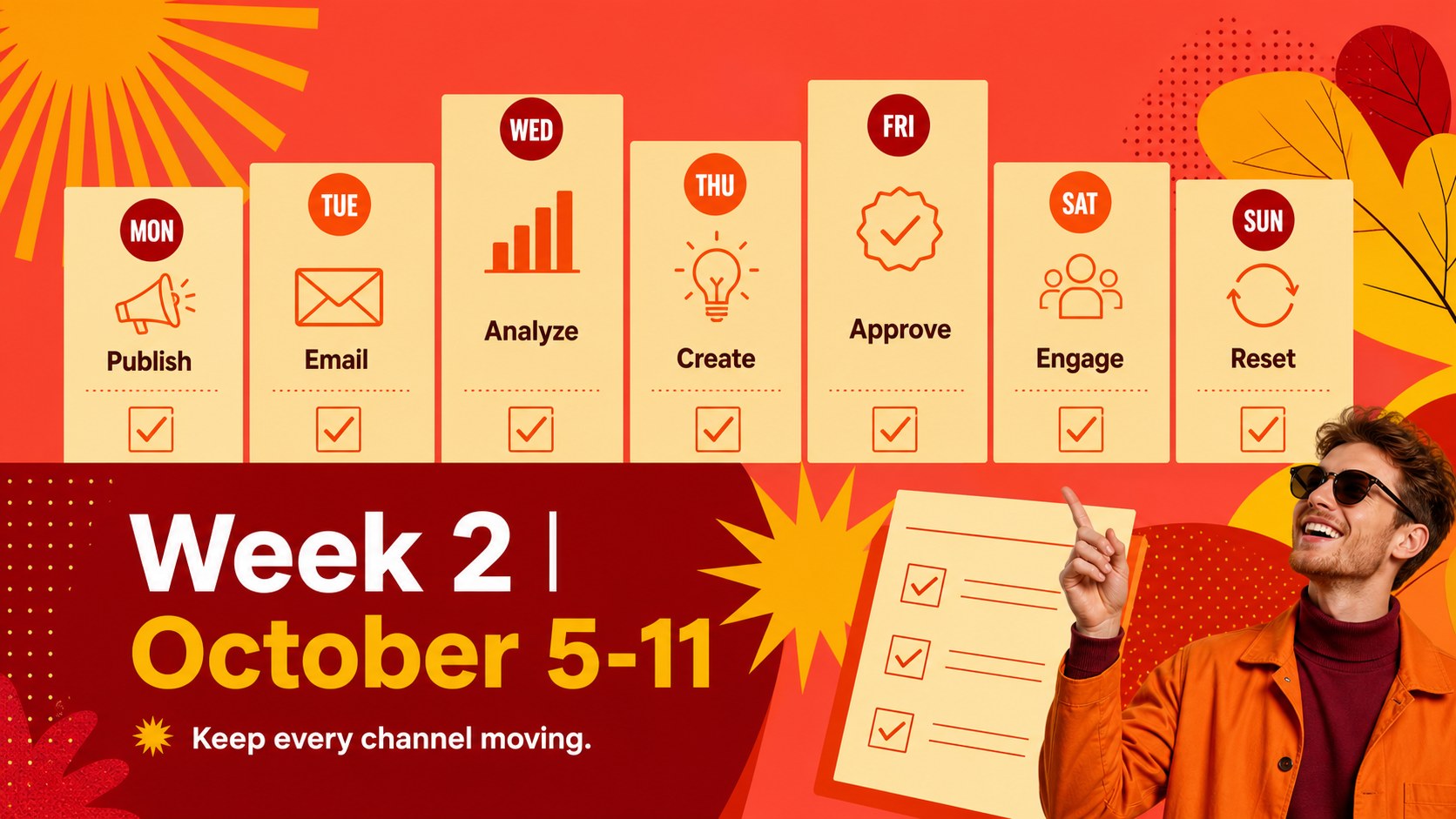
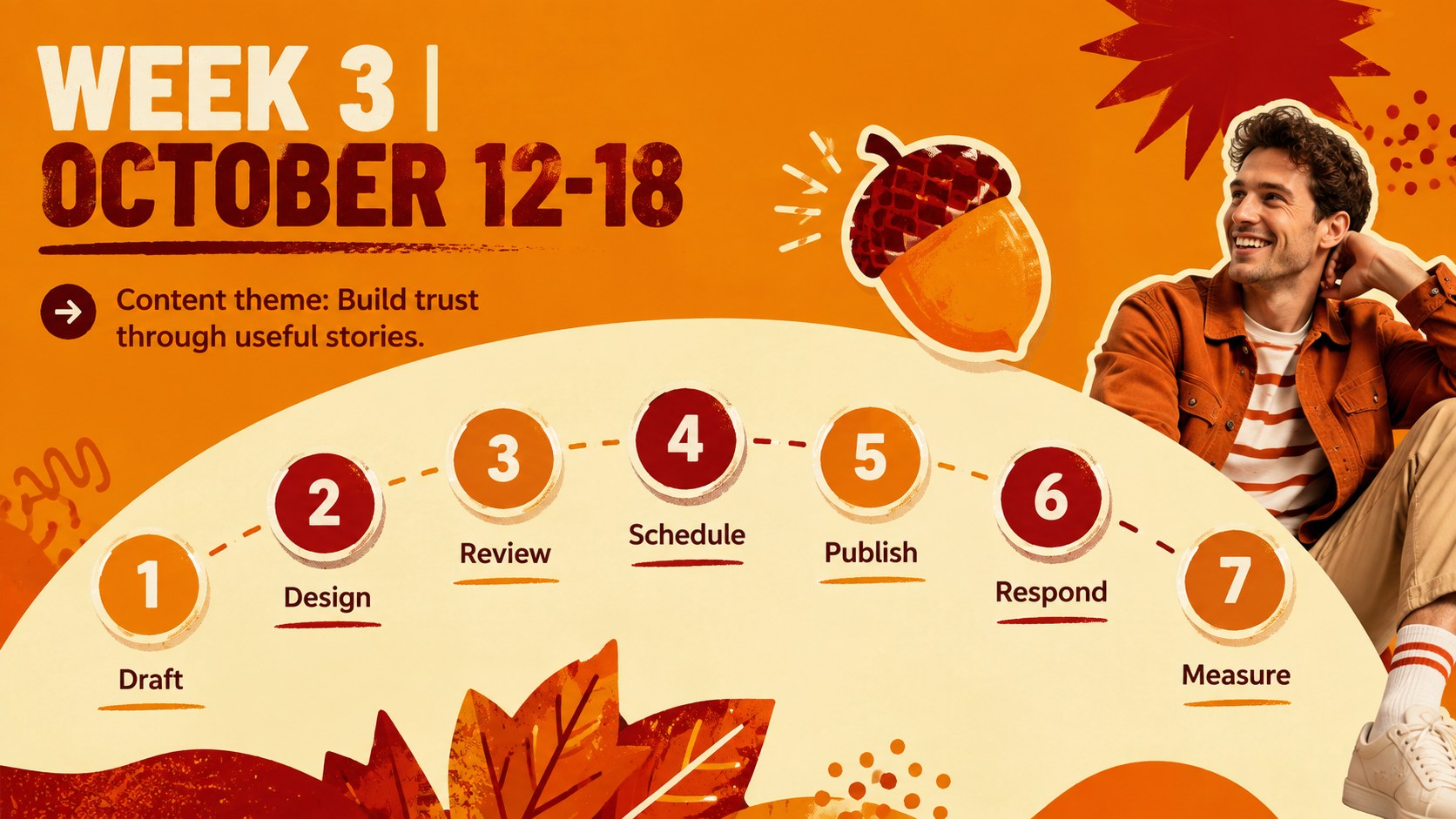
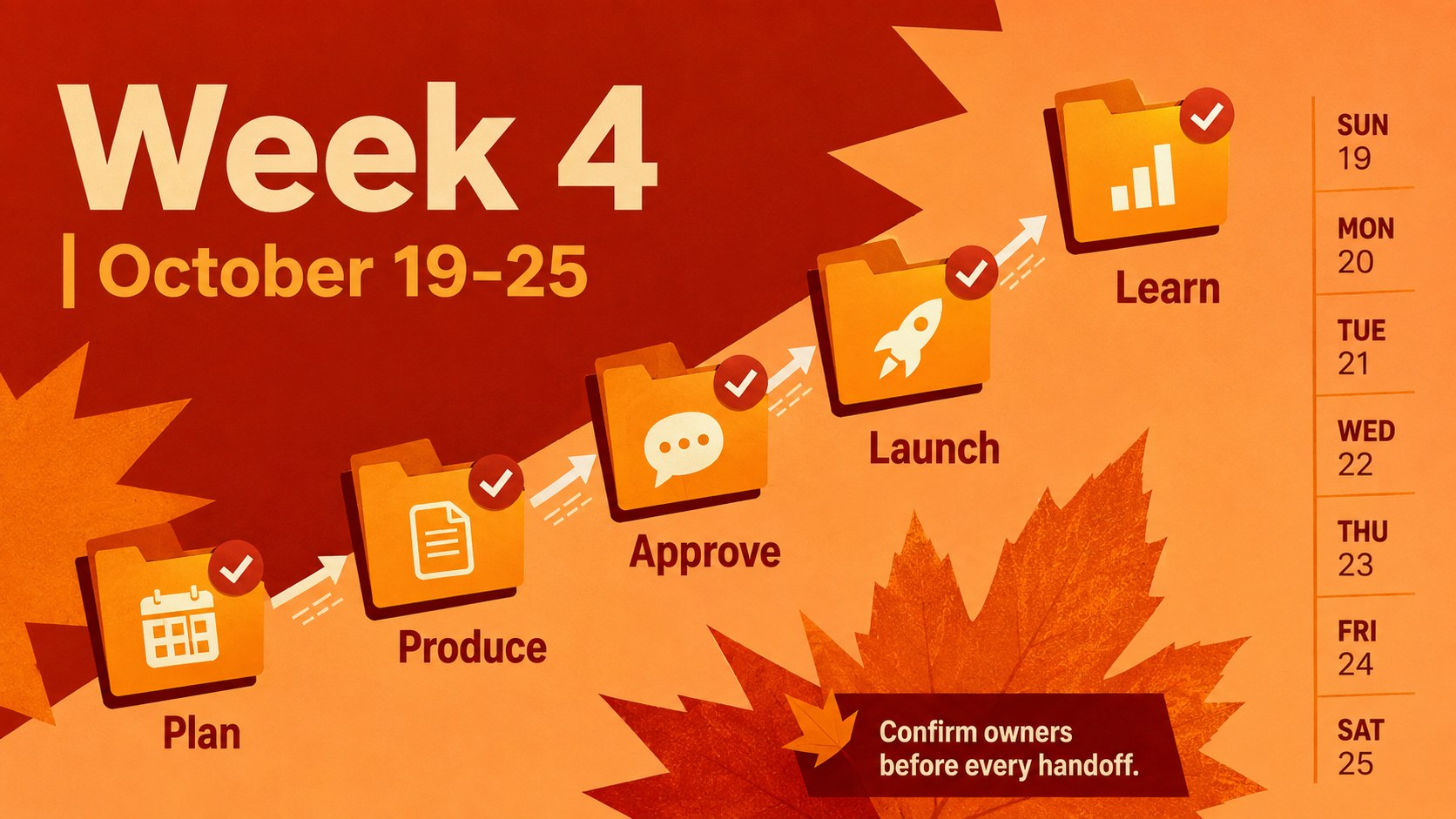
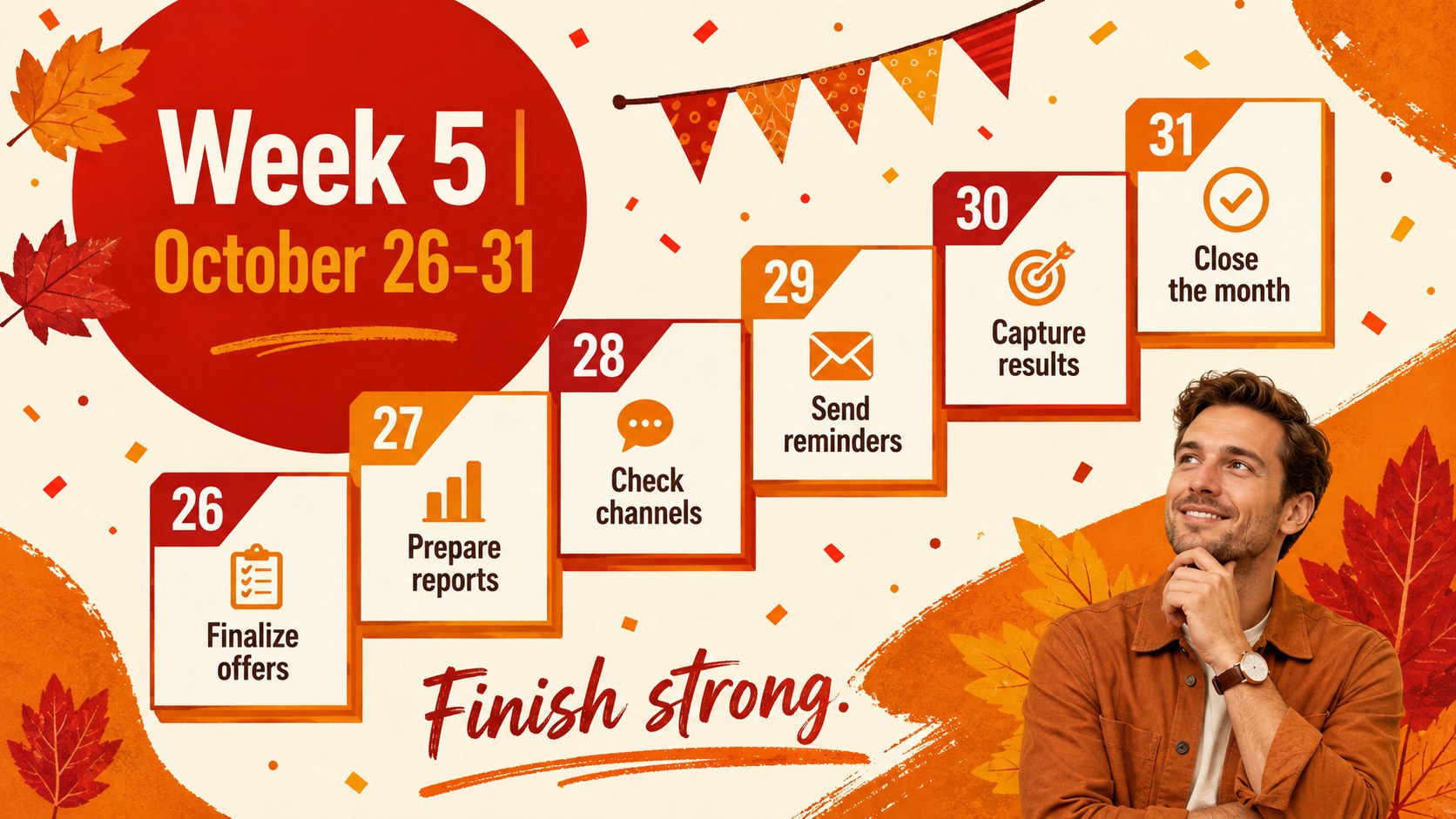
Turn a busy campaign month into a clear, actionable schedule with this October 2026 marketing planner. Designed in a bold maximalist style, the deck combines energetic orange and red tones with strong typography and practical layouts. It works as an autumn campaign planning presentation for teams that need to coordinate launches, content, promotions, meetings, and deadlines without losing sight of daily priorities.
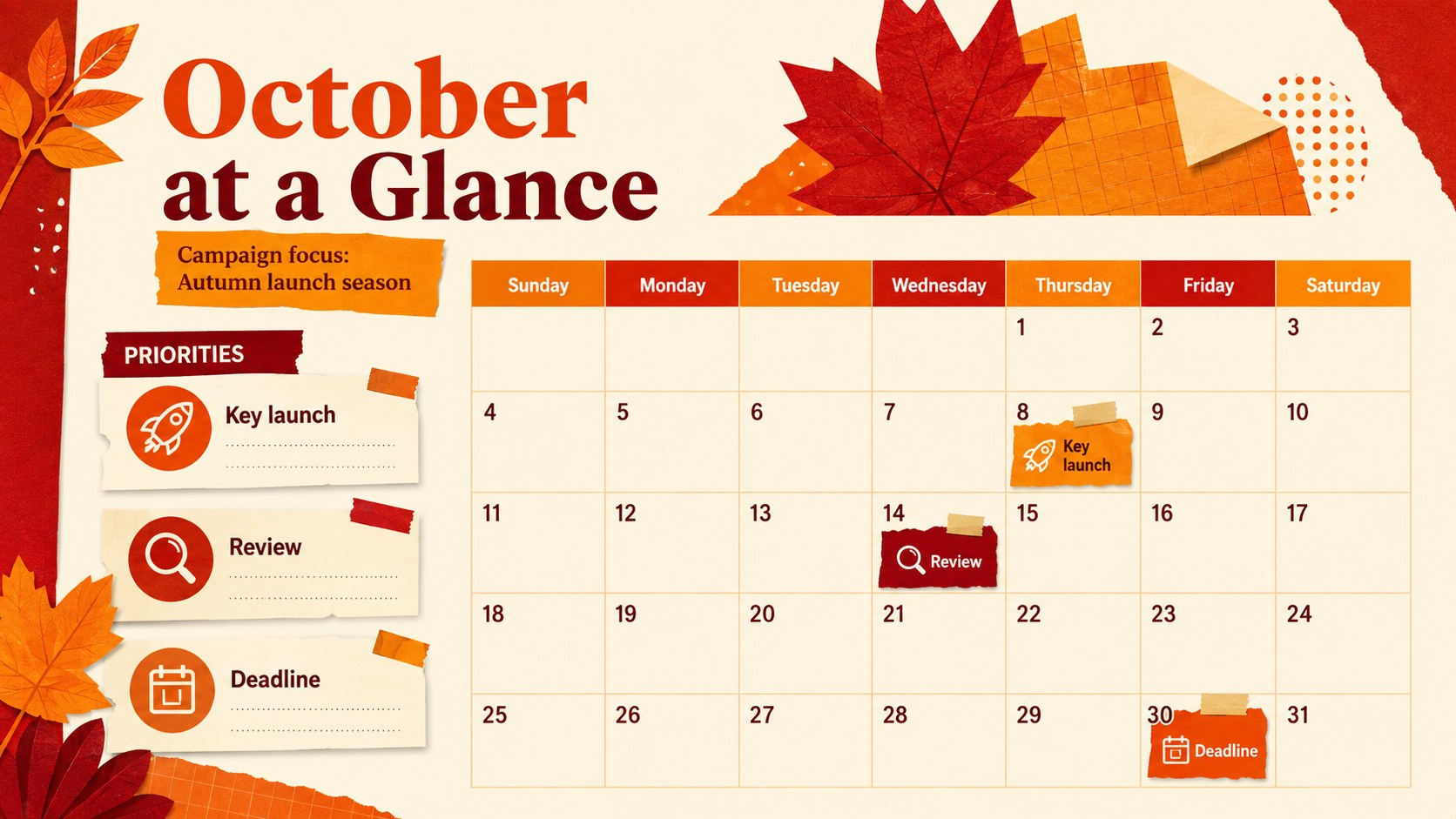
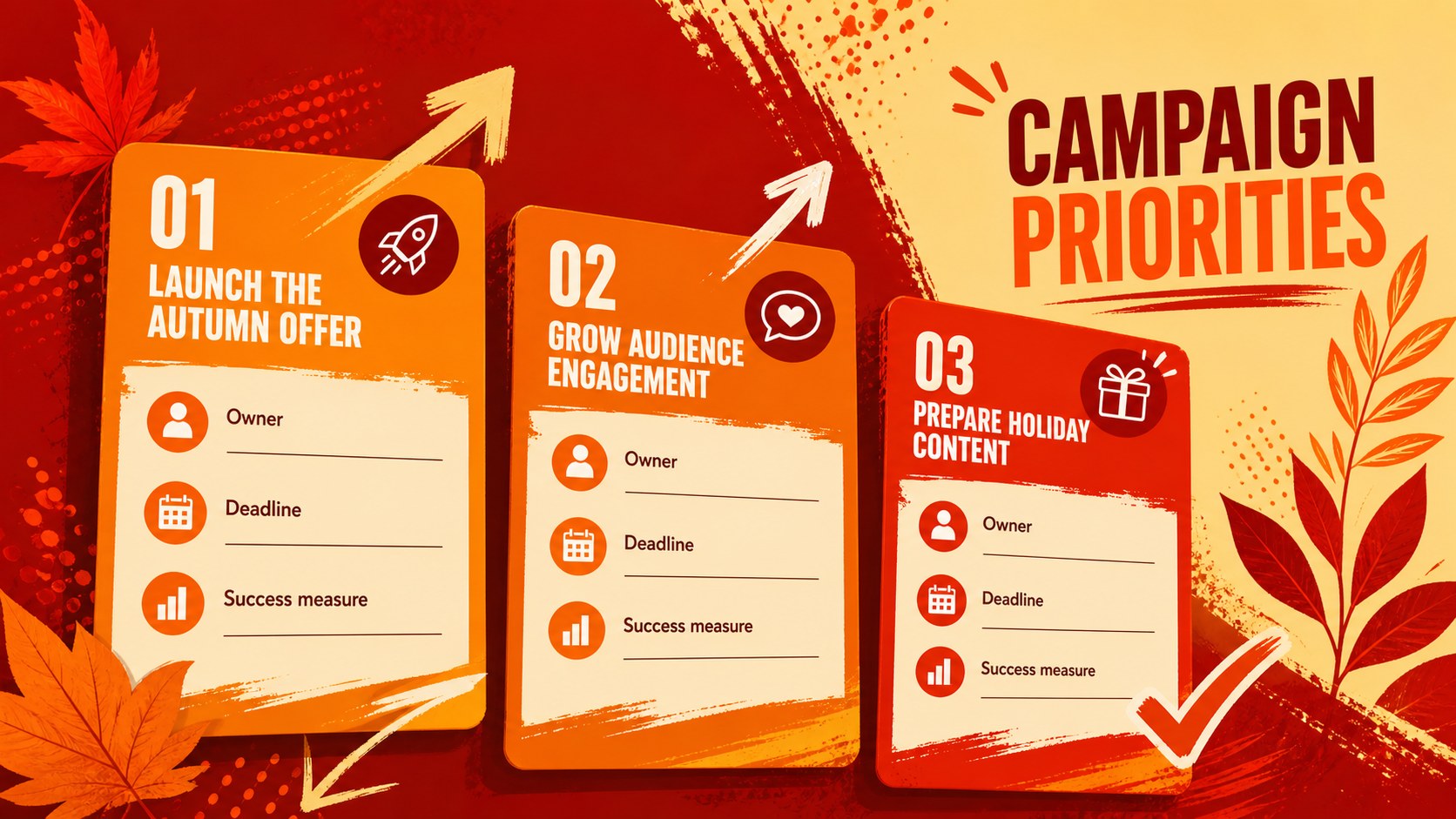
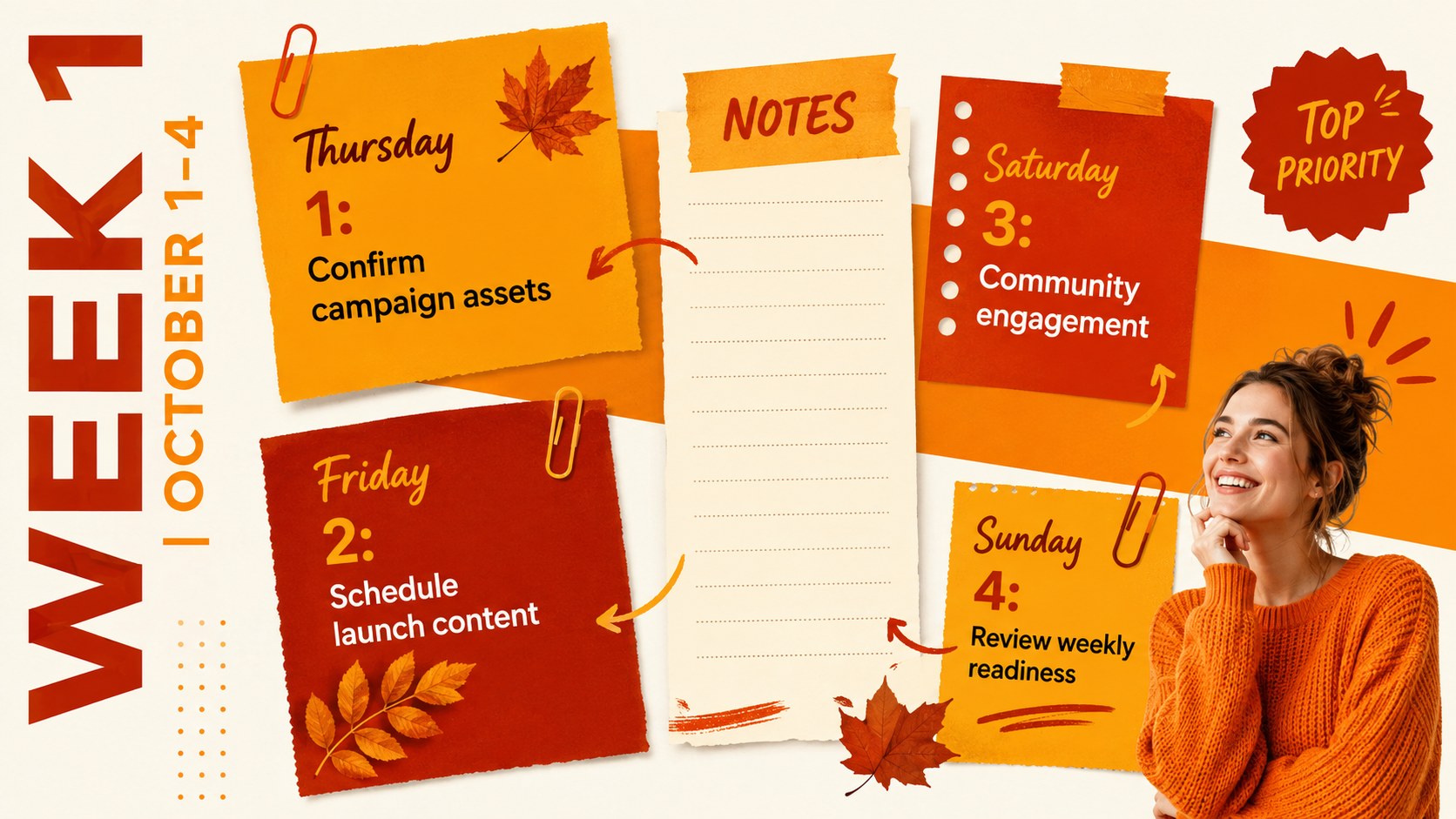
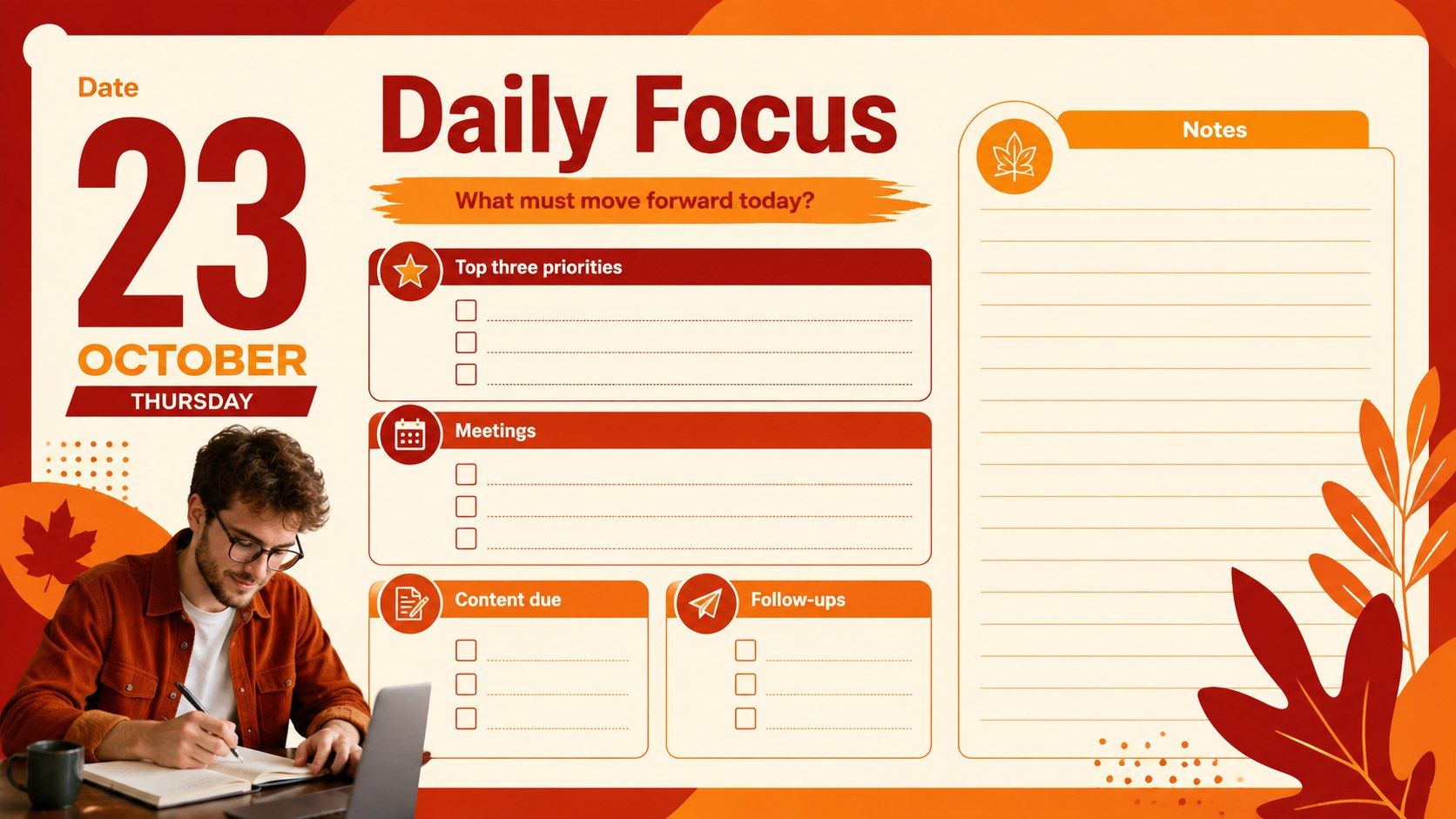
Inside, you will find a complete October overview, weekly schedules, daily focus pages, campaign priority boards, a content pipeline, channel planning layouts, milestone timelines, and a month-end review. The structured sections can also support q4 social media planning slides, giving teams room to assign owners, record due dates, track progress, and document performance notes. Every layout can be adapted to match a specific campaign workflow or reporting routine.
This presentation is built for marketing managers, content strategists, social media teams, small businesses, agencies, and independent creators. Use it as a daily marketing schedule template PowerPoint deck or edit it in Google Slides for collaborative planning. Replace the sample wording, adjust colors, move design elements, and duplicate pages as needed. The combination of functional planning tools and expressive autumn styling makes it suitable for campaign kickoffs, weekly check-ins, editorial coordination, and personal productivity throughout October 2026.
Perfect for: October campaign kickoff; Weekly marketing check-in; Social media scheduling; Editorial deadline tracking; Product launch planning; Month-end performance review.
Frequently asked questions
Can I edit this planner in PowerPoint and Google Slides? Yes. Every slide can be edited in PowerPoint or Google Slides, including the text, colors, shapes, and schedule entries. You can also duplicate layouts when you need more daily or weekly planning pages.
Practical details
Yes. Every slide can be edited in PowerPoint or Google Slides, including the text, colors, shapes, and schedule entries. You can also duplicate layouts when you need more daily or weekly planning pages.
Yes. The monthly and weekly calendar layouts follow the October 2026 date sequence. Undated task and campaign pages can be reused for other months or projects.
Replace the sample campaign names with your own projects, then assign owners, channels, deadlines, and status labels. The orange and red palette can be adjusted to match your organization while preserving the bold autumn look.
Yes. Dedicated pipeline, channel schedule, timeline, and metrics layouts support editorial and social media workflows. They can be presented during team meetings or maintained as a shared working planner.
Keep exploring
15Build an engaging World UFO Day session with this flying saucer history lesson deck, featuring retro green-and-brown slides for PowerPoint and Google Slides.
 15
15Plan a lively animal-learning journey with this jungle zoo adventure lesson deck, ready to customize in PowerPoint and Google Slides for young learners.
 16
16Turn environmental research into a clear story with a Watercolor Ecology Presentation Theme for PowerPoint and Google Slides in calming green and blue.
 16
16Build focused fashion, literature, and humanities presentations with the Red Triangle Editorial Theme, editable in PowerPoint and Google Slides.
 15
15Turn streaming stats, favorite tracks, and concert highlights into a bold annual listening recap slide deck for PowerPoint and Google Slides.
 15
15Turn highlights, milestones, and favorite moments into a colorful year in review slide deck with bold 3D graphics for PowerPoint and Google Slides.
 3
3Build a credible endorsement with Standout Colleague Recommendation Letter Slides, featuring colorful prompts for skills, achievements, and team impact.
 4
4Build clear beginner sessions with an ice hockey fundamentals training deck for coaches, PE teachers, and clubs, ready for PowerPoint and Google Slides.