
 15
15presentation
Flying Saucer History Lesson Deck
Build an engaging World UFO Day session with this flying saucer history lesson deck, featuring retro green-and-brown slides for PowerPoint and Google Slides.
Google SlidesPowerPoint
presentation · English
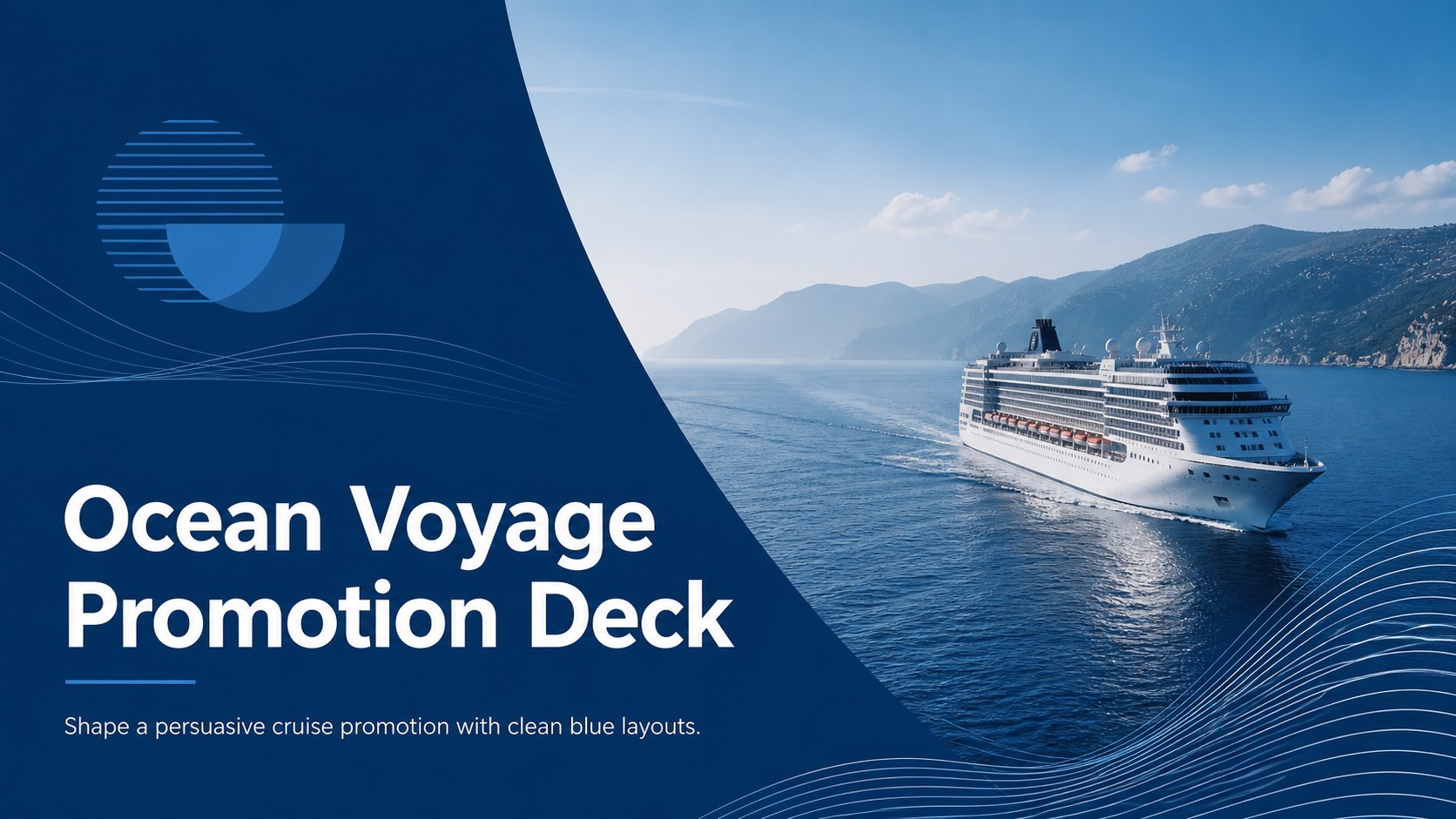
Turn cruise offers into a polished pitch with an Ocean Voyage Promotion Deck for PowerPoint and Google Slides, featuring campaign-ready layouts.
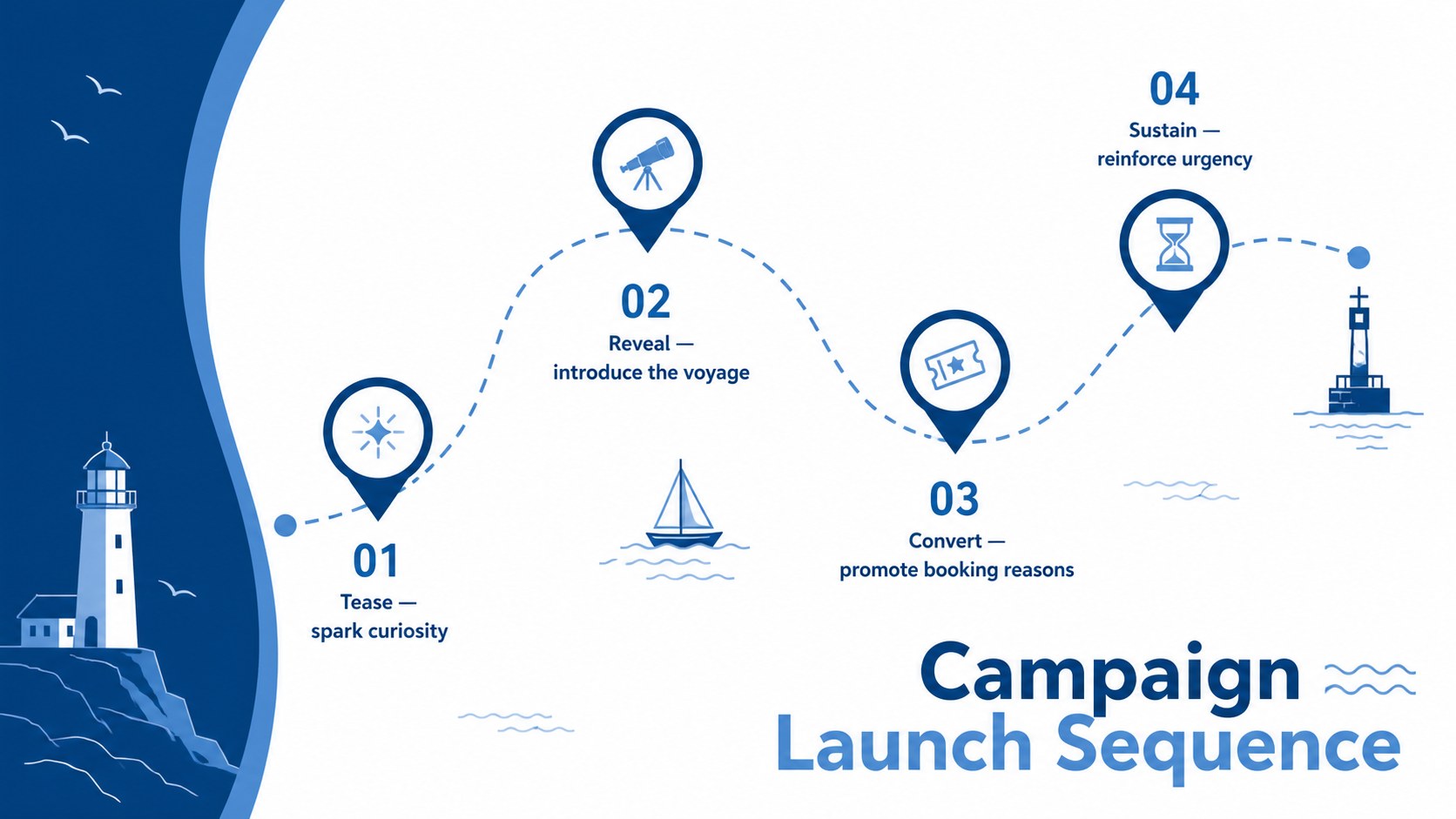
Design notes
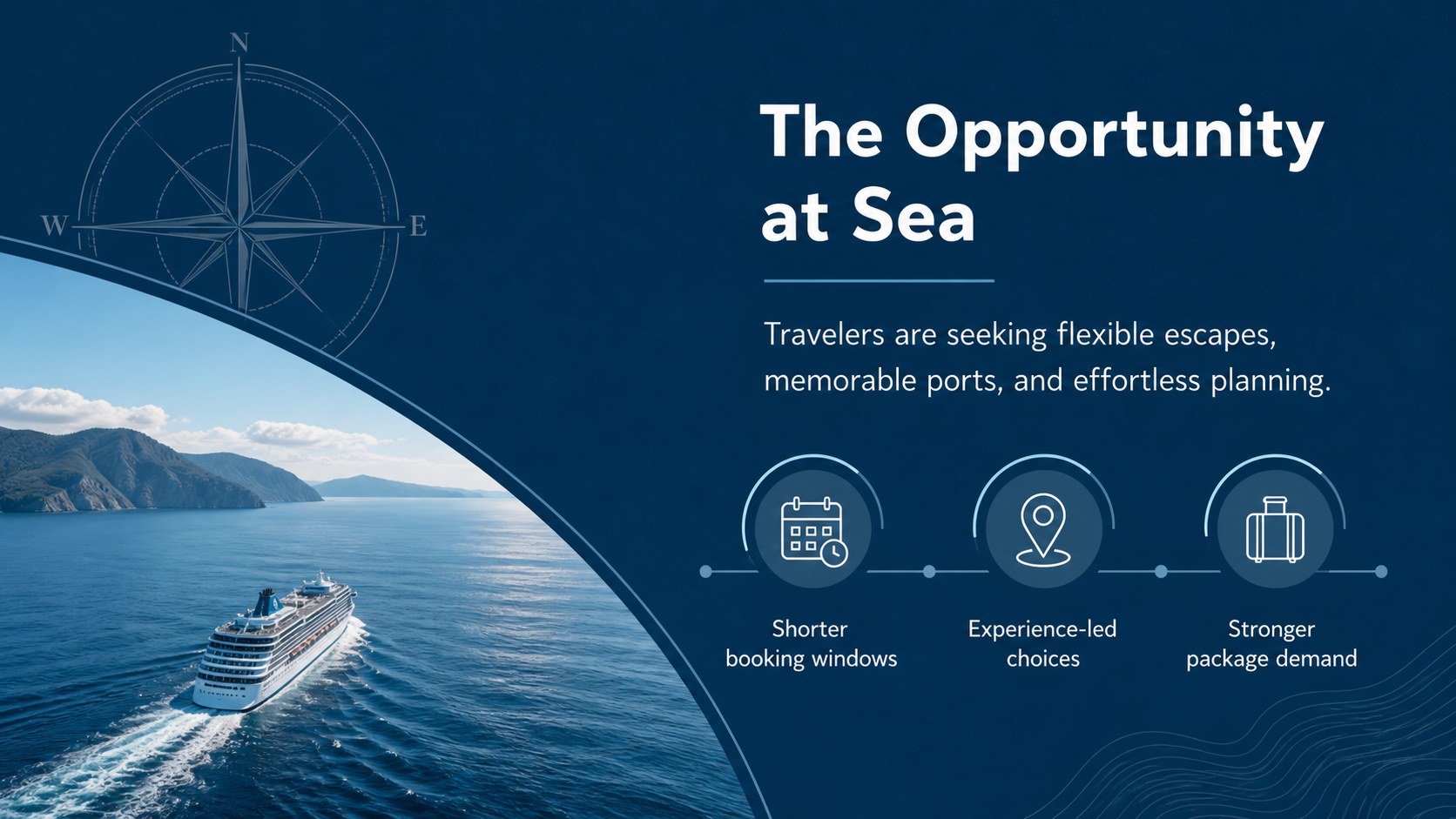
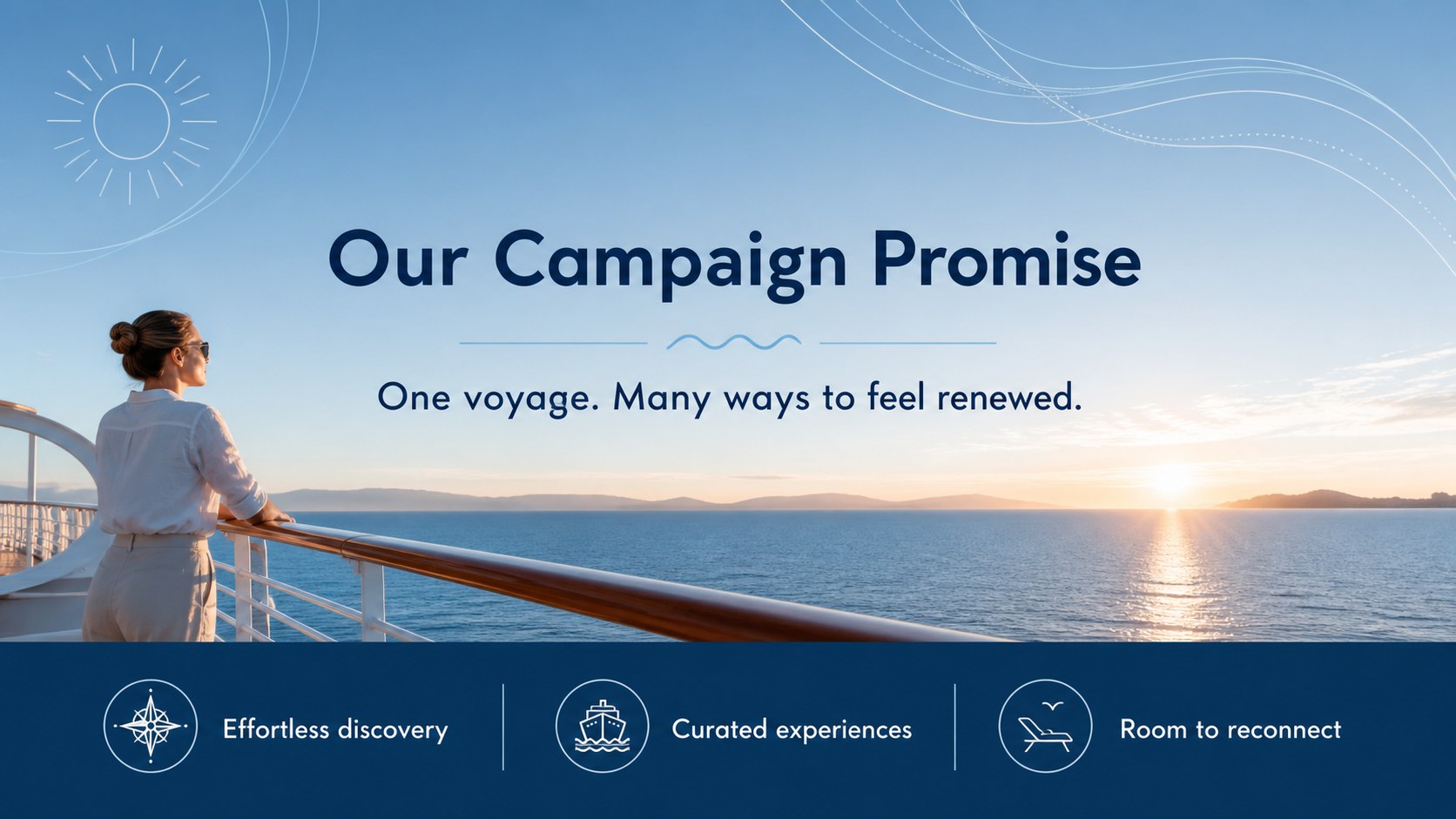
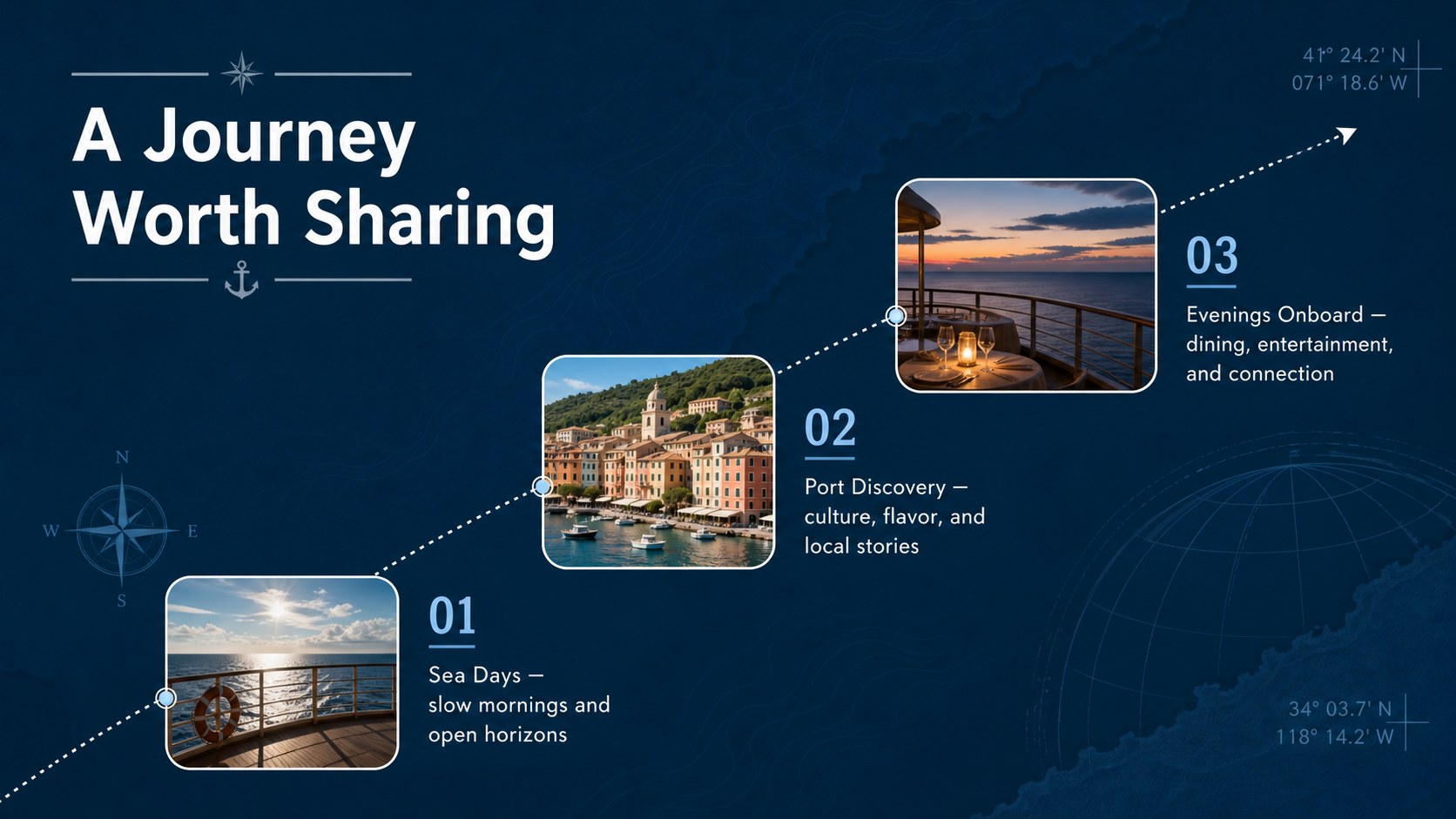
Build a focused travel pitch with the Ocean Voyage Promotion Deck, a minimal blue presentation created for cruise lines, travel agencies, tour operators, and hospitality marketing teams. Its spacious layouts help you turn destination imagery, sailing benefits, and booking messages into a clear story for clients, partners, or internal decision-makers.
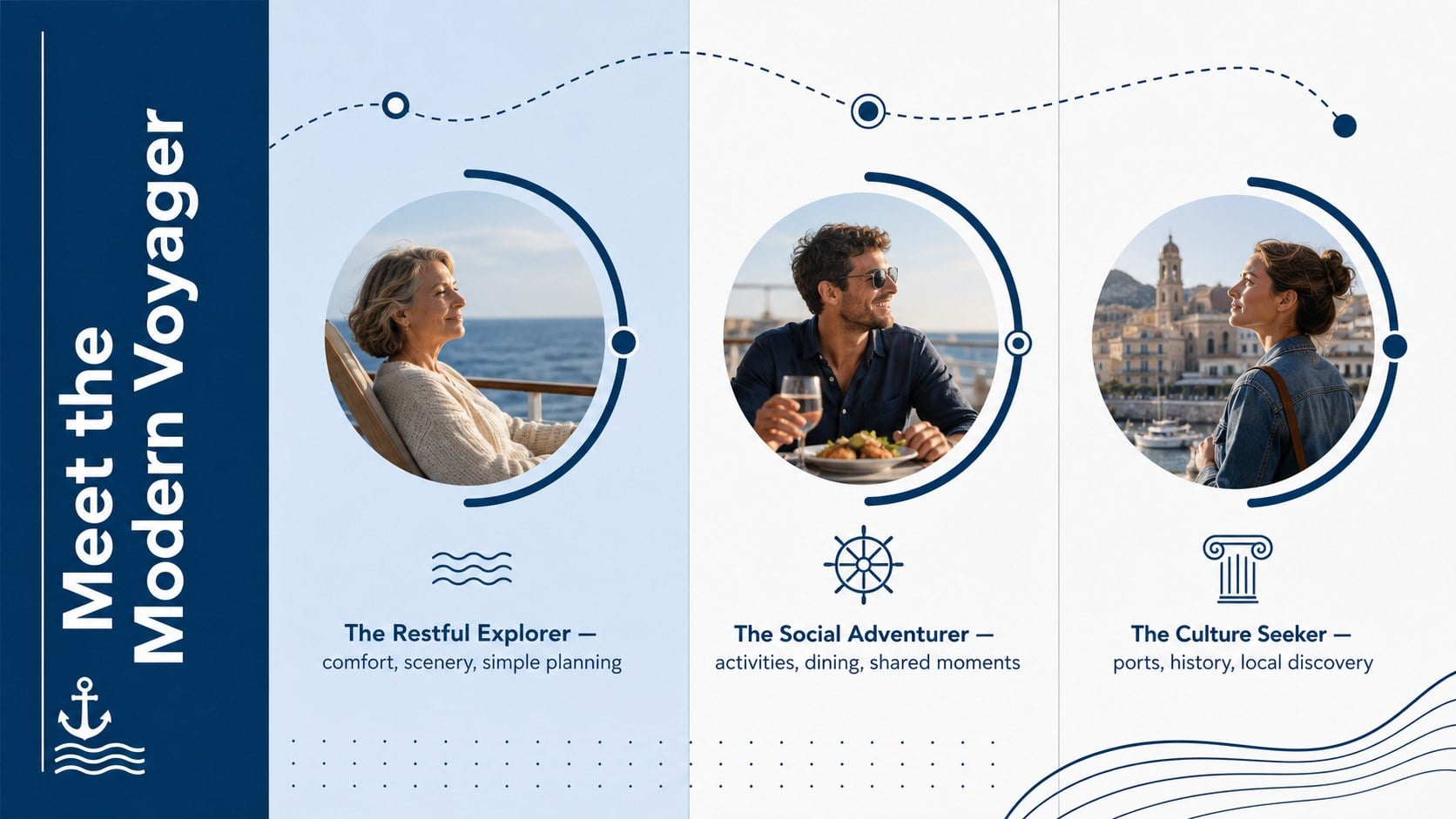
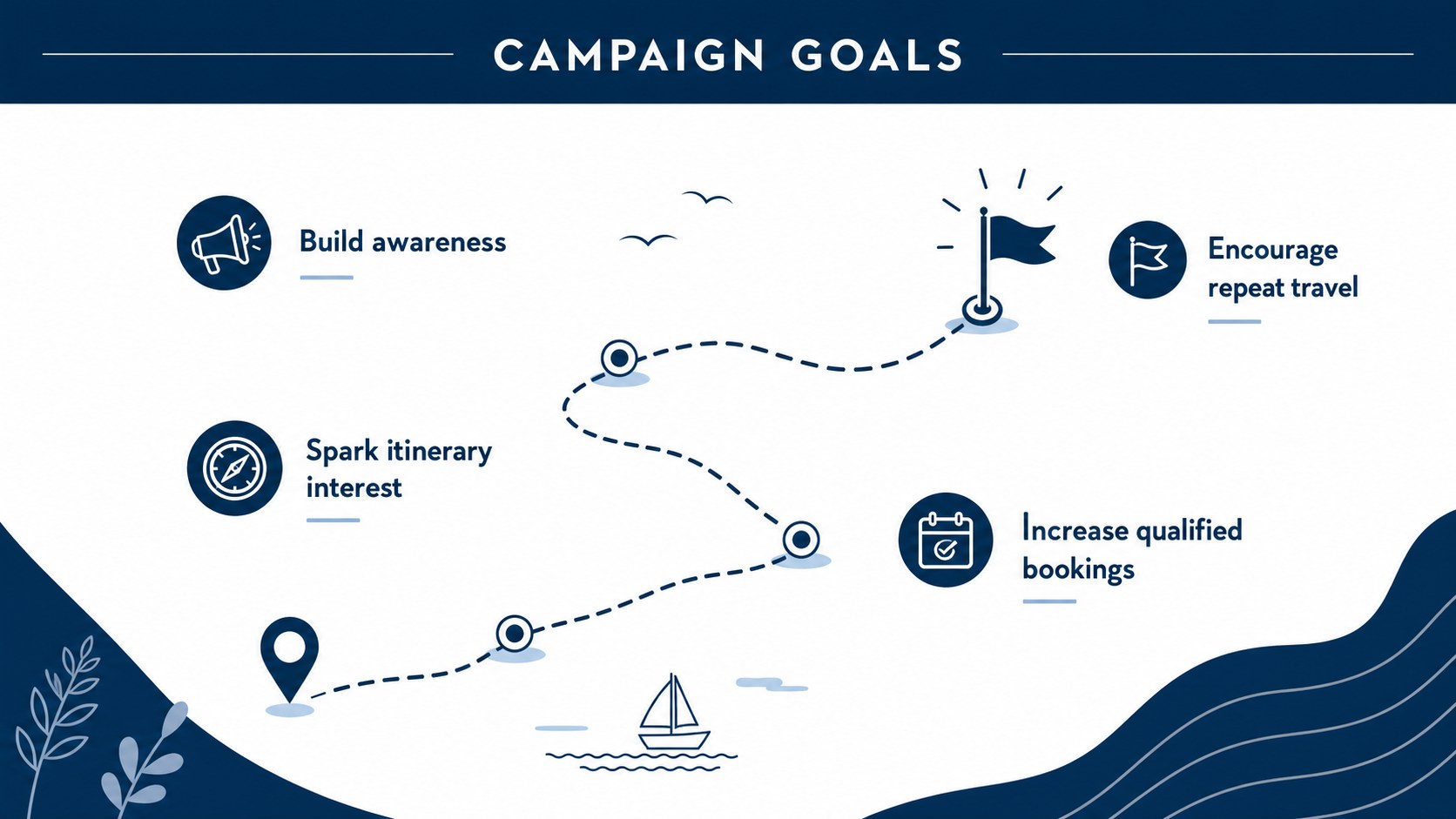
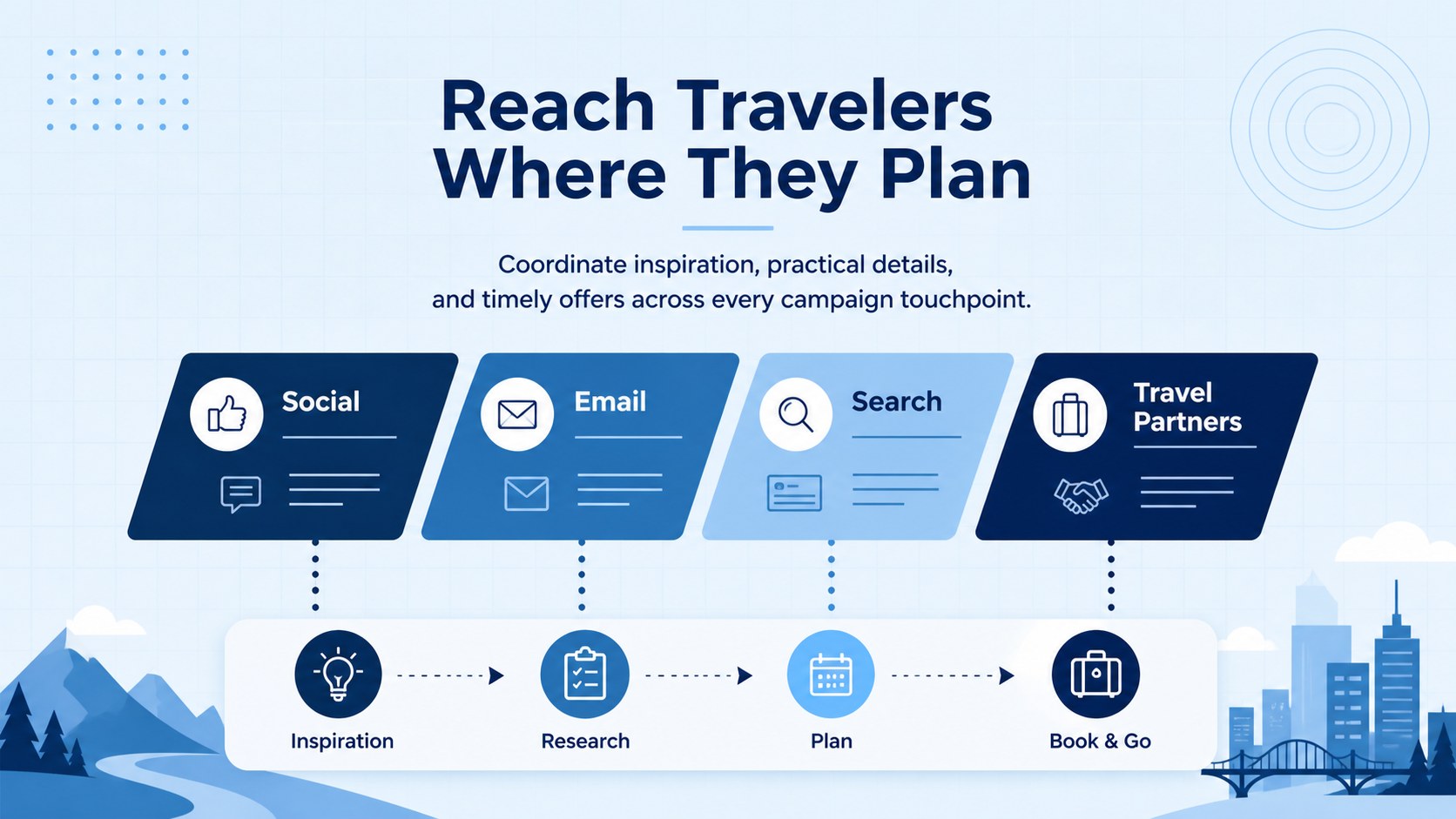
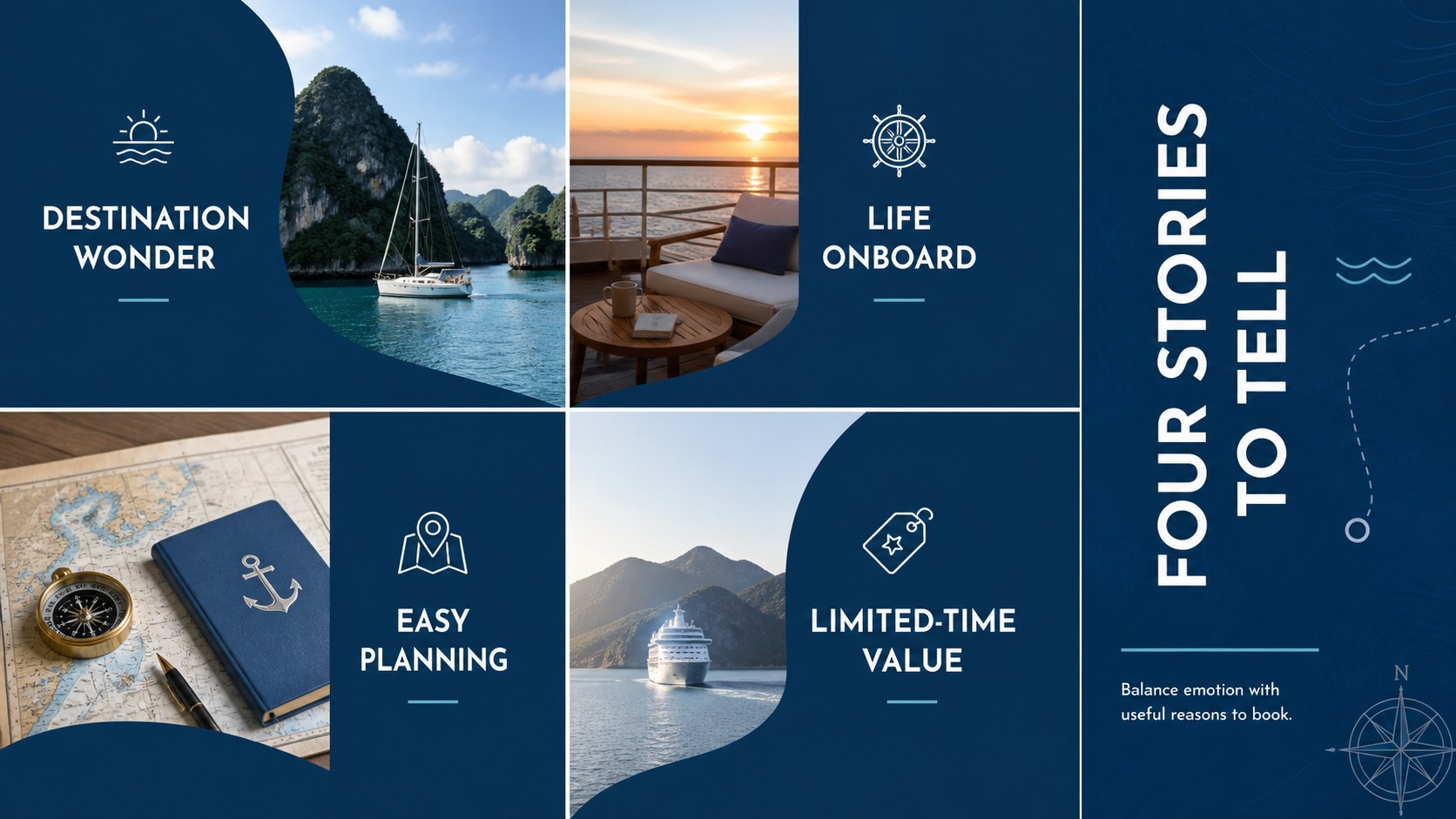
The deck includes 15 editable 16:9 slides for campaign objectives, traveler personas, brand positioning, featured itineraries, channel planning, content pillars, launch milestones, promotional offers, partnerships, budgets, and performance metrics. Use it as a cruise marketing campaign presentation when introducing a seasonal route or adapt it into a cruise vacation sales pitch for agents and customer-facing events. Charts, timelines, image areas, and concise text sections make detailed information easy to scan without losing the calm maritime atmosphere.
This blue minimalist cruise presentation works in PowerPoint and Google Slides, with editable colors, typography, images, shapes, and data displays. Replace the sample copy with your own ports, dates, pricing, and audience research, then apply brand assets where needed. The restrained visual system suits executive briefings, tourism trade meetings, route launches, agency training sessions, and travel promotion proposals while keeping the experience polished, modern, and destination-led.
Perfect for: seasonal cruise route launch; travel agency sales pitch; tourism partner briefing; cruise campaign planning; hospitality trade presentation.
Frequently asked questions
Can I edit the Ocean Voyage Promotion Deck? Yes. You can change the text, colors, fonts, images, shapes, charts, and slide order to match a cruise brand or individual campaign.
Practical details
Yes. You can change the text, colors, fonts, images, shapes, charts, and slide order to match a cruise brand or individual campaign.
The deck is designed for Microsoft PowerPoint and Google Slides. Some font, transition, or animation behavior may vary slightly between the two platforms.
Yes. Replace the sample ports, dates, offers, photography, and route details with information for a specific ship or sailing season. The layouts can also be duplicated for additional destinations.
Yes. Strategy, budget, timeline, and KPI slides support internal reviews, while itinerary, benefit, and offer layouts work well for partners, agents, and prospective travelers.
Keep exploring
15Build an engaging World UFO Day session with this flying saucer history lesson deck, featuring retro green-and-brown slides for PowerPoint and Google Slides.
 15
15Plan a lively animal-learning journey with this jungle zoo adventure lesson deck, ready to customize in PowerPoint and Google Slides for young learners.
 16
16Turn environmental research into a clear story with a Watercolor Ecology Presentation Theme for PowerPoint and Google Slides in calming green and blue.
 16
16Build focused fashion, literature, and humanities presentations with the Red Triangle Editorial Theme, editable in PowerPoint and Google Slides.
 15
15Turn streaming stats, favorite tracks, and concert highlights into a bold annual listening recap slide deck for PowerPoint and Google Slides.
 15
15Turn highlights, milestones, and favorite moments into a colorful year in review slide deck with bold 3D graphics for PowerPoint and Google Slides.
 3
3Build a credible endorsement with Standout Colleague Recommendation Letter Slides, featuring colorful prompts for skills, achievements, and team impact.
 4
4Build clear beginner sessions with an ice hockey fundamentals training deck for coaches, PE teachers, and clubs, ready for PowerPoint and Google Slides.