
 15
15presentation
Flying Saucer History Lesson Deck
Build an engaging World UFO Day session with this flying saucer history lesson deck, featuring retro green-and-brown slides for PowerPoint and Google Slides.
Google SlidesPowerPoint
presentation · English
Turn review into a reveal with this Ocean Mystery Color-by-Answer Game Deck, featuring editable watercolor puzzles for PowerPoint and Google Slides.
Design notes
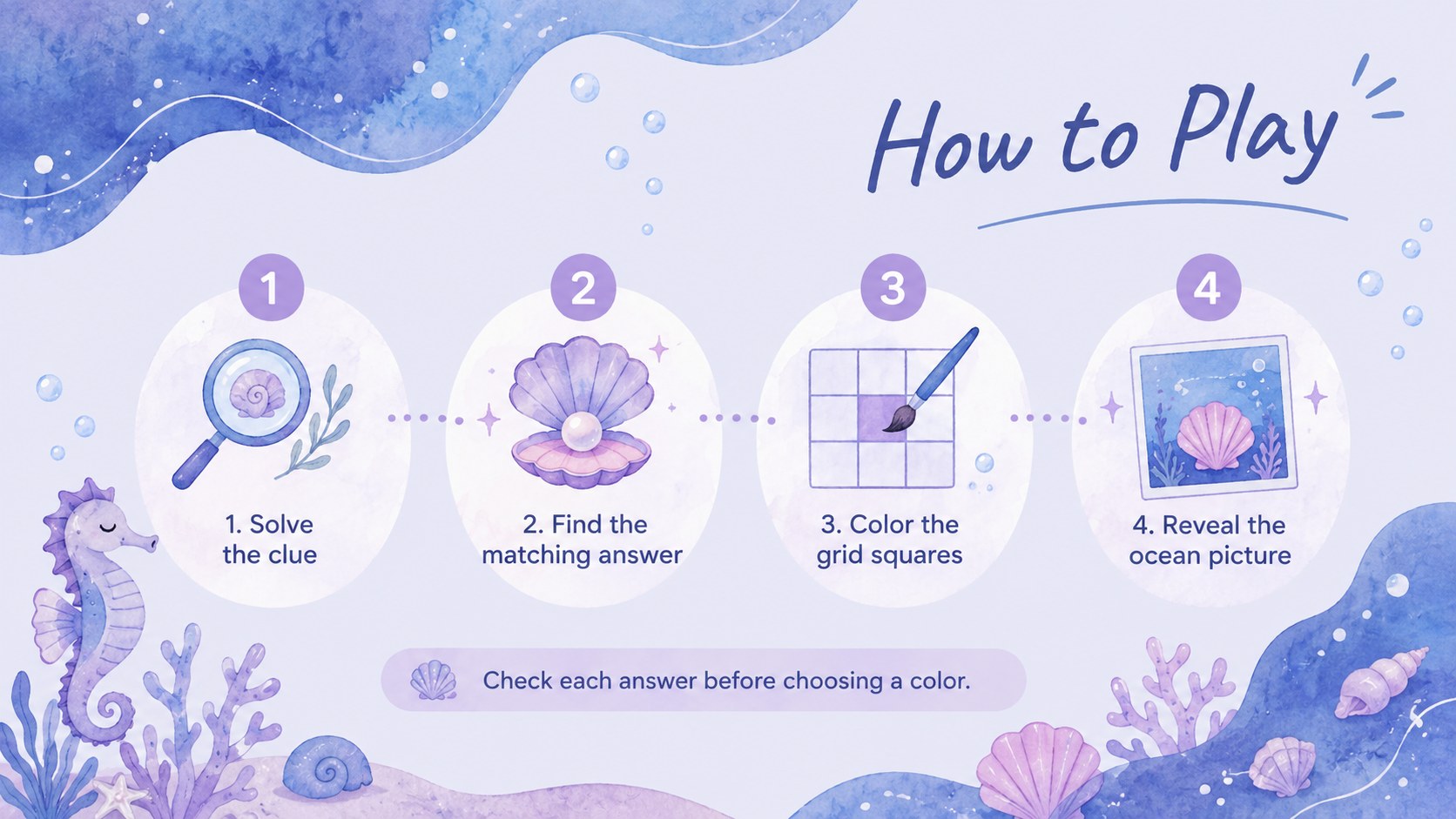
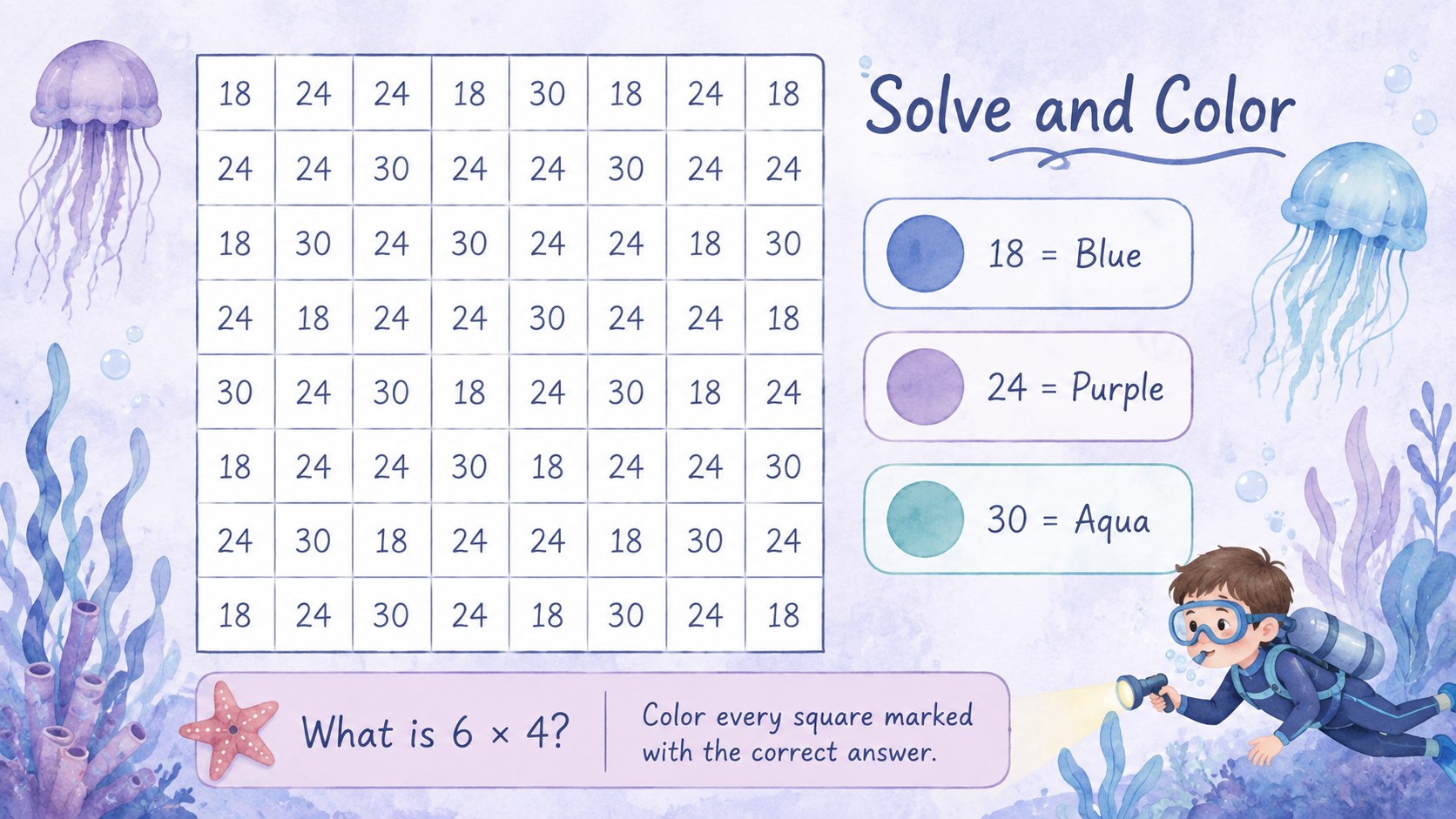
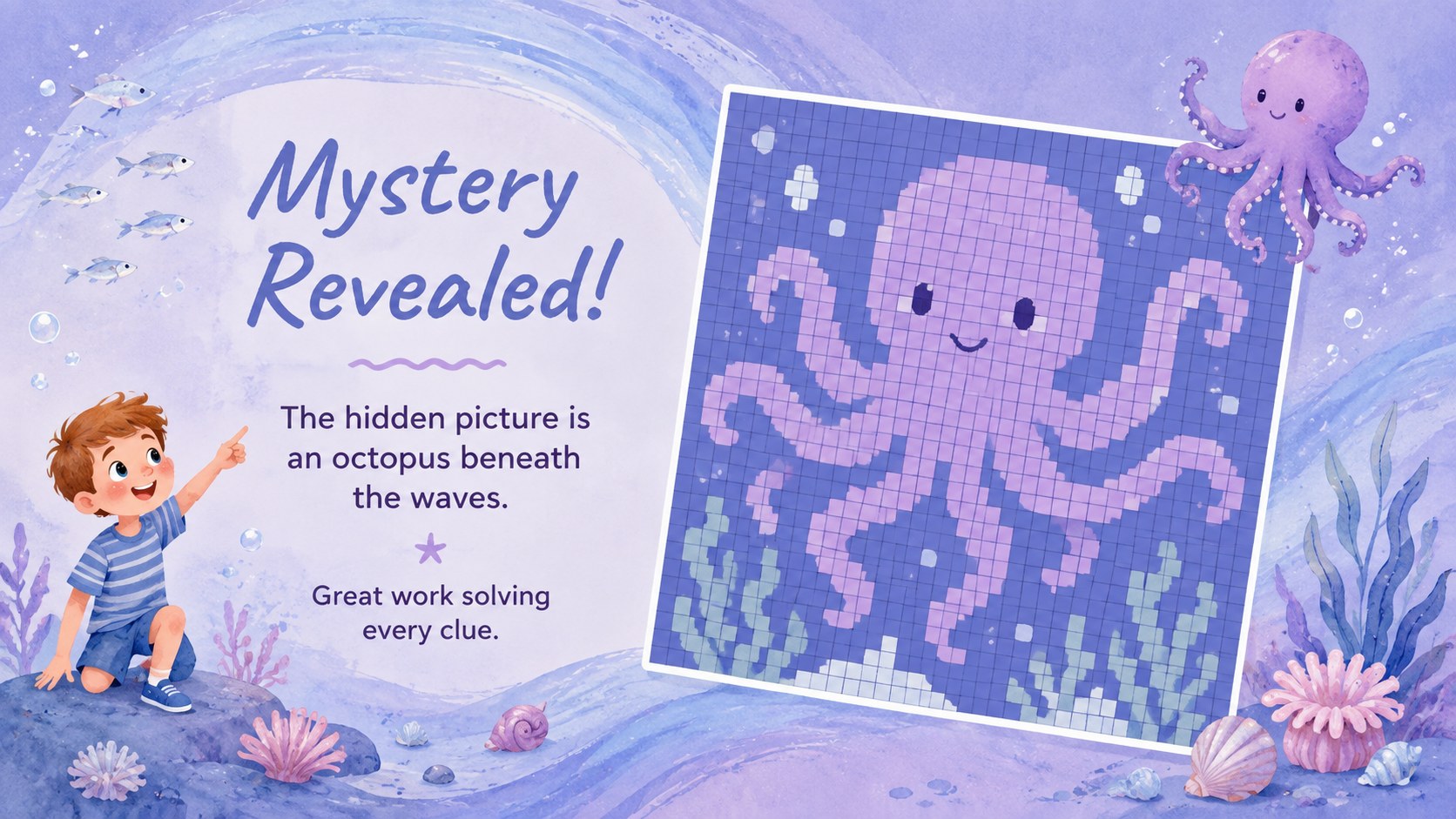
Make practice feel like a discovery mission with the Ocean Mystery Color-by-Answer Game Deck. Learners solve each question, match their answers to the color key, and fill the numbered grid until a surprise sea image appears. Gentle washes of blue and purple, original marine illustrations, and clear activity layouts create an engaging experience without distracting from the lesson.
The deck includes more than 25 editable slides for instructions, question sets, color keys, mystery grids, answer checks, and completed-picture reveals. Teachers can adjust the rules, replace questions, change grid values, recolor the palette, or swap decorative sea life directly in PowerPoint or Google Slides. Use the layouts as color by answer math slides, adapt them for vocabulary and science review, or build an underwater mystery picture activity around any subject. Animation and transition options can add anticipation as students uncover each section.
Designed for elementary and middle school teachers, tutors, activity leaders, and families, this editable reveal puzzle presentation works well for warm-ups, independent practice, team quizzes, online assignments, after-school clubs, and end-of-unit review. The pastel watercolor style is child-friendly while remaining polished enough for structured classroom use. Present the activity live, share individual slides with learners, or export finished pages for printing and offline play.
Perfect for: math fact review; vocabulary practice; classroom icebreaker; online learning assignment; after-school puzzle game; end-of-unit assessment.
Frequently asked questions
Can I replace the questions and answers? Yes. Edit the question text, answer choices, color key, and grid values directly in the slides to match your subject and difficulty level.
Practical details
Yes. Edit the question text, answer choices, color key, and grid values directly in the slides to match your subject and difficulty level.
The deck is designed for PowerPoint and Google Slides. Layouts, text, colors, shapes, and most presentation effects can be adjusted in either platform.
Yes. You can modify the blue and purple palette, replace the marine illustrations, and adjust the backgrounds while keeping the color-by-answer game structure.
Yes. Assign selected slides digitally for independent work or export the puzzle pages for printing. Answer and reveal slides can be shared separately after learners finish.
Keep exploring
15Build an engaging World UFO Day session with this flying saucer history lesson deck, featuring retro green-and-brown slides for PowerPoint and Google Slides.
 15
15Plan a lively animal-learning journey with this jungle zoo adventure lesson deck, ready to customize in PowerPoint and Google Slides for young learners.
 16
16Turn environmental research into a clear story with a Watercolor Ecology Presentation Theme for PowerPoint and Google Slides in calming green and blue.
 16
16Build focused fashion, literature, and humanities presentations with the Red Triangle Editorial Theme, editable in PowerPoint and Google Slides.
 15
15Turn streaming stats, favorite tracks, and concert highlights into a bold annual listening recap slide deck for PowerPoint and Google Slides.
 15
15Turn highlights, milestones, and favorite moments into a colorful year in review slide deck with bold 3D graphics for PowerPoint and Google Slides.
 3
3Build a credible endorsement with Standout Colleague Recommendation Letter Slides, featuring colorful prompts for skills, achievements, and team impact.
 4
4Build clear beginner sessions with an ice hockey fundamentals training deck for coaches, PE teachers, and clubs, ready for PowerPoint and Google Slides.