
 15
15presentation
Flying Saucer History Lesson Deck
Build an engaging World UFO Day session with this flying saucer history lesson deck, featuring retro green-and-brown slides for PowerPoint and Google Slides.
Google SlidesPowerPoint
presentation · English
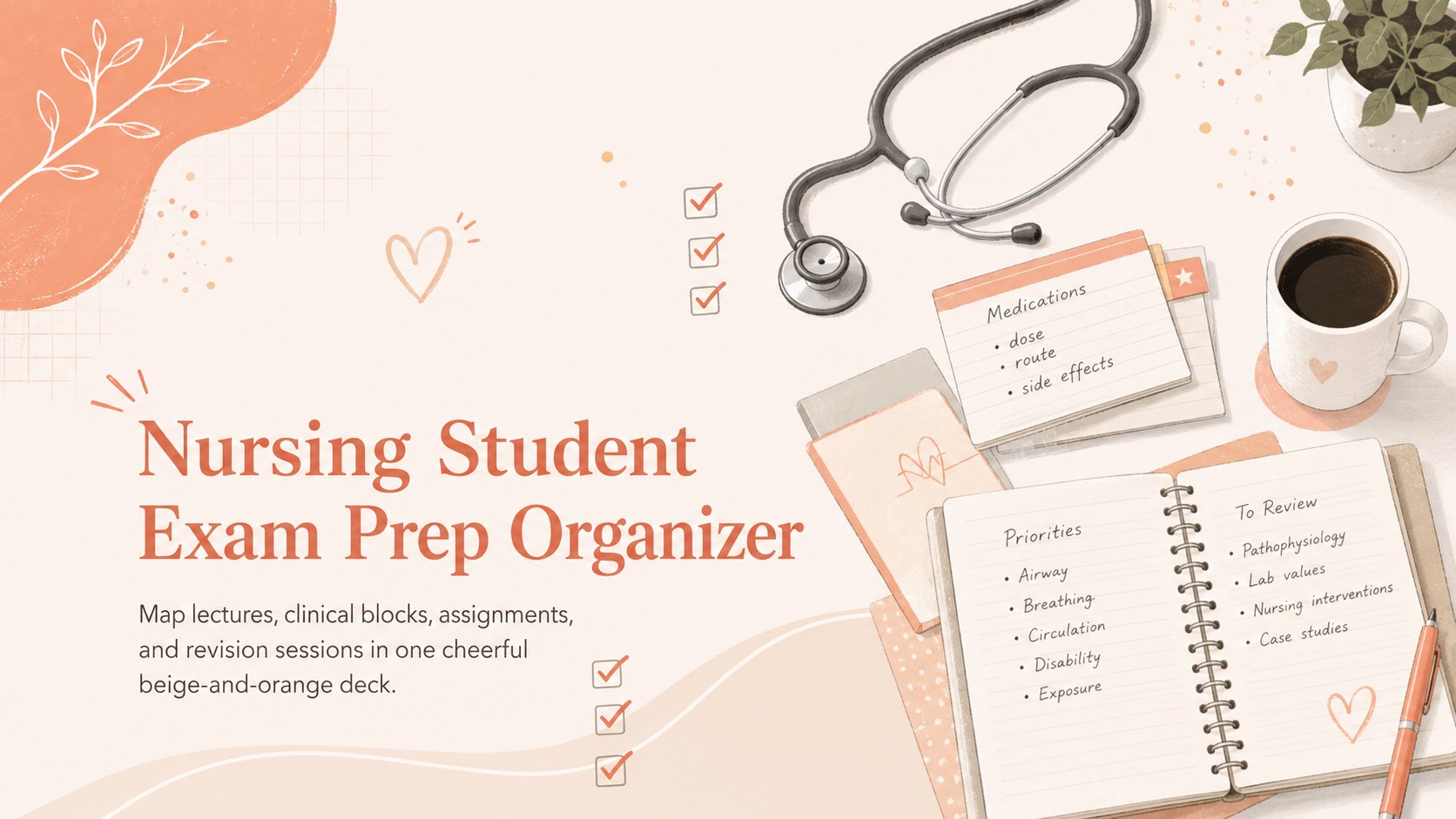
Build a calmer semester with this nursing student exam prep organizer, featuring beige-and-orange planning slides for PowerPoint and Google Slides.
Design notes
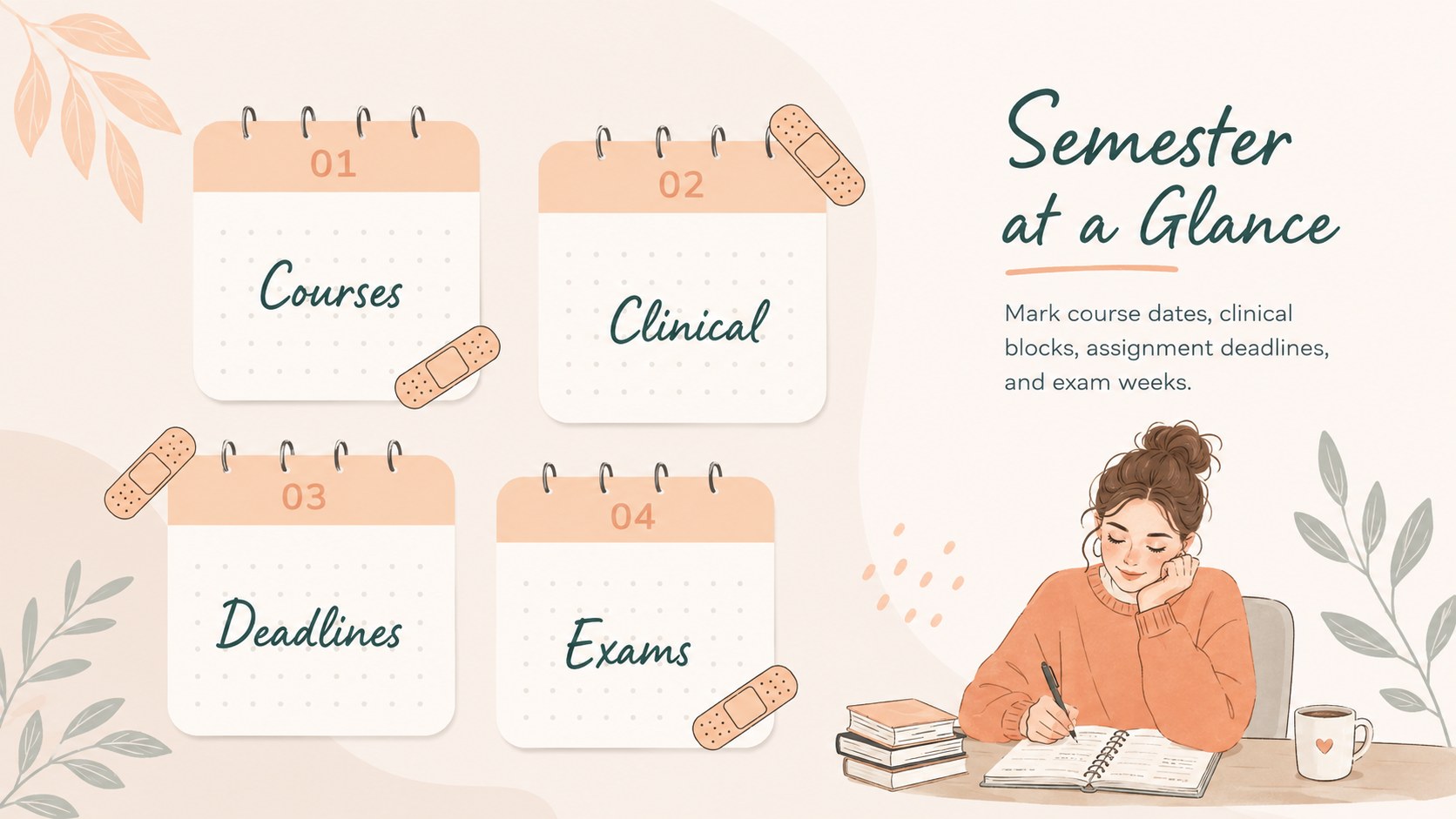
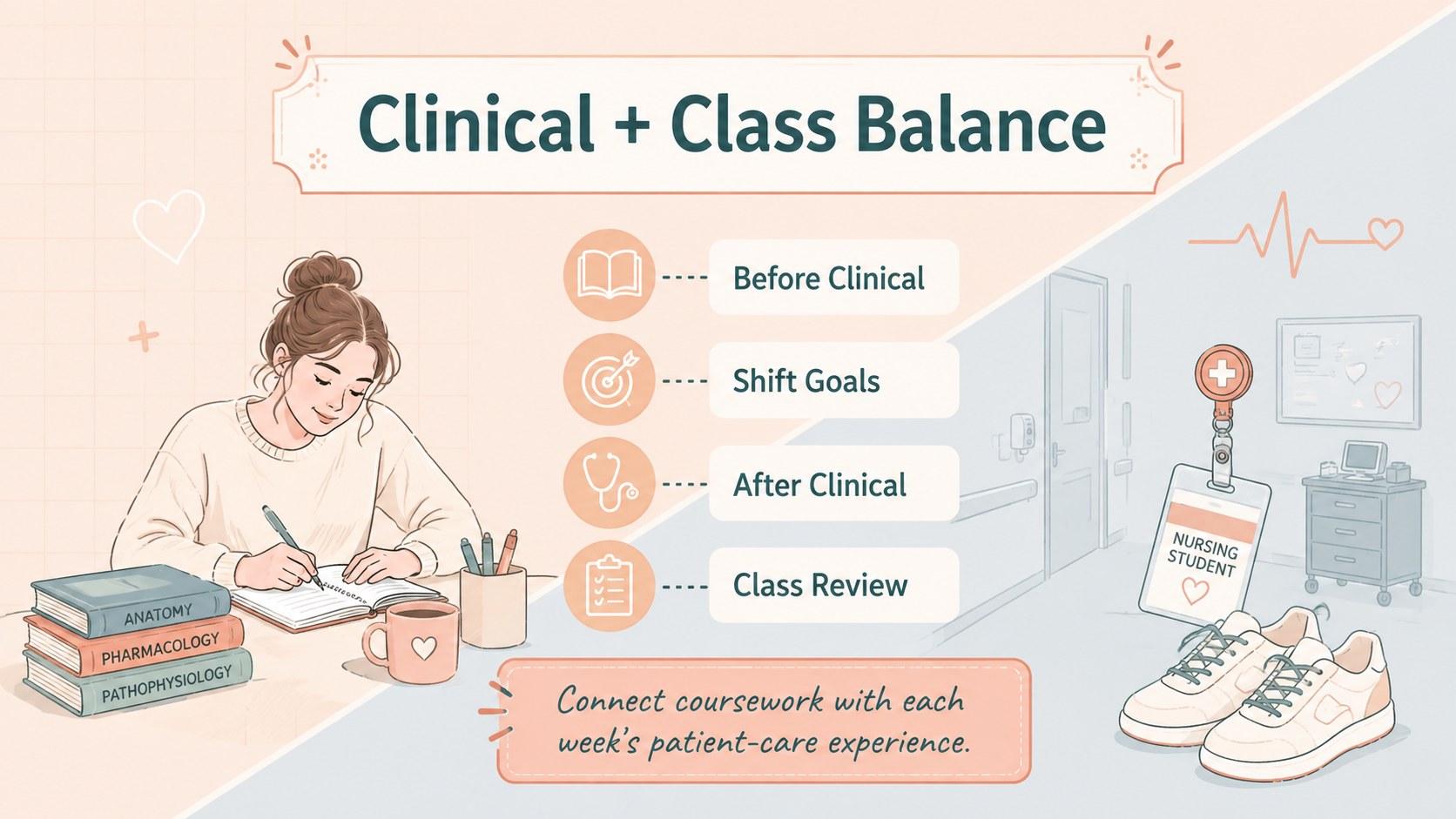
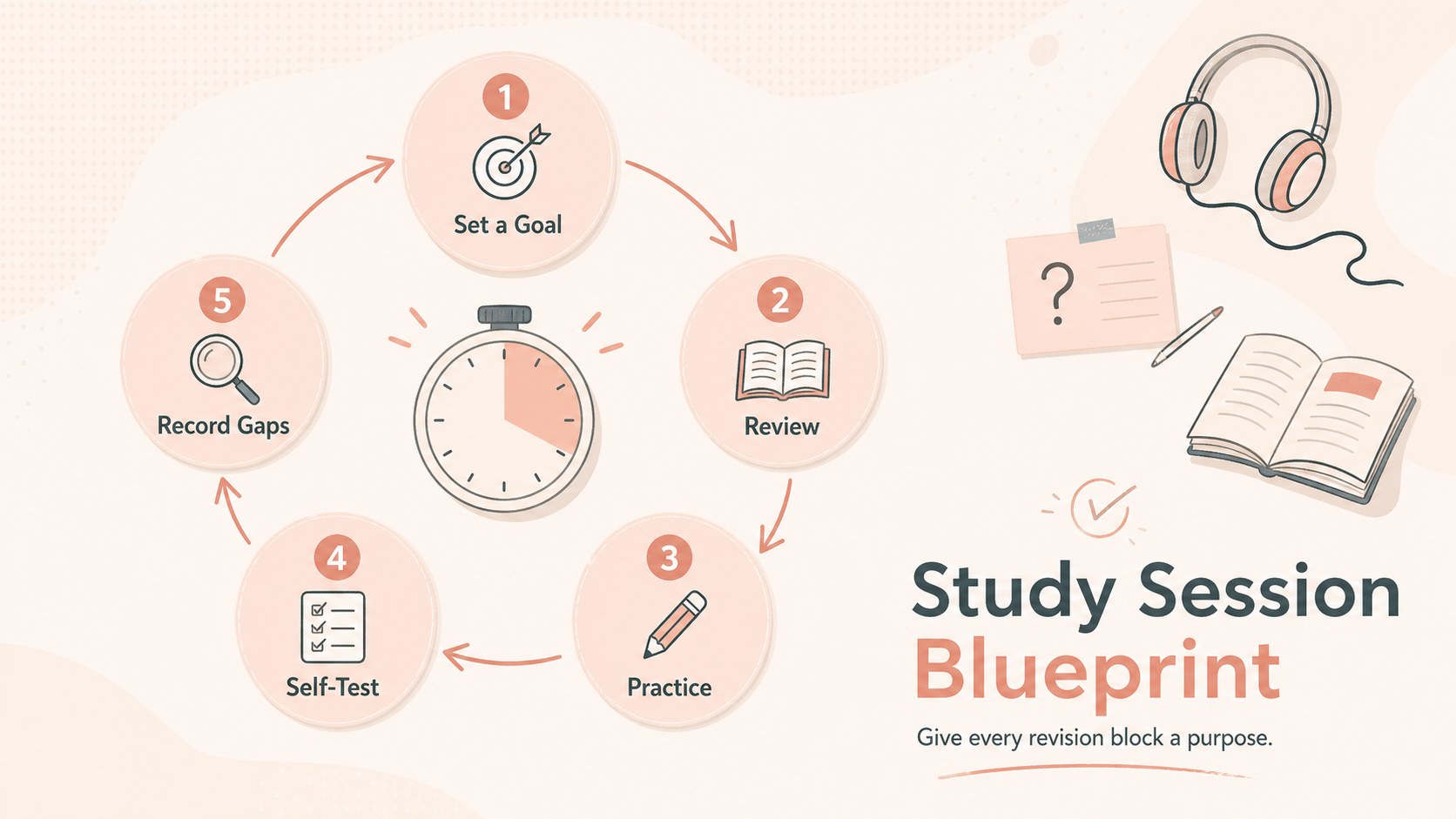
Bring lectures, clinical practice, assignments, and exam preparation into one manageable system with this nursing student exam prep organizer. Its warm beige and pastel orange palette, playful medical doodles, and clear planning layouts create a friendly workspace without losing the structure needed for a demanding nursing program.
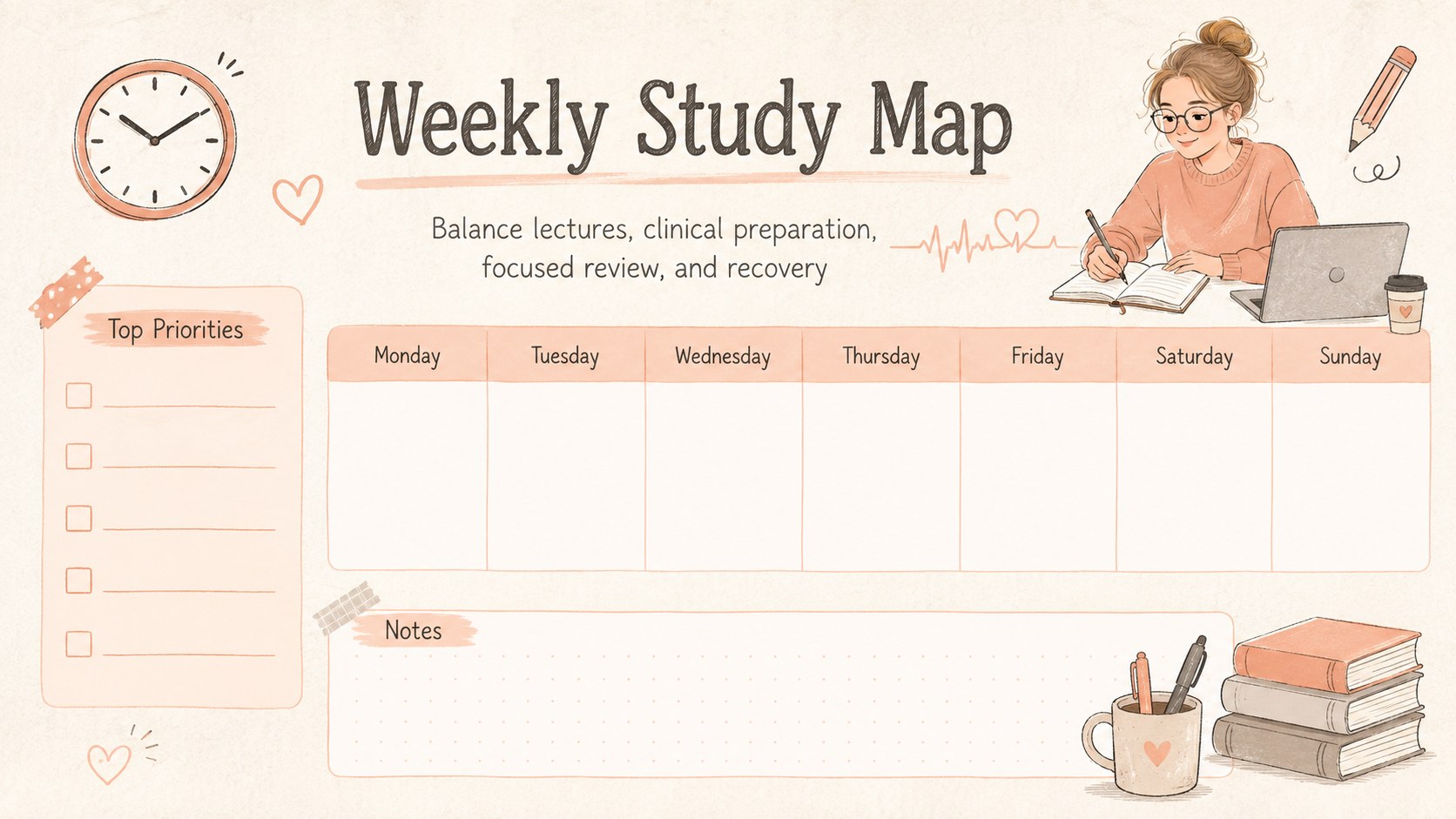
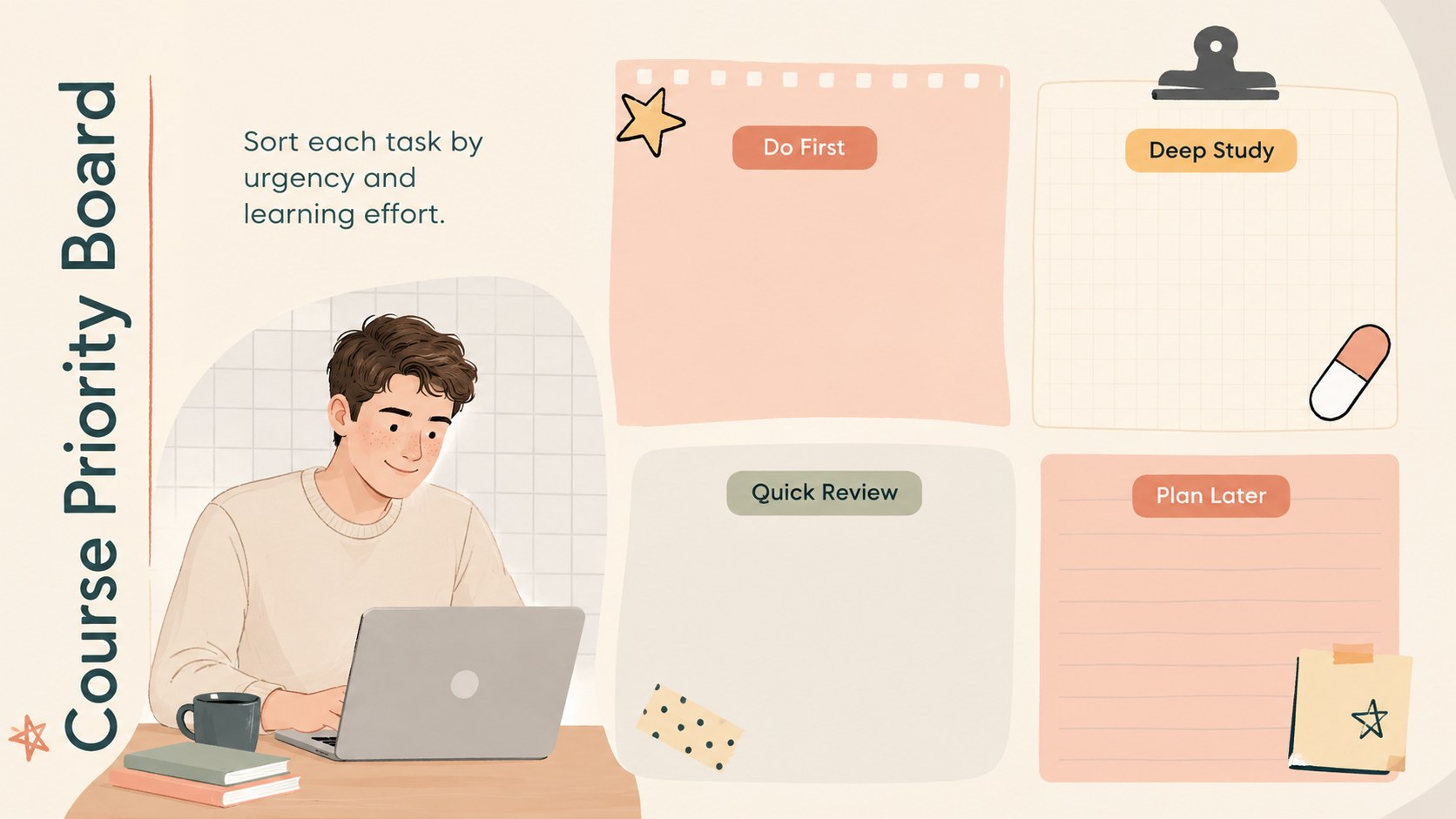
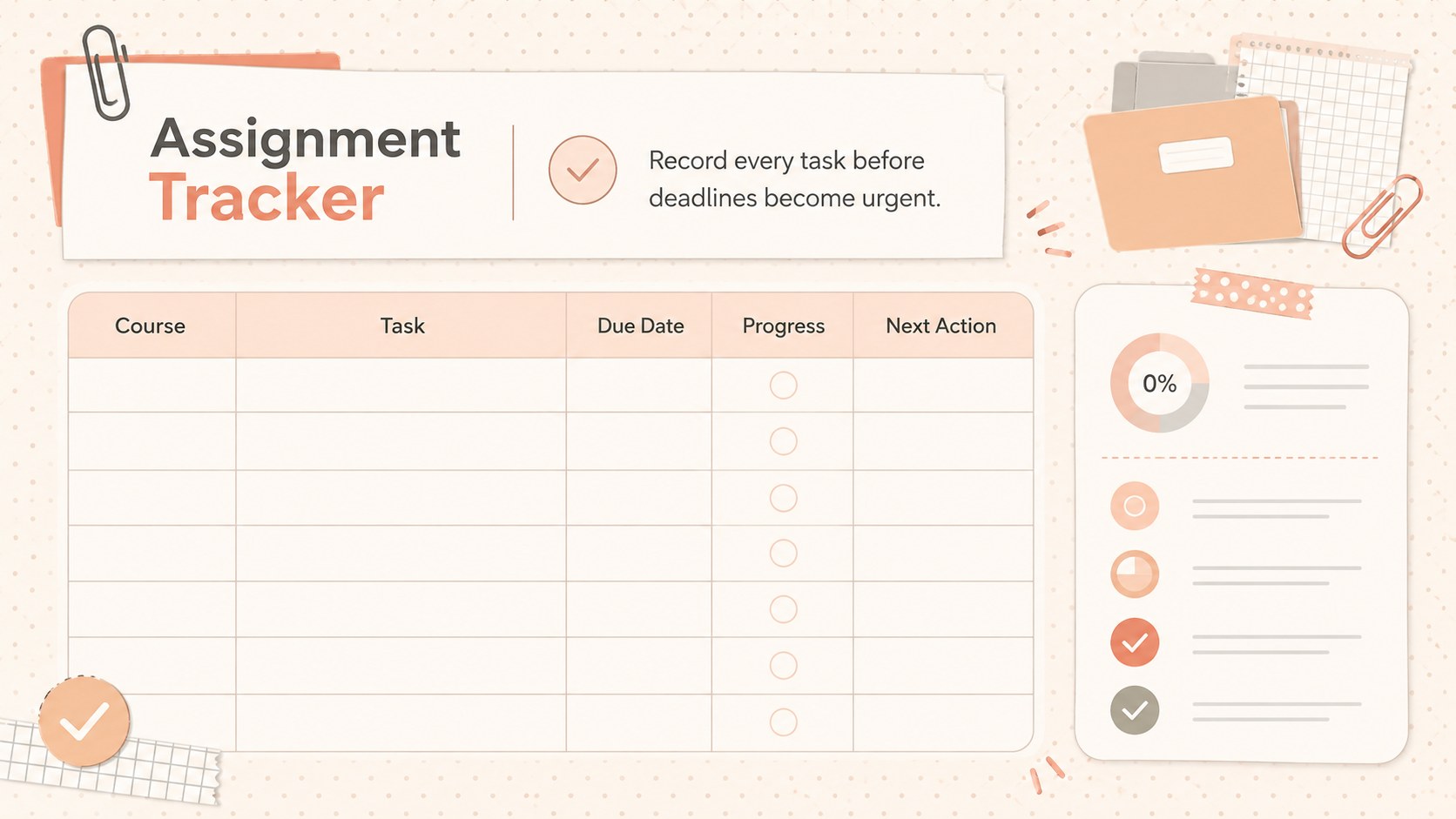
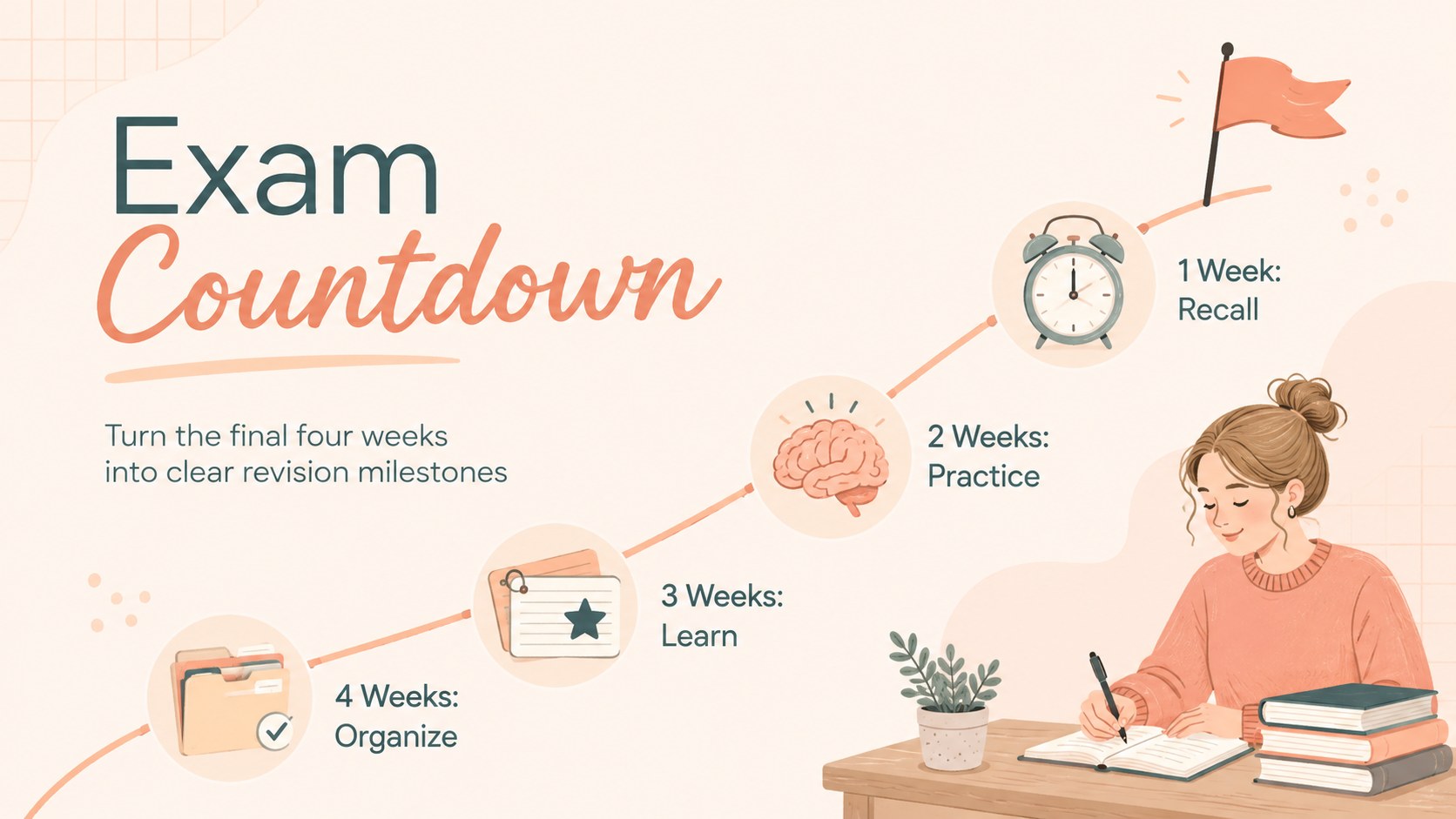
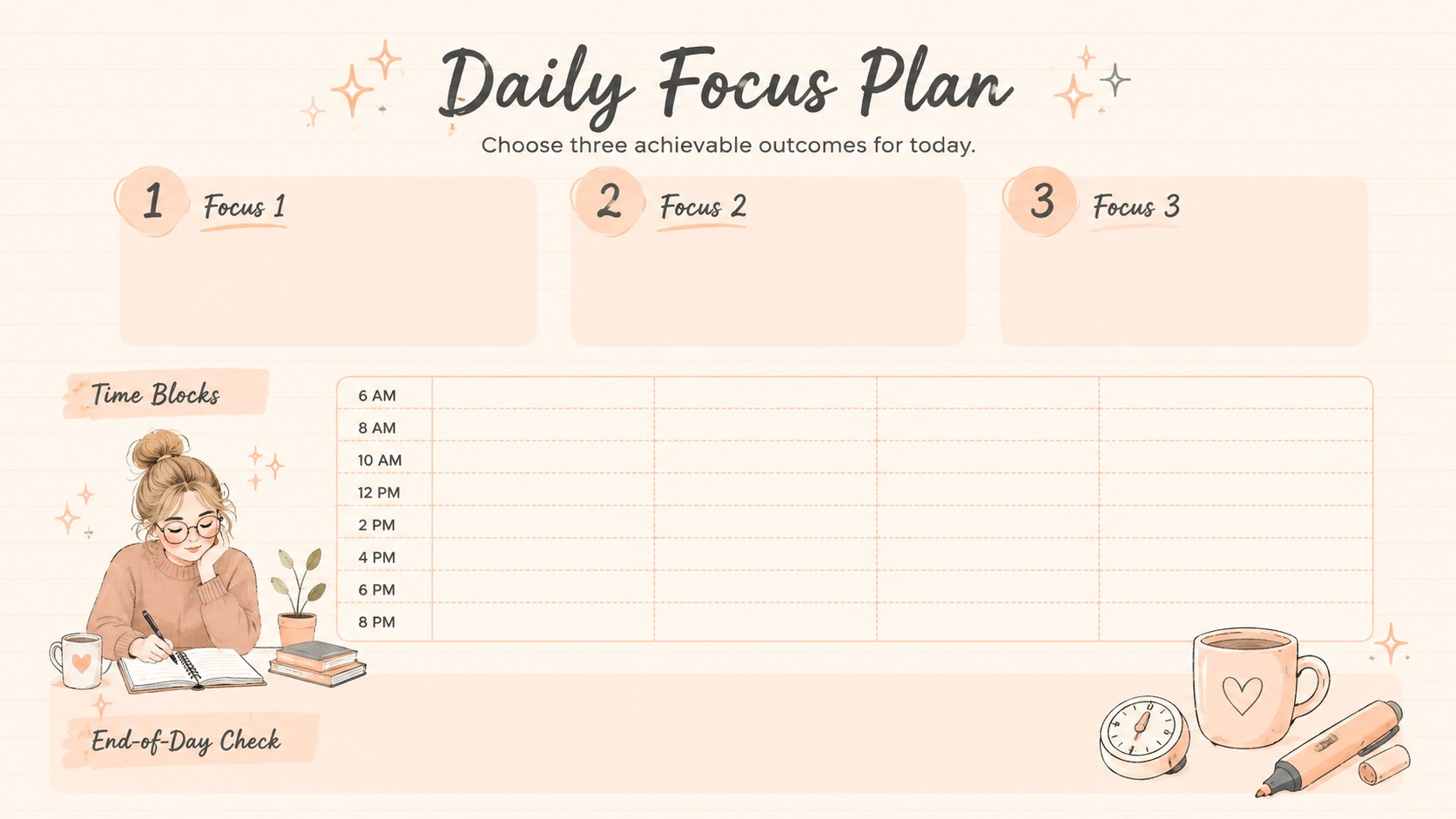
The deck includes semester and weekly overviews, a clinical rotation study schedule, course priorities, assignment tracking, exam countdowns, daily focus pages, skills practice logs, and concept review grids. Use the nursing exam revision planner to divide large topics into realistic sessions, record areas that need another review, and monitor progress before assessment day. Editable headings, tables, timelines, checklists, and visual trackers make it easy to tailor the slides to pharmacology, anatomy, patient care, or any other subject.
Designed for nursing students, study groups, tutors, and academic support teams, these nursing student time management slides work in both PowerPoint and Google Slides. Adjust the colors, type, icons, and planning categories while preserving the cute illustrated style. Present the schedule during a group meeting, print selected pages for a binder, or keep the full deck as a digital semester organizer.
Perfect for: semester course planning; nursing exam revision; clinical rotation scheduling; assignment deadline tracking; study group coordination; skills lab preparation.
Frequently asked questions
Can I edit this organizer in PowerPoint and Google Slides? Yes. Every slide can be edited in PowerPoint or Google Slides, including its text, tables, colors, icons, and schedule fields. Some font spacing may vary slightly between platforms.
Practical details
Yes. Every slide can be edited in PowerPoint or Google Slides, including its text, tables, colors, icons, and schedule fields. Some font spacing may vary slightly between platforms.
Yes. Rename the subjects and categories for pharmacology, anatomy, fundamentals, pediatrics, clinical practice, or other courses. You can also duplicate planning pages when a course needs additional space.
Yes. Choose the pages you need and print them as full slides or scaled handouts. Review the printer preview first to confirm margins and background color settings.
Replace the sample text, update accent colors, and swap the medical doodles for icons that fit your program. Keeping the beige base and pastel orange accents will preserve the deck's warm, cohesive appearance.
Keep exploring
15Build an engaging World UFO Day session with this flying saucer history lesson deck, featuring retro green-and-brown slides for PowerPoint and Google Slides.
 15
15Plan a lively animal-learning journey with this jungle zoo adventure lesson deck, ready to customize in PowerPoint and Google Slides for young learners.
 16
16Turn environmental research into a clear story with a Watercolor Ecology Presentation Theme for PowerPoint and Google Slides in calming green and blue.
 16
16Build focused fashion, literature, and humanities presentations with the Red Triangle Editorial Theme, editable in PowerPoint and Google Slides.
 15
15Turn streaming stats, favorite tracks, and concert highlights into a bold annual listening recap slide deck for PowerPoint and Google Slides.
 15
15Turn highlights, milestones, and favorite moments into a colorful year in review slide deck with bold 3D graphics for PowerPoint and Google Slides.
 3
3Build a credible endorsement with Standout Colleague Recommendation Letter Slides, featuring colorful prompts for skills, achievements, and team impact.
 4
4Build clear beginner sessions with an ice hockey fundamentals training deck for coaches, PE teachers, and clubs, ready for PowerPoint and Google Slides.