
 15
15presentation
Flying Saucer History Lesson Deck
Build an engaging World UFO Day session with this flying saucer history lesson deck, featuring retro green-and-brown slides for PowerPoint and Google Slides.
Google SlidesPowerPoint
presentation · English
Make the number types math lesson clearer with editable slides, visual examples, number-line practice, and classroom activities. Customize it free.
Design notes
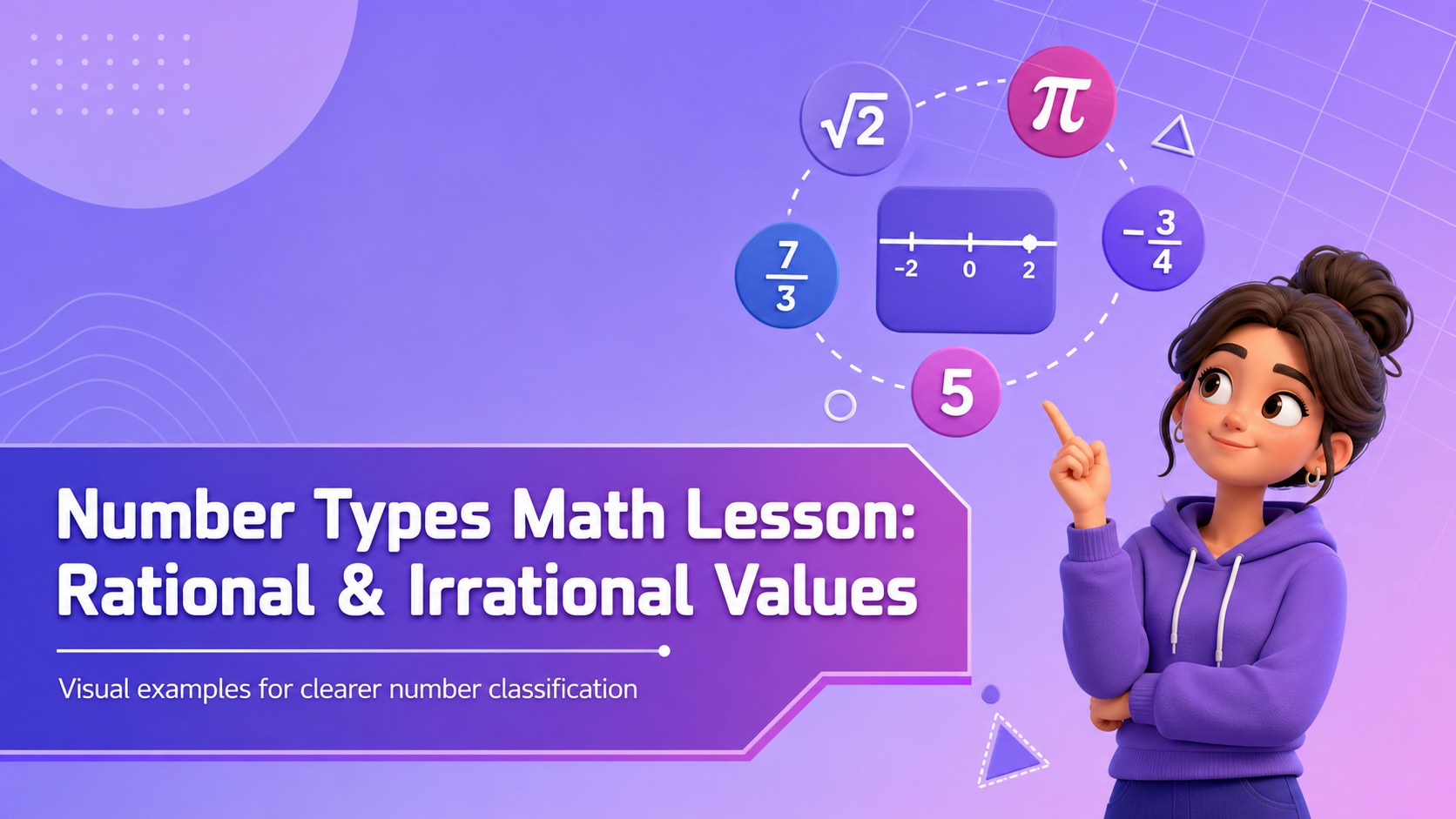
Build a more engaging number types math lesson with a presentation deck designed to make rational and irrational values easier to see, discuss, and remember. Its bright purple palette, gradient accents, and clean visual structure give teachers a practical way to introduce definitions, model examples, and guide students through classification activities without overwhelming the room.
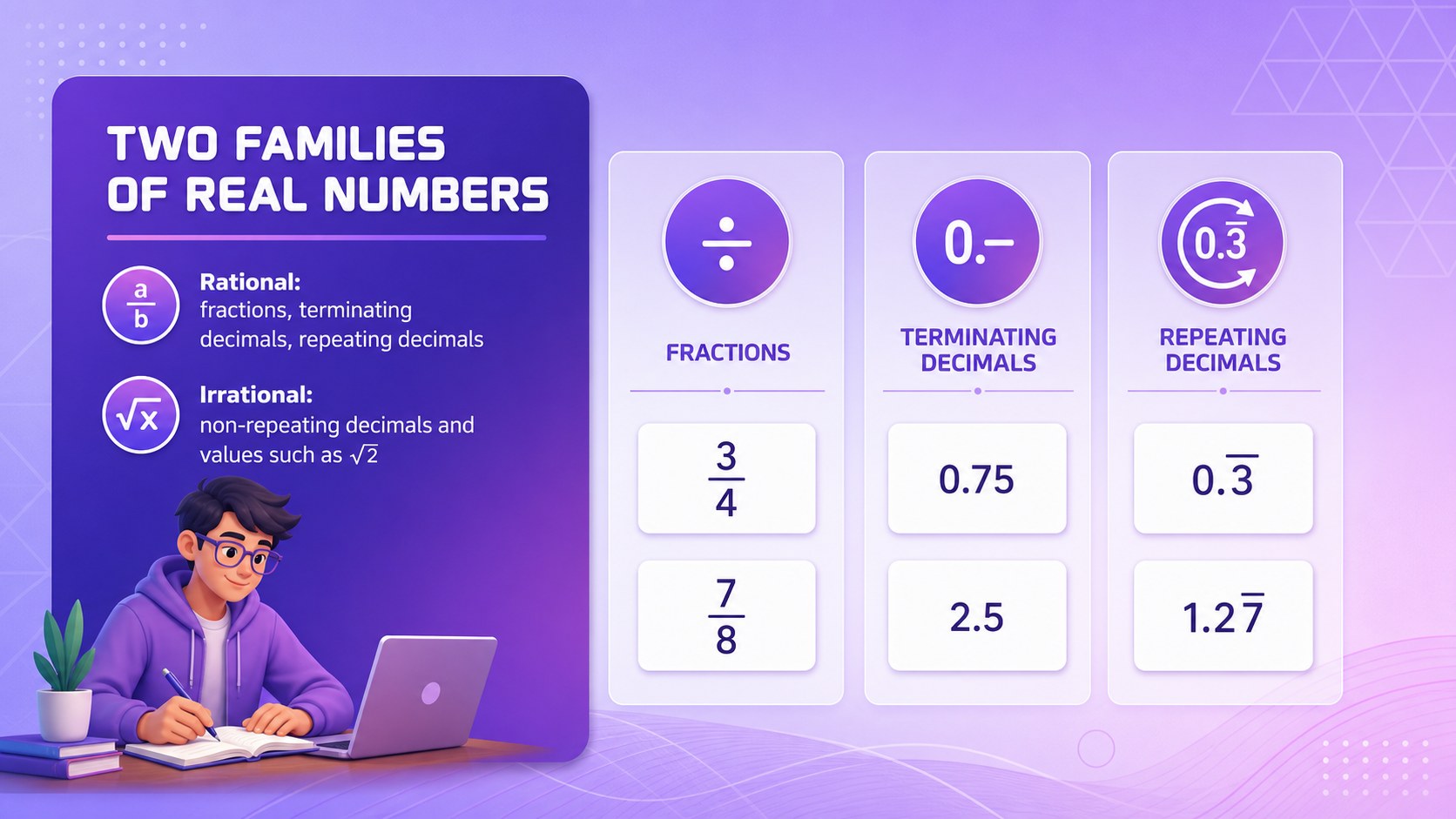
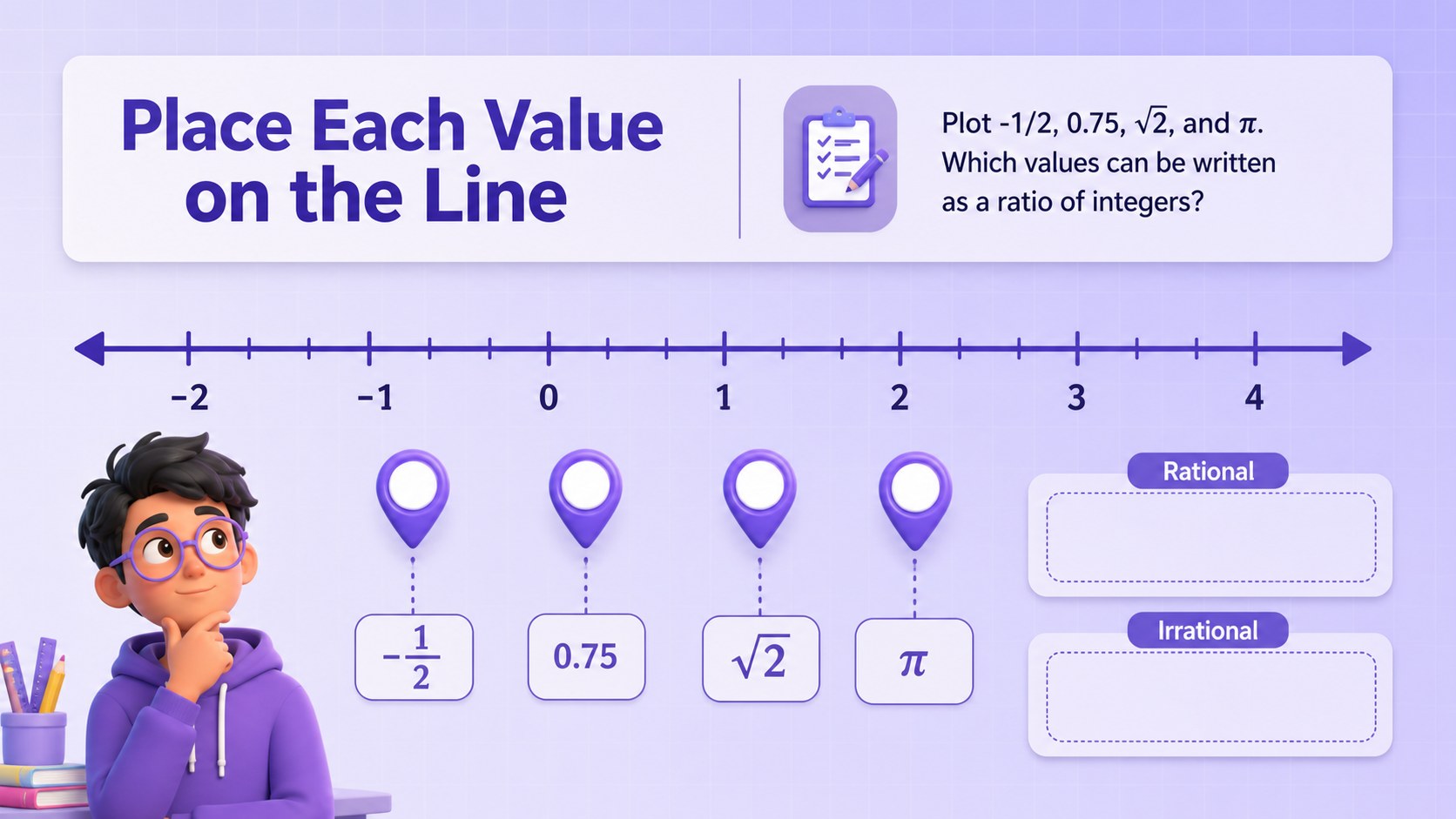
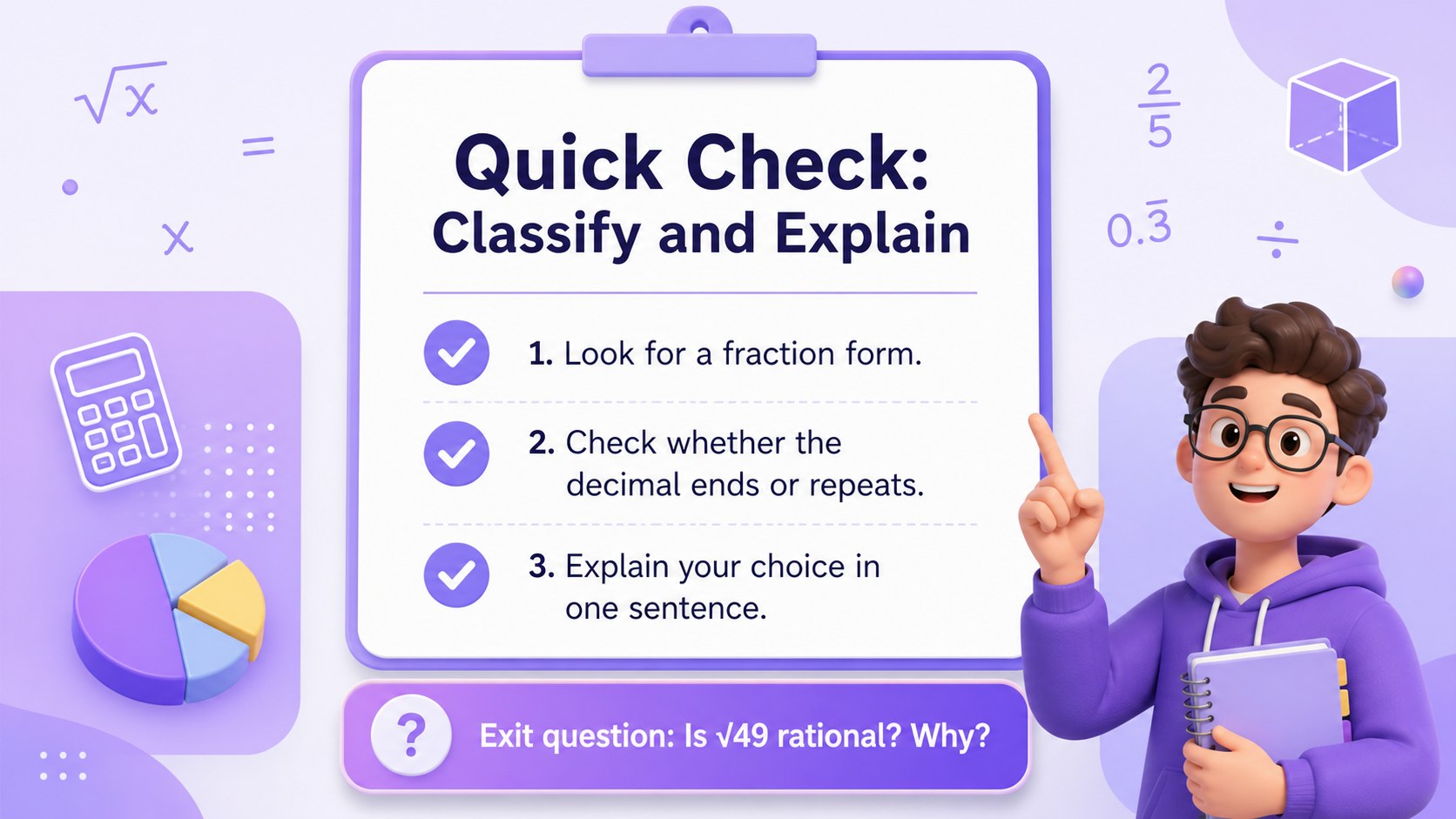
Inside, you will find a cover slide, concept explanations, visual comparisons, number-line ideas, and flexible layouts for worked examples or student practice. Use the included charts, shapes, frames, and editable text areas to show fractions, decimals, roots, and repeating patterns. The deck can also support a rational vs irrational numbers activity, a quick warm-up, or a review session before an assessment.
This resource is suited to middle school math teachers, tutors, homeschool educators, and curriculum creators who need a polished algebra lesson they can adapt quickly. Customize fonts, colors, diagrams, animations, and prompts, then present online or export the finished slides for PowerPoint or Google Slides. The format works well for direct instruction, guided practice, small-group explanation, and independent review.
Perfect for: middle school algebra instruction; rational versus irrational number review; math tutoring session; number classification warm-up; pre-assessment classroom practice.
Frequently asked questions
Can I edit the diagrams and examples? Yes. Open the deck to change the text, number examples, shapes, charts, colors, and fonts. You can adapt the activities for different grade levels or lesson objectives.
Practical details
Yes. Open the deck to change the text, number examples, shapes, charts, colors, and fonts. You can adapt the activities for different grade levels or lesson objectives.
Yes. After customizing the template, export it as a PowerPoint file or save an editable copy to Google Drive for Google Slides. Some -specific animations or interactive elements may change during export.
The 16:9 layout works well for video calls, screen sharing, and digital classrooms. Add your own prompts or answer spaces to support live participation and guided practice.
Yes. lets you replace the purple accents, gradient elements, and supporting colors with your own classroom palette. Keep the contrast strong so definitions, examples, and number lines remain easy to read.
Keep exploring
15Build an engaging World UFO Day session with this flying saucer history lesson deck, featuring retro green-and-brown slides for PowerPoint and Google Slides.
 15
15Plan a lively animal-learning journey with this jungle zoo adventure lesson deck, ready to customize in PowerPoint and Google Slides for young learners.
 16
16Turn environmental research into a clear story with a Watercolor Ecology Presentation Theme for PowerPoint and Google Slides in calming green and blue.
 16
16Build focused fashion, literature, and humanities presentations with the Red Triangle Editorial Theme, editable in PowerPoint and Google Slides.
 15
15Turn streaming stats, favorite tracks, and concert highlights into a bold annual listening recap slide deck for PowerPoint and Google Slides.
 15
15Turn highlights, milestones, and favorite moments into a colorful year in review slide deck with bold 3D graphics for PowerPoint and Google Slides.
 3
3Build a credible endorsement with Standout Colleague Recommendation Letter Slides, featuring colorful prompts for skills, achievements, and team impact.
 4
4Build clear beginner sessions with an ice hockey fundamentals training deck for coaches, PE teachers, and clubs, ready for PowerPoint and Google Slides.